

Page 1
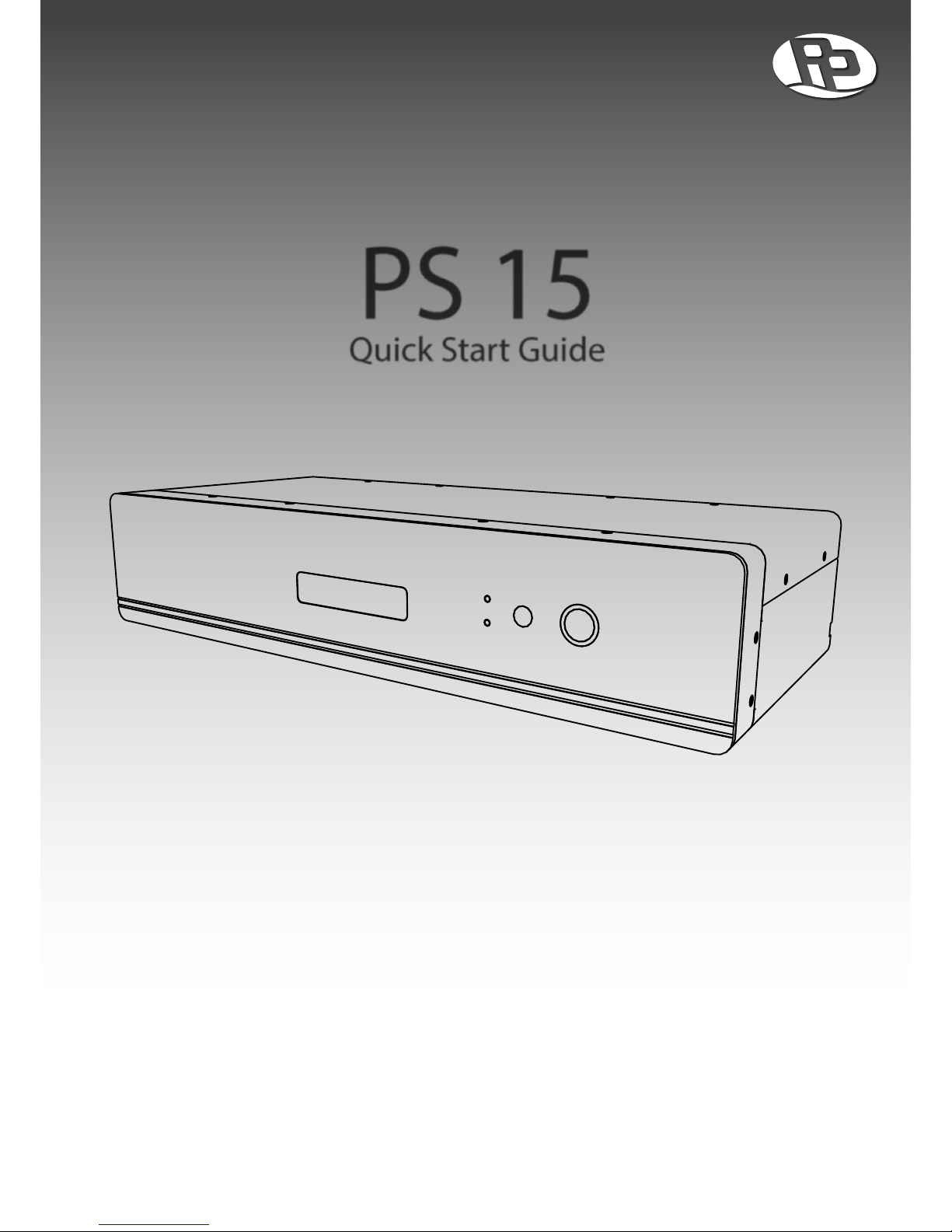
PS 15
Quick Start Guide
Page 2

PS 15
Quick Start Guide
Select
Alarm
Power
On/Off
Refe rence G rade AC
PS15
Conditioner
Power Button
Press to turn unit
ON or OFF.
Fault Indicator
Indicates a fault
when lit.
Power Indicator
Indicates power
status of unit.
LCD Display
LCD display shows
unit status.
FRONT PANEL
ZONE 0 1
High Cur rent
ZONE 0 5ZONE 0 4
ZONE 0 3
ZONE 0 2
SATELLITE/CATV
SURGE PROTECTION
INPUT
OUTPUT
INPUT BREAKER
INPUT AC 230V 50/60HZ 5.1A
WWW.PPOWERUS.COM
OUTPUT AC 230V 50/60HZ 1500VA 1050W
Input Power
Receptacle for input power cord.
1
Input Breaker
Protects unit when current
exceeds breaker limit.
Satellite/CATV Protection
Surge protection circuits for
satellite or TV coaxial cable.
Regulated Outlets
Sequentially switched
isolated output outlets.
2
High Current Outlet
Switched and isolated outlet for
demanding loads such as ampliers..
BACK PANEL
1. The model shown in the image is the 230V / 50Hz version. Other version not shown here: 120V / 60Hz.
2. The model shown in the image is the shuko version. Other versions not shown here: NEMA (4 Zones), UK (6 Zones), AUS (6 Zones).
Page 3
PS 15
Quick Start Guide
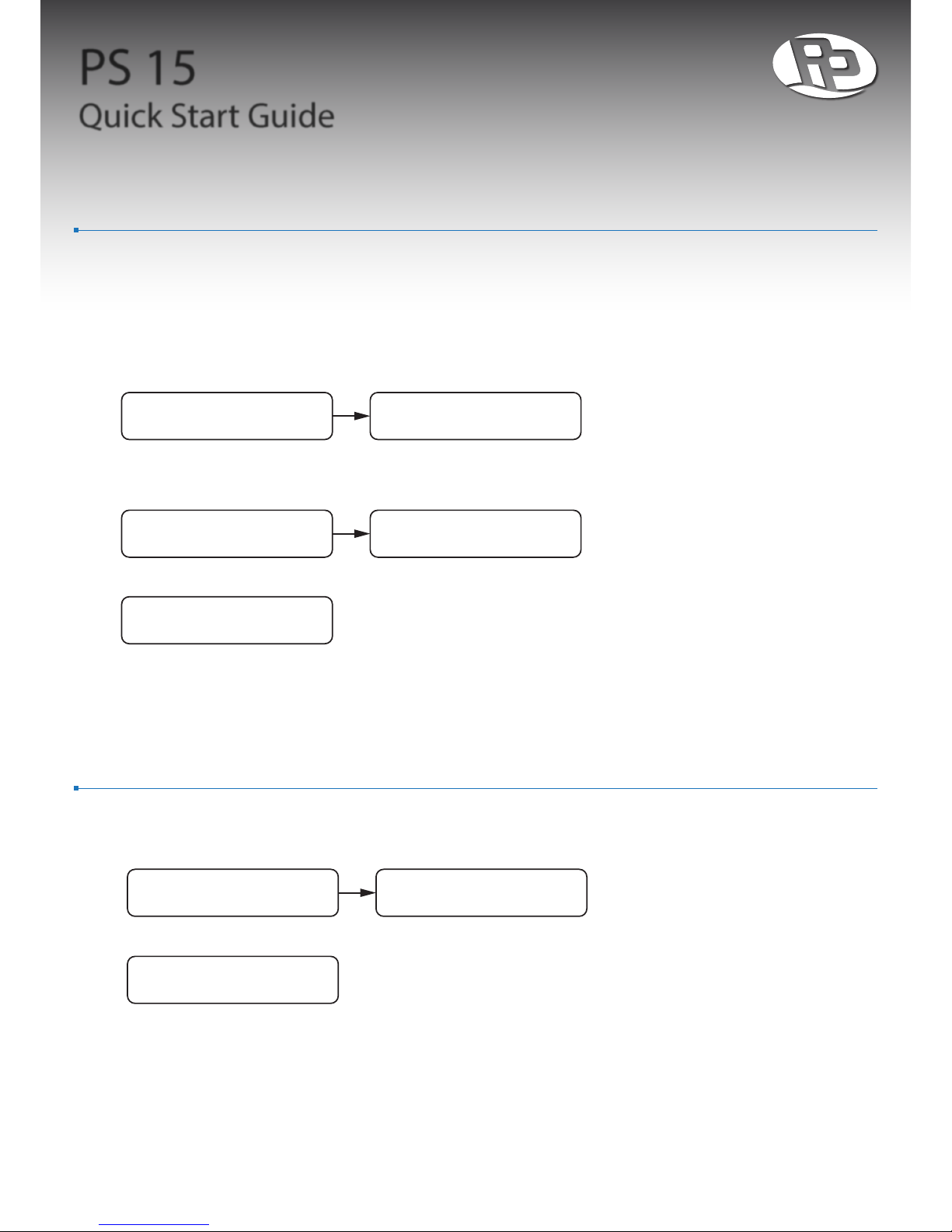
Operation Guide - Powering On
1. Conrm INPUT BREAKER is in the “OFF” position. By default, it should be “OFF”.
2. Plug power cord into the INPUT POWER socket.
3. Plug in audio equipment such as CD player, pre-amp, and power amplier into the rear outlets.
4. Switch INPUT BREAKER to the “ON” position.
5. LCD DISPLAY should now display model name, followed by standby status screen.
6. Press POWER BUTTON to turn unit on.
7. Unit will sequentially switch on the output outlets starting from Zone 1 to Zone 5, then HIGH CURRENT.3
8. After all zones has been switched on, LCD displays output status.
9. Enjoy the pure sound from your audio equipment!
ProPower
PS 15
Standby
input volts
Turning on...1 Turning on...6
Purifying...
output volts
Operation Guide - Powering O
1. Press POWER BUTTON while unit is on to turn it o.
2. Unit will sequentially switch o the output outlets starting from HIGH CURRENT, then from Zone 5 to Zone 1.3
3. After switching o, the unit will be in standby mode, indicated by LCD DISPLAY.
4. Switch INPUT BREAKER to the “OFF” position.
Turning o...5 Turning o...1
Standby
input volts
3. Number of zones vary depending on the output receptacle type: Shuko/UK/AUS (6 Zones), NEMA (4 Zones).
Page 4

PS 15
Quick Start Guide
Operation Guide - Turning O LCD Display
1. Press the SELECT BUTTON to toggle between two lighting modes. In the default mode, the LCD DISPLAY is turned
on and the light around the POWER BUTTON is at full brightness. In the second mode, the LCD DISPLAY is turned o
and the light around the POWER BUTTON is dimmed.
 Loading...