

Page 1
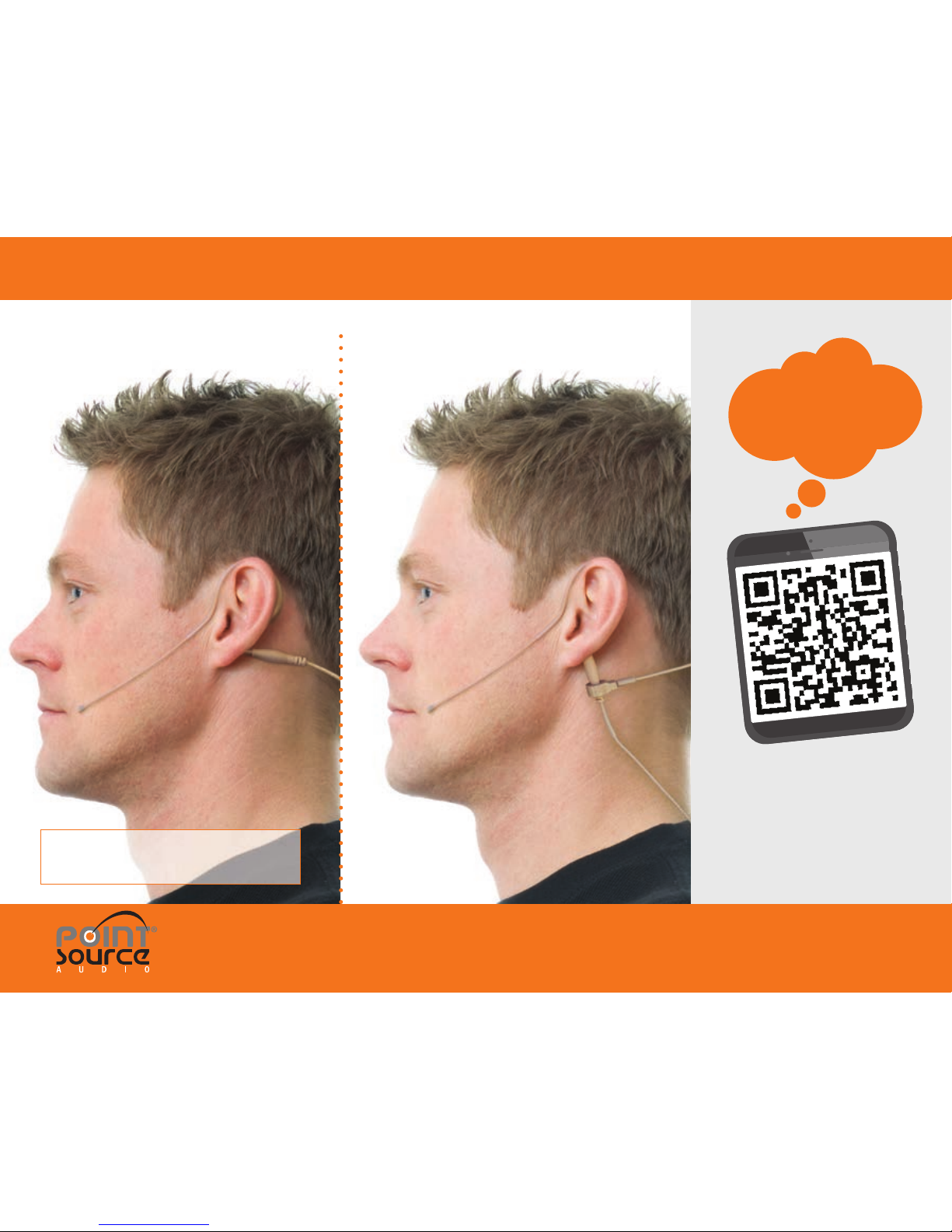
EARWORN MICROPHONE | USER GUIDE
NOTE: Products pictured are for illustrative
purposes and may not exactly represent
the product you have purchased.
Failure to observe proper use
of this product could result in
voiding your warranty.
© 2019 Point Source Audio. All rights
reserved. The Point Source Audio logo is a
registered trademark of Point Source Audio.
Model # CO-6 Model # CO-6 KIT
SCAN ME
for VIDEO GUIDE
Register Your Warranty:
POINT-SOURCEAUDIO.COM/SUPPORT
Page 2
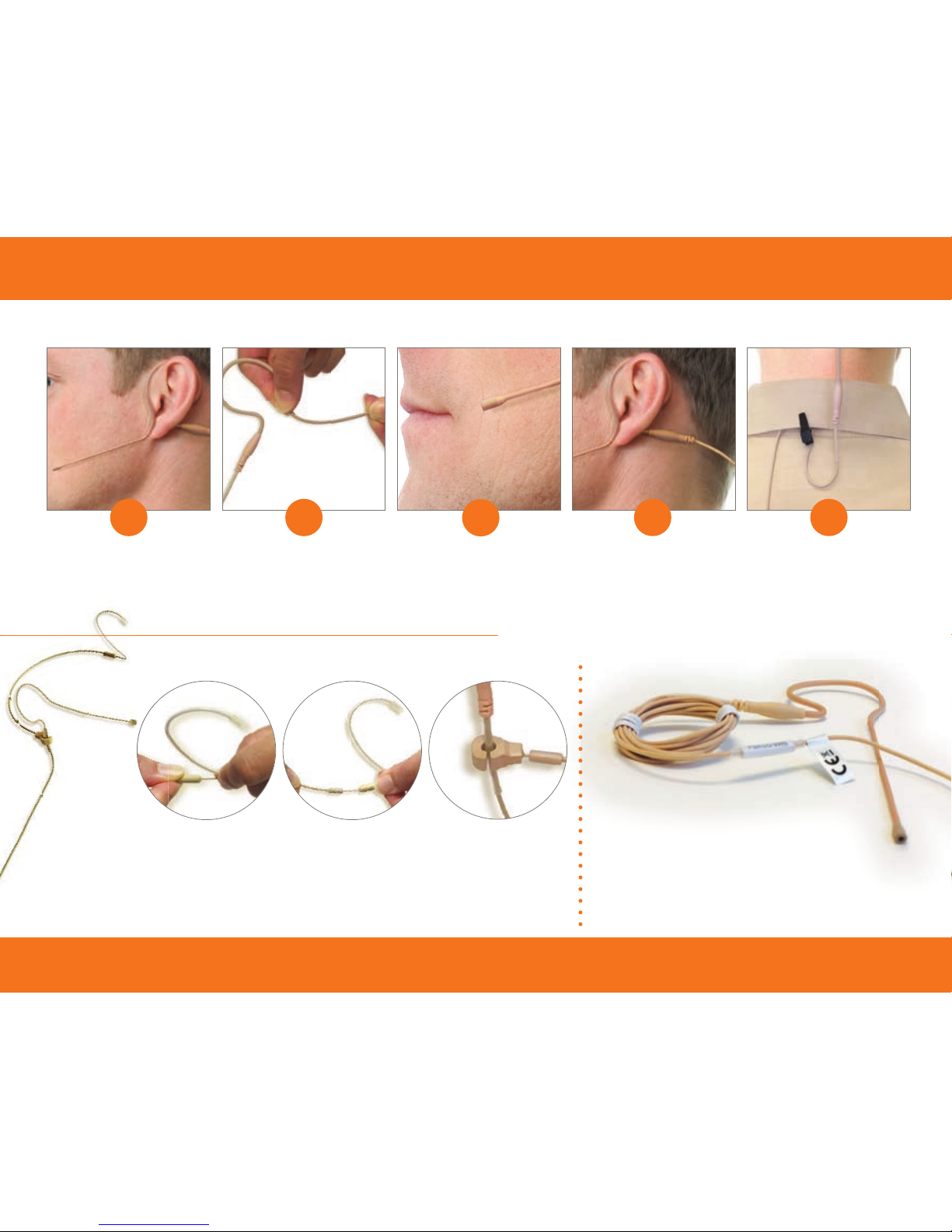
1 2
3
4 5
CO-6 | EARWORN MICROPHONE | USER GUIDE
Earpiece can be
shaped to wear on
left or right ear.
Use small bends in
several areas of the
boom to get the
required curvature.
Attach cable to the
clip and secure to an
area near the neck.
Ensure the
microphone element
is within 1-2 inches
of the mouth.
Bend the cable
junction (from the
boom side) to guide
the cable behind the
neck.
USING YOUR EARWORN MICROPHONE
CABLE CARE
Use care when storing your microphone;
coil the cable so that it rests fl at.
DO NOT wrap the cable around the
body pack or coil the cable in any way
that creates serious bends or strain on
the cable.
ADDING THE R-DMC (Model # CO-6-KIT)
Reversible
Dual-Ear
Mic Clip
(R-DMC)
Slide the microphone
into the mic clip.
Adjust to secure the
proper position.
Gently pull ear hook
from the headband
about 1/8” to unlock.
Turn ear hook into
upright position. Release
to lock into place.
Slide the headband
on both sides to adjust
evenly for a proper fi t.
Register Your Warranty: POINT-SOURCEAUDIO.COM/SUPPORT
 Loading...