

Page 1
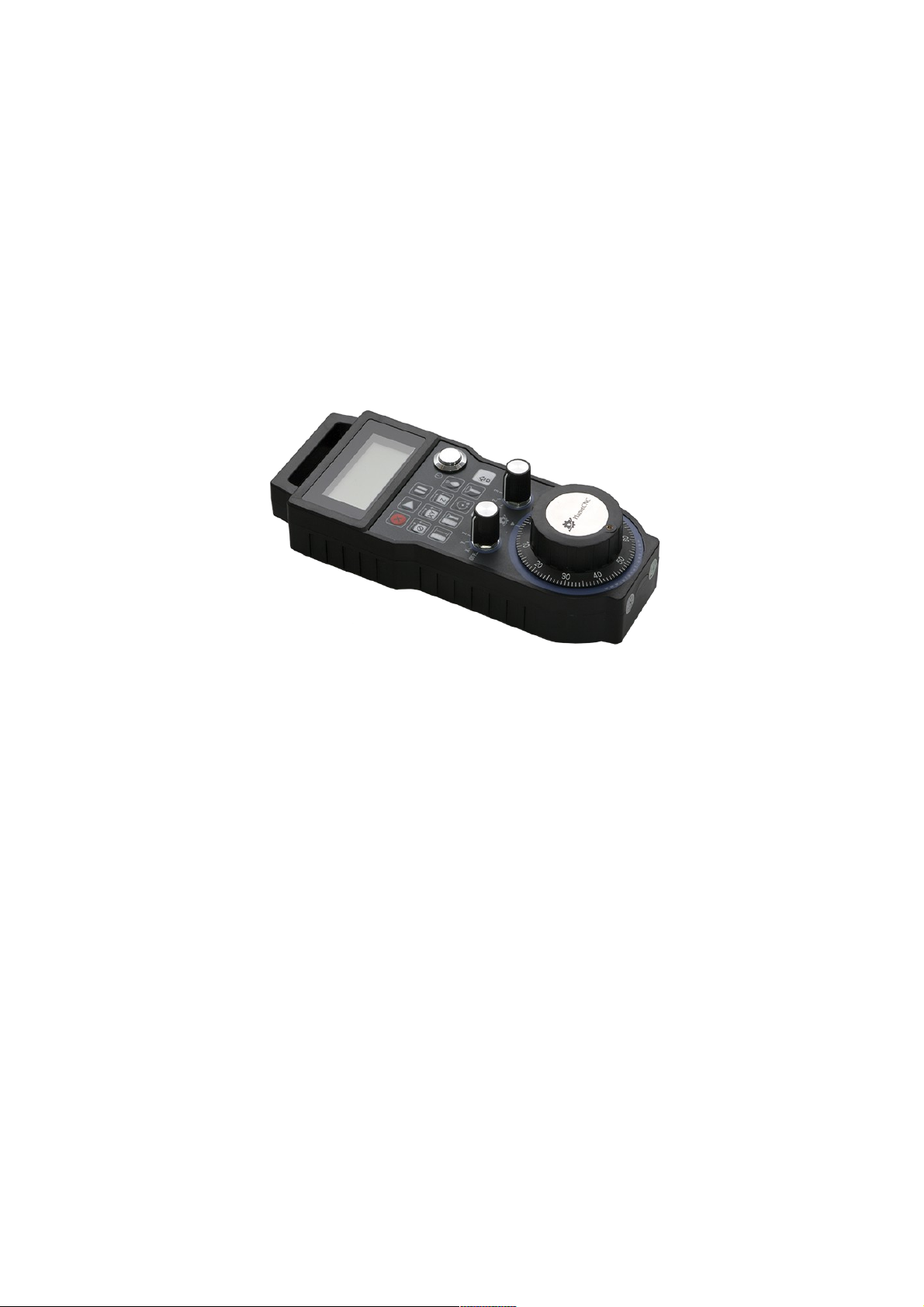
PlanetCNC Wireless handwheel user manual
Page 2

Supported features:
-Wireless communication
-No additional software plugins needed
-Display with backlight showing work, machine coordinates and override
-All 9 axes supported
-5 selectable jogging modes
-Spindle override control
-Feed override control
-Machine control buttons (E-Stop, Start, Pause...)
-Offset control buttons
-Spindle and coolant control buttons
-Durable rubber protection guard
-Long lasting batteries (Batteries are not included!)
-High quality long range easy mountable antenna with detachable cable
Kit includes:
-Wireless handwheel with rubber guard
-Antenna with extension cable
-USB dongle transceiver
-Metal hanger bracket and screws for mounting
-Requires 2 x AA batteries (Batteries are not included!)
Page 3
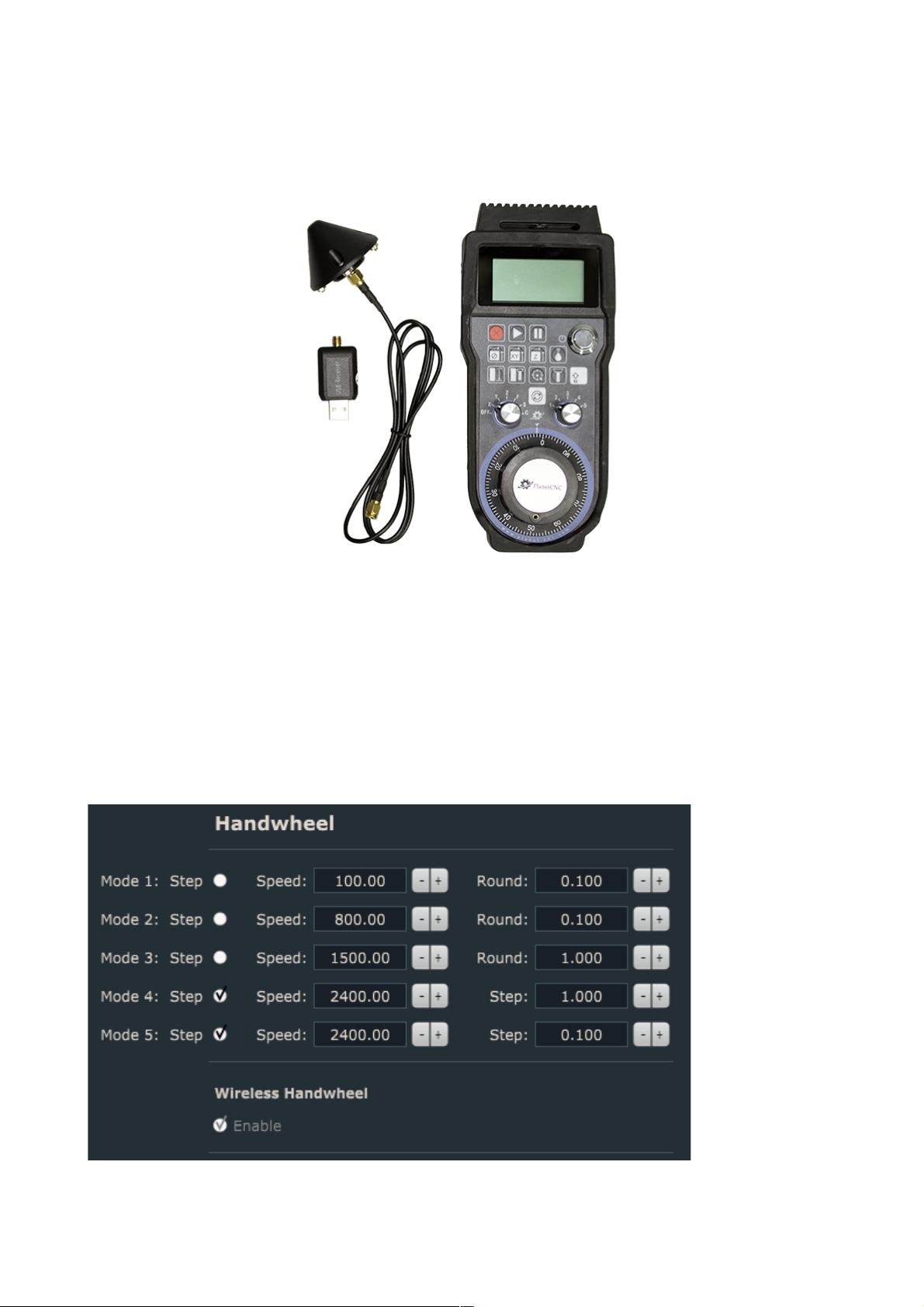
Startup process:
-Insert 2 x AA batteries
-Attach cable with antenna and USB dongle.
-Connect the USB dongle with your PC's USB port.
-Turn ON the handwheel using ON/OFF switch
-Launch PlanetCNC TNG sw and check the Jogging/Handwheel settings section.
If handwheel is recognized by TNG software, Wireless Handwheel option should be
enabled:
Page 4
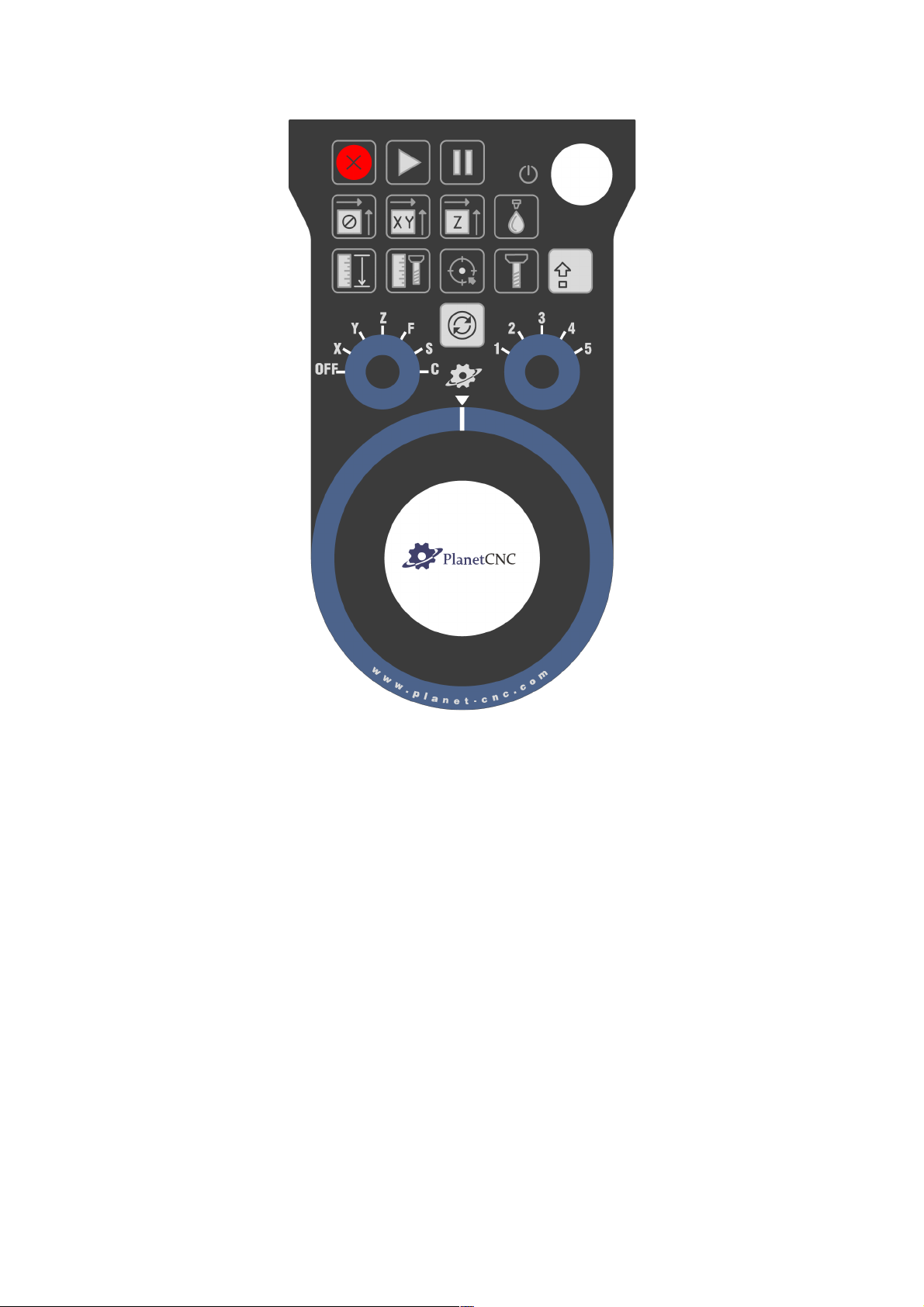
Handwheel button layout:
Page 5
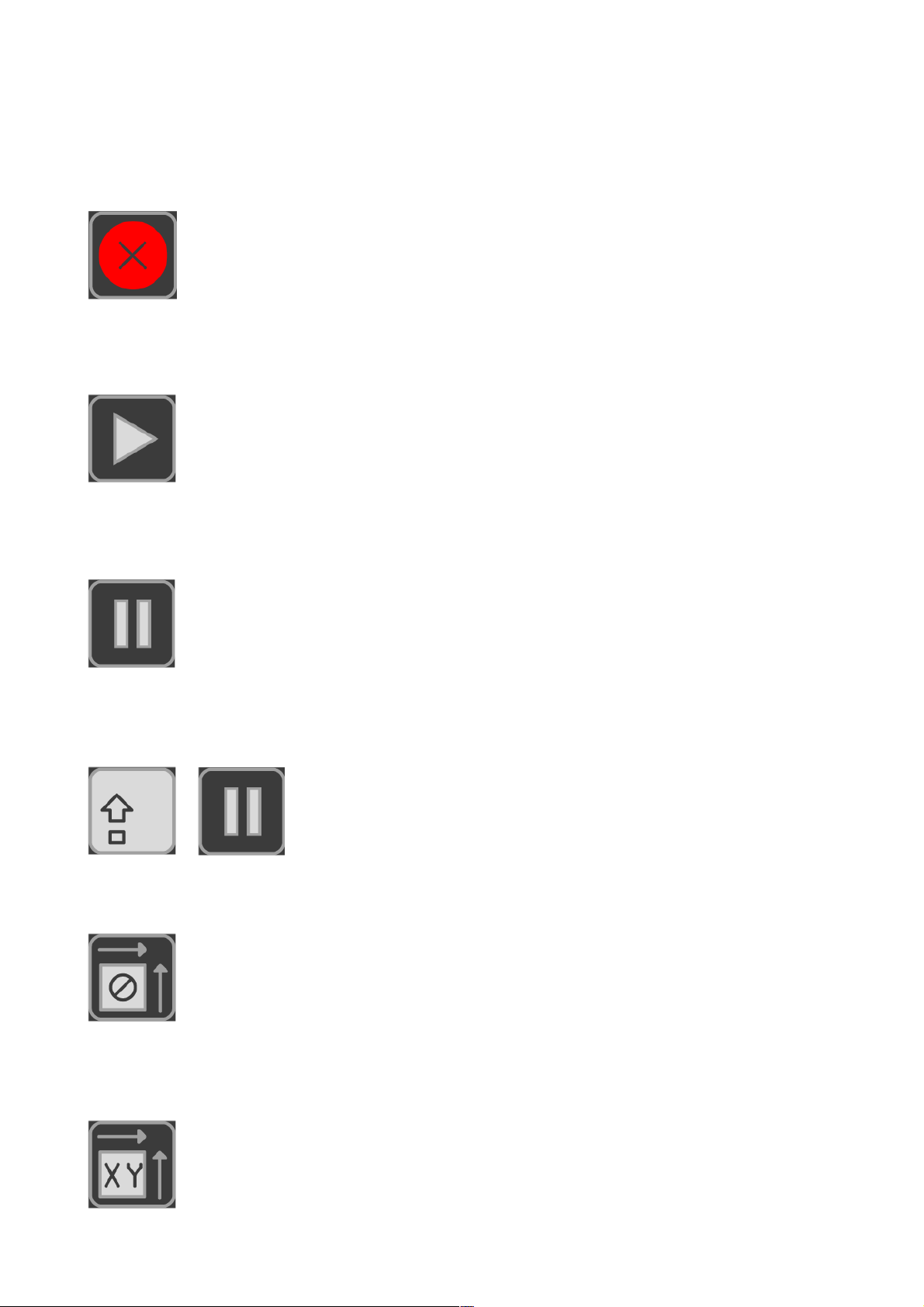
Handwheel button functionality:
E-Stop button:
Initiates E-Stop.
Start:
Starts program.
Pause:
Pauses program.
Stop:
Stops program.
+
Offset zero button:
Sets work position offset value to zero.
Work position XY zero button:
Sets current XY work position to zero.
Page 6
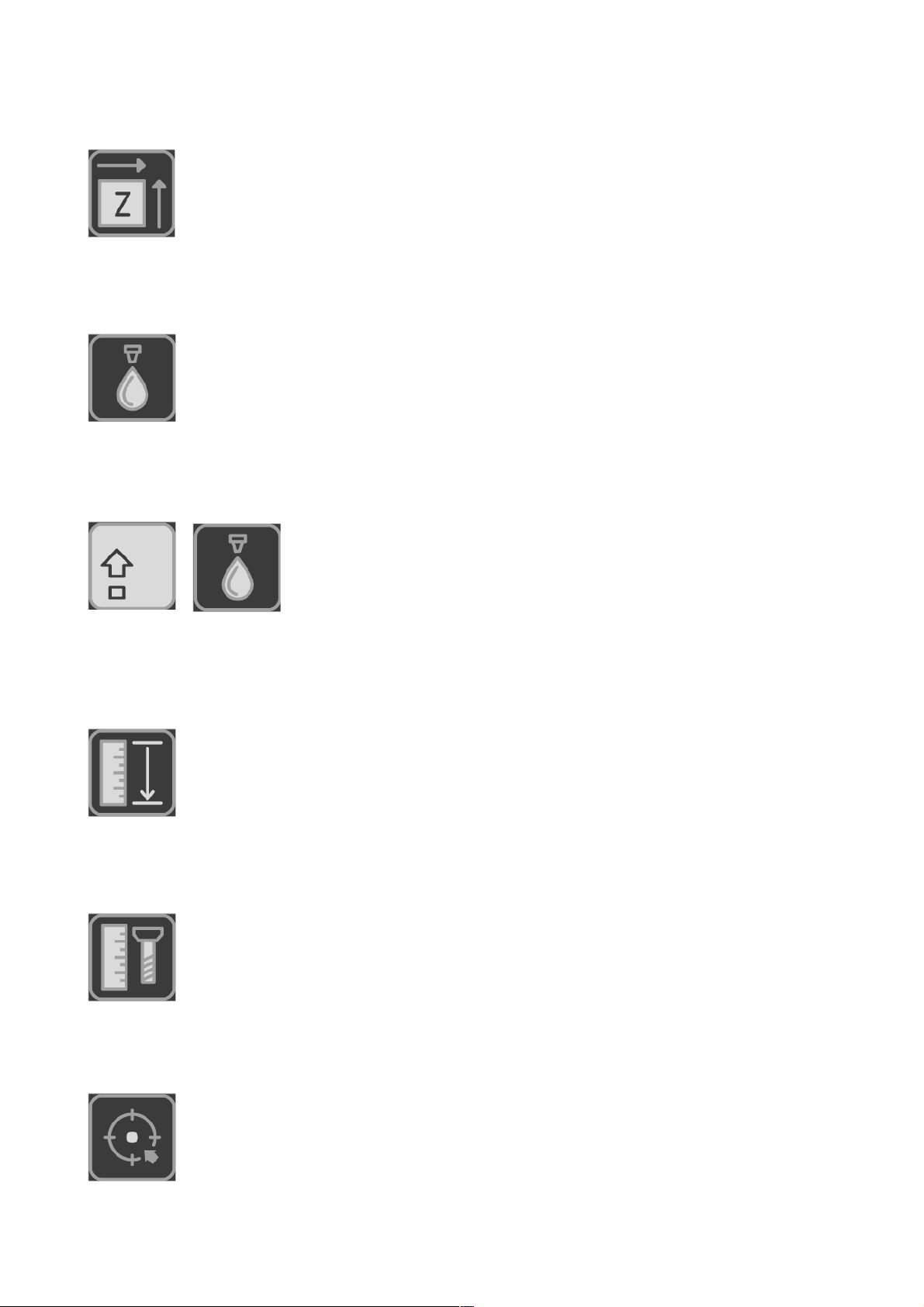
Work position Z zero button:
Sets current Z work position to zero.
Flood ON/OFF button:
Turns flood ON/OFF.
Mist ON/OFF button:
Turns mist ON/OFF.
+
Measure Height button:
Initiates Measure Height procedure.
Measure Tool Length button:
Initiates Tool Length measurement procedure.
Move To Zero XY button:
Initiates Move to Zero procedure.
Page 7
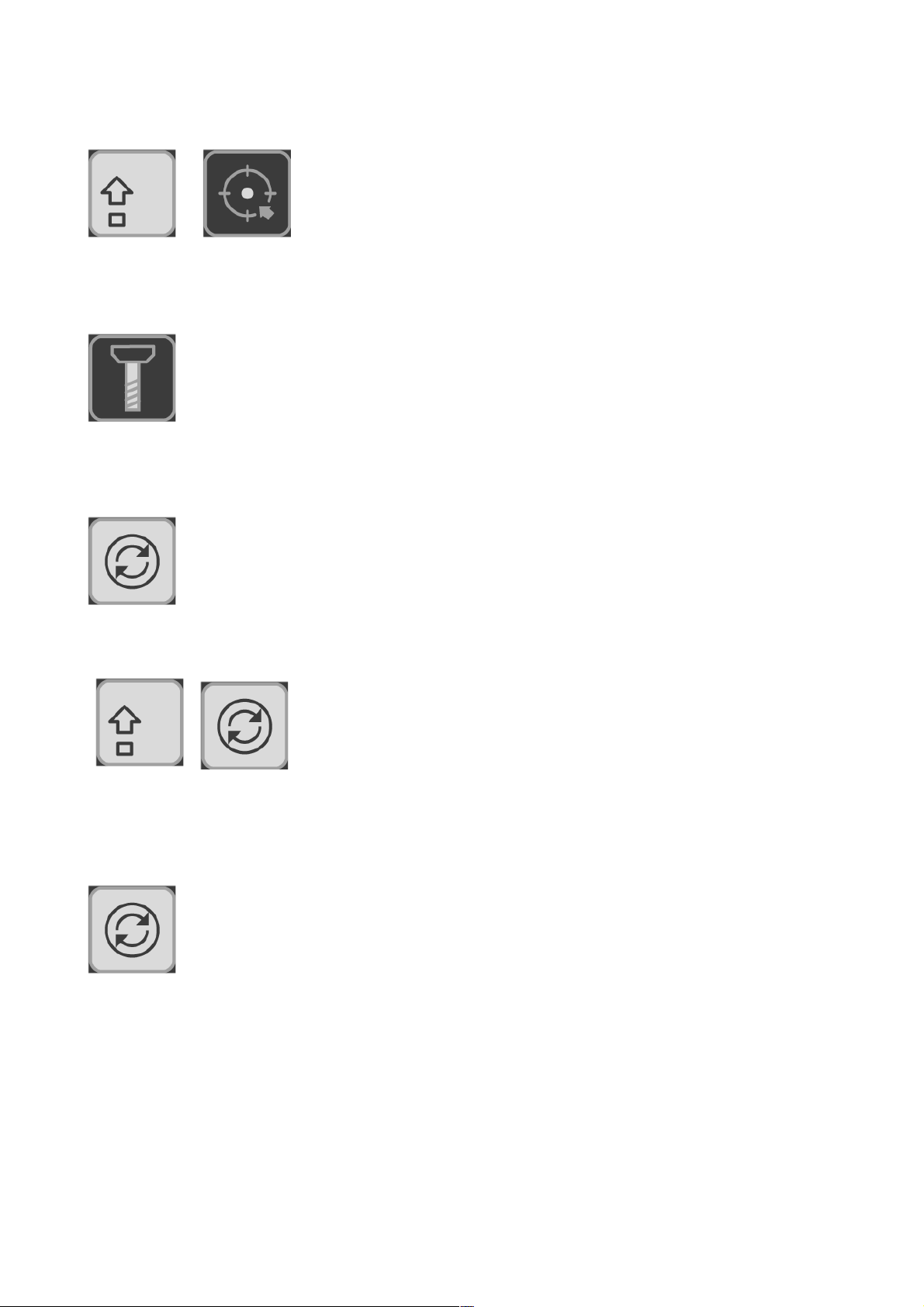
Home button:
Initiates Home procedure.
+
Spindle ON/OFF button:
Turns spindle ON/OFF.
Cycle button with axis selected:
Toggles Machine and Work coordinates.
Selects group of axes: X,Y,Z or A,B,C or U,V,W
+
Cycle button with feed override selected:
Toggles Feed and Traverse override.
Page 8
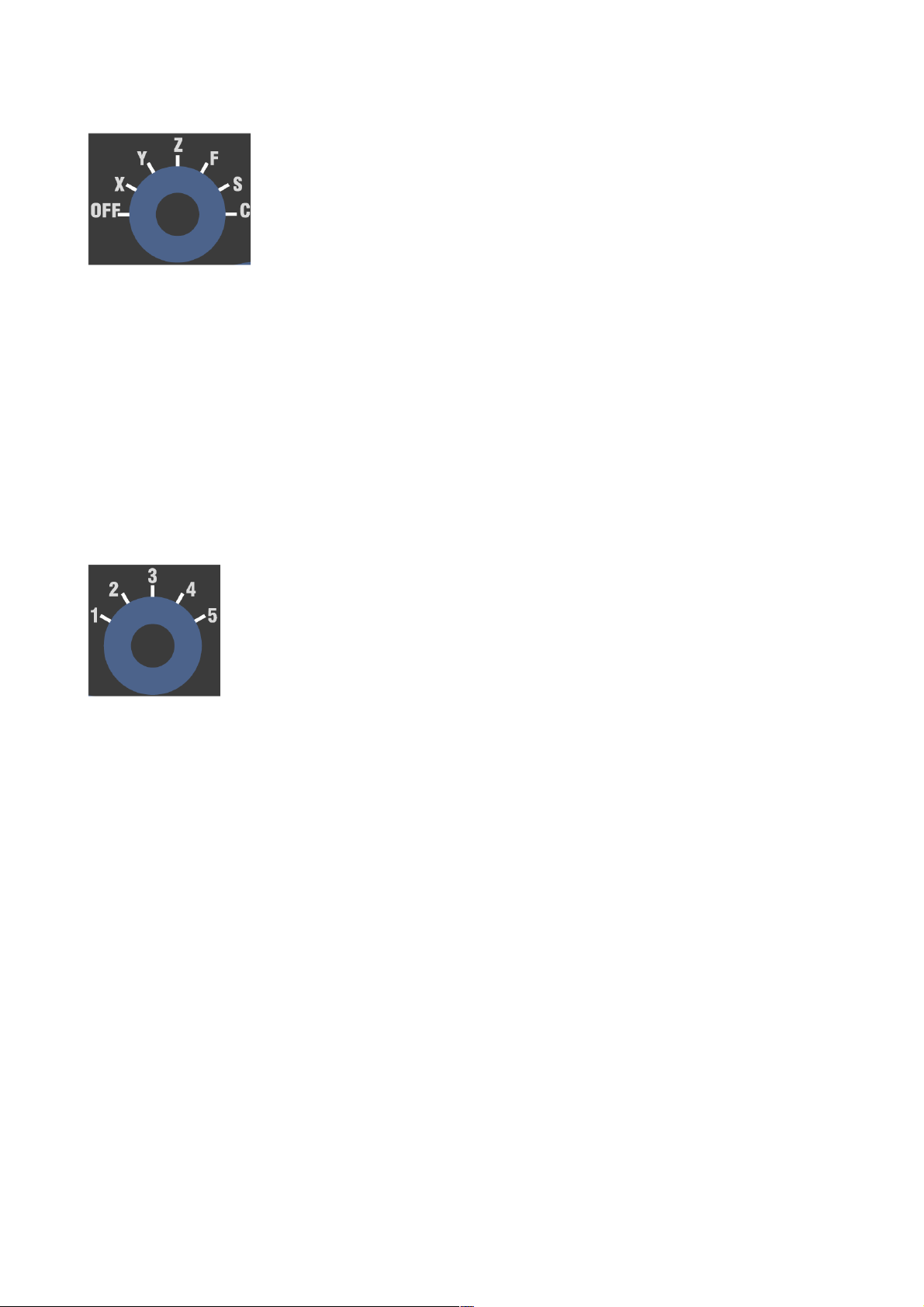
Axis, Feed override, Spindle override and Info select switch:
X,Y,Z (A,B,C,U,V,W): Axis selected will move when encoder wheel is rotated.
F: Feed speed and traverse override menu.
S: Spindle speed override menu.
C: Additional info of currently selected jogging mode.
Jogging mode select switch:
Selects jogging mode from 1-5. Jogging modes are configured in PlanetCNC TNG sw
under File/Settings/Jogging/Handwheel. See PlanetCNC TNG user maual for more info.
 Loading...