

Page 1
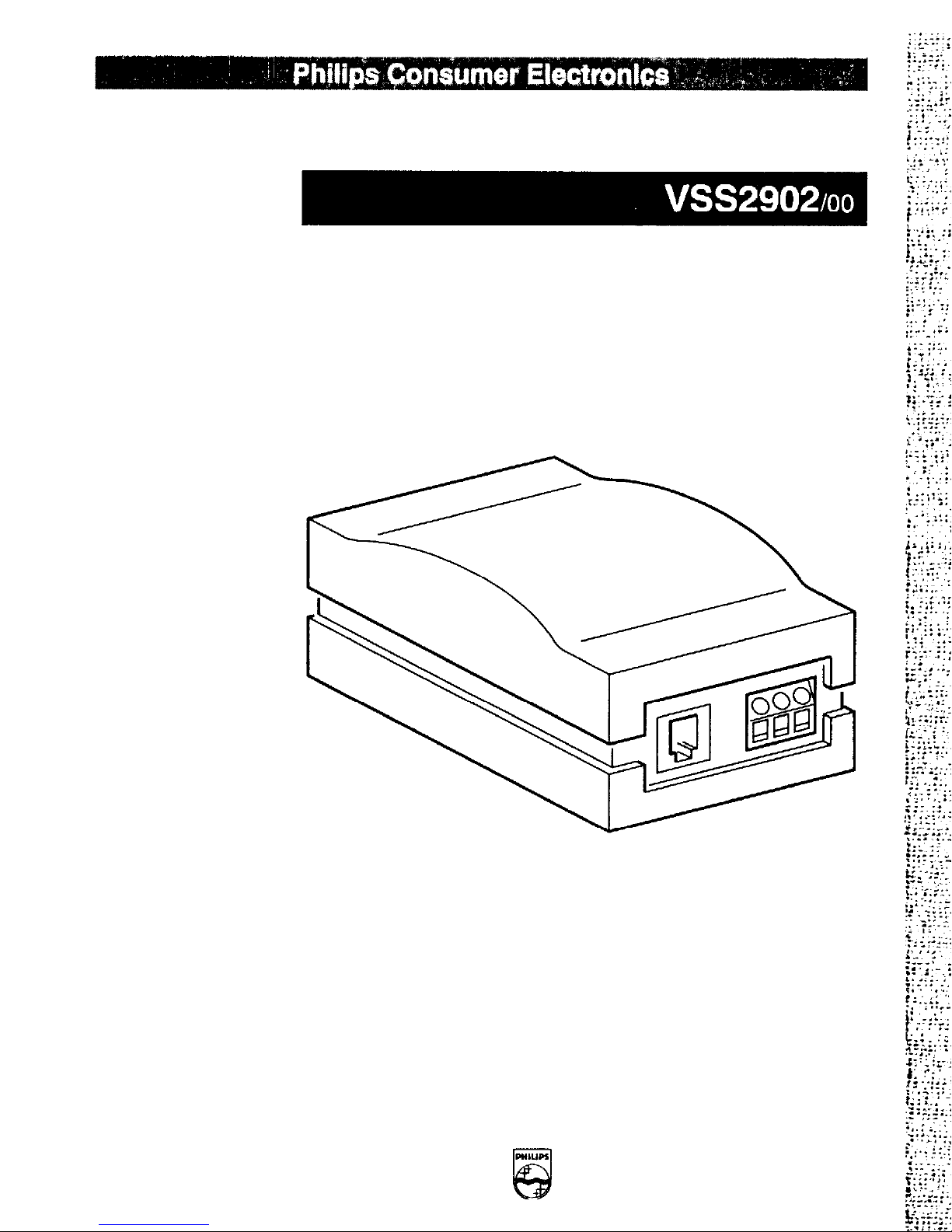
Alarm Box
User manual
PHILIPS
Page 2
Page 3
Alarm Box
This device complies with part 15 of the FCC rules. Operation is subject
to the following two conditions:
1. this device may not cause harmful interference, and
2.
this device must accept any interference received, including
interference that may cause undesired operation.
This device is intended to be attached to a receiver that is not used to
receive over-the-air broadcast signals. Connection of this device in any
other fashion may cause harmful interference to radio communications
and is in violation of the FCC Rules, Part 15.
This device complies to FCC rules under test conditions that included
use of system cables and connectors between system components. If
you have any problems, contact your dealer.
WARNING:
To prevent
rain or moisture. Do not attempt to disassemble the accessory. In
order to prevent shock and fire hazard, do not remove screws
covers. There are no user-serviceable parts inside.
shock hazard, do not expose this
The illustrations to which this manual
refers, are shown on the front and
back jacket flap.
Page 4
Operation
A
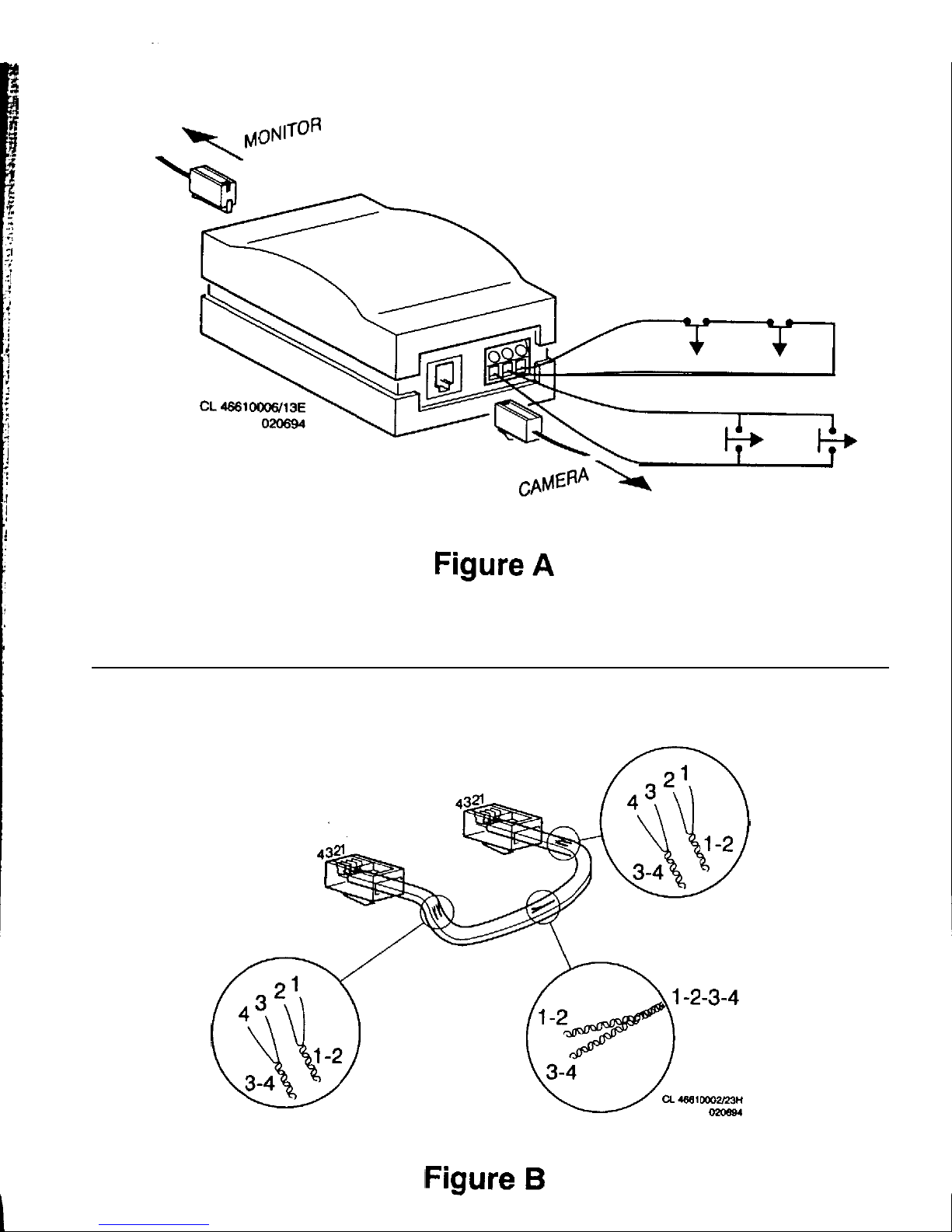
Different kinds of detectors, with make and break contact (fig. A)
according to choice, can be connected to the alarm input of an alarm
box, such as infrared detectors, magnetic contacts. When an alarm is
detected, the alarm contact in the monitor is activated.
Installation
Warning:
When a camera or accessory is connected or disconnected,
A
the monitor should always be disconnected from the mains
Only operating the
stand-by
key is not sufficient.
When the mains
is connected, ail camera lines are scanned.
The monitor uses this to register the camera configuration of the
system and to check whether any modifications have been made.
Cable
A
system cable (see specifications) is supplied
standardiy.
For an optimum picture and sound quality a standard ‘twisted-pair’
(telephone)
be used.
There is an extensive range of plugs and tools available in the hobby
and professional trade to extend the cable. Always pay attention that
the connection corresponds to figure
Remark:
Used system cables
and
connectors
are
similar to the ones
used for telephone, but may not be interconnected.
The maximum distance that can be bridged (without a cable extension
adapter) between the monitor and the cameras amounts to 200 meters
(150 meters for colour).
Incorporate the box in the desired camera line by means of the
supplied cable, see figure A.
Alarm input
Alarm detectors with a make and/or break contact can be connected to
the alarm input. Connect the detectors to the three-pole screw block.
Remark: When detectors with only a make contact are connected,
points 1 and 2 should always remain connected by means of a wire.
2
3.
 Loading...