

Page 1
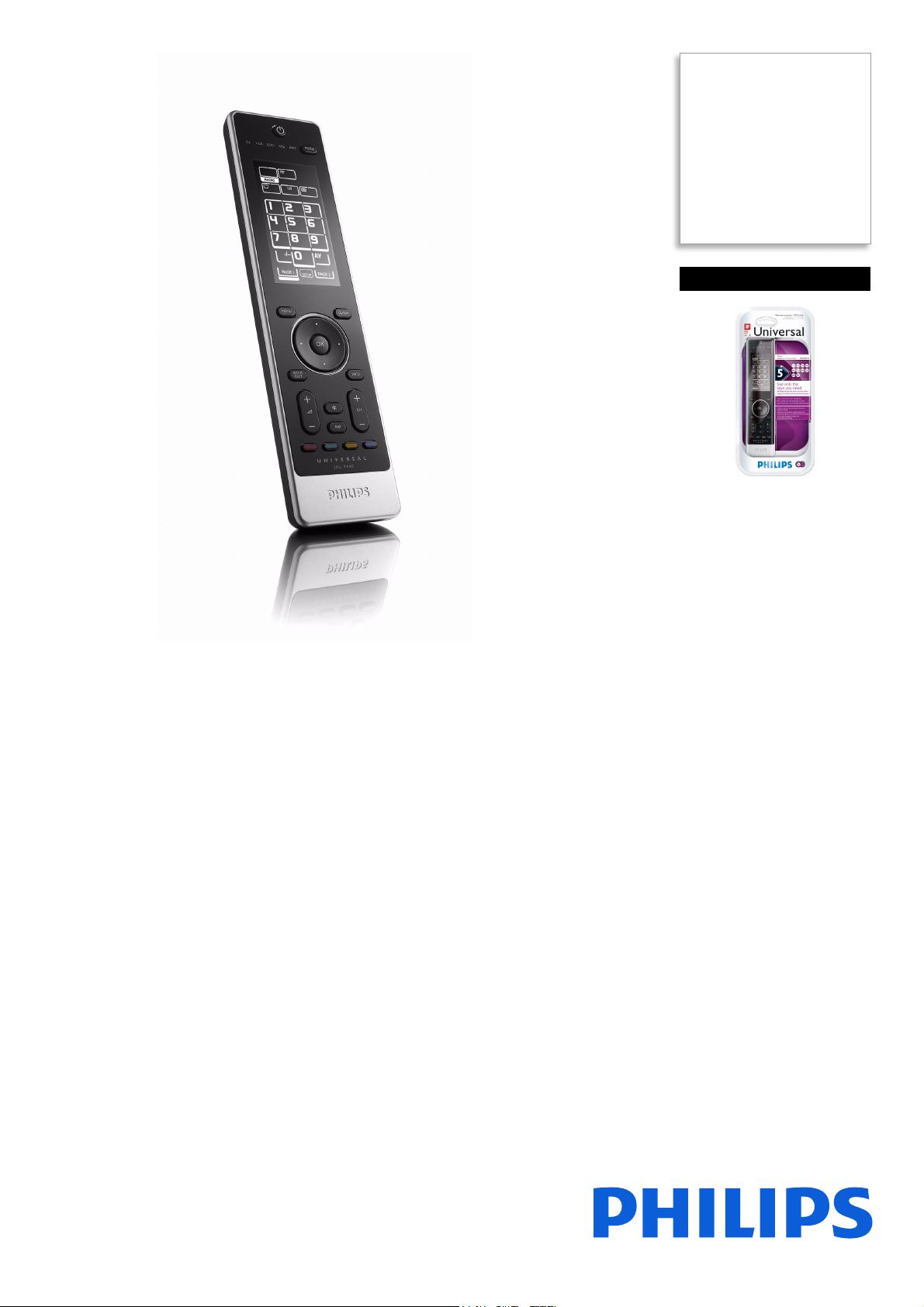
Philips
Universal remote control
SRU9400
See only the keys you need
Now you can finally put away all your remote controls and replace them with one
beautiful controller. The SRU9400 not only handles all the functions of your original
remotes, it is also much easier and more convenient to use.
Single control solution for most devices & brands
• 5 in 1 controller for your audio/video devices
• Extensive infrared code database for most devices & brands
Great convenience
• Shows only the keys you need on the touch-sensitive display
• LCD screen with backlighting for convenience in the dark
• Control multiple devices with a single touch
• Ready for use with Philips equipment
Quick and easy set-up
• Automatically searches for your equipment brand
• Convenient IR learning from another remote
Page 2

Universal remote control
SRU9400/17
Specifications
Convenience
• Supported devices: TV, VCR, DVD, SAT, CABLE,
RECEIVER, AMP, PVR, DVB-T, TV-DVD, TV-VCR
•Backlight
• Backlight color: White
• Preprogrammed for Philips
• Programmable macros
Infrared Capabilities
• Operating distance: 33 ft (10 m)
• Learning IR codes
• Transmitting LEDs: 2
• Number of brands in database: Over 1100
• Carrier frequency range: 30k - 100kHz
Packaging Data
• 12NC: 908210005335
• EAN/UPC/GTIN: 87 10895 91565 6
• Gross weight: 0.35 kg
•Height: 42 mm
• Length: 330 mm
• Width: 162 mm
Power
• Battery saving manager: Auto switch on/off
• Battery type: AA / LR6 Alkaline
• Number of batteries: 3
•
Highlights
5in1 remote control
The universal remote control allows you to program
and operate up to 5 devices from almost any brand.
A universal database of infrared codes is
incorporated to enable easy installation of your TV,
TV combi, VCR, DVD, DVD recorder, satellite or
digital terrestrial receiver, cable decoder, amplifier,
Home theater system or receiver.
Universal IR code database
A universal IR code database refers to a library of
infrared codes built-in to a particular remote. This
feature allows a remote to control your equipment
without needing to learn individual signals. Select the
correct infrared code sets in the database for the
devices you want to control, to enable control of
virtually every audio/video system element on the
market today – regardless of model or brand.
Touch-sensitive display
Through the special inverted segmented display
technology, only those keys are lit up that are
needed to control a specific devi ce. No need t o look
for the right buttons anymore.
Backlight on screen
Backlighting is a feature that illuminates the LCD
screen or keypad for use in the dark. The two most
common types of backlighting include LED and
electroluminescent (EL). Remotes backlit with LEDs
are typically bright but uneven with a yellow or green
color, while EL panels are smooth with blue, white
or green shades.
One-touch convenience
One-touch control allows you to perform multiple
commands with one press of a button via a macro. A
macro combines a string of pre-programmed
commands under one single button. Therefore, it
simply takes one button press to execute a series of
functions.
Pre-programmed for Philips
If you have Philips equipment, you can use your
universal remote control without programming it
because all keys are pre-set for Philips.
Auto brand search
Getting your new remote control working is simply
a case of having your remote automatically search
for the most suitable code for your equipment.
Learning functionality
Learning functionality refers to the process through
which a remote control captures and stores infrared
signals from other remotes for later use. When
device codes are not included in the on-board
database, they can always be learned from the
original remote, simply by pointing to it.
Issue date 2014-02-10
Version: 3.0.6
12 NC: 8670 000 25827
UPC: 6 09585 11355 8
© 2014 Koninklijke Philips N.V.
All Rights reserved.
Specifications are subject to change without notice.
Trademarks are the property of Koninklijke Philips N.V.
or their respective owners.
www.philips.com
 Loading...