

Page 1
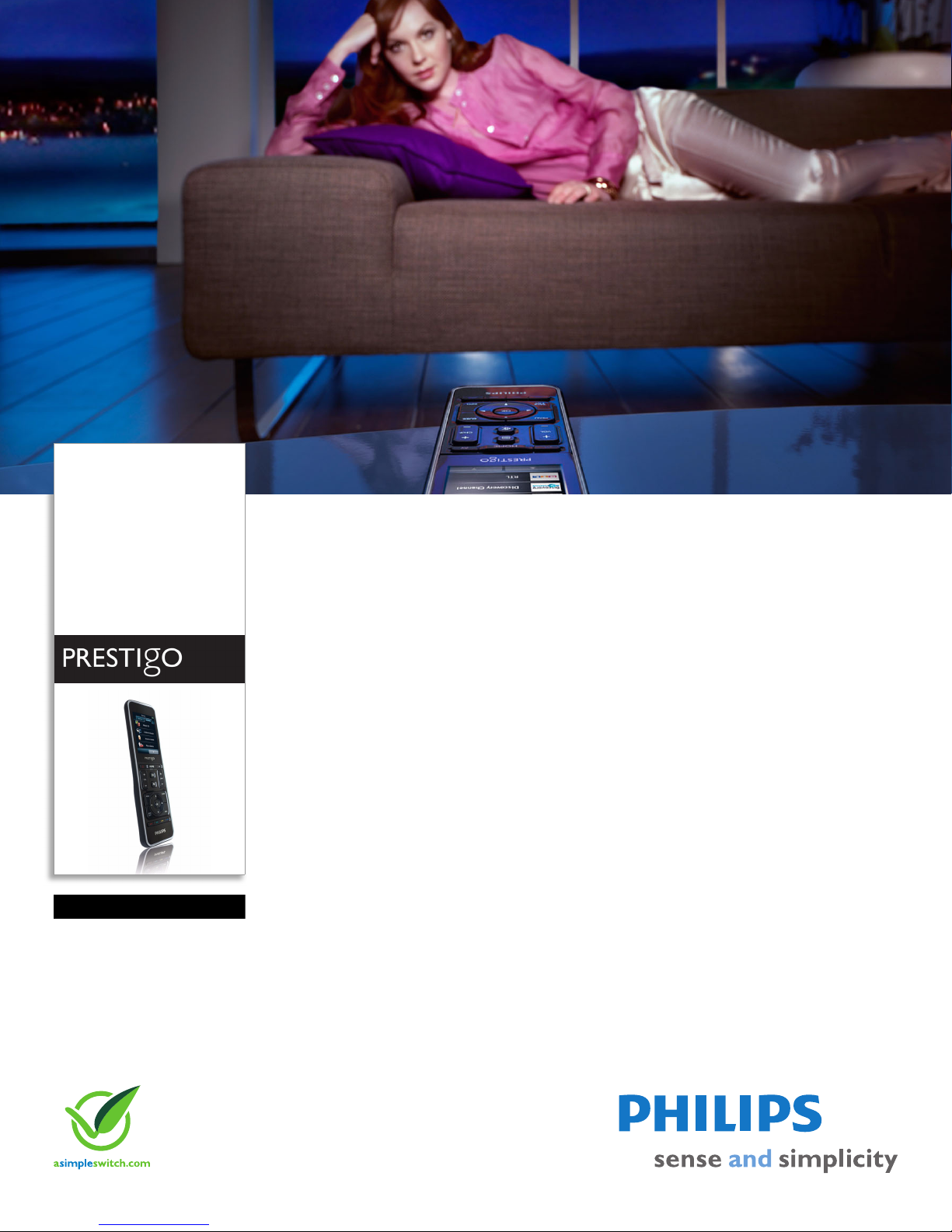
Philips Prestigo
Universal remote control
Touch screen
Ultra touch 20 in 1
SRT9320
See only the keys you need
A smart universal remote control with a full-color touch screen that controls up to 20
devices out of 300.000 devices and only shows the keys you need.
Intuitive navigation
• 2.8" full-color screen for easy readability and navigation
• Backlit buttons to control your devices in the dark
• Touch sensitive screen for easy navigation
• Most frequently used hard keys for ease of use
Fast, easy access to your entertainment
• Activities to control multiple devices
• Direct access to your favorite channels
Simple and easy setup
• Easily learn and label extra functionality
• On-line updates via internet library
• Step by step guidance on the screen
Single control solution for most devices & brands
• Universal IR code database to control different devices
Page 2

Universal remote control
Ultra touch 20 in 1
SRT9320/27
Specifications
Accessories
• USB cable: 1.5 m
Convenience
• Backlight buttons
• Battery low indication
• Channel icon library: 500
• Display Type: LCD
• Number of activities: 20
• On-Screen Display languages: Dutch, English,
rench, German, Italian, Portuguese, Russian,
F
Spanish
• Programmable channel icons: 100
• Supported devices: AMP, Audio system, Blu-ray
player, CABLE,
recorder, DVD-VCR combo, DVDR-HDD combo,
DVR, Digital Media Receiver, Game console, HDDVD player, HTS, Hard Disk recorder, Home
Theater, MP3 Player Dock, Minidisc, PC, PVR,
Phone, Projector (IR), RECEIVER, SAT, TAPE, TV,
TV-DVD combo, TV-VCR combo, TV-VCR-DVD
CD/MD, DSS, DVB-T/S, DVD, DVD
combo, Tivo, Tuner, VCD, Laser Disk, VCR
Display
•Touch panel
Infrared Capabilities
•Learning IR codes
• Operating distance: 33 ft (10 m)
• Universal IR code database
Power
• Batteries included
• Battery saving manager: Au
• Rechargeable
to switch on/off
Setup
• Setup Method: on device
System specification
• Flash memory size: 8 MB
•
Highlights
Activity based control
Start your home entertainment activities with one
touch of a button instead of controlling each individual
device in separate steps. Simply press the activity
button like 'Watch a movie' and the Prestigo will
automatically switch on the different devices, such as
the TV, DVD player and Home theater system, to
watch a movie.
Backlit keys
The illuminated keypad makes it easy to control all
your devices, even in the dark.
Internet library
The Philips PrestigoSync software, together with the
USB connector on the remote, provide access to easy
online updates. You can select your favorite channel
icons from the latest database library of 10.000+
channel icons. The Philips PrestigoSync software will
also automatically inform your of the latest available
firmware for your Prestigo. The software is provided
on a CD-rom or retrieved from the official Philips
website.
Intuitive touch screen
A touch sensitive screen which shows only the keys
you need and allows you to navigate fast through the
remote screen.
Direct favorite channel access
A library of channel icons for most countries' main TV
and radio stations is available on the remote control.
Via the color LCD screen you can easily assign the
right channel icons for the right channel. Once set up,
via the LCD screen, you zap through your favorite
channels using the icons of the stations instead of the
digit keys on your remote.
Issue date 2010-12-21
Version: 3.0.10
12 NC: 8670 000 48238
UPC: 6 09585 16366 9
© 2010 Koninklijke Philips Electronics N.V.
All Rights reserved.
Specifications are subject t
Trademarks are the property of Koninklijke Philips
Electronics N.V. or their respective owners.
www.philips.com
o change without notice.
 Loading...