

Page 1
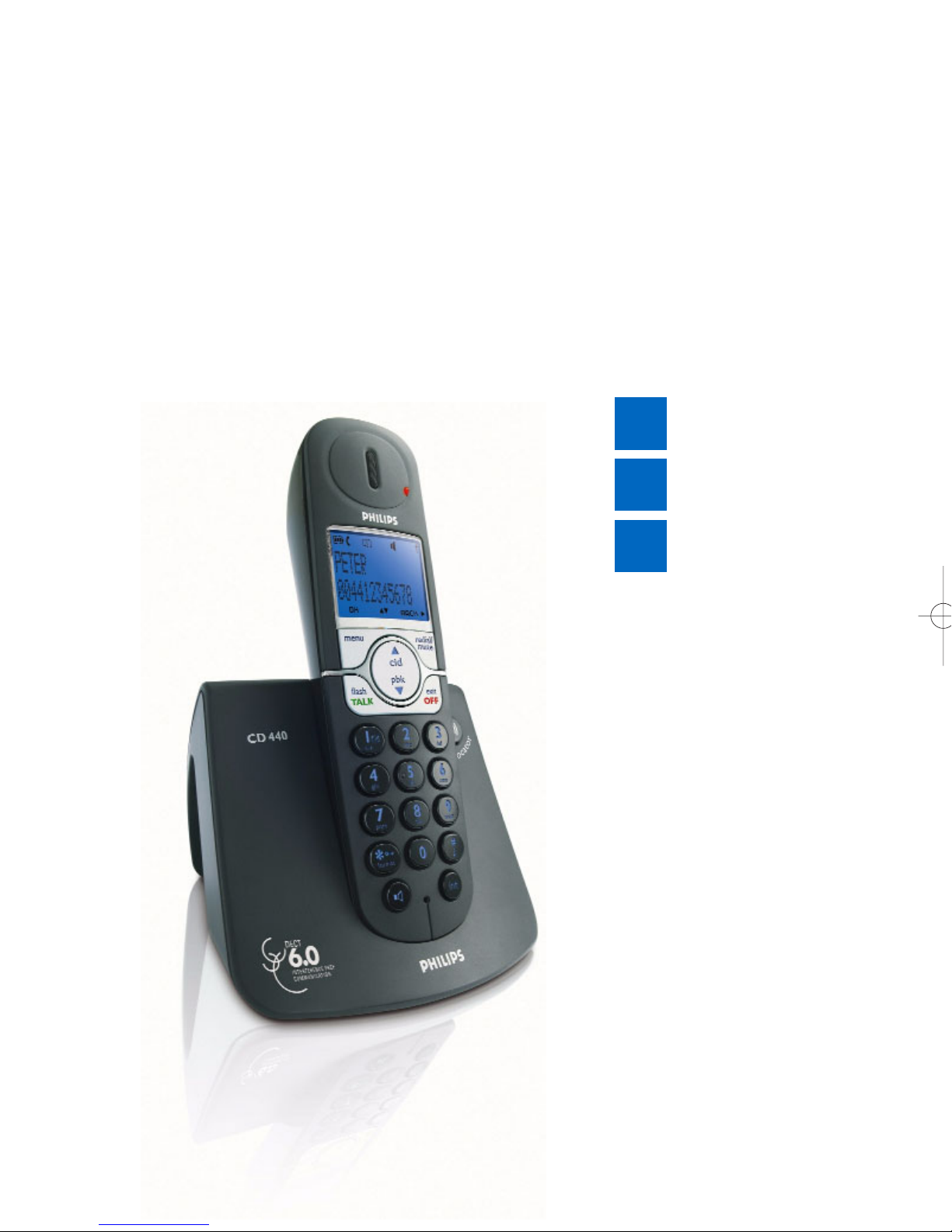
Welcome
Quick start guide
1
Install
Enjoy
2
3
Connect
philips
Page 2
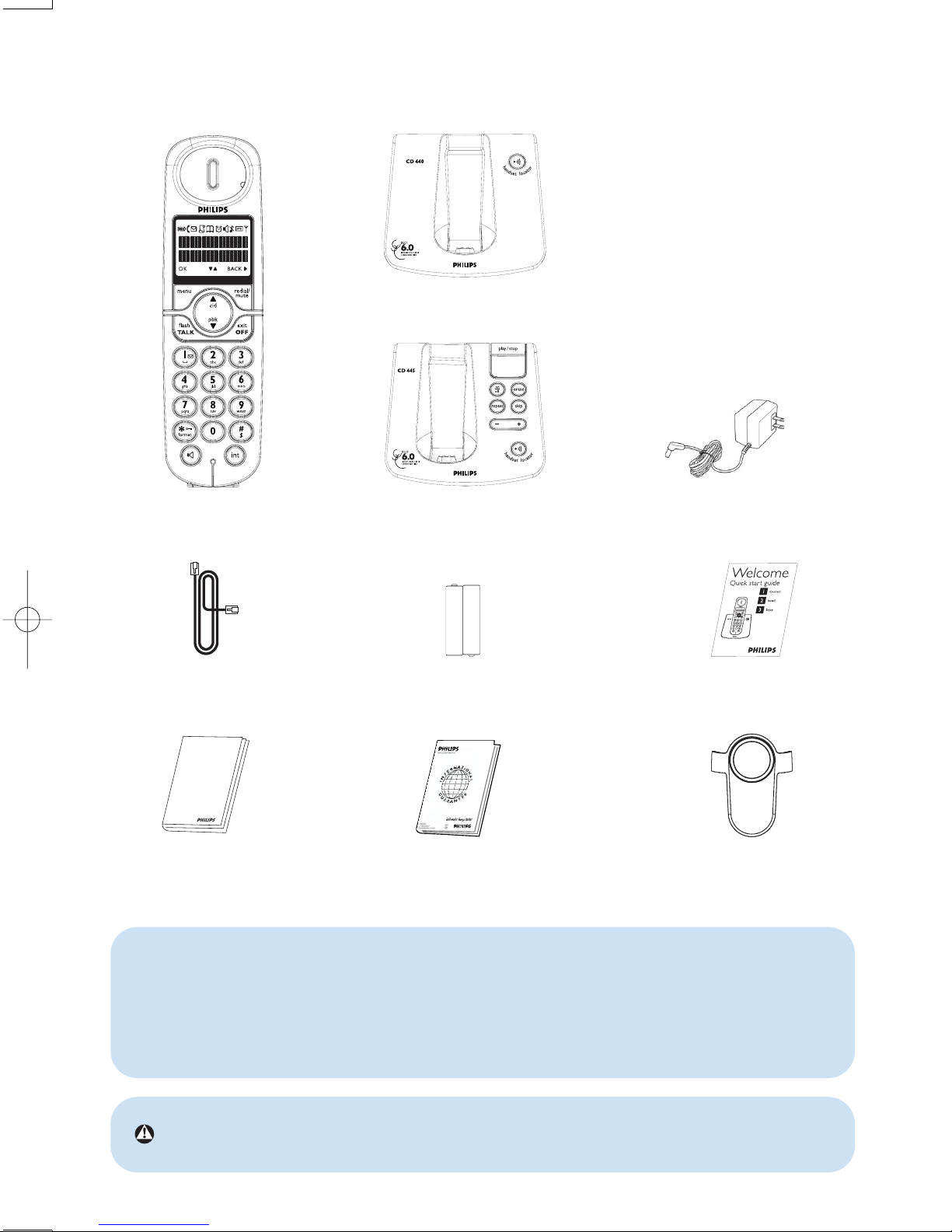
What’s in the box
CD440/CD445 Handset
CD445 Base Station
Line cord
Quick start guide
CD440 or CD445
User manual
Guarantee
2 x AAA Rechargeable
batteries
CD440 Base station
OR
Power supply unit for base
station
Insert batteries
1. Insert the plug of the power cord into the
2. Insert the plug of the line cord into the
3. Connect the other end of the line cord
CD445
The line adaptor may not be attached to the line cord.You may find the line
adaptor in the box. In this case, you have to connect the line adaptor to the line
cord first before plugging the line cord to the line socket.
In multi-handset packs, you will find one or more additional handsets, chargers
with power supply units and additional rechargeable batteries.
Warning Always use the cables and batteries that are supplied with your phone.
Belt clip
-
+
+
-
Page 3
Connect
1
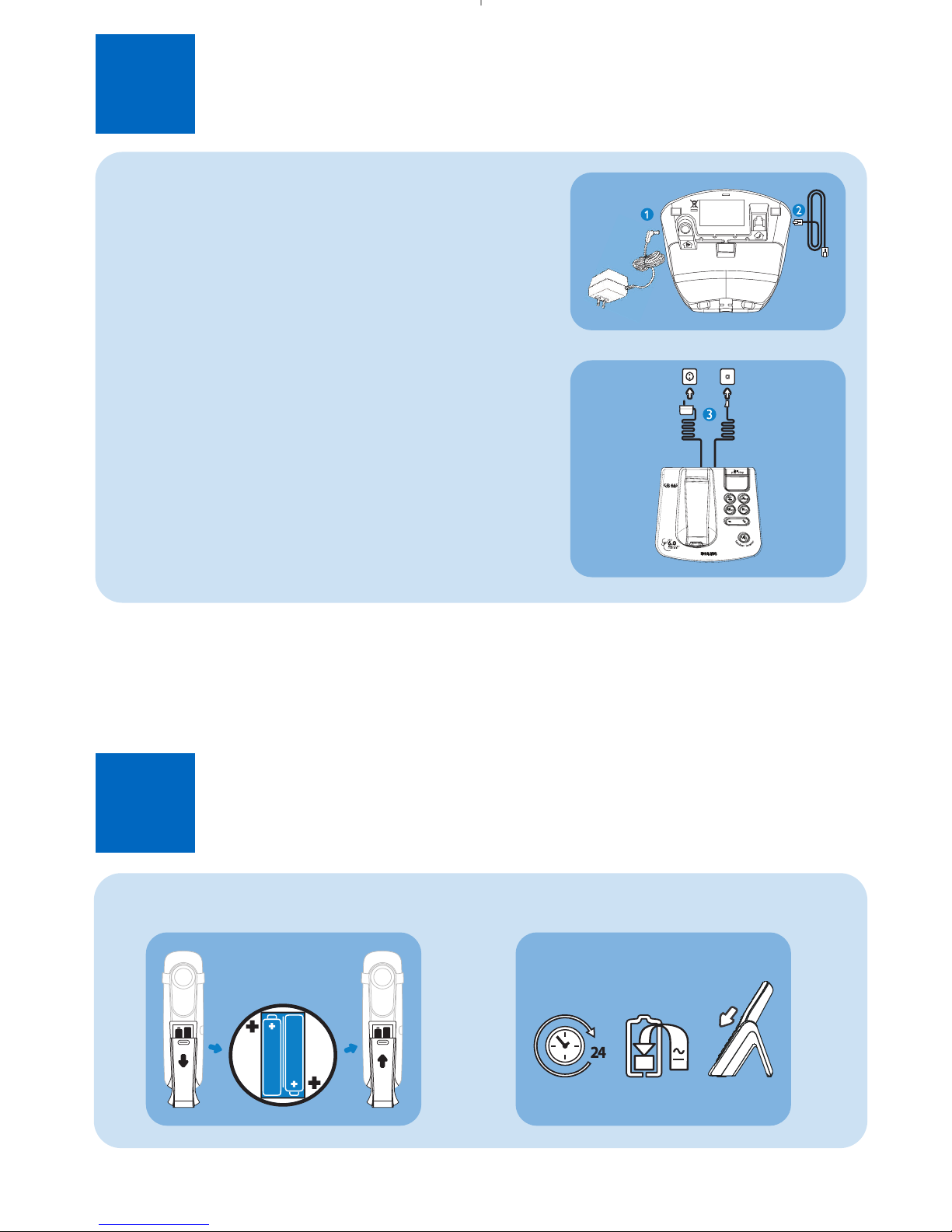
Connect the base station
1. Insert the plug of the power cord into the
socket under the base station.
2. Insert the plug of the line cord into the
socket under the base station.
3. Connect the other end of the line cord
together with the line adaptor if
necessary, to the telephone line socket
and the other end of the power cable
to the electricity socket.
Install
2
Insert rechargeable batteries and charge
Insert batteries
Charge handset for 24 hours
Page 4
3
Enjoy
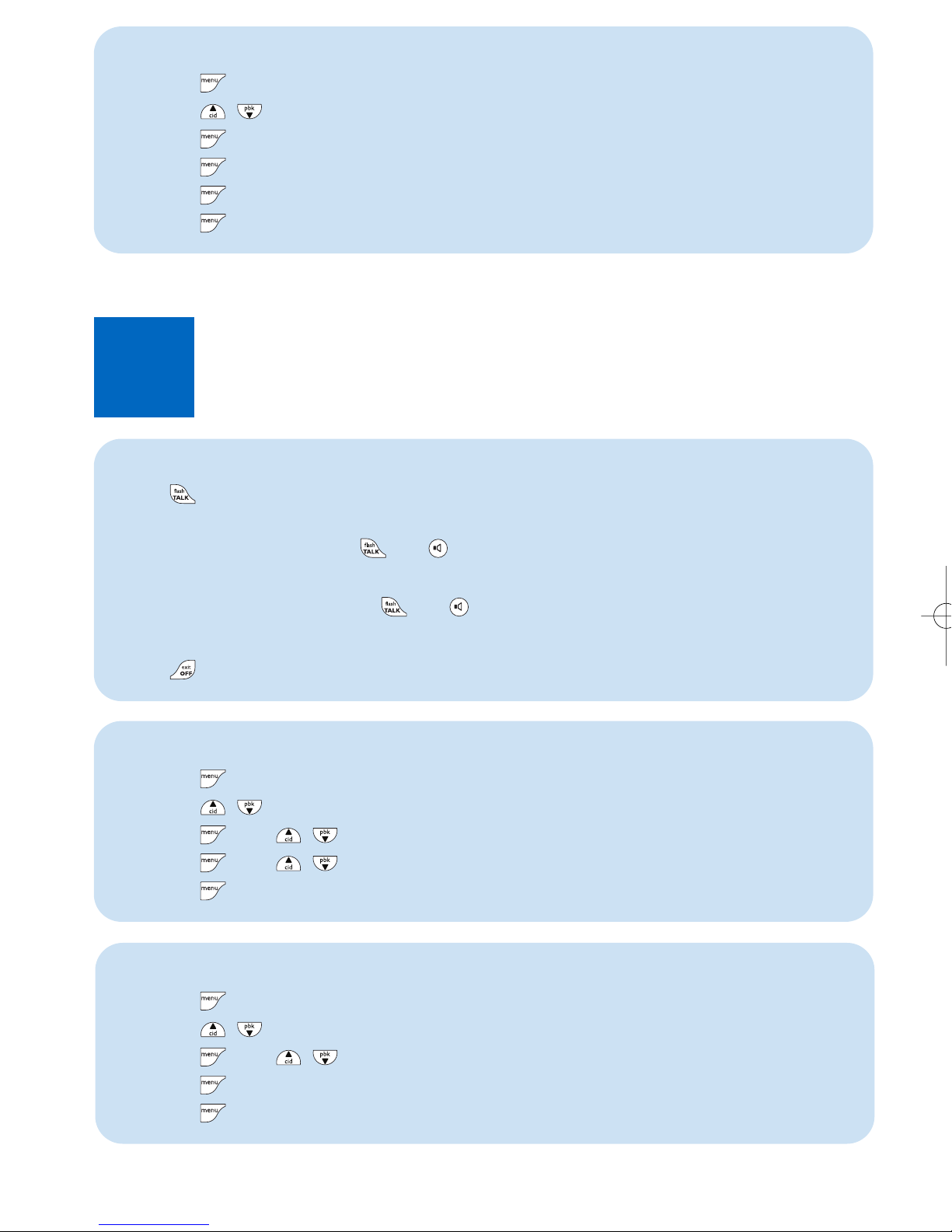
Set the alarm
1. Press to access the main menu
2. Press
/ to select CLOCK & ALARM
3. Press and
/ to select ALARM
4. Press and /
to select OFF, ON ONCE,orON DAILY
5. Press to save the settings
Rename your handset
1. Press to access the main menu
2. Press
/ to select PERSONAL SET
3. Press and
/
to select HANDSET NAME
4. Press to enter the handset name
5. Press to save the settings
3111 285 34381
Make a call
Answer a call
When the phone rings, press or .
End a call
Press
Set the time
1. Press to access the main menu
2. Press
/ to select CLOCK & ALARM
3. Press to select SET CLOCK
4. Press and enter the current date (DD/MM/YY)
5. Press and enter the current time (HH:MM) in 12 hour format
6. Press to save the settings
Press and dial the number
OR
Dial the number and press or
Page 5
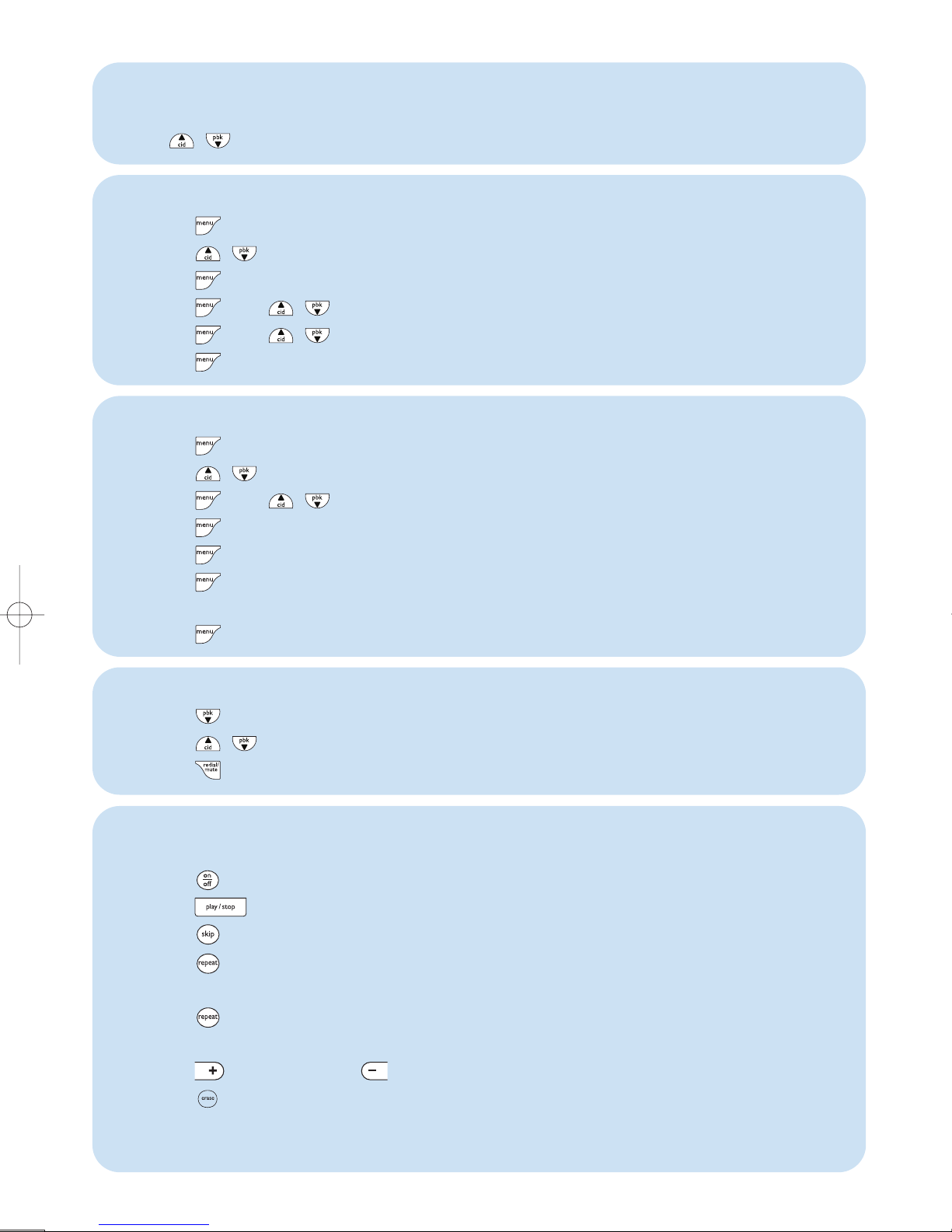
Set the earpiece volume
During a call:
Press / to select the eapiece volume from level one to level five
Listen to new messages recorded on answering machine (applicable to
CD445 only)
1. Press on the base station to turn on the answering machine
2. Press on the base station, playback of the oldest new message will begin.
3. Press to skip the current message and play the next message
4. Press to go back to previous message if it is pressed within one second of
current message playback
5. Press to replay current message if it is pressed after one second of current
message playback
6. Press to increase or to decrease speaker volume during message playback
7. Press to delete the current message
See CD445 user manual for details about the answering machine function.
Set the ring melody
1. Press to access the main menu
2. Press / to select PERSONAL SET
3. Press to select HANDSET TONE
4. Press and / to select RING MELODY
5. Press and / to scroll to your desired ring melody
6. Press to save the settings
Access the phonebook
1. Press to access the phonebook
2. Press / to select your desired phonebook entry
3. Press to view the details of your selected phonebook entry
Store a number in the phonebook
1. Press to access the main menu
2. Press / to select PHONEBOOK
3. Press and / to scroll to NEW ENTRY
4. Press to enter the name (maximum 12 characters)
5. Press to enter the number (maximum 24 digits)
6. Press to choose a group (<No Group>, <Group A>, <Group B>,
<Group C>)
7. Press to save the entry
Page 6

Troubleshooting
For more information, see the user manual that came with your CD440 or
CD445.
Problem
No dialing tone
Poor audio quality
The is blinking
The handset LCD
displays nothing
Caller Line Identification
(CLI) service does not
work
Solution
●
Charge the batteries for at least 24 hours
●
Move closer to the base station
●
Use the line cable provided in the box
●
Move closer to the base station
●
Move the base station at least one metre away
from any electrical appliances
●
Register the handset to the base station
●
Move closer to the base station
●
Try again by disconnecting and connecting the
base station power supply and follow the
procedure to register a handset
●
Make sure the two supplied rechargeable batteries
have been inserted into the battery compartment
●
Make sure the supplied batteries are
charged up
●
Check your subscription with your
network operator
Need help?
User Manual
See the User Manual that came with your CD440 or CD445.
Online help
www.philips.com/support
 Loading...