

Page 1
Philips
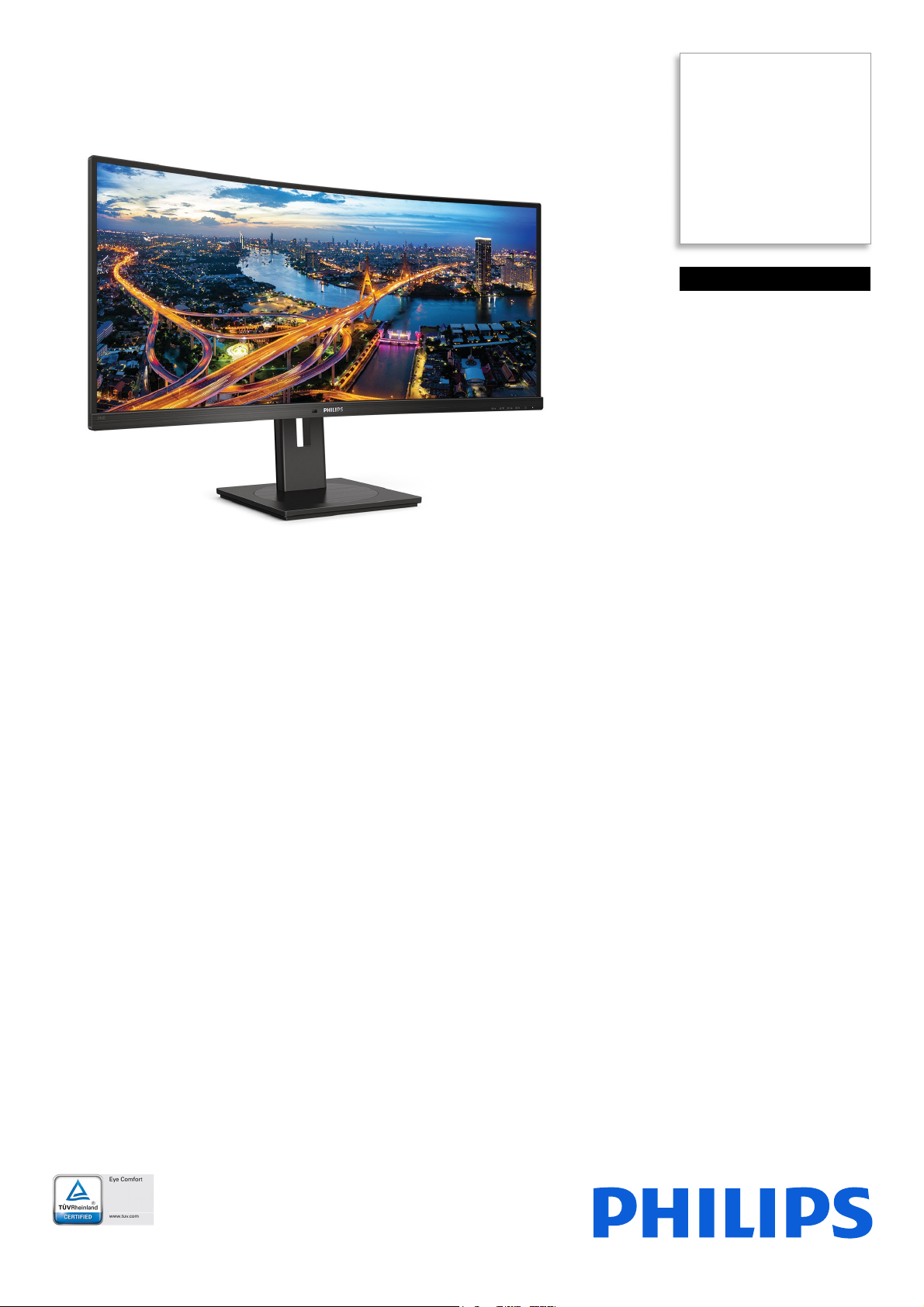
Curved UltraWide LCD
Monitor with USB-C
B Line
34" (86.36 cm)
3440 x 1440 (WQHD)
346B1C
See more. Do more.
The Philips B line 34" curved UltraWide display gives wrap-around view of your work.
All-in-one USB-C and ergonomic stand design make for optimal working conditions. Eye
comfort features with TUV certified to reduce eye fatigue.
Better view, better productivity
• CrystalClear images with UltraWide QHD 3440 x 1440 pixels
• VA display delivers awesome images with wide viewing angles
• MultiView enables simultaneous dual connect and view
• Built-in KVM switch to easily switch between sources
• Effortlessly smooth action with Adaptive-Sync technology
Designed for the way you work
• Built in USB-C docking station
• TUV Eye Comfort certified to reduce eye fatigue
• Less eye fatigue with Flicker-free technology
• LowBlue Mode for easy on-the-eyes productivity
• EasyRead mode for a paper-like reading experience
• Tilt, swivel and height-adjust for an ideal viewing position
Designed for sustainability
• PowerSensor saves up to 70% energy costs
Page 2
346B1C/75
Curved UltraWide LCD Monitor with USB-C
B Line 34" (86.36 cm), 3440 x 1440 (WQHD)
Highlights
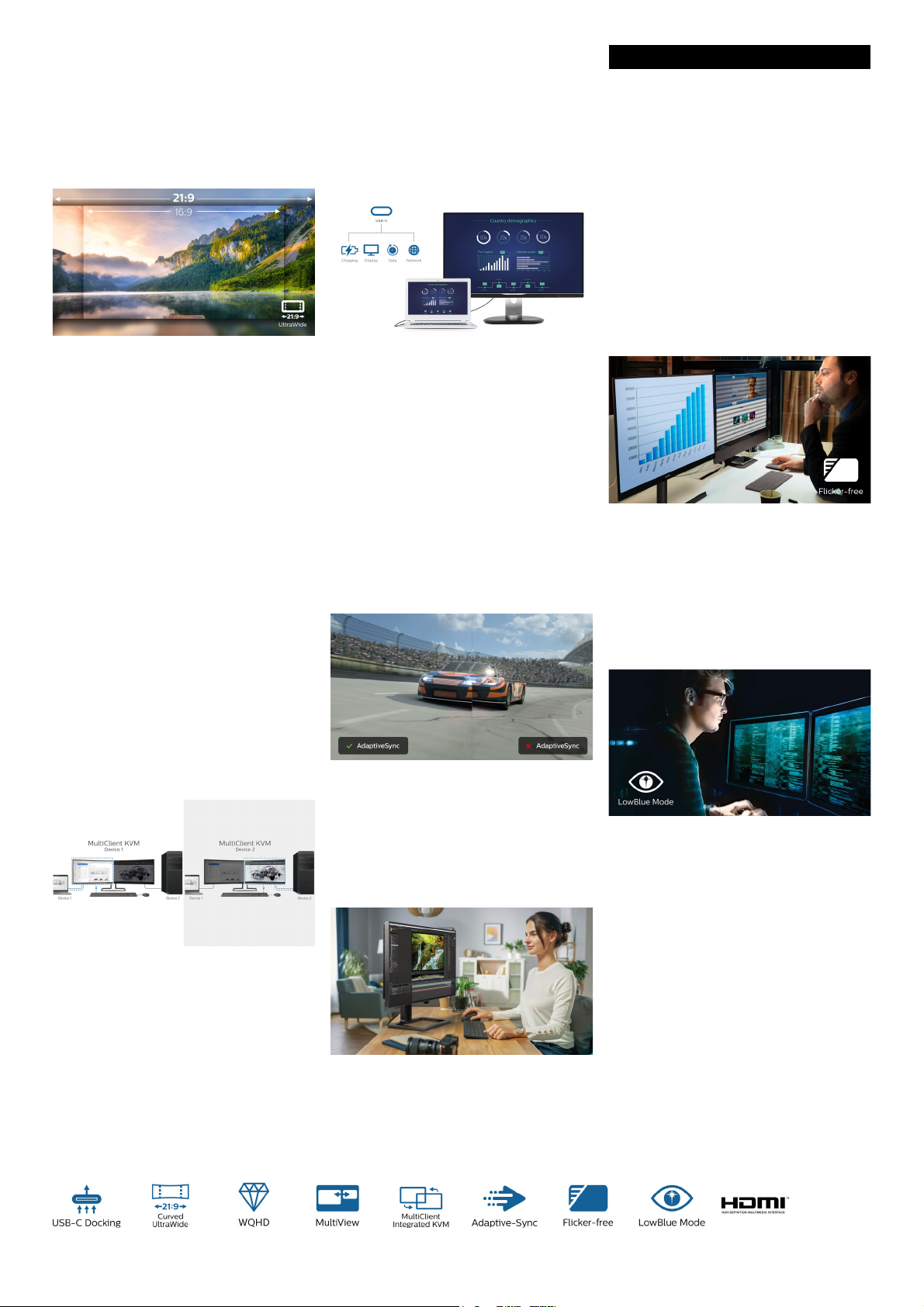
UltraWide CrystalClear images
These Philips screens deliver CrystalClear,
UltraWide Quad HD 3440 x 1440 pixel
images. Utilizing high performance panels with
high-density pixel count, 178/178 wide viewing
angles, these new displays will make your
images and graphics come alive. The
UltraWide 21:9 format enables more
productivity with more room for side-by-side
comparisons and more viewable spreadsheet
columns. Whether you are demanding
professional requiring extremely detailed
information for CAD-CAM solutions, or a
financial wizard working on huge spreadsheets,
Philips displays delivers CrystalClear images.
MultiView technology
With the ultra-high resolution Philips
Mul
tiView display you can now experience a
world of connectivity. MultiView enables active
dual connect and view so that you can work
with multiple devices like a PC and notebook
simultaneously, for complex multi-tasking.
Built in USB-C docking station
This Philips display features a built-in USB typeC docking station with power delivery. Its slim,
reversible USB-C connector allows for easy,
one-cable docking. Simplify by connecting all
your peripherals like keyboard, mouse and
your RJ-45 Ethernet cable to the monitor's
docking station. Simply connect your
notebook and this monitor with a single USBC cable to watch high-resolution video and
transfer super-speed data, while powering up
and re-charging your notebook at the same
time.
Adaptive-Sync technology
by prolonged computer use. With TUV Eye
Comfort certification, Philips displays ensure
flicker-free, low blue mode, no disturbing
reflections, wide viewing angle and less
reduction of image quality from different angles
and ergonomic stand designs for ideal viewing
experience. Keep your eyes healthy and boost
work productivity.
Flicker-free technology
Due to the way brightness is controlled on
LED-backlit screens, some users experience
flicker on their screen which causes eye
fatigue. Philips Flicker-free Technology applies
a new solution to regulate brightness and
reduce flicker for more comfortable viewing.
LowBlue Mode
MultiClient Integrated KVM
With MultiClient Integrated KVM switch, you
can control two separate PCs with one
monitor-keyboard-mouse set up. A convenient
button allows you to quickly switch between
sources. Handy with set-ups that require dual
PC computing power or sharing one large
monitor to show two different PCs.
Gaming shouldn't be a choice between choppy
gameplay or broken frames. Get fluid, artifactfree performance at virtually any framerate
with Adaptive-Sync technology, smooth quick
refresh and ultra-fast response time.
TUV Rheinland Eye Comfort
Philips display meet TUV Rheinland Eye
Comfort standard to prevent eye strain caused
Studies have shown that just as ultra-violet rays
can cause eye damage, shortwave length blue
light rays from LED displays can cause eye
damage and affect vision over time. Developed
for wellbeing, Philips LowBlue Mode setting
uses a smart software technology to reduce
harmful shortwave blue light.
Page 3

346B1C/75
Curved UltraWide LCD Monitor with USB-C
B Line 34" (86.36 cm), 3440 x 1440 (WQHD)
Specifications
Picture/Display
• LCD panel type: VA LCD
• Adaptive sync
• Backlight type: W-LED system
• Panel Size: 34 inch / 86.36 cm
• Display Screen Coating: Anti-Glare, 2H, Haze 25%
• Effective viewing area: 797.2 (H) x 333.7 (V) - at a
00 R curvature*
15
• Aspect ratio: 21:9
• Maximum resolution: 3440 x 1440 @ 100 Hz*
• Pixel Density: 110 PPI
• Response time (typical): 4 ms (Gray to Gray)*
• Brightness: 300 cd/m²
• Contrast ratio (typical): 3,000:1
• SmartContrast: 80
,000,000 :1
• Pixel pitch: 0.23175 x 0.23175 mm
• Viewing angle: 178º (H) / 178º (V), @ C/R > 10
• Flicker-free
• Picture enhancement: SmartImage
• Display colors: 16.7 M
• Color gamut (typical): NTSC 100%*, sRGB 119%*,
e RGB 90%*
Adob
• Scanning Frequency: 30 - 160 kHz (H) / 48 - 100 Hz
(V)
• SmartUniformity: 93 ~ 105%
• Delta E: < 2 (sRGB)
•sRGB
•LowBlue Mode
•EasyRead
Connectivity
• Signal Input: DisplayPort 1.2 x 1, HDMI 2.0 x 1,
USB-C 3.2 Gen 1 x 1 (upstream, power delivery up
to 90 W)
• HDCP: HDCP 1.4 (DP / USB-C), HDCP 2.2
)
(HDMI
• USB:: USB-C x 1, USB-B x 1 (upstream), USB 3.2 x
wnstream with 1 fast charge B.C 1.2)
4 (do
• Audio (In/Out): Headphone out
• RJ45: Ethernet LAN up to 1G*, Wake On Lan
• Sync Input: Separate Sync
USB
• USB-C: Reversible plug connector
• Super speed: Data and Video transfer
• DP: Built-in Display Port Alt mode
• Power delivery: USB PD version 3.0
• USB-C max. power delivery: Up to 90W (5V/3A;
/3A; 9V/3A; 10V/3A;12V/3A; 15V/3A; 20V/4.5A)
7V
Convenience
• Built-in Speakers: 5 W x 2
• MultiView: PIP/PBP mode, 2x devices
• User convenience: SmartImage, Input, User, Menu,
r On/Off
Powe
• Control software: SmartControl
• OSD Languages: Brazil Portuguese, Czech, Dutch,
glish, French, Finnish, German, Greek,
En
Hungarian, Italian, Japanese, Korean, Portuguese,
Issue date 2022-04-21
Version: 10.0.1
12 NC: 8670 001 62889
EAN: 87 12581 76232 2
Polish, Russian, Simplified Chinese, Spanish,
Swedish, Traditional Chinese, Turkish, Ukranian
• Other convenience: Kensington lock, VESA mount
0x100mm)
(10
• Plug & Play Compatibility: DDC/CI, Mac OS X,
RGB, Windows 10 / 8.1 / 8 / 7
s
Stand
• Height adjustment: 180 mm
• Swivel: -180/180 degree
• Tilt: -5/30 degree
Power
• ECO mode: 34 W (typ.)
• On mode: 28.36 W (typ.) (EnergyStar test method)
• Standby mode: 0.3 W (typ.)
• Off mode: Zero watts with Zero switch
• Power LED indicator: Operation - White, Standby
mode- White (blinking)
• Power supply: Built-in, 100-240VAC, 50-60Hz
Dimensions
• Product with stand(max height): 807 x 601 x
250 mm
• Product without stand (mm): 807 x 367 x 110 mm
• Packaging in mm (WxHxD): 930 x 525 x 282 mm
Weight
• Product with stand (kg): 11.49 kg
• Product without stand (kg): 7.79 kg
• Product with packaging (kg): 15.32 kg
Operating conditions
• Temperature range (operation): 0°C to 40°C °C
• Temperature range (storage): -20°C to 60°C °C
• Relative humidity: 20%-80 %
• Altitude: Operation: +12,000ft (3,658m), Non-
eration: +40,000ft (12,192m)
op
• MTBF (demonstrated): 70,000 hrs (excluded
klight)
bac
Sustainability
• Environmental and energy: PowerSensor,
LightSensor, EnergyStar 8.0, TCO Certified, RoHS
• Recyclable packaging material: 100 %
• Specific Substances: Mercury free, PVC / BFR free
using
ho
Compliance and standards
• Regulatory Approvals: CB, EPA, cETLus, FCC
Class B, ICES-003, CE Mark, TUV/GS, TUV Ergo,
SEMKO, CU-EAC, UKRAINIAN, MEPS, RCM,
TUV Eye Comfort certified
Cabinet
•Foot: Black
• Rear cover: Black
• Front bezel: Black
• Finish: Texture
•
© 2022 Koninklijke Philips N.V.
All Rights reserved.
Specifications are subject to change without notice.
Trademarks are the property of Koninklijke Philips N.V.
or their respective owners.
www.philips.com
* Radius of the arc of the display curvature in mm
* The maximum resolution works for either HDMI, DP or USB-C
input.
* The USB hub default setting of USB C input for this monitor is "USB
3.2". The resolution supported by USB 3.2 is 3440 x 1440 @ 60 Hz.
When user switches to USB 2.0, the resolution supported will be
3440 x 1440 @ 100 Hz.
* Response time value equal to SmartResponse
* NTSC Area based on CIE1976
* sRGB Area based on CIE1931
* Adobe RGB Coverage based on CIE1976
* For Video transmission via USB-C, your Notebook/device must
support USB-C DP Alt mode
* Activities such as screen sharing, on-line streaming video and audio
ver the Internet can impact your network performance. Your
o
hardware, network bandwidth and its performance will determine
overall audio and video quality.
* For USB-C power and charging function, your Notebook/device
m
ust support USB-C standard Power Delivery specifications. Please
check with your Notebook user manual or manufacturer for more
details.
* If your Ethernet connection seems slow, please enter OSD menu
and select USB 3.0 or higher version which can support the LAN
speed to 1G.
* Cannot support USB-C vs HDMI for PIP/PBP at the same time
* The monitor may look different from feature images.
 Loading...