

Page 1
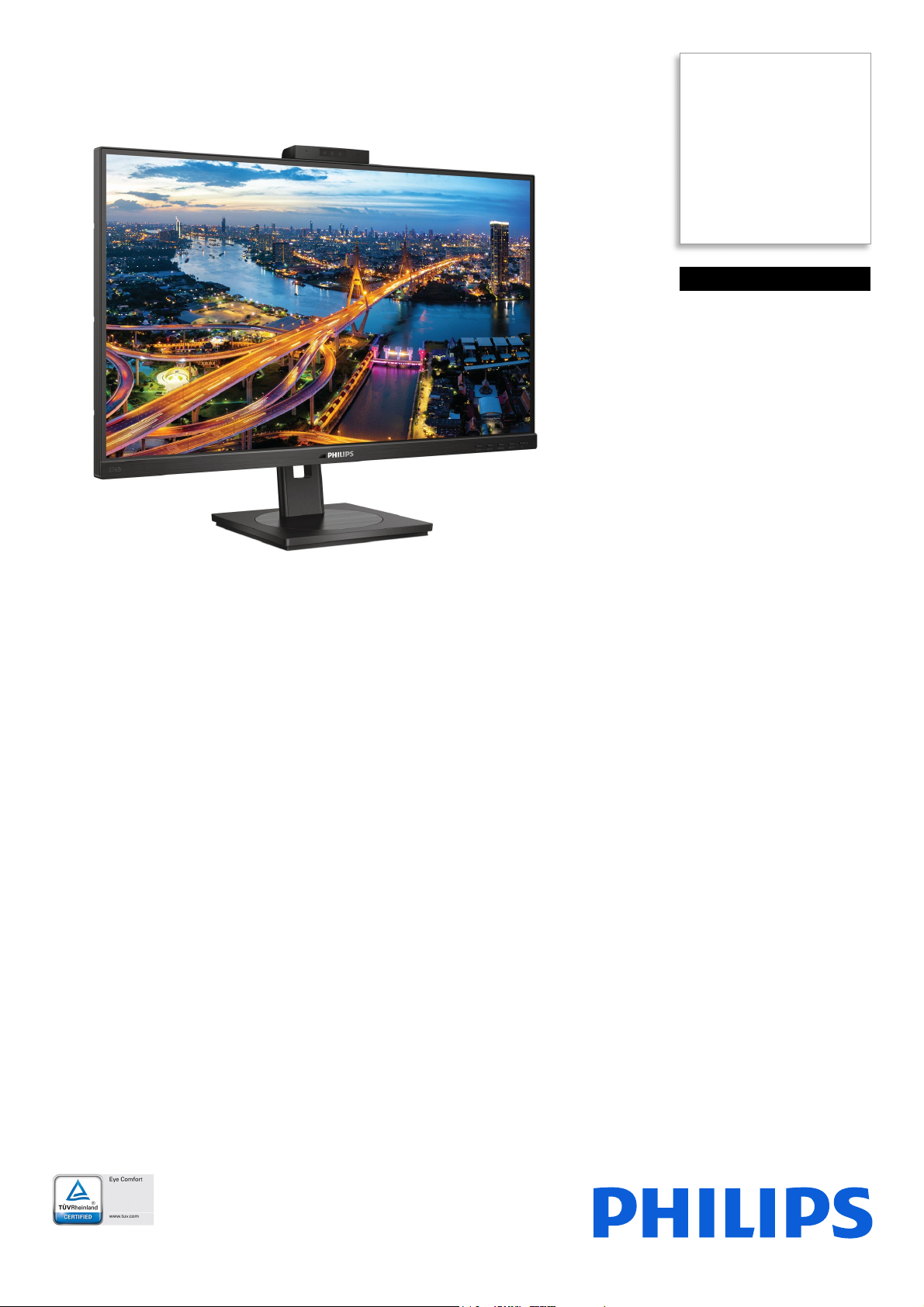
Philips
LCD monitor with USB
docking
B Line
27" (68.6 cm)
2560 x 1440 (QHD)
276B1JH
Simplify your connections
with hybrid USB docking
This Philips monitor offers 100 W power delivery and a simple laptop docking solution.
One USB dual mesh cable with Type C and A connectors delivers video, Ethernet, power
charge and DisplayLink functions. Windows Hello webcam offers greater security.
Single cable for USB docking
• Built-in USB docking simplifies your connections
• One USB dual-mesh cable further reduces cable clutter
• USB-C enables laptop power charging directly from a monitor
• USB-A with DisplayLink enables compatibility with existing laptops
• Built-in RJ-45 Ethernet gives data security
Excellent performance
• IPS technology for full colours and wide viewing angles
• LowBlue Mode for easy-on-the-eyes productivity
• Securely sign in with pop-up webcam with Windows Hello™
• DisplayPort-out for connecting additional displays
Designed for sustainability
• Designed to meet environmental standards
• PowerSensor saves up to 80% energy costs
• LightSensor for the perfect brightness with minimal power
Page 2
276B1JH/00
LCD monitor with USB docking
B Line 27" (68.6 cm), 2560 x 1440 (QHD)
Highlights
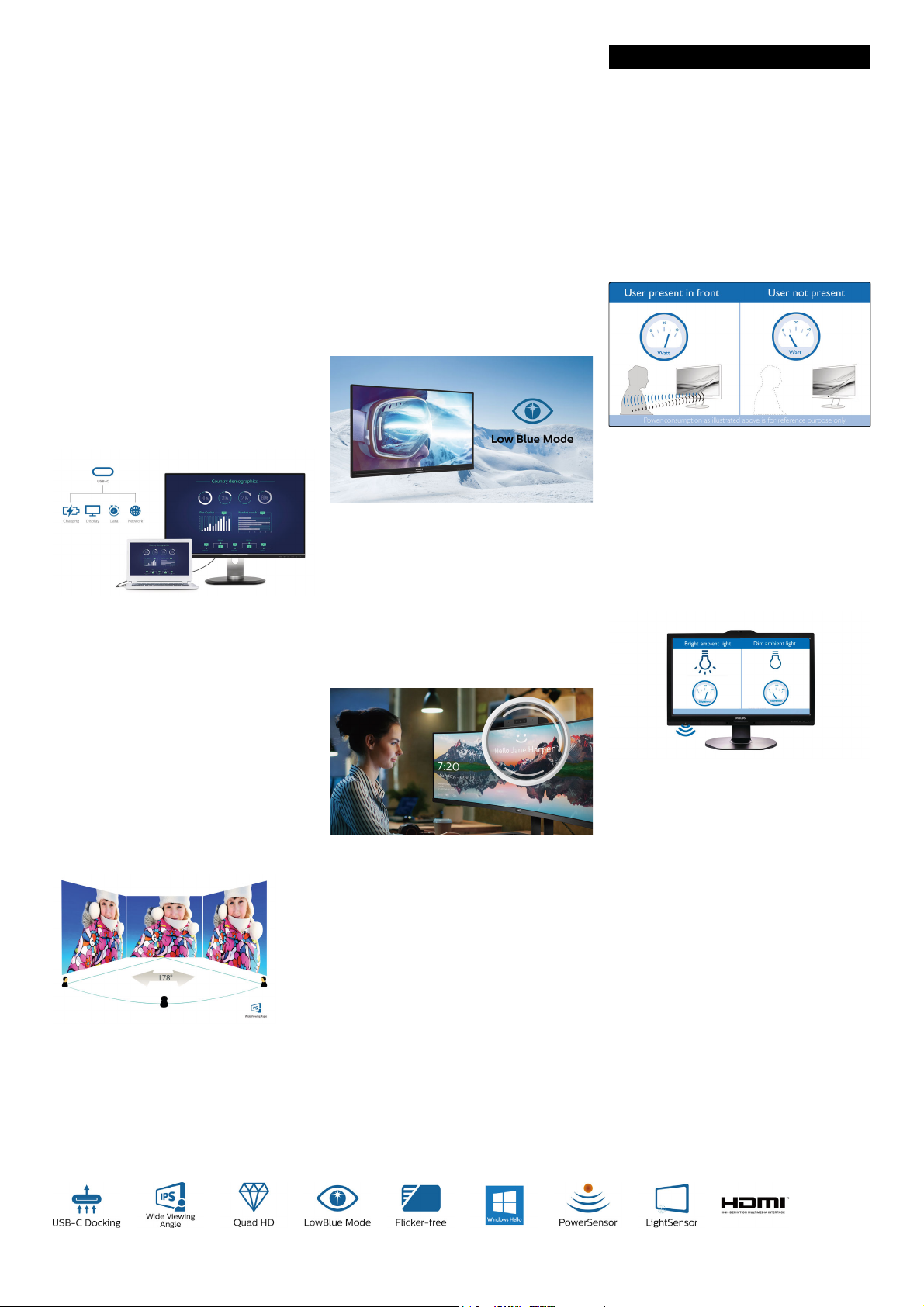
USB Docking
Philips USB-docking monitors deliver universal
po
rt replication for simple, clutter-free
notebook connection. Securely connect to
networks and transmit data, video and audio
from a laptop using just a single USB cable.
What's more, you can dock with a USB TypeC port for additional power charging. With
docking monitors with built-in DisplayLink
Technology, users can benefit from forwards
and backwards USB compatibility with virtually
any recent notebook. USB docking can boost
business productivity and reduce costs.
USB Type-C connection
This Philips display features a built-in USB typeC docking station with power delivery. With
intelligent and flexible power management, you
can power charge your compatible* laptop
directly. Its slim, reversible USB-C connector
allows for easy, one-cable docking. Simplify by
connecting all your peripherals like keyboard,
mouse and your RJ-45 Ethernet cable to the
monitor's docking station. You can watch highresolution video and transfer data at superspeed, while powering up and re-charging your
notebook at the same time.
IPS technology
degrees, making it possible to view the display
from almost any angle — even in 90-degree
Pivot mode! Unlike standard TN panels, IPS
displays gives you remarkably crisp images with
vivid colours, making it ideal not only for
Photos, films and web browsing, but also for
professional applications that demand colour
accuracy and consistent brightness at all times.
LowBlue Mode
Studies have shown that just as ultra-violet rays
can cause eye damage, shortwave-length blue
light rays from LED displays can cause eye
damage and affect vision over time. Developed
for wellbeing, the Philips LowBlue Mode
setting uses a smart software technology to
reduce harmful shortwave blue light.
Windows Hello™ pop-up webcam
Philips' innovative and secure webcam pops up
when you need it and securely tucks back into
the monitor when you are not using it. The
webcam is also equipped with advanced
sensors for Windows Hello™ facial
recognition, which conveniently logs you into
your Windows devices in less than 2 seconds,
3 times faster than a password.
cable from your first display to the PC. The
ability to daisy chain multiple displays enables
you to maintain a clean desktop without the
hassle of too many wires.
PowerSensor
PowerSensor is a built-in 'people sensor' that
transmits and receives harmless infrared
signals to determine if the user is present and
then automatically reduces monitor brightness
when then user steps away from the desk,
cutting energy costs by up to 80 percent and
prolonging monitor life
LightSensor
LightSensor uses a smart sensor to adjust the
picture brightness depending on the light
conditions in the room for the perfect picture
with minimal power usage.
IPS displays use advanced technology that gives
you extra-wide viewing angles of 178/178
DisplayPort-out
With DisplayPort-out you can connect
m
ultiple high-resolution displays with just one
Page 3

276B1JH/00
LCD monitor with USB docking
B Line 27" (68.6 cm), 2560 x 1440 (QHD)
Specifications
Picture/Display
• LCD panel type: IPS technology
• Backlight type: W-LED system
• Panel Size: 27 inch/68.6 cm
• Display Screen Coating: Anti-Glare, 3H, Haze 25%
• Effective viewing area: 596.736 (H) x 335.664 (V)
• Aspect ratio: 16:9
• Maximum resolution: 2560 x 1440 @ 75 Hz*
• Pixel Density: 109 PPI
• Response time (typical): 4 ms (Grey to Grey)*
• Brightness: 300 cd/m²
• Contrast ratio (typical): 1000:1
• SmartContrast:
50,000,000:1
• Pixel pitch: 0.2331 x 0.2331 mm
• Viewing angle: 178º (H)/178º (V),
@ C/R > 10
• Flicker-free
• Picture enhancement: SmartImage
• Display colours: 16.7 M
• Colour gamut (typical): NTSC 110%*, sRGB 123%*
• Scanning Frequency: 30–114 kHz (H)/48–75 Hz
(V)
•sRGB
•LowBlue Mode
•EasyRead
Connectivity
• Signal Input: DisplayPort 1.4 x 1, HDMI 1.4 x 1,
USB-C x 1 (DP Alt mode, DisplayLink)*
• HDCP: HDCP 1.4 (HDMI/DP/USB-C video/
playLink)
Dis
• HBR3: for USB-C
• Signal Output: DisplayPort out*
• USB:: Upstream: USB-C 3.2 Gen 1 x 1;
wnstream: USB-C x 1 (PD 15 W), USB-A 3.2 x
Do
h 1 fast charge B.C 1.2)
4 (wit
• Audio (In/Out): Audio out
• DC power out: x 1 (support 19 V @ 4.73 A, max.
90 W)*
• RJ45: Ethernet LAN up to 1 G*, Wake on LAN
• Sync Input: Separate Sync
USB
• USB-C: Reversible plug connector
• Super speed: Data and Video transfer
• DP: Built-in Display Port Alt mode
• Power delivery: USB PD version 3.0
• USB-C max. power delivery: Up to 100 W* (5 V/
3 A; 7 V/3 A; 9 V/3 A; 10 V/3 A; 12 V/3 A; 15 V/
3 A; 20 V/4.5 A)
Convenience
• Built-in Speakers: 3 W x 2
• Built-in webcam: 2.0 megapixel FHD camera with
crophone and LED indicator (for Windows 10
mi
Hello)
• User convenience: SmartImage, Input,
rSensor, Menu, Power On/Off
Powe
• Control software: SmartControl
• OSD Languages: Brazil Portuguese, Czech, Dutch,
glish, French, Finnish, German, Greek,
En
Hungarian, Italian, Japanese, Korean, Portuguese,
Polish, Russian, Simplified Chinese, Spanish,
Swedish, Traditional Chinese, Turkish, Ukrainian
• Other convenience: Kensington lock, VESA mount
Issue date 2021-04-11
Version: 4.0.2
12 NC: 8670 001 70329
EAN: 87 12581 77111 9
(100 x 100 mm)
• Plug and Play Compatibility: DDC/CI, Mac OS X,
RGB, Windows 10 / 8.1 / 8 / 7
s
Stand
• Height adjustment: 150 mm
• Pivot: -/+ 90 degree
•Swivel: -/+ 180 degree
• Tilt: -5~30 degree
Power
• ECO mode: 17.6 W (typ.)
• On mode: 17.7
• Standby mode: 0.3 W
• Off mode: Zero watts with Zero switch
• Energy Label Class: E
• Power LED indicator: Operation - White, Standby
mode - White (f
• Power supply: Built-in, 100–240 VAC, 50–60 Hz
W (typ.) (EnergyStar test method)
lashing)
Dimensions
• Product with stand (max height): 613 x 537 x
225 mm
• Product without stand (mm): 613 x 366 x 54 mm
• Packaging in mm (W x H x D): 730 x 471 x 193 mm
Weight
• Product with stand (kg): 7.38 kg
• Product without stand (kg): 5.59 kg
• Product with packaging (kg): 10.60 kg
Operating conditions
• Temperature range (operation): 0°C to 40°C °C
• Temperature range (storage): -20°C to 60°C °C
• Relative humidity: 20%-80 %
• Altitude: Operation: +12,000 ft (3658 m), Non-
eration: +40,000 ft (12,192 m)
op
• MTBF (demonstrated): 70,000 hrs (excluded
klight)
bac
Sustainability
• Environmental and energy: PowerSensor,
LightSensor, EnergyStar 8.0, EPEAT*, TCO
Certified Edge, RoHS
• Recyclable packaging material: 100 %
• Post-consumer recycled plastic: 85%
• Specific Substances: Mercury free, PVC/BFR free
using
ho
Compliance and standards
• Regulatory Approvals: UKRAINIAN, CB, TUV/GS,
TUV Ergo, SEMKO, CU-EAC, EAEU RoHS, FCC
Class B, ICES-003, CE Mark, TUV Eye Comfort
certified
Cabinet
• Front bezel: Black
• Rear cover: Black
•Foot: Black
• Finish: Texture
What's in the box?
• Monitor with stand
• Cables: HDMI cable, DP cable, USB-C/A Y cable,
© 2021 Koninklijke Philips N.V.
All Rights reserved.
Specifications are subject to change without notice.
Trademarks are the property of Koninklijke Philips N.V.
or their respective owners.
www.philips.com
cable, Power cable
DC out
•User Documentation
•
* "IPS" word mark / trademark and related patents on technologies
belong to their respective owners.
* The maximum resolution works for either HDMI, DP or USB-C
.
input
* Response time value equal to SmartResponse
* NTSC Area based on CIE 1976
* sRGB Area based on CIE1931
* DisplayPort out works only under either DP in or USB-C in.
* Mac OS does not support DP-Out MST extension function.
* USB-C DP Alt mode means USB-C to C c
means USB-C to A cable.
* DC power out function only supports Intel NUC with 19 [email protected] A,
max 90 W. Only one PC or notebook should be connected to either
USB-C or DC out port for power passthrough function)
* If your Ethernet connection seems slow, please enter the OSD menu
and select USB 3.0 or a higher version that can support the LAN
speed up to 1G.
* For Video transmission via USB-C, your Notebook/device must
support USB-C DP Alt mode
* Activities such as screen sharing
Internet can impact your network performance. Your hardware and
network bandwidth will determine the overall audio and video
quality.
* For USB-C power and charging function, your Notebook/device
m
ust support USB-C standard Power Delivery specifications. Please
check with your Notebook user manual or manufacturer for more
details.
* USB-C max. power delivery is up to 100 W because of Smart Power
function. User can adjust monitor brightness setting to get different
levels of power delivery. 1st USB-C port can support up to 90 W
max and 2nd USB-C port can support up to 15 W max. For more
information, please refer to user manual.
* EPEAT rating is valid only where Philips registers the product. Please
visit https://www.epeat.net/ for registration status in your country.
* The monitor may look different from feature images.
able, USB-C DisplayLink
and online streaming over the
 Loading...