

Page 1
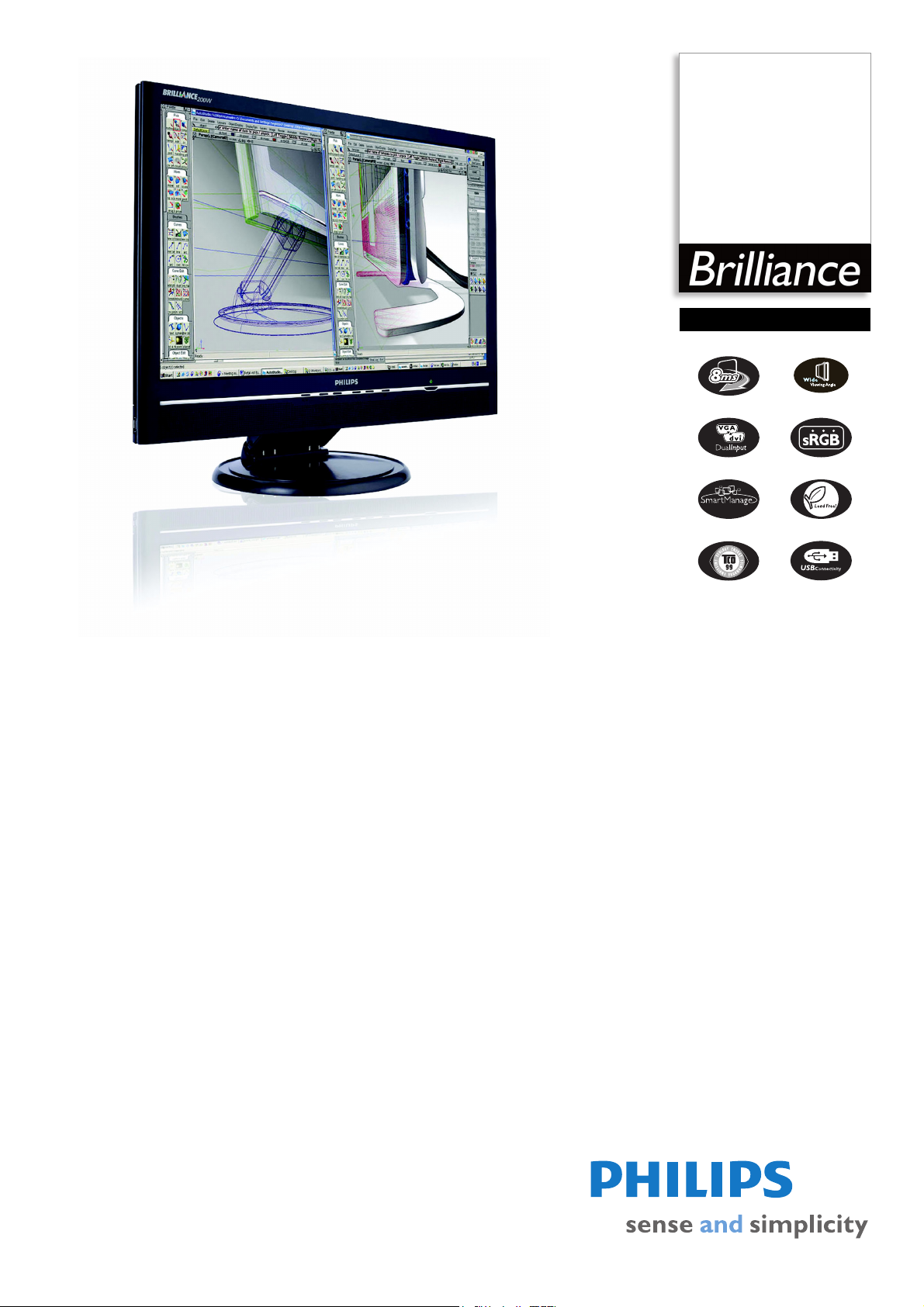
Philips Brilliance
LCD widescreen monitor
20"
WSXGA
200W6CB
your best choice for big,
widescreen productivity
Get more done with true digital display: The big, wide screen 200W6 is your best choice
for great, sharp front-of-screen performance, the widest viewing angle, productivityenhancing remote asset management and lead-free design.
Outstanding front of screen performance
• WSXGA+, wide format 1680x1050 resolution for sharper display
•Fast 8ms On/off response time:Great text & graphics display
• Widest viewing angle up to 176 degrees
• Dual input accepts both analog VGA and digital DVI signals
Maximum comfort for maximum productivity
• SmartManage compatibility enables LAN-based asset management
• Display more images and content without scrolling
• Built-in speakers for audio without desktop clutter
• Stand-alone audio for efficient net conferencing
• Designed for 'just-right' height and angle adjustment
Great convenience
• USB port for convenient peripheral connections
• Easy plug-and-play DVI for a true digital experience
• Embedded power supply eliminates external power adaptors
Page 2

LCD widescreen monitor
200W6CB/27
20" WSXGA
Specifications Product highlights
Picture/Display
• LCD panel type: 1680 x 1050 pixels, Anti-glare
polarizer, RGB vertical stripe
• Panel Size: 20.1"/ 51 cm
• Effective viewing area: 433.4 x 270.9 mm
• Pixel pitch: 0.258 x 0.258 mm
• Brightness (nits): 300 nit
• Contrast ratio (typical): 800:1
• Display colors: 16.7 M
• Viewing angle: @ C/R > 10
• Viewing angle (H / V): 176 / 176 degree
• Response time (typical): 8 (grey to grey) ms
• White Chromaticity, 6500K: x = 0.313 / y = 0.329
• White Chromaticity, 9300K: x = 0.283 / y = 0.297
• Maximum Resolution: 1680 x 1050 @ 75Hz
• Recommended Resolution: 1680 x 1050 @ 60Hz
• Factory Preset Modes: 15 modes
• User definable modes: 39 modes
• Video Dot Rate: 165 MHz
• Horizontal Scanning Frequency: 30 - 93 kHz
• Vertical Scanning Frequency: 56 - 85 Hz
•sRGB
• Aspect ratio: 16:10
Connectivity
• Signal Input: Analog (VGA), DVI-D, PC Audio in
• Audio output: Stereo Audio (3.5 mm jack) 1x
• USB: USB 2.0
• Video Sync Input Signal: Composite Sync, Separate
Sync, Sync on Green
Convenience
• Built-in Audio: 2W RMS x 2 stereo speakers
• Convenience Enhancements: On-screen Display,
SmartManage enabled
• Monitor Controls: Auto, Brightness Control, Left/
Right, Menu (OK), Power On/Off, Up/Down,
Volume control, Input, Size
• OSD Languages: English, French, German, Italian,
Simplified Chinese, Spanish
• Other convenience: Kensington lock compatible
• Plug & Play Compatibility: DDC/CI, sRGB,
Windows 98/ME/2000/XP
• Regulatory Approvals: CE Mark, FCC-B, UL, CSA,
SEMKO, TCO '99, TÜV/GS, TÜV Ergo
• Swivel: +/- 125°
• Tilt: -5° to 20°
• VESA Mount: 100 x 100 mm
Accessories
• Included Accessories: A C P ow er Cord , D VI ca bl e,
PC audio cable, USB cable, VGA cable
• Optional accessories: Super Ergo Base
•User Manual
Dimensions
• Dimensions (with base) (W x H x D):
478
x 423.5 x 235 mm
• Height adjustment range: 45 mm
• MTBF: 50,000 hrs
• Relative humidity: 20% - 80%
• Temperature range (operation): 5°C to 35°C
• Temperature range (storage): -20°C to 60°C
• Weight: 7.6 kg
Power
• Complies with: NUTEK
• Consumption: 50 W (Typical)
• Off Mode: 1.5 W or < 1.5 W
• Power LED indicator: Operation - green, Stand
by/sleep - Amber
• Power supply: Built-in, 90-264 VAC, 50/60 Hz
•
WSXGA+, wide format 1680x1050
Wide format, super extended graphics array is a display
specification that is capable of displaying 1680 x 1050
resolution or approximately 1.7 million pixels.
8ms response time (On/Off)
On-Off response time is the period required for a liquid
crystal cell to go from active (black) to inactive (white)
and back to active (black) again. It is measured in
milliseconds. Faster is better: Lower response time means
faster transitions and, therefore, results in fewer visible
image artifacts in the display of transition of text and
graphics. On-Off response time is a more important
measure in the display of business content like
documents, graphs and photos.
Widest viewing angle
The widest viewing angle up to 176 degree provides the
clearest display from any angle.
Dual input
Dual input provides connectors to accommodate input of
both analog VGA and digital DVI signals.
SmartManage enabled
SmartManage is a system for monitoring, managing and
checking status of display devices as well as delivering
remote support to users who experience difficulties - all
accomplished over a LAN.
Large viewing area
Viewing area is the visible portion of a monitor screen
available for displaying data.
Built-in speakers
Audio speakers built into a display device.
Stand-Alone audio function
Built-in advanced firmware that delivers audio output
even if there is no video input.
Ergonomics design
Ergonomic design makes Philips monitors 'people friendly'
with tilt, swivel and height adjustment so each user can
position the monitor for maximum viewing comfort and
efficiency.
USB 2.0 port
The universal serial bus or USB is a standard protocol for
linking PCs and peripherals. Because it delivers high
speed at a low cost, USB has become the most popular
method for connecting peripheral devices to a computer.
A port located on a monitor directly in the user's line of
sight provides easy, high-speed connectivity for USB
devices at a convenient location. (USB 2.0 support is
dependent on your PC's USB configuration; when
connected to a PC that supports USB 2.0, your monitor is
USB 2.0 compatible)
In-box DVI cable
A DVI cable is shipped with the product to provide high
quality digital display.
Embedded power supply
An embedded power supply is a power adaptor built into
the body of a display device that replaces a bulky external
power adaptor.
Issue date 2008-11-08
Version: 5.0.11
12 NC: 8639 000 16141
UPC: 0 37849 95984 8
© 2008 Koninklijke Philips Electronics N.V.
All Rights reserved.
Specifications are subject to change without notice.
Trademarks are the property of Koninklijke Philips
Electronics N.V. or their respective owners.
www.philips.com
 Loading...