

Page 1
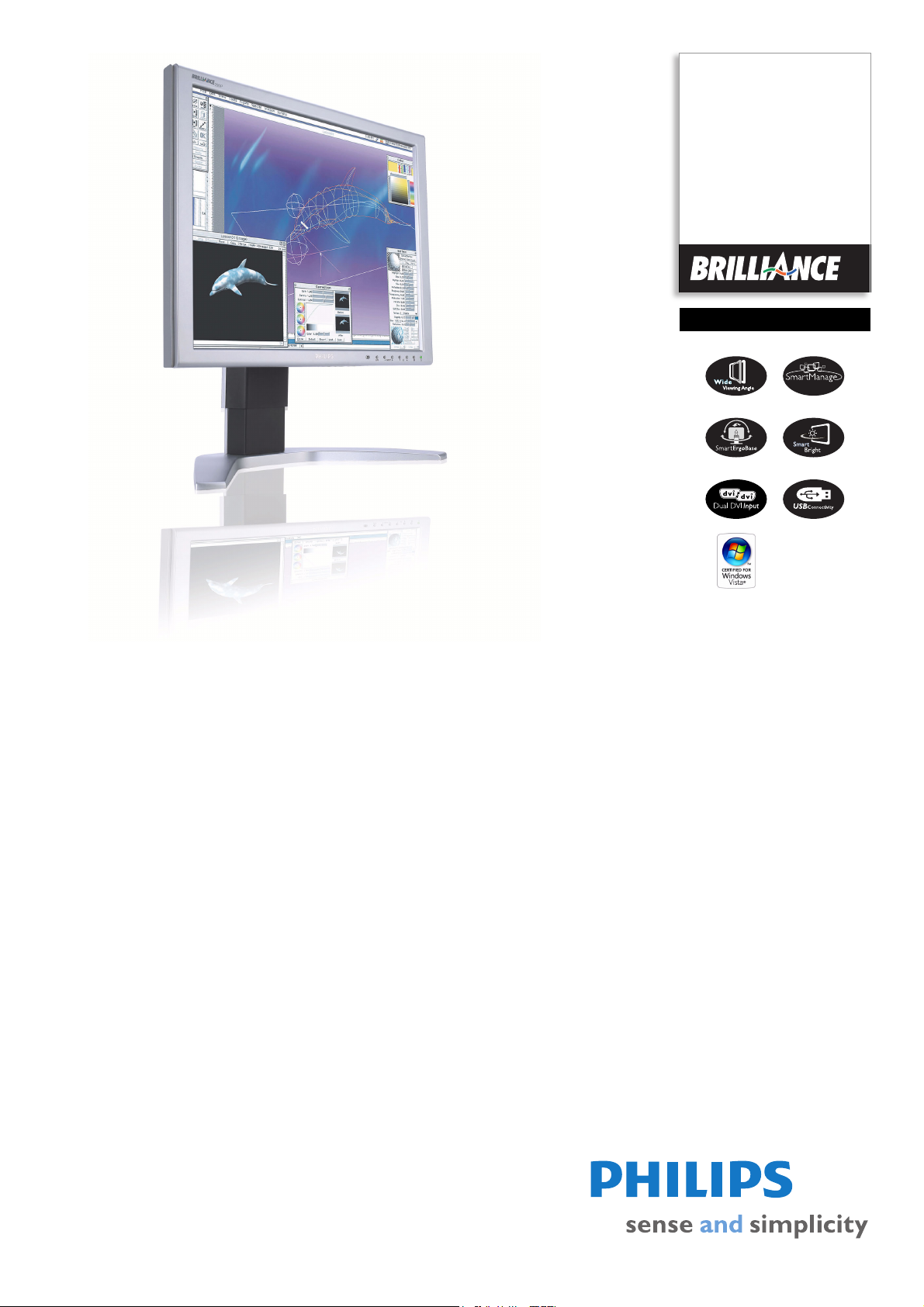
Philips Brilliance
LCD monitor
19"
SXGA
190P7ES
Super display designed for
demanding professionals
Perfect for Finance and Business users, with a full range of productivity-enhance features,
SmartManage remote management, ergonomic and lead-free design, the 190P7 delivers
superb display with the lowest total cost of ownership.
Outstanding front of screen performance
• Widest viewing angle up to 178 degrees
•Fast 8ms On/off response time:Great text & graphics display
• SXGA 1280 x 1024 resolution for sharper display
Best total cost of ownership solution
• Empowered for Windows Vista
• SmartManage compatibility enables LAN-based asset management
Maximum comfort for maximum productivity
• 90 degree screen rotation and smart cable management
• Screen tilt and swivel adjustment for an ideal viewing angle
• Brightness automatically adjusts to ambient light
Great convenience
• Easy to adjust display settings with Philips SmartControl
• Dual DVI for better support of multiple PC source input
• Built-in high-speed USB 2.0 solution for easy connections
Page 2

LCD monitor
190P7ES/01
19" SXGA
Specifications Product highlights
Picture/Display
• LCD panel type: 1280 x 1024 pixels, Anti-glare
polarizer, RGB vertical stripe
• Panel Size: 19"/ 48 cm
• Effective viewing area: 376.3 x 301.1 mm
• Pixel pitch: 0.294 x 0.294 mm
• Brightness: 250 cd/m²
• Contrast ratio (typical): 800:1
• Display colors: 16.7 M
• Viewing angle: 178º (H) / 178º (V), @ C/R > 10
• Response time (typical): 8 ms
• White Chromaticity, 6500K: x = 0.313 / y = 0.329
• White Chromaticity, 9300K: x = 0.283 / y = 0.297
• Maximum Resolution: 1280 x 1024 @ 75Hz
(digital input)
• Recommended Resolution: 1280 x 1024 @ 60Hz
(digital input)
• Video Dot Rate: 140 MHz
• Horizontal Scanning Frequency: 30 - 83 kHz
• Vertical Scanning Frequency: 56 - 76 Hz
•sRGB
Connectivity
• Signal Input: 2 x DVI-I
• USB: 2 x USB 2.0
• Video Sync Input Signal: Composite Sync, Separate
Sync, Sync on Green
• Video input impedance: 75 ohm
• Sync input impedance: 2.2k ohm
• Video input signal levels: 0.7 Vpp
Convenience
• Convenience Enhancements: On-screen Display,
SmartBright, SmartManage enabled
• Monitor Controls: Auto, Brightness Control (Up/
Down), Left/Right, Menu (OK), Input, Power On/
Off
• OSD Languages: English, French, German, Italian,
Russian, Spanish
• Other convenience: Kensington lock compatible
• Plug & Play Compatibility: DDC/CI, sRGB,
Windows 98/ME/2000/XP/Vista
• Regulatory Approvals: CE Mark, EMC, Energy
Star, FCC-B, UL, CSA, SEMKO, TCO '03, TÜV/
GS, TÜV Ergo
• Swivel: +/- 45°
• Tilt: -5° to 25°
• Pivot: 90° (counter-clockwise)
• VESA Mount: 100 x 100 mm
Accessories
• Included Accessories: AC Power Cord, DVI-D
cable, USB cable, VGA cable
•User Manual
Dimensions
• Box dimensions (W x H x D):
510
x 511 x 248 mm
• Box dimensions in inch (W x H x D):
20.1
x 20.1 x 9.8 inch
• Set dimensions (W x H x D):
429.6
x 347 x 66.6 mm
• Set dimensions in inch (W x H x D):
16.8
x 13.7 x 2.6 inch
• Set dimensions with stand (W x H x D):
429.6
x 414 x 215.3 mm
• Set dimensions with stand in inch (W x H x D):
16.8
x 16.3 x 8.5 inch
• Height adjustment range: 130 mm
• Height adjustment range (inch): 5.1 inch
• MTBF: 50,000 hrs
• Relative Humidity: 20% - 80%
• Temperature range (operation): 5°C to 40°C
• Temperature range (storage): -20°C to 60°C
• Product weight (+stand): 8.2 kg
• Product weight (+stand) (lb): 18.1 lb
• Weight incl. Packaging: 10.0 kg
• Weight incl. Packaging (lb): 23.1
Power
• Complies with: Energy Star
• Consumption: 40 W (Typical)
• Off Mode: < 1 W
• Power LED indicator: Operation - green, Stand
by/sleep - Amber
• Power supply: Built-in, 100-240VAC, 50/60Hz
•
Widest viewing angle (178°)
The widest viewing angle up to 178 degree provides the
clearest display from any angles.
8ms response time (On/Off)
On-Off response time is the period required for a liquid
crystal cell to go from active (black) to inactive (white)
and back to active (black) again. It is measured in
milliseconds. Faster is better: Lower response time means
faster transitions and, therefore, results in fewer visible
image artifacts in the display of transition of text and
graphics. On-Off response time is a more important
measure in the display of business content like
documents, graphs and photos.
Windows Vista ready
Philips Vista-ready monitors are empowered for vibrant,
exciting display of this new, visually sophisticated and
demanding Windows operating system, designed to
enhance your entertainment experience, make you more
productive and help you control your computing
experience at home and in the office, making viewing,
finding and organizing information for work or play quick,
efficient and easy.
SmartManage enabled
SmartManage is a system for monitoring, managing and
checking status of display devices as well as delivering
remote support to users who experience difficulties - all
accomplished over a LAN.
Super Ergo Base
The Super Ergo base is a monitor base that delivers
ergonomic display comfort and provides intelligent cable
management. The base's people-friendly height, swivel,
tilt and rotation angle adjustments position the monitor
for maximum comfort that can ease the physical strains
of a long workday; intelligent cable management reduces
cable clutter and keeps the workspace neat and
professional.
SmartBright
SmartBright is an exclusive Philips feature that employs a
built-in sensor to automatically adjust display settings,
delivering the very best viewing experience, reduced
energy consumption and prolonged monitor life while
eliminating bright-screen-dark-room and dark-screenbright-room eyestrain fatigue - all without the bother of
manually adjusting display brightness as room lighting
conditions change.
SmartControl
PC software for fine tuning display performance and
settings. Philips offers users two choices for display setting
adjustment. Either navigate the multilevel On Screen
Display menu through buttons on the display itself or use
the Philips SmartControl software to easily adjust the
various display settings in a familiar way.
Dual DVI input
The ability to switch among input from multiple PC
sources on a single display rather than employing a
separate monitor for each PC. Dual DVI input is
especially useful with professional applications. A hot-key
switches display among available computer inputs
without the need to change cables.
USB connectivity solution
The universal serial bus or USB is a standard protocol for
linking PCs and peripherals. Because it delivers high
speed at a low cost, USB has become the most popular
method for connecting peripheral devices to a computer.
Issue date 2008-07-03
Version: 8.0.11
12 NC: 8639 000 17092
EAN: 87 10895 97285 7
© 2008 Koninklijke Philips Electronics N.V.
All Rights reserved.
Specifications are subject to change without notice.
Trademarks are the property of Koninklijke Philips
Electronics N.V. or their respective owners.
www.philips.com
By placing a USB 2.0 solution in a monitor, Philips
provides a conveniently located, easy-to-use, high-speed
USB connection for reading, writing, loading and
transferring programs, data, digital media or music files
to, from or among your PC and one or more USB devices.
 Loading...