

Page 1
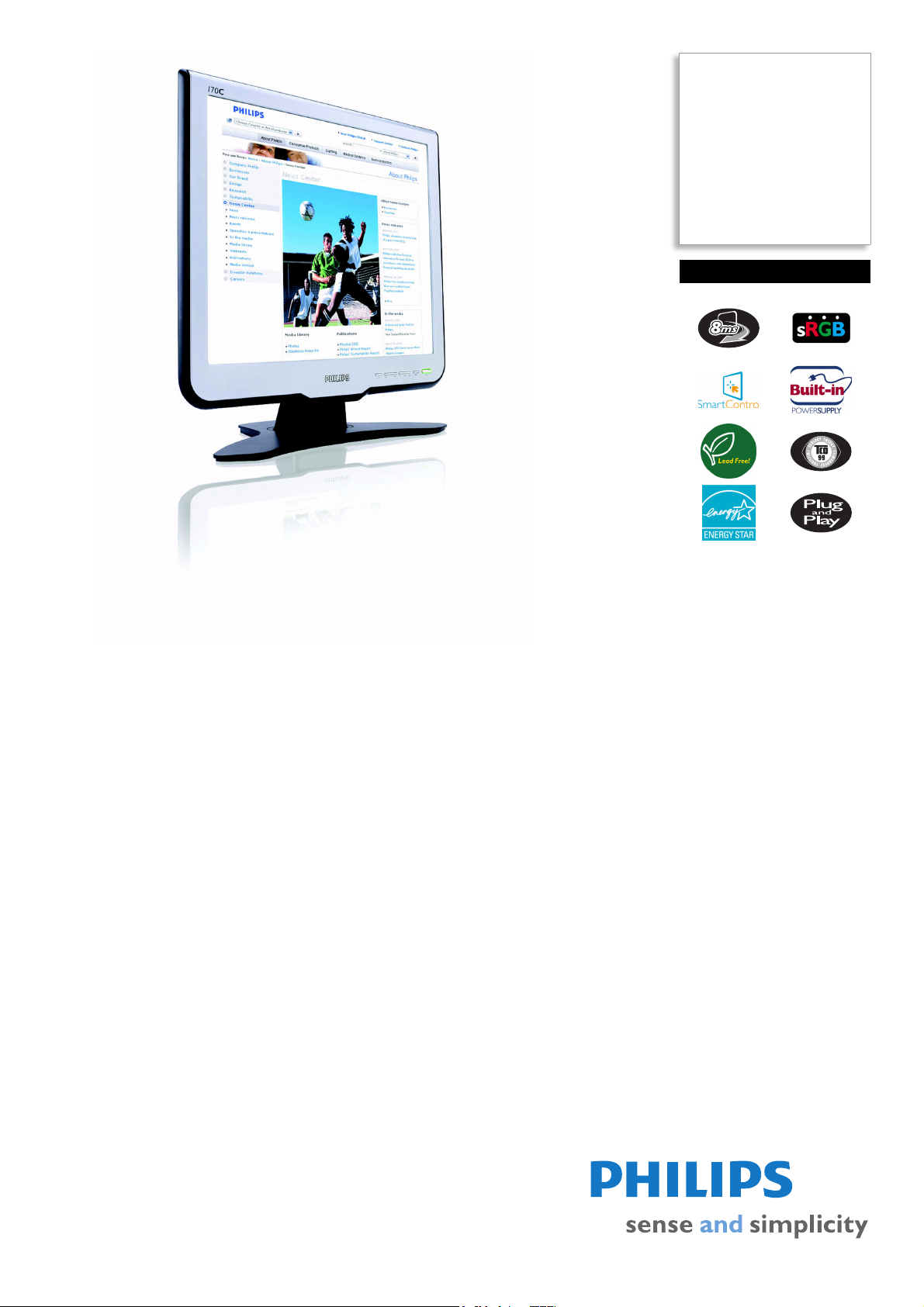
Philips
LCD monitor
17"
SXGA
170C6FS
elegance matters
Designed for you! Matching superb front-of-screen performance and convenience with
elegant design, the 170C6 delivers great value for the money while adding style to any
room with sleek lines and cool colors.
Outstanding front of screen performance
•Fast 8ms On/off response time:Great text & graphics display
• SXGA 1280 x 1024 resolution for sharper display
• sRGB ensures color matching between display and printouts
Design that complements any interior
• Sleek, elegant design complements your home decor
• Compact and slim design that fits in every room
Best Value for Money
• Lead-free design safeguards our environment
• TCO guarantees the highest safety and ergonomics standards
• Power consumption below the industry average
Great convenience
• Easy to adjust display settings with Philips SmartControl
• Embedded power supply eliminates external power adaptors
• Auto adjustment for perfect picture display with one touch
Page 2

LCD monitor
170C6FS/00
17" SXGA
Specifications Product highlights
Picture/Display
• LCD panel type: 1280 x 1024 pixels, Anti-glare
polarizer, RGB vertical stripe
• Panel Size: 17"/ 43.3 cm
• Effective viewing area: 337.9 x 270.3 mm
• Pixel pitch: 0.264 x 0.264 mm
• Brightness (nits): 250 nit
• Contrast ratio (typical): 500:1
• Display colors: 16.2 M
• Viewing angle: @ C/R > 5
• Viewing angle (H / V): 160 / 145 degree
• Response time (typical): 8 ms
• White Chromaticity, 6500K: x = 0.313 / y = 0.329
• White Chromaticity, 9300K: x = 0.283 / y = 0.297
• Maximum Resolution: 1280 x 1024 @ 75 Hz
• Optimum Resolution: 1280 x 1024 @ 60 Hz
• Factory Preset Modes: 15 modes
• User definable modes: 50 modes
• Video Dot Rate: 140 MHz
• Horizontal Scanning Frequency: 30 - 83 kHz
• Vertical Scanning Frequency: 56 - 76 Hz
•sRGB
Connectivity
• Signal Input: VGA (Analog )
• Video Sync Input Signal: Composite Sync, Separate
Sync, Sync on Green
Convenience
• Buttons and controls: Front keys
• User convenience: On-screen Display,
SmartControl
• Monitor Controls: Auto, Brightness Control, Left/
Right, Menu (OK), Power On/Off, Up/Down
• OSD Languages: English, French, German, Italian,
Simplified Chinese, Spanish
• Other convenience: Kensington lock compatible
• Plug & Play Compatibility: DDC/CI, sRGB,
Windows 98/ME/2000/XP
• Regulatory Approvals: CE Mark, E2000, EMC,
FCC-B, UL, CSA, Energy Star, SEMKO, TCO '99,
TÜV/GS, TÜV Ergo
• Tilt: -5° to 20°
Accessories
• Included Accessories: AC Power Cord, VGA
cable
•User Manual
Dimensions
• Dimensions (with base) (W x H x D):
403
x 392 x 171 mm
• MTBF: 50,000 hrs
• Relative humidity: 20% - 80%
• Temperature range (operation): 5°C to 35°C
• Temperature range (storage): -20°C to 60°C
• Weight: 4.5 kg
Power
• Complies with: E2000, Energy Star, NUTEK
• Consumption (On mode): 30W (Typical)
• Consumption (Off Mode): < 1 W
• Power LED indicator: Operation - green, Stand
by/sleep - Amber
• Power supply: Built-in, 90-264 VAC, 50/60 Hz
•
8ms response time (On/Off)
On-Off response time is the period required for a liquid
crystal cell to go from active (black) to inactive (white)
and back to active (black) again. It is measured in
milliseconds. Faster is better: Lower response time means
faster transitions and, therefore, results in fewer visible
image artifacts in the display of transition of text and
graphics. On-Off response time is a more important
measure in the display of business content like
documents, graphs and photos.
sRGB ready
sRGB is an industry standard that ensures the best
possible match between the colors displayed on your
screen and those in your printouts.
Lead-free
Lead-free display products are designed and produced in
compliance with strict European Community Restriction
of Hazardous Substances (RoHS) standards that restrict
lead and other toxic substances that can harm the
environment.
TCO '99 compliance
A TCO (Swedish Confederation of Professional
Employees) standard even more stringent than MPR-II
for safety and ergonomics, especially concerning
alternating electric fields (AEF).
SmartControl
PC software for fine tuning display performance and
settings. Philips offers users two choices for display setting
adjustment. Either navigate the multilevel On Screen
Display menu through buttons on the display itself or use
the Philips SmartControl software to easily adjust the
various display settings in a familiar way.
Embedded power supply
An embedded power supply is a power adaptor built into
the body of a display device that replaces a bulky external
power adaptor.
Issue date 2009-01-22
Version: 3.0.4
12 NC: 8639 000 16452
EAN: 87 10895 90992 1
© 2009 Koninklijke Philips Electronics N.V.
All Rights reserved.
Specifications are subject to change without notice.
Trademarks are the property of Koninklijke Philips
Electronics N.V. or their respective owners.
www.philips.com
 Loading...