

Page 1
PRODUCT DATA SHEET
FT01-Q-DTC
THERMOSTATIC FA
NTRAY
Product Description
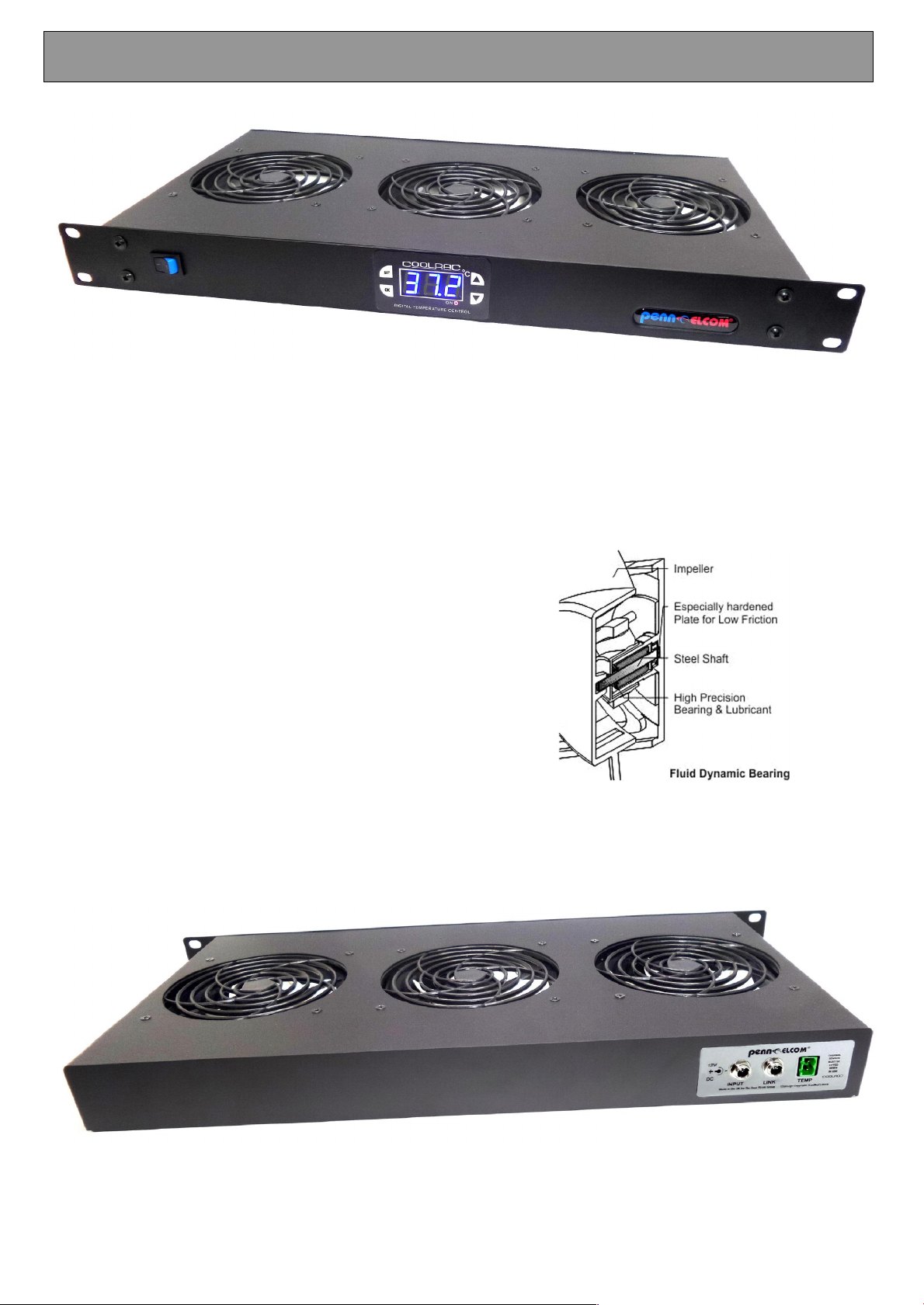
1U Rack Mountable Digital Thermostatically Controlled Quiet Fan Tray unit, for use in 19” equipment
racks. It is designed be fitted at the top of the rack to move hot air up through the rack as required.
Technical Specifications
Continuous tempera
Set & forget fan control
Fan run LED indicator
Over temperature alarm
Temperature Sensor Input Socket
Plug-in PTC sensor 1m lead
Low Noise (22.5 dBA)
12V DC Operation - 500mA
3 x 9 Bladed Swiss 120mm Fans
220 CFM / 378m³/h
Japan made Fluid Bearings
Temperature Sensor Input Socket
DC in/out sockets
1A world wide universal PSU supplied
Black Powder Coated Steel Construction
Dimensions (OD) 44.5 x 483 x 222mm
Weight 1.4kgs
ture monitoring
Page 2
Thermal Control
CRC-LINK
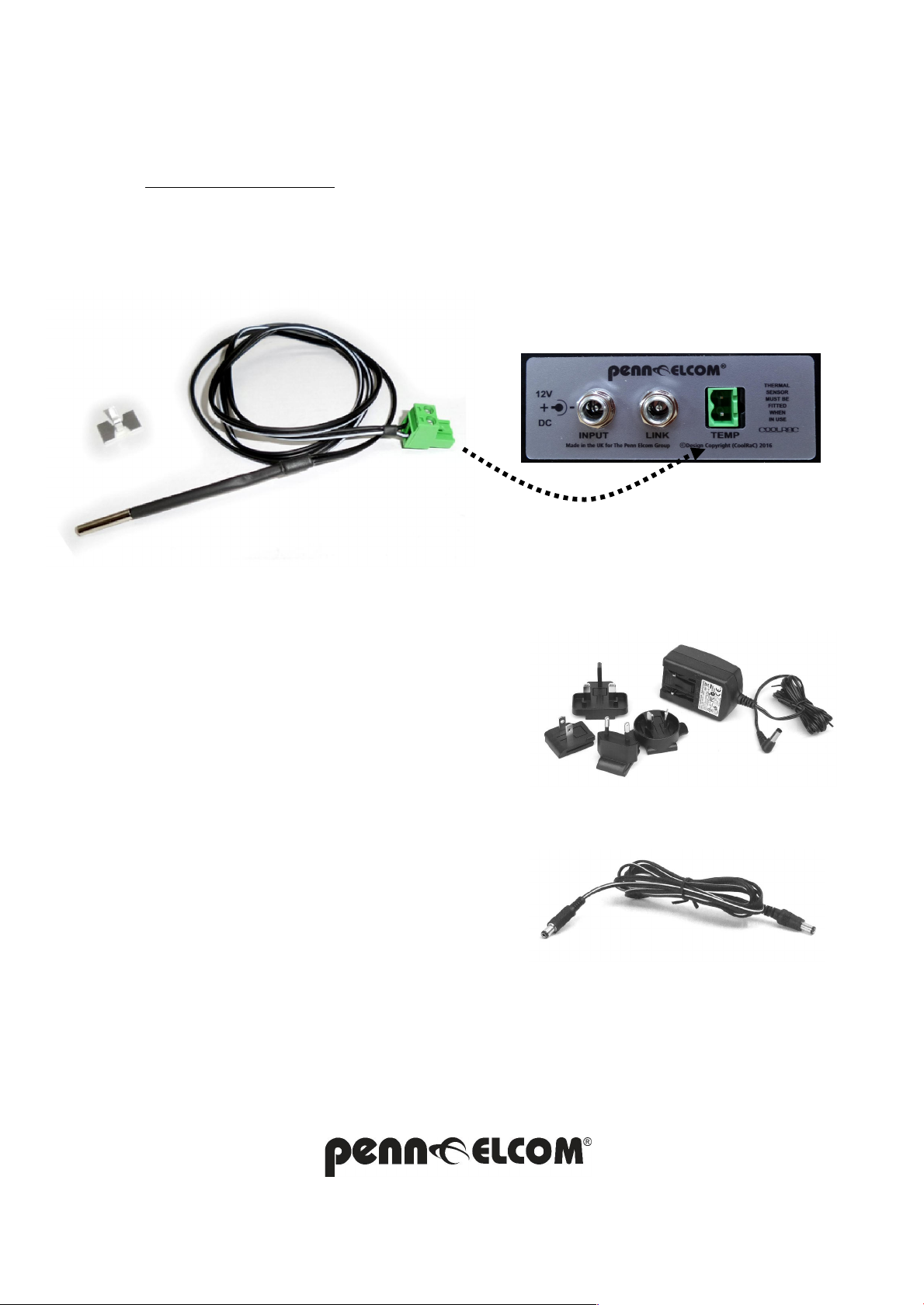
A thermal PTC sensor is provided and will need to be plugged into the fan tray before use.
The unit is factory set to operate at 30ºand will reset as the temperature falls back by 4º.
Custom settings can be made using the front panel buttons.
Using the alloy adhesive clip the sensor should be mounted onto an area where the sensor can
pick up the ambient temperature
of the equi
pment being cooled, and NOT directly to the main
heat source.
Power Supply
A UNIVERSAL-PSU 12V DC 1A supply that can
power up to 2 fan units is supplied.
The Link socket shown below can be used to pass
this power to 1 other unit via a CRC-Link cable
9-10 Parsons Road, Parsons Industrial Estate, Washington Tyne & Wear, NE37 1HB, UK
0191 416 1717 or www.penn-elcom.com
2016 –FT01Q-DTC 1U F
AN TRAY is the exclusive design copyright of Penn-Elcom UK NE37 1HB - E&OE
Page 3
REAR INPUT PANEL
USER SETTING GUIDE
DTC
DIGITAL THERMOSTA
TIC CONTROLLER MODULE
These Digi
COOLRAC range and are used to monitor and manage all of our low noise DC fan units.
tal Thermostatic Controller Modules are fitted in 3 products within the Penn- Elcom
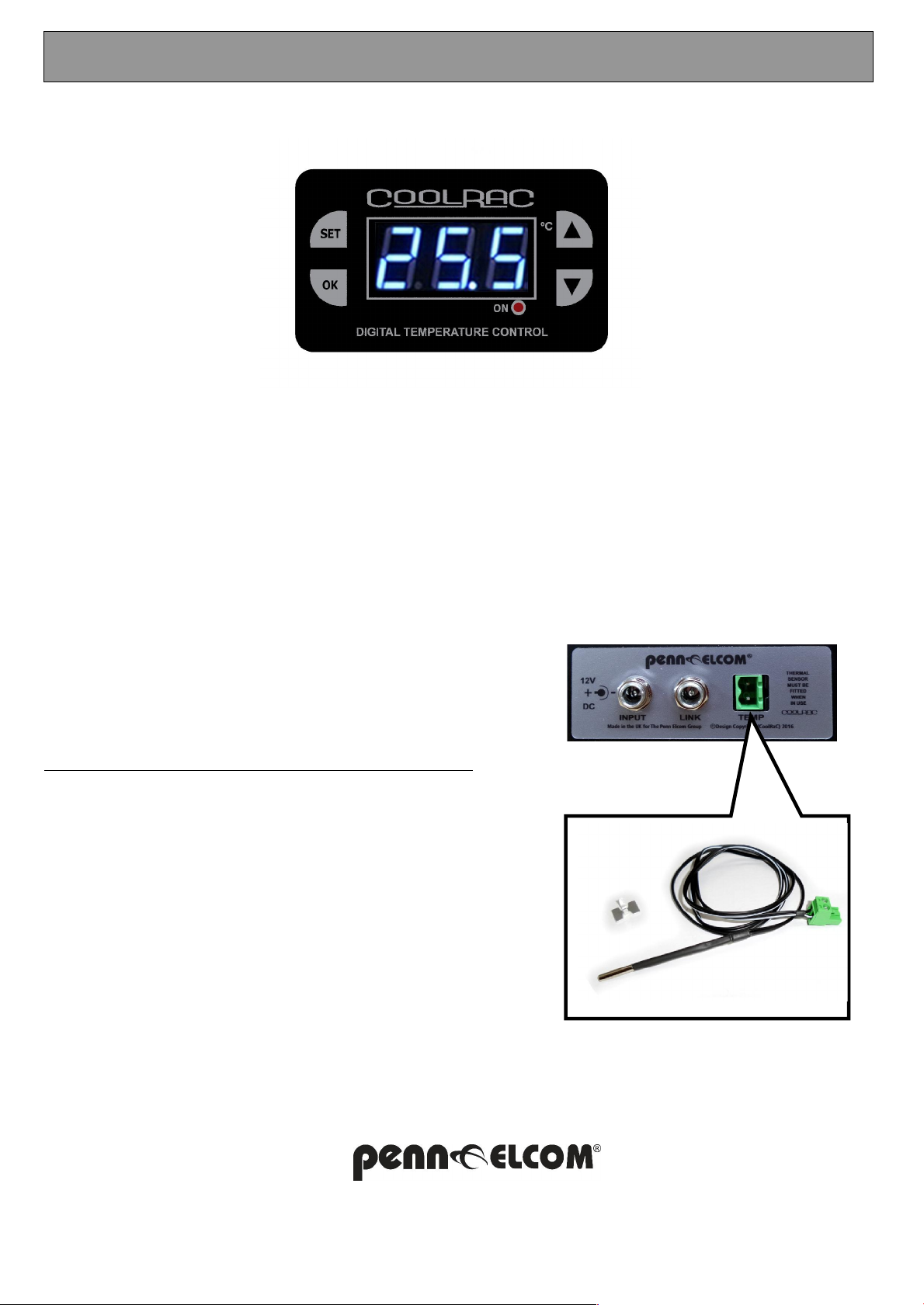
PLEASE NOTE: The temperature probe must be plugged in for this unit to operate, an alarm will sound
if it is not connected.
It is vital that the sensor probe is fitted in the right area to get the best result from your controller
DO NOT fit it too near the main heat source as it will always be ON.
Somewhere close to the top of the rack is probably the best place to pick up the ambient temperature
of the enclosure. Although to get the best result, some experimentation may be needed.
Once in the right place the average temperature of the enclosure will then be constantly displayed.
Setting the fan ON temperature
The units are factory set to 30º to change this:-
Press the SET button once to show the ON temperature
Adjust temperature using up and down buttons.
Deduct 2º from the desired activation temperature
Press OK button to save this temperature setting.
Please note fans will stop 2º below the setting entered
The red indi
This unit is multi-functional, so pressing buttons in the wrong
sequence can cause the unit to malfunction see section below
Resetting the Default Values
cator at the bottom will light when the unit is ON
Press and hold the SET button until P0 is shown in display.
Press the down button, until P8 is shown in display
Press SET button, so OFF is shown in display
Press the down button and ON will be shown in display
Finally Press the OK button.
Then set back to the desired temperature.
9-10 Parsons
2016 –DTC THERM
Road, Parsons Industrial Estate, Washington Tyne & Wear, NE37 1HB, UK
0191 416 1717 or www.penn-elcom.com
AL CONTROLLER is the exclusive design copyright of Penn-Elcom UK NE37 1HB - E&OE
TEMP SENSOR PR
OBE
 Loading...