

Page 1

PEBBELL
Quick start guide
Page 2
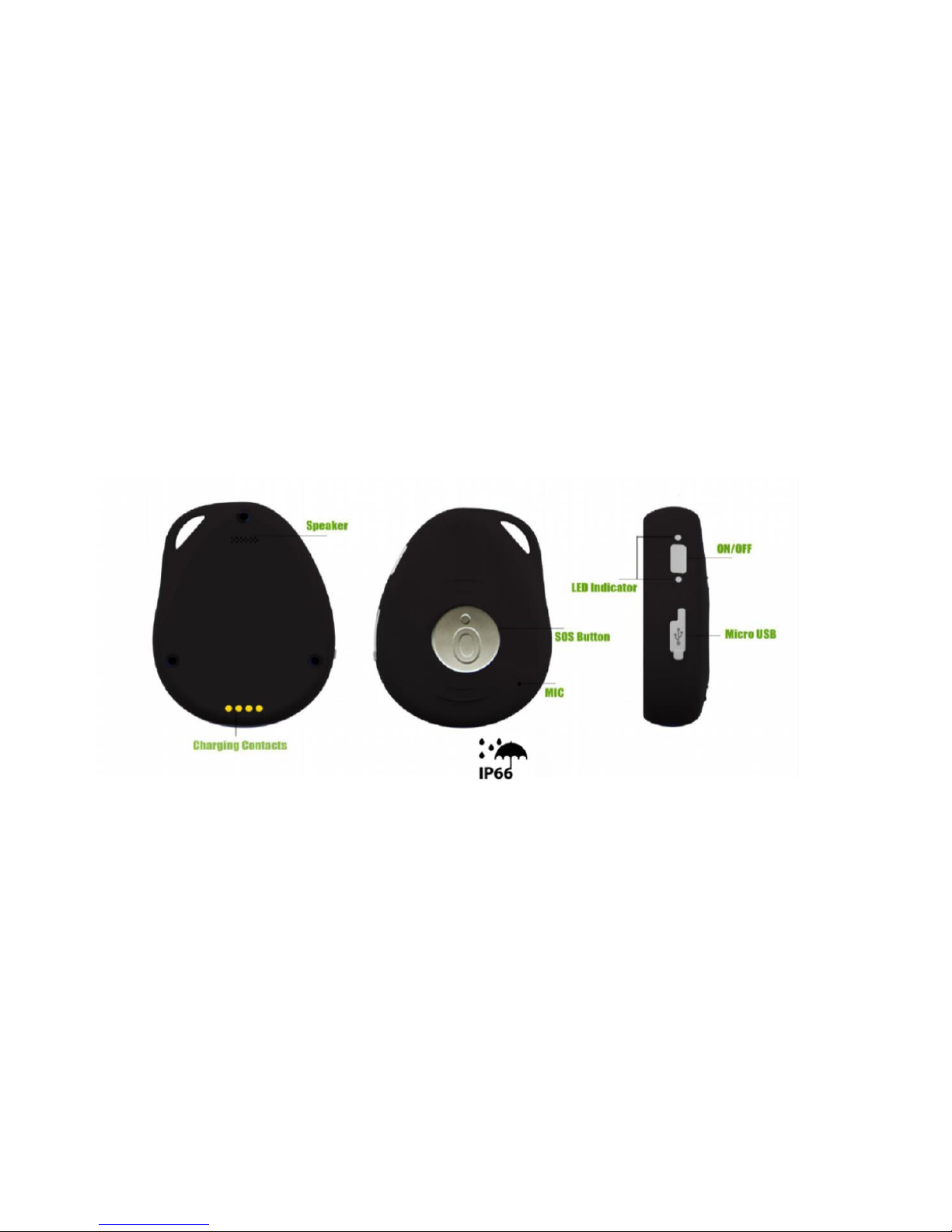
STARTING PEBBELL 2
1
GETTING TO KNOW YOUR DEVICE
Page 3

STARTING PEBBELL 2
2
DEVICE CHARGING
The Pebbell 2 device is equipped with an internal rechargeable battery. The autonomy of the battery
may vary depending on the GPS and GSM activity and the use of the device.
When charging for the first time, please fully charge the battery for around 3~4 hours,
using the USB charger or using the docking station to charge. Thus the maximum capacity
and lifecycle of the battery is ensured
o Place the device on the docking station
o Connect the Micro USB side of the cable to the docking station port and connect
the other end of the cable to the designated AC power source (USB/AC adaptor)
o When charging the RED LED (on docking station) will be blinking (solid). After
fully charged, the RED LED WILL be SOLID
Note: A wrong charger may damage the device. Use only the original Pebbell charger. The ideal
temperature range for charging is between +10° C and +30° C. The battery life might be shortened
if charging the battery below or above those temperatures.
Page 4
STARTING PEBBELL 2
3
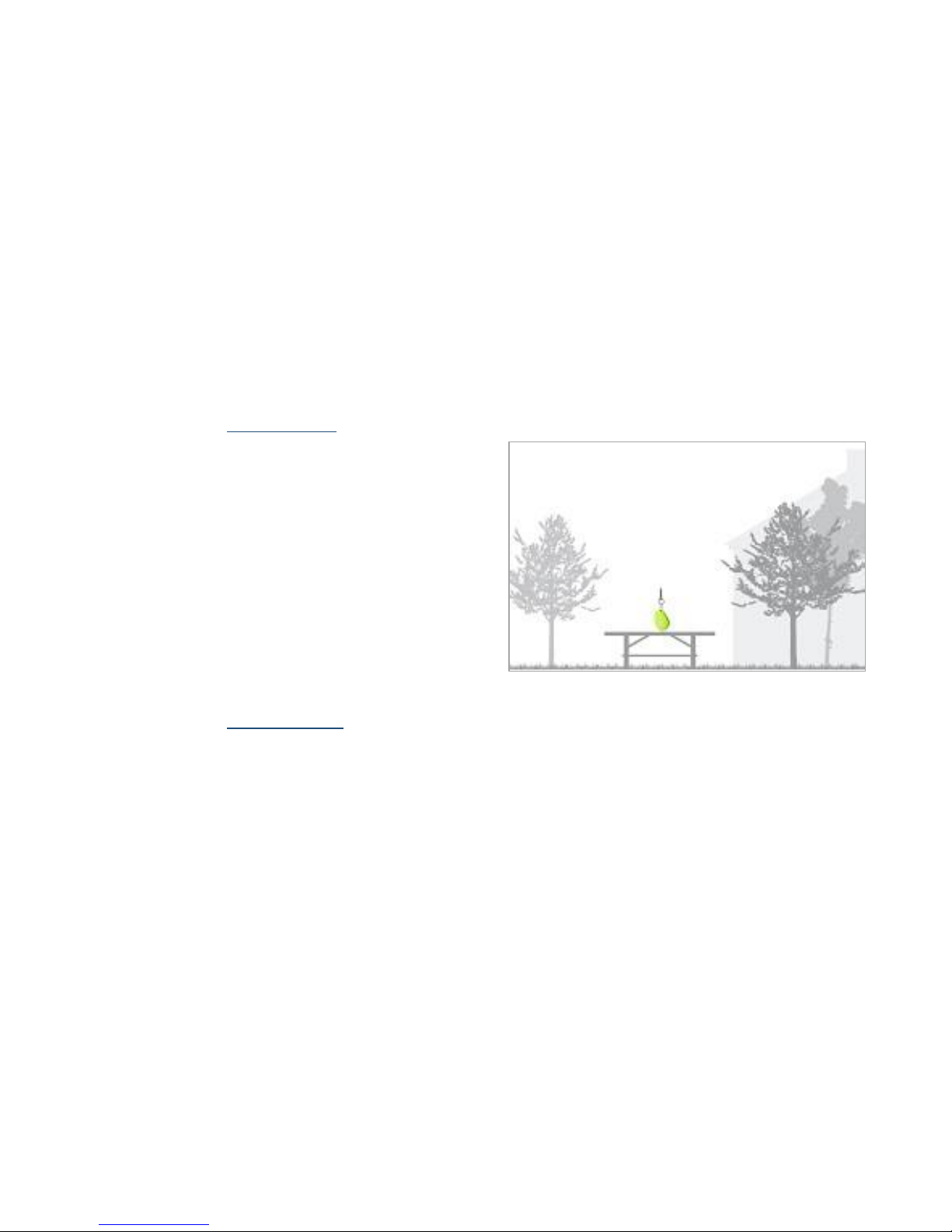
SWITCHING THE DEVICE ON
To turn on the device: Press the side
power button for 1 second, all the LEDs
will flash rapidly. Device can also be
turned on automatically by charging via
USB or put into the docking station
To get an initial location, use outdoors or
near a window so the device may fix onto
the satellites.
SWITCHING THE DEVICE OFF
To turn off the device: Press and hold the side button and SOS button together for 1 seconds
until the LEDs are off
Page 5
STARTING PEBBELL 2
4
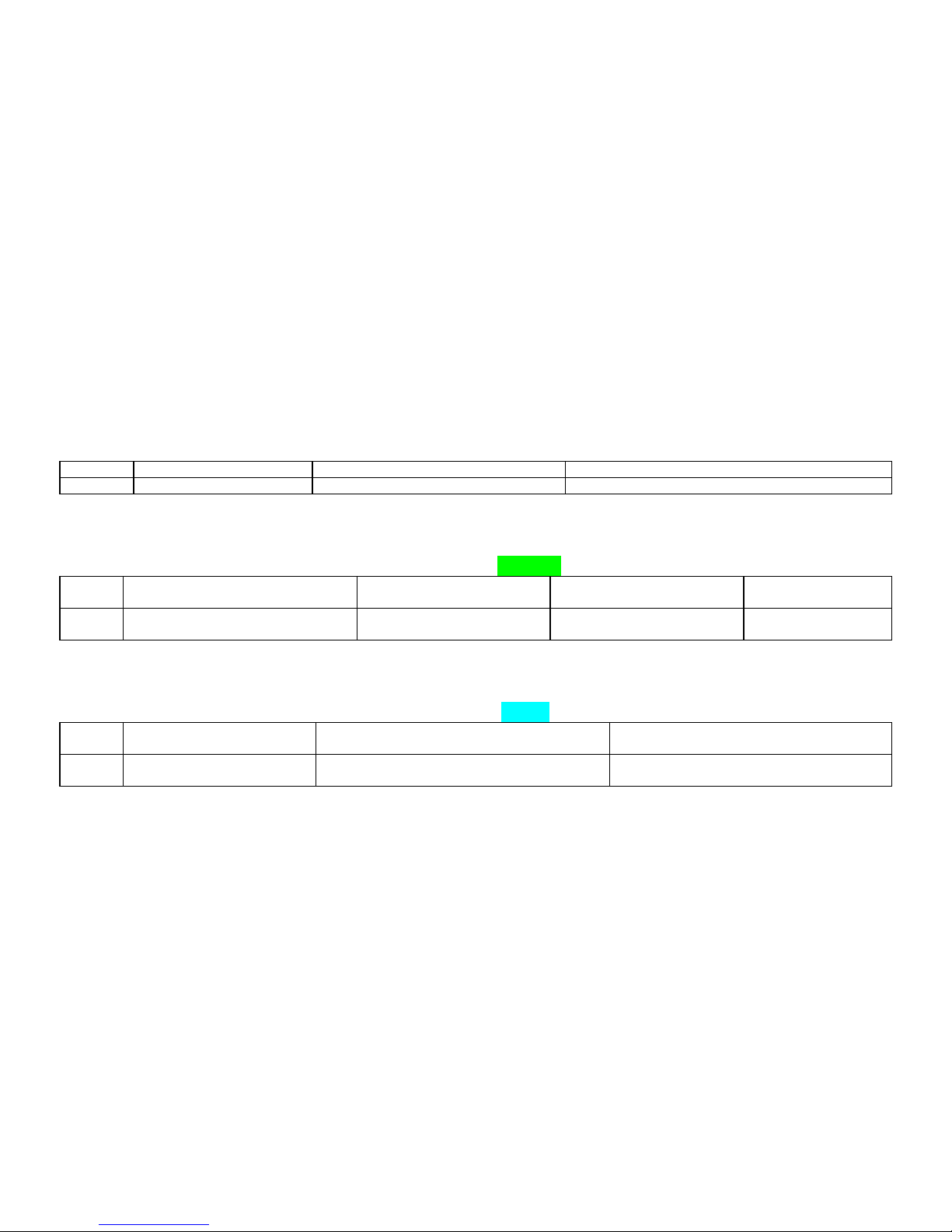
WHAT DO THE LIGHTS MEAN?
POWER STATUS - LED
LED
Blue ON (solid)
Blue Blinking Quickly
Blue Off or blinking slowly
STATE
The device is charging
Battery power is lower than 15%
Device has been fully charged or not charging
GSM LED – GREEN
LED
Light shows a single flash rapidly
every 3 seconds
Light shows a double flash
rapidly every 3 seconds
Light shows a slow flash
every 3 seconds
Light Solid (not
flashing)
STATE
The device is connected to the
GSM network
The device is registered to
the GPRS network
The device is connecting
to the GSM network
No SIM card is
detected
GPS LED - BLUE
LED
Light shows a single flash
rapidly every 3 seconds
Light shows a slow flash every 3 seconds
(every 1 second ON and 3 seconds OFF)
Blue OFF (when device not charging)
STATE
The device has a GPS
positioning fix
The device has NP GPS fix
The GPS chip is Sleeping
Page 6
STARTING PEBBELL 2
5
CONFIGURATION BY SMS
1. Set the Authorized Number
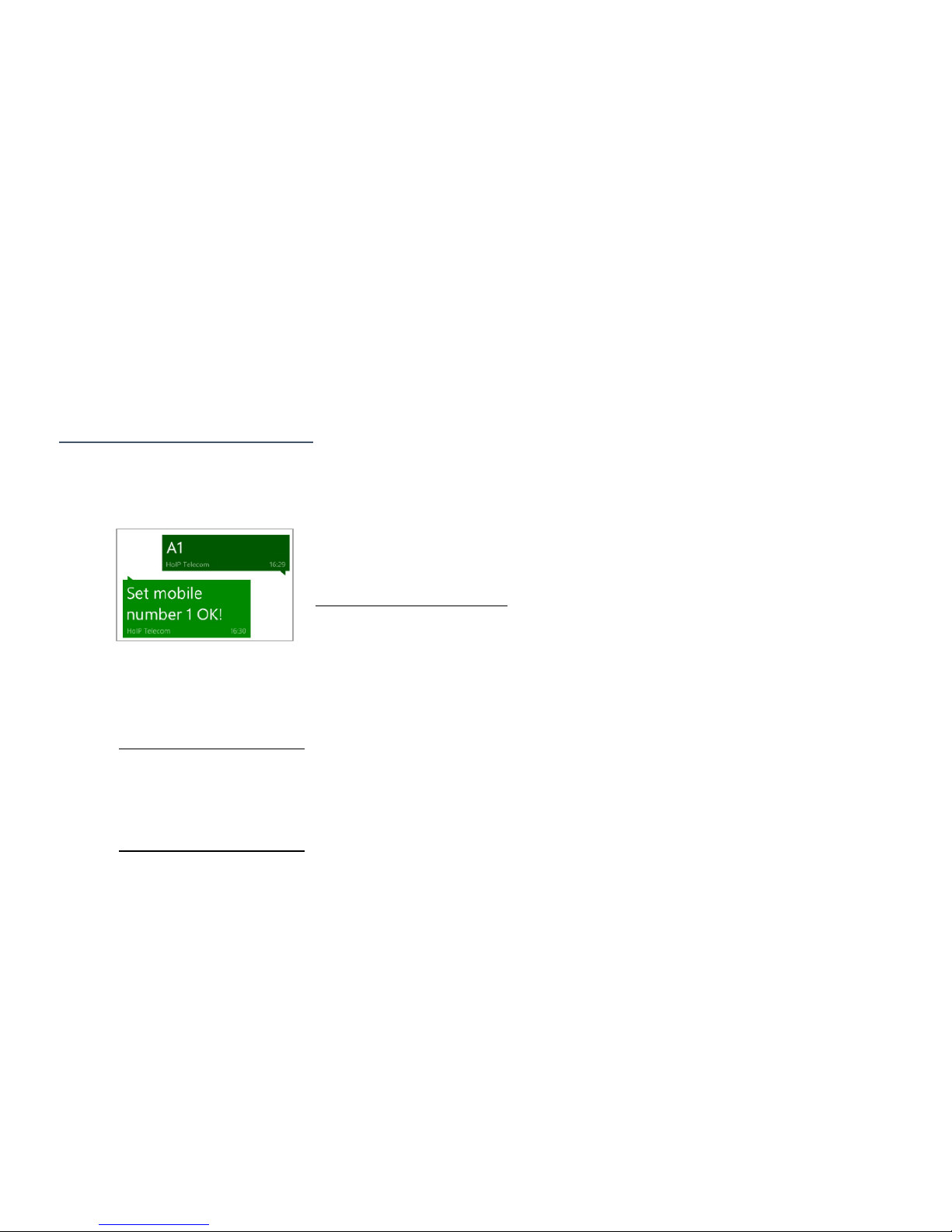
① Send SMS Command: A1 or A1, phone number
Note: With no spaces in the text, case-insensitive.
Using your mobile phone, send A1 to the phone number of the device, it will reply: Set
mobile number 1 OK!
To delete this number, you can send A0 to the device.
NOTE: It is not mandatory for all three of the authorized numbers
to be set, however a minimum of one must always be set.
②Send SMS Command: B1 or B1, phone number (Example: B1,+447624xxxxxx)
Using your mobile phone, example send B1,+447624xxxxxx to the phone number of the
device. It will reply: Set mobile number 2 OK!
To delete this number, you can send B0
③Send SMS Command: C1 or C1, phone number (Example: C1,+447624xxxxxx)
Using your mobile phone, example send C1,+447624xxxxxx to the phone number of the
device. It will reply: Set mobile number 3 OK!
To delete this number, you can send C0
Page 7
STARTING PEBBELL 2
6
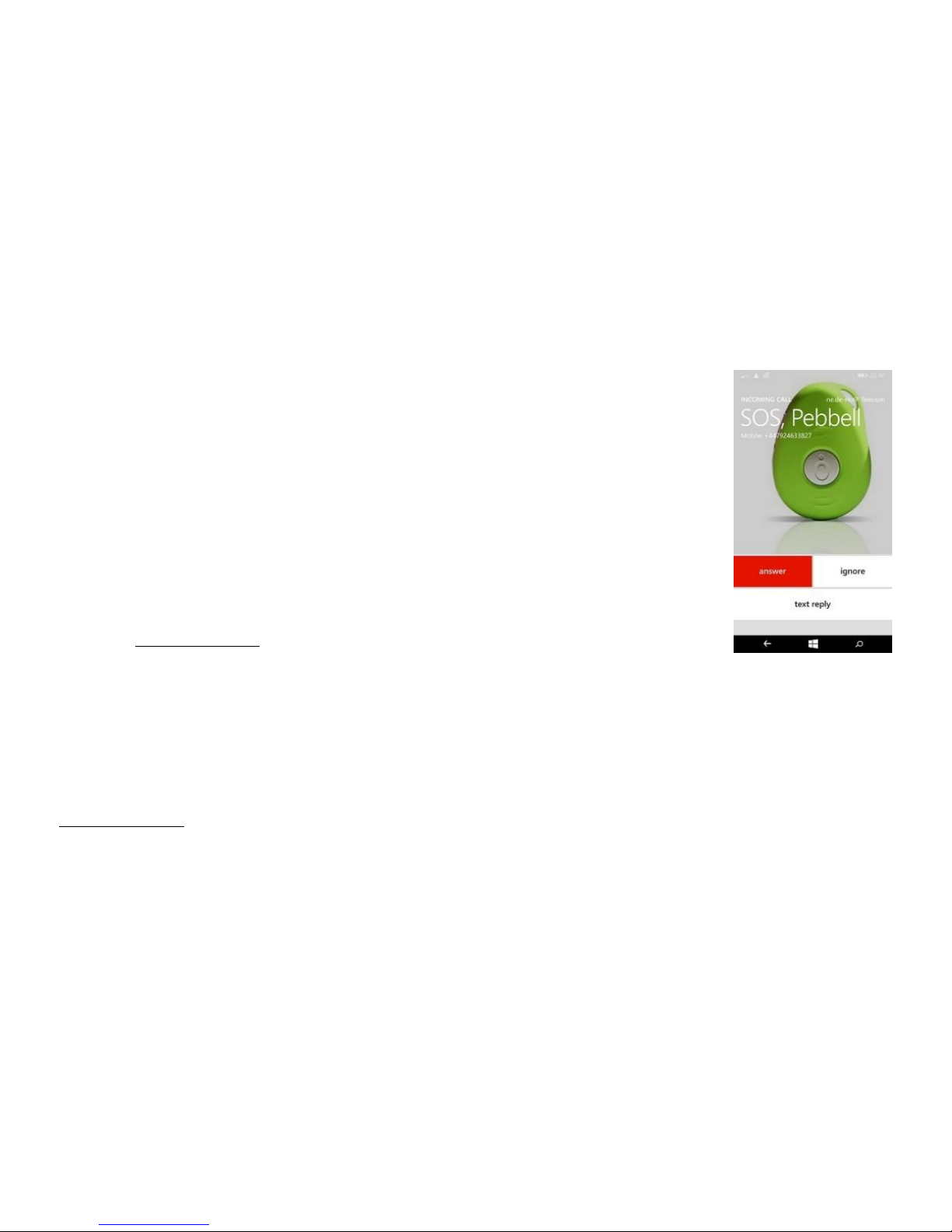
ACTIVATING SOS “BUDDY” ALARM
Press and hold the SOS button for 3 seconds until the device vibrates, and
then green light will start to flash rapidly to confirm the request. After that,
an SOS Alarm “Help me” – SMS message with LOCATION COORDINATES –
is send to all authorized phone numbers and to the platform. It will also dial
the 3 authorized numbers in sequence. If the device fails to connect to the
first number, it will call the second one. In case the second number fails to
be connected as well, the device will call to the third number. If device fails
to dial all 3 numbers, it will start dial the numbers again after 5 minutes.
This will continue until one of the phones numbers answer the call.
o To end the call, press the SOS button
MAKING A PHONE CALL
To make a normal call, press and hold the side button for 3 seconds and you will hear a beep.
The green light will flash rapidly to confirm the request and then it will dial the SECOND number.
To end the call, press the SOS button
Page 8
STARTING PEBBELL 2
7
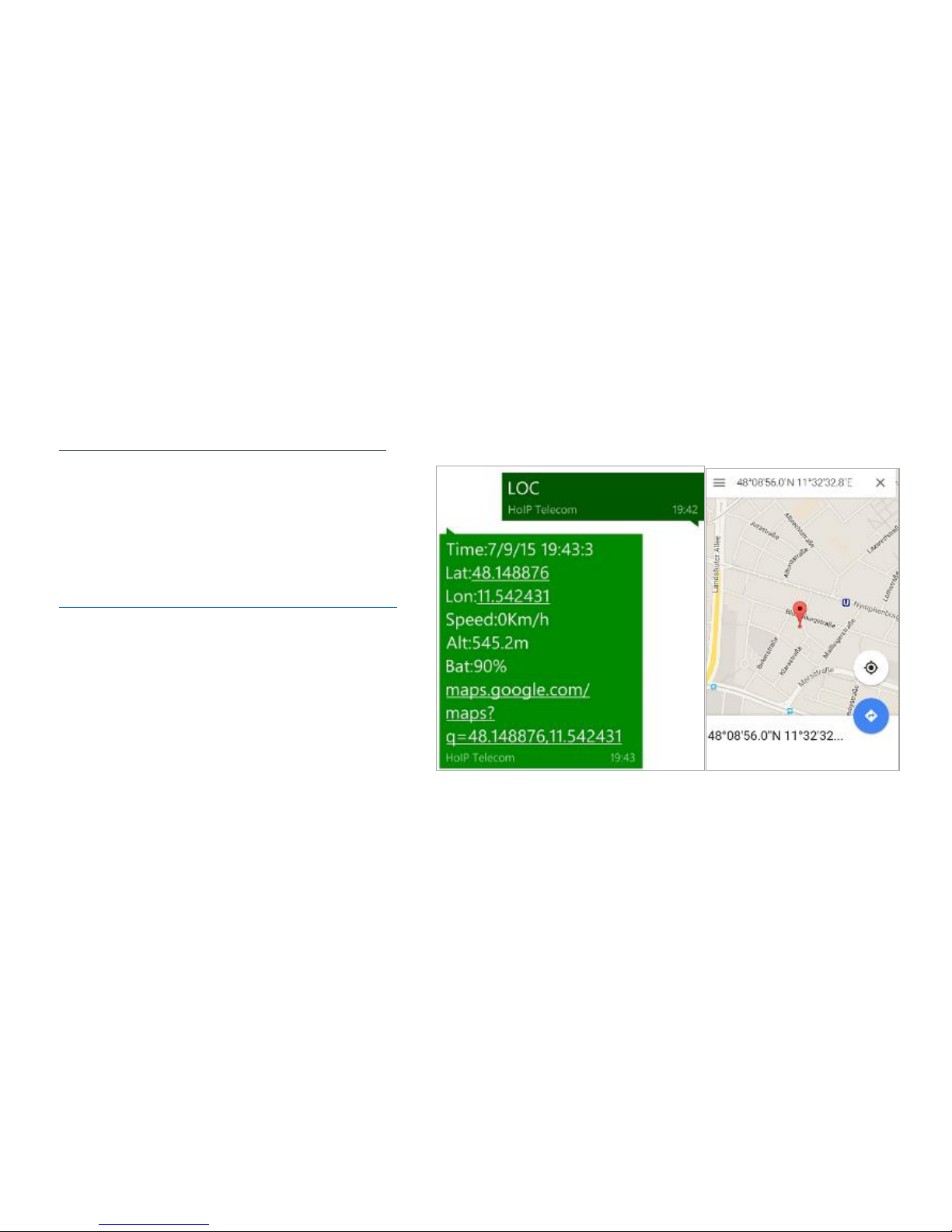
LOCATION REQUEST
1. Reply with coordinates and web link
Send SMS Command: LOC
The device will reply
“GPS Info! Time: xxxxx; Lat: xxxx; Lon:
xxxx; Spd: xxxxx, Altitude:xxxx Bt: xxx
and a link to google map:
maps.google.com/maps?q=48.148876,11.542431
By clicking on the link the location will be
shown directly on Google Map on your
mobile phone (Mobile phone needs to be
connected to internet)
 Loading...