

Page 1
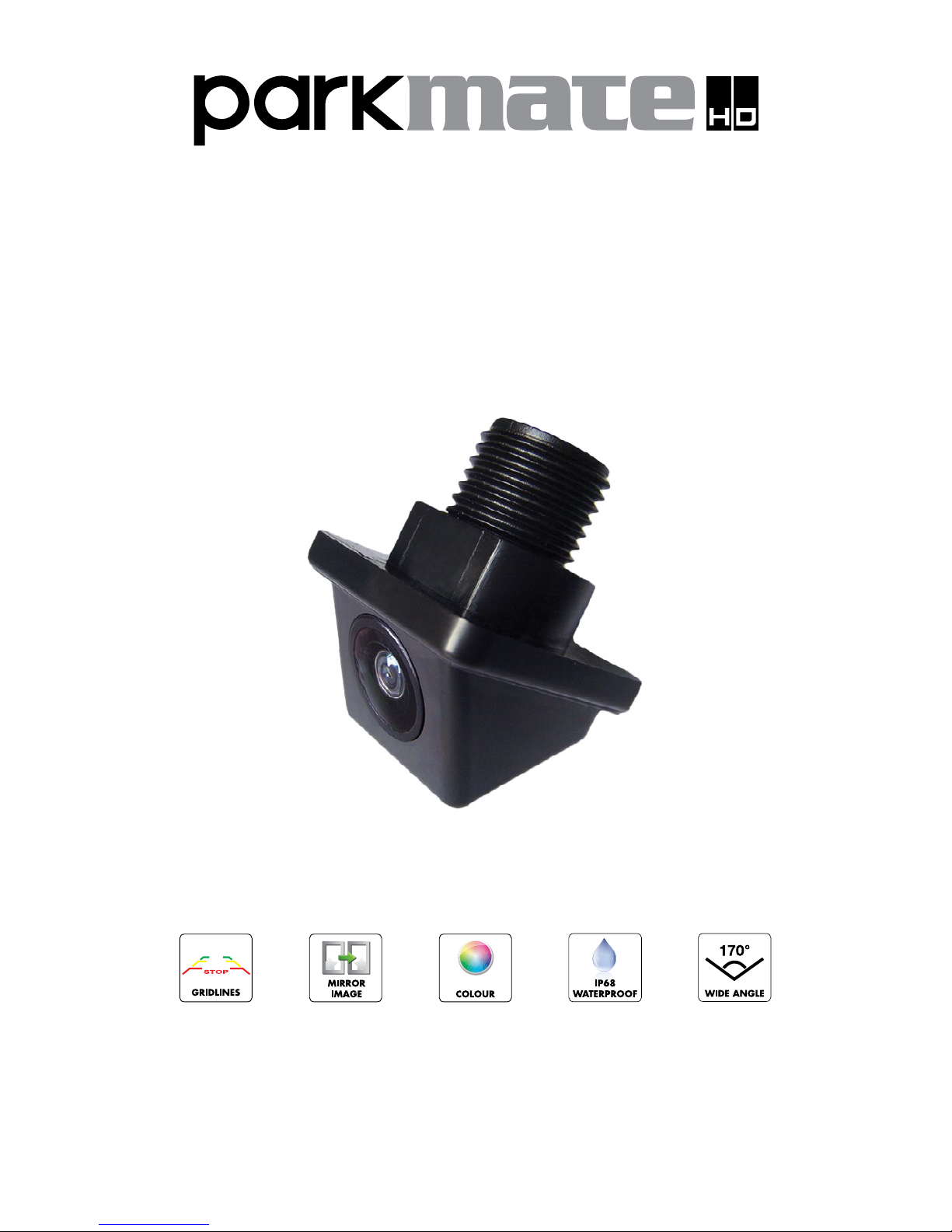
WIDE ANGLE REAR VIEW CAMERA
with GRID-LINES & FLIP IMAGE
INSTALLATION / USER MANUAL
MODEL: CMD-17N
www.parkmate.com.au
Page 2
Thank you for purchasing Parkmate’s CMD-17N camera. We are certain that our product will
give you trouble-free operation while providing you with a safety feature that enhances your
driving experience.
Our products, like most after-market safety enhanced devices, are to assist and aid the driver,
not to replace the manual function of the person operating the vehicle.
Although this is a visual aid and will allow you to view what is behind the vehicle, it does not
remove the responsibility of driving the vehicle from the driver. The legal responsibility and
safe driving practise remains with the driver at all times. You have purchased this product
with the understanding that its use is as an aid only. We highly recommend that you have
this product professionally installed to ensure that it will provide the functions it is set out to
perform.
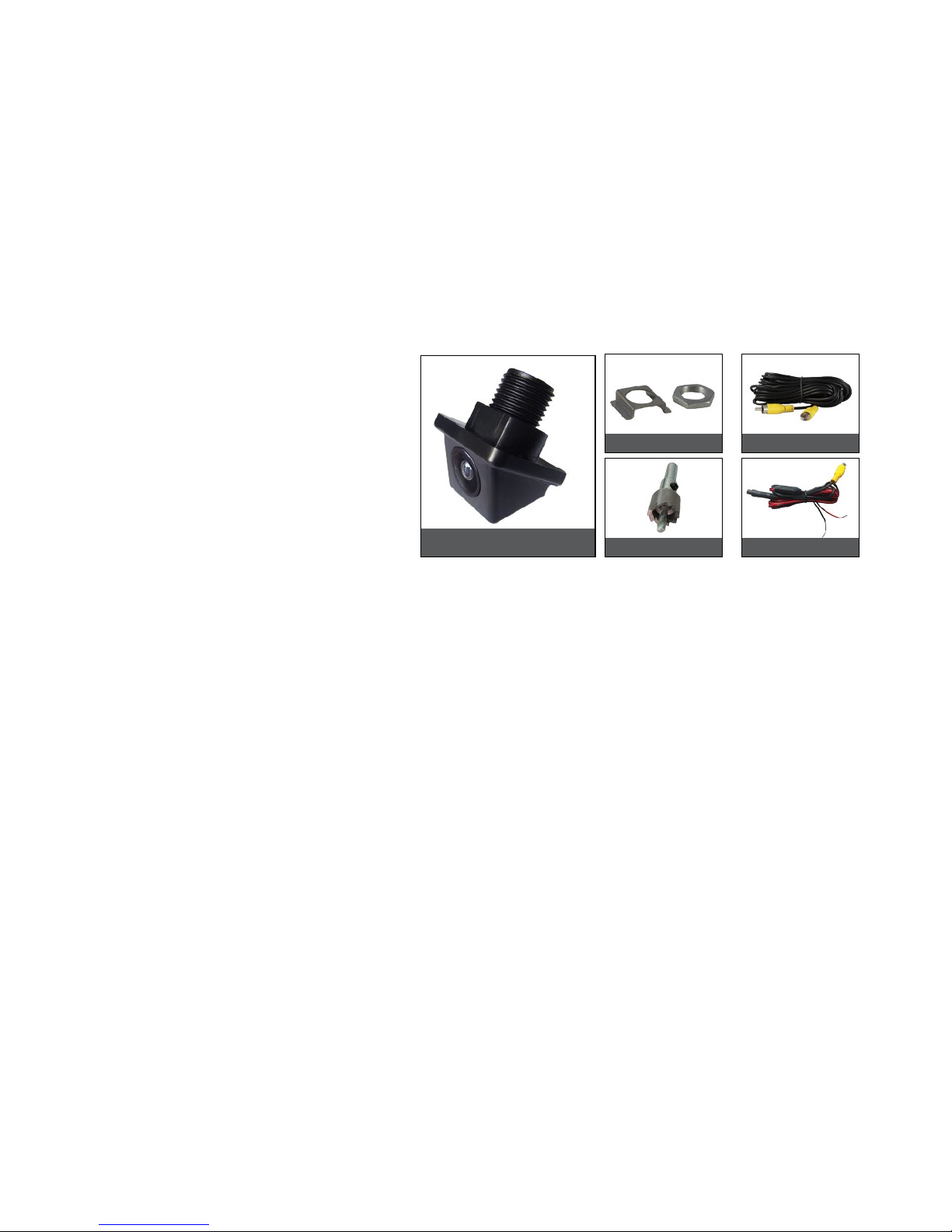
CMD-17N
Component List:
Notes:
• Please read this manual carefully before using the product.
• This system is intended as an aid to safe reverse operation. Drivers must always use
extreme caution when operating a vehicle.
• Specifications subject to change without prior notice.
Warning:
• Do not disassemble the camera or cut the camera cable as this voids the warranty.
Disassembling the camera will compromise the waterproof seal.
• Do not remove the Directed warranty sticker as this voids warranty.
Technical Specifications:
Signal System: NTSC
Horizontal Resolution: 520TVL
Effective Pixels: 728(H) x 488(V)
Minimum Illumination: 0.1 – 0.5Lux
Diagonal Angle: 170°
Waterproof Grade: IP68
Nominal Voltage: DC12V
Working Temp.: -30°C to 85°C
camera
Self-locking & nut
hole saw power harness
6m video cable
Page 3
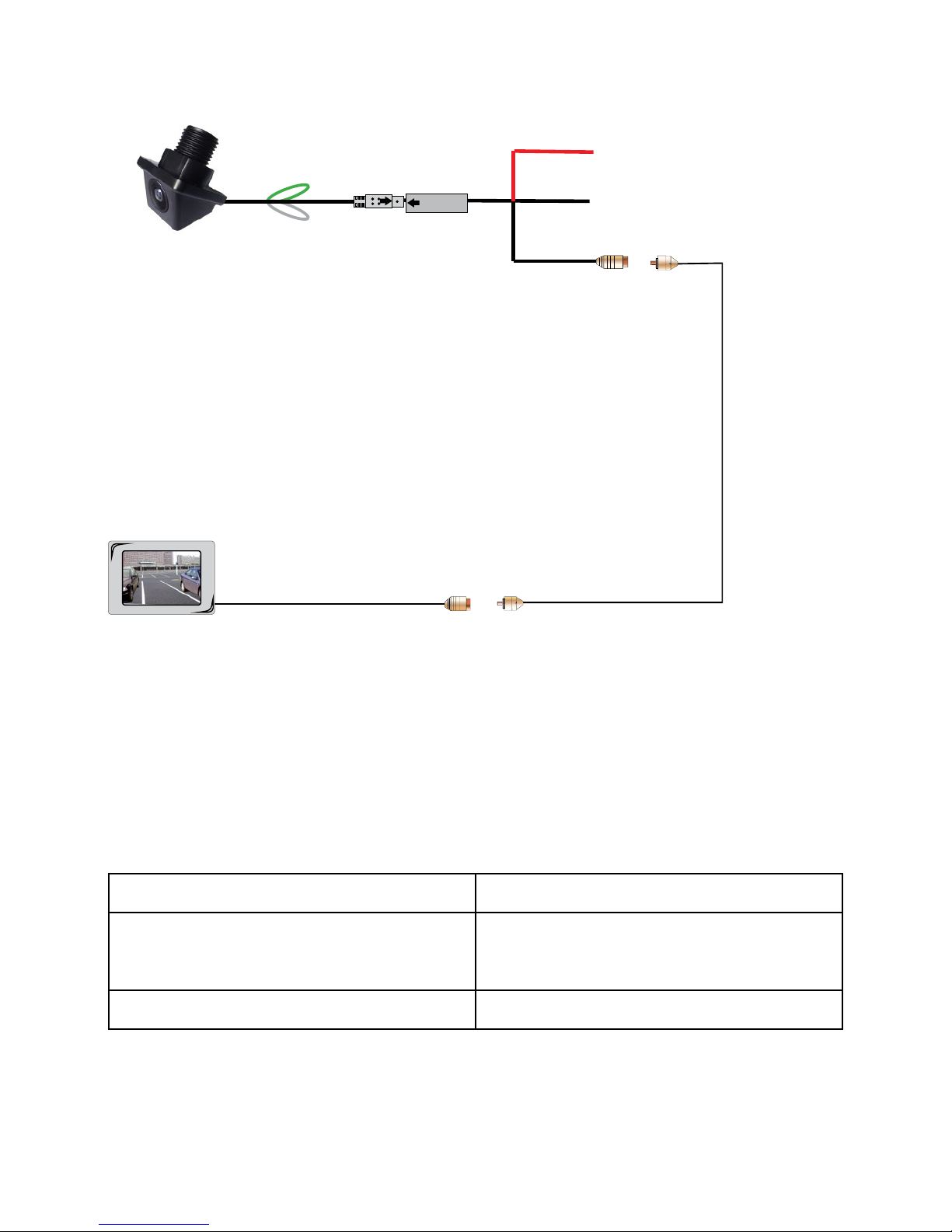
Front view option: CMD-17N functions as a rear view
camera standard and also supports front view. For front
view application, you can cut the thin WHITE wire near the
camera lead and restart power to see the image reversed.
Grid-Line option: CMD-17N has parking grid-lines as a
default. To remove grid-lines, cut the thin GREEN wire near
the camera lead. Power on and the grid-lines will now be
removed.
RED to Reversing Light +
BLACK to Ground
Switching Wire
Monitor Video Input
video extension cable
Wiring Diagram:
Testing
How to test:
1. Apply the parking brakes. (Saftey Precaution)
2. Turn Ignition on. (DO NOT TURN ON VEHICLE)
3. Shift into reverse gear.
4. Image should appear on the monitor.
Trouble Shooting:
Maintenance:
Always keep camera clear from dirt and mud. Clean camera with a soft moist cloth.
Problem Solution
“No Signal” appears while reversing
1. Check video input connections
2. Check camera power connections
Video image is not sharp Check camera lens for debris
Page 4

Australian Residents - Warranty Terms & Conditions:
Our goods come with guarantees that cannot be excluded under the Australian Consumer
Law. You are entitled to a replacement or refund for a major failure and for compensation for
any other reasonably foreseeable loss or damage. You are also entitled to have the goods
repaired or replaced if the goods fail to be of acceptable quality and the failure does not
amount to a major failure.
This warranty is provided in addition to your rights under the Australian Consumer Law.
Directed Electronics warrants that this product is free from defects in material and
workmanship for a period of 12 months from the date of purchase or for the period stated on
the packaging. This warranty is only valid where you have used the product in accordance
with any recommendations or instructions provided by Directed Electronics.
This warranty excludes defects resulting from alterations of the product, accident, misuse,
abuse or neglect.
In order to claim the warranty, you must return the product to the retailer from which it was
purchased or if that retailer is part of a National network, a store within that chain, along with
satisfactory proof of purchase. The retailer will then return the goods to Directed Electronics.
Directed Electronics will repair, replace or refurbish the product at its discretion. The retailer
will contact you when the product is ready for collection. All costs involved in claiming this
warranty, including the cost of the retailer sending the product to Directed Electronics, will be
borne by you.
Directed Electronics Address: 44 Translink Drive, Keilor Park Victoria Australia 3042
Ph: +61 03 8331 4800
Email: [email protected]
To view the complete Parkmate range or for details on how to contact us, please visit our
website at www.parkmate.com.au
 Loading...