

Page 1
creamsource sky remote [quick start guide]
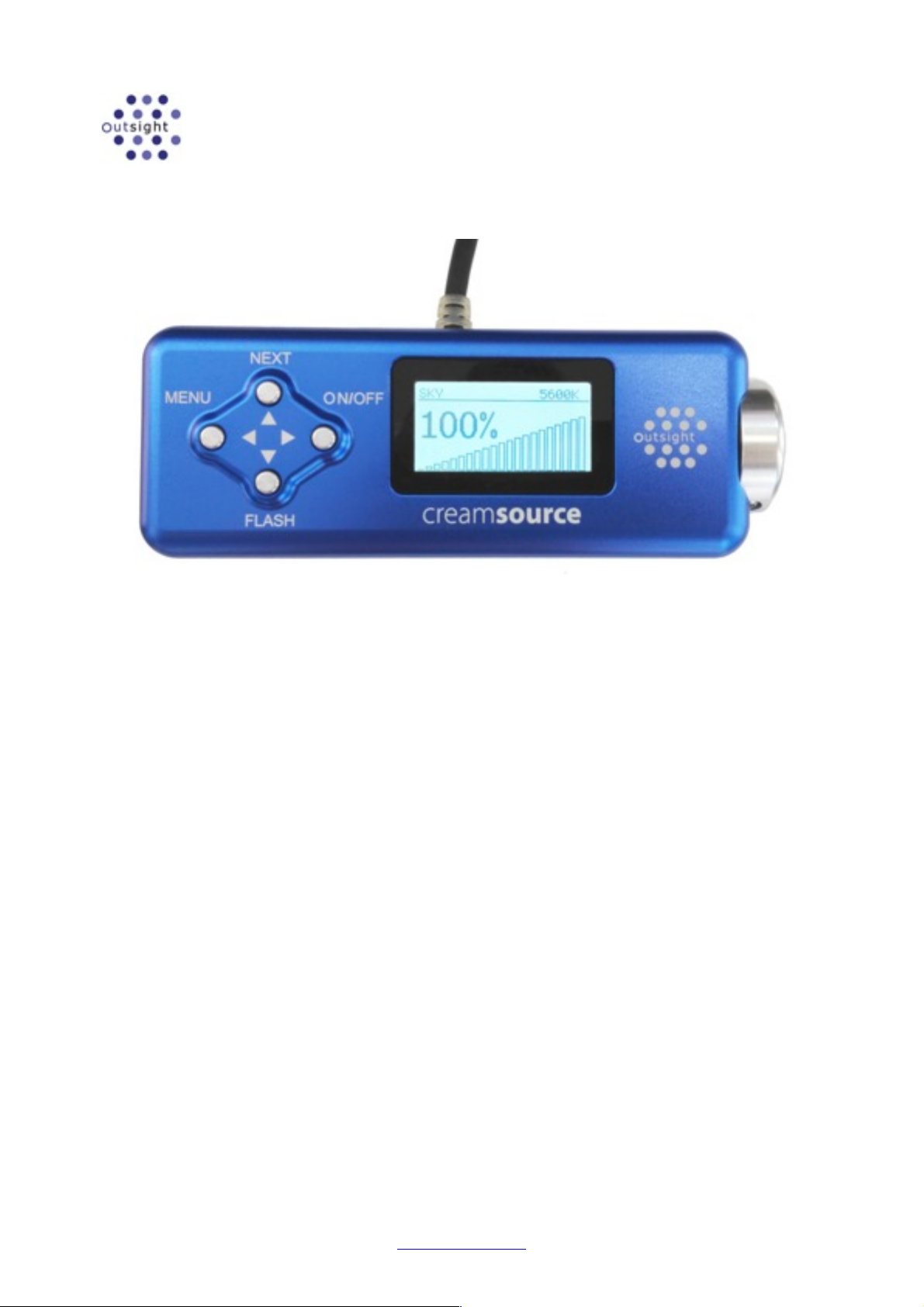
The Creamsource Sky Remote (Part Number CSS-REM) can be used for controlling the Creamsource Sky
fixture. It allows control of brightness, colour temperature, green/magenta shift, hue and saturation. It also
allows for up to 5 user presets to be saved and and restored.
!
CONTROLS
The rotary wheel controls the intensity of the light output. It is speed sensitive, so it can be turned slowly for ne
adjustments, or quickly for rapid changes. It also is used to change other settings such as colour temperature, green/
magenta, hue and saturation. Press the NEXT key to change what setting the wheel is adjusting
Normal Operation
Under normal operation the buttons have dedicated functions:
1 MENU - press to enter menu system
2 NEXT - press to select next setting to adjust (then use wheel to change)
- hold for 1 second to lock/unlock the wheel, to prevent accidental use
3 ON/OFF - press to turn light on and off
4 FLASH - ashes light on or off when held down
Menu System
When in the menu, the buttons have the following functions:
1 ! Back - press to go back a menu level. Hold to return to main screen
2 " Up - press to scroll up, or increase setting value. Hold to scroll quickly
3 # Select - press to accept current menu item or setting.
4 $ Down - press to scroll down, or decrease setting value. Hold to scroll quickly
Outsight Pty Ltd
6/888 Bourke St, Zetland, Sydney NSW 2017, AUSTRALIA
+61-2-9669 6681!
www.outsight.com.au
Page 2
USING THE MENU
!
MODES
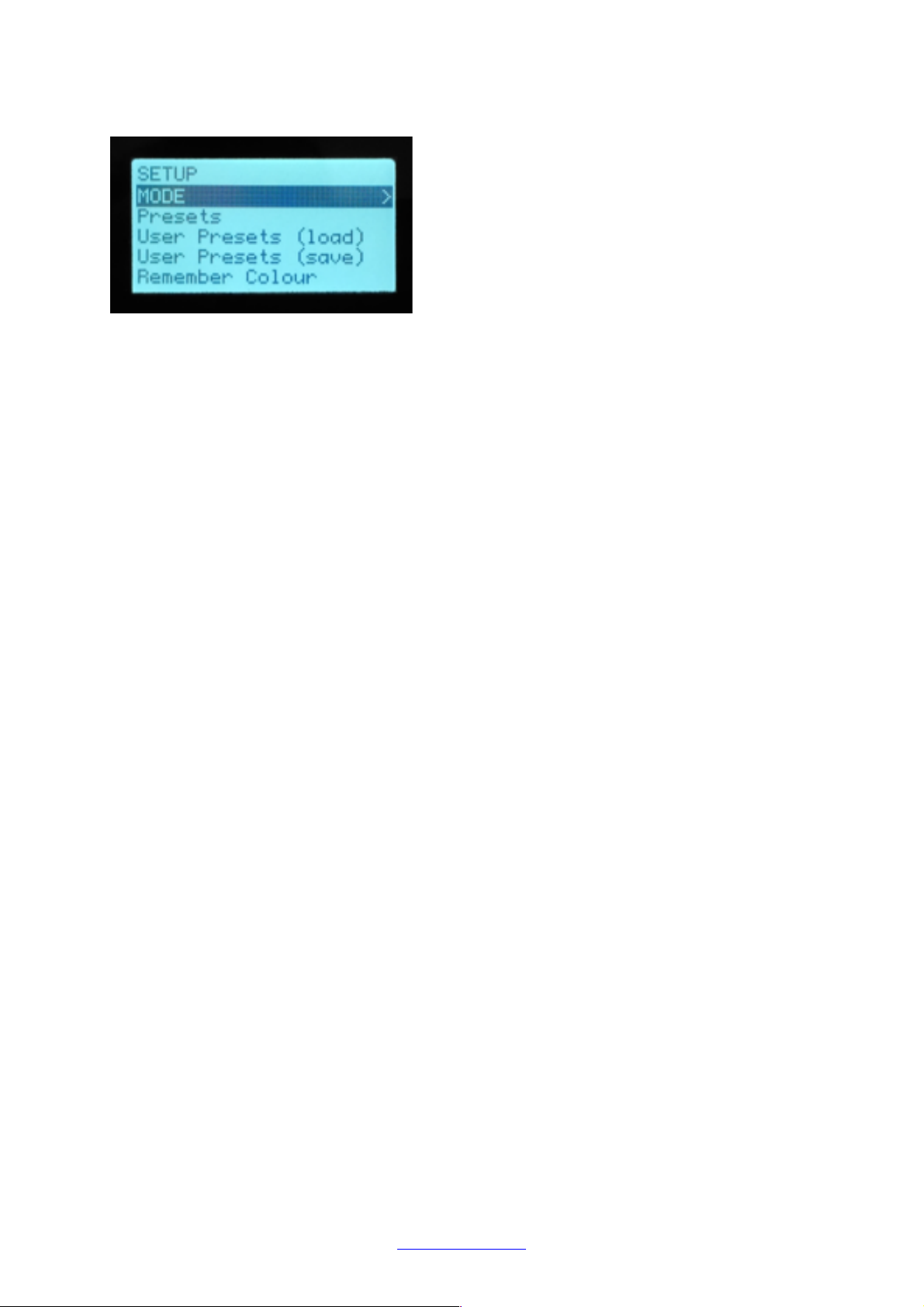
Different lighting modes are available under MENU->MODES. These modes are:
Normal - Normal operation of light, with control of CCT and GREEN/MAG
HSV - Hue and Saturation control for colours
Use the NEXT button to switch between settings that can be adjusted, and then use the wheel to adjust that setting.
PRESETS
There are several preset colour temperatures available under MENU->Presets. The CCT will be automatically set to the
selected preset, and the GREEN/MAG will be set to 0.
USER PRESETS
Up to 5 User Presets are available. To save a colour:
1.
Select the desired mode (Normal or HSV)
2.
Use the control wheel to set the desired CCT or HSV values
3.
Go to MENU->User Presets (save) menu and choose the desired slot to save (1-5)
4.
Press ON/OFF button to store preset to memory
To restore a User Preset, go to MENU->User Presets (load) and select the desired slot to restore (1-5)
Presets will be saved when the power is removed.
REMEMBER COLOUR
The Remember Colour menu item forces the current colour settings to be saved into the Sky xture itself. If the power is
then turned on and off without the remote plugged in, the xture will turn on using the same colour.
Outsight Pty Ltd
6/888 Bourke St, Zetland, Sydney NSW 2017, AUSTRALIA
+61-2-9669 6681!
www.outsight.com.au
 Loading...