

Page 1
PRIVATES
TOUCH
CONTROL
Page 2

Hi.
Page 3

Good call on picking up the Outdoor
Tech® Privates touch-control wireless
headphones. Your experience of the
universe will soon be enhanced
wirelessly. This manual exists to help
make sure that you use them correctly,
so you’re definitely going to want to
relax for a hot second and look through
this.
Kisses,
Page 4
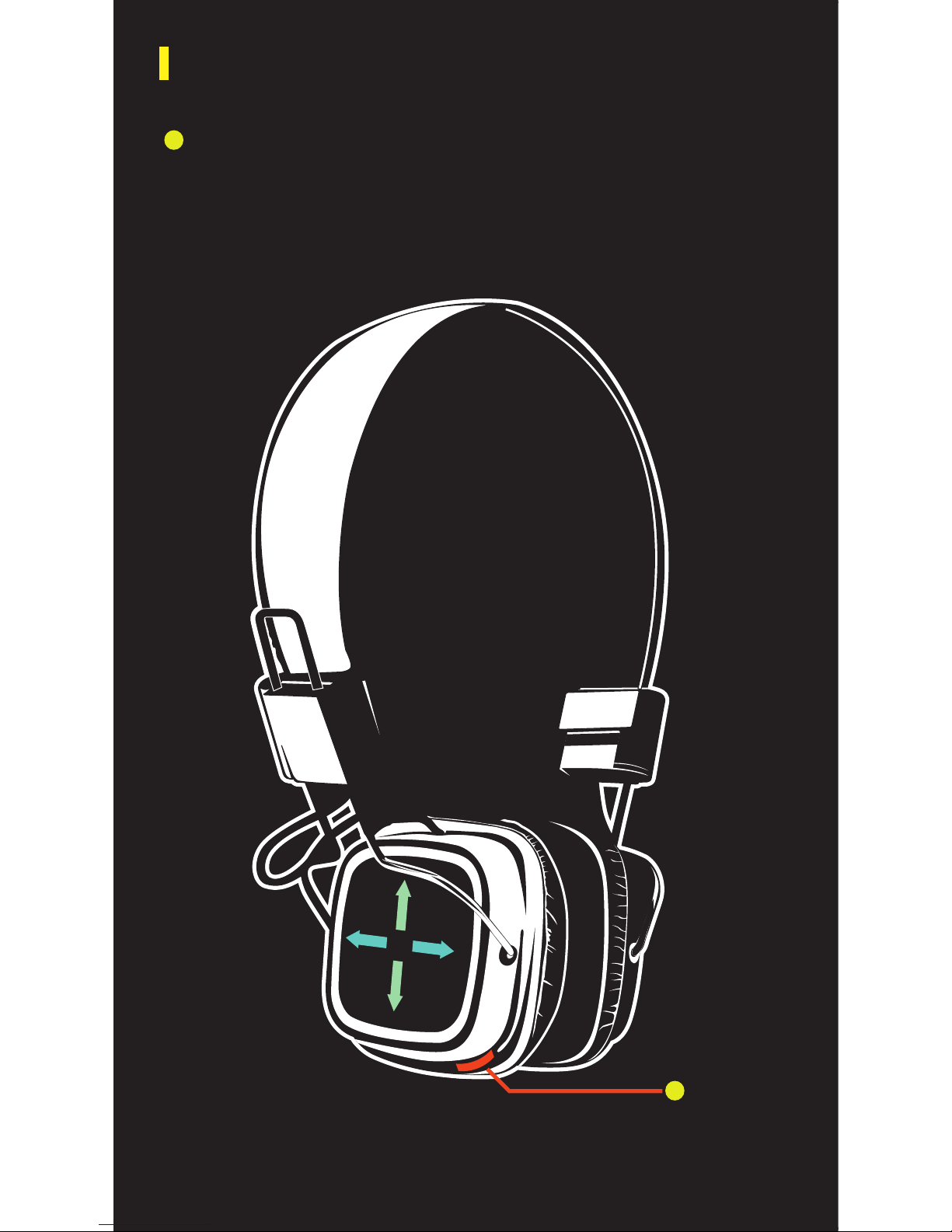
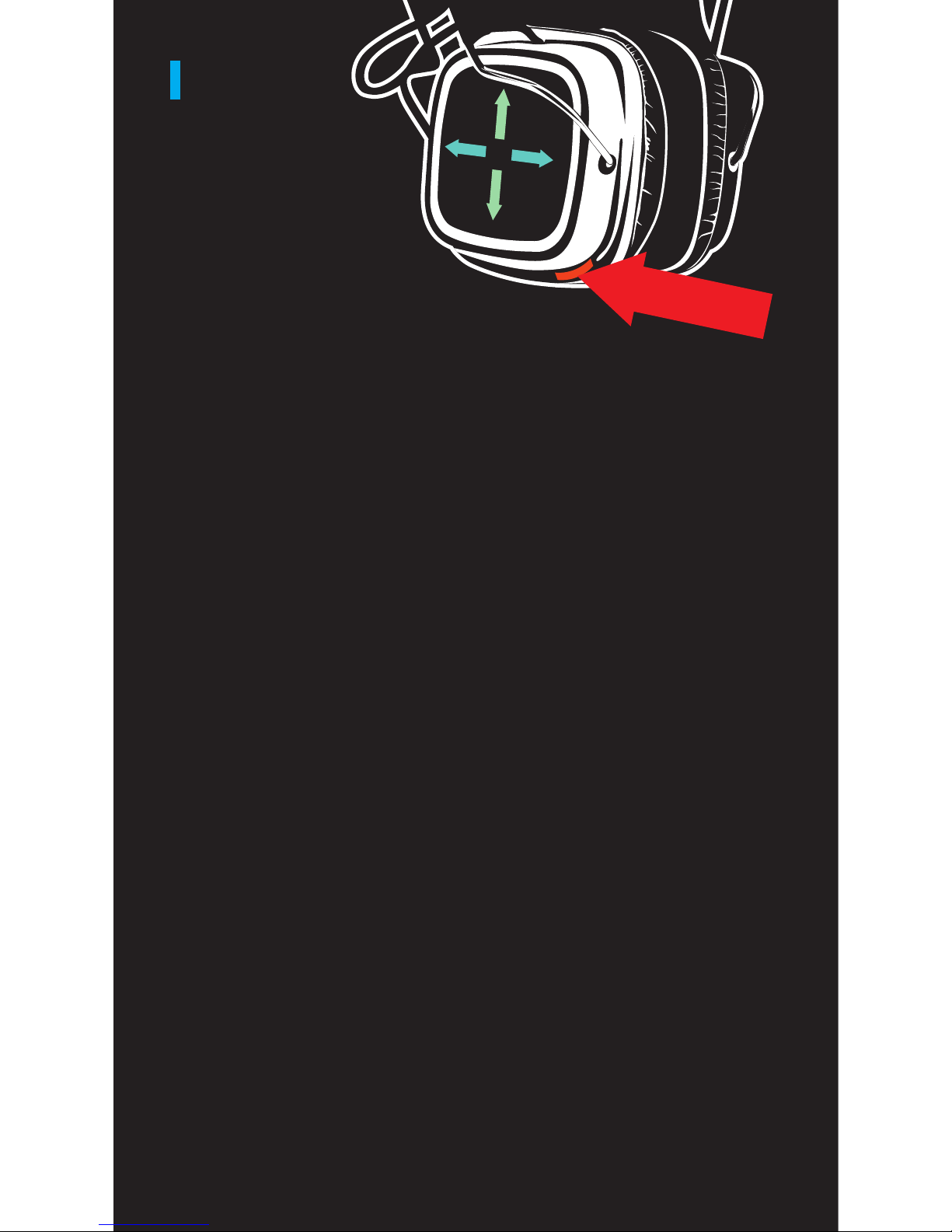
Multi-Function Button: Music/Calls/Pairing
Press once to Play/Pause OR Answer/Hang up
Hold down for 6 seconds to enter pairing mode
ANATOMY
*Right Earpiece
Page 5
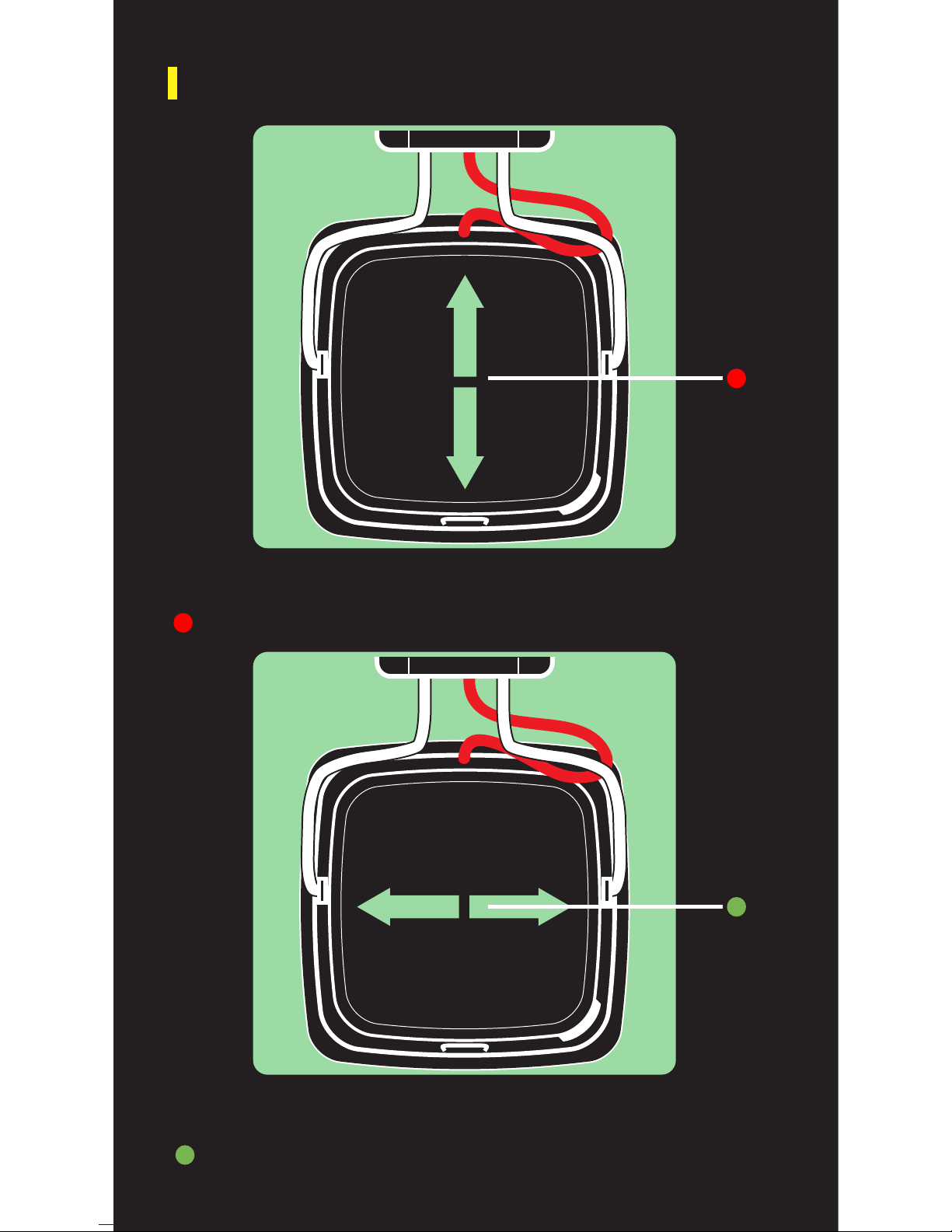
ANATOMY (CONTINUED)
Skip tracks by swiping forward or backward
Change volume by swiping up or down
Track Control
Volume Control
Page 6
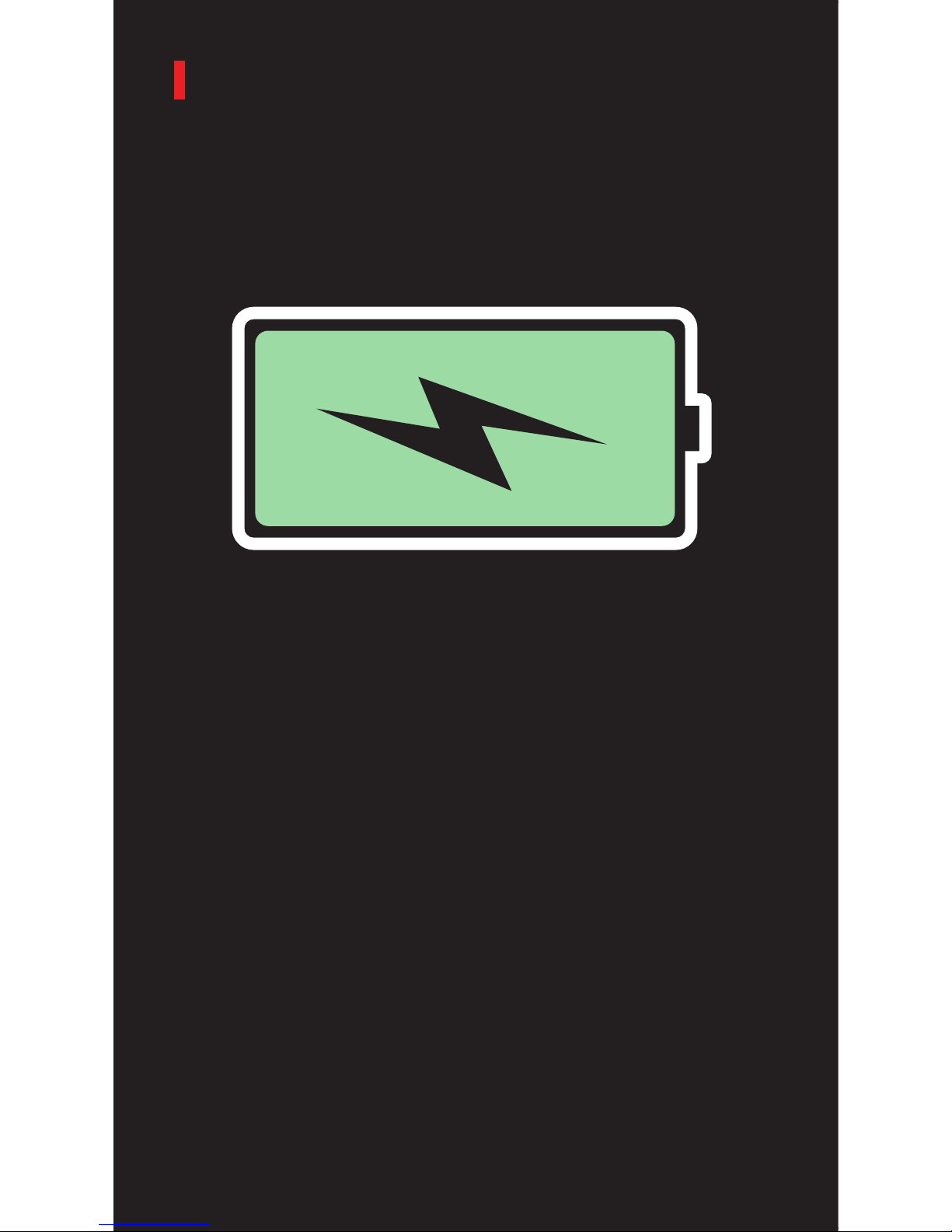
POWER UP
For best results, fully charge your Privates before use.
To do this, connect your Privates to your computer via
the included USB to micro-USB cable. The indicator
on the side of the RIGHT ear cup illuminates with a RED
light to show that the device is charging.
If the battery is dead, you can use the AUX jack located
on the LEFT ear cup to plug in and continue to use your
Privates.
Page 7
PAIRING
To pair the headset with a Bluetooth-enabled
device:
Prior to using the Privates for the first time, you will
have to pair them with a Bluetooth-enabled device.
The pairing procedure may be different for different
models of devices. Please refer to your device’s user
manual for further information. The general pairing
procedure is as follows:
1.) Place the Privates and Bluetooth-enabled
device no more than 3 feet apart.
2.) Hold the multi-function button down for 6-7
seconds or until the LED flashes red and blue
alternately.
3.) Activate your device’s Bluetooth function and
set your device search for Bluetooth devices
within range. Select “ODT Privates” from
the list of devices shown.
4.) If prompted, enter “0000” as the password.
5.) If prompted by your device to connect, select
“Yes” (this will vary among devices)
You should now be able to play music &
make/receive calls using the headset. Hooray.
Page 8
TALK
The built-in microphone means that the Privates
can be used as a wireless headset.
*NOTE: The built-in microphone only works when
connected via Bluetooth.
The following are tips on how to use your Privates to
speak on the telephone:
Answer a call...........Press the multifunction button.
End a call.................Press the multifunction button.
Decline a call...........Press and hold the multifuntion
button for two seconds.
Make a call..............Use your phone to dial as usual.
Listen and talk through the
Privates.
Redial last number...Press the multifunction button
twice.
Change volume........Swipe right earpiece up or down.
Page 9
SPECS
Battery...................3.7V, 350 mAh
Driver.....................40mm
Bluetooth profiles...A2DP, AVRCP, HSP, HFP
Bluetooth version...3.0 + EDR
Charging time.........About 2 hours
Play/talk time.........10+ hours
Sound pressure
level.......................115 dB
Impedence.............32 + 32 ohms
Frequency
response...............20~20k Hz
Rating power.........200 mW
Max input power....1000 mW
Plug.......................3.5mm
Page 10

What if I experience hearing distortion?
A. Lower the volume on your Privates and/
or phone/device
B. Make sure your Privates are charged
up. Check for low battery, then charge as
necessary.
Why aren’t my headphones louder?
A. Turn up the volume on your device and/
or your Privates.
B. Make sure your Privates are charged up.
Why can’t I pair my headphones?
A. Confirm that your device is Bluetooth
compatible.
B. Re-pair: follow pairing instructions in
this guide
Why do I have Bluetooth signal loss/dropout?
A. Move your Privates closer to your device.
B. Make sure your Privates are charged up.
C. Turn off your Privates and device, then
power up and reconnect.
FAQ
Page 11

K, bye.
outdoortech.com
 Loading...