

Page 1
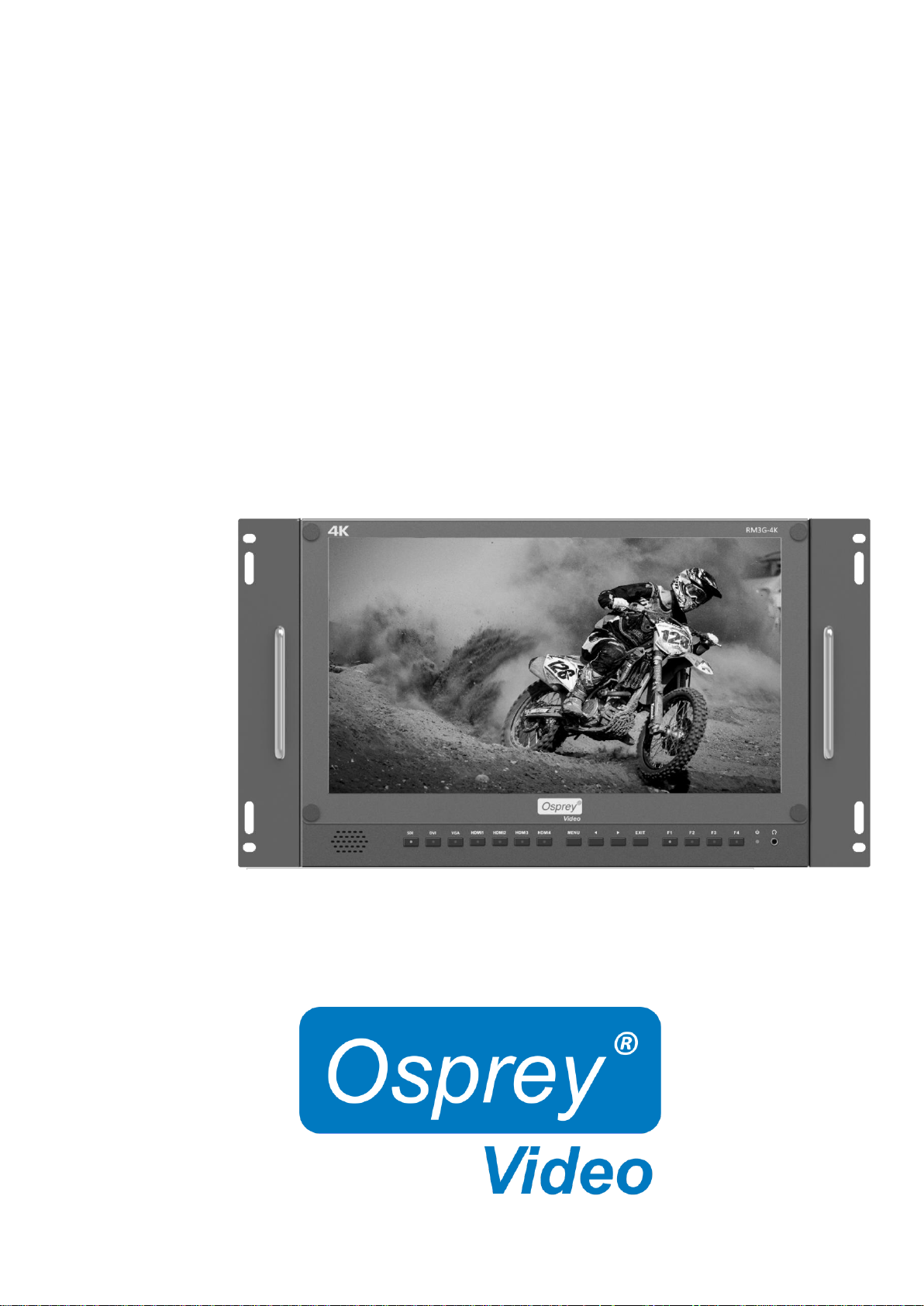
User Guide
RM3G-4K
Page 2

1
FEATURES
15.6” Display 4K 3840x2160 Resolution
3G-SDI, 4x HDMI, DVI, VGA Inputs, Analog Audio
1x HDMI2.0 up to 4K60, 3x HDMI1.4 up to 4K30
Quad View and PIP
Tally
Content
1. PRODUCT DESCRIPTION ............................................................................................................. 2
2. SUN SHADE INSTALLATION ....................................................................................................... 5
3. MENU SETTINGS ............................................................................................................................ 5
4. ACCESSORIES ................................................................................................................................. 8
5. SPECIFICATIONS ............................................................................................................................ 9
Page 3
2
1. PRODUCT DESCRIPTION
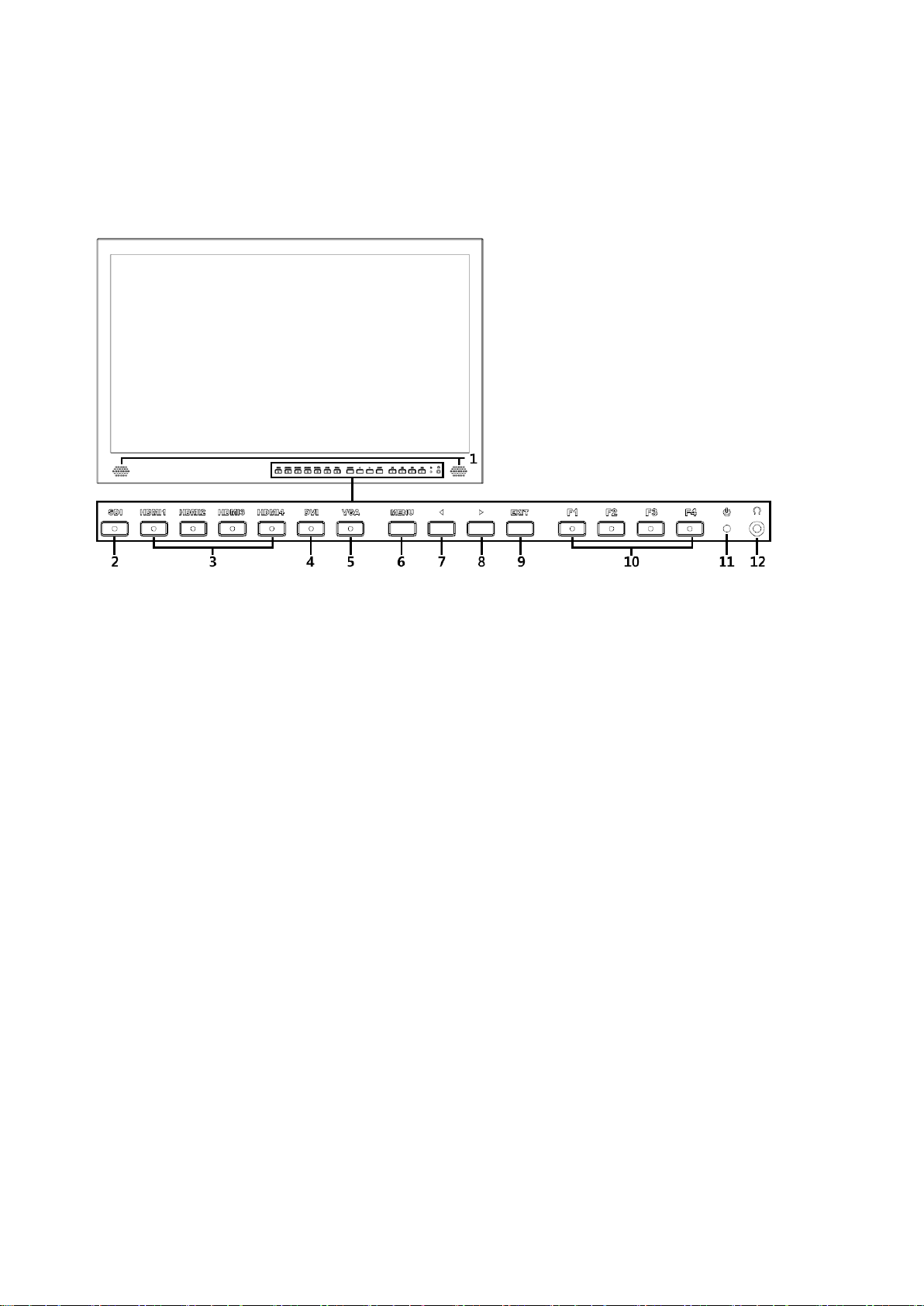
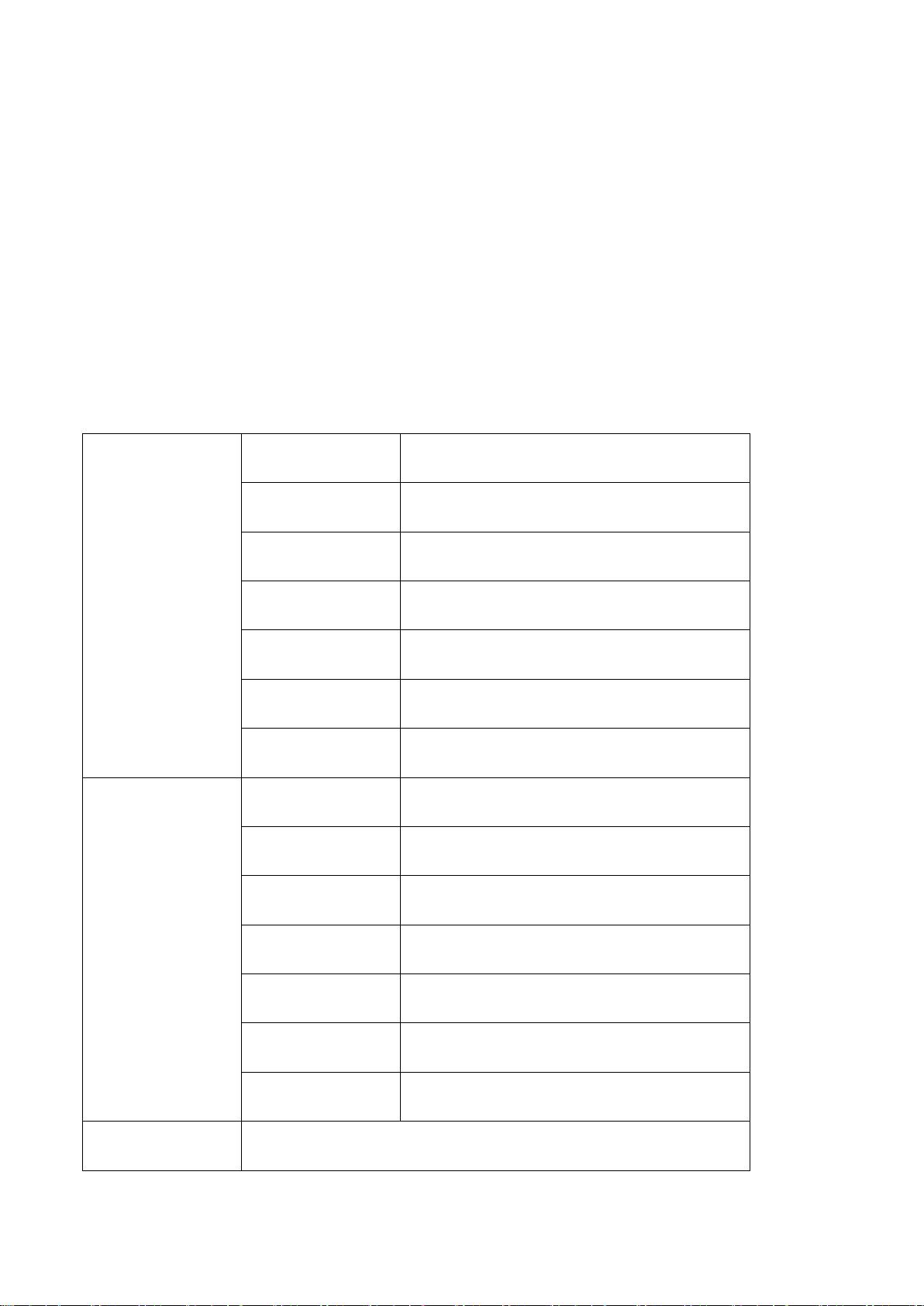
Front
1. Speaker
2. SDI
Signal switch to SDI
3. HDMI 1 ~ 4
Signal switch to HDMI
4. DVI
Signal switch to DVI
5. VGA
Signal switch to VGA
6. MENU/ENTER
Press to enter menu.
Press to enter option in the menu.
Page 4

3
7. ◄
Select option in the menu.
Decrease the option value.
Before enter the menu, single press to activate volume, press again to switch
between volume, brightness, contrast, color, hue, sharpness and backlight.
8. ►
Select option in the menu.
Increase the option value.
9. EXIT
Back or exit.
10. F1~F4 User defined buttons
Default function options:
F1:Display Mode F2:Display Rotate
F3:Safety Marker F4:Aspect
(functions can be customized by long keep pressing any one of the 4 buttons)
11.Power indicating light (green light: working).
12.Earphone jack
Page 5
4
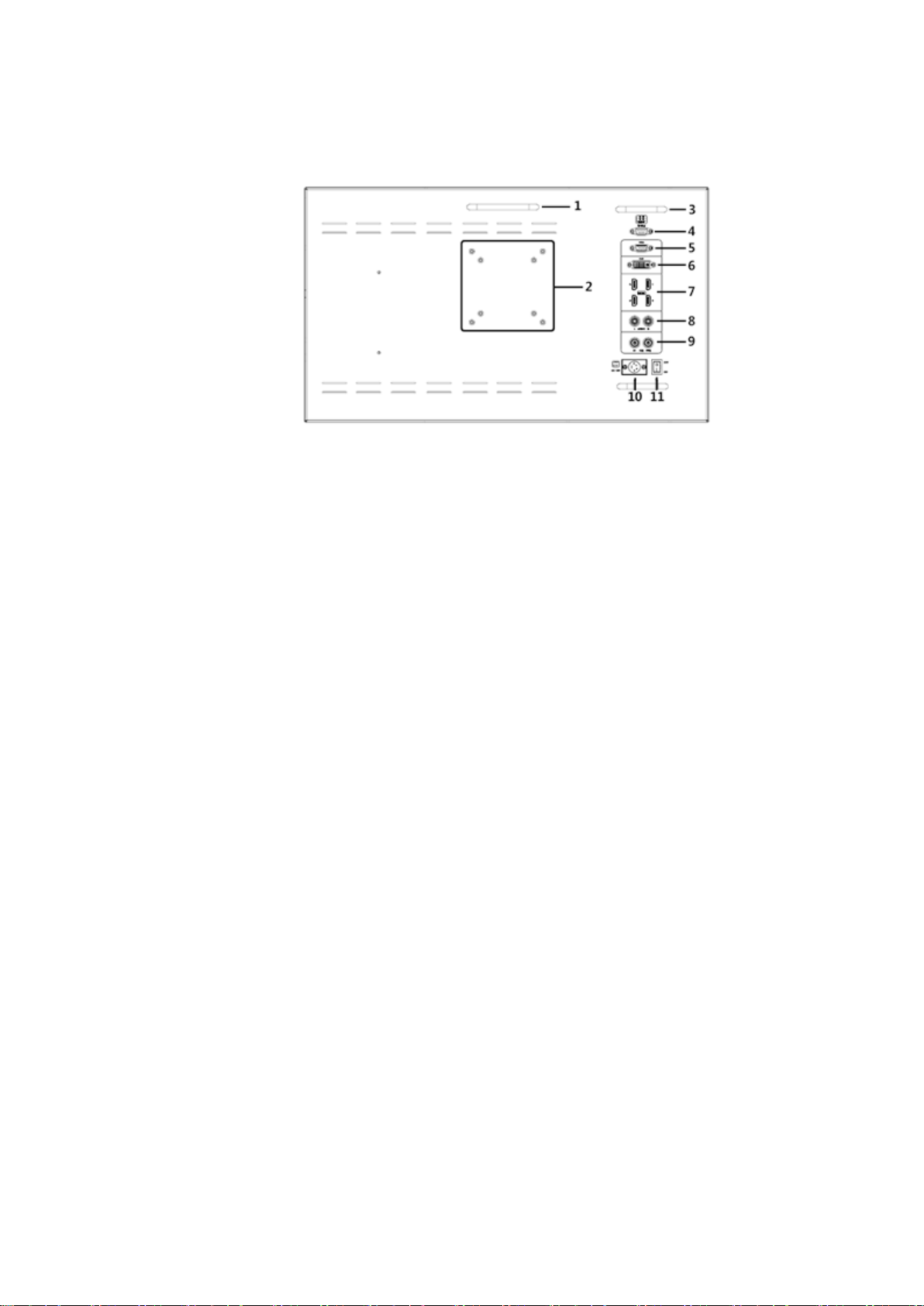
1. Handle
2. VESA 75×75 & VESA 100×100 mounting port
3. Connector protector
Preventing connectors from damage.
4. TALLY port
5. VGA input port
6. DVI input port
7. HDMI input port×4。
HDMI 1: HDMI2.0, supports 4K 60Hz
HDMI 2, HDMI 3, HDMI 4: HDMI1.4, support 4K 30Hz
8. Audio L/R
9. 3G-SDI input/output ports
10. XLR power port
11. Power switch
Page 6
5
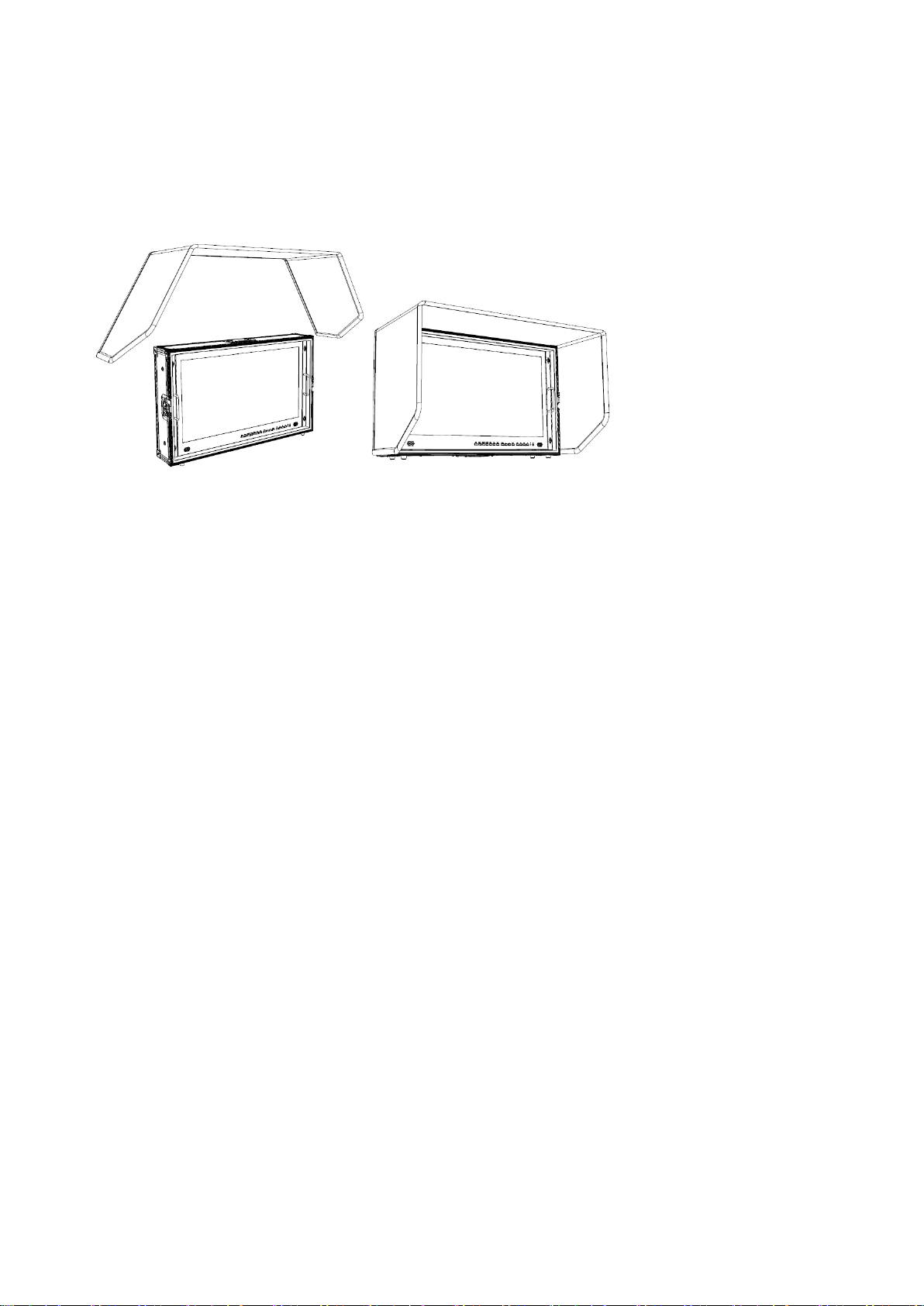
2. SUN SHADE INSTALLATION
Put the sun shade on the suitcase, and match the magnets on both sides.
3. MENU SETTING
3-1. F1~F4 user definable shortcut buttons
Long press any one of the 4 buttons for 3-5 seconds to activate shortcut menu
setting. Selected Setting will be highlighted in white, options will be
highlighted in yellow, unavailable options will be highlighted in gray.
Select option via “◄/►” buttons.
Then press “MENU” button to confirm to set as default option.
Functions can be customized to meet user’s needs: center marker, safety
marker, aspect marker, aspect, underscan, check field, freeze, pixel to pixel,
peaking, false color, display mode, display rotate, display mirror.
Default options:
F1:Display Mode F2:Display Rotate F3:Safety Marker F4:Aspect
Page 7
6
3-2. ◄ / ► Buttons Operation
Press ◄/► buttons to activate volume bar,
Within Menu use ◄ / ► buttons to select and change the desired options.
3-3. MENU Operation
When power on, press“MENU”on the device – Menu will display
Press ◄ / ► button to choose the menu item;
Then press“MENU”button to confirm;
Press“EXIT”button to return / exit menu.
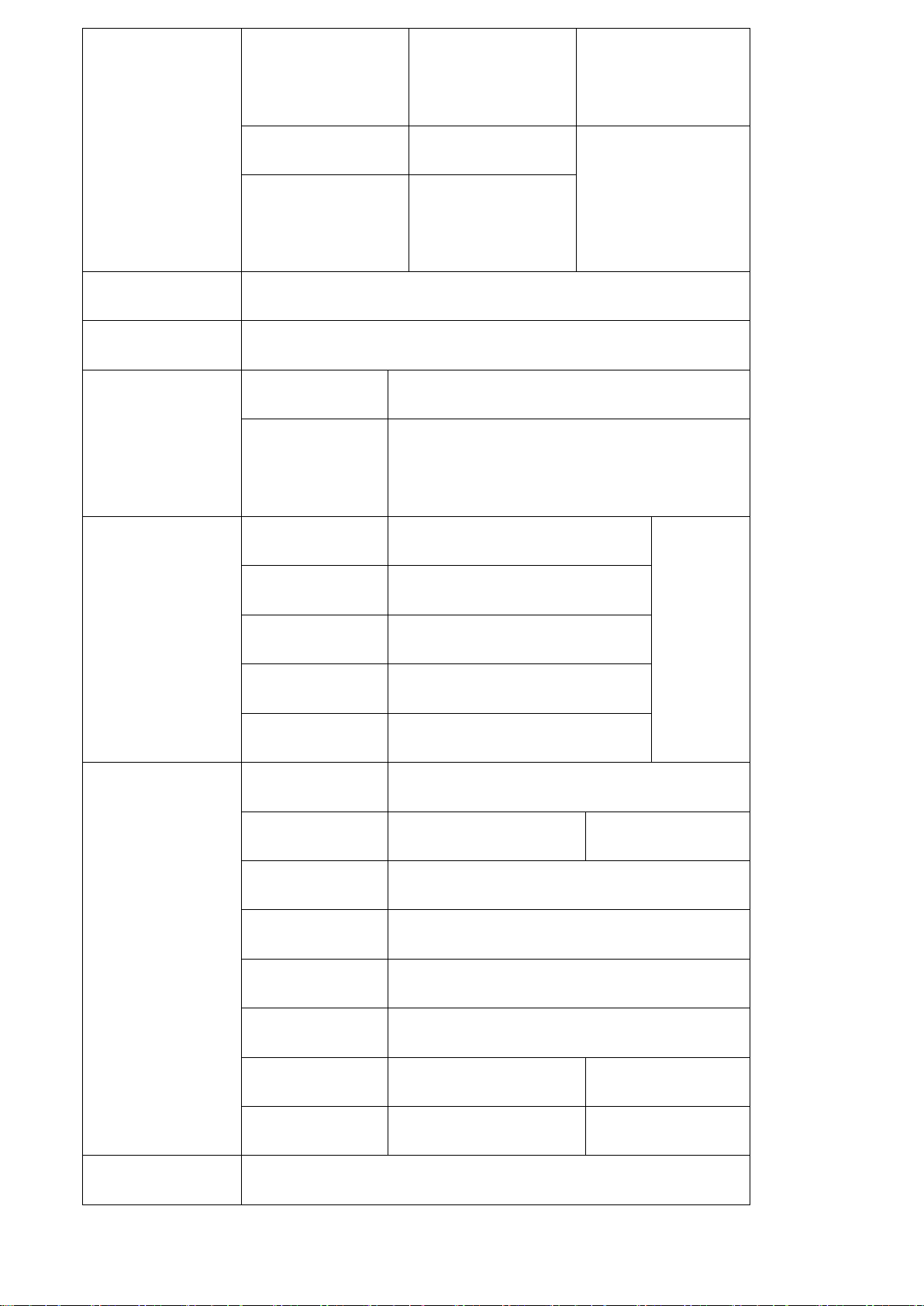
Picture
Brightness
0~100
Contrast
0~100
Saturation
0~100
Hue
0~100
Sharpness
0~4
Temperature
9300,7500,6500,5800,User
Backlight
0~100
Function
Center Marker
ON, OFF
Safety Marker
OFF,95%,93%,90%,88%,85%,80%
Aspect
Full Screen,16:9,17:9, 4:3,1.85:1,2.35:1
Underscan
ON, OFF
Check Field
OFF, Red, Green, Blue
Freeze Input
ON, OFF
Peaking
ON, OFF
Display Mode
1P,2P LR,2P TB,2P PIP,4P
Page 8
7
Display Setting
Display Rotate
0°,90°,180°,270°
Available when
single display.
LR Ratio
0~4
Available when dual
display on left and
right.
Input Swap
Select Region
Menu setting to region selected according to users’ needs.
Input
Signal switch to region selected according to users’ needs.
Audio
Volume
0~100
Audio Source
Analog,Digital 1,Digital 2,Digital 3,Digital
4。
VGA
Auto Adjust
Press to confirm after selected.
Only for
adjusting
VGA
signal
modes.
H Position
0~100
V Position
0~100
Clock
0~100
Phase
0~100
System
Reset
Press to confirm after selected.
Menu Time
5~60s
OSD H Position
0~100 (To set menu display area)
OSD V Position
0~100 (To set menu display area)
Transparency
0~255 (To set menu transparency)
OSD Rotate
0°,90°,270°
Border Width
0~10
Border Color
R, G, B, W
Info
To display current information.
Page 9

8
4. Included ACCESSORIES
1. Folding sun shade cover 1 piece
2. Rugged Carry-on suitcase 1 piece
3. 15V DC adapter 1 piece
4. Battery plate bracket 1 piece
5. V-mount 1 piece
6. Base bracket 1 pair
7. TALLY connector (in bulk) 1 piece
Page 10
9
5. Specifications
Note: due to constant efforts to improve products and product
features, specifications may change without notice.
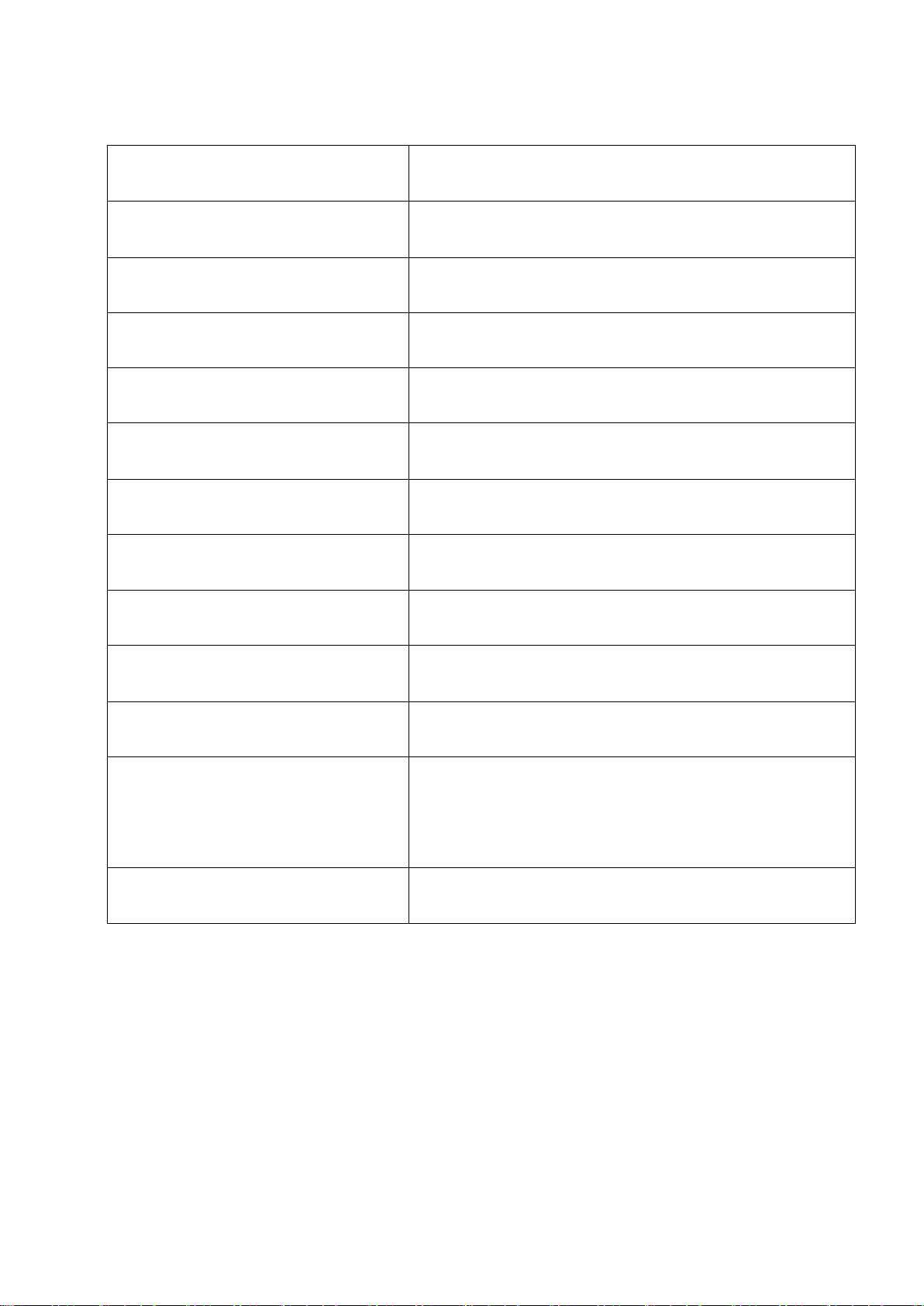
Panel
15”LED backlight
Resolution
3840×2160
Aspect Ratio
16:9
Brightness
330cd/㎡
Contrast
1000: 1
Viewing Angle
176°/ 176°(H/V)
Input Voltage
DC 12~24V(XLR)
Input Signal
HDMI, VGA,DVI and 3G-SDI
Power Consumption
≤15W
Operating Temperature
-0℃~60℃
Storage Temperature
-20℃~60℃
Dimension(LWD)
283×267×38mm
524×305×170mm(with case)
Weight
3.4kg/ 12kg(with case)
 Loading...