

Page 1
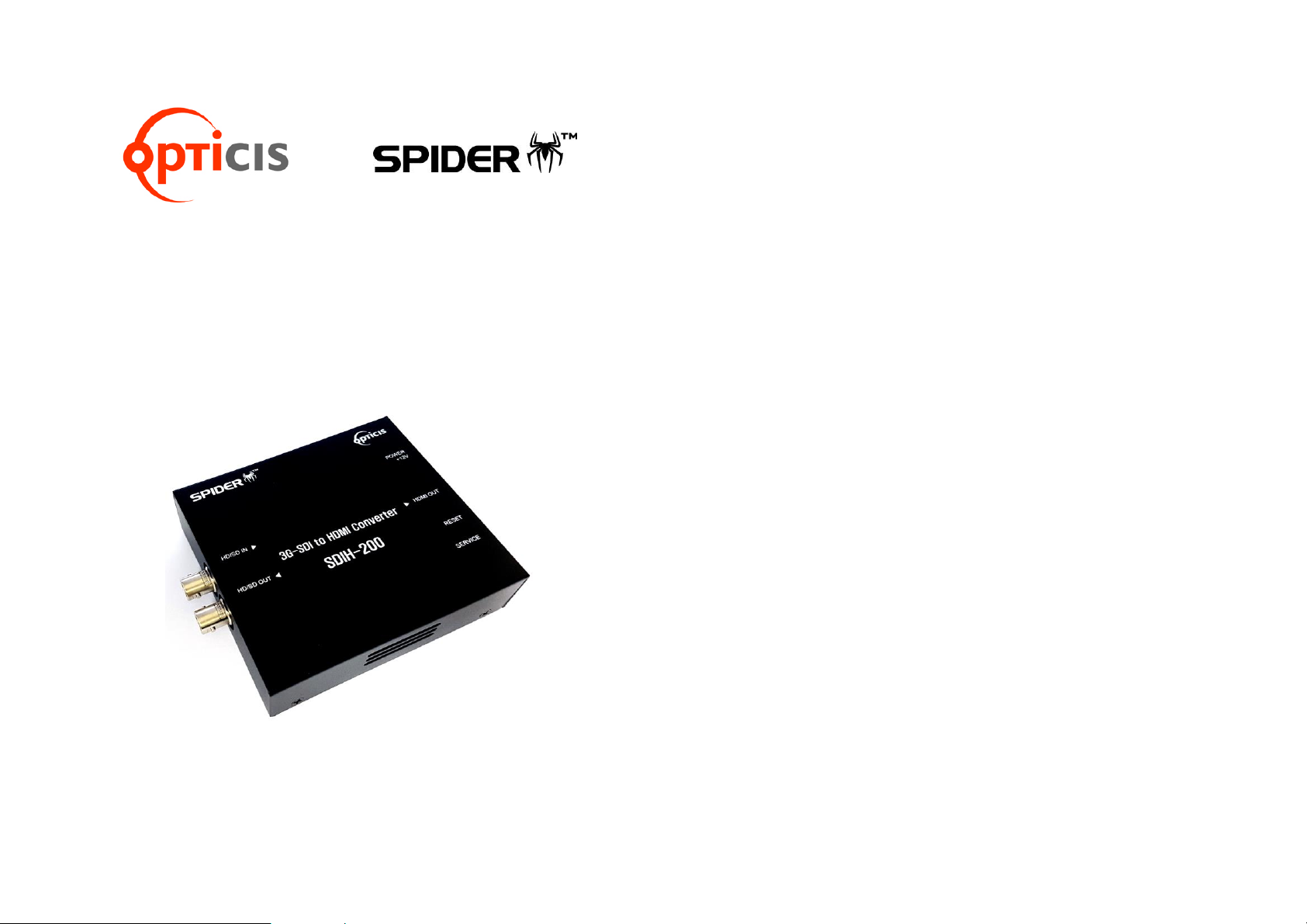
3G-SDI to HDMI Video Converter,
SDIH-200
User’s Manual
Doc No. : OC-SD161007 / Rev1.4
CONTENTS
Contents 1-1
Specification / Supporting resolution 1-2
Installation 1-3
Warranty Information 1-4
Troubleshooting 1-5
1-1 Contents
Page 2
Specification
ITEM
DESCRIPTION
Input Signal
SDI
Output Signal
HDMI
VIDEO
Input format
YCbCr (422)
VIDEO
Output format
RGB (444)
Input format
AUDIO
Embedded AES/EBU / 48Khz
Power
5~24V DC
Power Consumption
7W
Dimension
105 x 95 x 25 (mm)
Supporting resolution
SMPTE
Video Formats
SMPTE-425M
3G : 1920*1080p(60/59.94/50)
SMPTE-274M
HD : 1920*1080i (60/59.94/50)
SMPTE-274M
HD : 1920*1080p (30/29.97/25/24/23.98)
SMPTE-296M
HD : 1280*720p (60/59.94/50)
SMPTE-125M
SD : 601*525i (486_ NTSC)
SMPTE-125M
SD : 601*625i (576_PAL)
1-2 Specification / Supporting Resolution
Installation
STEP1
Plug the AC/DC adapter to AC inlet and connect to receptacle on the
product.
STEP2
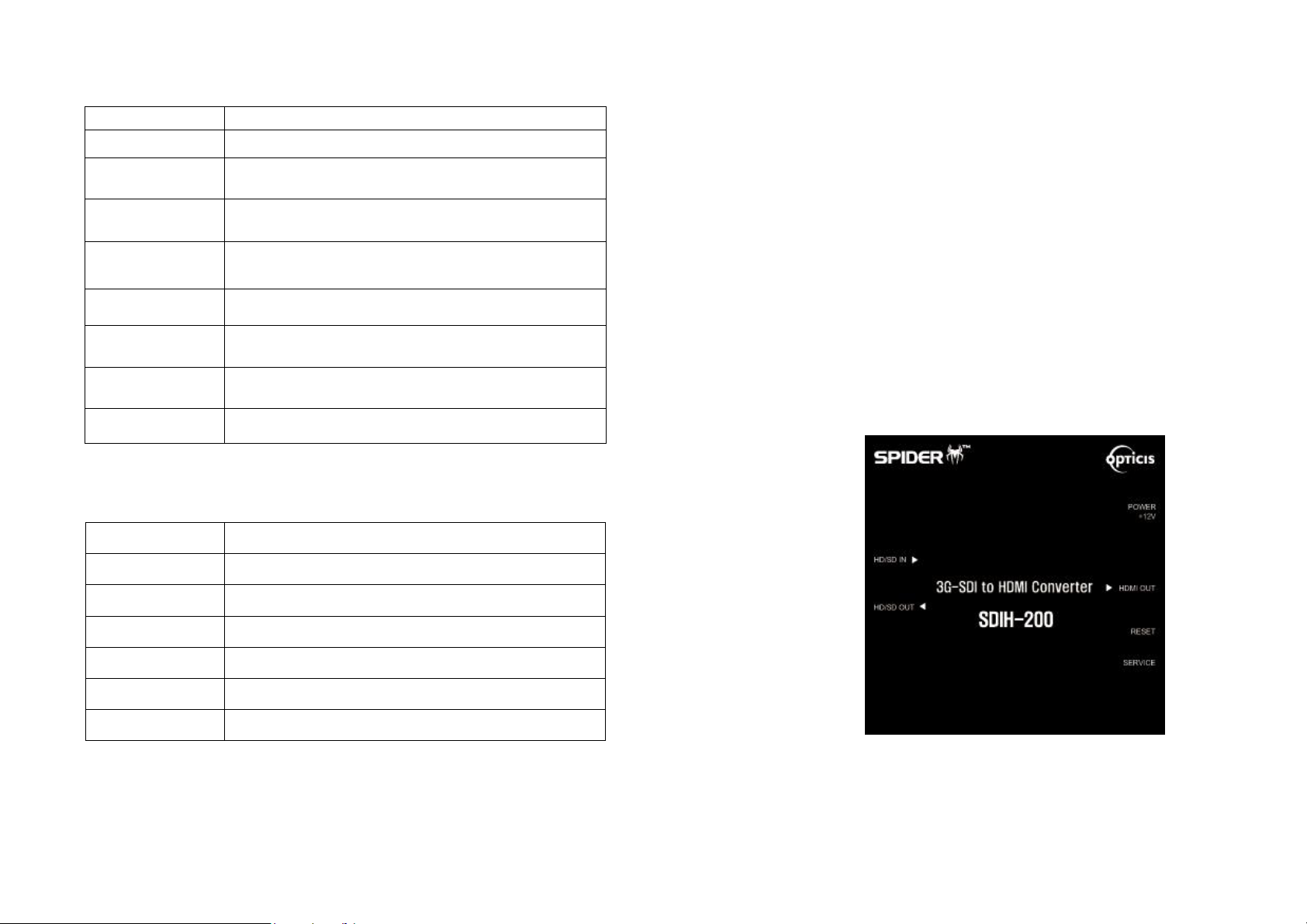
Connect SDI source to SDI input port of SDIH-200 with BNC coaxial cable.
STEP3
Connect HDMI display to HDMI output port of SDIH-200 with HDMI cable.
Note.1
SDIH-200 has SDI loop through output for SDI display as well as
HDMI.
1-3 Installation
Page 3

Troubleshooting
Problem
Remedy Actions
Converter does not
Operate
Make sure the 12V power supply is plugged
firmly to DC receptacle and AC inlet.
Check if the white LED light is on.
No picture (or signal)
Or Poor picture
1. If you are using copper based HDMI cable,
overall length should not exceed 20ft.
Longer than this will result in no or poor
picture quality. To extend beyond 20ft,
please use fiber optical HDMI extension
cables.
2. Make sure all HDMI, SDI connectors are
tightly secured to all HDMI, SDI ports.
Loose plugging on the connectors will
result in no or poor picture.
3. Reboot the converter.
Incorrectly sized picture /
resolution or No picture
Reset SDIH-200 by pressing the reset button.
1-5 Troubleshooting
Warranty Information
1 (One) Year Warranty
OPTICIS warrants OPTICIS SDIH-200 3G-SDI to HDMI converter to be f
ree from defects in workmanship and materials, under normal use and s
ervice, for a period of one (1) year from the date of purchase from OPT
ICIS or its authorized resellers.
If a product does not work as warranted during the applicable warranty
period, OPTICIS shall, at its option and expense, repair the defective pr
oduct or part, deliver to customer an equivalent product or part to replac
e the defective item, or refund to customer the purchase price paid for t
he defective product.
All products that are replaced will become the property of OPTICIS.
Replacement products may be new or reconditioned.
Any replaced or repaired product or part has a ninety (90) day warranty
or the reminder of the initial warranty period, whichever is longer.
OPTICIS shall not be responsible for any software, firmware, information,
or memory data of customer contained in, stored on, or integrated with
any products returned to OPTICIS for repair under warranty or not.
Warranty Limitation and Exclusion
OPTICIS shall have no further obligation under the foregoing limited warranty
if the product has been damaged due to abuse, misuse, neglect, accident,
unusual physical or electrical stress, unauthorized modifications, tampering,
alterations, or service other than by OPTICIS or its authorized agents, causes
other than from ordinary use or failure to properly use the Product in the
application for which said Product is intended.
1-4 Warranty Information
Page 4

© 2016 Opticis Co., Ltd. All Rights Reserved
Revision 1.4. 7, Oct, 2016
Opticis Locations
Headquarters
Opticis Co., Ltd.
# 16Fl, Kins Tower
8 Sungnam-daero, 331 beon-gil,
Bundang-gu,
Seongnam-si, Gyunggi-do, 13558
South Korea
Te l: +82 (31) 719-8033
Fax: +82 (31) 719-8032
www.opticis.com
For order support, please contact your Distributor or Reseller.
For technical support, check with the with the Opticis web site www.opticis.com or
contact [email protected]
 Loading...