

Page 1
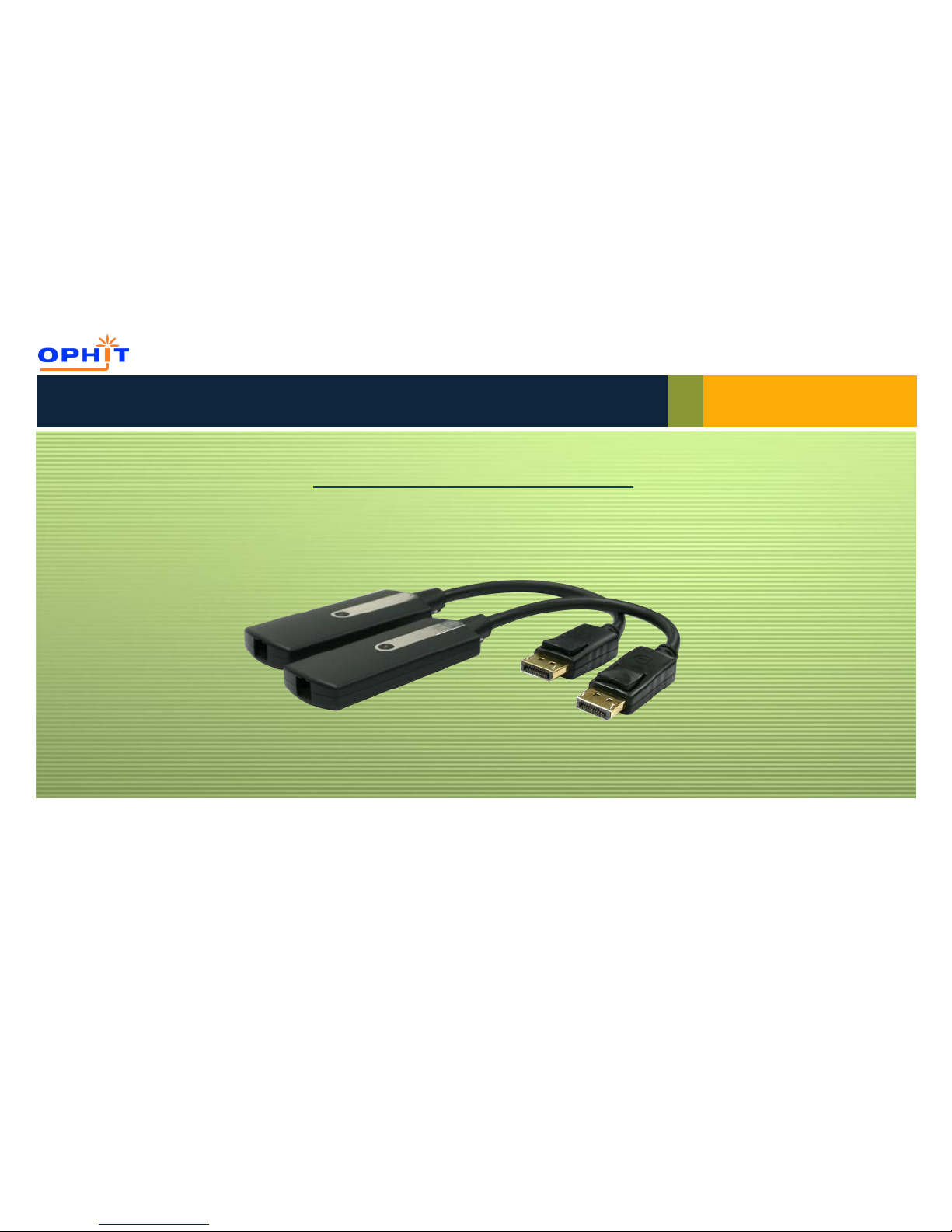
Thank you for purchasing DSFP
Optical DisplayPort pigtail module extender with DPCD support extends DisplayPort signal up to 1000M using
single strand multi-mode optic fiber. It supports display resolution up to 2560x1600(WQXGA).
www.ophit.com
User’s Guide
DisplayPort Optical Extender
DSFP
Page 2
User’s Guide
Check the package and make sure you have everything:
Contents
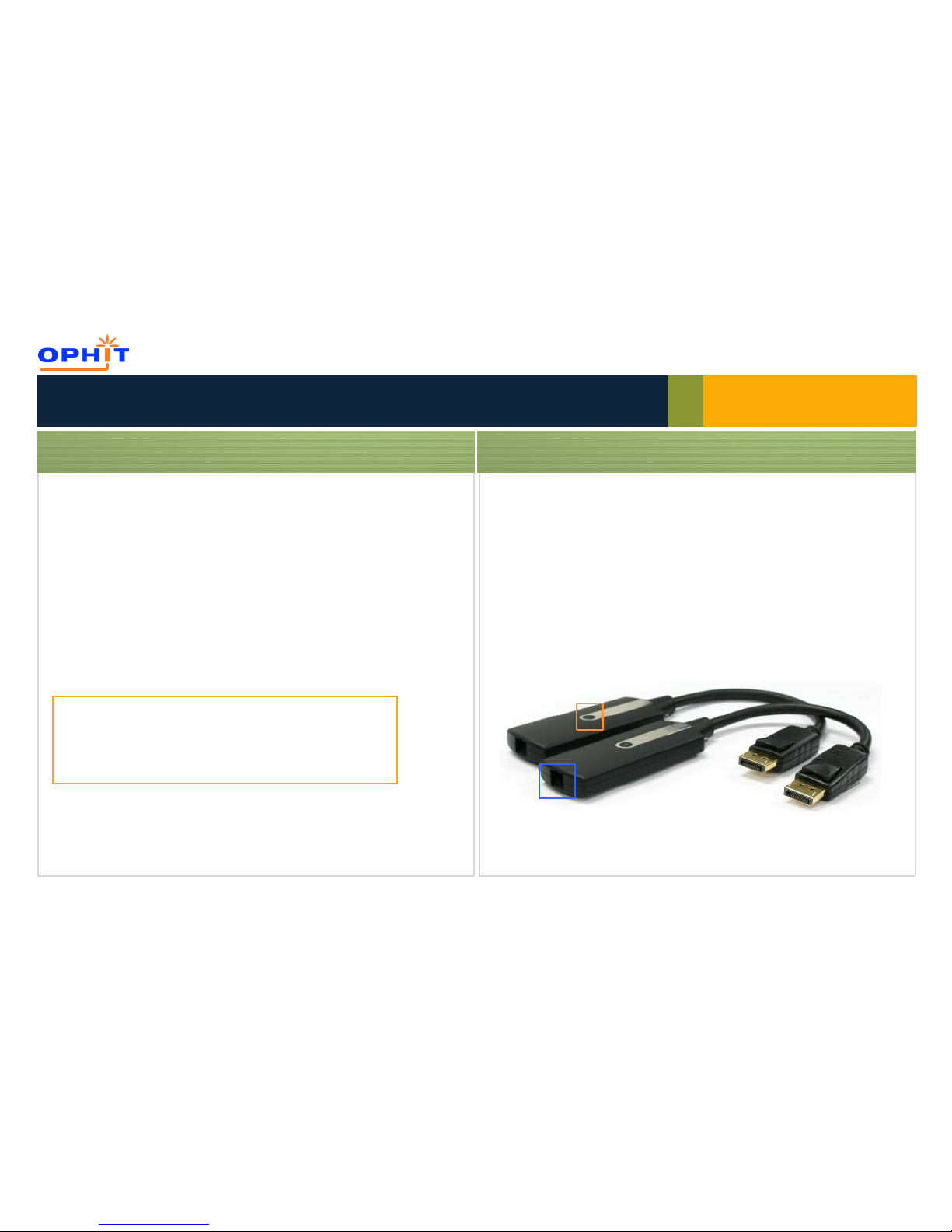
(1) DSFP Transmitter & Receiver
(2) +5V DC Power supply x 2pcs
(3) User’s Guide
If any of these items are missing in your package, contact OPHIT or
your supplier for support.
Check your package
Installation
Installation Steps:
1. Connect the Transmitter module to the DisplayPort source device.
2. Connect the Receiver module to the display.
3. Connect a single strand multi-mode SC terminated
optic fiber(50/125㎛) from the Transmitter to the Receiver module.
NOTE: Package content may differ if you have placed a special
order or placed order from anywhere other than OPHIT CO., LTD.
OPHIT CO., LTD. reserves the right to make changes without
further notice to a product described herein to improve reliability,
design, packaging or function.
LED indicator
SC type optical port
Page 3
User’s Guide
Installation
Application
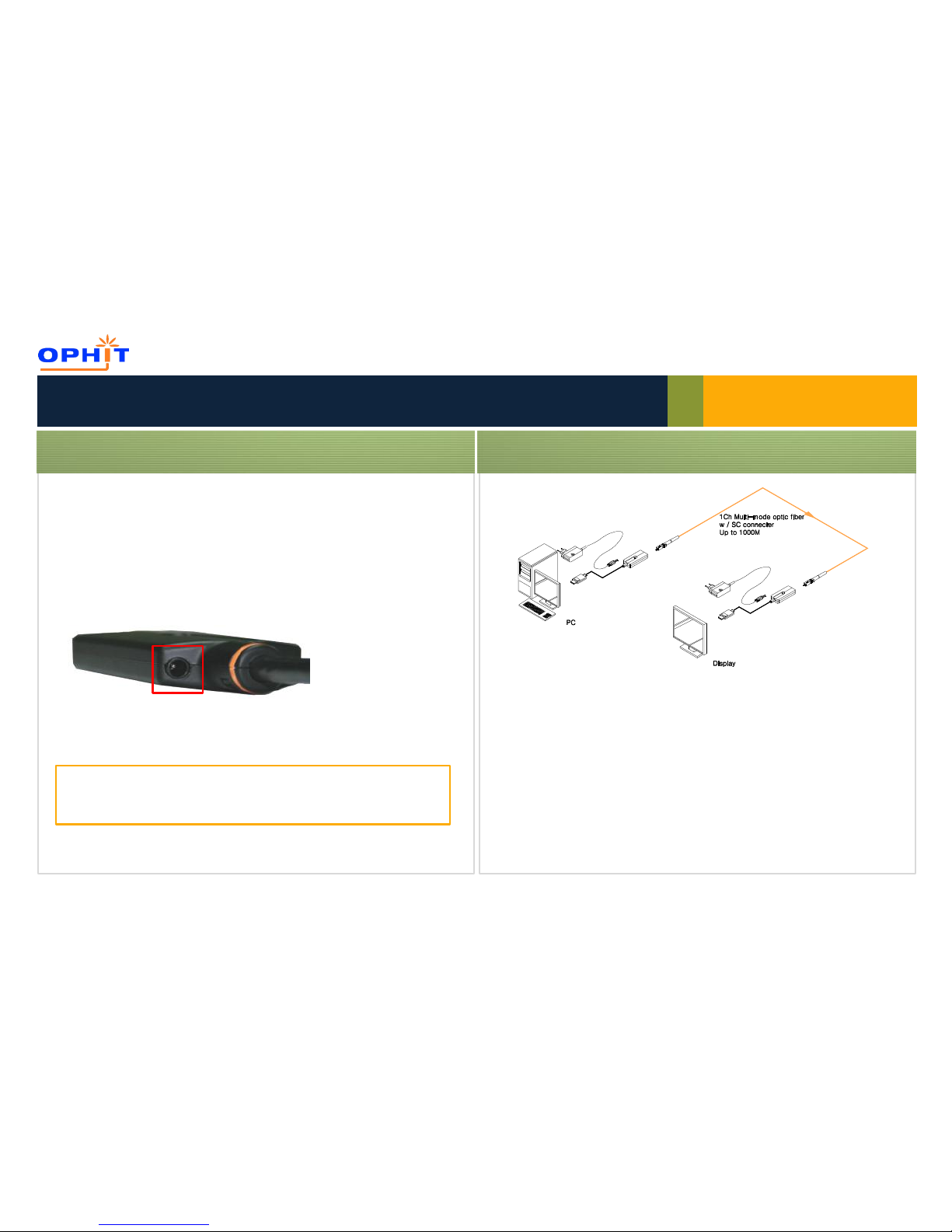
4. Connect the included +5V DC power supply into the Transmitter.
5. Connect the included +5V DC power supply into the Receiver.
6. Blue LED indicator on the modules will be light up
after all connections are completed.
NOTE: The Transmitter and the Receiver modules must be connected to the
included power supplies for proper operation.
Transmitter module must be powered on first.
▶ Trouble shooting depending on LED indicator status
No display TX Solid / RX Blink
Check if monitor is powered on
Check if DisplayPort source is selected on monitor input setting
No display TX Blink / RX Solid
Check if the PC and display are powered on and properly booted.
Check if optic fiber is connected properly.
No display TX Blink / RX Blink
Please make sure that power supply is connected into TX and RX.
Reset the system by de-plugging and re-plugging all connection.
DC +5V
Power jack
Page 4

We, OPHIT hereby warrant the final purchase of our product as follows.
In the case of troubles on our products, please contact the shop purchased.
One year limited warranty
Our customers have right to be served with free of charge when there is trouble in this product during 1(one) year from the day purchased.
Out of warranty services
When you request services (in the case of non manufacturing defects but the troubles by misusage), may served with charge as follows.
- Defects of products caused by accident, disaster.
- Damages of products caused by the customer’s carelessness or mistaken application.
- Damages of products caused by the application of the parts or products not supplied or sold by our company.
- Damages of products and related defects caused by not our staff or the men or group not nominated by us for services.
The interchanged parts and products for maintenance services shall be replaced as new parts and products operating
normally, and the inter-changed parts and products shall be subjected to our company.
Warranty
www.ophit.com
Page 5

RMA Request Form
Customer Name:
Return Date:
Company Name:
Phone:
Model Name:
E-Mail:
Serial No:
Place of Purchase:
Address: (For RMA Return)
RMA details: (Please describe RMA status, application used and failure symptom)
RMA No.:
www.ophit.com
Page 6

Technical and Sales Support
REV. 1.0
USA
Foreseeson Custom Display
2210E, Winston Road Anaheim,
CA 92806 USA
Tel: +1-714-300-0540
Fax : +1-714-300-0546
E-mail: [email protected]
KOREA HQ
OPHIT CO., LTD.
3F Suntechnovil, 5-27 Mangpo-Dong, Youngtong-Gu, Suwon-City,
Kyunggi-Do, Korea (443-400 )
Tel: + 82 (0)31 695 5543
Fax: + 82 (0)31 695 5545
E-mail:
Support @ophit.com
Europe
Foreseeson GmbH
Benzstr. 9, 61352 Bad
Homburg Germany
Tel.: +49 (0)6172 185310 20
Fax: +49 (0)6172 185310 11
E-mail: [email protected]
UK
Foreseeson UK Ltd
Unit 2Kingsmill Business Park, Chapel Mill Rd.
Kingston Upon Thames, Surrey; KT1 3GZ; UK
Tel : +44 (0)208 546 1047
Fax : +44(0) 208 546 3931
E-mail: [email protected]
www.ophit.com
© 2012 OPHIT CO., LTD. All rights reserved.
Printed and designed in Korea
Regional Office
 Loading...