

Page 1
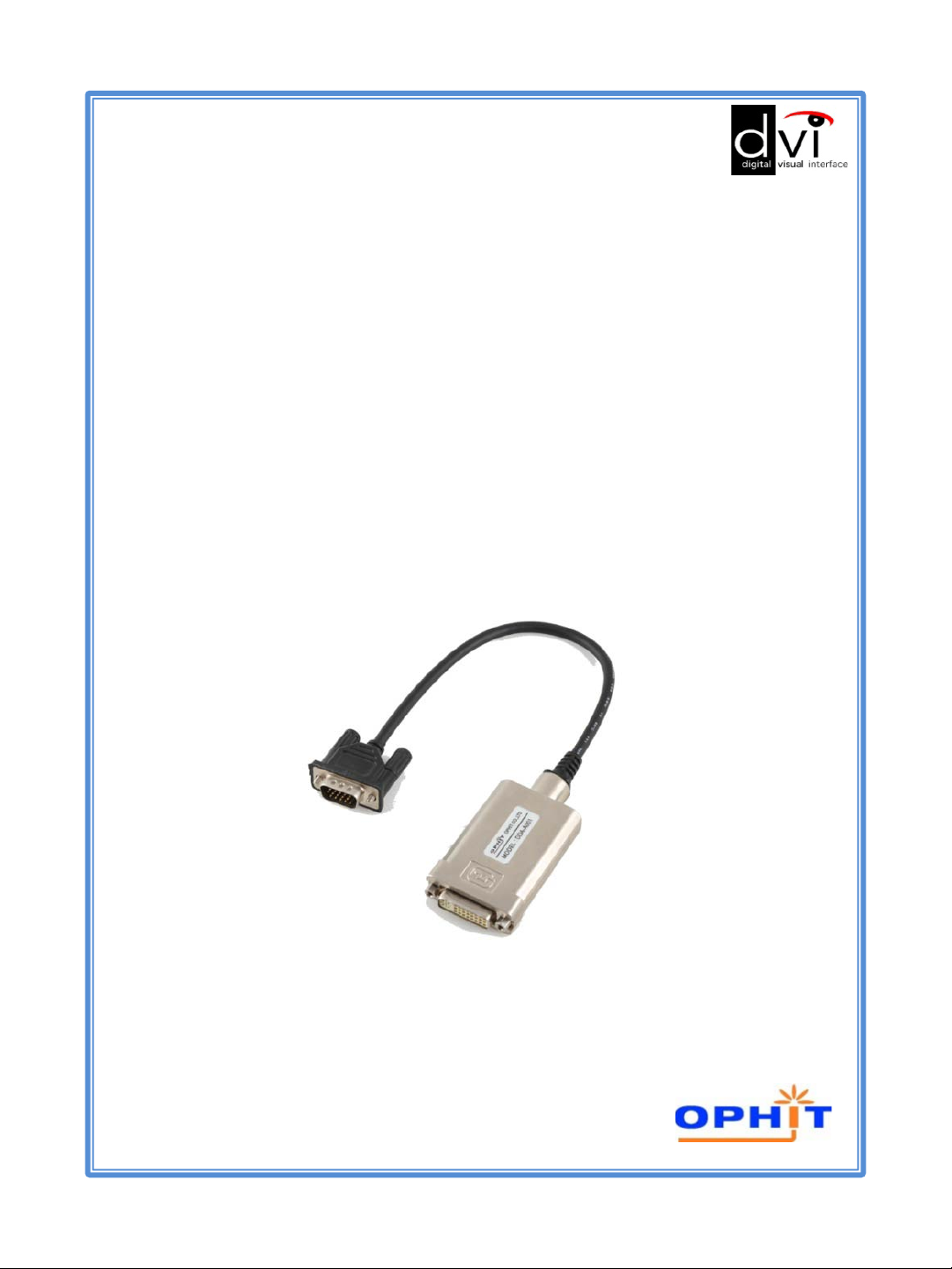
USER’S manual
Digital to Analog
Converter
DDA
Page 2

Table of Contents
1. Introduction ……………….....................................…2
2. Features ….…………………….............………………....2
3. Model name …………...............………………….………2
4. Panel Descriptions …..............………………….………3
5. Package contents .……….............…………….……….3
6. Installation .………………............……………………….4
7. Specification ………………………..............……………..4
8. Precaution .……………………………..............………….5
9. Warranty .……………………………...…............……….6
10. Contact us..............................................................7
www.ophit.com
1
Page 3

Introduction
This unique DVI converter transports your PC’s DVI signal to analog
graphic signal so that analog display devices without DVI output can be
connected to your PC and laptop with DVI output easily and conveniently.
Features
• Input Connector : DVI 24pin-Single Link (female)
• Output Connector : 15pin D-sub (male)
• Compatible with DVI standard by DDWG
• External power supply is available
• Support up to WUXGA, 1080p resolution
• HDCP Compliant
Model Name
DDA
2
www.ophit.com
Page 4
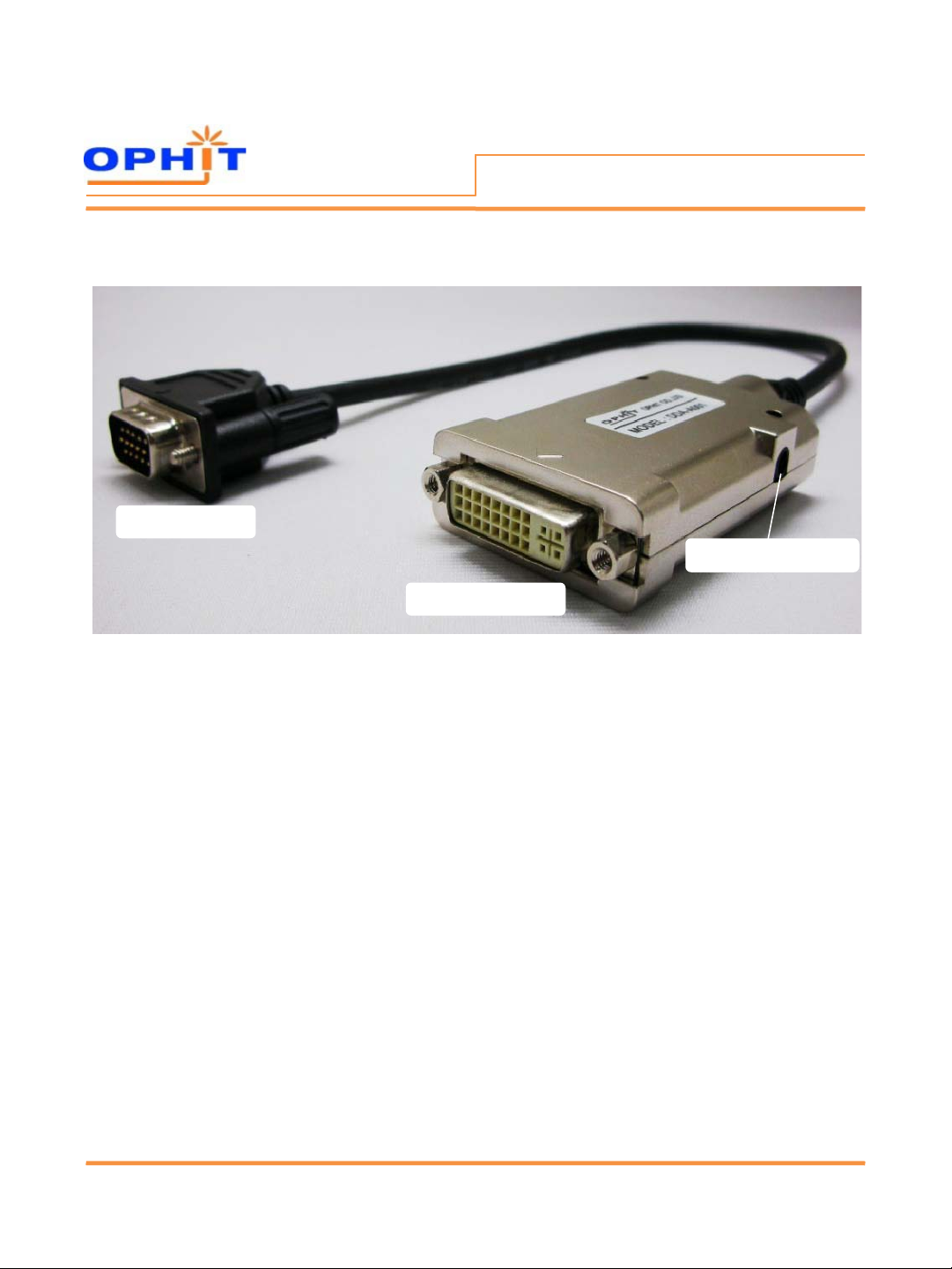
VGA(male) Output
Panel Descriptions
Power DC jack (Optional)
DVI(female) Input
Package contents
Before you start installing DDA, please check the package contents.
• Digital to Analog Converter (DDA)
• User’s Manual
• Power adapter(5V,2A) is optional (It’s not included in the package)
-> If your source device does not supply enough power to DDA,
you may need power supply. Please inform us before order.
www.ophit.com
3
Page 5
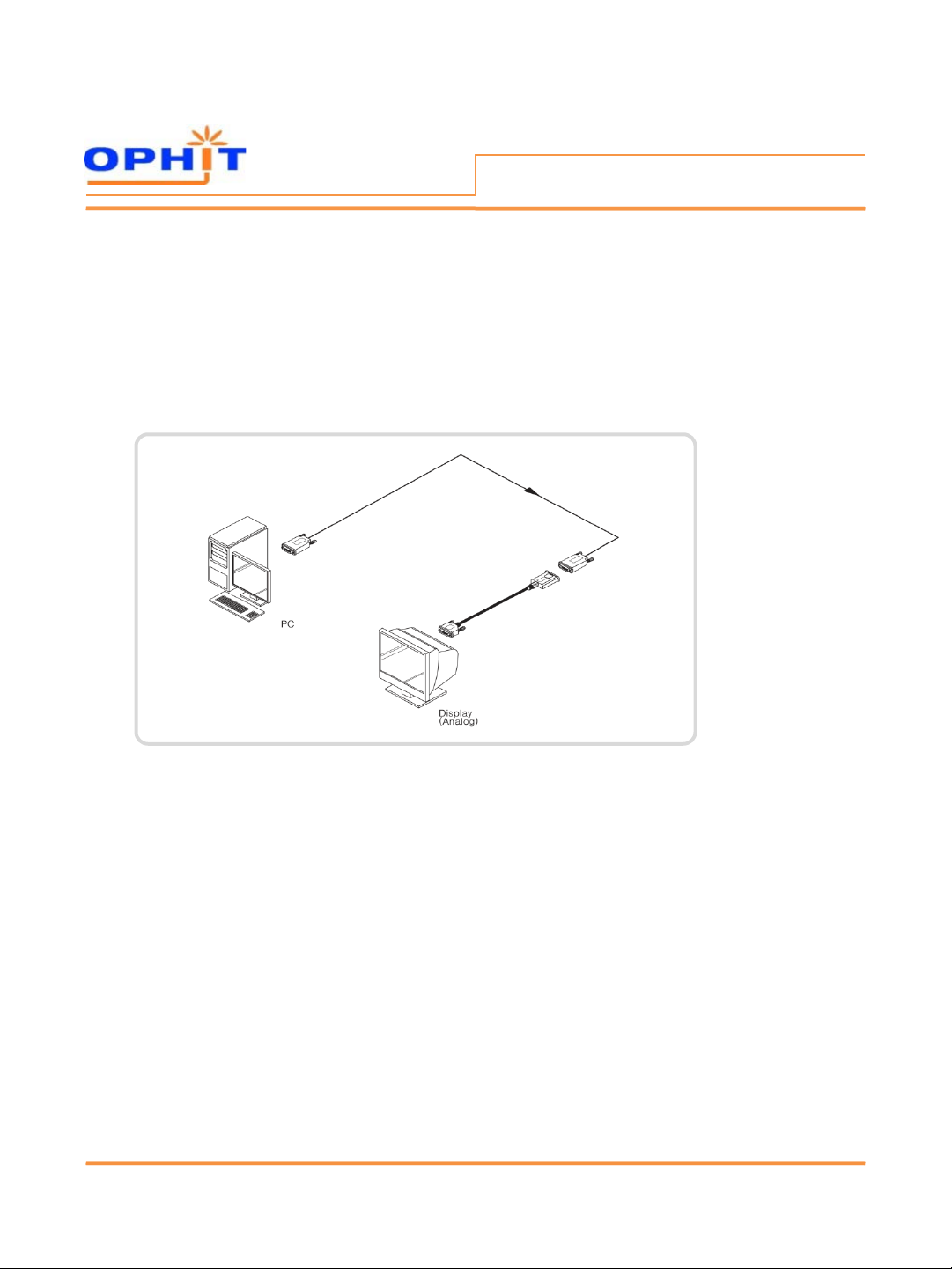
Installation
Installation
1. Connect DVI source to the converter’s DVI input using user supplied DVI cable.
2. Connect a monitor to the converter’s VGA output.
3. Plug the external 5V DC power adapter optionally.
Specifications
•Connector
- Input : DVI 24Pin (female)
- Output : 15Pin D-sub (male)
• Video Bandwidth : 1.65Gbps (Single Link)
• Supporting Resolution : Up to WUXGA(1920x1200), 1080p
• Power Consumption : 1.8W (Max)
• Length : 350mm
• Power Adapter(+5V DC, 2A) is optional
• Environment
- Operating Temperature Range : 0 to 50°C
- Storage Temperature Range : -20 to 70°C
4
www.ophit.com
Page 6

Precaution
WARNING
• Do not dismantle the housing or modify the product.
Dismantling the housing or modifying the product may result in electrical
shock or burn.
• Refer all servicing to qualified service personnel.
Do not attempt to service this product yourself as opening or rem oving
housing may expose you to dangerous voltage or other hazards.
• Keep the product away from liquids.
Spilling into the housing may result in fire, electrical shock , or equipment
damage. If an object or liquid falls/spills into the housing, unplug the
product immediately .
Have the product checked by a qualified service engineer before using it
again.
• Do not touch the Product with wet hands.
Touching the housing and plug with wet hands is dangerous and can
cause electrical shock.
www.ophit.com
5
Page 7

Warranty
We, OPHIT hereby warrant the final purchase of our product as follows.
In the case of troubles on our products, please contact the shop purchased.
One(1) year limited warranty
Our customers have right to be served with free charge when there is trouble
in this product during one(1) year from the day purchased.
Out of warranty services
When you request services (in the case of non m anufac turing defect but the
troubles by m isusage), may served with charge of follows.
• Defects of products caused by accident , disaster.
• Damages of products caused by the customer’s carelessness or
mistaken application.
• Damages of products caused by the application of parts or
products not supplied or sold by our company.
• Damages of products and related defec ts caused by not our staff
or the man or group not nominated by us for services.
6
www.ophit.com
Page 8

OPHIT CO., LTD.
www.ophit.com
Head office
908/301 Digital EmpireⅡ, 486 Sin-Dong, Youngtong-Gu,
Suwon-City, Kyunggi-Do 443-734, KOREA
TEL : +82-31-695-5543 FAX : +82-31-695-5545
E-mail : [email protected]
Contact us
Factory
3F, Suntechnovil, 5-27, Mangpo-Dong, Youngtong-Gu,
Suwon-City, Kyunggi-Do 443-440, KOREA
TEL : +82-31-205-4191 FAX : +82-31-205-4197
www.ophit.com
Rev. 1.1
7
 Loading...