

Page 1
QUICK START GUIDE
Page 2
USB Cable
Cyrano
oNotes Scent Disk
IN THE BOX
Page 3
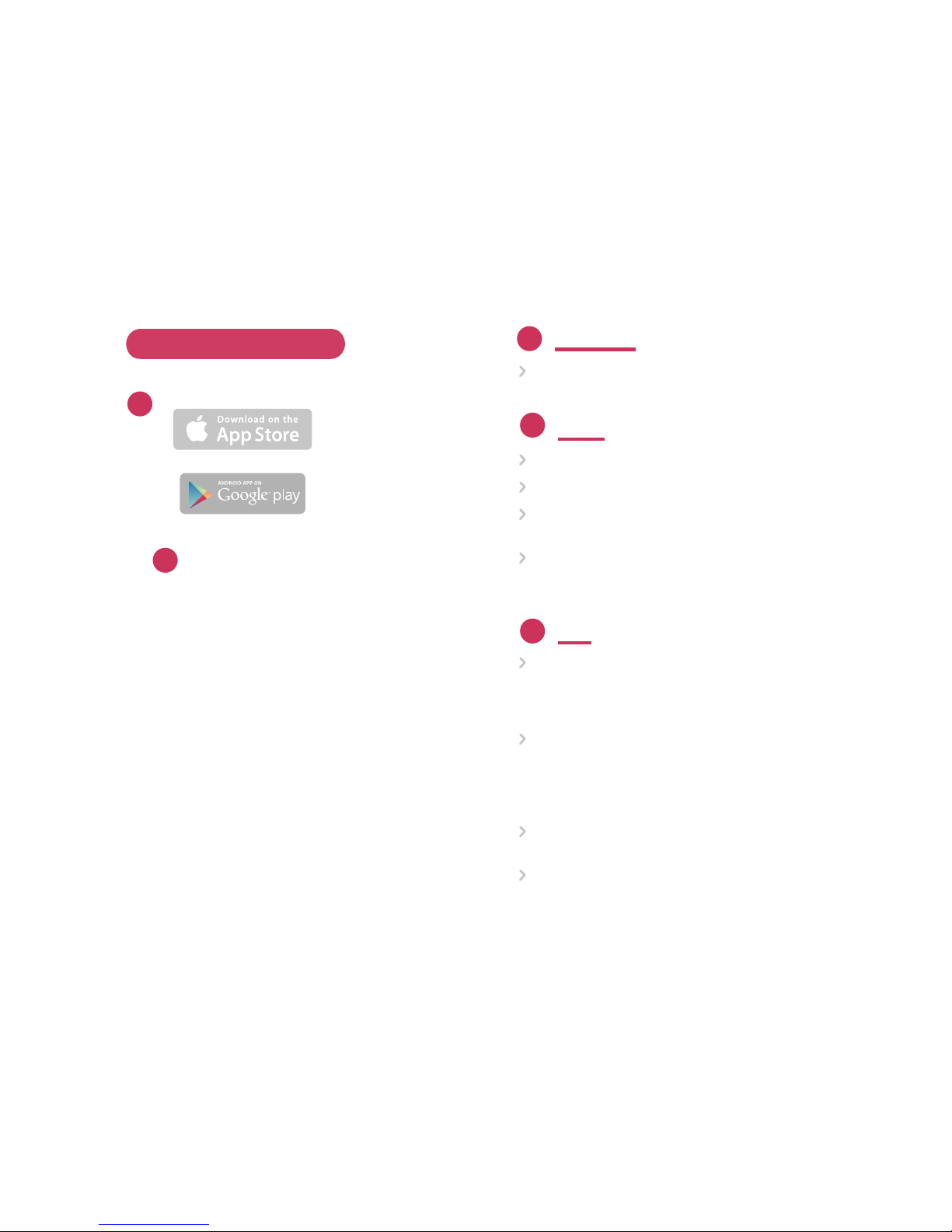
HOW TO USE CYRANO
Download
Download the oNotes application from iTunes
or Google Play to your device.
Setup
Unpack your Cyrano and scent disk.
Remove the lid and set it aside.
Insert the scent disk as shown in the
diagram on the left.
Press the power button and notice that the
light turns green. Also make sure the dark
colored tops on the scent disk spin freely.
Play
Start the oNotes app from your device.The app should
find your Cyrano and automatically recognize the type
of scent disk installed. If not, choose your scent disk
from the list shown on the app.
Next, pick where you plan to use Cyrano (Car, Oce
or Home) so we can optimize scent strength settings
for this location. You can change them anytime under
the settings menu in the upper right corner of the
oNotes app.
Tap on the first playlist. You should notice scent flowing
from your device in about 10 seconds.
You can also tap the Scents button to see
and play any single scent in your cartridge.
2
3
1
1
2
Page 4
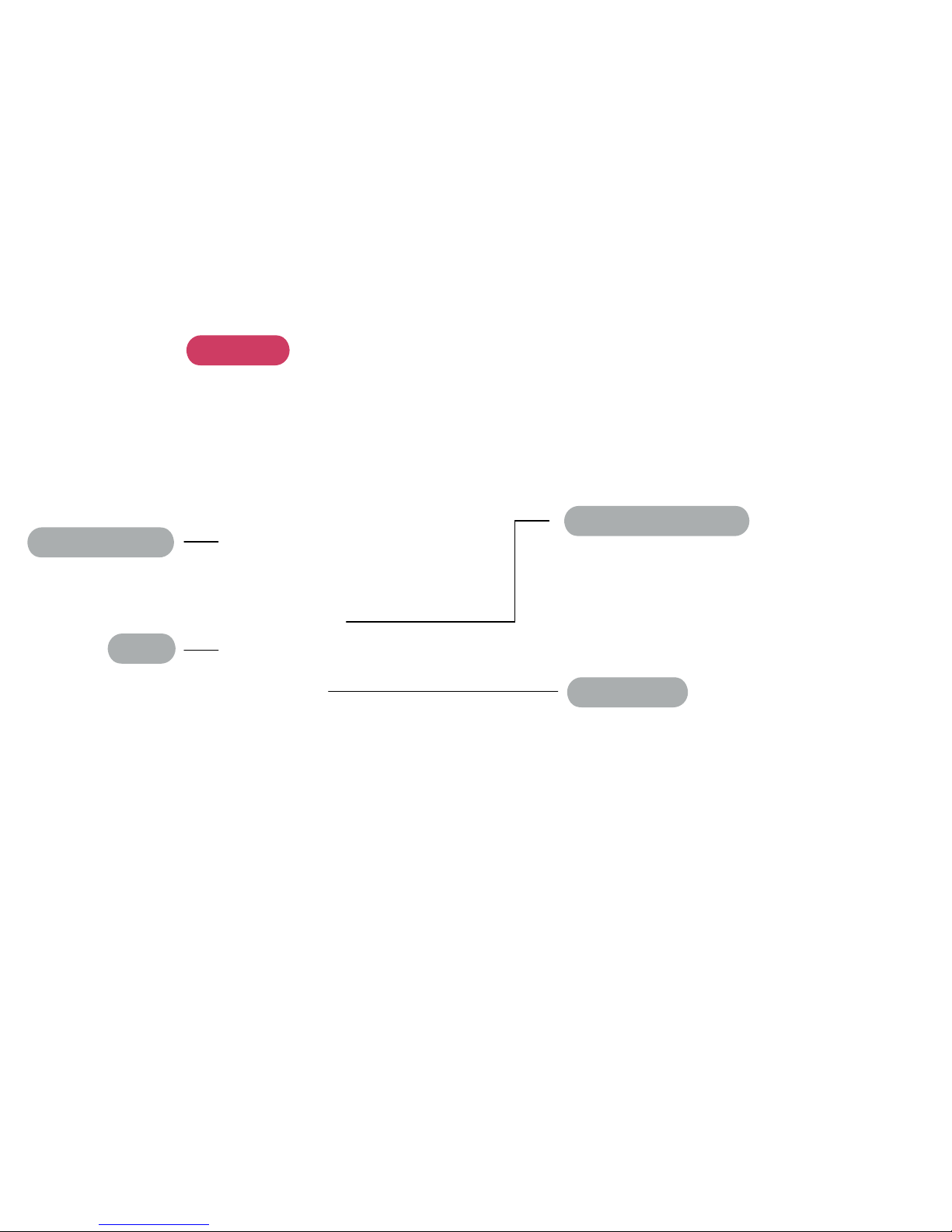
CYRANO
Base
Power / Play Button
Removable Lid
Status light
• Press and hold to power on / o
• Green when powered On
• Flashing green when playing a scent
• Yellow to red if the battery is running low
• Flashing blue when plugged in,
powered On, and charging
Page 5
If you play a playlist through the oNotes
app, it gets saved into your Cyrano.
When you next power up your Cyrano this
playlist will start automatically after about
5 seconds.
No app required, just hit the power button
and enjoy. Your settings for Scent
Strength are saved too.
How long does the scent disk last?
The oNotes app will let you know when
to replace your scent disk.
It should generally last about 6 weeks
under normal use.
How long does the battery last?
About 4 hours if played continuously
How can I clean my Cyrano?
You can wipe down the lid and white top
with a damp cloth or better, still one with
isopropyl alcohol.
If you have questions or concerns about
how to use Cyrano, please visit
www.onotes.com or send a message to
[email protected]
USING CYRANO WITHOUT AN APP
COMMON QUESTIONS
MORE QUESTIONS
Page 6

NOTE — This equipment has been tested
and found to comply with the limits for a
Class B digital device, pursuant to part 15
of the FCC Rules. These limits are designed
to provide reasonable protection against
harmful interference in a residential installation. This equipment generates, uses and
can radiate radio frequency energy and,
if not installed and used in accordance with
the instructions, may cause harmful interference to radio communications. However,
there is no guarantee that interference will
not occur in a particular installation. If this
equipment does cause harmful interference
to radio or television reception, which can
be determined by turning the equipment
o and on, the user is encouraged to try
to correct the interference by one or more
of the following measures:
• Reorient or relocate the receiving antenna.
• Increase the separation between the
equipment and receiver.
• Connect the equipment into an outlet on
a circuit dierent from that to which the
receiver is connected.
• Consult the dealer or an experienced
radio/TV technician for help.
MODEL: CYR171
FCC ID: 2AHYTCYR171
This device complies with Part 15 of
FCC Rules. Operation is subject to the
following two conditions: (1) This device
may not cause harmful interference, and
(2) this device must accept any interference received, including interference
that may cause undesired operation.
Changes or modifications not expressly
approved by oNotes could void the user’s
authority to operate the equipment.
Page 7

Questions?
Please visit
www.onotes.com
or send a message to
REV 004
DATE 05.05.2016
 Loading...