

Page 1
e-mail: [email protected]
For latest product manuals:
omegamanual.info
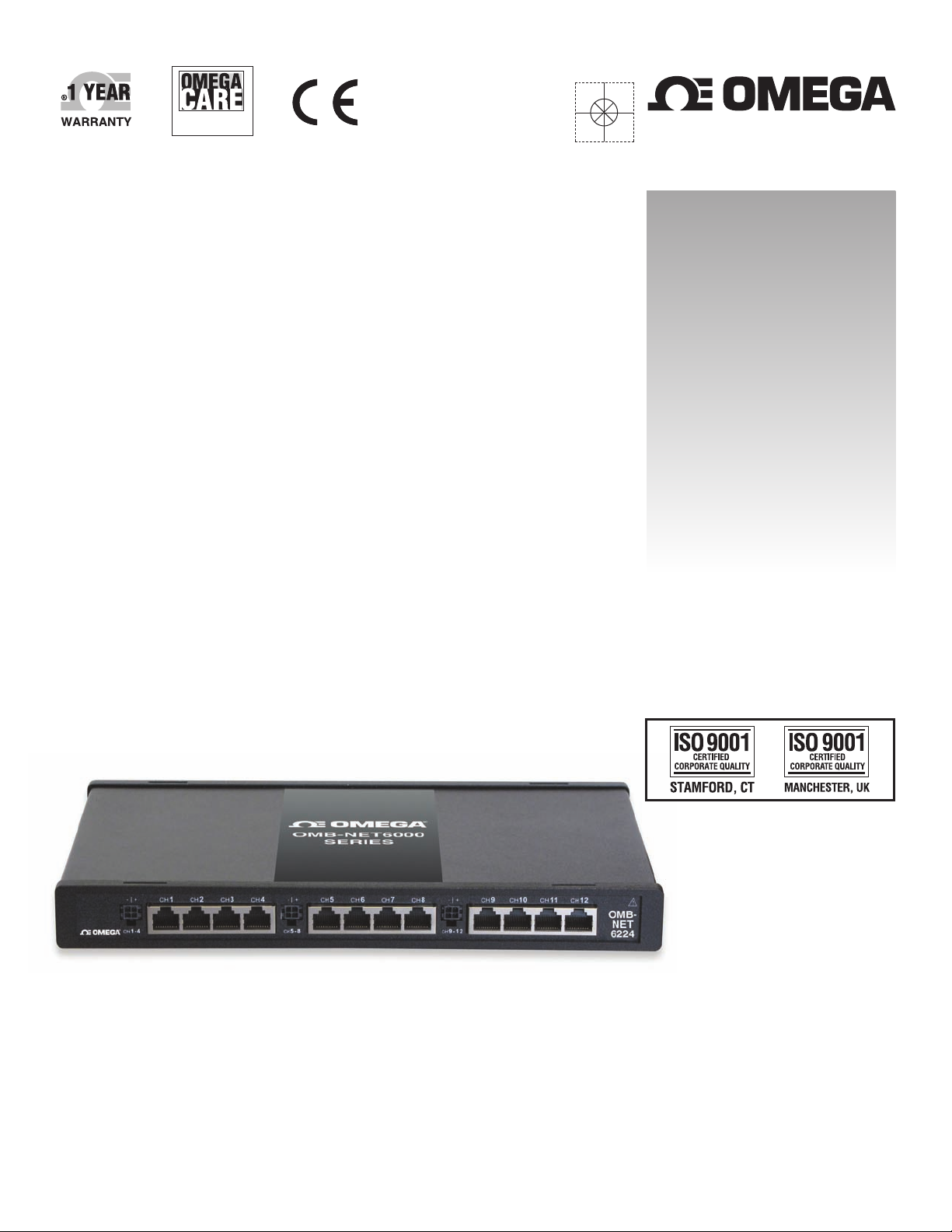
OMB-NET6224
12-Channel Ethernet-Based
Strain Gauge Input Module
Shop online at
omega.com
®
User’s Guide
®
Extended Warranty
Program
SM
Page 2

Servicing North America:
U.S.A.: Omega Engineering, Inc., One Omega Drive, P.O. Box 4047
ISO 9001 Certified Stamford, CT 06907-0047 USA
Canada: 976 Bergar
Laval (Quebec), H7L 5A1 Canada
Toll-Free: 1-800-826-6342 TEL: (514) 856-6928
FAX: (514) 856-6886 e-mail: [email protected]
For immediate technical or application assistance:
U.S.A. and Canada: Sales Service: 1-800-826-6342/1-800-TC-OMEGA
®
Customer Service: 1-800-622-2378/1-800-622-BEST
®
Engineering Service: 1-800-872-9436/1-800-USA-WHEN
®
Mexico/ En Español: 001 (203) 359-7803 FAX: 001 (203) 359-7807
Latin America: [email protected] e-mail: [email protected]
Servicing Europe:
Benelux: Managed by the United Kingdom Office
Czech Republic: Frystatska 184
733 01 Karviná, Czech Republic
Toll-Free: 0800-1-66342 TEL: +420-59-6311899
FAX: +420-59-6311114 e-mail: [email protected]
France: Managed by the United Kingdom Office
Toll-Free: 0800 466 342 TEL: +33 (0) 161 37 29 00
FAX: +33 (0) 130 57 54 27 e-mail: [email protected]
Germany/Austria: Daimlerstrasse 26
D-75392 Deckenpfronn, Germany
Toll-Free: 0800 6397678 TEL: +49 (0) 7056 9398-0
FAX: +49 (0) 7056 9398-29 e-mail: [email protected]
United Kingdom: OMEGA Engineering Ltd.
ISO 9001 Certified One Omega Drive, River Bend Technology Centre, Northbank
Irlam, Manchester M44 5BD United Kingdom
Toll-Free: 0800-488-488 TEL: +44 (0) 161 777-6611
FAX: +44 (0) 161 777-6622 e-mail: [email protected]
OMEGAnet®Online Service Internet e-mail
omega.com [email protected]
It is the policy of OMEGA Engineering, Inc. to comply with all worldwide safety and EMC/EMI
regulations that apply. OMEGA is constantly pursuing certification of its products to the European New
Approach Directives. OMEGA will add the CE mark to every appropriate device upon certification.
The information contained in this document is believed to be correct, but OMEGA accepts no liability for any
errors it contains, and reserves the right to alter specifications without notice.
WARNING: These products are not designed for use in, and should not be used for, human applications.
®
Page 3

Table of Contents
Preface
About this User's Guide ....................................................................................................................... 5
What you will lear n from this user's guide ......................................................................................................... 5
Conventio ns in this user's guide ......................................................................................................................... 5
Where to find more information ......................................................................................................................... 5
Chapter 1
Introducing the OMB-NET6224 ............................................................................................................ 6
Overview: O MB-NET6224 features ................................................................................................................... 6
Software requirements ........................................................................................................................................ 6
Hardware requirements ....................................................................................................................................... 6
OMB-NET6224 block diagram .......................................................................................................................... 7
What comes with your OMB-NET6224 shipment? ............................................................................................ 8
Hardware .......................................................................................................................................................................... 8
Software ............................................................................................................................................................................ 8
Documentation .................................................................................................................................................................. 8
Unpacking t he OMB-NET6224 .......................................................................................................................... 8
Installing the hardware and software .................................................................................................................. 8
Maintenance guidelines ...................................................................................................................................... 9
Chapter 2
Functional Details ............................................................................................................................... 10
Front panel RJ50 jacks ..................................................................................................................................... 10
Rear panel components ..................................................................................................................................... 10
Cable tie mounts ..............................................................................................................................................................10
Ethernet connector ...........................................................................................................................................................11
Digital I/O D-SUB connector ..........................................................................................................................................11
Chassis ground .................................................................................................................................................................11
Status LEDs .....................................................................................................................................................................11
SYNC connectors ............................................................................................................................................................11
Power input connector .....................................................................................................................................................11
Power switch ....................................................................................................................................................................11
Synchronization ................................................................................................................................................ 12
Stacking plate and handle options .................................................................................................................... 12
Installing quarter-bridge completion accessories .............................................................................................. 13
Installing half-bridge a nd full-bridge completion accessories .......................................................................... 14
Connecting components with RJ50 cables ....................................................................................................... 15
Strain channels, RJ50 pinout ............................................................................................................................ 15
Bridge connections ........................................................................................................................................... 15
Analog circuitry ................................................................................................................................................ 16
Filtering ...........................................................................................................................................................................16
Correcting errors in bridge circ uits ................................................................................................................... 17
Remote sensing ................................................................................................................................................................17
Shunt calibration ..............................................................................................................................................................18
Internal excitation voltage sour c e s ................................................................................................................... 19
External excitation voltage so urc e s .................................................................................................................. 19
Mounting and securing connections ................................................................................................................. 20
Counter input .................................................................................................................................................... 20
Encoder settings ...............................................................................................................................................................20
Overview o f strain gage types .......................................................................................................................... 21
3
Page 4

OMB-NET6224 User Guide
Quarter-bridge type I........................................................................................................................................................21
Quarter-bridge type II ......................................................................................................................................................22
Half-bridge type I .............................................................................................................................................................22
Half-bridge type II ...........................................................................................................................................................23
Full-bridge type I .............................................................................................................................................................24
Full-bridge type II ............................................................................................................................................................24
Full-bridge type III ...........................................................................................................................................................25
Pressure/force ..................................................................................................................................................................26
Chapter 3
Specifications ...................................................................................................................................... 27
Analog input ..................................................................................................................................................... 27
Accuracy ..........................................................................................................................................................................28
Channel-to-channel matching (calibrated) .......................................................................................................................28
Input noise .......................................................................................................................................................................28
Digital input/output........................................................................................................................................... 29
Counter input .................................................................................................................................................... 30
Power ................................................................................................................................................................ 30
Mechanical ....................................................................................................................................................... 30
Environmental .................................................................................................................................................. 30
Calibration ........................................................................................................................................................ 31
Accessories ....................................................................................................................................................... 31
4
Page 5

About this User's Guide
What you will learn from this user's guide
This user's guide descri bes the Omega Engineering OMB-NET6224 data acquisition device and lists devic e
specifications.
Conventions in this user's guide
For more information on
Text presented in a box signifies additional information and helpful hints related to the subject matter you are
reading.
Caution! Shaded caution statements present information to help you avoid injuring yourself and others,
damaging your hardware, or losing your data.
bold text Bold text is used for the names of objects on the screen, such as buttons, text boxes, and check boxes.
italic text Italic text is used for the names of manuals an d help topic titles, and to emphasize a word or phrase.
Preface
Where to find more information
Additional information about OMB-NET6224 hardware is available on our website at www.omega.com. You
can also contact Omega Engineering by phone, fax, or email with specific questions.
Phone: (203) 359-1660
Fax: (203) 359-7700
Email:
5
 Loading...