

Page 1

Temperature/Event Adapter
1
OM-60-TE SERVICE LOGGER
WITH
TEMPERATURE/EVENT ADAPTER
The OM-60-TE is a Service Logger with a temperature/event adapter. The field
inter-changeable temperature sensor and the event adapter are available as part
# OM-60-MOD-TE. The OM-60-MOD-TE option consists of a temp erat u re
sensor, an interface box with a built in voltage detector and a cable which
connects to the Service Logger. The OM-60-TE allows for independent temperature measurement and voltage detection. This is commonly described as
event detection.
The temperature sensor is enclosed with a 4 inch long stainless steel jacket
which may be immersed in any solid or liquid and is compatible with type 300
series stainless steel. Refer to the product specifications for the environmental
limits of the temperature sensors. The TP series temperature sensors are interchangeable and replacement sensors are available. Each temperature sensor
has 6 feet of cable.
Immersion of the entire sensor body and cable, and/ or c utting or
splicing of the OM-60-MOD-TE cables by the user is not
recommended and will void the se ns or warranty.
The voltage detector is connected by tw o co i l ed cli p leads available at the
interface box. The voltage detector will operate on any voltage source in the
range of 24 VAC to 270 VAC or 24 VDC to 180 VDC. Note that exceedin g th e
voltage range of the voltage detector can cause permanent damage to the
adapter.
CAUTION!
Electrical connection to any type of operating equipment is dangerous. The
voltage detector leads s h ould only be connected when it has be e n determined
that the power is off and the equipment is safe to touch!
GETTING STARTED
Connect the interface cable from the interface unit to the Service Logger. Plug
the temperature sensor into the interface unit. Note that the interface box is
labeled to indicate where the temperature sensor connects to. The clip leads are
permanently attached to the interface box. Make sure the equipment power is
OFF before connecting the leads!
If portable use or battery backup is desired, place a fresh 9V alkaline battery
into the Service Logger. Any other type of battery will result in unsatisfactory
performance and may cause damage to the instrument. Plug in the power
adapter if a 110 (220) Volt outlet is accessible.
Page 2

Temperature/Event Adapter
2
Press the "ON" button on the front panel. The
display will show the instrument name. If no
display is visible, or if the display is all black,
adjust the display control until the lettering is
visible.
If no adapter is connected or if the adapter has
become defective, the display will show this
message. The Service Logger will recognize
when an interface unit is plugged in and automatically set up the correct menus and displays
for that interface.
This is the Operating Mode display for the
OM-60-MOD-TE Sensor. The temperature of the
sensor and the presence of voltage at the
detector leads are continuously measured and
displayed. This is the mode the Service Logger
will go to after it is turned on.
If the temperature sensor is not connected or
has become defective, the display will indicate
that the sensor is not responding.
Temperature sensor is not responding.
CHANGING SETTINGS
Every function of the Service Logger can be set through a series of menus.
Settings are stored in memory and remain there even without the main and
backup power source until altered by the user. Each sensor will have settings
unique to its function and the Service Logger will select and display the correct
menus for each sensor that is plugged in.
Changing Recording Time and Sampling Rate
Press and hold the
MENU
ENTER
button until the
display changes to the Recording Rate menu.
The user may select the sampling rate and
recording time for the Service Logger. Use the
STATUS
or
RECORD
buttons
to change the recording time and sampling rate acco rd i n g to th e tab le li sted
below
SERVICE LOGGER
VER 2.0
PLEASE
CONNECT SENSORS
TEMP EVENT
74°F OFF
TEMP EVENT
**** OFF
RECORDING RATE
15HR EVERY 15SEC
Page 3

Temperature/Event Adapter
3
Recording Time Sampling Rate
40 Days 15 Minutes
2 Weeks 5 Minutes
60 Hours 1 Minute
30 Hours 30 Seconds
15 Hours 15 Seconds
On Event Change On to Off or, Off to On
Note that recording on event change is not a time related recording function. The Service Logger will monitor the Event Detector and only make a data
recording when the status of the event detector changes from ON to OFF or
from OFF to ON. There is also a maximum time limit between events. If the
Service Logger does not detect a change in state for more than 45 hours the
Service Logger will assume no events are occurring and the recording will be
automatically terminated. As in the time related recording fu n ctio n s th e d i sp lay
will continuously show the status of the temperature sensor and event detector
but will only record data on a change in the state o f the even t d etecto r.
When the
MENU
ENTER
button is pressed 3 more times (to cycle through th e
remaining functions), the recording time and the sampling rate will be saved
into memory and the Service Logger will return to the operating mode.
Otherwise the unit will return to the operating mode after approximately 1
minute and changes will be saved into memory.
Changing Scale to °F or °C
Press the
MENU
ENTER
button until the display
reads:
or
Use the
STATUS
or
RECORD
buttons to
change the setting to the desired scale.
When the
MENU
ENTER
button is pressed twice more (to cycle through the
remaining functions), the temperature scale setting will be saved into memory,
and the Service Logger will return to the operating mode. Otherwise the unit will
return to the operating mode after approximately 1 minute and changes will be
saved into memory.
TEMPERATURE SET
TO FAHRENHEIT
TEMPERATURE SET
TO CELSIUS
Page 4

Temperature/Event Adapter
4
RECORDING DATA
One of the most important functions of the Service Logger i s to reco rd
information over a period of time. This function is like a chart recorder except
that the information is stored in memory rather than being printed on paper.
The user can choose to print the information, tran sfer th e in f or mati on to a
computer for advanced analysis or long term storage, or review the information
on the Service Logger’s display.
In the case of the OM-60-MOD-TE sensor, the temperature and presence or
absence of voltage will be recorded. Different sensors will, of course, record
different information depending on the function of that sensor. The Service
Logger has a memory capacity to record up to 4000 samples of data. It is the
option of the user to record data to the maxi mu m cap a ci ty o f th e Servi ce Log g er
or to terminate a recording when sufficient i n fo r matio n h a s b een g ath ered .
IMPORTANT !
Each new recording will erase any previously recorded information. It is the
responsibility of the user to either print or store a previous recording prior
to starting a new recording.
The first step in making a recording is to select the proper recording time and
sample rate. If a sampling rate of 15 seconds is being used, then every 15
seconds the temperature and presence or absence of voltage will be measured
and stored into digital memory. No record of information is made between each
sample even though the display will continuously show the environment the
OM-60-MOD-TE sensors are exposed to.
If the Service Logger is set to record on event change, then only when the state
of the voltage detector goes from ON to OFF or from OFF to ON will a data
recording be stored in memory.
For a recording to accurately reflect a series of events, it is up to the u ser to
select a recording interval that best suits the particular application. In some
situations maximum recording time may be sacrificed so that more frequent
sampling may be accomplished. Long term monitoring will require less frequent
sampling in favor of longer recording times. The record on event change will
usually be used when the data of interest occurs only under a specific
condition.
The next step is to select how the Service Logger will record the information
from the OM-60-MOD-TE sensor. There are 3 possible ways to record
information.
Page 5
Temperature/Event Adapter
5
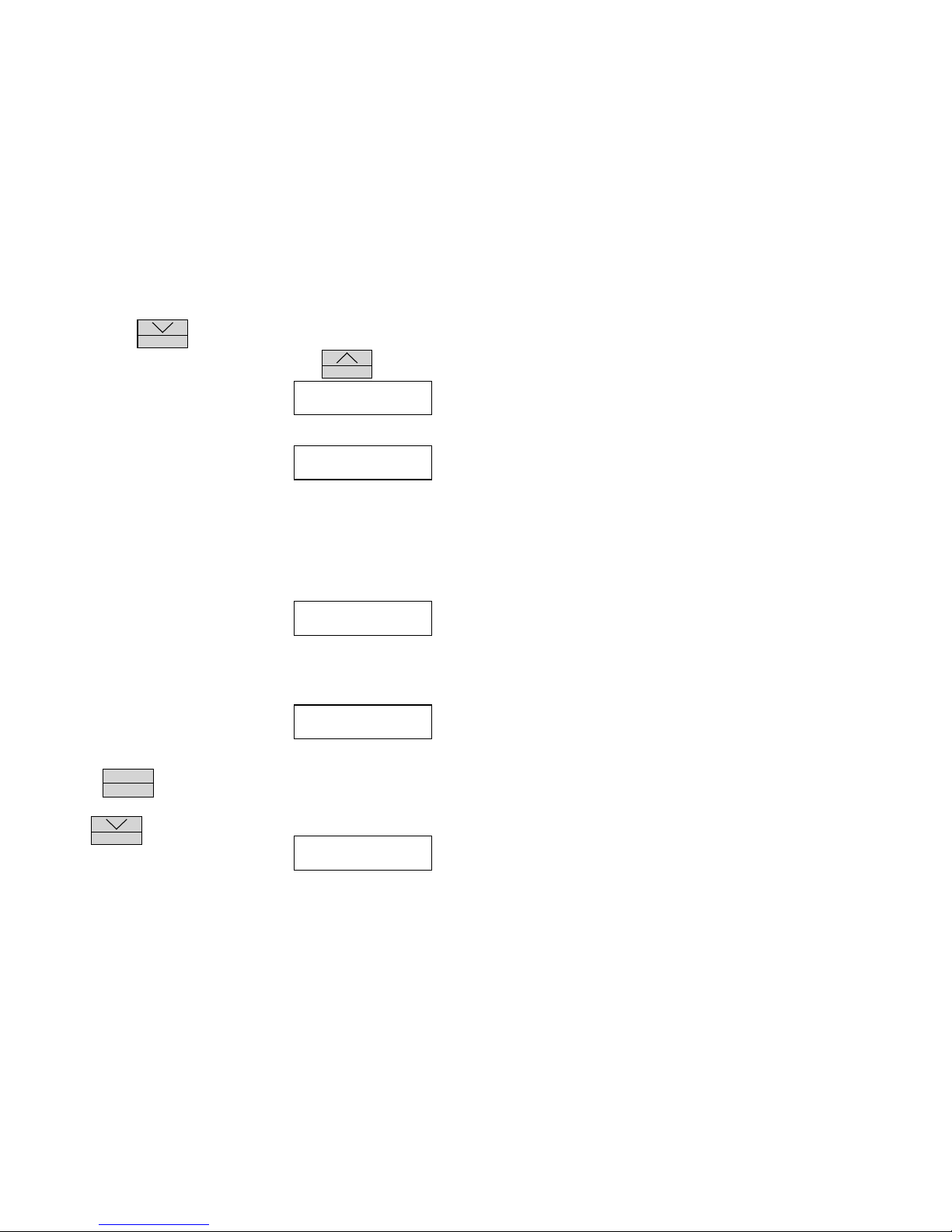
Press and hold the
RECORD
button until the record display appears. The four
recording modes can be scrolled and changed by using
STATUS
button:
1. Record information to memory only. This
option stores information into the Service
Logger memory. No printer or computer
connection is required for this function.
2. Record information to a printer. This option
does not store information into memory but
does print each sample as it is recorded to a
printer. This is referred to as REAL TIME
PRINTING. A printer must be connected for
this function! If no printer is connected, or if
the printer is off-line, or if the printer is out of
paper an error message will be displayed to
alert the user to a problem. Switching to this
option will terminate recording if the Service
Logger was set to record previously.
3. Record information to memory and to a
printer. This is a combination of options 1
and 2. Information is stored in memory and at
the same time each sample is recorded to a
printer. As in option 2 a printer must be
connected and functioning or an error message
will be displayed.
4. If a recording is in progress, this option will
terminate all recording functions. This
option may also be used if the user decides to
terminate a recording session and return to the
operating mode. In order to terminate a recording
press the
MENU
ENTER
button again at this time.
Press the
RECORD
button after selecting the
recording mode. This will display the starting
time of the recording. The display will show the
starting time of the last recording and allow the
RECORD ON, REAL
TIME PRINT OFF
RECORD OFF, REAL
TIME PRINT ON
RECORD ON, REAL
TIME PRINT ON
RECORD OFF, REAL
TIME PRINT OFF
DAY HOUR MIN
FRI 15 16
Page 6
Temperature/Event Adapter
6
user to enter a new starting time. The
STATUS
button will advance the item
that is flashing. Press and hold the
STATUS
button to scroll this item. Press
the
RECORD
button to change to the next item which will then start to flash .
This will set the starting time of the recording which will appear on the display or
printout after a recording has been made. Note that the previous starting time is
always displayed when a new recording is started.
When the Service Logger is in the recording mode, it will prevent the user from
changing the settings. The user will only be allowed to check the recording rate
when they press the
MENU
ENTER
button.
Press the
MENU
ENTER
button to return to the operating mode and b eg i n th e
recording.
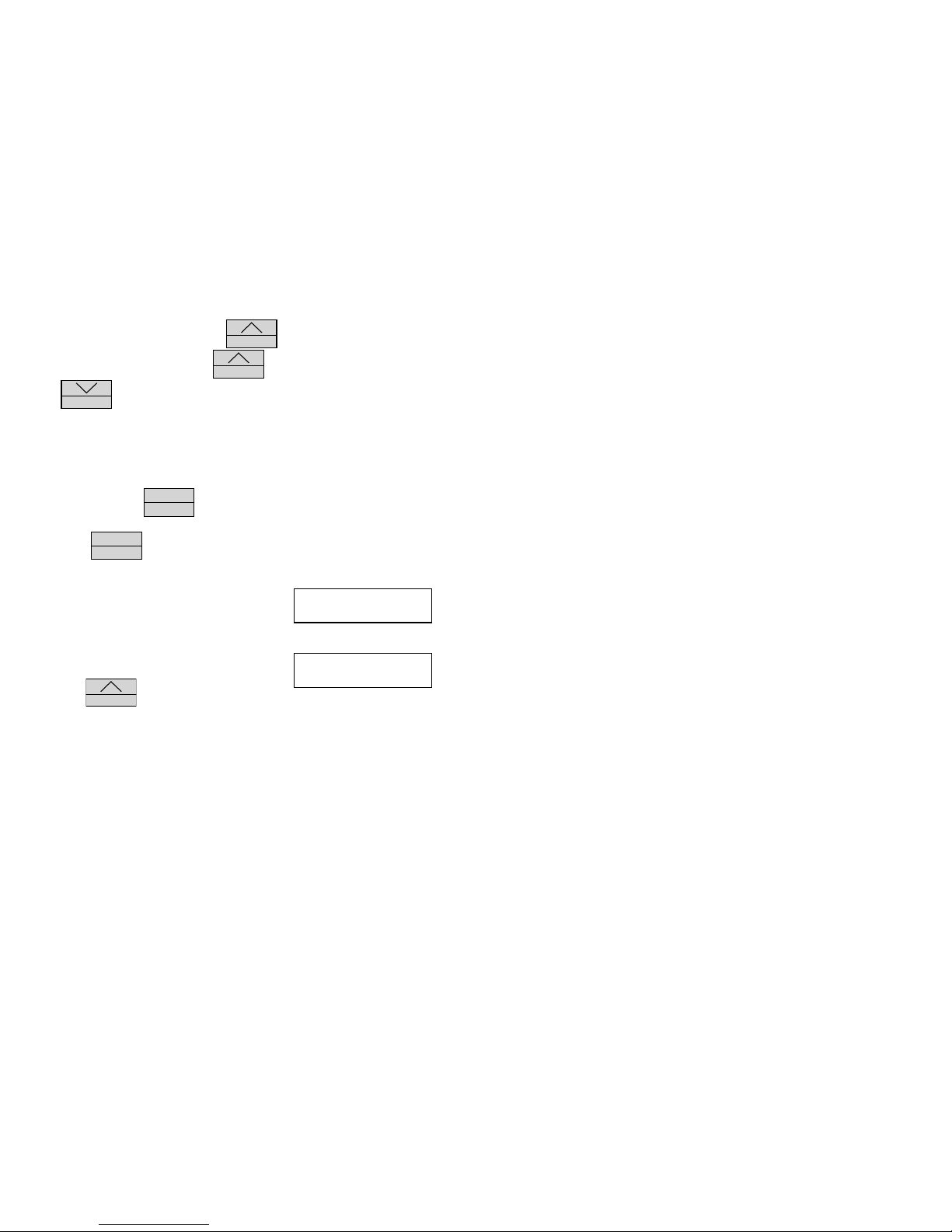
If option 1 or 3 is selected, an "R" will be dis-
played in the upper right hand corner of the
display. The "R" indicates recording is in
progress.
While you are recording it is possible to check
how much memory has been used . Pr ess a n d
hold the
STATUS
button until the display
shows the starting time of the recording and the percent of available remaining
memory. As the recording continues this number will decrease. The Service
Logger will continue to record until the recording is terminated manually or
when all of the available memory has been used. When 0% Memory Left is
displayed, this will indicate that almost all of the available memory has been
used and the Service Logger will shortly terminate the recording au to mati cally.
Sample of a typical printout at the beginning of recording:
The time is specified using the format D(ays):H(ours):M(inutes):S(econds).
This convention is used in the printout and the display.
Service Logger
Temp (F) EVENT Time (D:H:M:S)
72 ON MON:12:15:00
72 OFF MON:12:15:05
72 OFF MON:12:15:10
72 OFF MON:12:15:15
TEMP EVENT R
74°F OFF
MON:15:35
78% MEM. LEFT
Page 7

Temperature/Event Adapter
7
72 ON MON:12:15:20
PRINTING RECORDED DATA
After a recording has been made the user will probably want some way to view
and analyze the recorded information. This is most easily accomplished by
printing out the data samples. The printed data can be analyzed or stored for
future reference. Several print options are available.
Filtering Printed Record
If the user were to print a recording which used all of the memory capacity of
the Service Logger this would be a very long reco rd o f 4000 d a ta sa mp les. To
print this out line by line on a standard computer printer would use over 60
sheets of paper! Obviously this would be a cumbersome and time consuming
process. In most cases, the information required from the record is only when
the temp-erature or status of the event detector changes. If the temp eratu re or
event detector remains the same, it is not necessary to print line after line of the
same information.
The Service Logger allows the user to select from 1° to 10° of temperature
change or change in the state of the event detector (on to o ff o r o ff to o n ) to
print on. What this means is that data samples that are less than the selected
temp-erature change, or if the state of the event detector stays th e same, n o
samples will be printed until the conditions that are programmed in the filter are
satisfied. That temperature or state of the event detector becomes the new value
to compare to and the temperature or the state of the event detector will have to
change again before another sample is printed.
One important point to remember is that even if a data sample is not printed,
the Service Logger still has to recall it from memory and compare it to the filter
selection. Therefore, a printout may take up to 10 minutes for a scan of all 4000
data samples. This may sound complicated, but is easy to understand by using
an example recording.
Example:
A recording has been made in a room of a building over a 30 hour period to
determine whether or not the ventilation fan is turning on when the heat goes
on. This means that a one data sample is recorded every 30 seconds. For the
printout the user has selected a change of 2°. Shown below would be a typical
printout of the data using the above selections. In a real printout there would be
no spaces between the lines of printing, but in our example these were added
to allow room for comments to be inserted.
Service Logger
Temp(F) Event Time(D:H:M:S)
---------------------------------------------------
Page 8
Temperature/Event Adapter
8
70 OFF MON:08:00:00 This is the first data record and the
starting time is Monday, 8:00 a.m.
72 ON MON:10:10:00 The temperature has warmed up 2° at
10:10 a.m. on the same day.
74 ON MON:15:10:30 The temperature continued to increase
by 2° at 15:10 (3:10 p.m.) on the same
day while the fan runs.
72 OFF MON:23:22:30 The temperature has decreased 2° and
the fan is OFF at 23:22 (11:23 p.m.) on
the same day.
70 OFF TUE:00:54:30 The temperature decreased an
additional 2° while the fan remains OFF at 0:54
a.m. on the Tuesday of the same week.
68 OFF TUE:05:32:30 The temperature continued to decrease
with the fan OFF at 5:32 a.m. on the
Tuesday of the same week.
End of Data This indicates the end of the recording
and shows that the temperature
remained within 2° of 68°F for the
remainder of the recording period.
The above example shows that by using the filtering function the user can take
a printout that would consume over 60 pages of paper and condense it into a
single page.
How to Send Recorded Data to a Printer
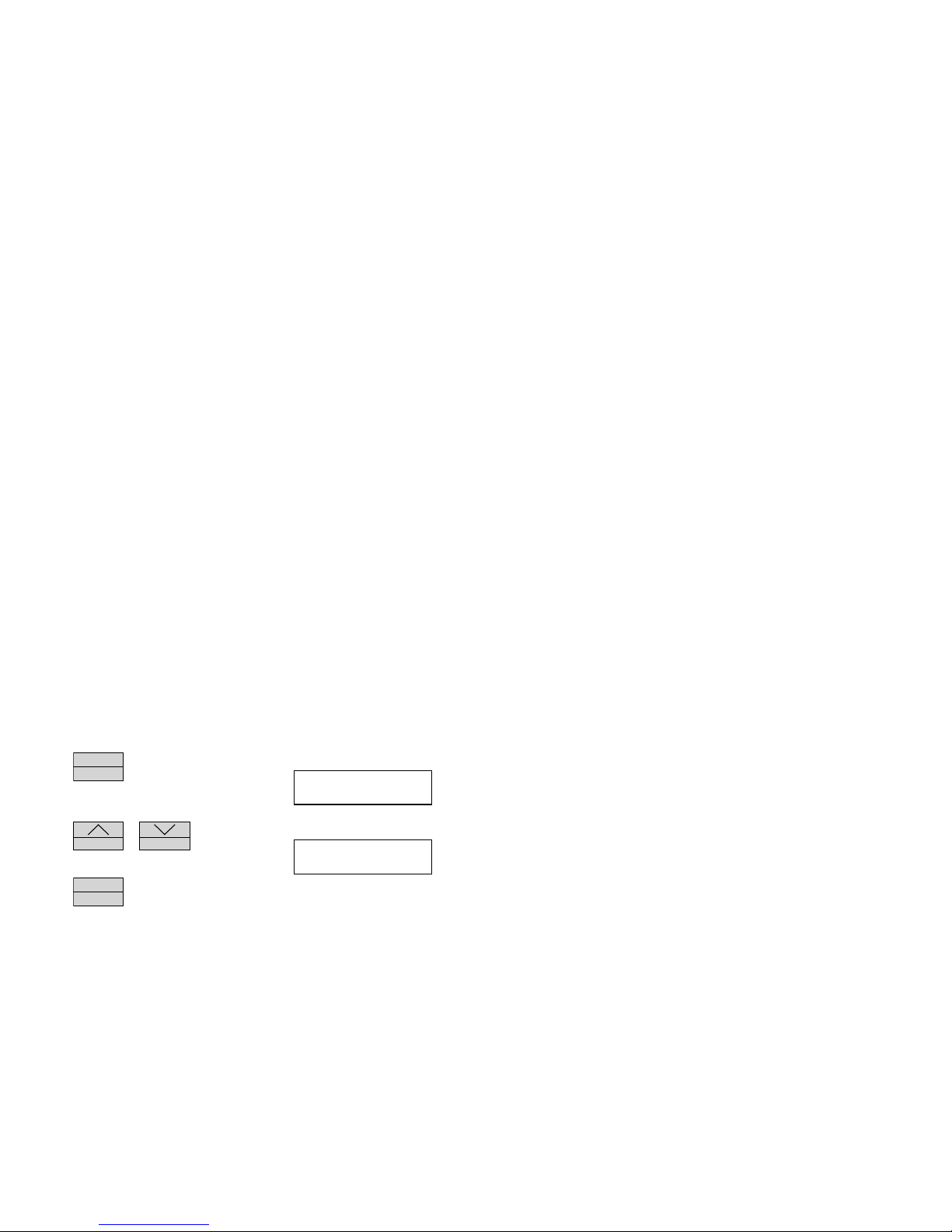
Press
MENU
ENTER
several times until this display
appears. This is where the print function is
accessed.
Press
STATUS
or
RECORD
to scroll through
the print options until this display appears.
Press
MENU
ENTER
to advance to the next print selection.
PUSH MENU TO RUN
OTHERS TO PRINT
SEND RECORDED
DATA TO PRINTER
Page 9
Temperature/Event Adapter
9
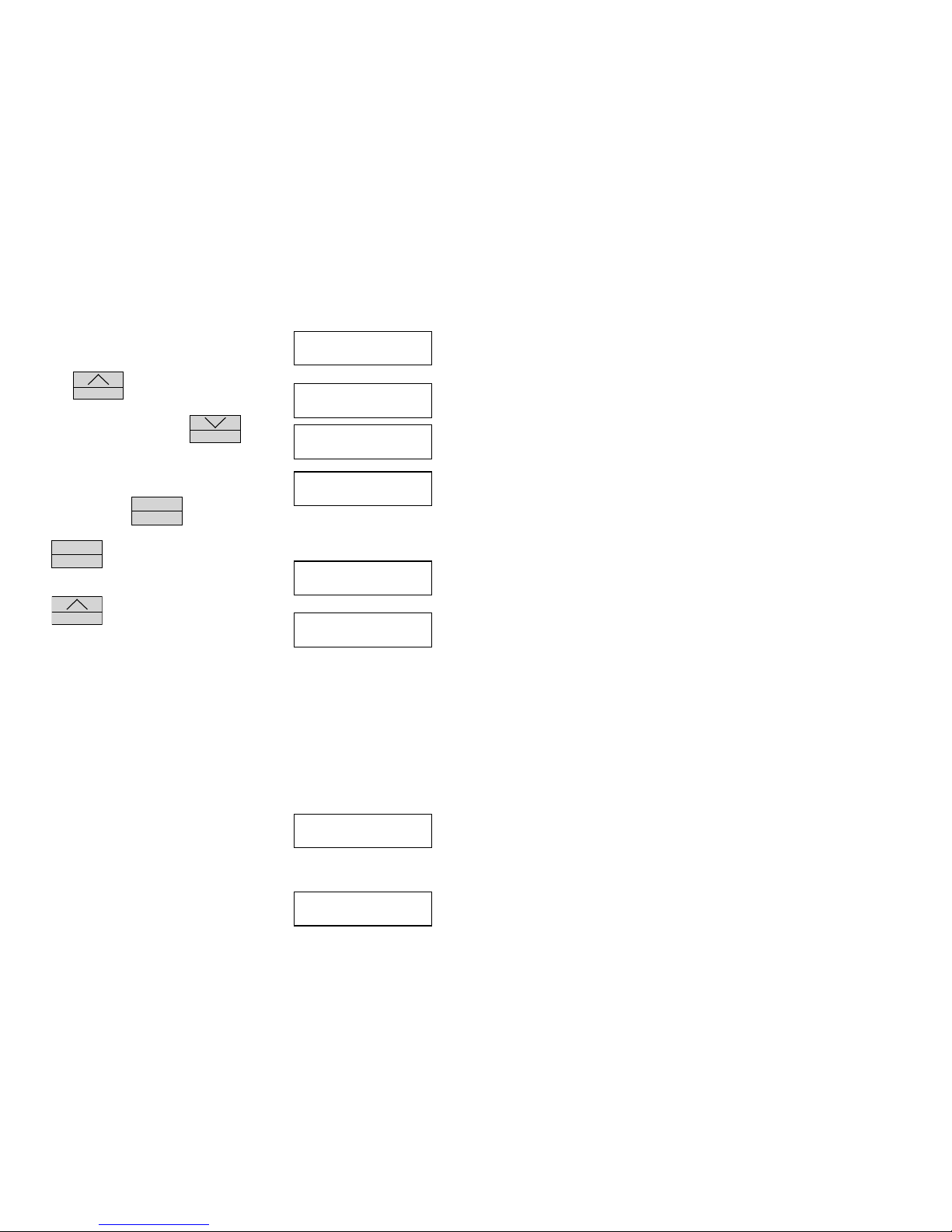
This is the first filter option. Selecting this will
print every data sample that has recorded data.
Press
STATUS
to select a temperature filter
function, you can select from 1° to 10° of
temperature change, or press
RECORD
to
select an event detector filter function.
Note that this selection will print every data
sample regardless of the state of the event
detector, or press
MENU
ENTER
to continue.
If
MENU
ENTER
is pushed, the Service logger will
return to the operating mode.
If
STATUS
is pushed, the printing will begin
and the flashing dots indicate printing functions.
When the Service Logger is finished printing, it will return to the Operating Mode.
Printer Error Messages
If a printer is not connected and set to operate, an error message will be
displayed to alert the user to a printer problem.
There are several possible problems that may occur if the printer is not ready.
The Service Logger will alert the user to a problem with the printer. As each
printer has its own set of controls and settings the user is recommended to
consult the owners manual supplied with the printer.
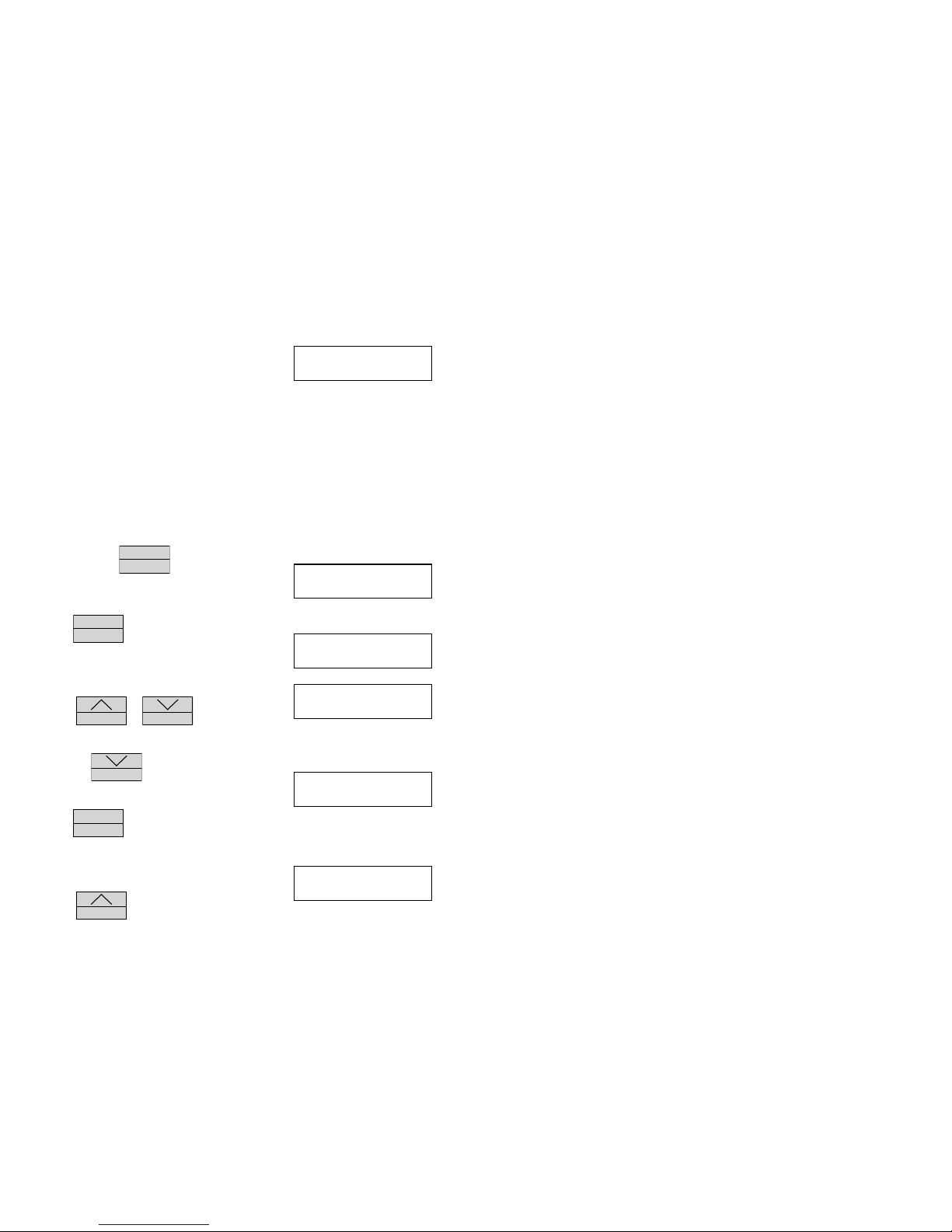
This is an error message that appears when the
printer is not connected or turned off. Make sure
the printer cable is attached to both the printer
and the Service Logger and that power is supplied
to the printer.
This is an error message to alert the user that
the printer has run out of paper. Refer to the
owners manual of the printer for instructions
SEND OUT ALL OF
THE TEMP DATA
SEND TEMP ON
X DEGREE CHANGE
SEND OUT ALL OF
THE EVENT CHANGES
SEND OUT DATA ON
EVENT CHANGES
PUSH ^ START PRT
PUSH MENU QUIT
PRINTING
PLEASE WAIT…
PLEASE CONNECT
THE PRINTER
PRINTER IS OUT
OF PAPER
Page 10
Temperature/Event Adapter
10
on paper replacement.
This is an error message which indicates that the
printer has not been set to ON LINE. Refer to the
owners manual for specific instructions on
setting the printer controls.
VIEWING RECORDED DATA
One of the features of the Service Logger is that recorded information may be
directly read on the display. The same filter functions that are available for
printing data are also available for reading data on the display. This allows the
user to let the Service Logger scan the recorded data and display only the
information that is of interest to the user. Without this function the user would
have to manually scan a potential 4000 d ata sa mp les to find the information of
interest.
Press and hold
MENU
ENTER
until this display
appears. The actual recording rate is
unimportant.
Press
MENU
ENTER
again to cycle to the next
screen. As before, the scale does not pertain to
the viewing function.
This is where the viewing function is accessed.
Press
STATUS
or
RECORD
to access this
menu.
Press the
RECORD
button once to scroll to this
function.
Press
MENU
ENTER
to advance to the next print selection.
This is the first filter option. Selecting this will display every data sample that has been recorded.
Press
STATUS
to select a temperature filter
PRINTER IS NOT
ON LINE
RECORDING RATE
XXHR EVERY XXSEC
TEMPERATURE
TO FAHRENHEIT
PUSH MENU TO RUN
OTHERS TO PRINT
READ RECORDED
DATA FROM SCREEN
SEND OUT ALL OF
THE TEMP DATA
Page 11
Temperature/Event Adapter
11
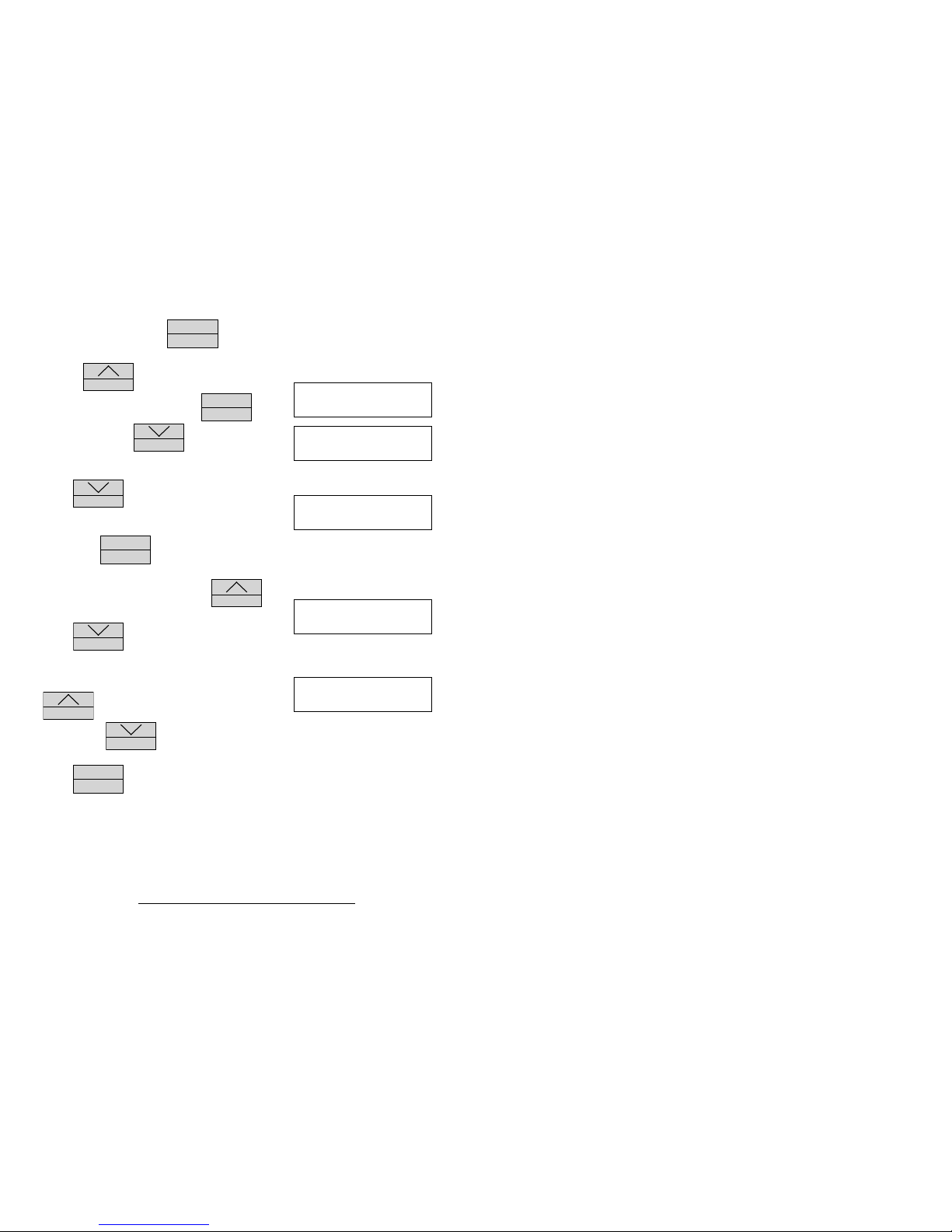
function, otherwise press
MENU
ENTER
to continue.
Use the
STATUS
button to select 1° to 10° of
temperature change, then press
MENU
ENTER
to
continue, or press
RECORD
to select an event
detector filter function.
Press
RECORD
again to select alternate event
detector filter functions.
Then press
MENU
ENTER
to continue.
This is the first data sample. Press
STATUS
to
advance forward through the data samples.
Press
RECORD
to go backwards through the
data samples.
This indicates the end of a data recording. Press
STATUS
to return to the beginning of the data
recording or
RECORD
to go to the last previous data sample.
Press
MENU
ENTER
at any time to return to the Operating Mode.
TRANSFERRING DATA TO A COMPUTER
After a recording has been made, the user may download the data to any PC
compatible computer. The advantage of doing this is that it allows the use of
more sophisticated analysis tools as well as a long term storage. Unlike the Print
and View functions no filtering options are available in this mode. The entire
recording is sent to the computer. The supplied software will convert the data
recording to an ASCII file which can then be imported into a variety of data
SEND TEMP1 ON
X DEGREE CHANGE
SEND OUT ALL OF
THE EVENT DATA
SEND OUT DATA
ON EVENT CHANGES
TUE:15:30:50
73°F OFF
REACHED THE END
OF RECORDED DATA
Page 12

Temperature/Event Adapter
12
analysis software, word processing, and data base programs. It is suggested
that if the user plans to download recorded data o n a reg u lar b asi s to co p y th e
transfer program to the users hard disk.
To start the transfer program, insert the supplied diskette in d ri ve A. Typ e
“A:SUPCO” and follow the instructions on the computer screen. A README file
is also included on the floppy diskette which has detailed instructions on the
use of the transfer program and reflects the latest information that is no t
included in this manual.
IMPORTANT!
To use this function the 25 pin cable (DB25 Male-Male) must be connected
to the Service Logger and the PC compatible computer printer port. If you
are unsure of which connector is the printer port, consult the owners
manual which was supplied with the computer.
The computer transfer cable can be purchased from OMEGA as part # OMCC6.
 Loading...