

Page 1
OMEGA ENGINEERING, INC. warrants this unit to be free of defects
WARRANTY/DISCLAIMER
in materials and workmanship for a period of 13 months from date
of purchase. OMEGA’s WARRANTY adds an additional one (1) month
grace period to the normal one (1) year product warranty to cover
handling and shipping time. This ensures that OMEGA’s customers
receive maximum coverage on each product.
If the unit malfunctions, it must be returned to the factory for evaluation.
OMEGA’s Customer Service Department will issue an Authorized
Return (AR) number immediately upon phone or written request. Upon
examination by OMEGA, if the unit is found to be defective, it will be
repaired or replaced at no charge. OMEGA’s WARRANTY does not
apply to defects resulting from any action of the purchaser, including
but not limited to mishandling, improper interfacing, operation outside
of design limits, improper repair, or unauthorized modification. This
WARRANTY is VOID if the unit shows evidence of having been tampered
with or shows evidence of having been damaged as a result of excessive
corrosion; or current, heat, moisture or vibration; improper specification;
misapplication; misuse or other operating conditions outside of
OMEGA’s control. Components in which wear is not warranted, include
but are not limited to contact points, fuses, and triacs.
OMEGA is pleased to offer suggestions on the use of its various
products. However, OMEGA neither assumes responsibility for
any omissions or errors nor assumes liability for any damages
that result from the use if its products in accordance with
information provided by OMEGA, either verbal or written.
OMEGA warrants only that the parts manufactured by the
company will be as specified and free of defects. OMEGA
MAKES NO OTHER WARRANTIES OR REPRESENTATIONS OF
ANY KIND WHATSOEVER, EXPRESSED OR IMPLIED, EXCEPT
THAT OF TITLE, AND ALL IMPLIED WARRANTIES INCLUDING
ANY WARRANTY OF MERCHANTABILITY AND FITNESS FOR A
PARTICULAR PURPOSE ARE HEREBY DISCLAIMED. LIMITATION
OF LIABILITY: The remedies of purchaser set forth herein are
exclusive, and the total liability of OMEGA with respect to
this order, whether based on contract, warranty, negligence,
indemnification, strict liability or otherwise, shall not exceed the
purchase price of the component upon which liability is based.
In no event shall OMEGA be liable for consequential, incidental
or special damages.
CONDITIONS: Equipment sold by OMEGA is not intended to be used,
nor shall it be used: (1) as a “Basic Component” under 10 CFR 21
(NRC), used in or with any nuclear installation or activity; or (2) in
medical applications or used on humans. Should any Product(s) be
used in or with any nuclear installation or activity, medical application,
used on humans, or misused in any way, OMEGA assumes no
responsibility as set forth in our basic WARRANTY/DISCLAIMER
language, and, additionally, purchaser will indemnify OMEGA and hold
OMEGA harmless from any liability or damage whatsoever arising out
of the use of the Product(s) in such a manner.
Direct all warranty and repair requests/inquiries to the OMEGA Customer
Service Department. BEFORE RETURNING ANY PRODUCT(S) TO OMEGA,
PURCHASER MUST OBTAIN AN AUTHORIZED RETURN (AR) NUMBER
FROM OMEGA’S CUSTOMER SERVICE DEPARTMENT (IN ORDER TO
AVOID PROCESSING DELAYS). The assigned AR number should then be
marked on the outside of the return package and on any correspondence.
FOR WARRANTY RETURNS,
please have the following
information available BEFORE
contacting OMEGA:
1. Purchase Order number under
2. Model and serial number of
3. Repair instructions and/or
OMEGA’s policy is to make running changes, not model changes,
whenever an improvement is possible. This affords our customers the
latest in technology and engineering.
OMEGA is a trademark of OMEGA ENGINEERING, INC.
© Copyright 2018 OMEGA ENGINEERING, INC. All rights reserved.
This document may not be copied, photocopied, reproduced, translated, or
reduced to any electronic medium or machine-readable form, in whole or in
part, without the prior written consent of OMEGA ENGINEERING, INC.
MQS5808/0818
RETURN REQUESTS/INQUIRIES
FOR NON-WARRANTY REPAIRS,
consult OMEGA for current repair
charges. Have the following
information available BEFORE
contacting OMEGA:
which the product was
PURCHASED,
the product under warranty, and
specific problems relative to
the product.
1. Purchase Order number to cover
the COST of the repair or
calibration,
2.
Model and serial number of the
product, and
3.
Repair instructions and/or specific
problems relative to the product.
5
6
For complete product manual:
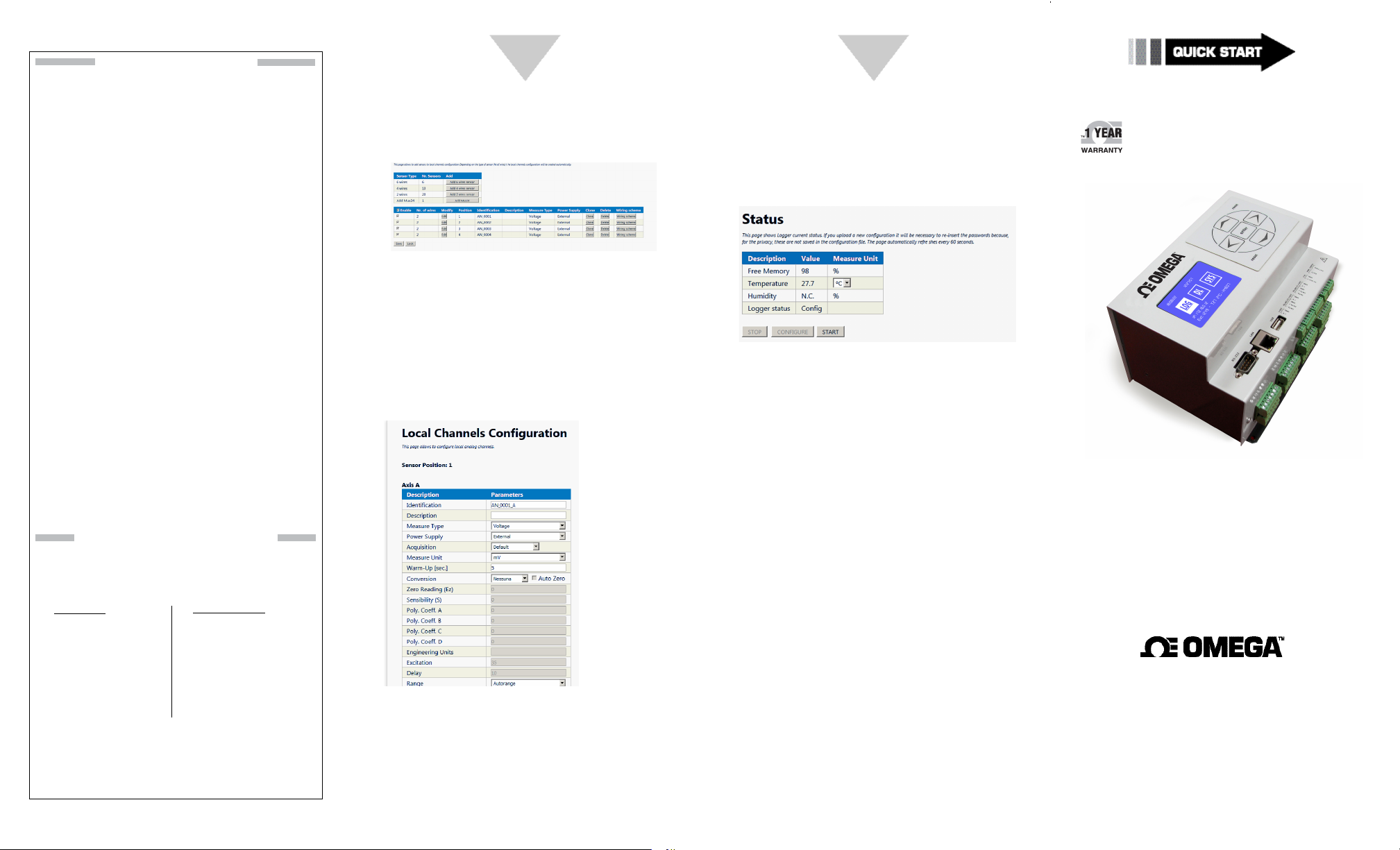
Quick Sensor Configuration
To configure a sensor please go to
Channels Configuration -> Local Channels
Configuration.
Start Measure and Data Download
When at least a sensor is configured, you can start
an acquisition cycle by opening Status page and
clicking START.
www.omega.com/manuals/manualpdf/M5639.pdf
No modifications to the configuration can be done
if the Data Logger is not in CONFIGURE state.
To add a 2 wires sensor click on Add 2 wires
sensor button on the top section. A sensor will
appear in the bottom section. On this table you
will be able to know how and where to clamp
the sensors, by looking at Position column and
Wiring Scheme button. Position indicates the
number on the front panel to use, while Wiring
Scheme will open an image of an example.
Click on Edit button to configure sensor type. A
new page will open.
The Data Logger is now acquiring data.
To download data the Data Logger has to be in
STOP or CONF
IGURE state. Set the correct state
and open Data Monitor -> Measure page on the
web server.
You can read last acquisition cycle data and
download CSV data directly from this page by
clicking Download button on the bottom of the
page.
OM-240
24-Channel Ethernet
Data Logger with
For further information, settings, in-depth Analog
and Digital (Modbus over RS485) Sensors’
Configuration, Alarms, Modbus TCP/Scada
Integration, Virtual Channels, Charts, FTP/EMAIL
connectivity and throubleshooting please refer to
OM-240 User Manual since this Quick Start does
not cover all pages of the web server and Data
Logger’s functionality.
Here you can configure measure type, sensor’s
power supply and linearization, warm up, and
more parameters.
Click Save button when finished.
The information contained in this document is believed to be
correct, but OMEGA accepts no liability for any errors it contains,
and reserves the right to alter specifications without notice.
Embedded Web Server Shop
omega.com [email protected]
U.S.A. Omega Engineering, Inc.
Headquarters: Toll-Free: 1-800-826-6342 (USA & Canada only)
Servicing North America:
Customer Service: 1-800-622-2378
(USA & Canada only)
Engineering Service: 1-800-872-9436
(USA & Canada only)
Tel: (203) 359-1660 Fax: (203) 359-7700
e-mail: [email protected]
For Other Locations Visit omega.com/worldwide
Page 2
START HERE
2
3
4
Using this Quick Start Manual
Use this Quick Start Manual to setup your OM-240
24-Channel Ethernet Data Logger with Embedded
Web Server and begin operations.
In this document you will find:
• Required equipment
• Configure your PC
• Connecting Power Supply Unit (PSU)
• Setup OM-240 Network
• Quick sensor configuration
• Start Measure and Data Download
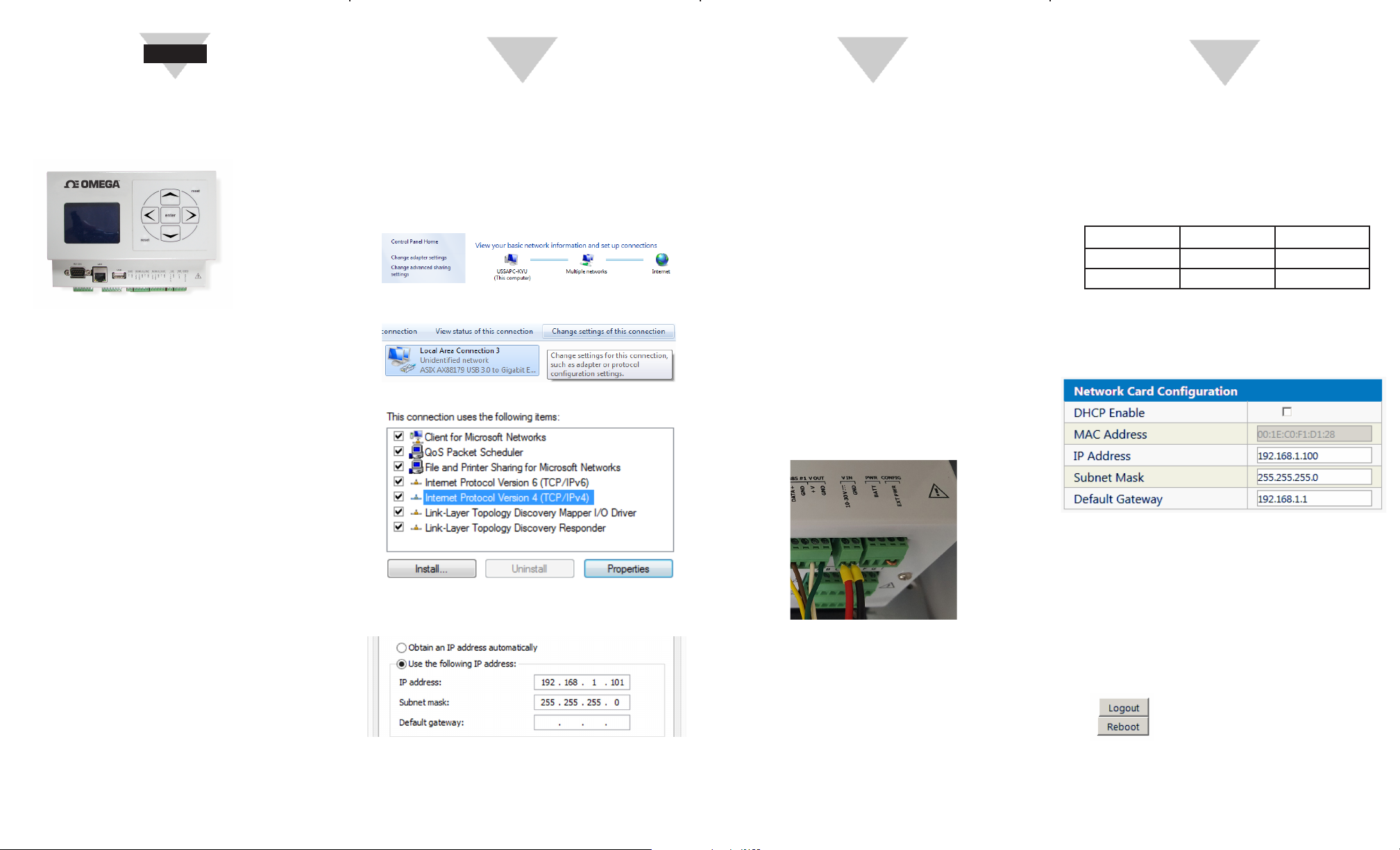
Configure your PC
The OM-240 24-Channel Ethernet Data Logger
with Embedded Web Server is configured
with a default static IP Address: 192.168.1.100
Before connecting to the device, first configure
your ethernet adapter so that it is on the same
subnet. For this purpose, open Network and
Sharing Center and click Change adapter settings.
Now, select your ethernet adapter and click
Change settings of this connection.
Select Internet Protocol V4 and click Properties.
Connecting Power Supply Unit (PSU)
The OM-240 24-Channel Ethernet Data Logger
with Embedded Web Server can be powered with
10 to 30 Volt DC Power Supply. Power has to be
connected to the front panel,
The logger should be configured before powering
it up.
Datalogger are shipped already configured (as
it follows) to be powered from external power
source.
Rightmost pins of PWR CONFIG must be shortcircuited to allow the datalogger to use V-IN
source.
Connect V-IN to the right Power Supply Unit.
Picture below shows both short-circuit and PSU
connections.
Setup OM-240 Network
Now it’s possible to browse the Embedded Web
Server by typing 192.168.1.100 in a browser’s page.
Required credentials are:
Username: Admin
Password: Admin
User Account Login Name Password
Administrator Admin Admin
Use r Use r Use r
Once authenticated select “CONFIGURE” state in
the status page to be able to change settings.
Now click on Advanced - > Connections
Configuration.
Before you begin
Connection to mains should be done by qualified
personnel only. The units operate at a voltage of
10-30V DC. Ensure to connect cables in the right
polarity before turning on the instrument.
The instrument is not protected against dust,
water and rain. Please use a protection enclosure to
operate outside.
Required Equipment
To first start the device, you need a Personal
Computer (laptop or desktop) with an Ethernet
port, an Ethernet cable and a power supply to turn
on the datalogger.
Select Use the following IP Address and enter
192.168.1.101.
Click OK and the Computer should now
communicate with the Data Logger.
Please, choose a PSU with enough power to
supply OM-240 and connected sensors. Since
OM-240 can be configured to supply
Modem, Sensors and RS485 sensors and
M
ultiplexers, a preliminar analisys has to be
made in order to compute the right system’s
power consumption.
In the box above enter the IP Address, Subnet
Mask and Default Gateway (if static addressing)
or check DHCP Enable to let your DHCP Server
assign the Address.
Click on the SAVE button to store configuration.
To apply settings, please reboot the OM-240 Data
Logger by clicking the Reboot button on top-right
corner.
After reboot the display should show the current
IP Address.
 Loading...