

Page 1
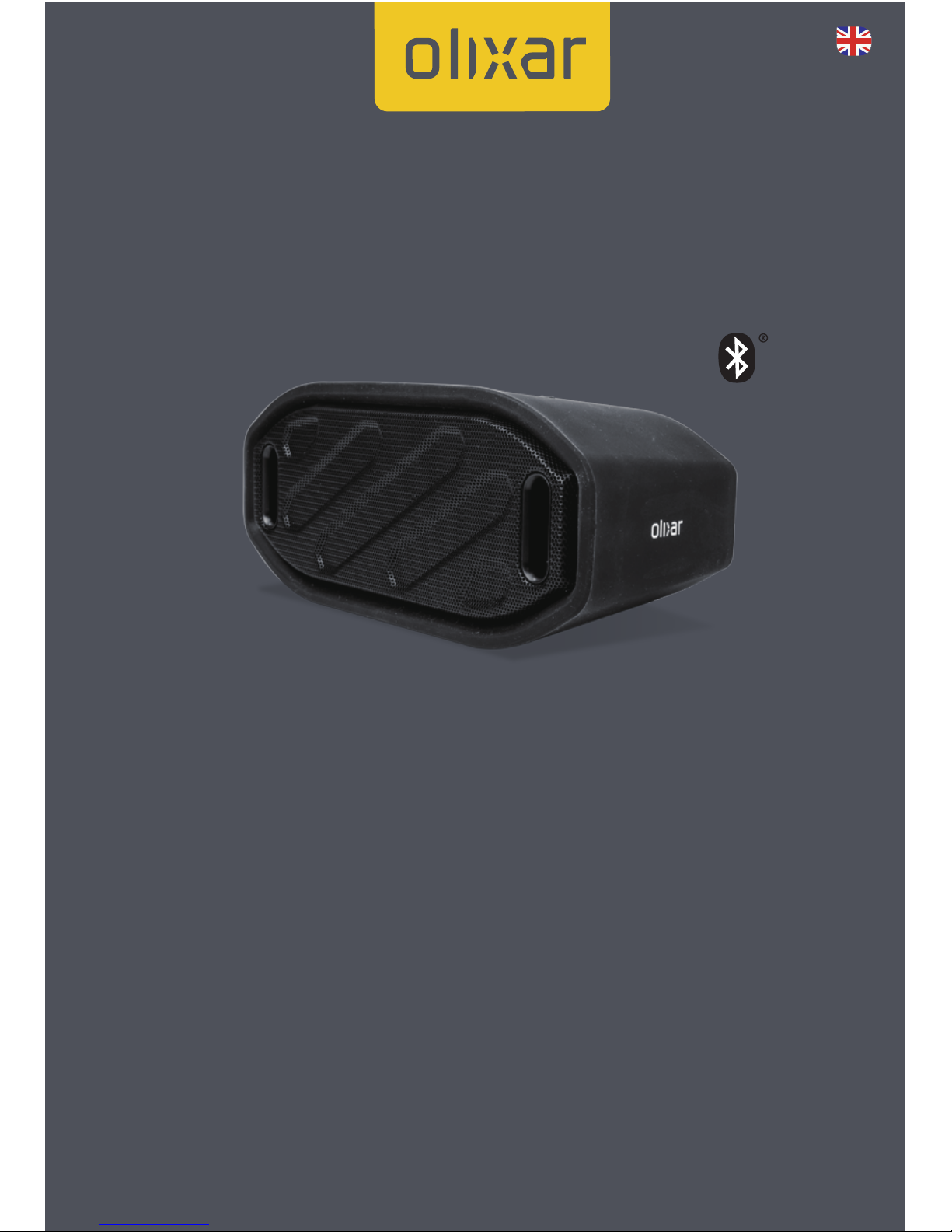
TOUGHBEATS OUTDOOR
BLUETOOTH SPEAKER
48684
USER MANUAL
V7
Page 2

Toughbeats Outdoor Bluetooth Speaker
Enjoy your music entertainment outside with this extremely portable
and compact outdoor speaker, featuring a rugged silicone exterior
with protection from splashing water and Bluetooth technology for
wirelessly streaming music and making hands-free calls.
Description:
3W Bluetooth speaker, with A2DP and hands-free--capabilities.
Warning:
1. Keep out of reach of children!
2. Please use the original accessories that came with this speaker
3. If the unit develops a problem, please contact with the place of
purchase
4. Do not dissemble the speaker or any of its accessories
5. Keep a good ventilated environment when charging the unit and
do not place near inammables, oxidizers or explosives
Specications:
1. Size: 159.8*69*69mm
2. Battery output: DC3.7 ~ 4.2V
3. Charging input: DC 5V-400mA
4. Battery capacity: 1000mAh
5. Speakers driver: 3W *1 + Passive radiator
6. Bluetooth Version: 2.1+EDR
7. Charging time: 2 hours
8. Aux-in jack: 3.5mm
9. Amplier: Class D power amplier
10. Bluetooth eective range: 10M
11. Microphone eective range: 50cm
12. Working / playback time @ 50% volume: 4 hours
13. Frequency Response: 150hz-18khz
14. Speaker size: 45mm
Operation guide
Connecting to a Bluetooth device
1. First turn on the speaker, which will make a tune and the indicator
LED will display a “BLUE” light
2. Turn on the Bluetooth function on your mobile or other device and
search for the speaker, model name “Olixar Tough”. Pair the device
Page 3

3. Once the device is paired, Bluetooth will automatically connect
when the unit is turned on
Button function
Short pressing this button will in:
1. Aux-in mode: No function
2. Bluetooth mode: Change to the previous track
Long pressing this button will in:
1. Aux-in mode: No function
2. Bluetooth mode: Decrease the volume
Button function
Short pressing this button will in:
1. Aux-in mode: No function
2. Bluetooth mode: change to the next track
Long pressing this button will in:
1. Aux-in mode: No function
2. Bluetooth mode: Increase the volume
Button function
Short pressing this button will in:
1. Aux-in mode: No function
2. Bluetooth mode: Play or pause or answer / hang up the call
Long pressing this button will in:
1. Aux-in mode: No function
2. Bluetooth mode: Change the mode
Aux-in
Insert a 3.5mm cable into the rear of the speaker and the other end
into your source device. The speaker will automatically switch to the
correct mode, with volume and playback controls operated from the
source device.
Charging
Plug the Micro USB end of the charging cable into the speaker. Plug
the standard USB connector into either a computer or a USB mains
charger. A red LED will display when charging. When charging is
complete, the red LED will turn o.
Page 4
Removing the battery
1. Remove the rubber outer cover by pressing your thumb
underneath it and pulling it back o the speaker.
2. Using a at head screwdrivers prise the grill o by placing the end of
the screwdriver between the edge of the grill and plastic.
3. Remove the 6 screws using a small phillips screwdriver and lift o
the front of the speaker.
4. Cut the wires one by one and discard of the battery safely.
(Warning: DO NOT CUT both the wires at the same time. Use care
when playing a unit at high volume. The speaker is capable of
producing a high sound level. Exposure to loud music over time might
lead to hearing loss or impairment)
This symbol on the product(s) and / or accompanying documents means that used
electrical and electronic products should not be mixed with general household waste.
For proper treatment, recovery and recycling, please take this product(s) to
designated collection points where it will be accepted free of charge.
Alternatively, in some countries you may be able to return your products to your local
retailer upon purchase of an equivalent new product. Disposing of this product correctly will help save
valuable resources and prevent any potential negative eects on human health and the environment,
which could otherwise arise from inappropriate waste handling. Please contact your local authority for
further details of your nearest designated collection point. Penalties may be applicable for incorrect
disposal of this waste, in accordance with you national legislation. For business users in the European
Union.If you wish to discard electrical and electronic equipment, please contact your dealer or supplier
for further information.Information on Disposal in other Countries outside the European Union. This
symbol is only valid in the European Union. If you wish to discard this product please contact your local
authorities or dealer and ask for the correct method of disposal.
Toughbeats Outdoor Bluetooth Speaker
T W O Y E A R W A R R A N T Y
Contact us for the technical stu: [email protected]
www.olixar.com Follow us
 Loading...