

Page 1
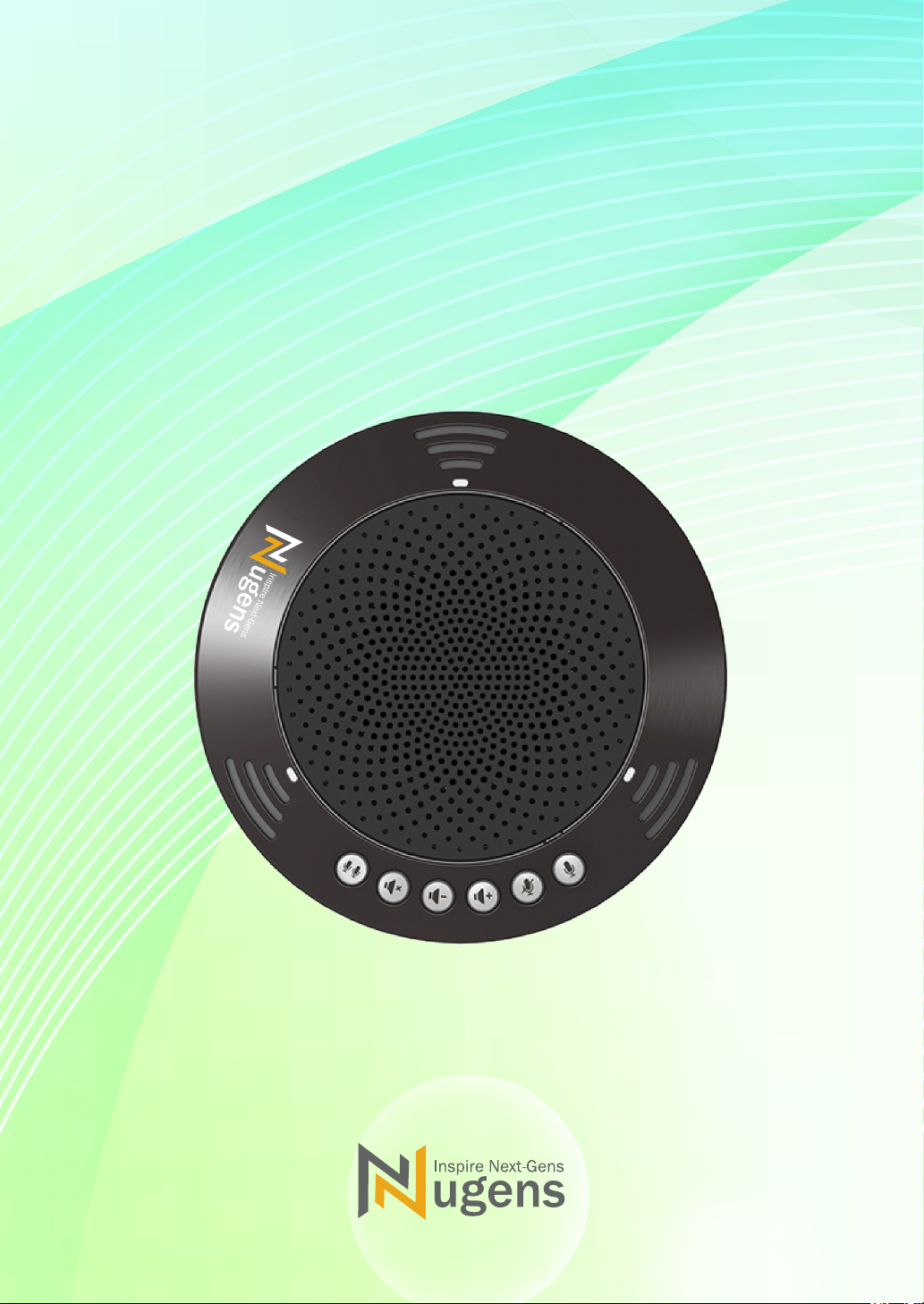
VX100 All-in-one
Conference Microphone
User's manual
www.Nugenstech.com
Page 2

⑧
1. Bluetooth
2. Volume Mute
①
②
③
④
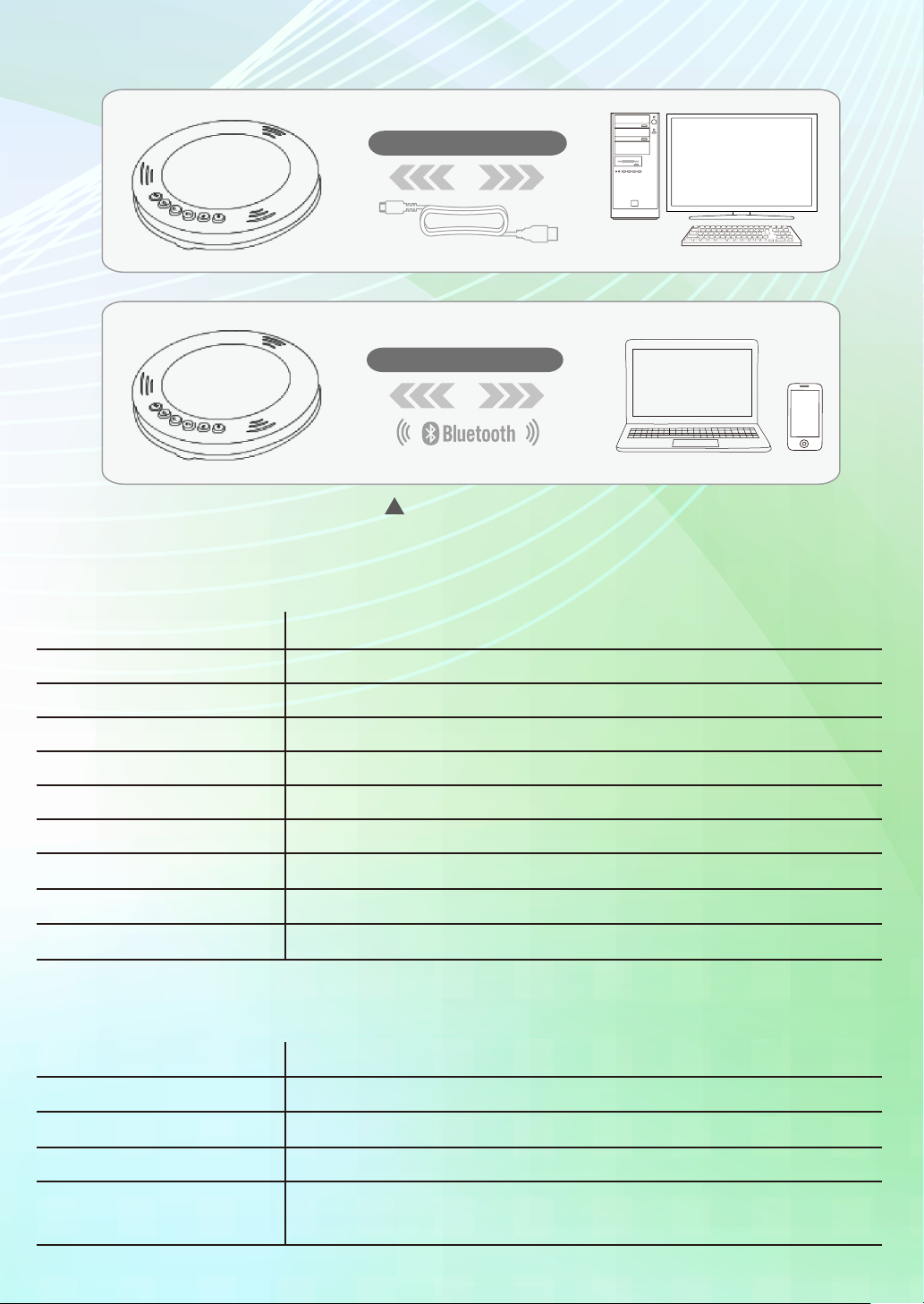
Connect to PCs:
Nugens VX-100 is a plug-n-play device. Take out the USB cable and directly connect to
Windows XP 7/8/10 and Mac OS X10.5 (Intel processor is required)
Find Nugens VX-100 in setting option or USB audio device option within Windows Device
Manager or IM tool.
Connect to Bluetooth Device:
⑤
⑥
⑦
3. Volume Down
4. Volume Up
5. Microphone Mute
6. Microphone Switch
7. Speaker
8. Microphone
Turn on Bluetooth on Nugens VX100 and select Nugens VX100 on receiving device.
Page 3

Function of Keys:
Bluetooth Bottom Press and hold Bluetooth Connect to turn on and a blue indicator
cues a open status to pair with your device, once connected, blue inidicator will keep
turned on. Press and hold button again to turn off Bluetooth.
Volume Down Speaker volume down.
Volume Up Speaker volume up.
Speaker Mute An indicator will show mute is turned on, press again to unmute.
Microphone Mute Press to mute on the horn, orange led light is on. Press again,
mute off.
Microphone Switch Choose to turn on one microphone, and turn off the other two;
Or turn on all 3 microphones. Indicator(LED) will be on when microphone is chosen.
Battery and Charging Safety Precaution:
Nugens VX100 inside carries lithium battery and can be charged while connecting to
PC/Mac, if you connect a external charging power to Nugens VX100, plase check you
use the power with ouput voltage LOWER than 5V.
Omnidirectional conference microphone now is developing into a new stage that can
provide speaker/lercturer/influencers a more versatile functionality and comfortable
environment. Mostly, they are upgraded with new DSP technology (to enhance superior
sound quality) and new duplexing system (allows stronger signals stability to flow in
both directions simultaneously). Bluetooth connect, echo/noise reduction, easy plug and
play, wider pick up range 3m² and x3 switchable omni-directional mics are all carried to
provide superior sound quality with all form of chat tool.
PCs Group Meeting Speaker Omnidirectional Call
Function Schematic Diagram
Page 4
Spec:
USB Connecting to PCs
Bluetooth Connecting to Device
Connecting Diagram
Interface
Max. Power
Power supply
Radio interference standard
Operating environment
Size
Weight
Computer environment
Accessories
Others
Audio parameters:
Microphone
Speaker
Volume
USB2.0 Full speed interface
About 2.5W
USB power supply(5V/500mA)
VCCI level B
Temperature: 0°c ~ 40°c working humidity: 20% ~ 85% (no frost)
140x32x140mm,243x45x170mm (before and after packaging)
280g/500g (before and after packaging)
Windows XP/7/8/10, Mac OS X 10.5 ( support only Intel processors)
USB cable (2.0m), Manual, Quality Certificate
firmware update(with USB to connect PCs)
x3 omnidirectional microphones
1 (mono cycle)
Max 85dB (0.5m)
Frequency Bandwidth
Signal processing
300∼20K Hz
Adaptive echo canceller, noise reduction, The 3 alternative mic can
be corresponding to the switching control
Page 5

FCC WARNING
This device complies with part 15 of the FCC Rules. Operation is subject to the following two
conditions: (1) this device may not cause harmful interference, and (2) this device must accept
any interference received, including interference that may cause undesired operation.
Any changes or modifications not expressly approved by the party responsible for compliance
could void the user's authority to operate the equipment.
NOTE: This equipment has been tested and found to comply with the limits for a Class B
digital device, pursuant to Part 15 of the FCC Rules. These limits are designed to provide
reasonable protection against harmful interference in a residential installation. This equipment
generates, uses and can radiate radio frequency energy and, if not installed and used in
accordance with the instructions, may cause harmful interference to radio communications.
However, there is no guarantee that interference will not occur in a particular installation.
If this equipment does cause harmful interference to radio or television reception,
which can be determined by turning the equipment off and on, the user is encouraged to try to
correct the interference by one or more of the following measures:
-- Reorient or relocate the receiving antenna.
-- Increase the separation between the equipment and receiver.
-- Connect the equipment into an outlet on a circuit different
from that to which the receiver is connected.
-- Consult the dealer or an experienced radio/TV technician for help.
To maintain compliance with FCC’s RF Exposure guidelines, This equipment should be
installed and operated with minimum 20cm distance between the radiator your body: Use
only
the supp
lied antenna.
 Loading...