

Page 1
Connect ANT+ Sensors to
your BLE services!
Quick Start Guide
v1.1
Page 2

Congratulations on taking action to
manage your fitness sensor data!
CABLE (Connect ANT to BLE) is a low
power radio product used to receive
and convert data from ANT+ enabled
sensors to the appropriate BLE
services via a BLE peripheral
connection. The supported ANT+
profiles are Heart Rate, Bike Speed,
Bike Cadence, Bike Speed/Cadence,
Bike Power. All of the ANT+ device
profiles are received by the CABLE and
relayed to BLE endpoint via the
appropriate BLE services. Supported
Bike Power profiles include Power
Only, Wheel Torque, Crank Torque and
Crank Torque Frequency.
Page 3
SETTING UP YOUR SENSORS!
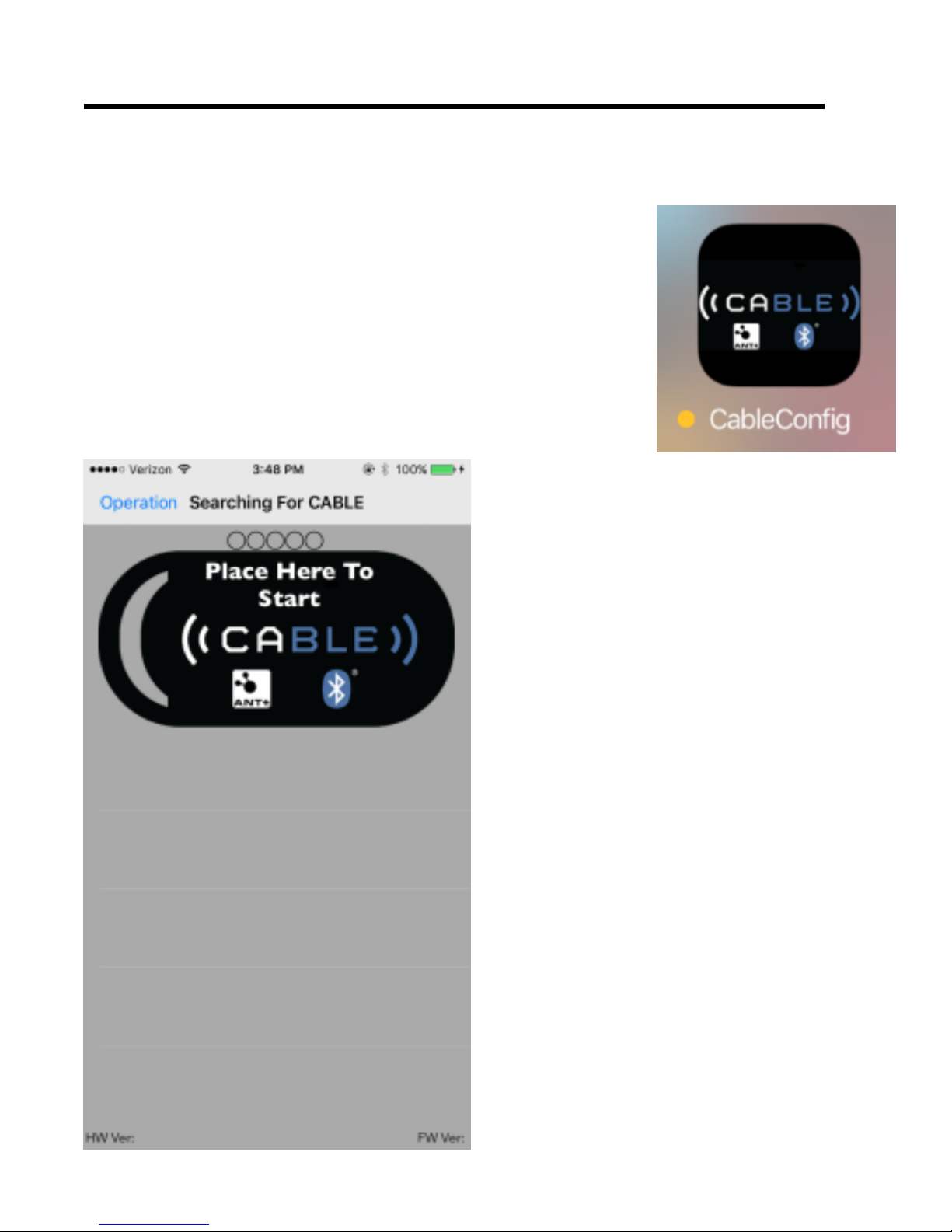
1. Download CABLEConfig
from AppStore and
open on iPhone.
2. Remove CABLE
from packaging.
3. Tap CABLE to
wake up. Green
LED will Flash!
Note – the CABLE Unit
needs to be woken up
each time you use by
double tapping!
Page 4
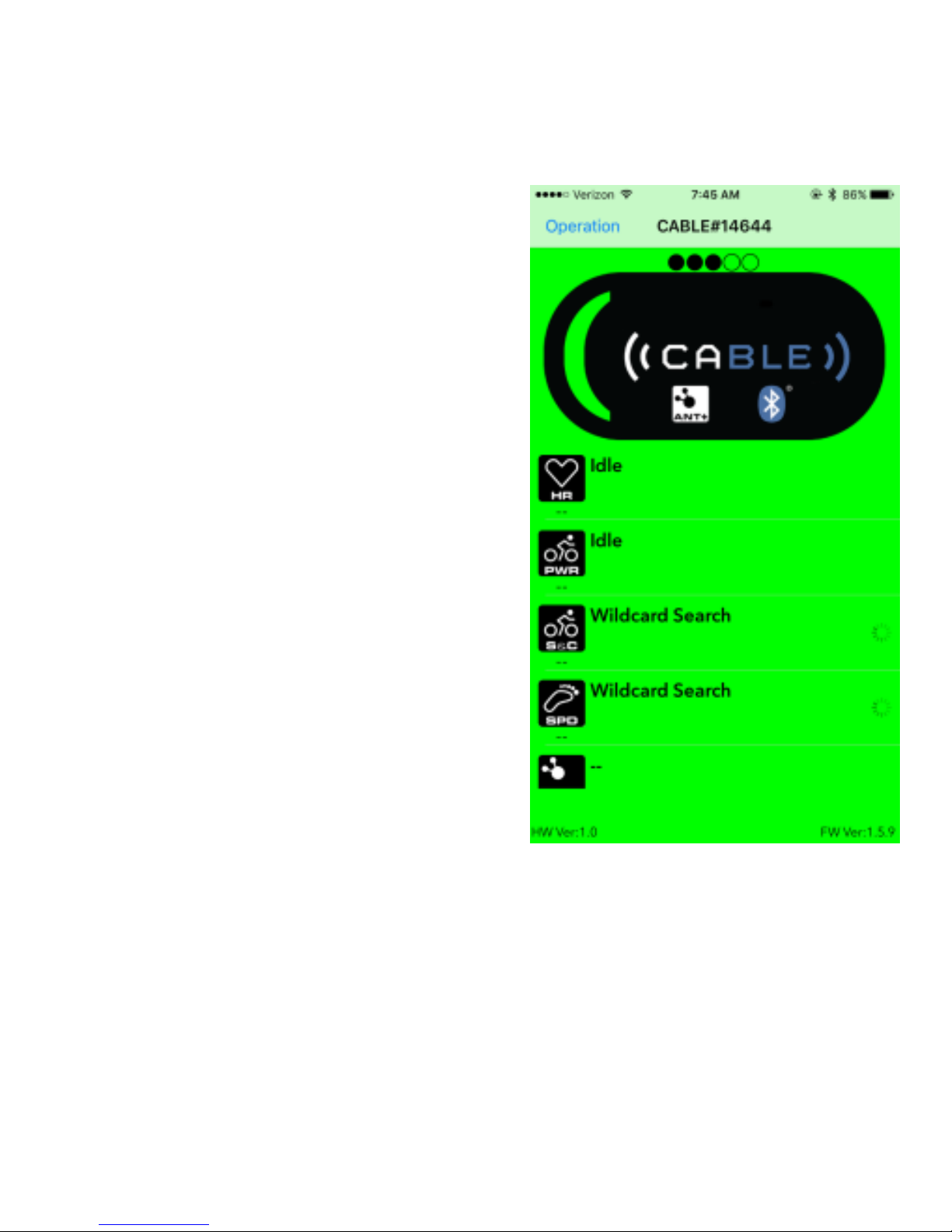
4. Move CABLE Unit over icon on your
iPhone until it turns Green.
5. Tap on a Sensor
category you want
to setup (ANT+
profile). Make
sure your Sensor
is nearby and
activated for this
PAIRING process
6. On the next page
You will see options for the pairing.
Click the “Scan for Any Device”.
Move CABLE or sensor so they are
nearly touching one another.
Page 5
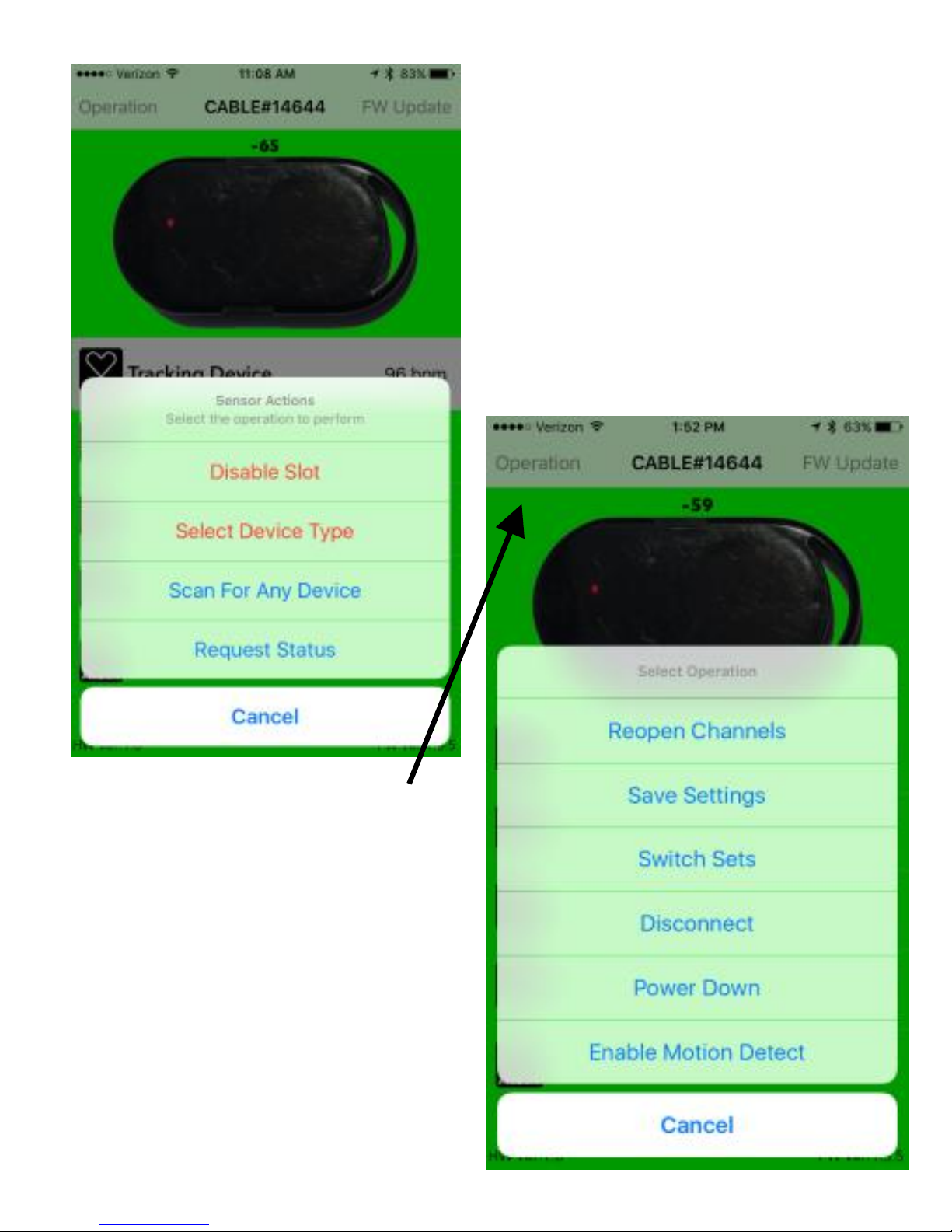
After your sensor is
recognized you will
this get message:
“Tracking Device”
7. Click “Operation”
located in upper
left corner and
select “Save
Settings”.
Page 6

Important Note on this same menu, if
click “Enable Motion Detect”, your
iPhone will get an alert if your paired
sensors begin moving when CABLE
app is running => Theft Detection.
* CABLE uses a 2032 coin-cell battery.
If used on average 1 hour per day, you
should get numerous months of usage
between battery changes.
* CABLE can be either worn or
attached to your sports equipment
such as a bike.
USING CABLE
There are many different iPhone
applications that work with BLE
service. (STRAVA, Map-My-Fitness,
Page 7

Run Keeper, Run Meter, Wahoo
Fitness, KinoMap, Polar Beat, Trainer
Road, etc.) Each off these apps will
require you to separately identify your
sensors. CABLE enables the
application to see the ANT+ sensors
you that you have setup within the
CABLE application. Ensure that you
identify these same sensors within
your BLE application.
After configuration is completed, you
only need to launch your BLE service
application and start your workout.
Note – the CABLE Green LED will be
steady green while application is
running.
Page 8

For more information, visit:
http://npe-inc.com/products/
products-sensor-modules.html
> Detailed documentation
> Frequently Asked Questions
> Troubleshooting Guide
> Tips for different BLE services.
CABLE Certifications
FCCID: XRH-414ANT
IC: 11922A-414ANT
CE and AU/NZ are pending
North Pole Engineering, Inc.
221 N. 1st St, Suite 310
Minneapolis, Minnesota 55401
http://npe-inc.com/corporate/corporate-contact.html
 Loading...