

Page 1
WWW.NOONDAY-AUDIO.COM
DELIGHTED BY SOUND
MANUAL
1ND200 QIG Noonday L.indd 1-2 06-01-14 16:37
Page 2
43
NOONDAY DELIVERS PREMIUM AUDIO FOR THE REAL
MUSIC LOVER. CRAFTED FROM SUPERIOR MATERIALS,
NOONDAY SPEAKERS HAVE BEEN DESIGNED AND
REFINED FOR YOUR EARS. AND YOUR EYES.
1ND200 QIG Noonday L.indd 3-4 06-01-14 16:38
Page 3
65
CONTENTS
1. GET TO KNOW YOUR NOONDAY L SPEAKER
1.1 BUTTONS
1.2 LED
2. SET UP YOUR SPEAKER
3. CONNECT TO YOUR SPEAKER
3.1 CONNECT VIA NFC
3.2 CONNECT VIA BLUETOOTH
3.3 CONNECT VIA THE AUDIO CABLE
EN
1ND200 QIG Noonday L.indd 5-6 06-01-14 16:38
Page 4
87
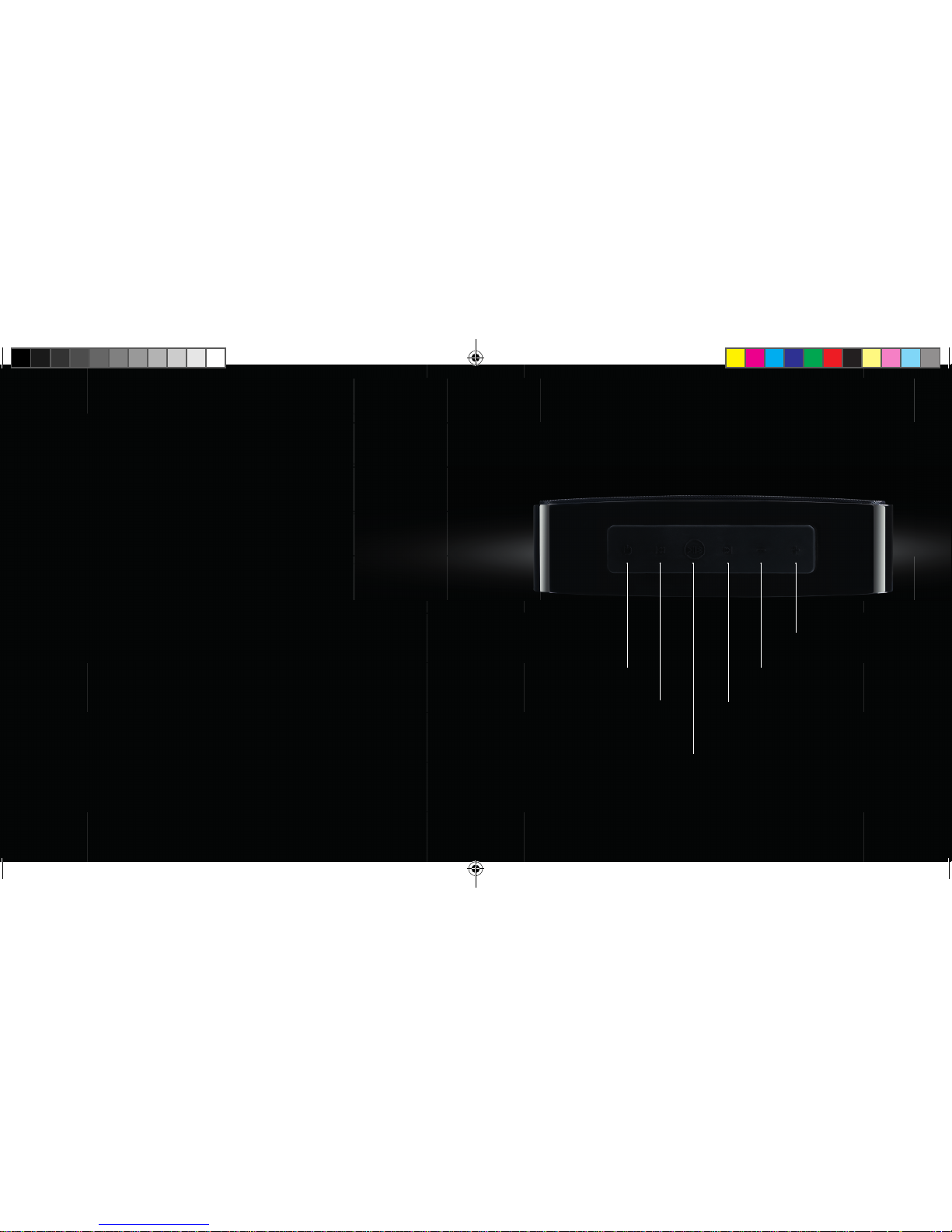
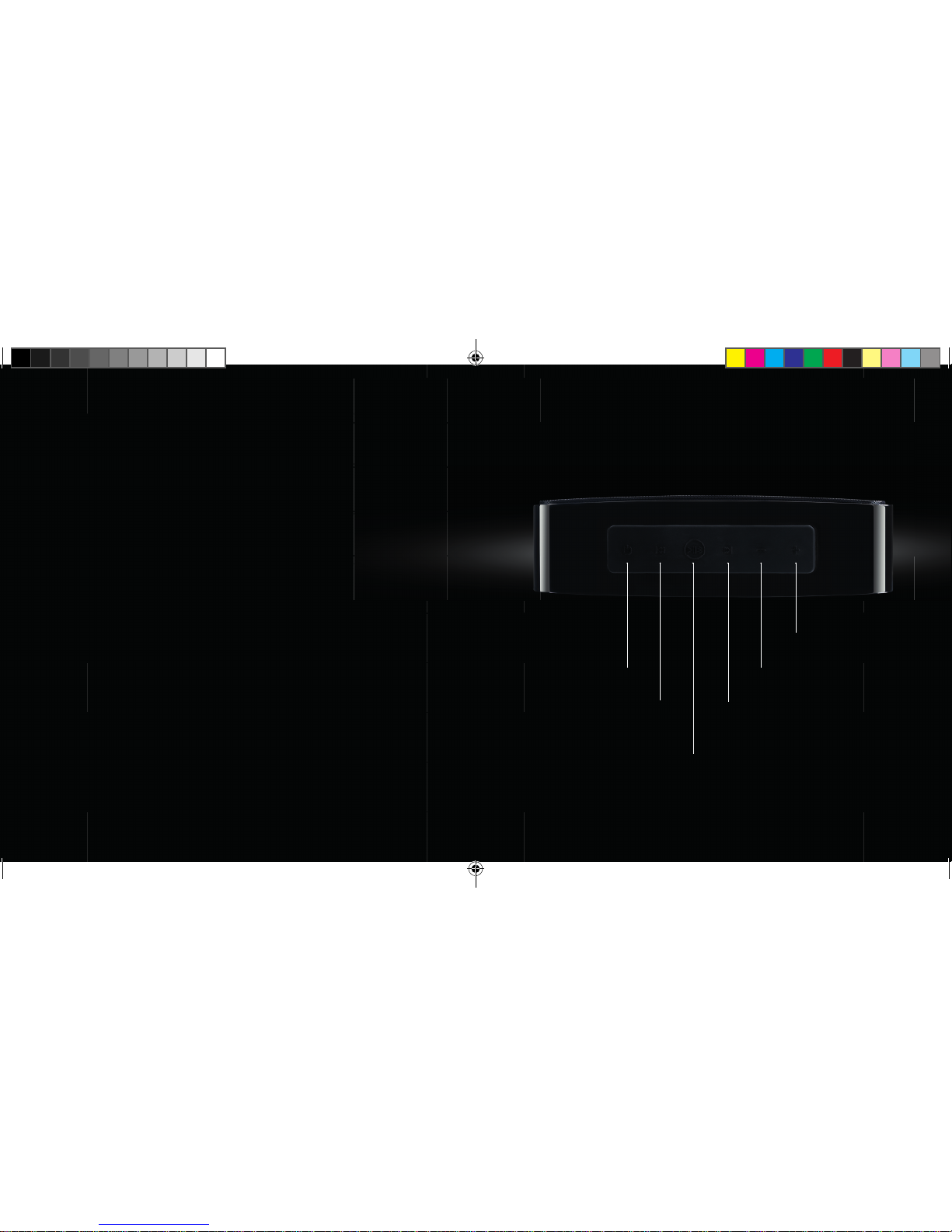
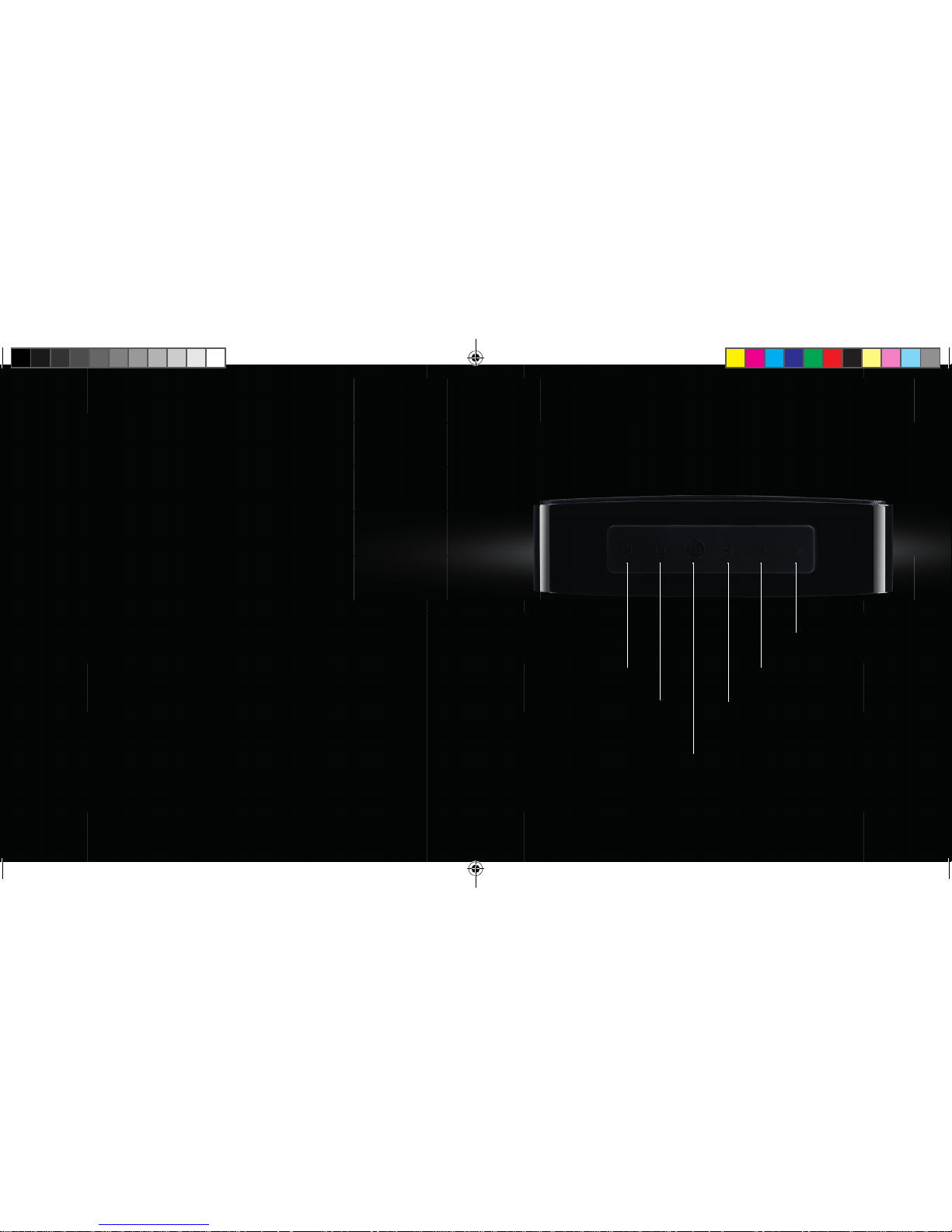
ON/OFF
PREVIOUS SONG
PLAY / PAUSE
BLUETOOTH PAIRING
NEXT SONG
VOLUME
VOLUME +
1.
GET TO KNOW YOUR
NOONDAY L SPEAKER
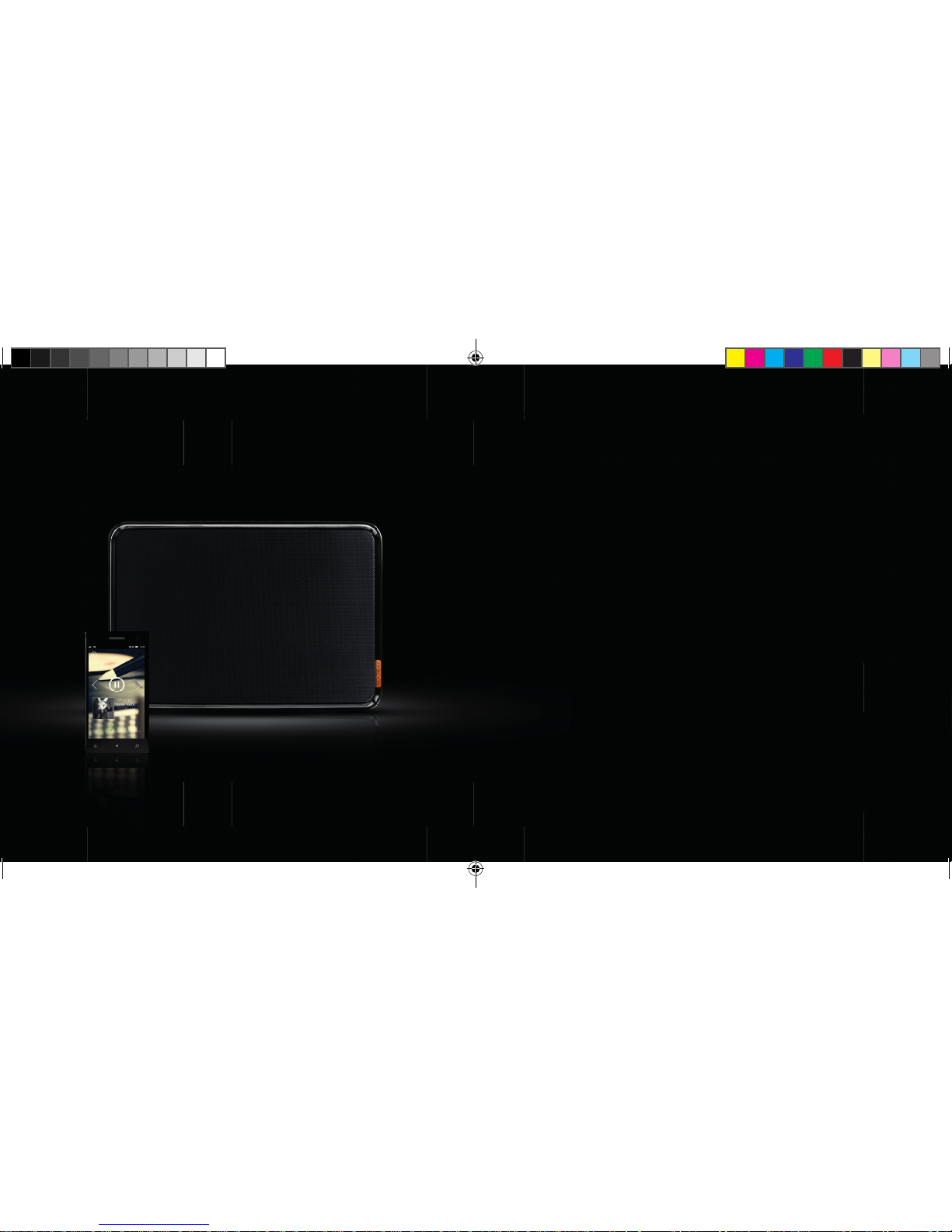
1.1 BUTTONS:
EN
1ND200 QIG Noonday L.indd 7-8 06-01-14 16:39
Page 5
109
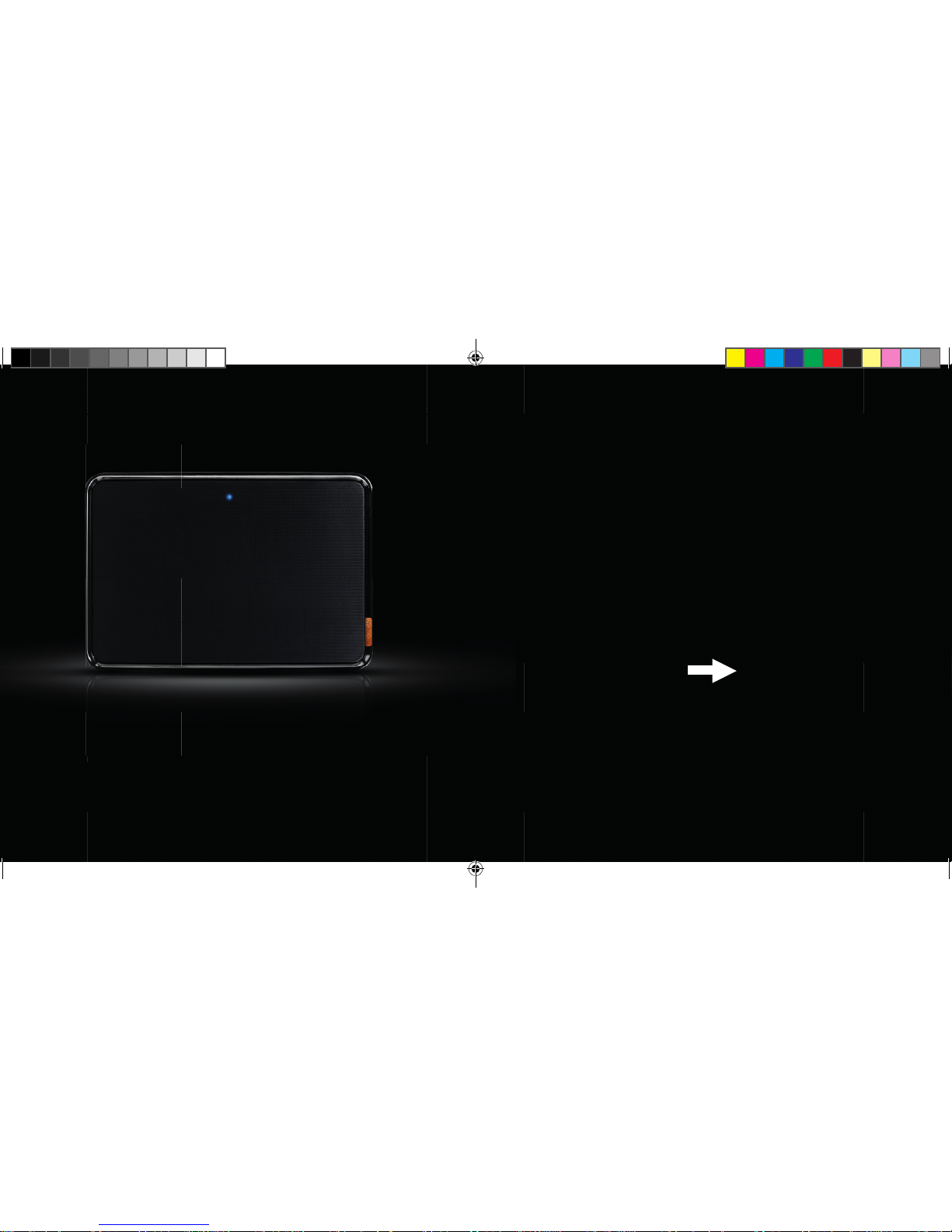
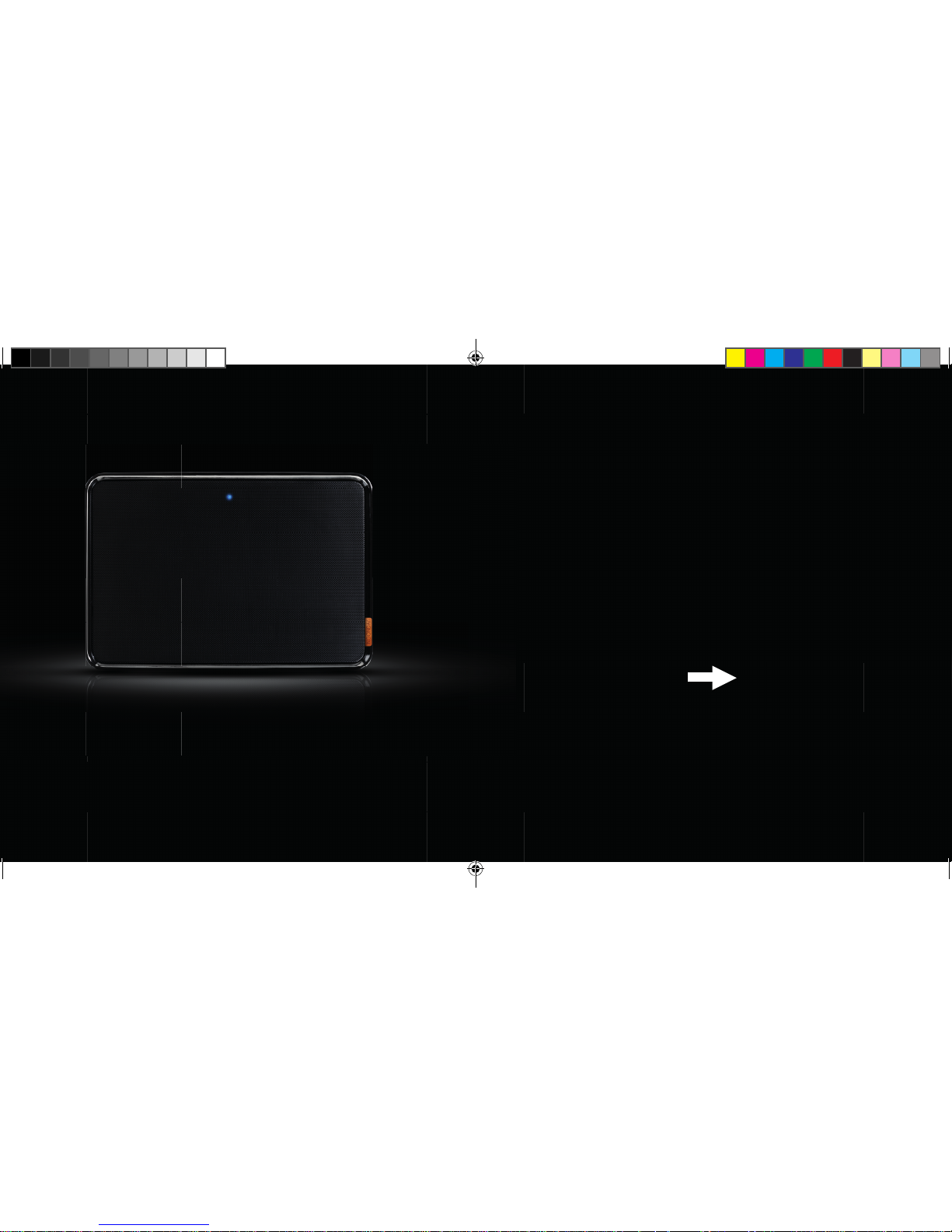
1.2 LED:
NOW THAT YOU KNOW YOUR
NOONDAY L SPEAKER A BIT BETTER,
SET IT UP AND START ENJOYING
PREMIUM AUDIO!
EN
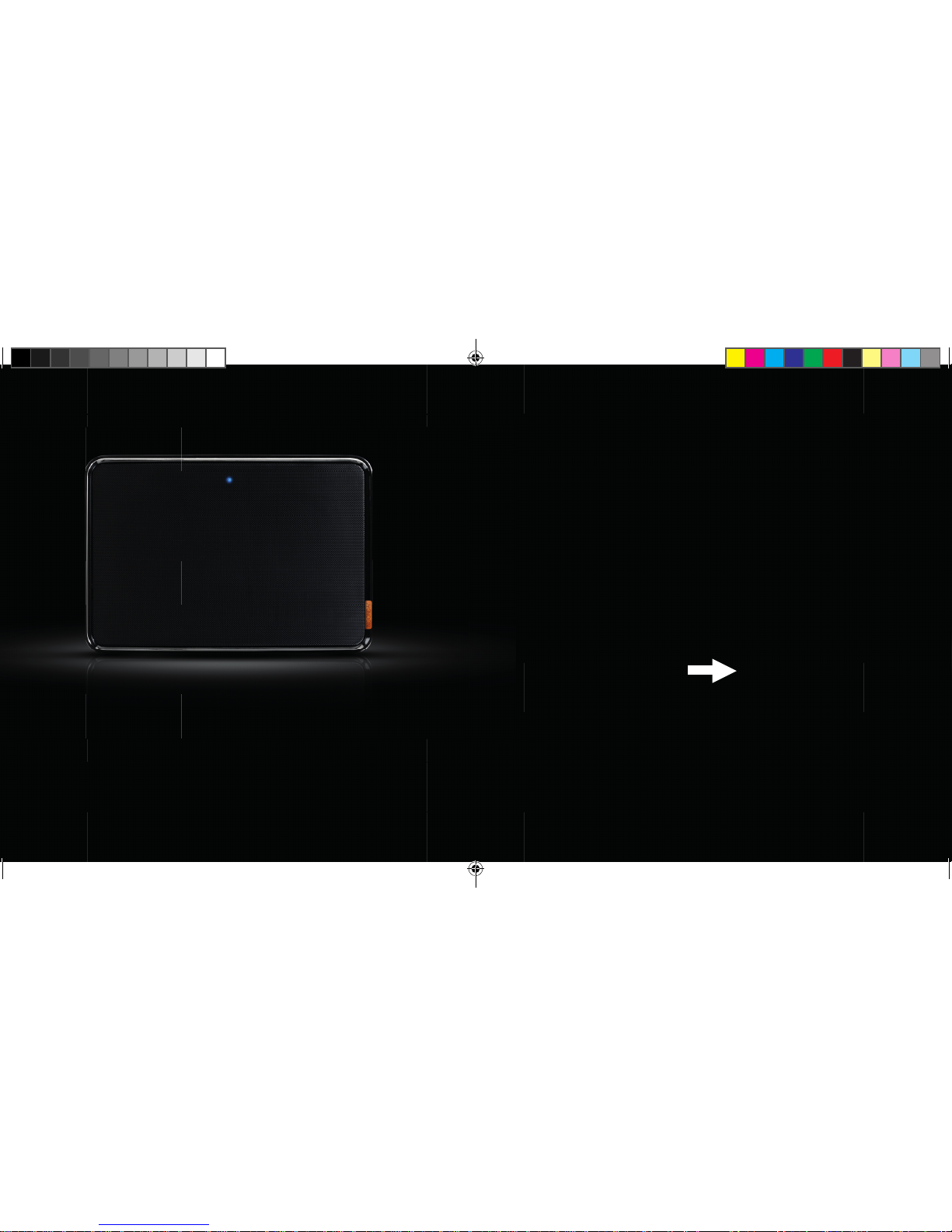
LED o : speaker is o or in standby mode (automatic standby after 3 minutes,
touch any key to wake up)
LED blue, blinking slow: paired with another Bluetooth device
LED blue, blinking fast: speaker is in paring mode
1ND200 QIG Noonday L.indd 9-10 06-01-14 16:39
Page 6
1211
2.
SET UP YOUR SPEAKER
2.1 PLACE THE SPEAKER ON
A SOLID SURFACE
EN
1ND200 QIG Noonday L.indd 11-12 06-01-14 16:39
Page 7
1413
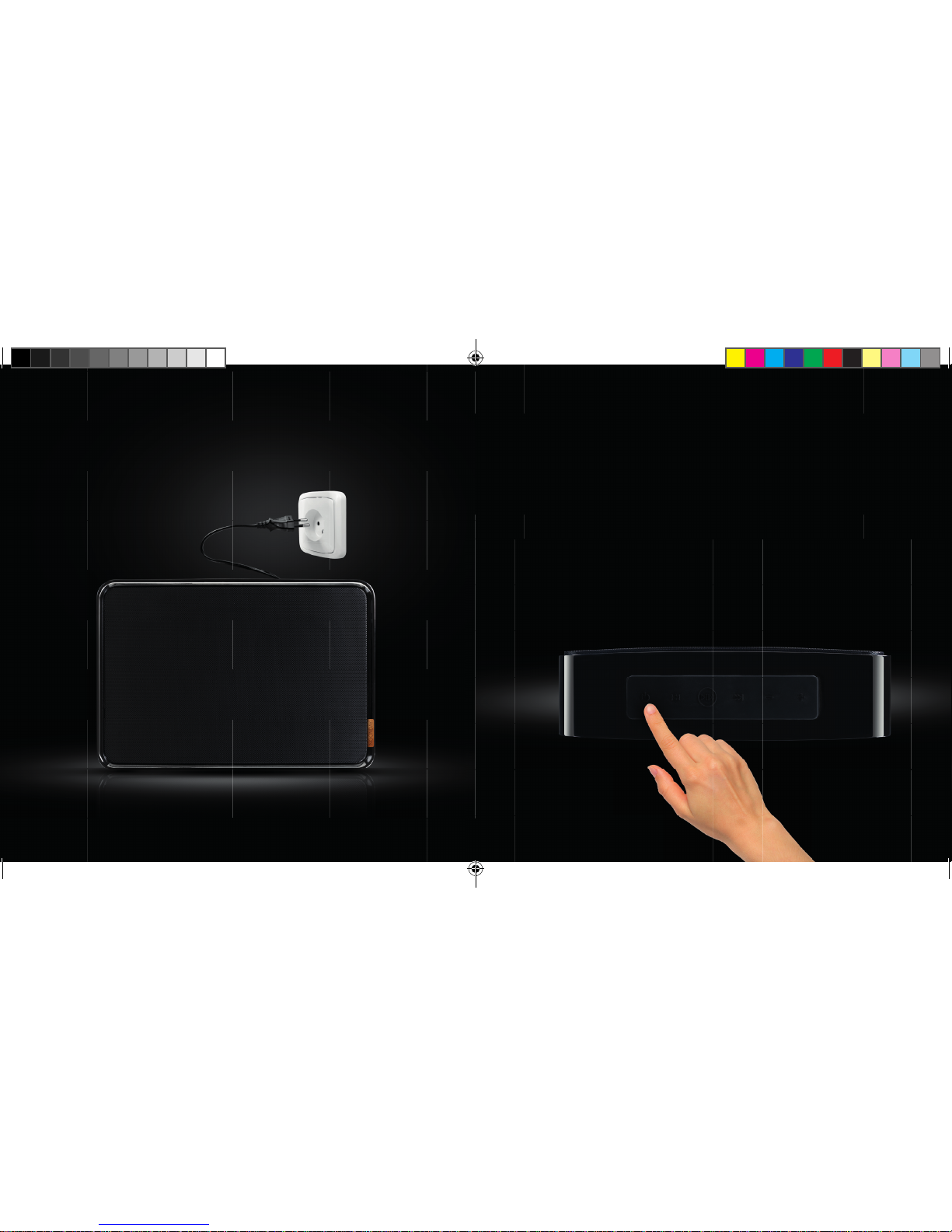
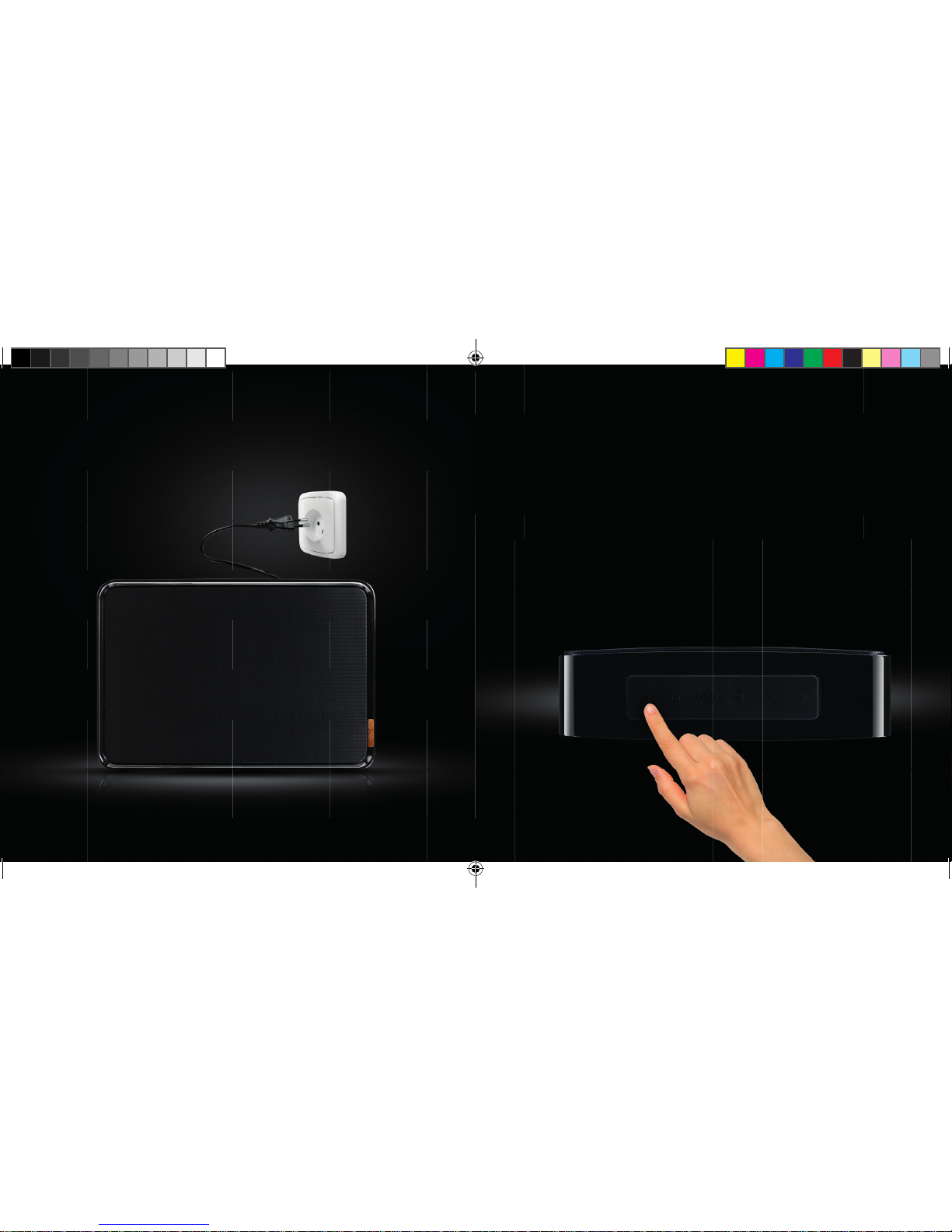
2.3 PRESS THE ON/OFF BUTTON
FOR THREE SECONDS UNTIL
YOU HEAR A STARTUP SOUND
2.2 PLUG THE CABLE INTO
A POWER SOCKET
3 SEC.
EN
1ND200 QIG Noonday L.indd 13-14 06-01-14 16:40
Page 8
1615
3.
CONNECT TO
YOUR SPEAKER
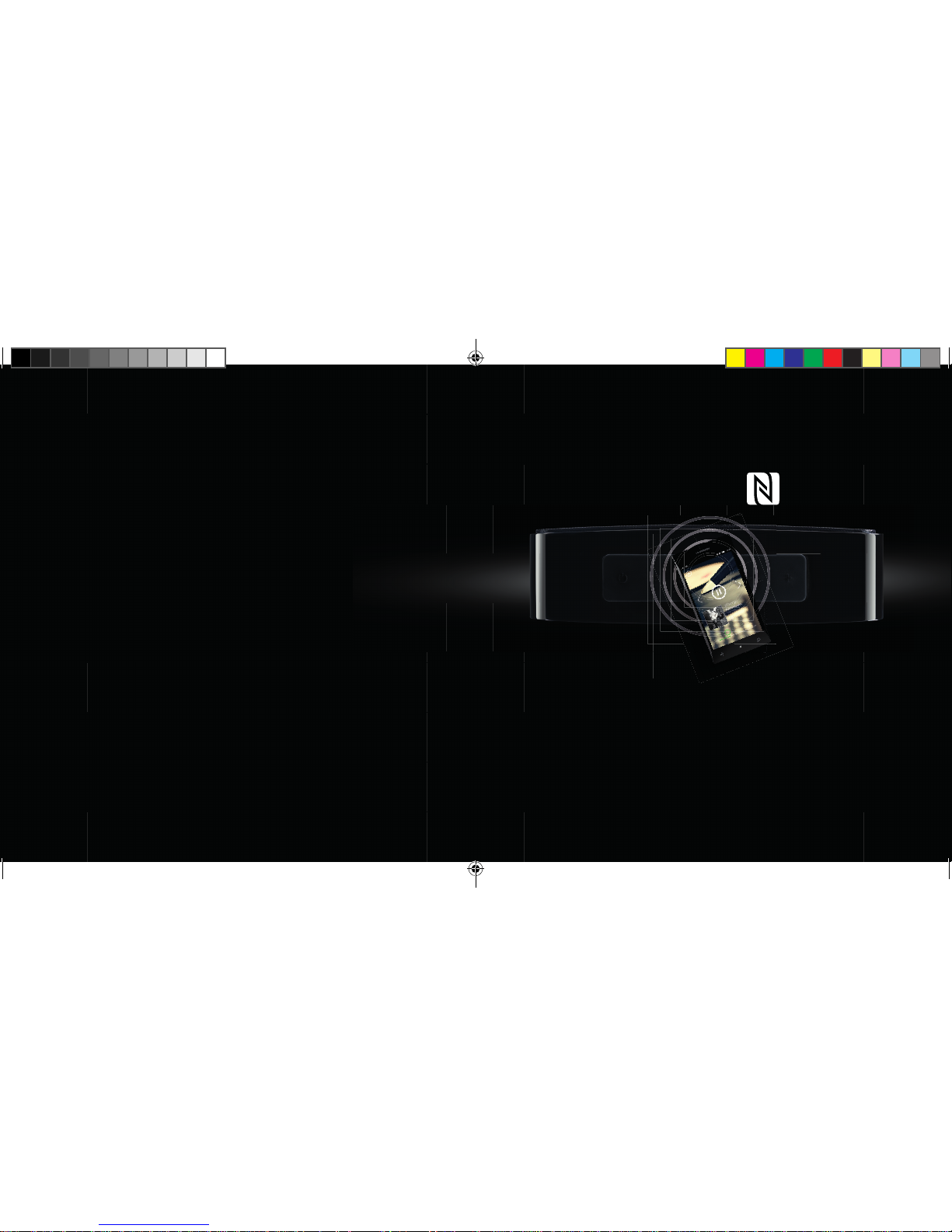
3.1 CONNECT VIA NFC
EN
1. If your phone or tablet supports NFC, turn the feature on
2. Press and hold the Bluetooth Pairing button for 3 seconds until you hear a short sound
3. Tap your phone against the speaker to connect
4. After a few seconds you will hear a short beep to confi rm the connection
5. You’re now ready to play your favourite tunes
1ND200 QIG Noonday L.indd 15-16 06-01-14 16:41
Page 9
1817
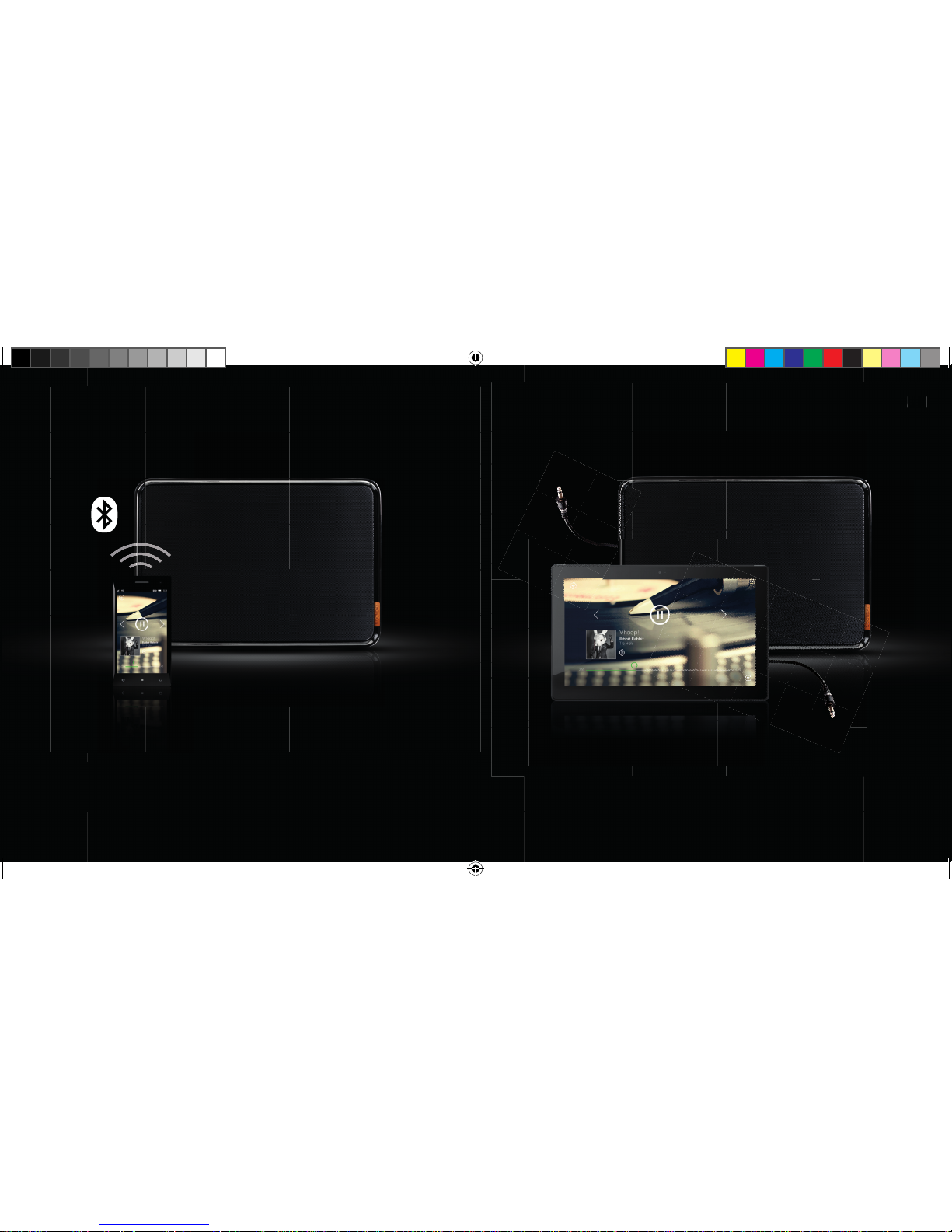
3.2 CONNECT VIA BLUETOOTH
UK
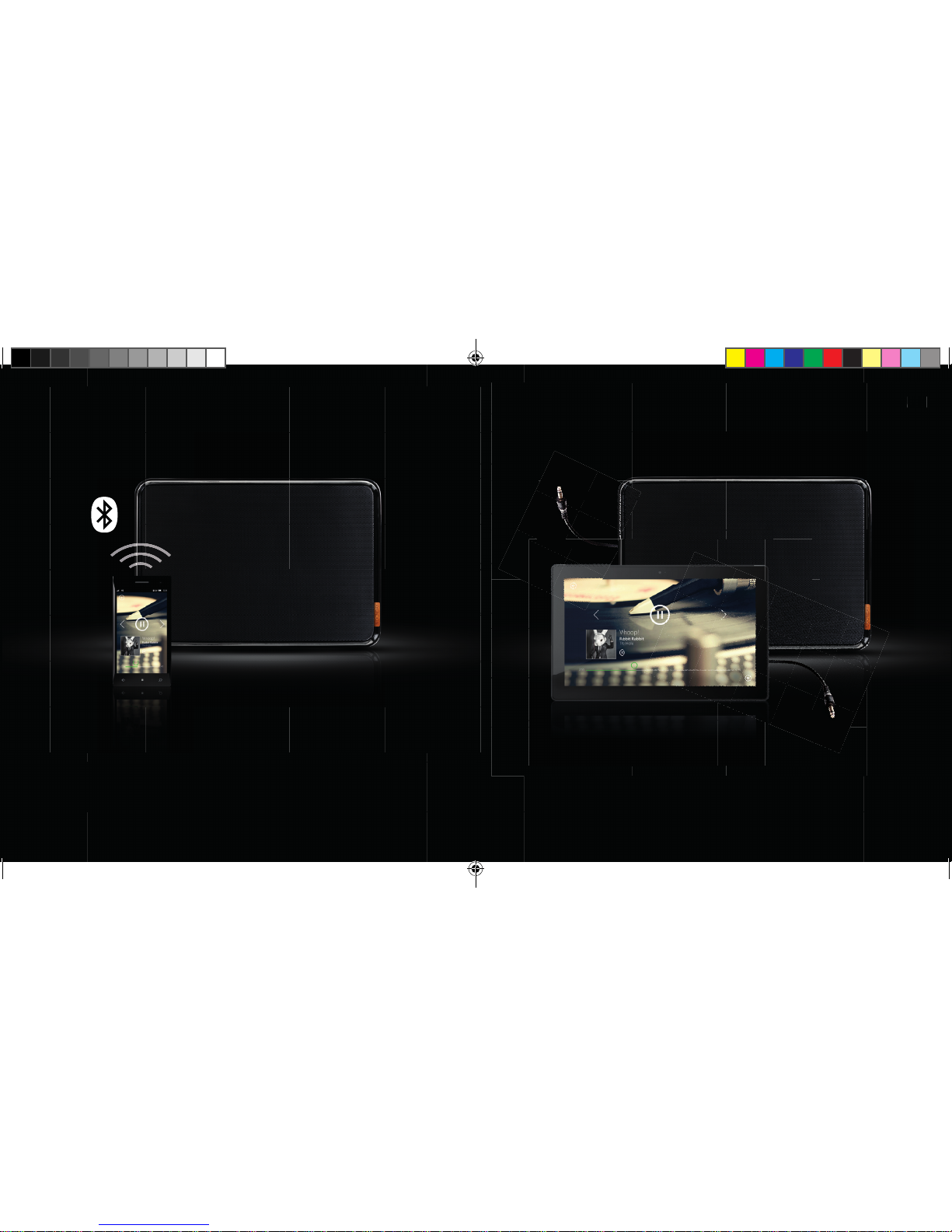
1. Take the supplied audio cable
2. Connect one end to your Noonday L Speaker
3. Connect the other end to any device with a headphone jack or audio output
4. You’re now ready to play your favourite tunes
3.3 CONNECT VIA AUDIO CABLE
EN
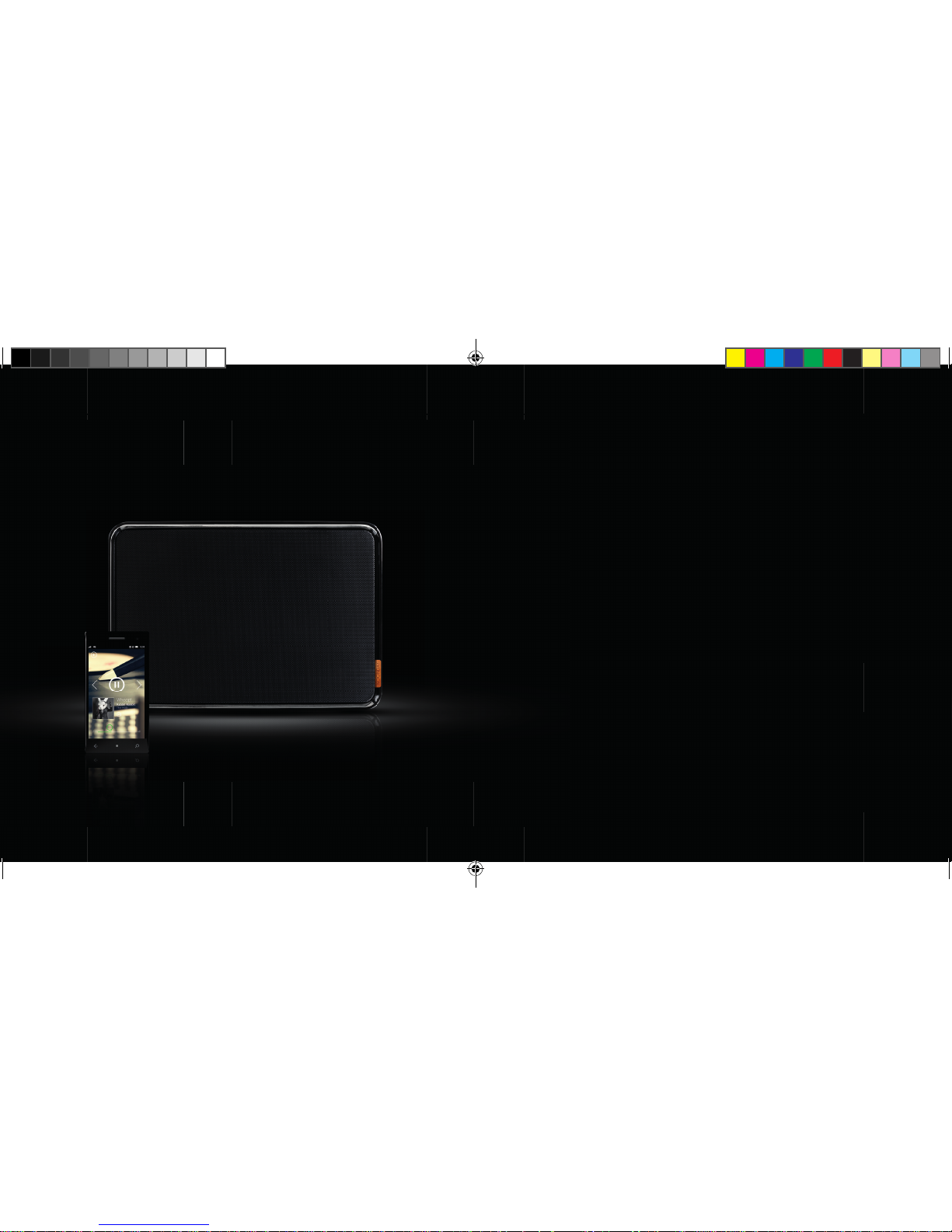
1. Activate Bluetooth on your phone or tablet and scan for Bluetooth devices
2. Press and hold the Bluetooth Pairing button for 3 seconds until you hear a short sound
3. Select the Noonday L speaker and connect
4. A short sound will confi rm that the connection is successful,
the LED will blink blue
5. You’re now ready to play your favourite tunes
1ND200 QIG Noonday L.indd 17-18 06-01-14 16:42
Page 10
2019
INHOUD
1. DE NOONDAY LLUIDSPREKER LEREN KENNEN
1.1 KNOPPEN
1.2 LEDs
2. DE LUIDSPREKER INSTELLEN
3. VERBINDING MAKEN MET DE LUIDSPREKER
3.1 VERBINDING MAKEN VIA NFC
3.2 VERBINDING MAKEN VIA BLUETOOTH
3.3 VERBINDING MAKEN VIA DE AUDIOKABEL
NL
1ND200 QIG Noonday L.indd 19-20 06-01-14 16:42
Page 11
2221
AAN/UIT
VORIG NUMMER
AFSPELEN/ONDERBREKEN
BLUETOOTHKOPPELING
NEXT SONG
VOLUME
VOLUME +
1.
DE NOONDAY LLUIDSPREKER
LEREN KENNEN
1.1 KNOPPEN:
NL
1ND200 QIG Noonday L.indd 21-22 06-01-14 16:43
Page 12
2423
1.2 LED:
NL
LED uit: luidspreker staat uit of in de stand-bymodus
(automatische stand-by na 3 minuten; raak een willekeurige toets aan om de
luidspreker weer in te schakelen)
LED blauw, langzaam knipperend: gekoppeld aan een ander Bluetooth-apparaat
LED blauw, snel knipperend: luidspreker staat in koppelingsmodus
NU JE DE NOONDAY L IETS BETER
KENT, KUN JE BEGINNEN MET HET
INSTELLEN EN DAARNA GENIETEN
VAN AUDIO MET TOPKWALITEIT!
1ND200 QIG Noonday L.indd 23-24 06-01-14 16:43
Page 13
2625
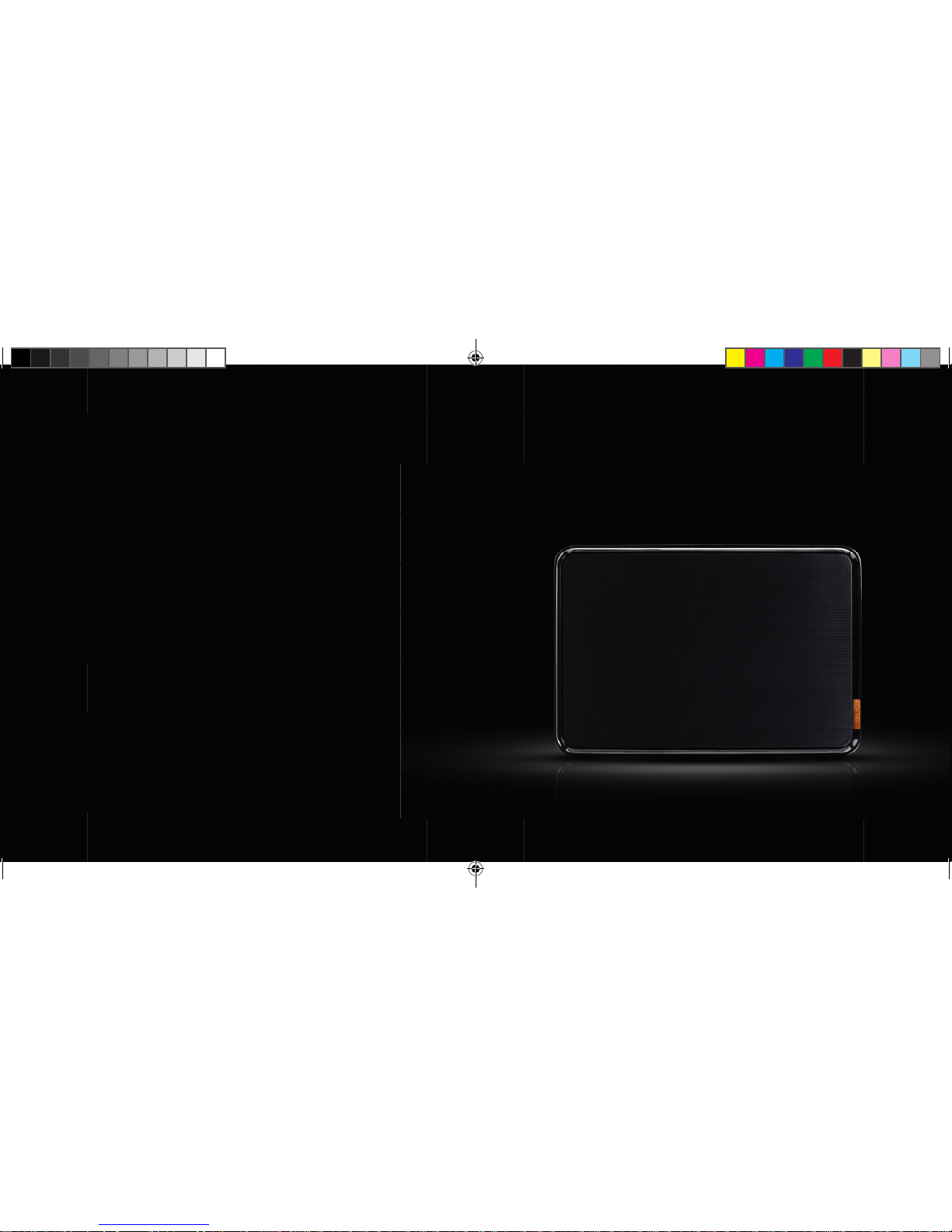
2.1 PLAATS DE LUIDSPREKER OP
EEN STEVIGE ONDERGROND
NL
2.
DE LUIDSPREKER INSTELLEN
1ND200 QIG Noonday L.indd 25-26 06-01-14 16:43
Page 14
2827
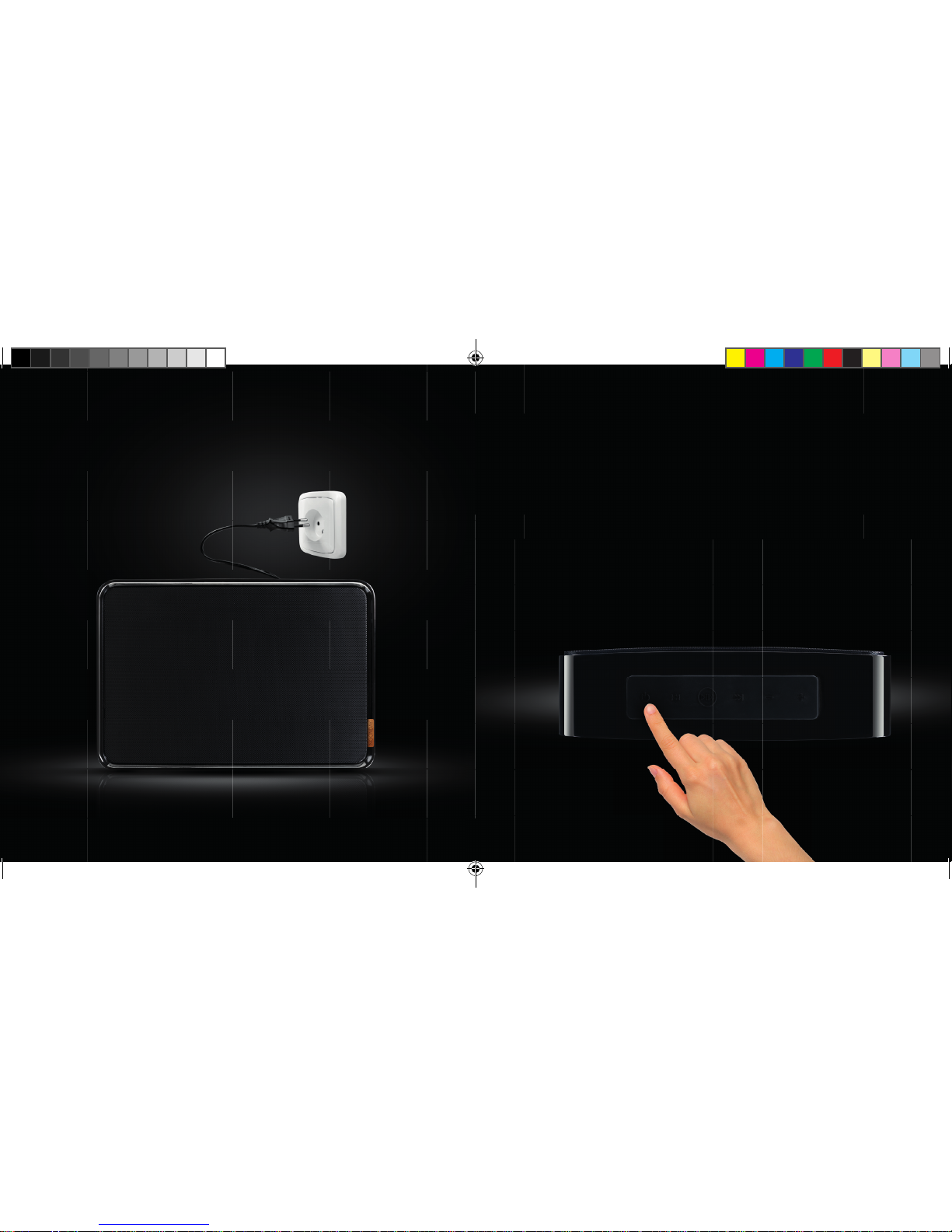
2.3 HOUD DE AAN/UITKNOP
DRIE SECONDEN INGEDRUKT,
TOTDAT JE EEN OPSTART
GELUID HOORT
2.2 SLUIT DE KABEL AAN OP EEN
STOPCONTACT
3 SEC.
NL
1ND200 QIG Noonday L.indd 27-28 06-01-14 16:44
Page 15
3029
3.
VERBINDING MAKEN
MET DE LUIDSPREKER
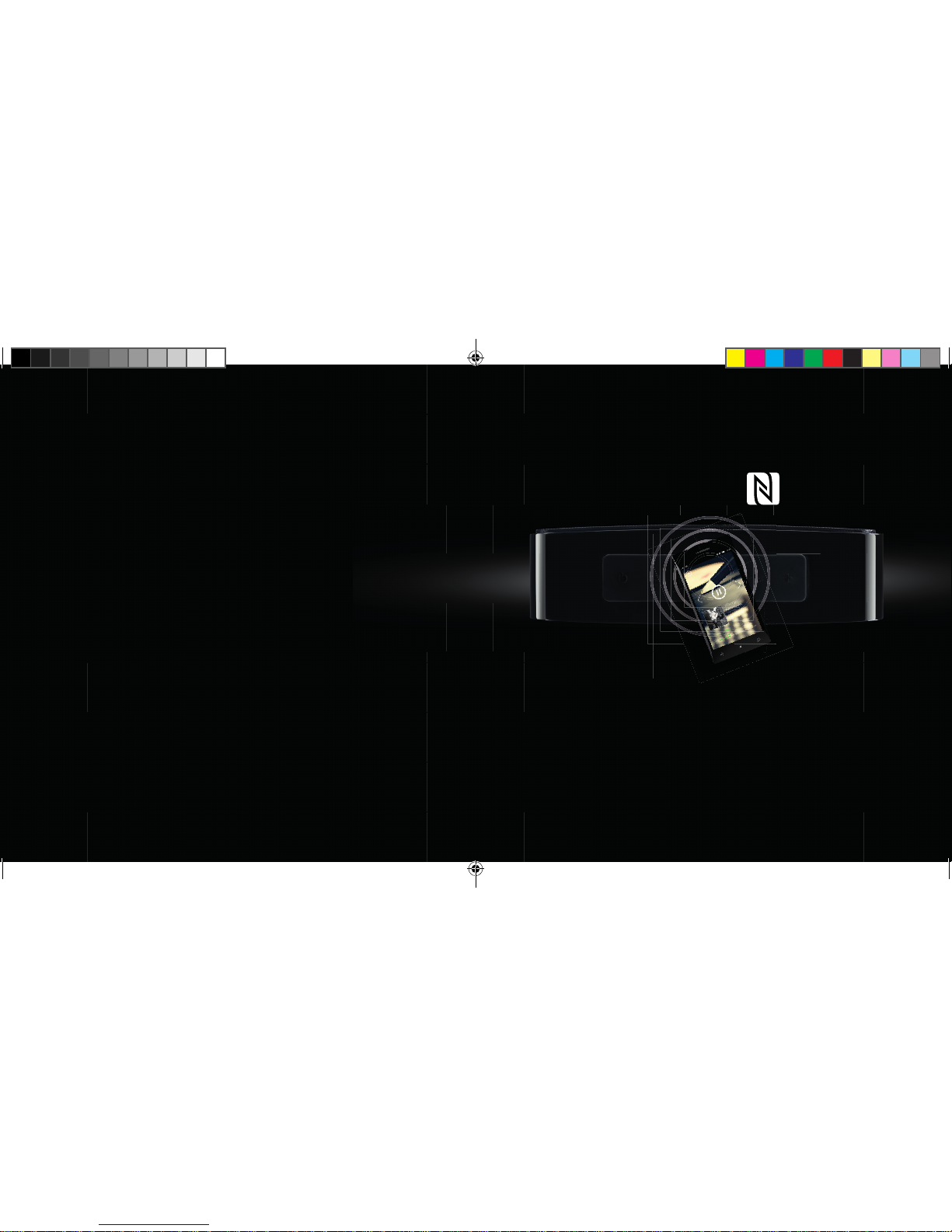
3.1 VERBINDING MAKEN VIA NFC
NL
1. Als je telefoon of tablet ondersteuning biedt voor NFC, schakel je die functie in
2. Houd de Bluetooth Pairing knop 3 seconden ingedrukt totdat je een kort geluid hoort
3. Tik met je telefoon tegen de luidspreker om verbinding te maken
4. Na enkele seconden hoor je een korte pieptoon,
waarmee de verbinding wordt bevestigd
5. Je bent nu klaar om je favoriete nummers af te spelen
1ND200 QIG Noonday L.indd 29-30 06-01-14 16:45
Page 16
3231
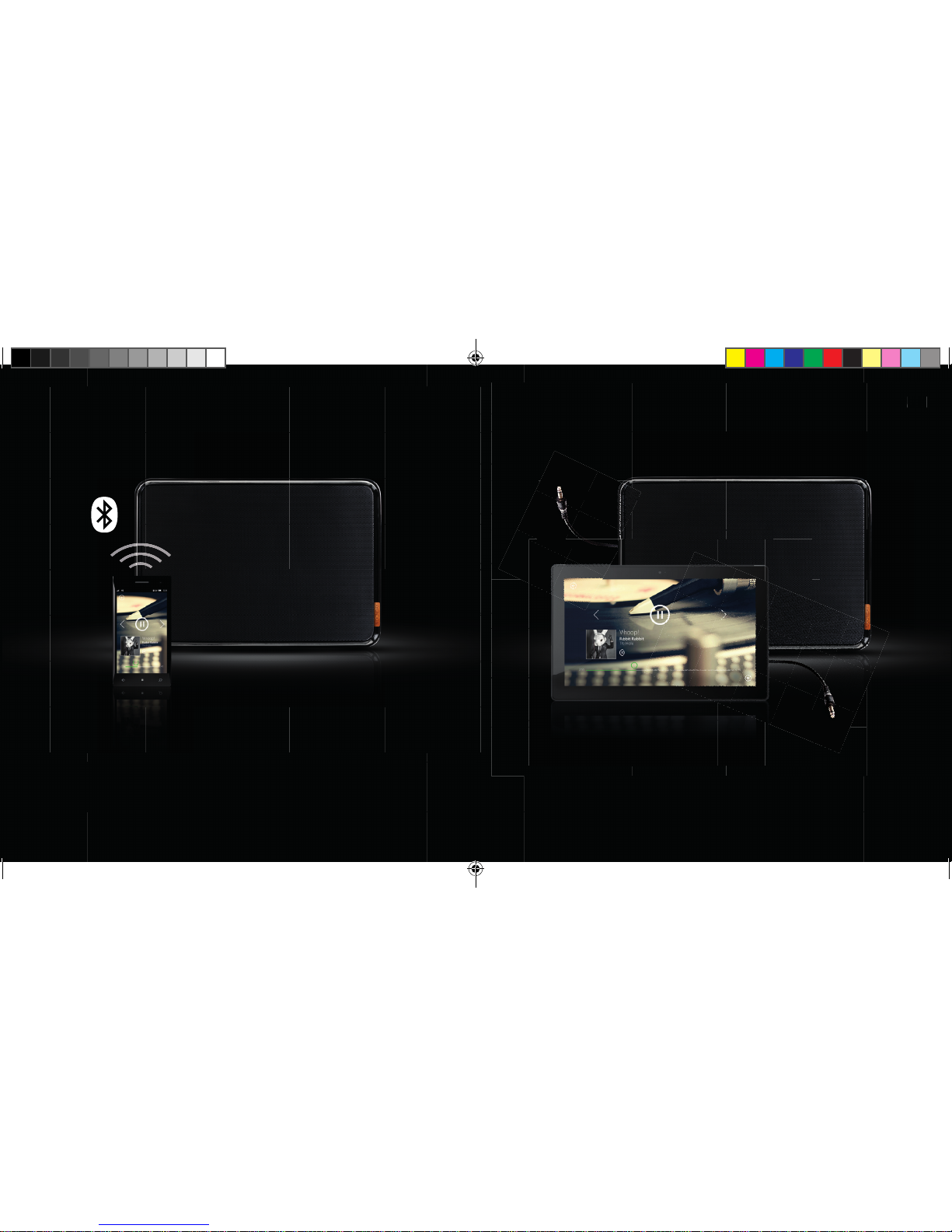
3.2 VERBINDING MAKEN VIA
BLUETOOTH
UK
1. Neem de meegeleverde audiokabel
2. Sluit het ene uiteinde aan op de Noonday L-luidspreker
3. Sluit het andere uiteinde aan op elk apparaat met een aansluiting voor een
hoofdtelefoon of een audio-uitgang
4. Je bent nu klaar om je favoriete nummers af te spelen
3.3 VERBINDING MAKEN VIA
DE AUDIOKABEL
NL
1. Activeer Bluetooth op je telefoon of tablet en zoek naar Bluetooth-apparaten
2. Houd de Bluetooth Pairing knop 3 seconden ingedrukt totdat je een kort geluid hoort
3. Selecteer de Noonday L-luidspreker en maak verbinding
4. Met een kort geluid wordt bevestigd dat de verbinding tot stand is gebracht;
de LED knippert blauw
5. Je bent nu klaar om je favoriete nummers af te spelen
1ND200 QIG Noonday L.indd 31-32 06-01-14 16:46
Page 17
3433
DE
INHALT
1. NOONDAY L IM ÜBERBLICK
1.1 TASTEN
1.2 LED
S
2. LAUTSPRECHER ANSCHLIEßEN
3. VERBINDUNG MIT DEM LAUTSPRECHER HERSTELLEN
3.1 VIA NFC VERBINDEN
3.2 VIA BLUETOOTH VERBINDEN
3.3 VIA AUDIOKABEL VERBINDEN
1ND200 QIG Noonday L.indd 33-34 06-01-14 16:46
Page 18
3635
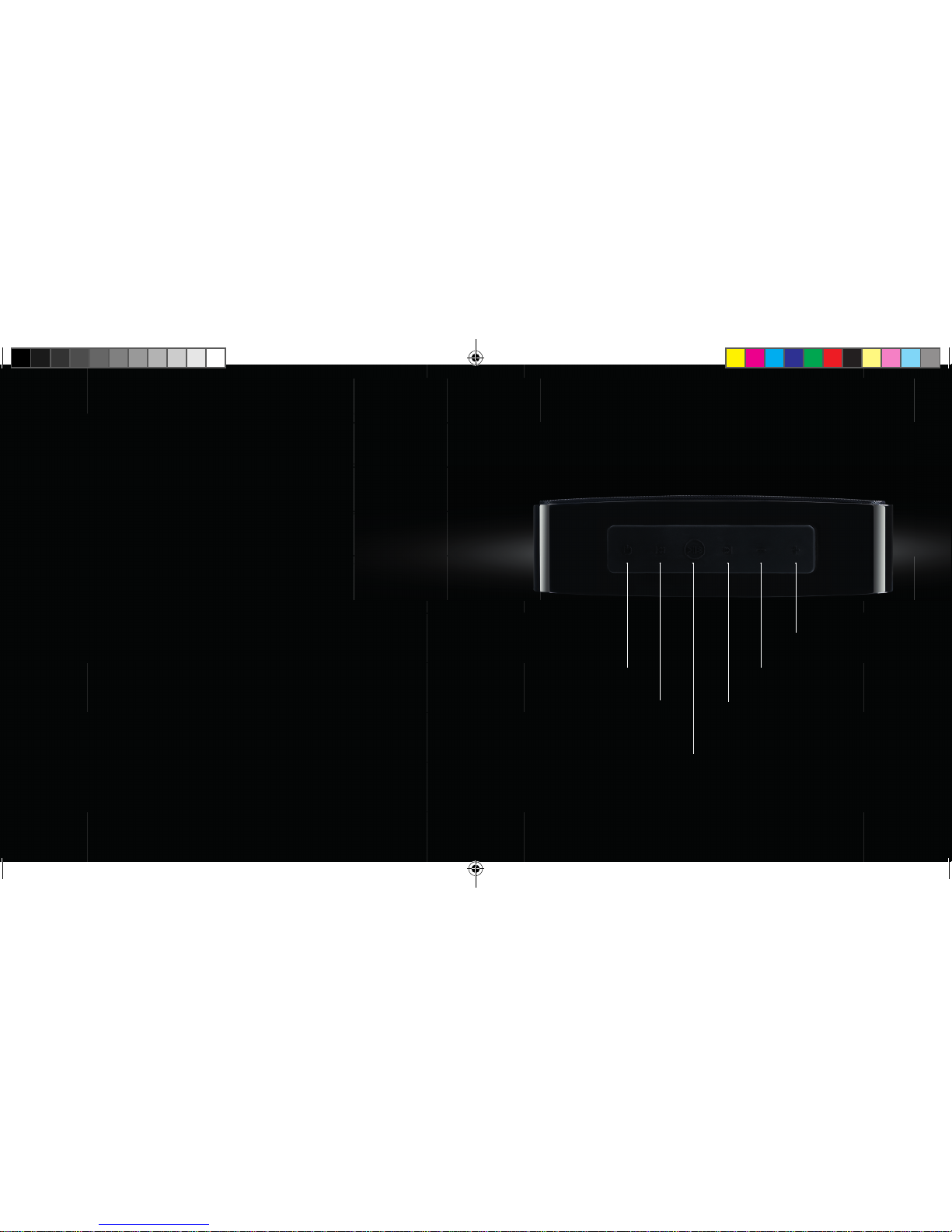
EIN/AUS
VORHERIGER TITEL
WIEDERGABE/PAUSE
BLUETOOTH PAIRING
NÄCHSTER TITEL
LAU T S TÄRKE
LAU T S TÄRKE +
1.
NOONDAY L IM ÜBERBLICK
1.1 TASTEN:
DE
1ND200 QIG Noonday L.indd 35-36 06-01-14 16:46
Page 19
3837
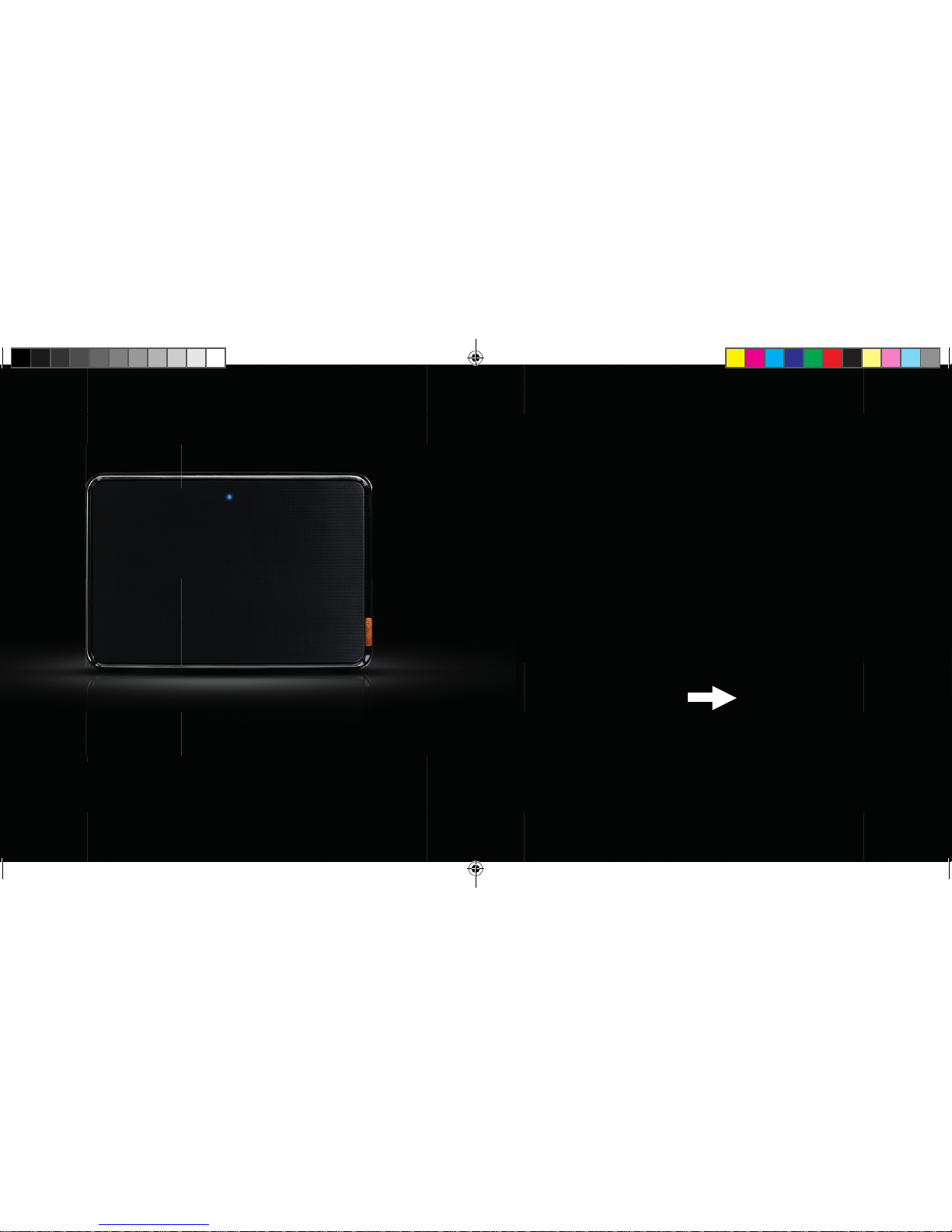
1.2 LED:
DE
LED aus: Lautsprecher aus oder im Standby-Modus (automatisches Standby nach
3 Minuten; zum Aktivieren beliebige Taste drücken)
LED blau, blinkt langsam: Verbindung mit anderem Bluetooth-Gerät aktiv
LED blau, blinkt schnell: Lautsprecher im Pairing-Modus
NUN DA SIE IHREN NOONDAY L
LAUTSPRECHER EIN BIßCHEN BESSER
KENNEN, SCHLIEßEN SIE IHN AN
UND GENIEßEN SIE IHRE MUSIK IN
PREMIUMQUALITÄT!
1ND200 QIG Noonday L.indd 37-38 06-01-14 16:47
Page 20
4039
DE
2.
LAUTSPRECHER ANSCHLIEßEN
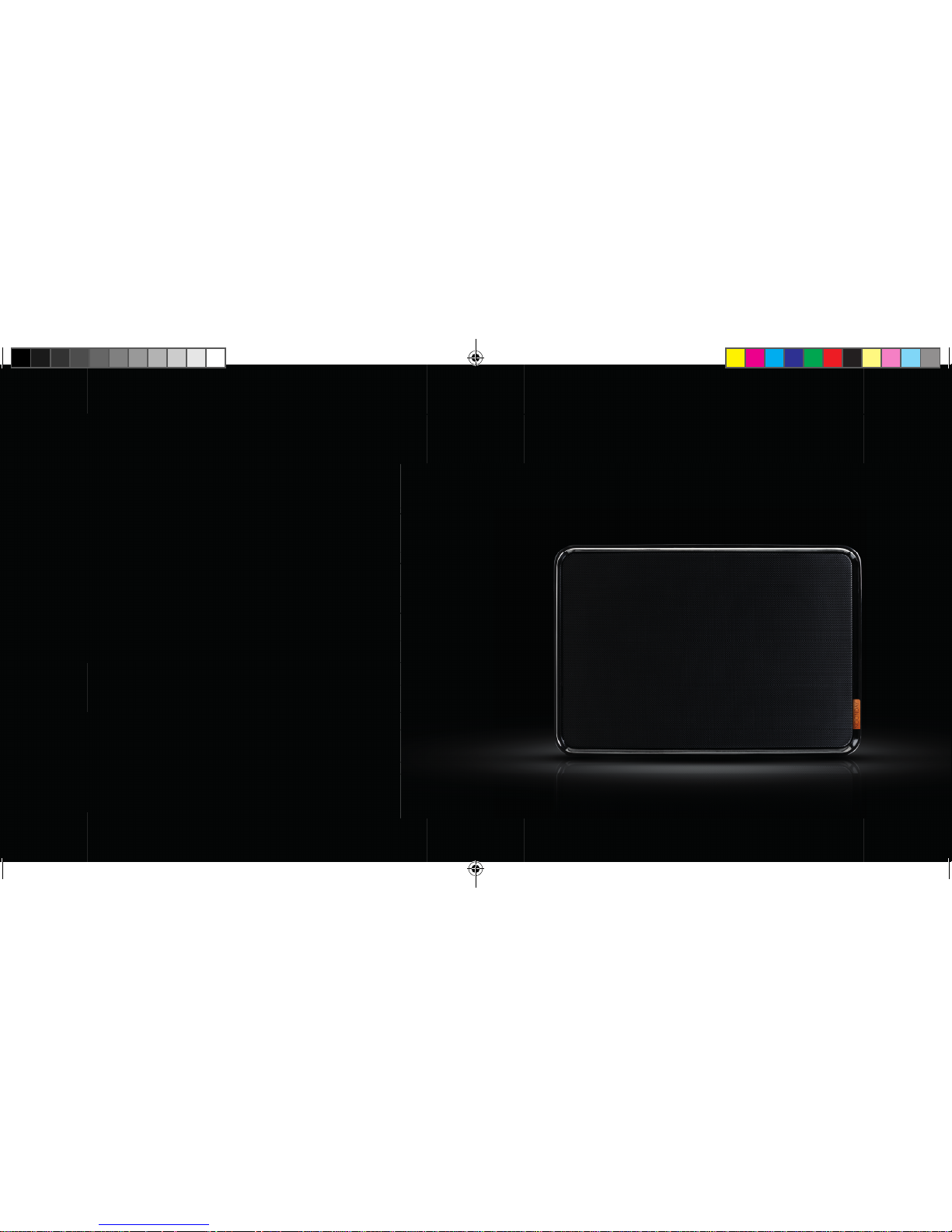
2.1 STELLEN SIE DEN LAUT
SPRECHER AUF EINE FESTE
OBERFLÄCHE.
1ND200 QIG Noonday L.indd 39-40 06-01-14 16:47
Page 21
4241
3 SEK.
DE
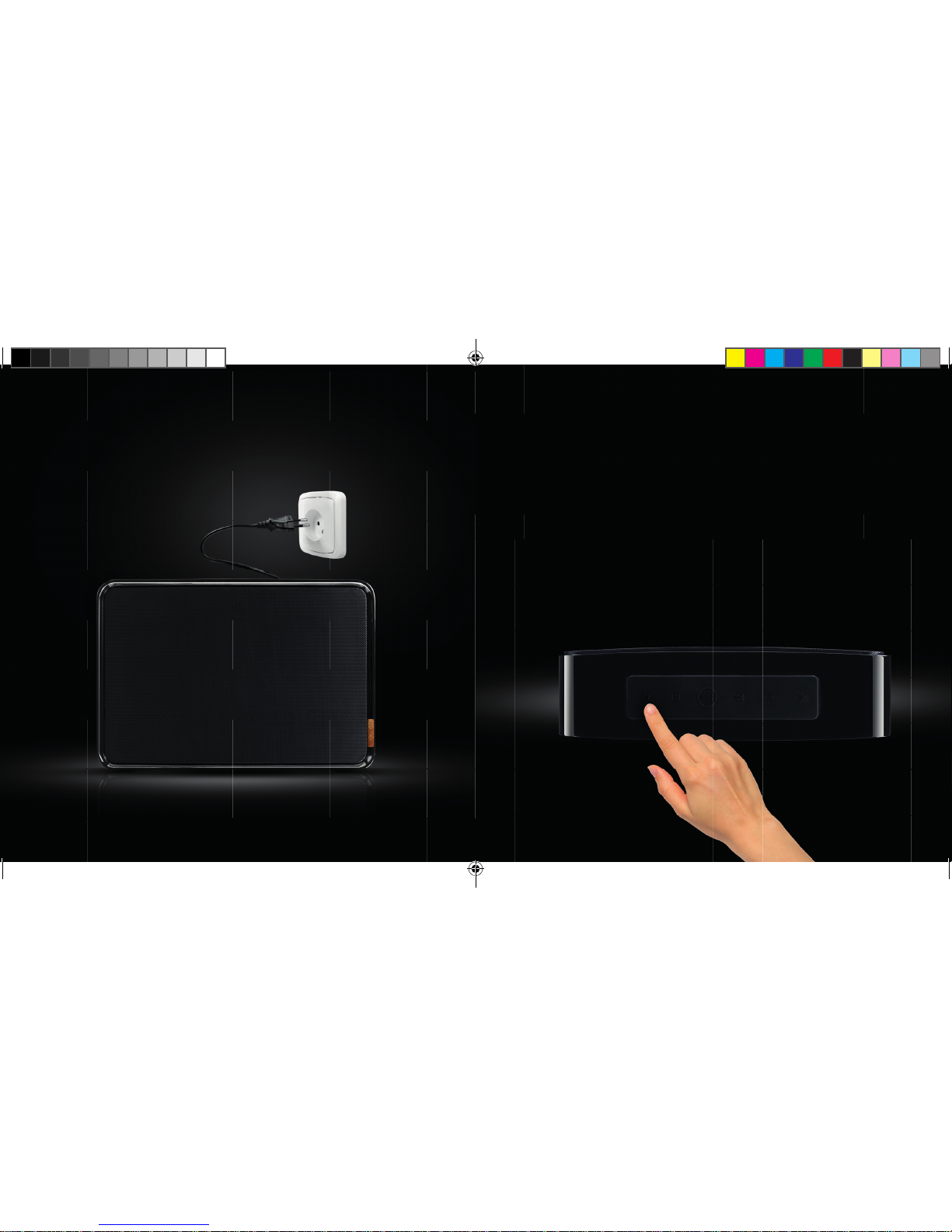
2.3 HALTEN SIE DIE EIN/AUS
TASTE DREI SEKUNDEN LANG
GEDRÜCKT, BIS DER STARTTON
ERKLINGT.
2.2 STECKEN SIE DEN STECKER
IN EINE STECKDOSE
1ND200 QIG Noonday L.indd 41-42 06-01-14 16:48
Page 22
4443
DE
3.
VERBINDUNG MIT DEM
LAUTSPRECHER HERSTELLEN
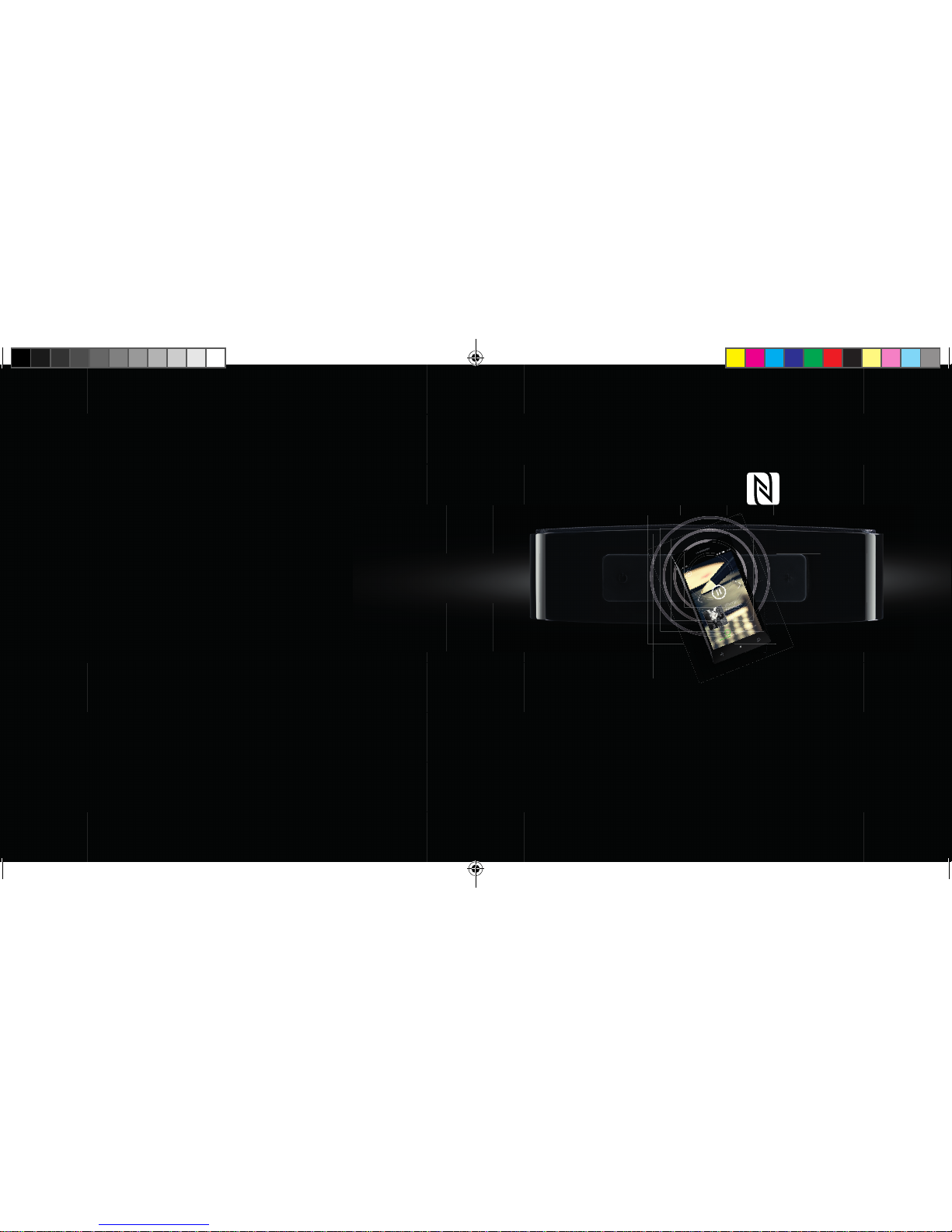
3.1 VIA NFC VERBINDEN
1. Wenn Ihr Smartphone oder Tablet NFC unterstützt, aktivieren Sie die Funktion.
2. Halten Sie die Bluetooth-Pairing-Taste für 3 Sekunden gedrückt, bis Sie einen kurzen
Signalton hören
3. Tippen Sie mit dem Smartphone/Tablet gegen den Lautsprecher,
um eine Verbindung herzustellen.
4. Nach einigen Sekunden wird die Verbindung durch einen kurzen Signalton bestätigt.
5. Nun können Sie Ihre Musik in Premium-Qualität genießen.
1ND200 QIG Noonday L.indd 43-44 06-01-14 16:48
Page 23
4645
UK
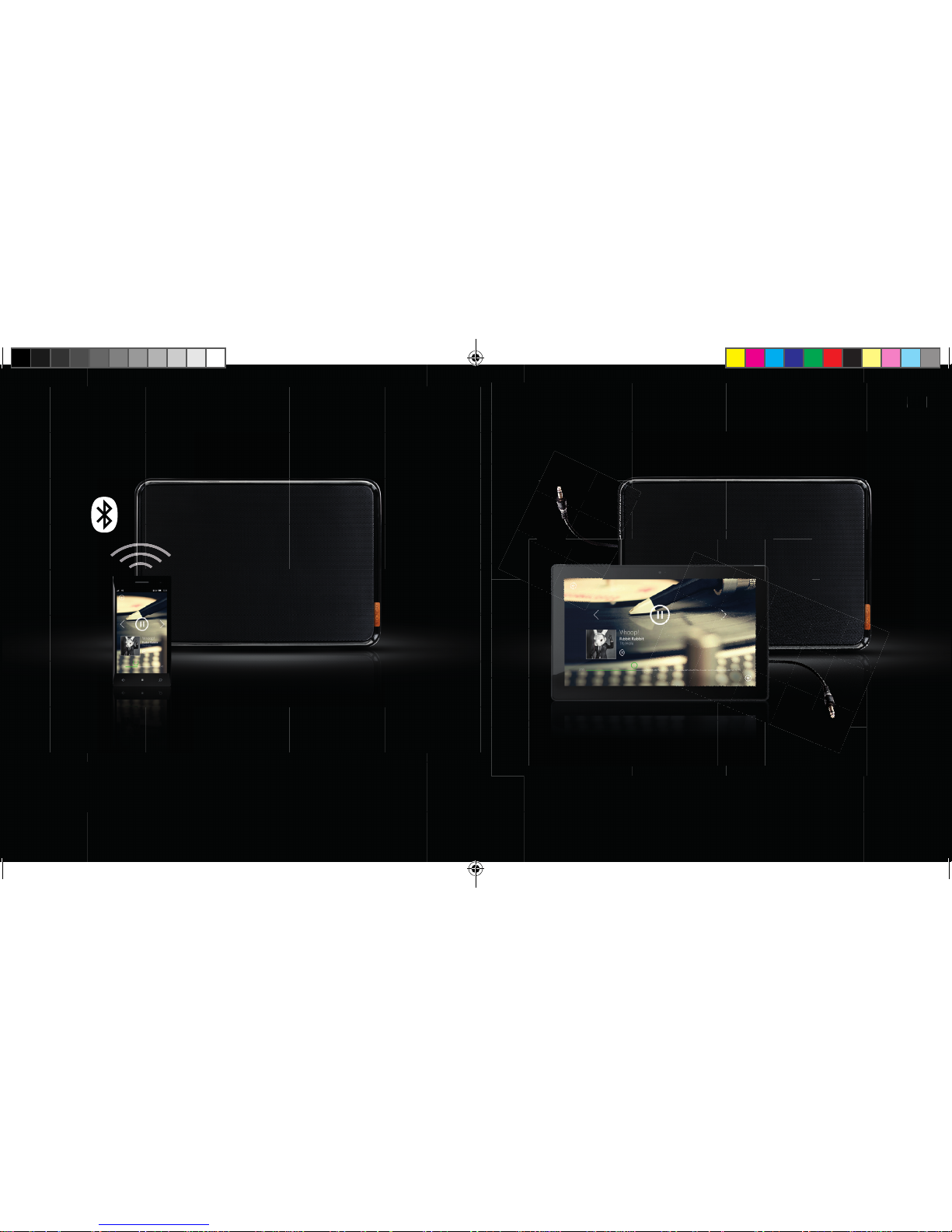
1. Verwenden Sie das im Lieferumfang enthaltene Audiokabel.
2. Schließen Sie ein Ende des Kabels an den Noonday L-Lautsprecher an.
3. Schließen Sie das andere Ende an ein beliebiges Gerät mit einem Kopfhörer- oder
Audioausgang an.
4. Nun können Sie Ihre Musik in Premium-Qualität genießen
DE
3.2 VIA BLUETOOTH VERBINDEN
3.3 VIA AUDIOKABEL VERBINDEN
1. Aktivieren Sie Bluetooth auf Ihrem Smartphone oder Tablet, und suchen
Sie nach Bluetooth-Geräten.
2. Halten Sie die Bluetooth-Pairing-Taste für 3 Sekunden gedrückt, bis Sie einen kurzen
Signalton hören
3. Wählen Sie den Noonday L-Lautsprecher aus, und stellen Sie eine Verbindung her.
4. Wenn die Verbindung hergestellt wurde, wird ein kurzer Ton ausgegeben,
und die LED blinkt blau.
5. Nun können Sie Ihre Musik in Premium-Qualität genießen
1ND200 QIG Noonday L.indd 45-46 06-01-14 16:50
Page 24
4847
IT
INDICE
1. PANORAMICA DELL’ALTOPARLANTE NOONDAY L
1.1 PULSANTI
1.2 LED
2. CONFIGURAZIONE DELL’ALTOPARLANTE
3. CONNESSIONE DELL’ALTOPARLANTE
3.1 CONNESSIONE TRAMITE NFC
3.2 CONNESSIONE TRAMITE BLUETOOTH
3.3 CONNESSIONE TRAMITE CAVO AUDIO
1ND200 QIG Noonday L.indd 47-48 06-01-14 16:50
Page 25
5049
IT
1.
PANORAMICA DELL’ALTO
PARLANTE NOONDAY L
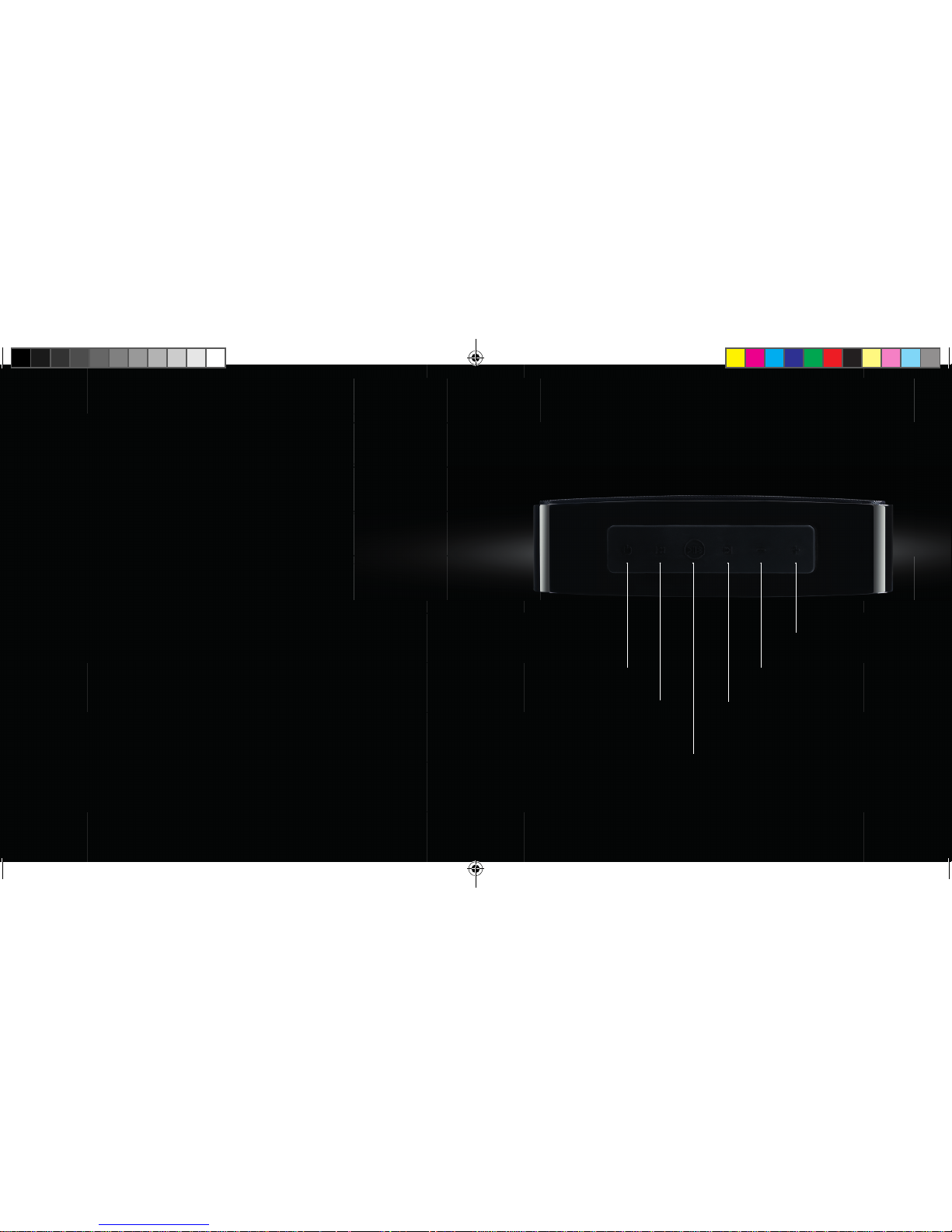
1.1 PULSANTI:
ON/OFF
BRANO PRECEDENTE
PLAY/PAUSA
ABBINAMENTO BLUETOOTH
BRANO SUCCESSIVO
VOLUME
VOLUME +
1ND200 QIG Noonday L.indd 49-50 06-01-14 16:50
Page 26
5251
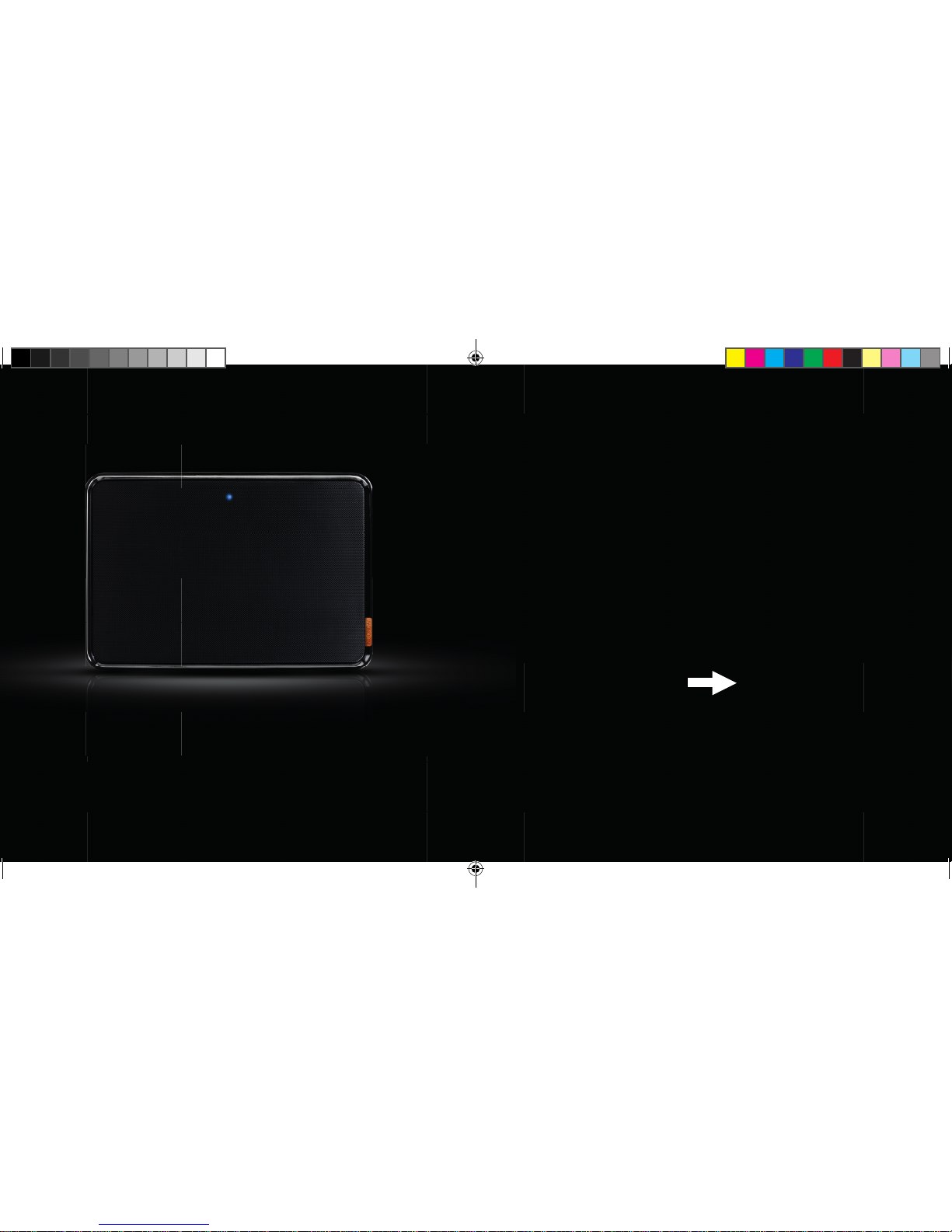
1.2 LED:
IT
LED spento: l’altoparlante è spento o in stand-by (lo stand-by si avvia automaticamente
dopo 3 minuti; premere un pulsante qualsiasi per riattivare l’altoparlante)
LED blu che lampeggia lentamente: abbinato a un altro dispositivo Bluetooth
LED blu che lampeggia velocemente: l’altoparlante è in modalità
di abbinamento
DOPO AVERE ACQUISITO UN PO’ DI
FAMILIARITÀ CON L’ALTOPARLANTE
NOONDAY L, È POSSIBILE CONFIGU
RARLO E SENTIRE I SUOI STRAORDINARI
SUONI!
1ND200 QIG Noonday L.indd 51-52 06-01-14 16:51
Page 27
5453
IT
2.
CONFIGURAZIONE
DELL’ALTOPARLANTE
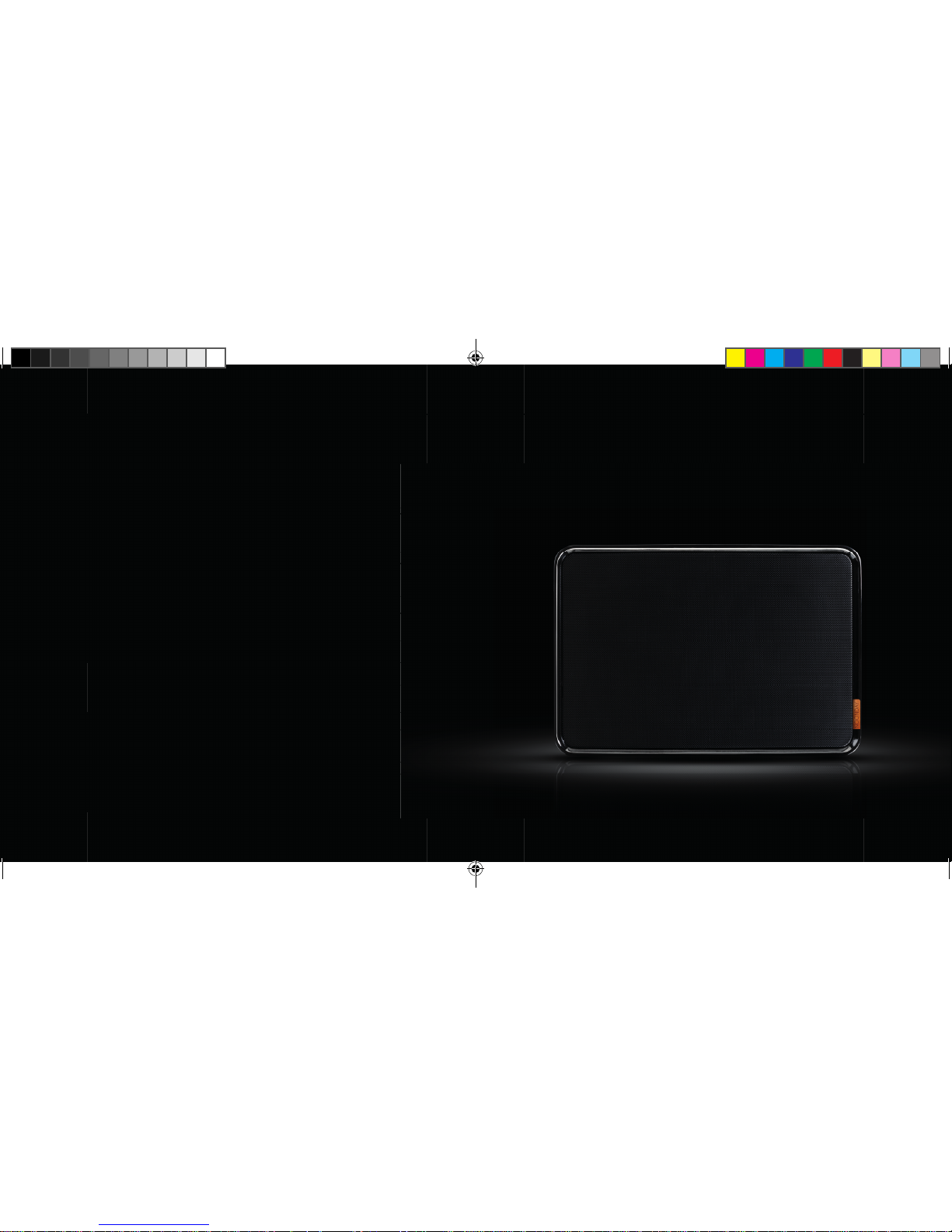
2.1 APPOGGIARE L’ALTOPARLANTE
SU UNA SUPERFICIE SOLIDA
1ND200 QIG Noonday L.indd 53-54 06-01-14 16:51
Page 28
5655
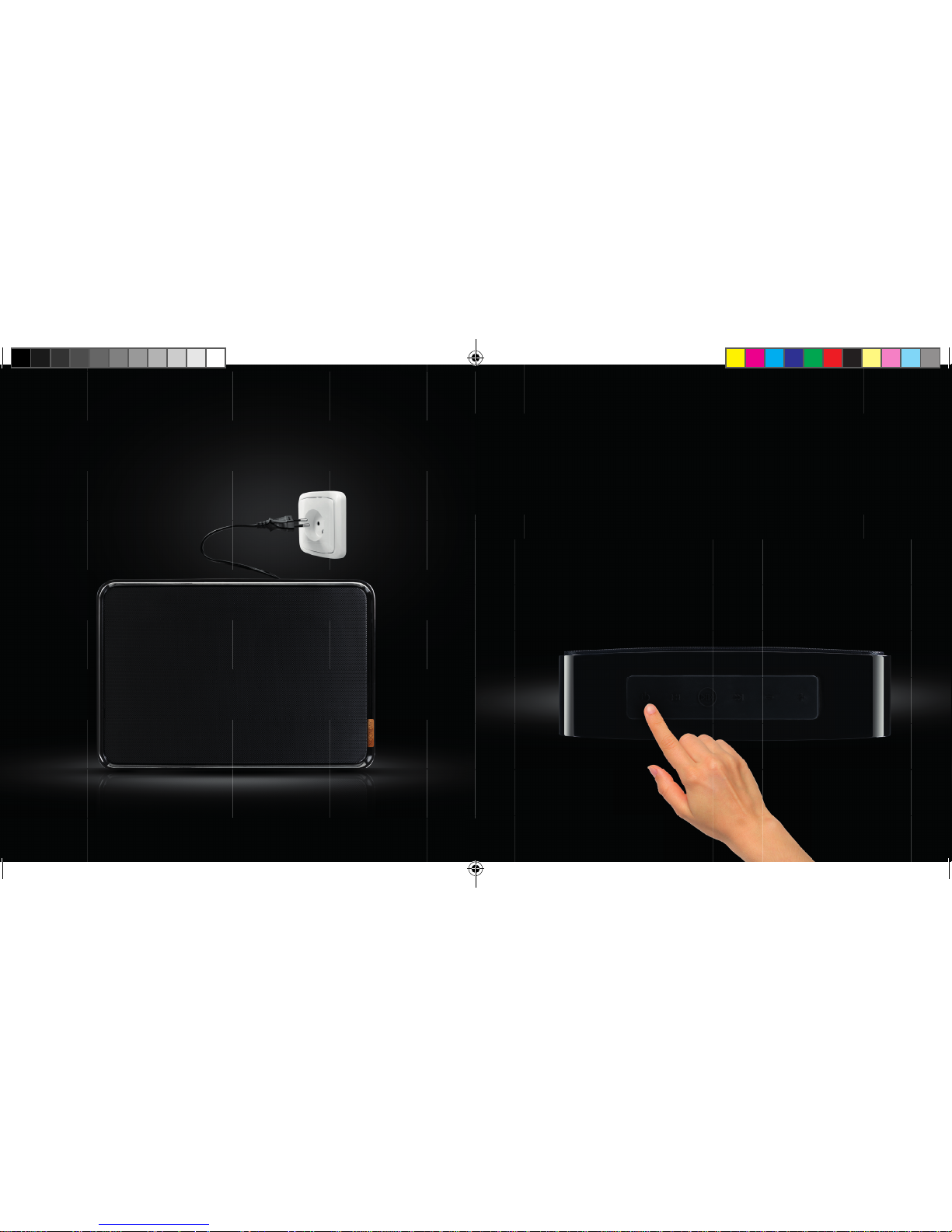
3 SEC.
IT
2.3 TENERE PREMUTO IL
PULSANTE ON/OFF PER TRE
SECONDI, FINO A SENTIRE UN
SEGNALE ACUSTICO
2.2 COLLEGARE IL CAVO A
UNA PRESA DI CORRENTE
DISPONIBILE
1ND200 QIG Noonday L.indd 55-56 06-01-14 16:51
Page 29
5857
IT
3.
CONNESSIONE
DELL’ALTOPARLANTE
3.1 CONNESSIONE TRAMITE NFC
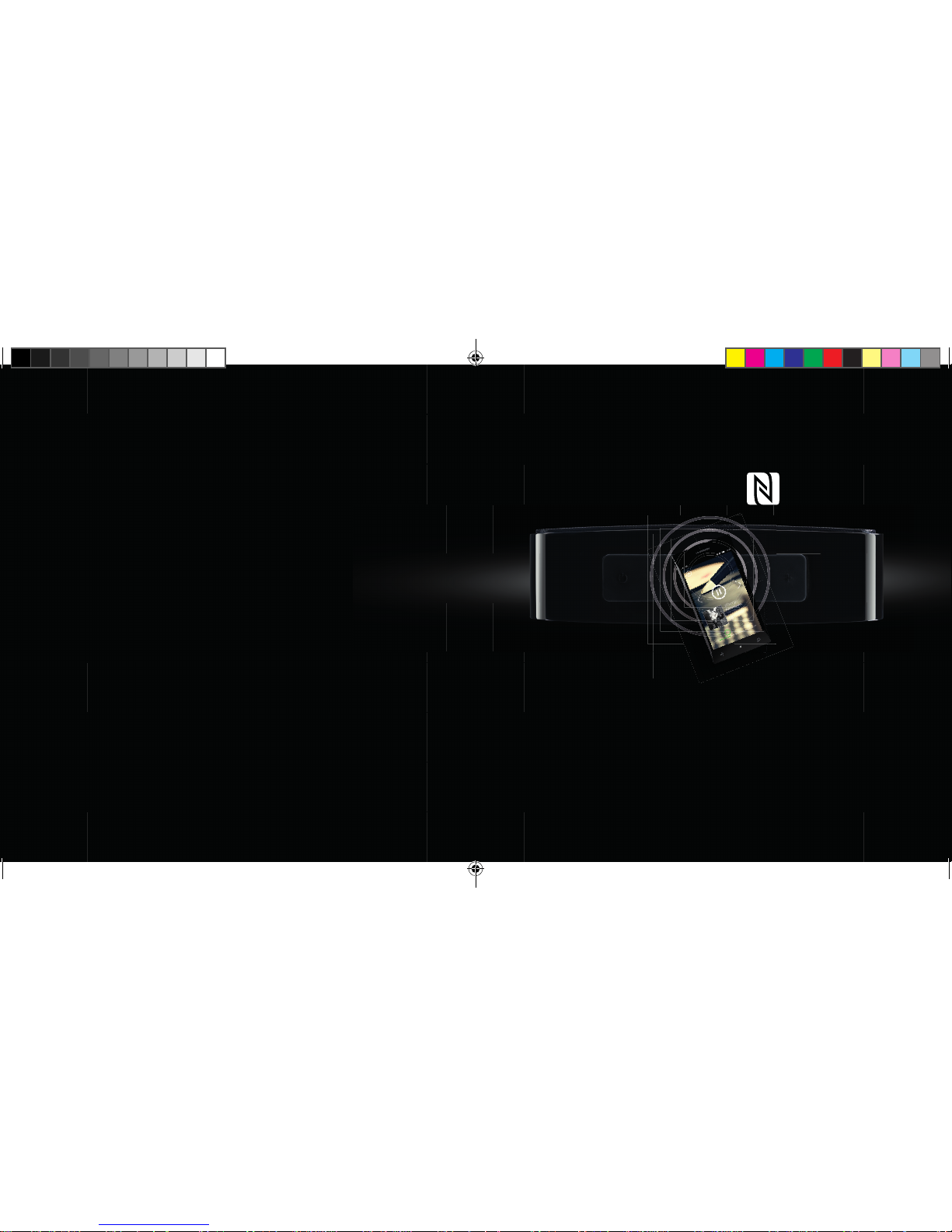
1. Attivare la tecnologia NFC (se il cellulare o il tablet la supporta)
2. Premere e tenere premuto il pulsante di accoppiamento Bluetooth per 3 secondi
fi no a quando non si sente un breve segnale acustico
3. Appoggiare il cellulare all’altoparlante per e ettuare il collegamento
4. Dopo qualche secondo, un breve segnale acustico confermerà la connessione
5. Ora sarà possibile ascoltare i propri brani preferiti
1ND200 QIG Noonday L.indd 57-58 06-01-14 16:52
Page 30
6059
3.2 CONNESSIONE TRAMITE
BLUETOOTH
UK
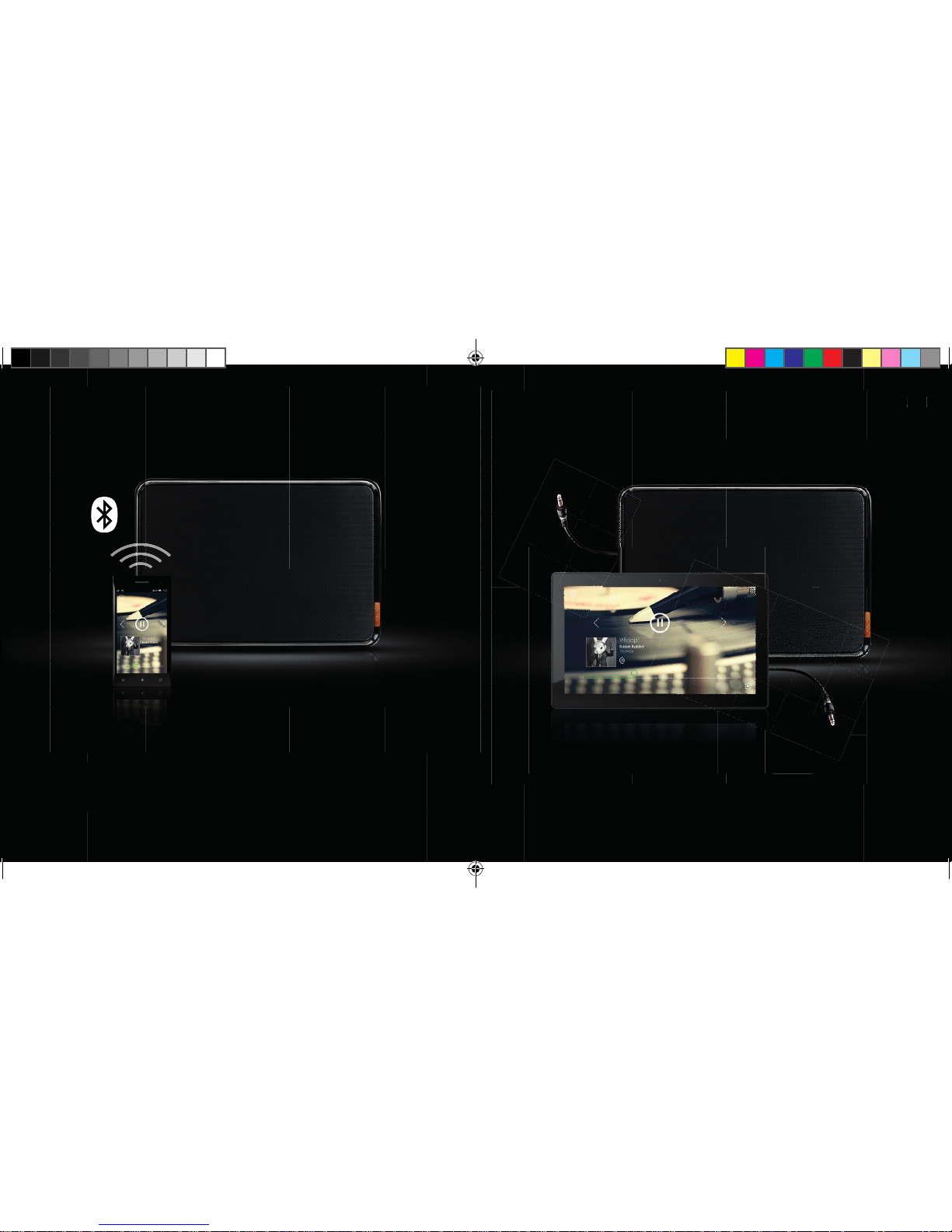
1. Prendere il cavo audio fornito in dotazione
2. Collegare un’estremità all’altoparlante Noonday L
3. Collegare l’altra estremità a un dispositivo provvisto di jack per le cu e o
uscita audio
4. Ora sarà possibile ascoltare i propri brani preferiti
3.3 CONNESSIONE TRAMITE
CAVO AUDIO
IT
1. Attivare la tecnologia Bluetooth sul cellulare o sul tablet ed e ettuare una ricerca
dei dispositivi Bluetooth
2. Premere e tenere premuto il pulsante di accoppiamento Bluetooth per 3 secondi
fi no a quando non si sente un breve segnale acustico
3. Selezionare l’altoparlante Noonday L e collegarsi
4. La connessione verrà confermata da un breve segnale acustico e dal LED blu
lampeggiante.
5. Ora sarà possibile ascoltare i propri brani preferiti
1ND200 QIG Noonday L.indd 59-60 06-01-14 16:53
Page 31
6261
ÍNDICE
1. CONOCE TU ALTAVOZ NOONDAY L
1.1 BOTONES
1.2 LED
2. CONFIGURA TU ALTAVOZ
3. CONECTA TU ALTAVOZ
3.1 CONEXIÓN A TRAVÉS DE NFC
3.2 CONEXIÓN A TRAVÉS BLUETOOTH
3.3 CONEXIÓN MEDIANTE EL CABLE DE AUDIO
ES
1ND200 QIG Noonday L.indd 61-62 06-01-14 16:54
Page 32
6463
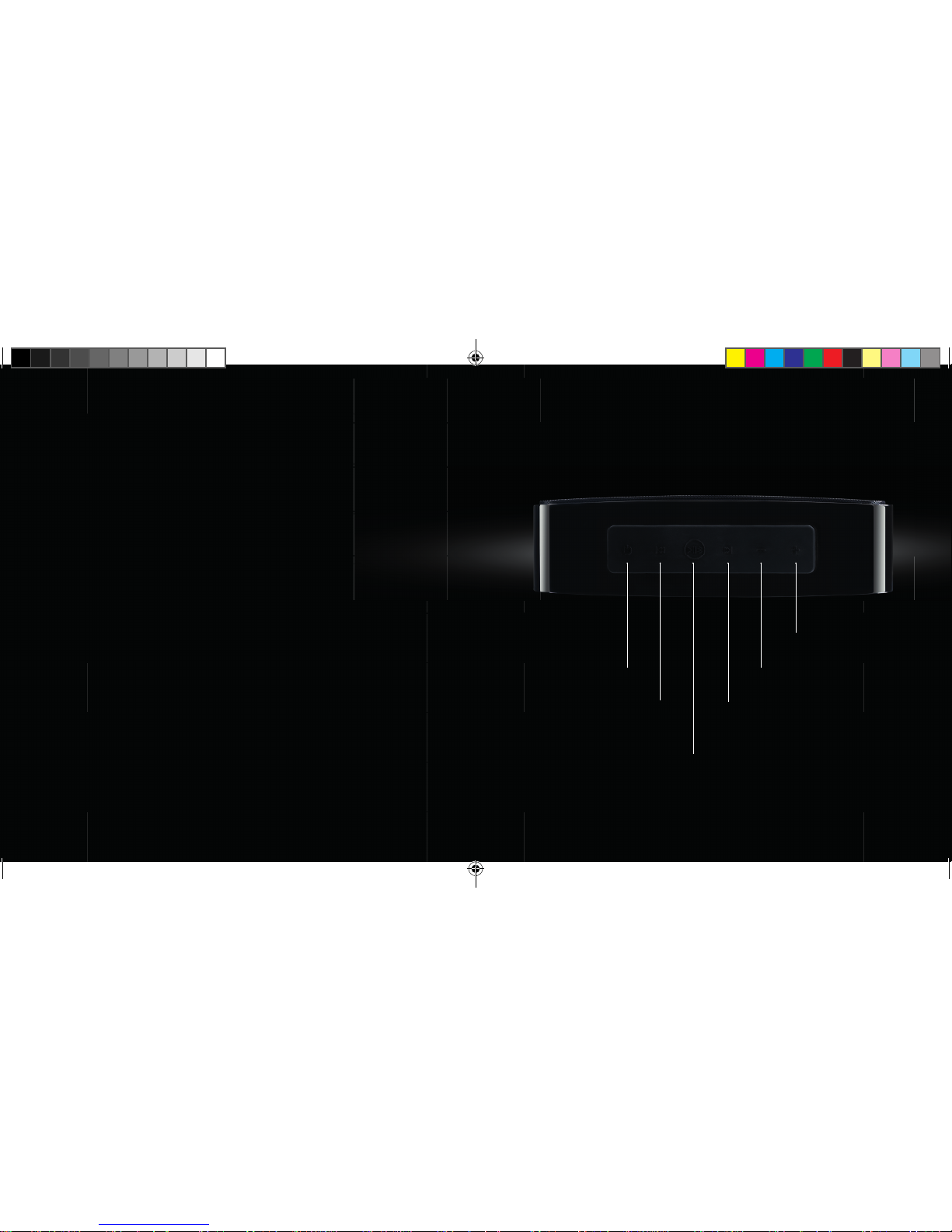
ENCENDIDO /
APAGADO
CANCIÓN ANTERIOR
REPRODUCCIÓN / PAUSA
ASOCIACIÓN BLUETOOTH
SIGUIENTE CANCIÓN
VOLUMEN
VOLUMEN +
1.
CONOCE TU ALTAVOZ
NOONDAY L
1.1 BOTONES:
ES
1ND200 QIG Noonday L.indd 63-64 06-01-14 16:54
Page 33
6665
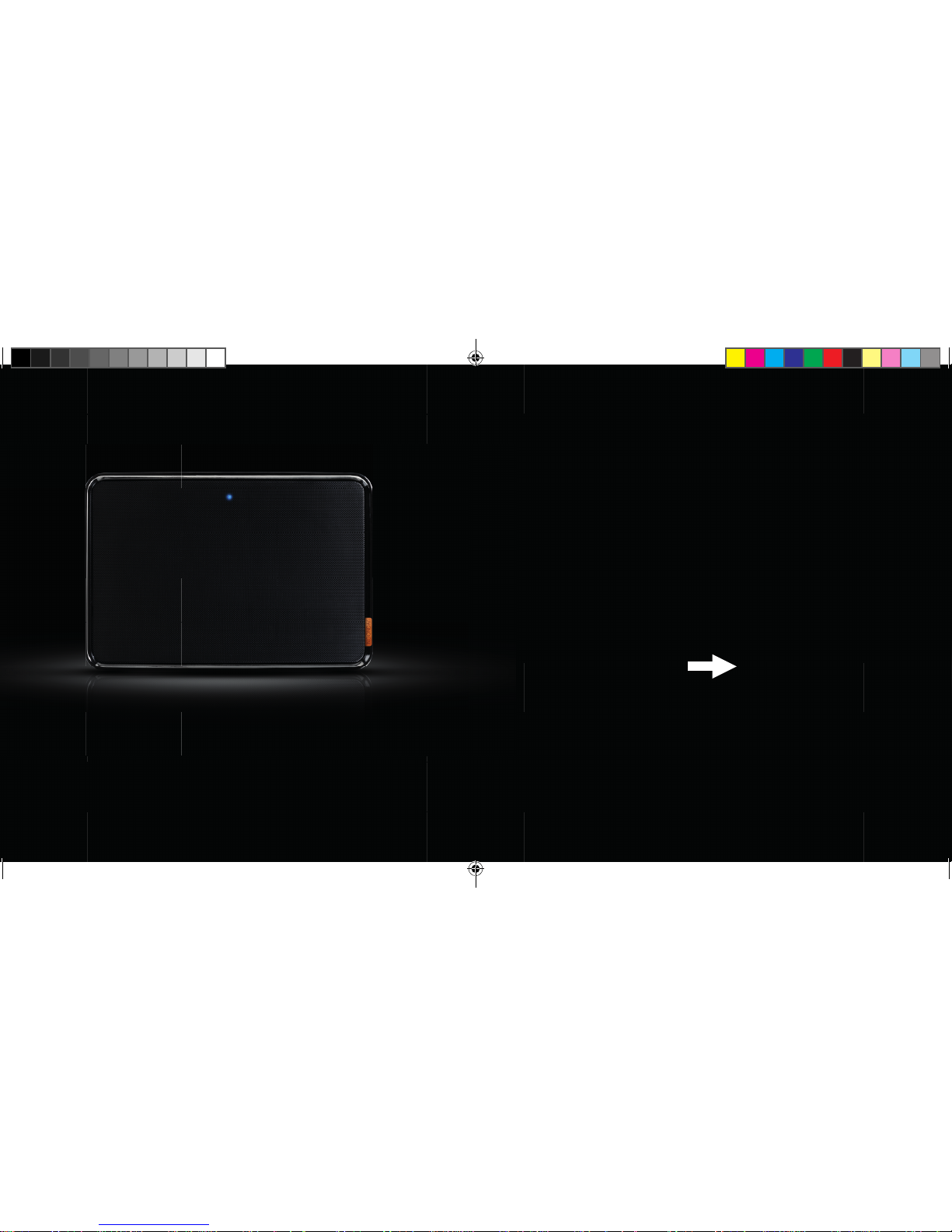
1.2 LED:
AHORA QUE YA CONOCES TU ALTAVOZ
NOONDAY L UN POCO MEJOR,
CONFIGÚRALO Y EMPIEZA A DISFRUTAR
DE AUDIO DE PRIMERA CLASE!
ES
LED apagado: el altavoz está apagado o en modo de espera
(establecimiento automático en modo de espera tras 3 minutos; toque cualquier
tecla para activarlo de nuevo)
LED azul, parpadeo lento: asociado con otro dispositivo Bluetooth
LED azul, parpadeo rápido: el altavoz está en modo de asociación
1ND200 QIG Noonday L.indd 65-66 06-01-14 16:54
Page 34
6867
2.
CONFIGURA TU ALTAVOZ
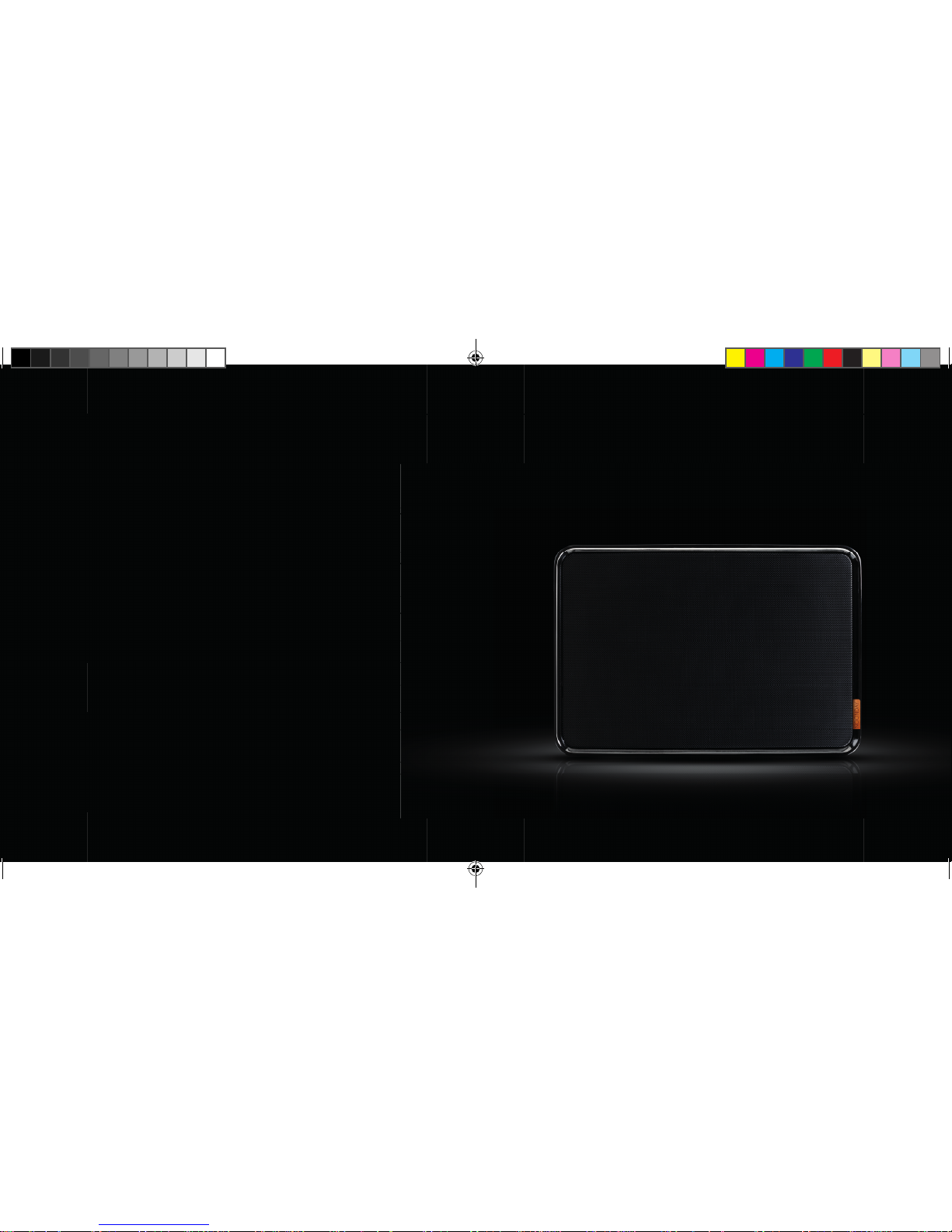
2.1 COLOCA EL ALTAVOZ SOBRE
UNA SUPERFICIE SÓLIDA
ES
1ND200 QIG Noonday L.indd 67-68 06-01-14 16:55
Page 35
7069
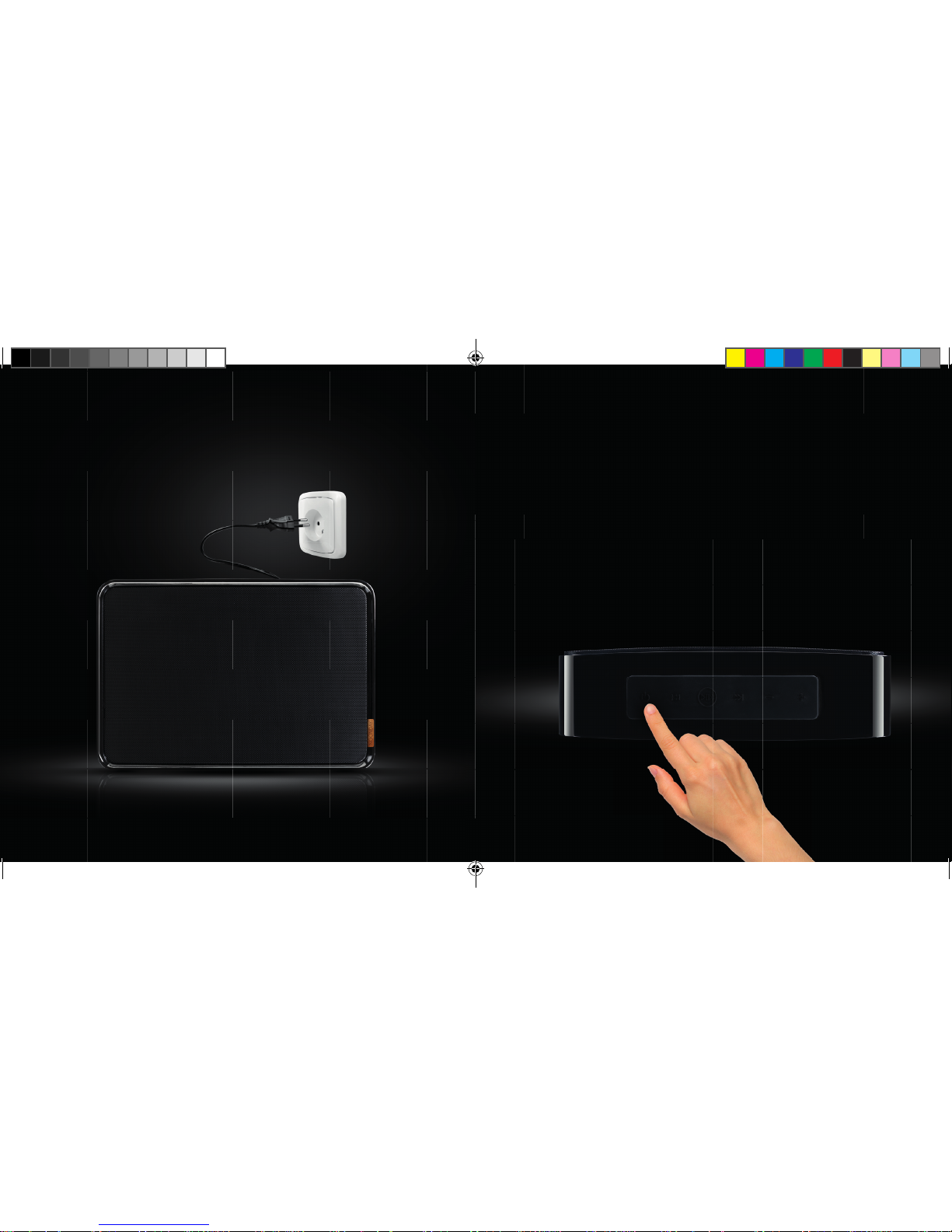
2.3 PULSE EL BOTÓN DE
ENCENDIDO/APAGADO DURANTE
TRES SEGUNDOS HASTA QUE OIGA
UN SONIDO DE INICIO
2.2 ENCHUFA EL CABLE A UNA
TOMA DE CORRIENTE
DISPONIBLE
3 SEG.
ES
1ND200 QIG Noonday L.indd 69-70 06-01-14 16:55
Page 36
7271
3.
CONECTA TU ALTAVOZ
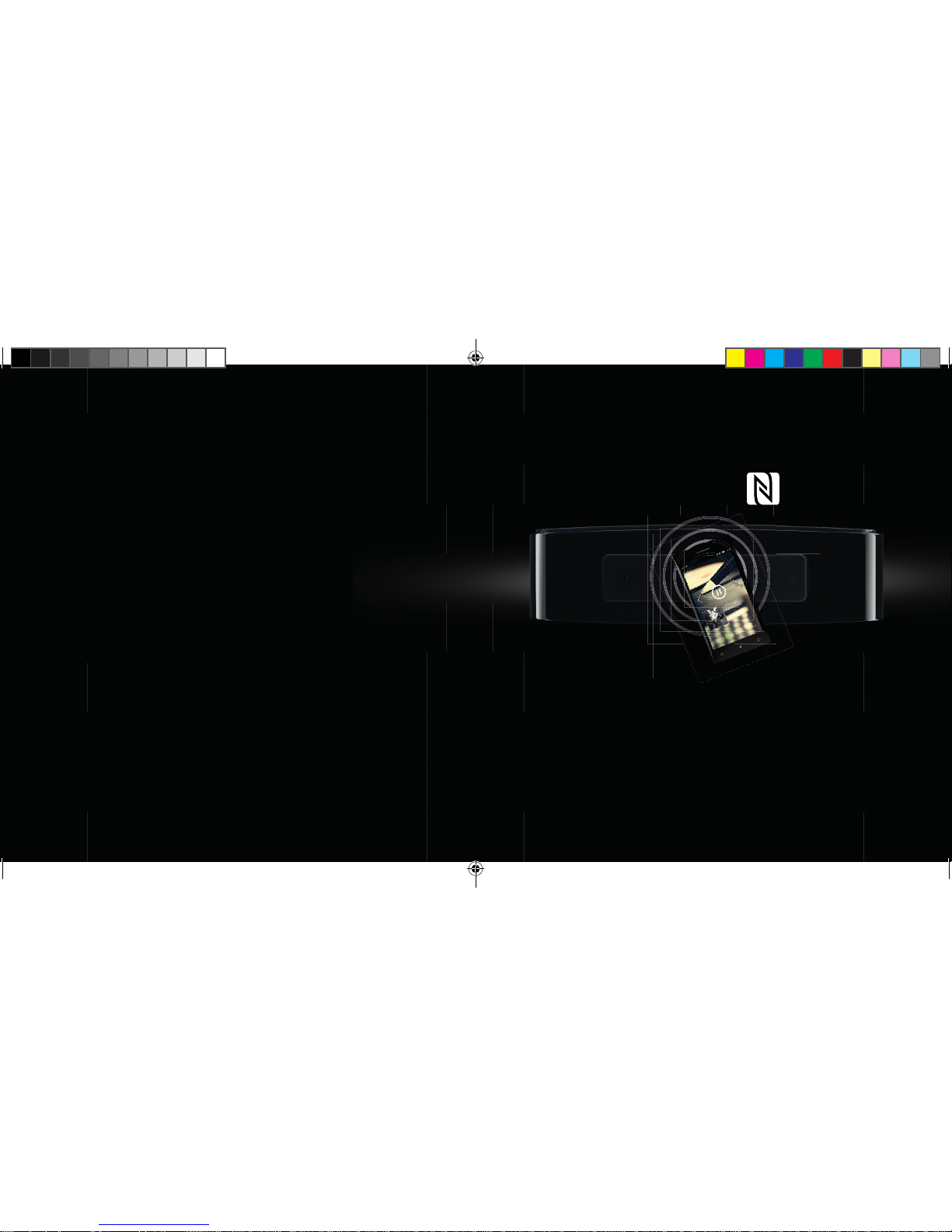
3.1 CONEXIÓN A TRAVÉS DE NFC
ES
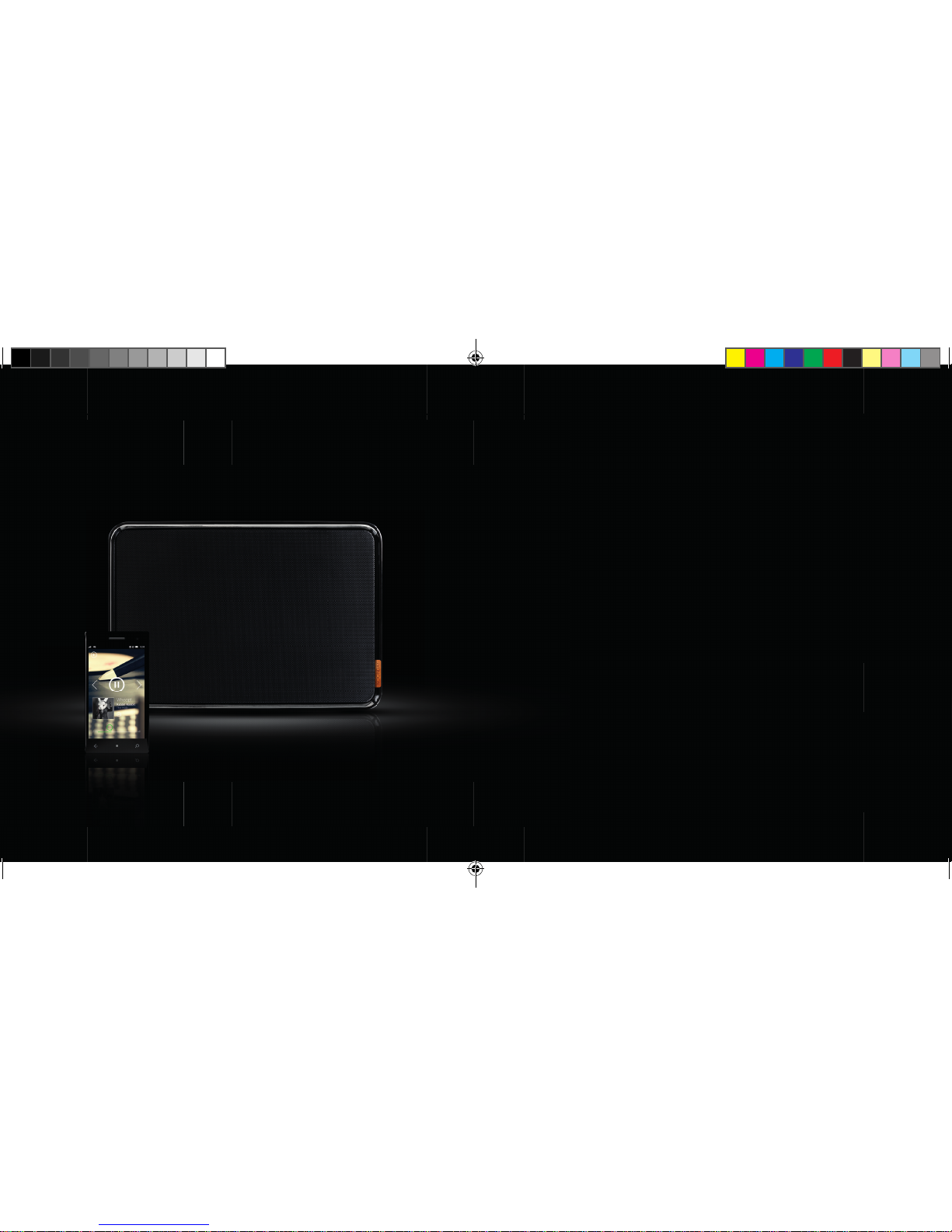
1. Si su teléfono o tableta admite NFC, active esta función
2. Mantenga pulsado el botón de emparejamiento Bluetooth durante 3 segundos
hasta que escuche un corto sonido
3. Toque el altavoz con el teléfono para conectarlo
4. Transcurridos unos segundos oirá un pitido breve para confi rmar la conexión
5. Ya estará listo para reproducir sus canciones favoritas
1ND200 QIG Noonday L.indd 71-72 06-01-14 16:56
Page 37
7473
3.2 CONEXIÓN A TRAVÉS DE
BLUETOOTH
UK
1. Tome el cable de audio suministrado
2. Conecte un extremo a su altavoz Noonday L
3. Conecte el otro extremo a cualquier dispositivo con clavija para auriculares o
salida de audio
4. Ya estará listo para reproducir sus canciones favoritas
3.3 CONEXIÓN MEDIANTE EL
CABLE DE AUDIO
ES
1. Active Bluetooth en su teléfono o tableta y busque dispositivos Bluetooth
2. Mantenga pulsado el botón de emparejamiento Bluetooth durante 3 segundos
hasta que escuche un corto sonido
3. Seleccione el altavoz Noonday L y conéctese
4. Un sonido breve confi rmará que la conexión se ha realizado correctamente;
el LED parpadeará en azul.
5. Ya estará listo para reproducir sus canciones favoritas
1ND200 QIG Noonday L.indd 73-74 06-01-14 16:57
Page 38
7675
INDEX
1. PRÉSENTATION DU HAUTPARLEUR NOONDAY L
1.1 BOUTONS
1.2 VOYANTS LED
2. INSTALLATION DU HAUTPARLEUR
3. CONNEXION AU HAUTPARLEUR
3.1 CONNEXION VIA NFC
3.2 CONNEXION VIA BLUETOOTH
3.3 CONNEXION VIA CÂBLE AUDIO
FR
1ND200 QIG Noonday L.indd 75-76 06-01-14 16:58
Page 39
7877
MARCHE/ARRÊT
MORCEAU PRÉCÉDENT
LECTURE/PAUSE
SYNCHRONISATION BLUETOOTH
MORCEAU SUIVANT
VOLUME
VOLUME +
1.
PRÉSENTATION DU HAUT
PARLEUR NOONDAY L
1.1 BOUTONS:
FR
1ND200 QIG Noonday L.indd 77-78 06-01-14 16:58
Page 40
8079
1.2 VOUYANT LED:
MAINTENANT QUE VOUS
CONNAISSEZ UN PEU MIEUX VOTRE
HAUTPARLEUR NOONDAY L, VOUS
POUVEZ L’INSTALLER ET BÉNÉFICIER DE
SA QUALITÉ AUDIO HAUT DE GAMME!
FR
Voyant LED éteint: le haut-parleur est éteint ou en mode veille (veille automatique
après 3 minutes, touchez n’importe qu’elle touche pour activer l’appareil).
Voyant LED bleu, clignotant lentement: synchronisé avec un autre appareil Bluetooth.
Voyant LED bleu, clignotant rapidement: haut-parleur en mode de
synchronisation.
1ND200 QIG Noonday L.indd 79-80 06-01-14 16:58
Page 41
8281
2.
INSTALLATION
DU HAUTPARLEUR
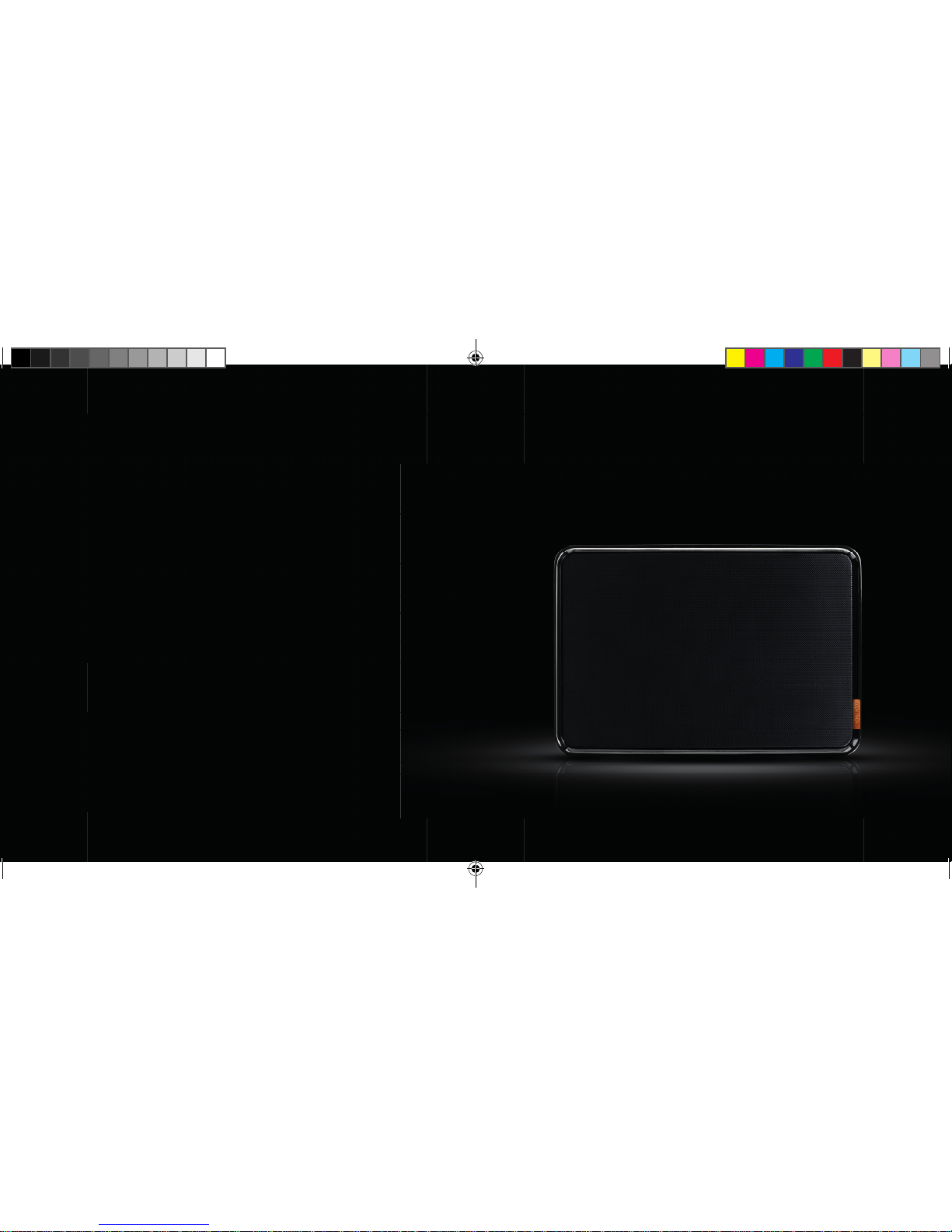
2.1 PLACEZ LE HAUTPARLEUR
SUR UNE SURFACE STABLE.
FR
1ND200 QIG Noonday L.indd 81-82 06-01-14 16:59
Page 42
8483
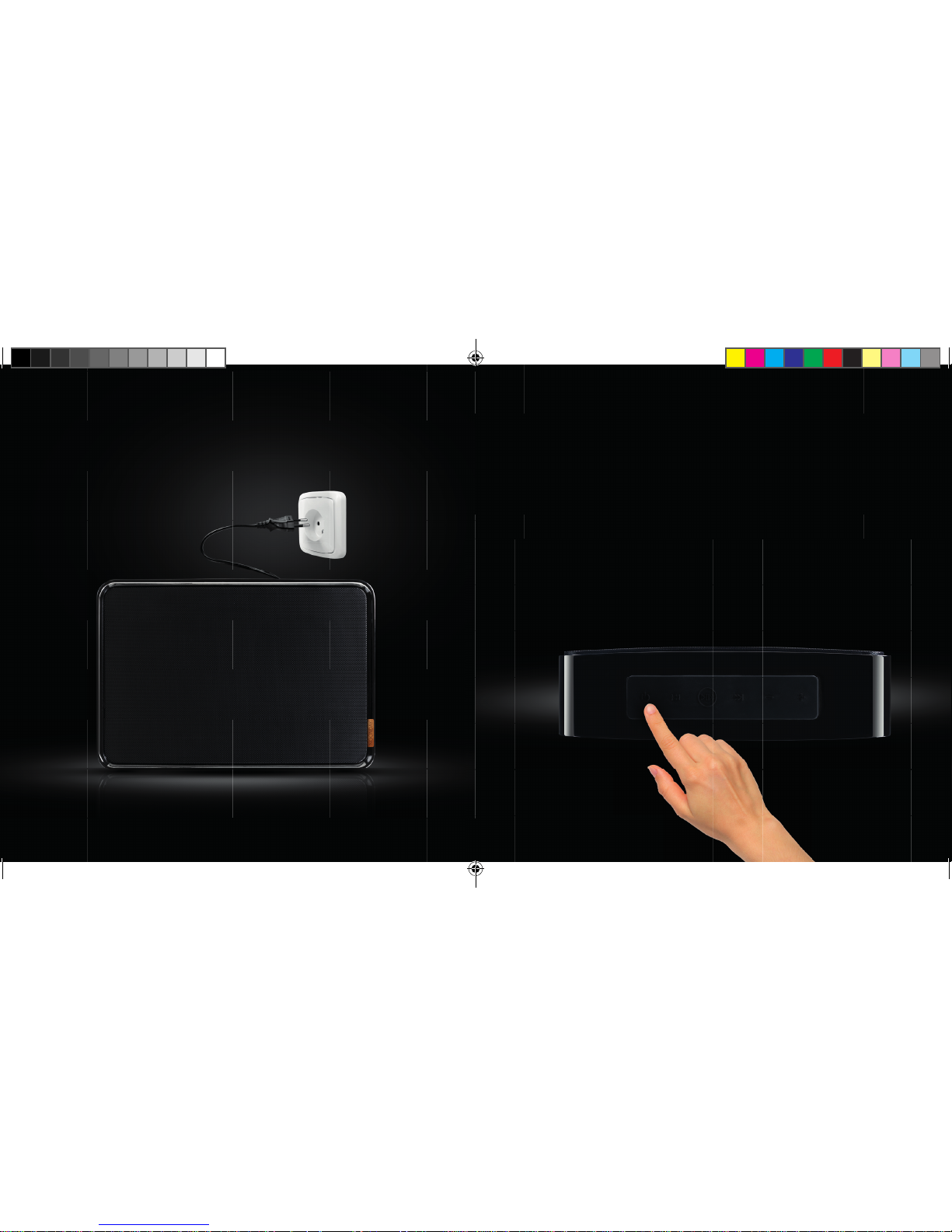
2.3 APPUYEZ SUR LE BOUTON
MARCHE/ARRÊT PENDANT
TROIS SECONDES JUSQU’À CE
QUE LE SON DE DÉMARRAGE
RETENTISSE.
2.2 BRANCHEZ LE CÂBLE DANS UNE
PRISE ÉLECTRIQUE DISPONIBLE
3 SEC.
FR
1ND200 QIG Noonday L.indd 83-84 06-01-14 16:59
Page 43
8685
3.
CONNEXION
AU HAUTPARLEUR
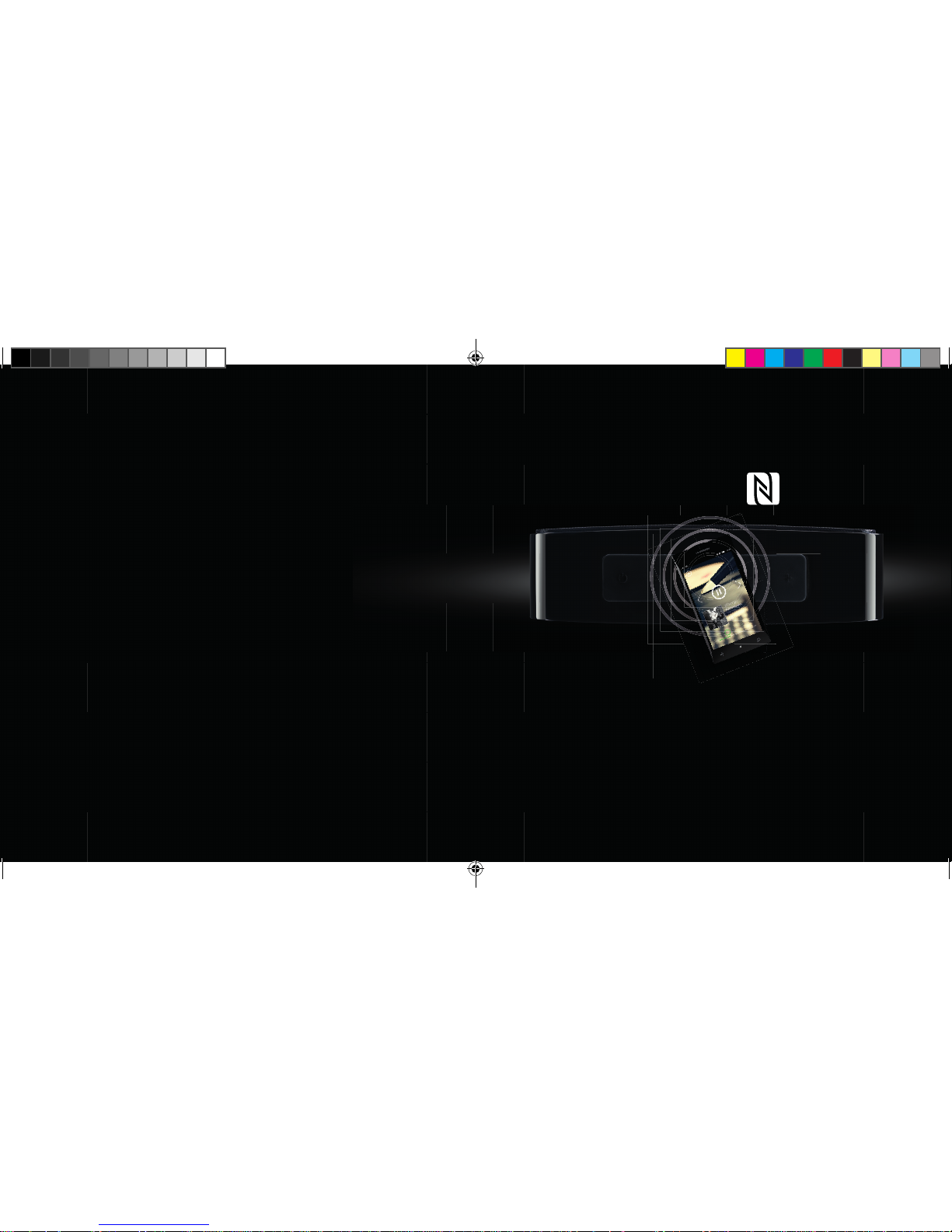
3.1 CONNEXION VIA NFC
FR
1. Si votre téléphone ou votre tablette prend en charge la fonctionnalité NFC,
activez-la.
2. Appuyez sur le bouton de connexion Bluetooth pendant 3 secondes jusqu’à ce
que vous entendiez un signal sonore
3. Faites entrer en contact votre téléphone et le haut-parleur pour les connecter.
4. Après quelques secondes, vous entendrez un bip bref confi rmant la connexion.
5. Vous pouvez désormais écouter vos morceaux favoris.
1ND200 QIG Noonday L.indd 85-86 06-01-14 17:00
Page 44
8887
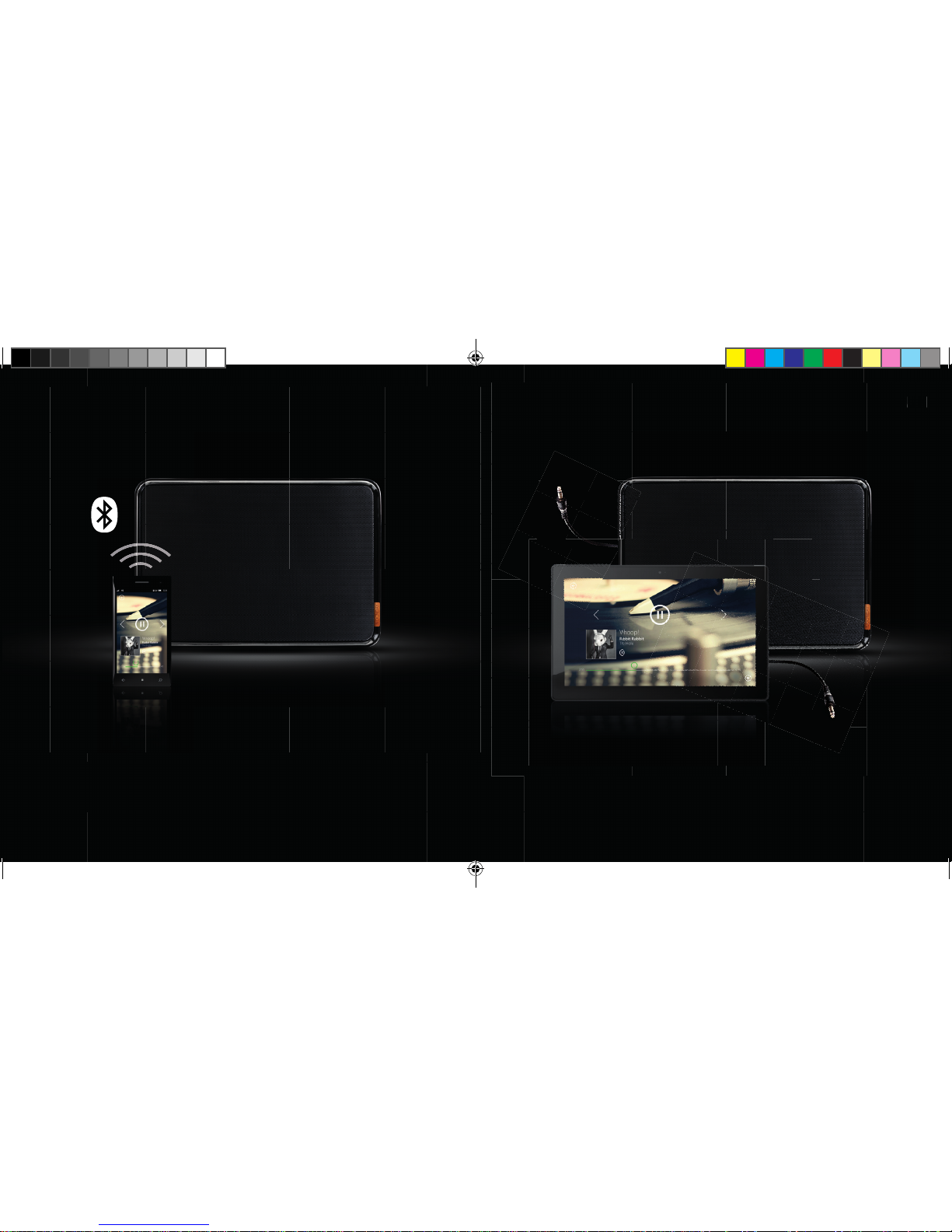
3.2 CONNEXION VIA BLUETOOTH
UK
1. Utilisez le câble audio fourni
2. Connectez une de ses extrémités au haut-parleur Noonday L.
3. Connectez l’autre extrémité à un appareil équipé d’une prise casque ou d’une
sortie audio.
4. Vous pouvez désormais écouter vos morceaux favoris.
3.3 CONNEXION VIA CÂBLE
AUDIO
FR
1. Activez la fonctionnalité Bluetooth de votre téléphone ou de votre tablette afi n
de détecter les appareils Bluetooth.
2. Appuyez sur le bouton de connexion Bluetooth pendant 3 secondes jusqu’à ce
que vous entendiez un signal sonore
3. Sélectionnez le haut-parleur Noonday L et lancez la connexion
4. Un son bref confi rme la réussite de la connexion, tandis que le voyant LED
clignote en bleu.
5. Vous pouvez désormais écouter vos morceaux favoris.
1ND200 QIG Noonday L.indd 87-88 06-01-14 17:01
Page 45
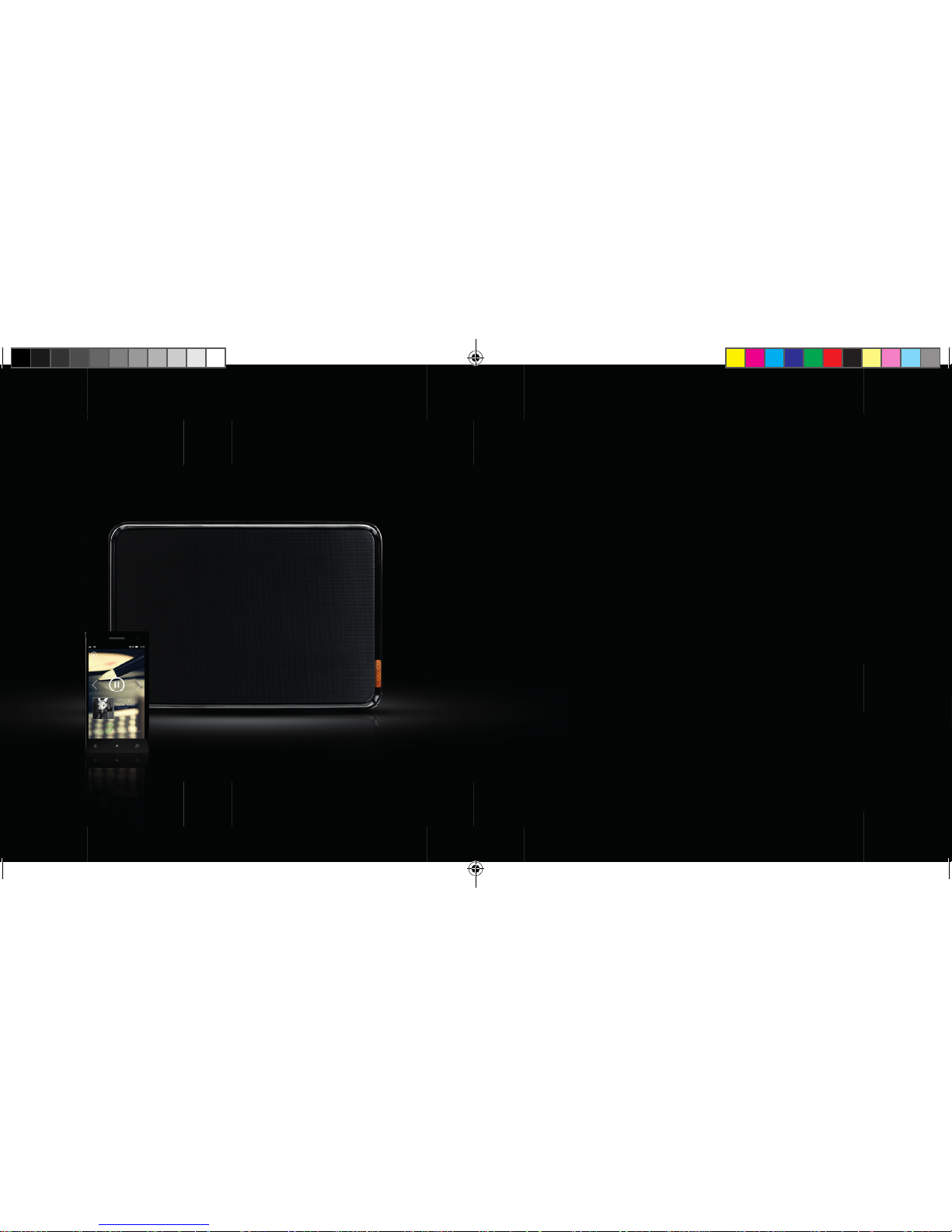
9089
ÍNDICE
1. CONHEÇA A SUA COLUNA NOONDAY L
1.1 BOTÕES
1.2 LEDS
2. CONFIGURE A COLUNA
3. LIGUE UM EQUIPAMENTO À COLUNA
3.1 LIGAR POR NFC
3.2 LIGAR POR BLUETOOTH
3.3 LIGAR POR CABLE DE ÁUDIO
PT
1ND200 QIG Noonday L.indd 89-90 06-01-14 17:02
Page 46
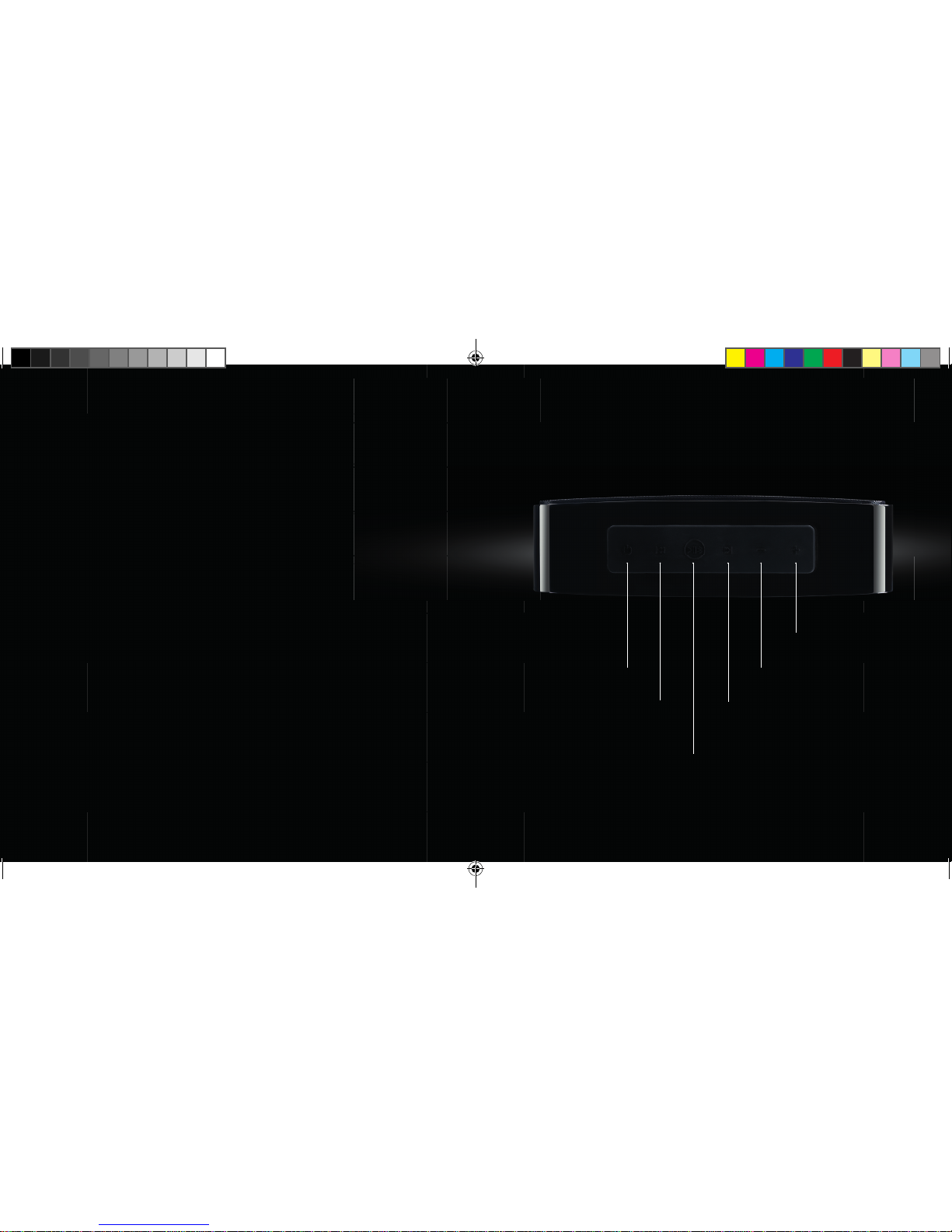
9291
LIGAR/DESLIGAR
MÚSICA ANTERIOR
REPRODUZIR/PAUSA
EMPARELHAMENTO BLUETOOTH
MÚSICA SEGUINTE
VOLUME
+ VOLUME
1.
CONHEÇA A SUA
COLUNA NOONDAY L
1.1 BOTÕES:
PT
1ND200 QIG Noonday L.indd 91-92 06-01-14 17:02
Page 47
9493
1.2 LED:
AGORA QUE CONHECE UM POUCO
MELHOR A SUA COLUNA NOONDAY L,
CONFIGUREA E COMECE A DESFRUTAR
DO SOM DE ALTA QUALIDADE!
PT
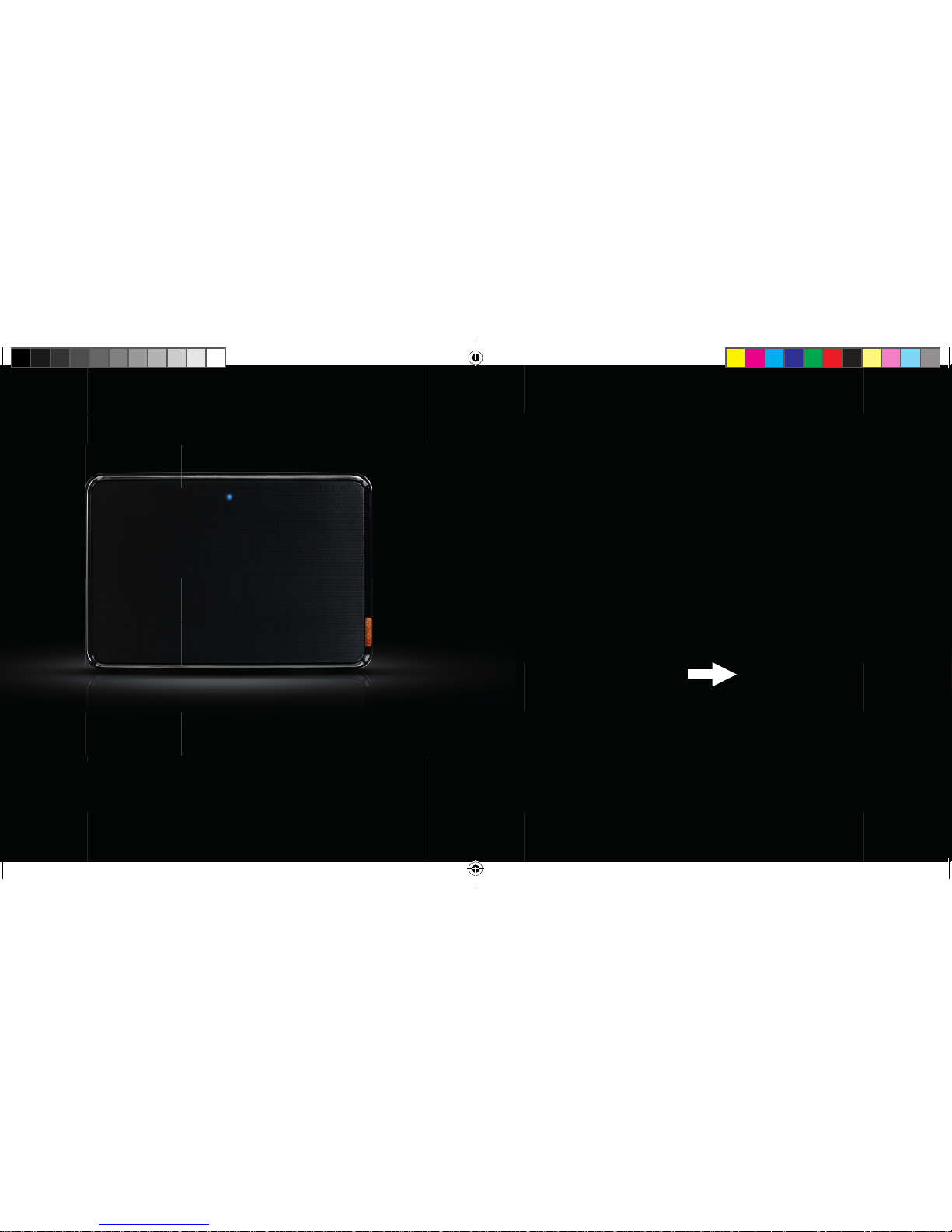
LED desligado: coluna desligada ou em modo de espera (modo de espera automático
após 3 minutos; toque em qualquer tecla para despertar)
LED azul a piscar lentamente: emparelhada com outro equipamento Bluetooth
LED azul a piscar rapidamente: coluna em modo de emparelhamento
1ND200 QIG Noonday L.indd 93-94 06-01-14 17:02
Page 48
9695
2.
CONFIGURE A COLUNA
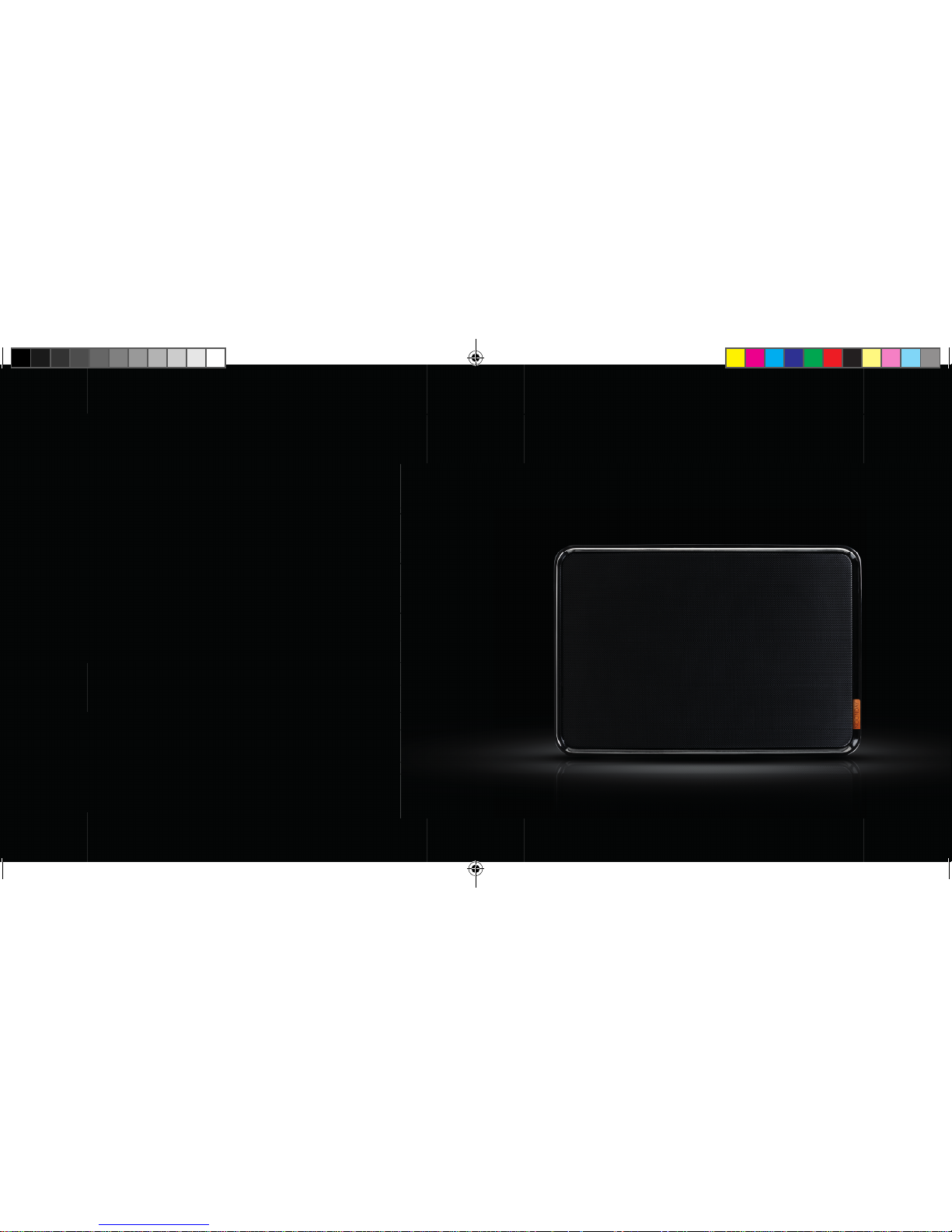
2.1 COLOQUE A COLUNA NUMA
SUPERFÍCIE SÓLIDA
PT
1ND200 QIG Noonday L.indd 95-96 06-01-14 17:03
Page 49
9897
2.3 PRIMA O BOTÃO LIGAR/DESLI
GAR DURANTE TRÊS SEGUN
DOS ATÉ OUVIR UM SOM DE
ARRANQUE
2.2 LIGUE O CABO A UMA TOMADA
ELÉTRICA DISPONÍVEL
3 SEG.
PT
1ND200 QIG Noonday L.indd 97-98 06-01-14 17:03
Page 50
10099
3.
LIGUE UM EQUIPAMENTO
À COLUNA
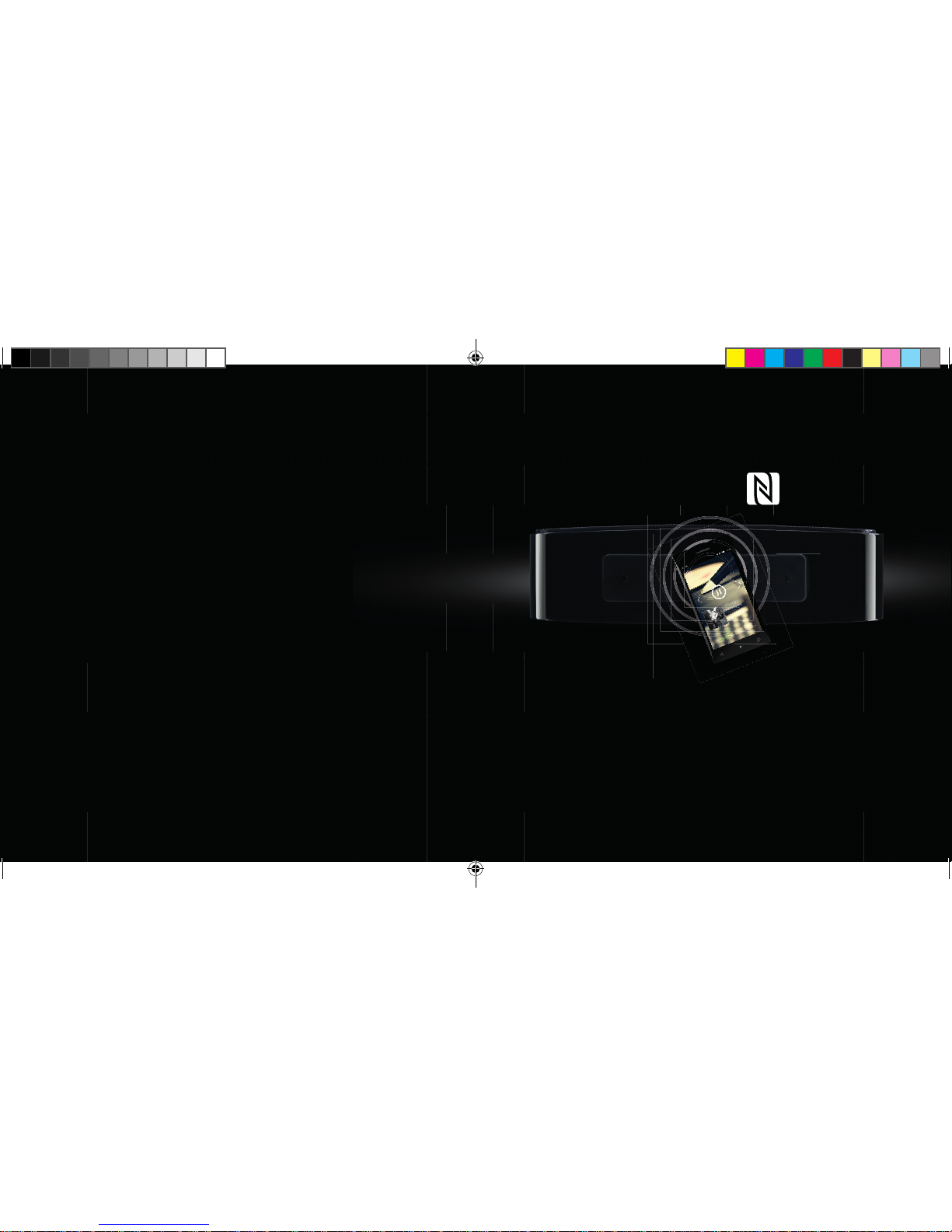
3.1 LIGAR POR NFC
1. Se o seu telemóvel ou tablet suporta NFC, ligue essa funcionalidade
2. Pressione e segure o botão de emparelhamento Bluetooth durante
3 segundos até ouvir um som curto
3. Toque com o seu telemóvel na coluna para ligar
4. Após alguns segundos, ouve um breve aviso sonoro a confi rmar a ligação
5. Está pronto para ouvir as suas músicas preferidas
PT
1ND200 QIG Noonday L.indd 99-100 06-01-14 17:04
Page 51
102101
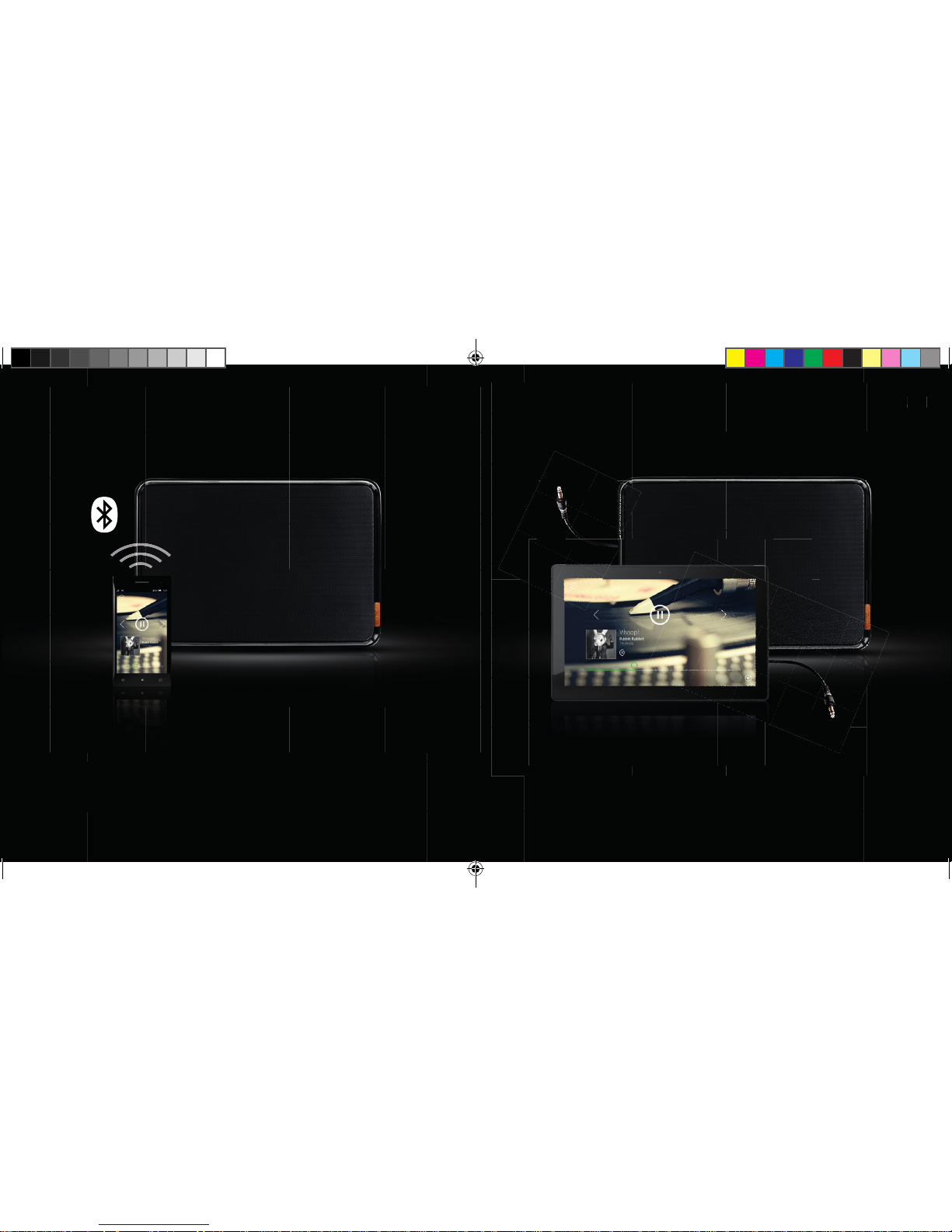
3.2 LIGAR POR BLUETOOTH
1. Ative o Bluetooth no seu telemóvel ou tablet e procure equipamentos Bluetooth
2. Pressione e segure o botão de emparelhamento Bluetooth durante
3 segundos até ouvir um som curto
3. Selecione a coluna Noonday L e estabeleça a ligação
4. Um breve aviso sonoro confi rma que a ligação foi bem sucedida, e o LED
começa a piscar a azul.
5. Está pronto para ouvir as suas músicas preferidas
UK
1. Pegue no cabo de áudio fornecido
2. Ligue uma das extremidades à coluna Noonday L
3. Ligue a outra extremidade a qualquer equipamento que disponha de uma
tomada para auscultadores ou saída de áudio
4. Está pronto para ouvir as suas músicas preferidas
3.3 LIGAR POR CABLE DE ÁUDIO
PT
1ND200 QIG Noonday L.indd 101-102 06-01-14 17:05
Page 52
1ND200 QIG Noonday L.indd 103-104 06-01-14 17:05
 Loading...