

Page 1
Tips & Tricks
Cel-Fi GO O Building
6
7
• Keep Outdoor and Indoor
antennas separated/isolated
from each other for best
performance
• Do not use cable splitters for
antennas
• Follow the installation
instructions for your chosen
antennas
• Use sealant if any connections
are exposed to elements
Installation Process
For more Cel-Fi GO features, go to App Store or Google
play and download the mobile Cel-Fi WAVE app.
(NOTE: If you do not have a compatible smartphone, go
to cel-.com/wave to download the Desktop app.)
The Cel-Fi WAVE app can help you
optimize your system’s performance.
NETWORK STRENGTH
Quick Start Guide
Smart Signal Repeater
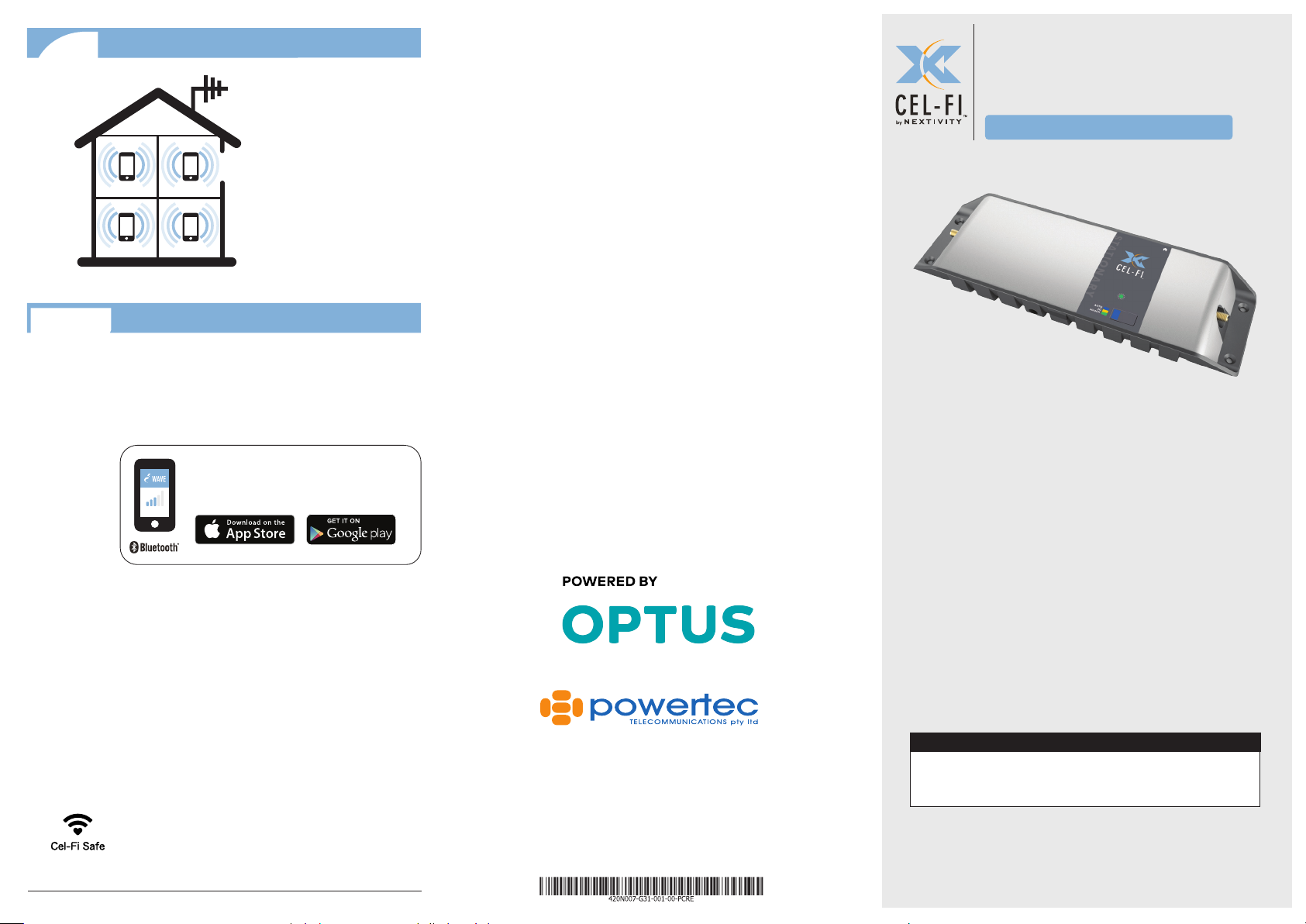
Cel-Fi GO for Building is an evolved
Mobile Signal Repeater
amplify mobile signals up to 100dB.
Connect a single Outdoor Antenna to
design that can
Copyright © 2018 by Nextivity, Inc, U.S. Patents pending. All rights reserved.
The Nextivity and Cel-Fi logos are registered trademarks of Nextivity Inc. All
other trademarks or registered trademarks listed belong to their respective
owners. Designed by Nextivity Inc in California.
Cel-Fi GO O Building Smart Signal Repeater
qsg_go-stationary-powertec_18-1026
Powertec Telecommunications
Contact:
07 5577 0500
sales@powertec.com.au
www.powertec.com.au
receive the mobile-network signals, and
then a single Indoor Antenna where you
need service, and Cel-Fi GO will do the rest
automatically.
IN THE BOX
• Quick Start Guide • Smart Signal Repeater
• Power Supply • Legal Insert
For more information, visit: www.powertec.com.au
Page 2
Cel-Fi GO Stationary Installation
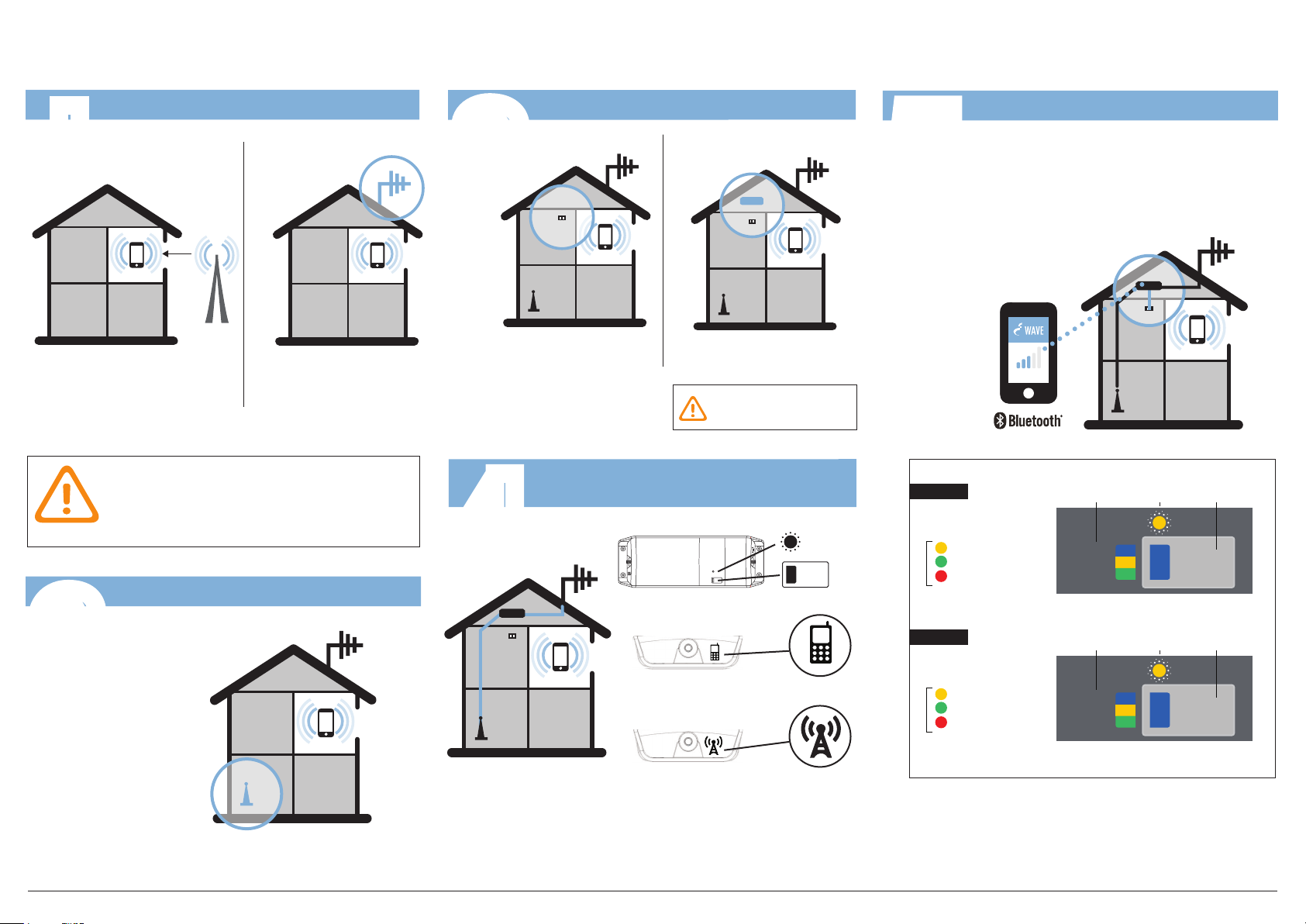
Install Outdoor Antenna
I
Find the location with the best
signal.
SAFETY: DO NOT INSTALL any equipment close
to power lines or drill into walls or other structural
elements without rst ensuring the location is
safe and that there are no hidden items that could
cause injury.
Install Indoor Antenna
2
OUTDOOR
ANTENNA
Install Outdoor Antenna
where the mobile device
receives this signal.
OUTDOOR ANTENNA NOT INCLUDED
3
Find a power outlet. Mount Cel-Fi GO
4
Mount Cel-Fi GO Near Power Outlet
near the power outlet.
DO NOT
plug in at this time.
Connect Outdoor & Indoor Antennas
to the Cel-Fi GO Unit
STATUS
INDICATOR
MODE
TOP VIEW
LEFT SIDE: Indoor Antenna Connector
5
4G LTE
STATUS INDICATOR
LEGEND
4G/4GX
STATUS INDICATOR
LEGEND
Plug in Cel-Fi GO & Select Mode
Press the MODE button on the unit to select desired
scanning mode. Status Indicator will blink during the
setup process, and may take a few minutes to complete.
(OPTIONAL: use your smartphone to select mode.
Download the Cel-Fi WAVE app, and follow the on-screen
instructions.)
NETWORK STRENGTH
MODE
SELECT
BUTTON
MODE
SELECT
BUTTON
Boosting 3G
Boosting 4G LTE
Error*
Boosting 3G
Boosting 4G/4GX
Error*
MODE
AUTO
4G LTE
MODE
AUTO
4G/4GX
STATUS
INDICATOR
3G
STATUS
INDICATOR
3G
INDOOR ANTENNA
NOT INCLUDED
Install Indoor Antenna where coverage is needed.
Cel-Fi GO O Building Smart Signal Repeater
RIGHT SIDE: Outdoor Antenna Connector
(*NOTE: if Error, go to troubleshooting at cel-.com/support)
www.powertec.com.au
 Loading...