

Page 1
Page 2
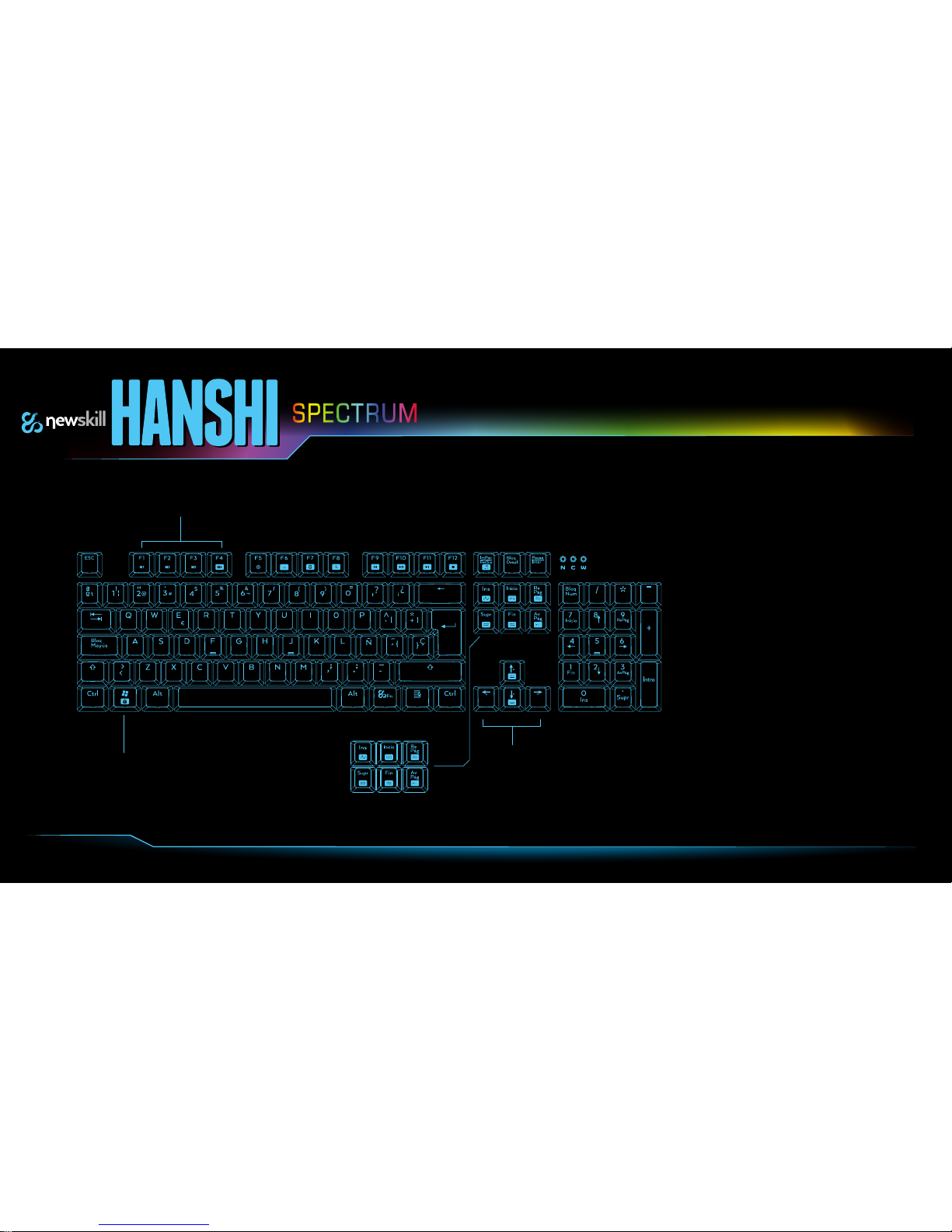
Quick Guide (Shortcuts)
1- Fn+(F1,F2,F3,F4)= Macro Keys
2- Fn+ F5= Activate Macro Keys
3- Fn+F6= Web Browser
4- Fn+F7= Calculator
5- Fn+F8= Web Search
6- Fn+F9= Previous Track
7- Fn+F10= Play/Pause
8- Fn+F11= Next Track
9- Fn+F12= Stop
10- Fn+ImPan/Petsis= Multimedia Player
11- Fn+Ins= *Colour Spectrum
12- Fn+Inicio=*Spectrum explosion
13- Fn+RePág=*Single spectrum wave
14- Fn+Supr= *Multi-spectrum wave
15- Fn+Fin= *Key by Key colour
16- Fn+AvPág= *Reactive colour
17- Fn+Windows= Windows Key Desactivation
18- Fn+Teclas dirección= Brightness Control
1
2 3 4 5 6 7 8 9 10
17
11 12 13
14 15 16
18
Page 3
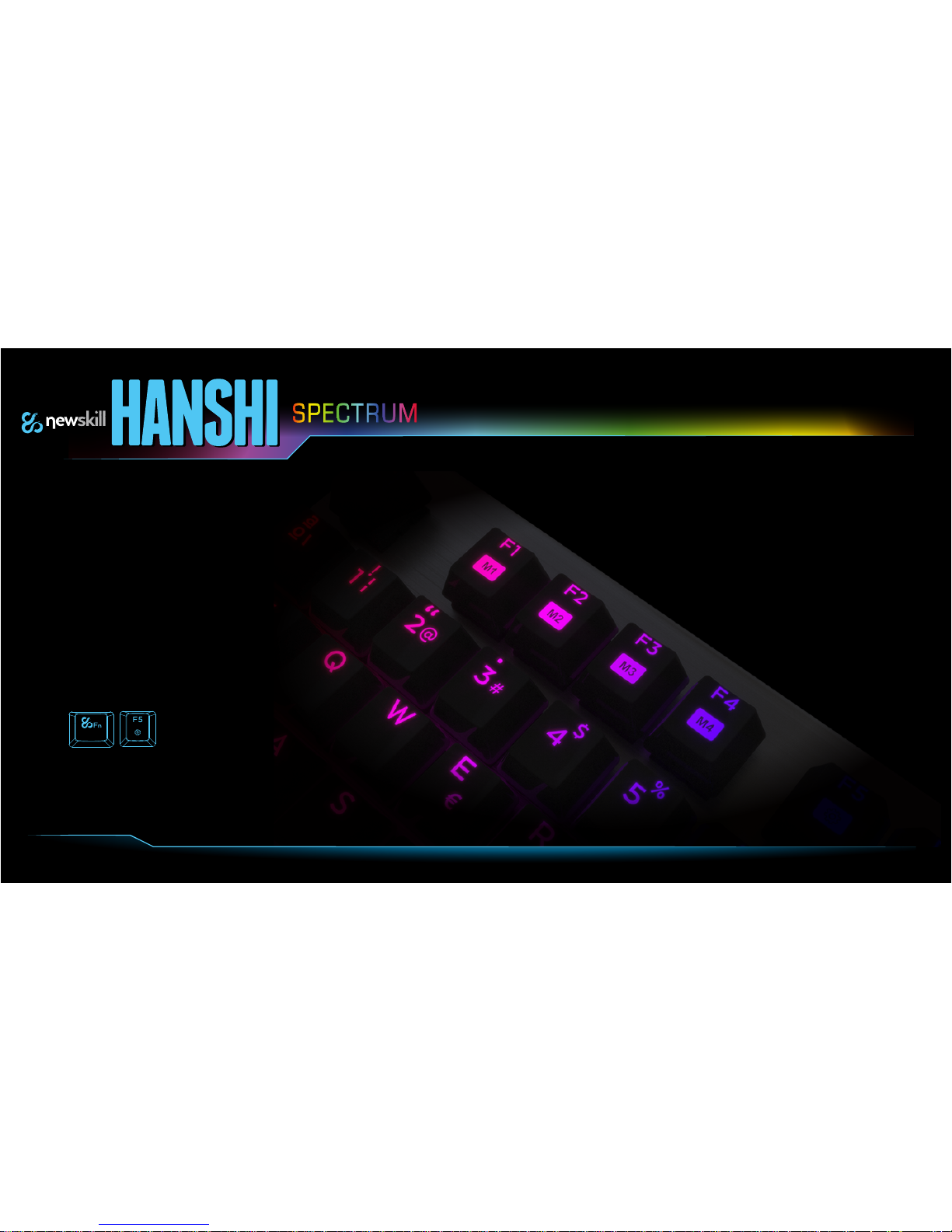
To Activate the Macro configuration, it is necessary to press together Fn+F5.
Once pressed, press the Macro key that you would like to record (F1,F2,F3,F4),
and press the combination of keys. When finished, press Fn+F5 to close the Macro function.
Configuration and Macro Keys Use
Page 4
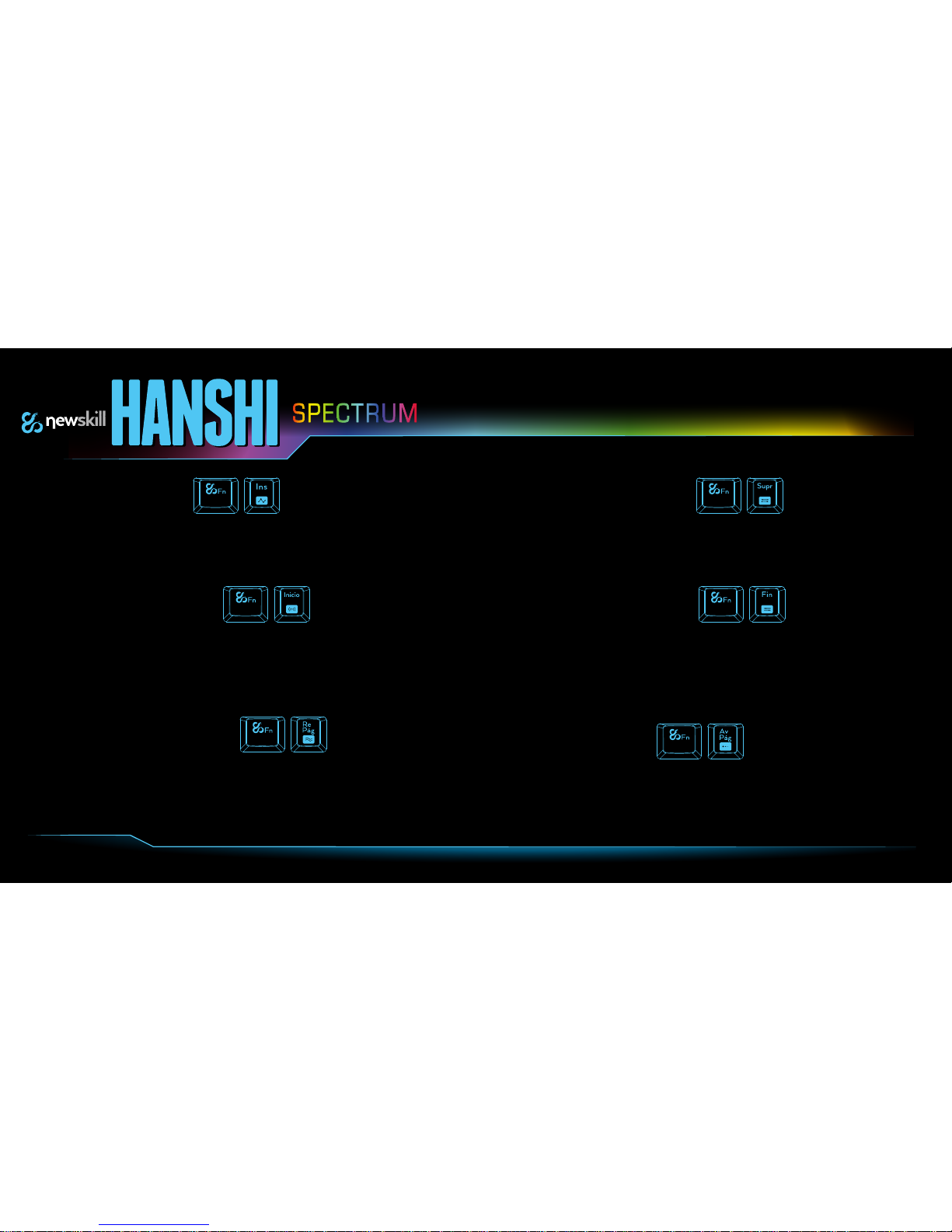
Configuring the Brightness
1-*Spectrum colour
Rotating effect. Constant changing colour lighting.
Combination to activate = Fn + Ins
To stop static lighting with a colour, press Fn + Ins for the desired color.
4-*Multi-spectrum wave
Effect "multi -colour wave".
similar effect to the unique colour wave but changing between
16.8 million colours at a time. Configurable direction and colour mode.
3- *Single spectrum wave
2- *Spectrum explosion
Effect of "explosive" enlightenment.
This type of lighting simulates an explosion of colour from the center of the
keyboard to the side.
In this type of lighting there are two random configuration settings (randomly
activates explosion). To set it up simply press the key combination Fn + Home.
5-*Key by Key colour
Configurable Lighting key by key.
With this lighting mode, the player can choose which key to stay illuminated, turn off
and change of colour.
To set the lighting you must activate the recording by pressing Fn + End and press the
keys you want to remain on, repeat this to select the colour of the key. This function
also turns this feature off. To close recording just press Fn + End.
Effect of heat wave
This type of effect simulates a wave of unique configurable colour intensity, direction and movement.
To set the direction of the wave just press Fn + (any arrow key) to change the orientation of the wave.
You can leave the fixed effect in any colour by pressing Fn + Page Up.
6-*Reactive colour
active illumination when the keys are pressed.
With this lighting mode, all keys are off and only light up when the pressed.
The colour of each key can be changed again by pressing Fn + Page Down
Page 5
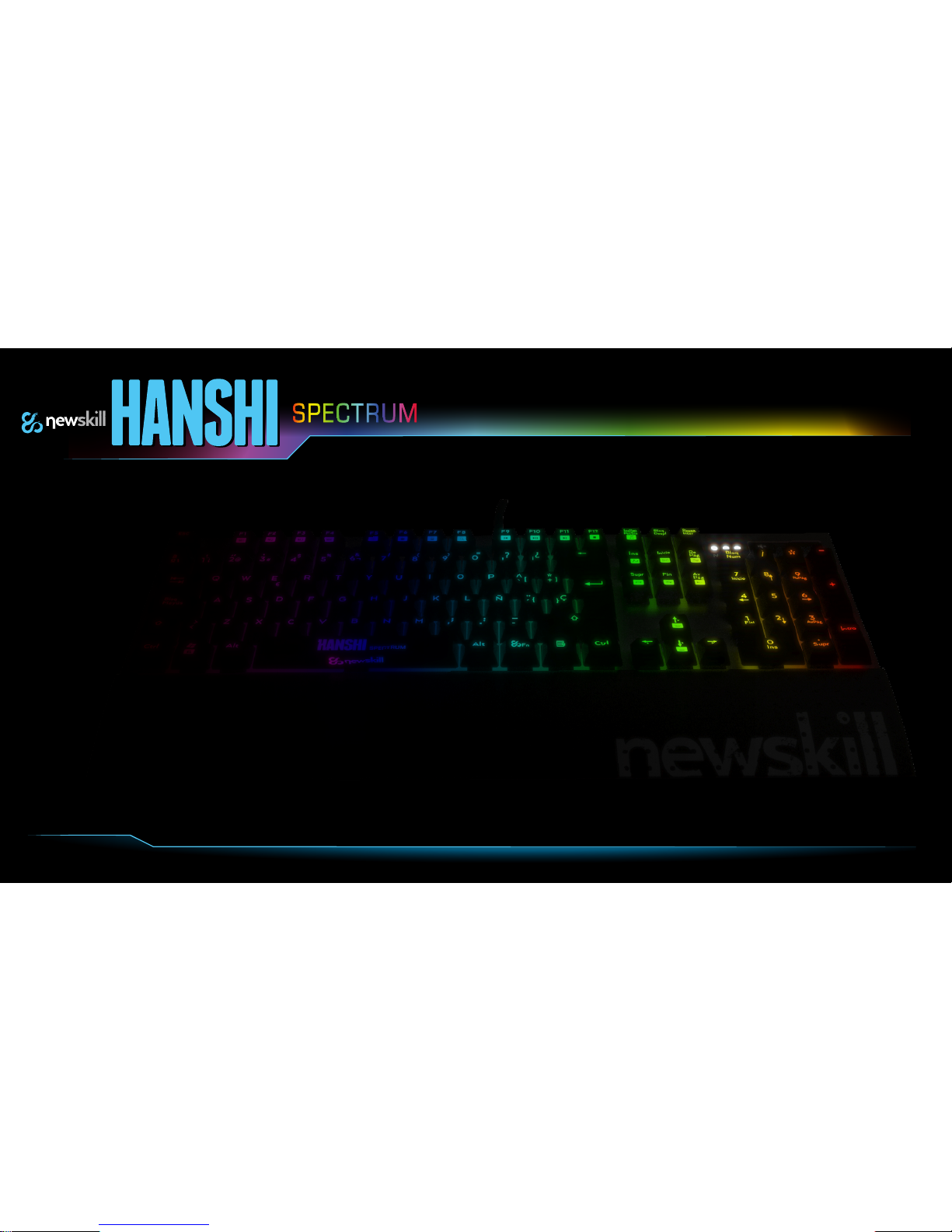
Technical Specifications
* Kailh RED or Brown Mechanisms (Depends on Version)
*Lifetime: Minimum of 55 million keystrokes.
* LED Backlight RGB with Brightness Control.
*25 Lighting modes.
*Recording Fly Macros.
*Removable Wrist Rest.
*Game Mode, Windows Key deactivation, Macro Profiles
Activation.
*Gold Plated USB connector.
*Braided Fibre Cable
*Approx Size: 441.6mm x 195mm x 37mm
*Approx Weight: 920g Keyboard/ 170G Wrist Rest.
*System Requirements: Windows XP/vista/7/8/10.
Page 6
www.newskillgaming.com
 Loading...