

Page 1
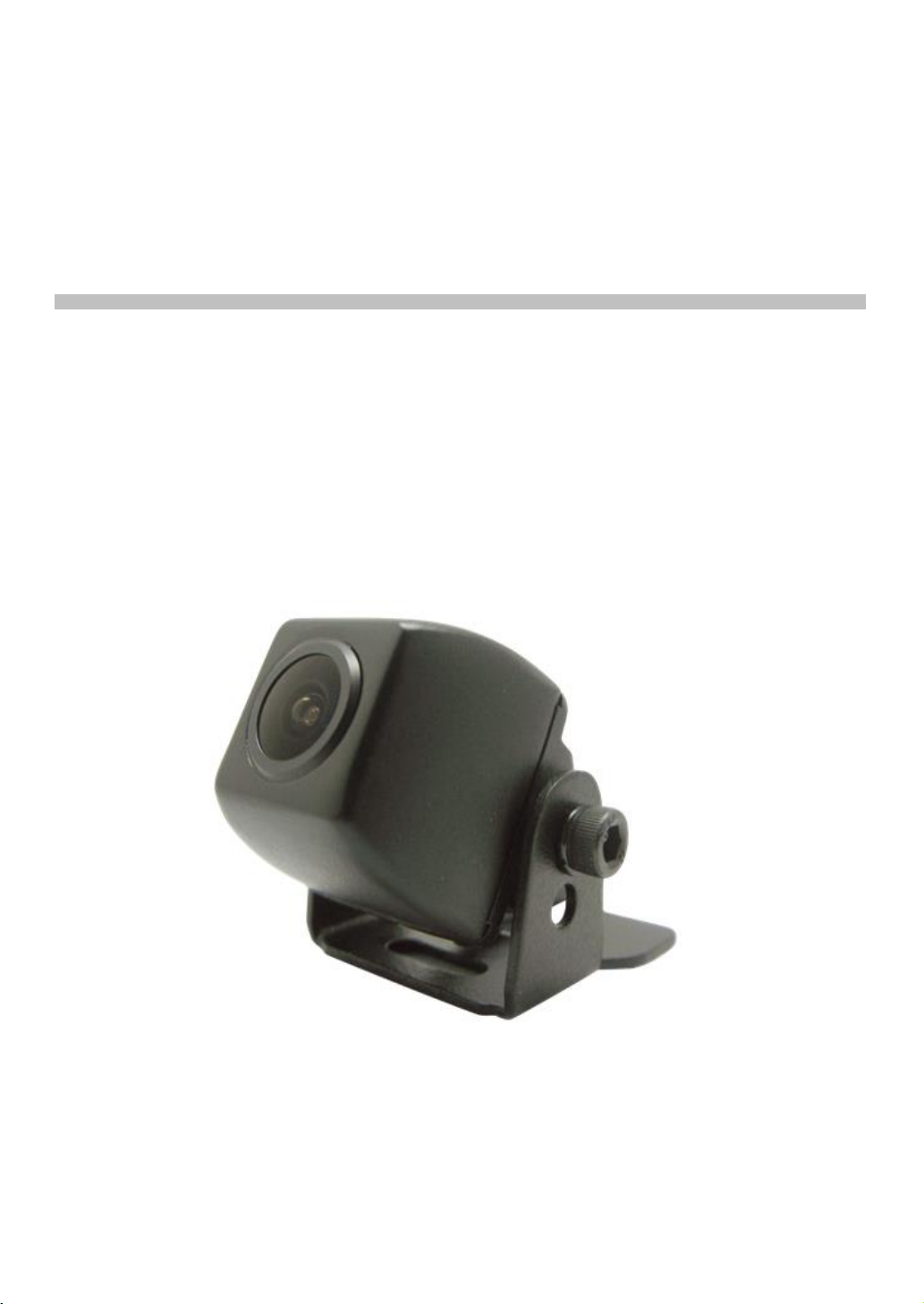
MXN29C
User's Manual
MXN29C Professional Series
Compact Rearview Color Camera
®
MXN
Page 2
Compact Rearview Color Camera
FEATURES
● High-Resolution 1/3" Color CMOS Camera
● Compact Camera
● Mirror Image
● Waterproof Housing (IP68 rating)
● Low-illumination
● Low Power Consumption
● Diagonal 165˚ Viewing
● Small connector type in order to avoid drilling of big holes
● Anti-corrosive coating
● Stainless steel bracket (SUS 316)
● Operating temperature -40℃ ~ +80℃
SPECIFICATION
COMPOSITION
Measurement (Camera)
Material
Material Color
Weight
1/3" Color CMOS Image Sensor
PAL / NTSC 410.000 pixels
560 TV Lines
at DC 12V, 40mA (Max)
Video Output
Shutter Control
S/N Ratio
Operating Temp
Min. illumination
Cable Length
DC12V ( 5V~ 24V )
165˚(D), 116.3˚(H), 89.1˚(V) F= 1.5
1.0V p-p composite, 75 ohm
1/50 ~ 1/100,000 sec.
Image sensor
Effective Pixels
Horizontal Resolution
Current Consumption
Operating Voltage
Lens
21mm(D) x 22.5(L) x 21mm(H)
Aluminium
Black
Approx. 40g
More Than 48dB
-40℃ ~ +80℃
0.3 Lux
Camera 1m, Extension 0.2m
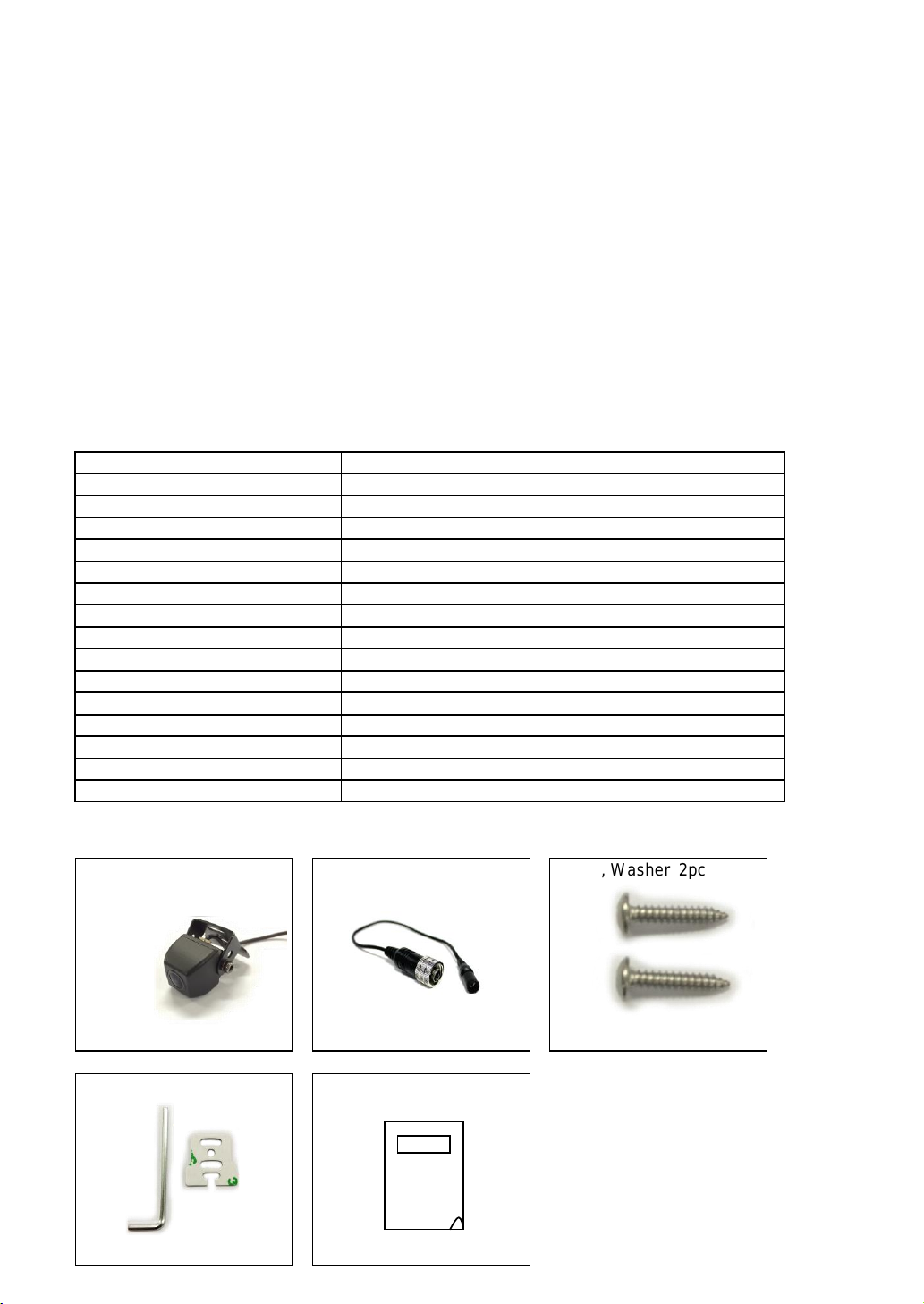
Rearview Camera 1pc
(include Bracket,Bolt,3M Tape)
1M
Screw, Washer 2pc
Extension Cable 1pc
20Cm
Manual 1pc
Screw, Washer 2pc
M3 x 6mm
Page 3
Compact Rearview Color Camera
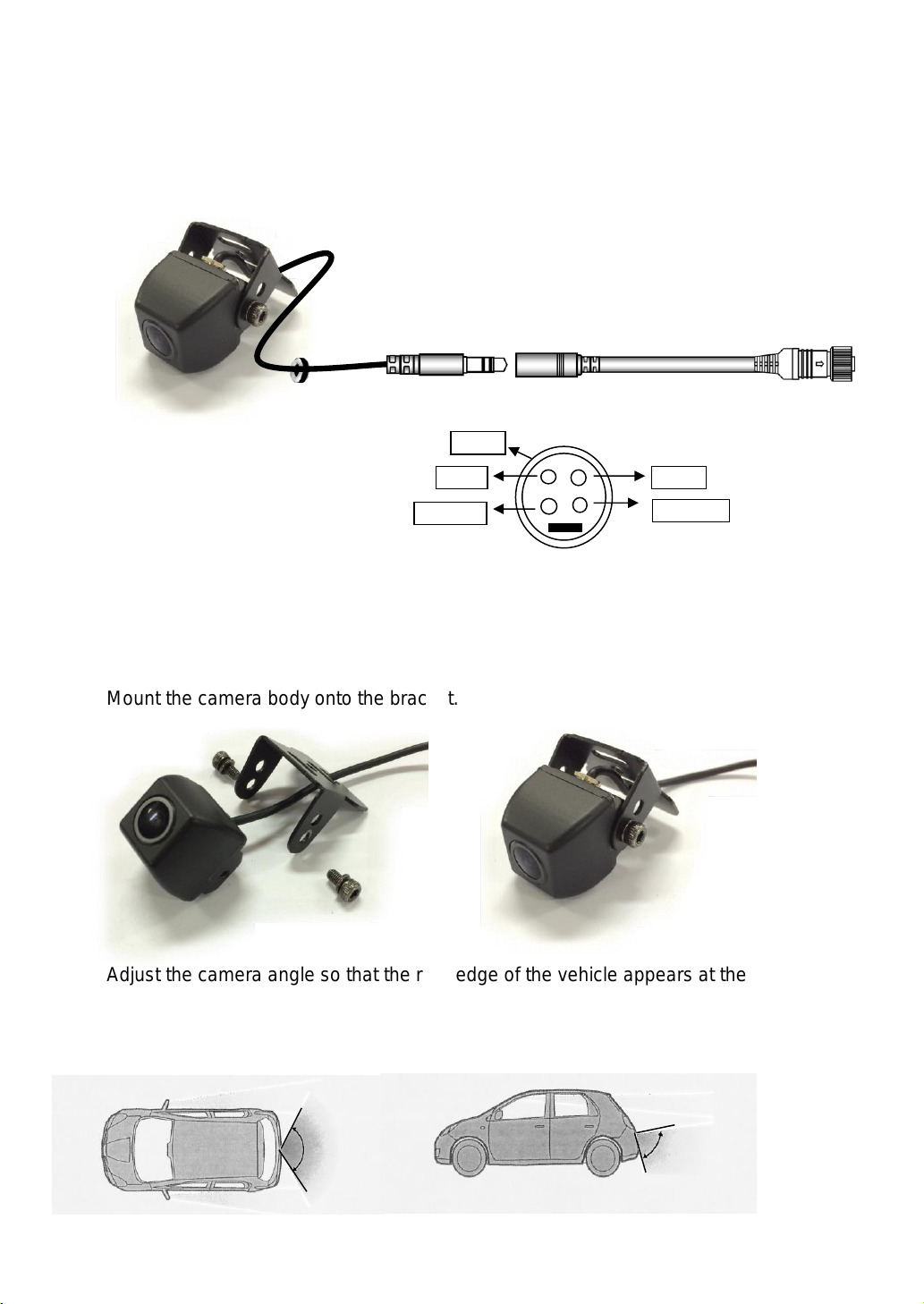
CONNECTION
INSTALLATION
Wipe away all oil and dirt etc. from the mounting surface.
Make connections and placement tentatively in advance, to decide positions.
① Attach the camera bracket to mounting surface on the vehicle body.
② Mount the camera body onto the bracket.
③ Adjust the camera angle so that the rear edge of the vehicle appears at the bottom
of the monitor.
Use the Hexagon wrench to loosen the screw, then adjust the camera angle.
After adjusting, tighten the screw securely.
Video
GND
NC
Power
NC
116.3
˚
89.1˚
 Loading...