

Page 1
BTA2
BLUETOOTH® DONGLE FOR
APP CONTROL & AUDIO STREAMING
Am Breilingsweg 3 · D-76709 Kronau
© Audio Design GmbH, All Rights Reserved
www.musway.de
FUNKTIONSBESCHREIBUNG
Musway
DSP Gerät
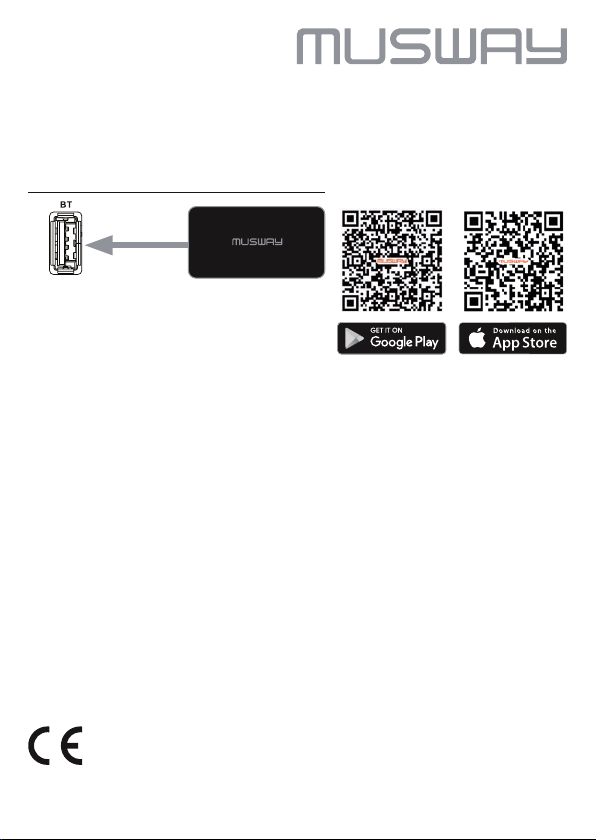
1. Laden Sie die App MUSWAY TUNEST über den App Store oder Google Play
auf Ihr Smartphone.
2. Schließen Sie das BTA2 Dongle an die USB-Buchse BT an Ihrem MUSWAY
DSP Gerät an und positionieren es anschließend an einer geeigneten Stelle.
Aktivieren Sie Bluetooth
nach dem Gerätenamen MUSWAY BTA2.
3. Koppeln Sie dann das BTA2 Dongle mit Ihrem Smartphone. Eventuell müssen
Sie noch in den Telefoneinstellungen „Audio Streaming“ aktivieren. Diese
Prozedur ist von Gerät zu Gerät verschieden.
4. Wählen Sie danach über die DSP PC-Software, die MUSWAY TUNEST App
oder den optionalen DRC1 Controller als Eingangsquelle BT an Ihrem DSP
Gerät.
5. Starten Sie dann die Audiowiedergabe auf Ihrem Smartphone. Fortan verbinden sich beide Geräte automatisch.
6. Öffnen Sie die MUSWAY TUNEST App auf Ihrem Smartphone und ändern Sie
damit die Einstellungen Ihres DSP Geräts.
®
auf Ihrem Smartphone und suchen anschließend
Konformitätserklärung
Hiermit erklärt die Audio Design GmbH, dass das MUSWAY Bluetooth Dongle BTA2 der Richtlinie
2014/53/EU entspricht. Die vollständige Konformitätserklärung ist einzusehen unter www.musway.de/CE
Page 2
BTA2
BLUETOOTH® DONGLE FOR
APP CONTROL & AUDIO STREAMING
Am Breilingsweg 3 · D-76709 Kronau
© Audio Design GmbH, All Rights Reserved
www.musway.de
FUNCTIONAL DESCRIPTION
Musway
DSP device
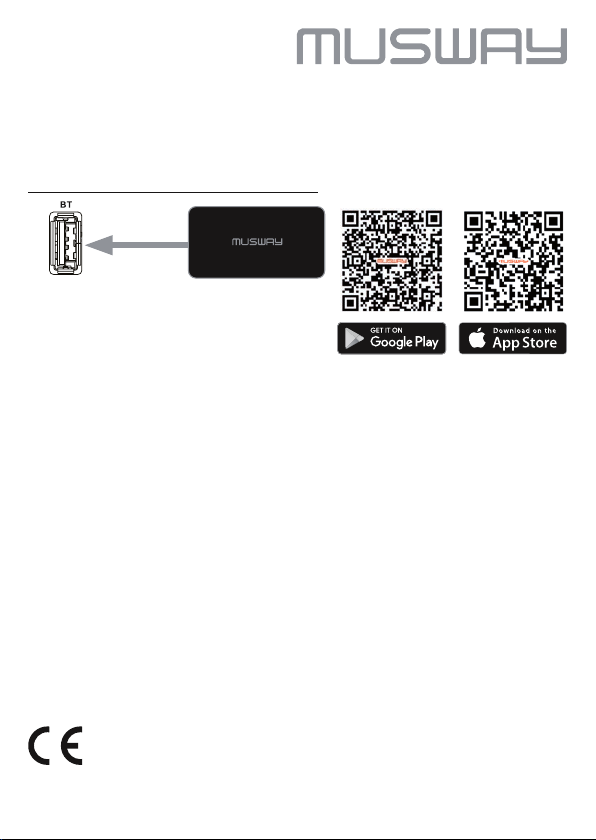
1. Download the MUSWAY TUNEST app to your smartphone via the App Store
or Google Play.
2. Connect the BTA2 dongle to the USB port BT on your MUSWAY DSP device
and then position it in a suitable location.
®
3. Activate Bluetooth
MUSWAY BTA2. Then pair the BTA2 dongle with your smartphone. You may
still need to enable “Audio Streaming” in the phone settings. This procedure
varies from device to device.
4. Then use the DSP PC software or the optional DRC1 controller to select BT as
input source on your MUSWAY DSP device.
5. Then start the audio playback on your smartphone. From now on, both devices
connect automatically.
6. Open the MUSWAY TUNEST app on your smartphone and use it to modify the
settings on your DSP device.
on your smartphone and then search for the device name
Declaration of Conformity
Audio Design GmbH hereby declares that the MUSWAY Bluetooth dongle BTA2 complies with Directive
2014/53/EU. The full declaration of conformity can be viewed at www.musway.de/CE
 Loading...