

Page 1
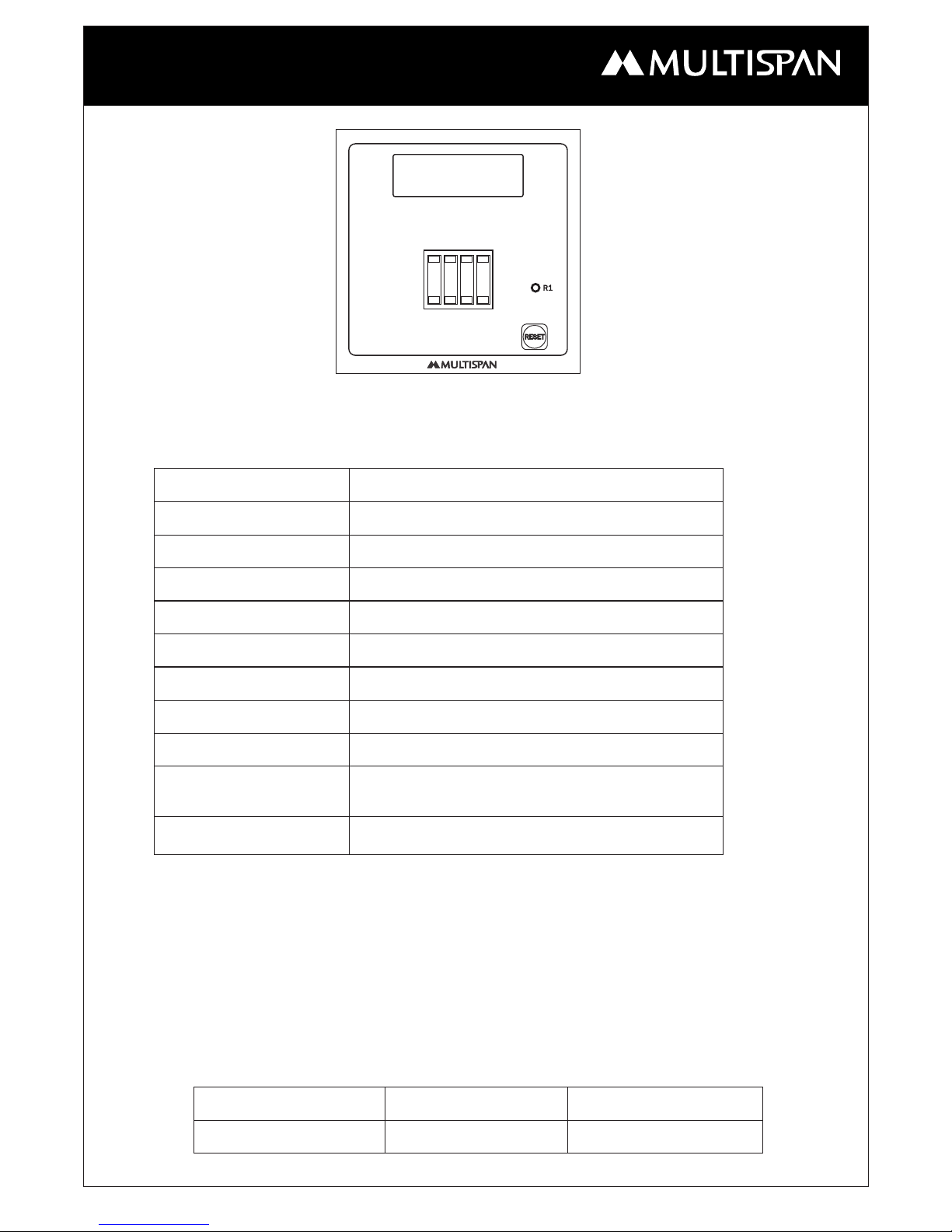
TWS 1400F
OPERATING MANUAL
PRESETTABLE COUNTER
TWS - 1400F
Page - 1
www.multispanindia.com
Technical Specification
1 relay with 2 C/O, 230V AC, 5A
92 X 92 mm
1
00 to 250V A
C
Model
Panel Cutout
Dimension
Display
Output
Sensor
Memory
Delay ON/Delay off
Over Counting/
Without Over counting
Speed Selection
Supply
96 (H) X 96 (W) X 50 (D) mm
4 digit, 0.56’’,
7 segment
TWS - 1400F
Proximity PNP / NPN & M/S
Power Failure Facility
Selectable
Selectable
Selectable
How to Set the Auto Manual Time
Function
Auto Manual Time
Display
t 00.0
Range
00.0-99.9 Sec.
1). Reset Key used for reset count and set Auto Reset Time.
2). Press Reset key for 10 seconds to Enter in set mode. To change the value of Auto
Time hold reset key in pressed condition and select value from thumb wheel switch.
If you release reset key then it will take that value at the time of releasing key.
TWS 1400F
++++
----
Page 2
Note:
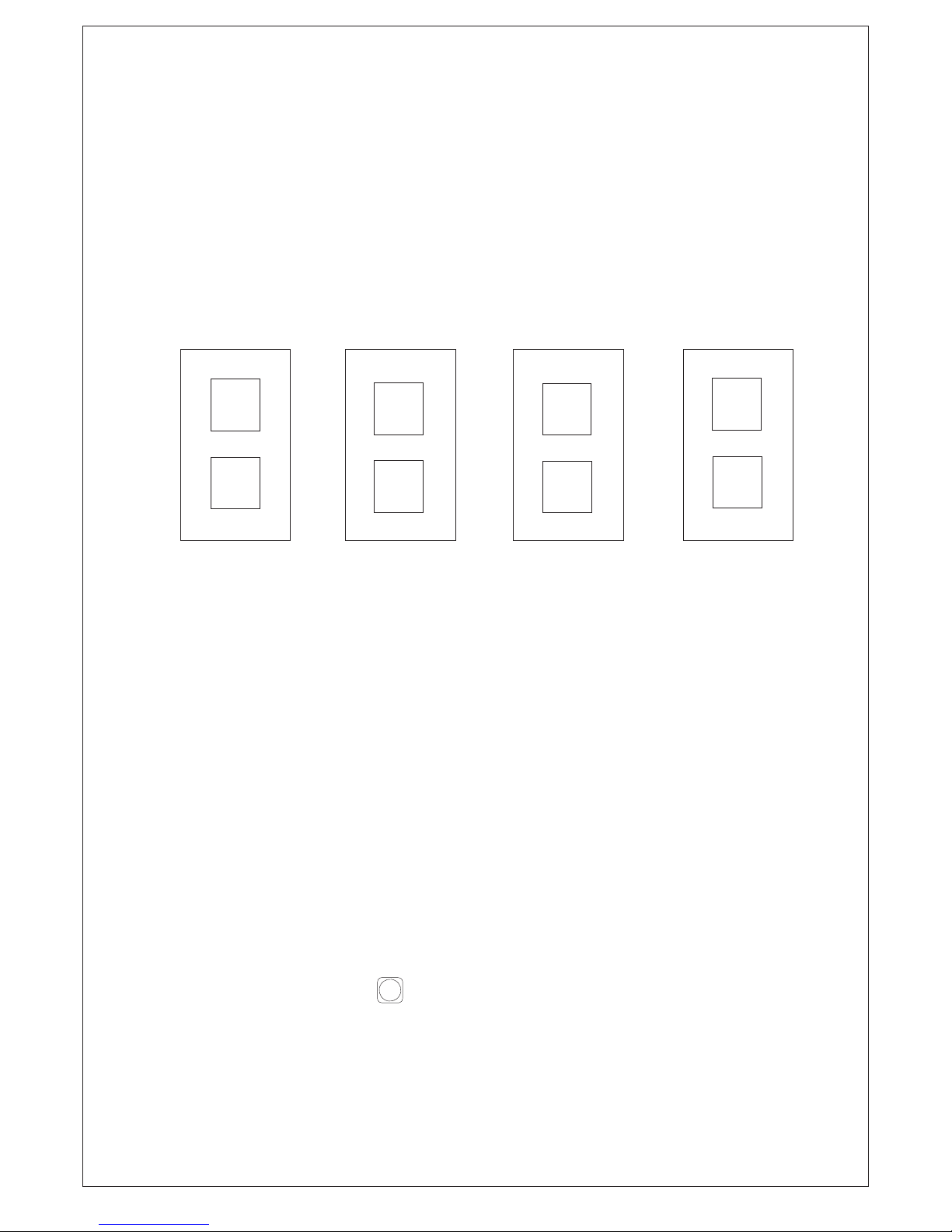
How to Set the Delay ON/ Delay off, Over Count/ W.Over Count,
Speed Selection
1). Unitial Press Reset Key then turn ON instrument.
2). When display will be blinking, then do required change by using thumbwheel switch.
1
Delay
OFF
Delay
ON
0
+
-
Over
Count
No over
Count
1
0
-
+
Memory
YES
Memory
NO
1
0
-
+
Low
Speed
High
Speed
1
0
-
+
RESET
1). Count can be set by Thumb Wheel Switch .
2). If yor set TIME=00.0 SECOND then it will be in MANUAL MODE and if you set
TIME=0.01 To 99.9 SECONDS then it will be in AUTO RESET MODE.
3). At set Count Relay will turn ON and RED LED will turn on right hand side.
4). Relay remain on until AUTO RESET TIME is over.
5). If you set TIME 00.0 seconds then Relay will remains in on condition until Reset key
is pressed.
6). To reset the count press key for 2 seconds.
Working
Page - 2
www.multispanindia.com
TWS 1400F
Page 3
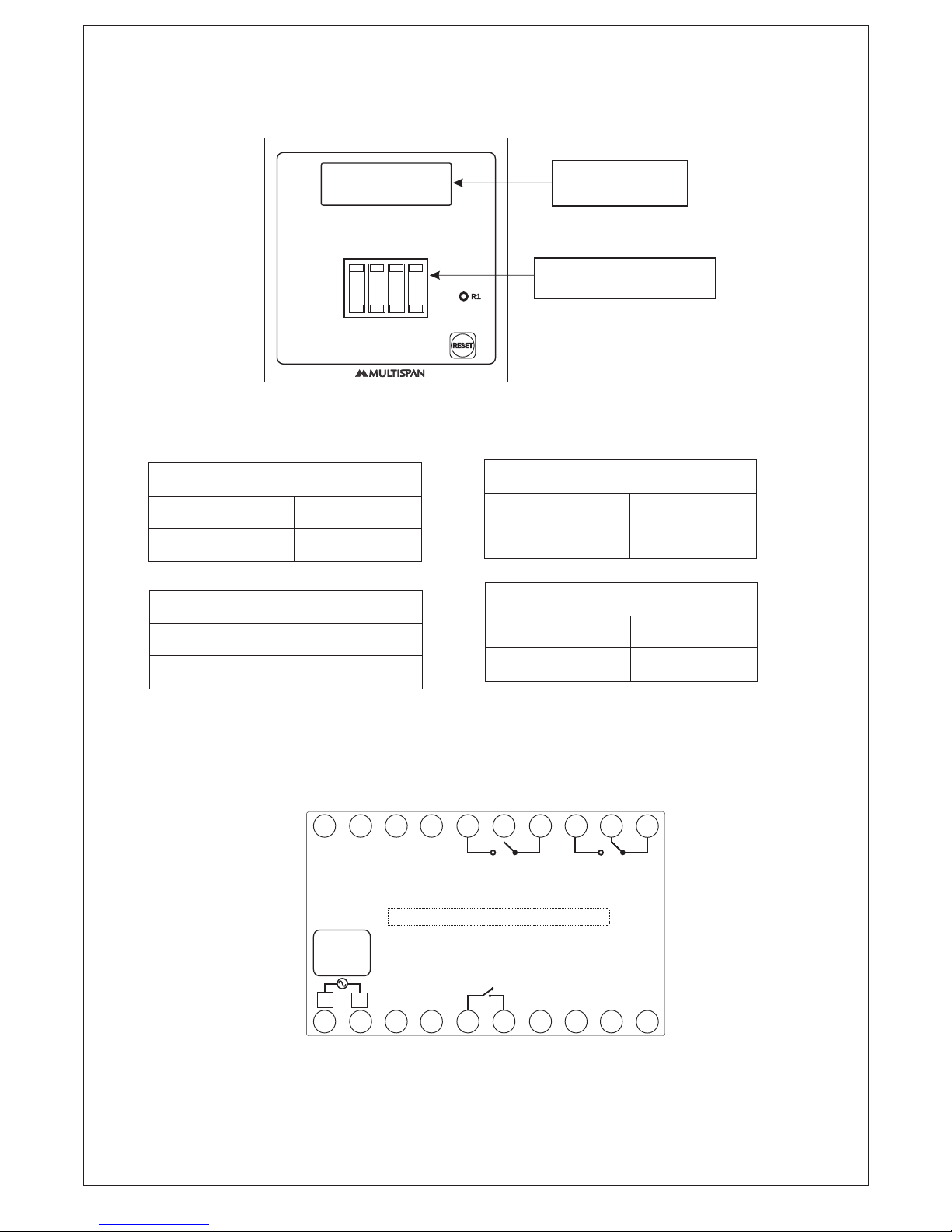
Mode Selection
Page - 3
www.multispanindia.com
Default selection ON Delay,
Memory Medium Speed
Press hold key & Power ON the
Instrument to Enter in mode Selection
Thumbwheel 1
0
Delayed ON
Delayed OFF
1
Thumbwheel 2
0
No Over Count
Over Count
1
Thumbwheel 3
0
Memory NO
Memory Yes
1
Thumbwheel 4
0
High Speed
Low Speed
1
Connection Diagram
TWS 1400F
TWS 1400F
+ + + +
----
1
7 8 9
12
1314
10
11
1617181920
15
2
3
4
5
6
NCNC
CC
NONO
Relay
Reset +12V NPN PNP GND
I/P I/P
Relay
100
250V AC
~
50/60 Hz
4VA
L
N
MICRO SWITCH:- M/S Connection 8 & 10
Page 4

Product improvement and upgrade is a constant procedure. So for more updated operating information and support,
please contact our helpline : +91-9978991474/76/82 or Email at [email protected] Ver:05-2018
Page - 4
www.multispanindia.com
NOTE
TWS 1400F
 Loading...