

Page 1
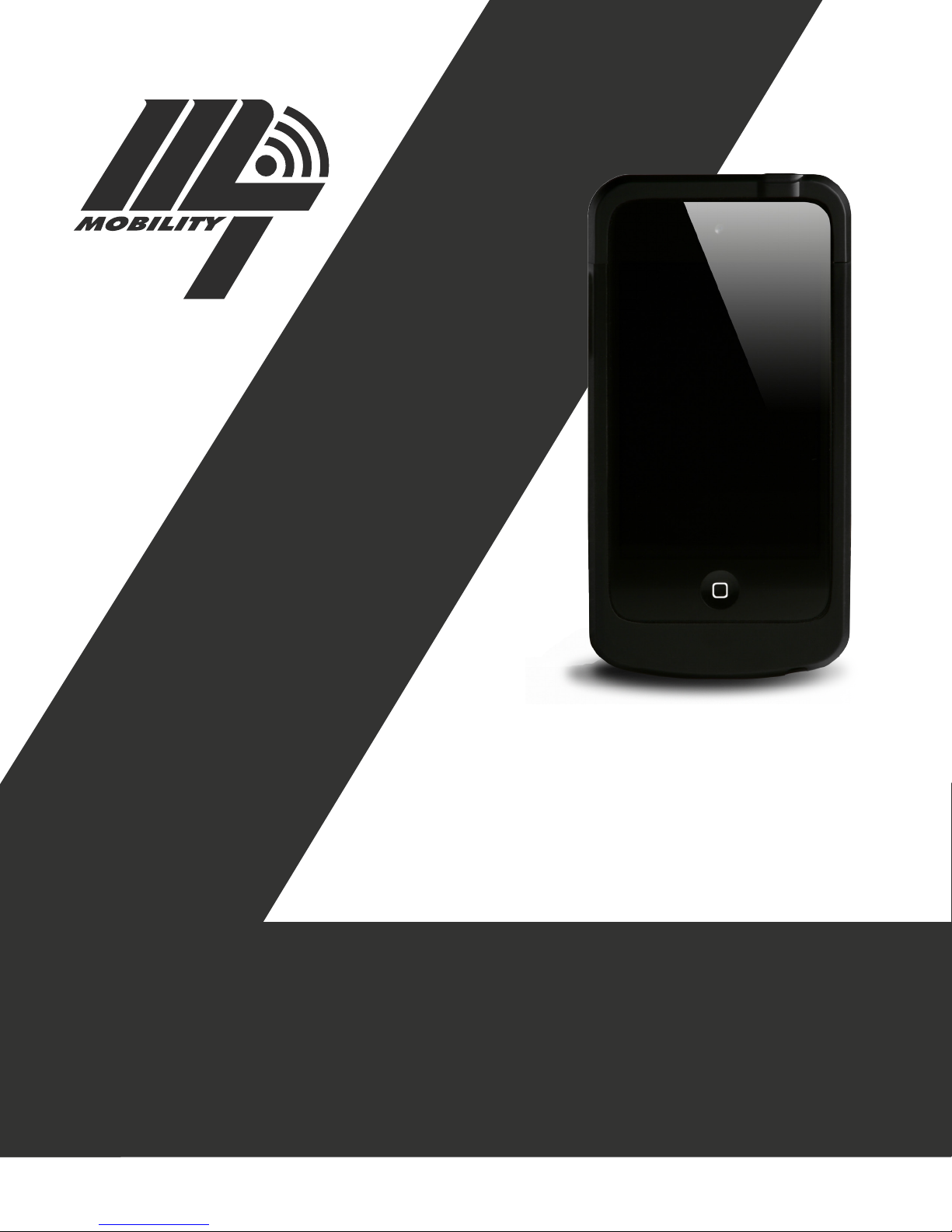
MT MOBILITY
MT 1890
Barcode Scanner
Operations Manual
EDI# 19370 Part# M2013
Page 2

Introduction
The MT 1890 barcode scanner is great for all your barcode
scanning needs. The scanner will read common 1D and 2D
barcodes used in today’s business environment. Designed
with modern technology and characteristics, the MT 1890
barcode scanner is lightweight for portable convenience and
designed with a simple interface to enhance the user experience. The ability to connect efciently and securely to organizations ERP systems allows all departments to stay in “real
time” with the most recent business transactions. The iPod
Touch 5th generation from Apple integrated with the Linea Pro
5 from Innite Peripherals creates a barcode scanner comfortable for users and efcient for your business needs. Used
predominantly in the industrial environment, the key features
include the following:
-Simple to use
-Interface similar to today’s smartphones
-Lightweight for portable convenience
-Easily storable in your pocket
-Touch keypad with vertical scrolling
-Customizable keyboard
-Secure wireless application
-Detects and corrects errors
Product Specications
Accessories
-Volume up, volume down button
-Battery status button
-4 LEDs for battery status
-Standard USB A to mini B cable
Barcode scanner
-1 Scanning button
-1D or 2D Laser
Physical Characteristics
-Weight: 208 grams
-Height: 142 mm
-Width: 69 mm
-Depth: 22 mm
Memory and Storage
-32GB or 64GB
Display
-4 inch (diagonal) widescreen Multi-Touch display
-Retina display
-1136-by-640 pixel resolution at 326 pixels per inch
-800:1 contrast radio
-500 cd/m2 max brightness
-Fingerprint-resistant oleophobic coating
Contact Us
Customer Service 800-987-6935 ext. 8
Copyright ©2013 MT Mobility
A Division of Marshalltown Company
Environment
-Operating Temperature: 0°C to 35°C (32°F to 95°F)
-Humidity: 35% to 85%
-Storage Temperature: -5°C to 40°C (23°F to 104°F)
-Maximum Operating Altitude: 10,000 feet (3,000 m)
Wireless
-802.11 a/b/g/n Wi-Fi (802.11n 2.4GHz and 5GHz)
-Bluetooth 4.0
Power and Battery
-Built-in rechargeable lithium-ion battery 3
-Consumption: Deep sleep 20uA
-Charging times: Fast charge in about 2 hours (80% capacity),
full charge in about 4 hours
System Requirements
-Internet Access
Page 3

How to Use
To use the MT 1890 barcode scanner you will need to
follow the appropriate steps below.
1. Turn on the MT 1890 barcode scanner by pressing the button on the top-right of the device. You should see the “Apple”
logo appear while the device is warming up and turning on.
2. At the bottom of the screen, place your nger on the “slide
to unlock” button and follow the exact instruction; “slide to
unlock”.
3. Looking at the Main Screen on the device nd the iOS application titled “Settings” and press your nger on the button
to open the application.
4. Once in “Settings”, nd the option for “Wi-Fi” and press
your nger to open up the option.
3 4
5. Once in “Wi-Fi”, choose the Wireless Network you would
like to connect to. To know if the device is connected to the
Wireless Network you have chosen or not, you will need to
look for a “check-mark” which will appear on the left side of
the network description.
6. Exit “Settings” by pressing your nger on the
“home button”.
7. Once back at the Main Screen on the device nd the iOS
application titled to t your business (example shown in the
diagram below using “MtMobilitySB”). Press your nger on the
button to open the application.
8. When the application is open you will be directed to the
“user log-in” screen. At this time you need to enter your username and password and press the “log-in” button
with your nger.
9. Once in the application you will see your “business logic
functions” presented on the iOS application home screen. You
may proceed at this time to operate the device based on your
business operation needs.
5 7
8 9
 Loading...