

Page 1
1
14754
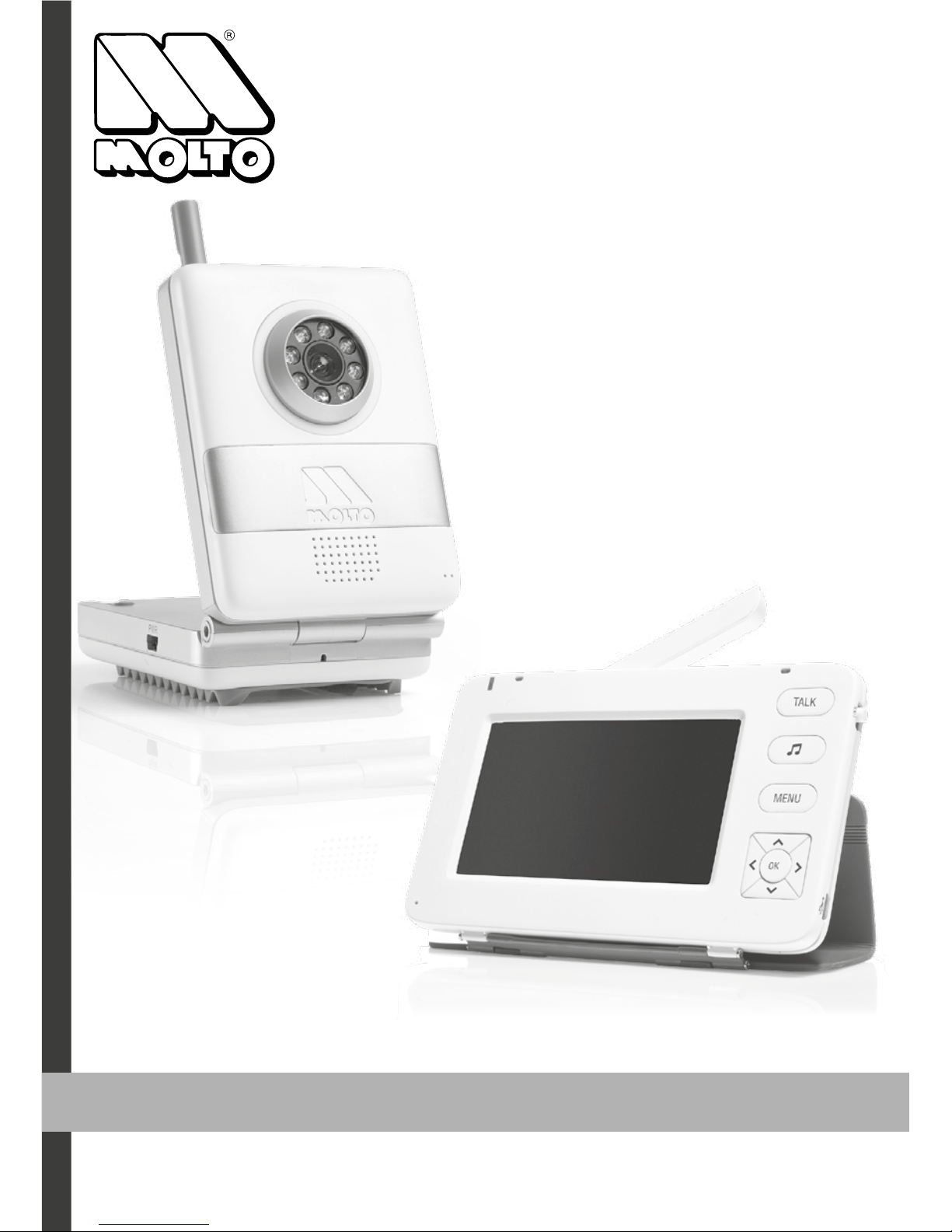
Baby Monitor 4,3”
READ THIS MANUAL COMPLETELY AND CAREFULLY BEFORE USING THIS PRODUCT AND KEEP IT
FOR FUTURE REFERENCE.
Complete Operating
Instructions
Page 2

2
TABLE OF CONTENTS
Package Contents 2
Introduction 3
Features 4
Safety Instruction 5
Know Your Monitor 6
Know Your Camera 6
Powering Up 7
Monitor/Camera Operation 8-12
Pairing 8
Placement 8
Night Vision 9
Main Menu 9
Monitor Volume 10
Two way TALK function 10
Lullaby 10
VOX Mode 10
Camera View 11
Camera Volume 11
Brightness 11
Night Light 12
Temperature Alarm 12
Troubleshooting 13
Declaration of conformity 13
PACKAGE CONTENTS
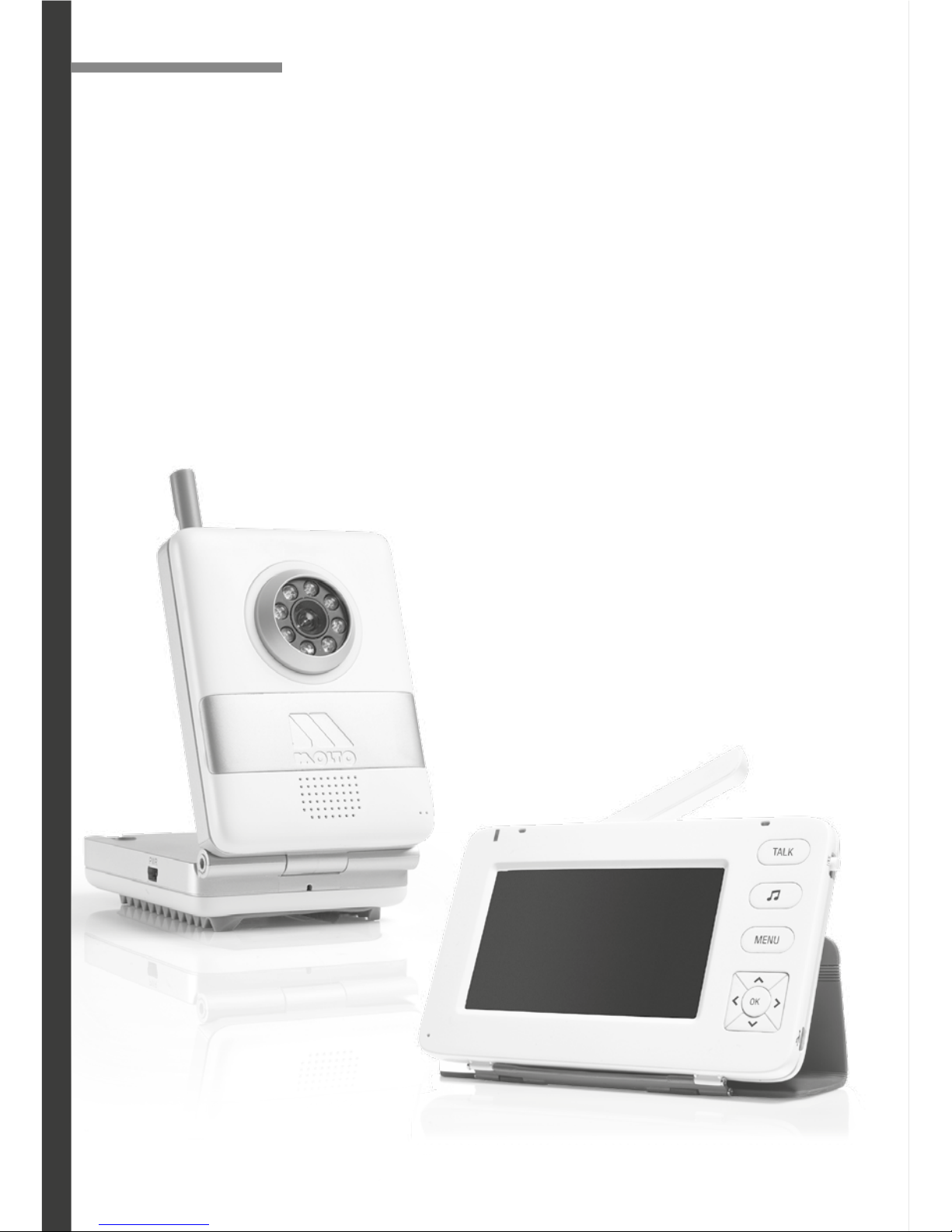
1 x Monitor/Receiver (Fig. 3)
2 x AC/DC Adapter 5V 800 mAh
1 x Camera/ Transmitter (Fig. 2)
1 x Rechargable LI-Ion Battery (for monitor only)
1 x User manual
Page 3
3
INTRODUCTION
About 2.4 Ghz Digital Wireless Signals
MOLTO Baby Monitor is an innovative,
digital wireless solution integrating advanced Frequency Hopping Spread Spectrum
(FHSS). This technology greatly reduces interference coming from other devices using
the same radio frequency (2.4 Ghz), such
as WIFI, Bluetooth, cordless phones, etc..
However, a weaker signal (lag or still image)
can occur from time to time depending on the environment where the system is
installed. Factors affecting transmission include use near microwave ovens or
other high frequency electromagnetic waves, as well as reinforced concrete
walls, large scale metal products and metal furniture.
Additionally your wireless router speed can be affected if the units are
placed close to the router. Your signal strength will return to normal once
the units are placed farther from the router or once they are turned off.
If You Experience Reception Problems
First, readjust the monitor to a different angle. Next, attempt to relocate the
camera in closer proximity to the monitor. If none of these steps resolves the
problem, if at all possible, rearrange potential obstacles such as desks, furni-
ture, metal cabinets, etc.
Fig. 1
Page 4
4
FEATURES
• 4.3” LCD Color High Resolution TFT LCD Display
• Two way talk function
• Transmission Range up to 250 mts
• Up to 3 mts. Night Vision Range
• 2.4 GHz Private Digital Transmission
• No installation needed—ready to use
• Compact design for easy portability
• Auto Mute with Voice Activation
• Low Battery and Out of Range Indicators
• Rechargeable Battery Included for the Monitor
• AC/DC Adapters included for Monitor and Camera
Fig. 2
Fig. 3
Page 5
5
Note: Please keep this manual for future reference.
• This product is not intended to be used as a medical monitor and its use should not
replace adult supervision.
• Periodically examine this product for damage to the cord, housing or other
parts that may result in the risk of fire, electric shock or injury. Do not operate any
product with a damaged cord or plug. If the Color Wireless Monitor malfunctions,
or is damaged in any manner, please contact the manufacturer for examination
and repair to avoid a hazard.
• Never use the Camera and/or the Monitor near water (i.e. bathtub, sink, etc.).
• The AC adapters are not toys.
• Always use the Camera and the Monitor where there is adequate ventilation. To
prevent overheating keep the Camera and the Monitor away from heat sources
such as radiators, heat registers, stoves, or other appliances that produce heat.
• Use only a dry cotton cloth to keep the units free of dust. Do not use a damp
cloth, water, or liquid cleaner of any kind.
• Unplug the AC adapters from the Monitor and the Camera during periods of
non-use. To disconnect from the power supply, grip the transformer and pull from
the power socket. Never pull by the cord.
• Only use the Monitoring System with the supplied power adapters.
This product cannot replace
responsible adult supervision
CAUTION
To prevent strangulation with power cord, never
place transmitter within reach of child.
WARNING
To prevent electric shock, do not inmerse in
water; wipe clean with dry cloth.
CAUTION
SAFETY INSTRUCTION
Page 6
6
2
6
3
5
1
9
7
4
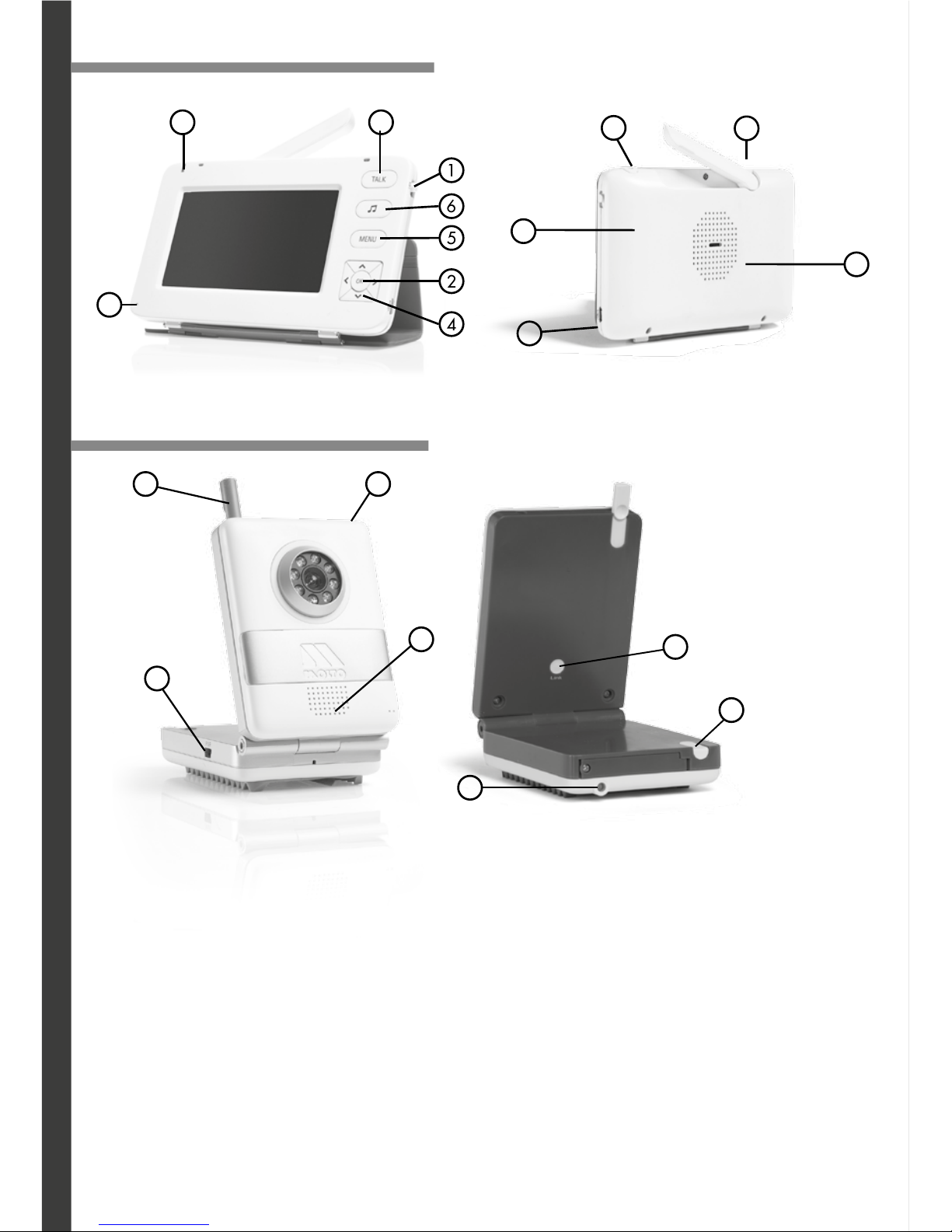
KNOW YOUR MONITOR
KNOW YOUR CAMERA
Fig. 4
Fig. 5
Fig. 6
Fig. 7
8
10
11
12
1319
16
18
17
14
15
1. Lock Button
2. Setting Button / ºC - ºF
3. Power ON and battery charge Indicator
4. Navigational arrows / Volume Control
5. MENU button
6. Lullaby
7. TALK Bidirectional
8. AC/DC Adapter Jack
9. Microphone
10. Speaker
11. Power ON Button (OFF / ON)
12. Antenna
13. Light Sensor
14. Power ON Indicator
15. Speaker
16. Pairing Button (LINK)
17. Power Button OFF / ON
18. AC/DC Adapter Jack
19. Antenna
20. Battery Cover
20
Page 7
7
POWERING UP
The Camera is powered by an AC/DC Adapter while the Monitor can be powered by
either rechargeable batteries or an AC/DC Adapter (both provided).
Using the AC/DC Adapters:
• Plug the connector of the AC/DC Adapters into the DC Jacks on the Monitor and
Camera units (Fig. 5, nº 8 and Fig. 6, nº 18). Both AC/DC Adapters are the same and
are interchangeable between the Monitor and the Camera.
• Plug the adapter power cords into a standard AC outlet.
• To check the Monitor, press and hold the Power ON button (Fig. 5; no. 11 ).
• To check the Camera, press and hold the power ON button (Fig. 7; no. 17).
• The power indicator lights will illuminate indicating that the units are ON
(Fig. 4; nº 3 and Fig. 7, nº 14).
Using Batteries:
• Remove the battery door (Fig. 5, nº 20) on your Monitor using a screwdriver and
insert the rechargeable battery.
• Return the battery cover to the original position and secure the screw with a
screwdriver and allow the battery to charge with the AC/DC Adapter connected.
• The battery indicator light is green when charged and will turn red when battery
is low.
Note: One battery charge goes between 3-4 hours. When monitoring over long periods
and, in particular, overnight, it is recommended to use the AC/DC Adaptor for the Monitor.
Note: Camera only functions while its AC/DC Adapter is connected.
Camera battery not included, sold separately.
Warnings:
1. Replace rechargeable batteries with provided by Molto ONLY.
2. Remove the battery during long periods of non-use.
3. Use only the AC/DC Adapters supplied with the system.
4. Please dispose of old, defective batteries in an environmentally friendly manner, in
accordance with the relevant legislation.
5. Do not mix products bearing the crossed out bin symbol with your general
household waste. For the correct collection and treatment of these products take them
to the collection points designated by your local authority. Alternatively contact the
retailer who sold you the product.
Page 8
8
MONITOR / CAMERA OPERATION
Pairing the Camera(s) and Monitor
The monitor and camera are paired (wirelessly linked) by the manufacturer at the
factory. If you ever need to re-link the camera, you need to pair each following this
sequence:
Note: Before you begin pairing, be sure to have the monitor and the camera(s)
side by side.
1. To pair your camera and monitor, press the MENU button (Fig. 4; no. 5).
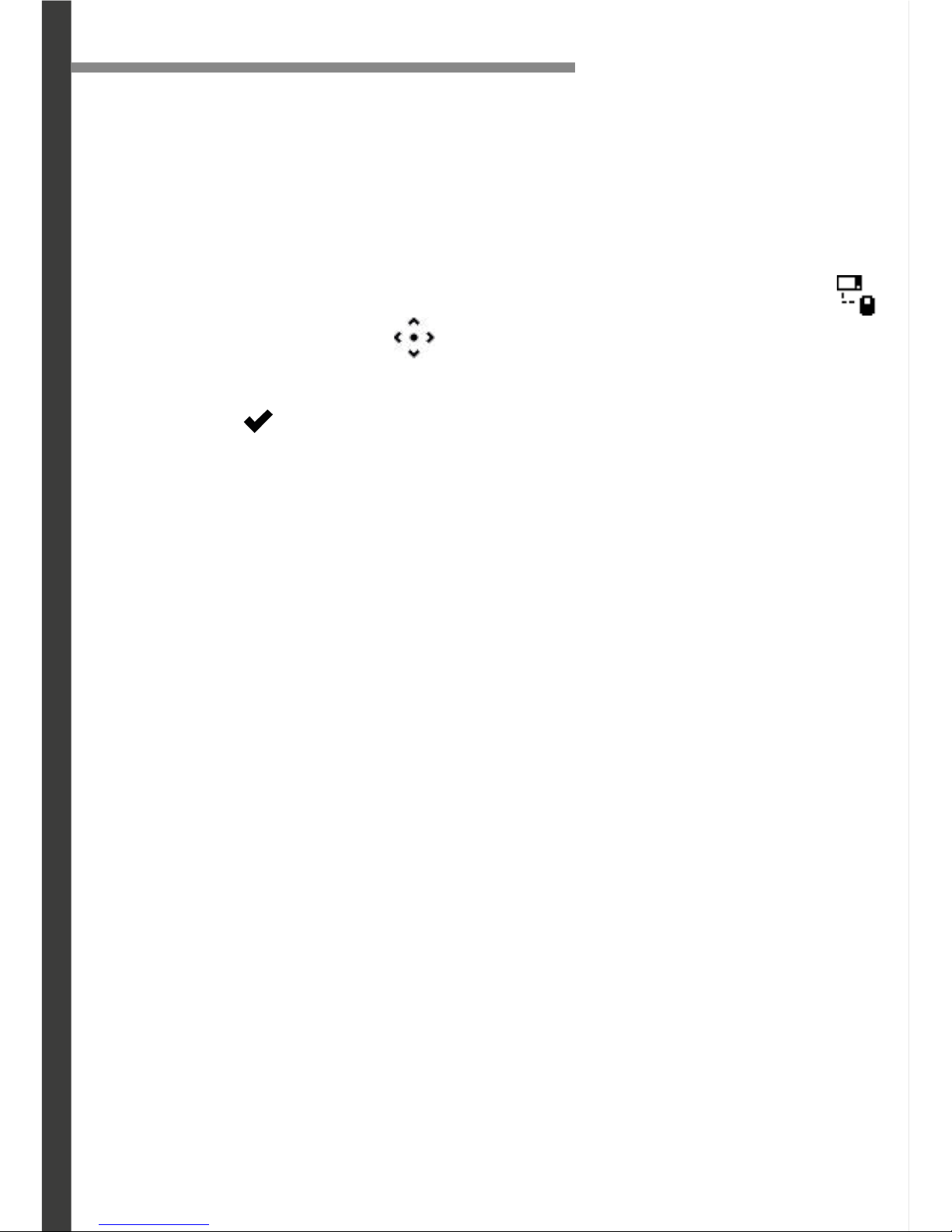
Using the navigational arrows on the front of monitor, highlight the pairing icon
2. Use the navigational arrows to select the camera to be paired.
3. Press the SELECT button. When you see * flashing next to camera icon, quickly
press and hold the pairing button on the BACK of the camera (Fig. 7; no.16). A
checkmark will appear next to camera confirming pairing is successful.
Video/audio will be transmitted automatically.
4. To pair additional cameras, repeat steps 1 to 3 and be sure to select camera
number.
Placement of the Monitor
You can place the monitor on a tabletop by using the smart cover pad. When not in
use, simply tuck the cover pad onto the screen of monitor
.
Placement of the Camera
This camera can be placed on a tabletop or hung on the wall above the area being
monitored.
• Place the camera within 2 metters of the area being monitored for best picture
results.
• Do not place objects within 50 cm of the field of vision of the camera as the night
vision will not activate correctly if objects are too close.
Mounting the Camera on a Tabletop Safely:
1. Place the camera on a tabletop no less than 1 m. away from your baby’s crib.
2. Feed the power cord down the back of the table or use wall clips (not included) to
secure the cord away so the baby cannot reach it.
3. Plug in the power cord, check the monitor to ensure that you are getting a good
view of your child and there are no obstructions.
Note: Baby monitors and cameras with power cords should never be hung on or near the
crib as it is a strangulation hazard. Power cords should be kept no less than 1 mt. away
from the crib and the baby’s reach at all times.
Page 9
9
MONITOR / CAMERA OPERATION
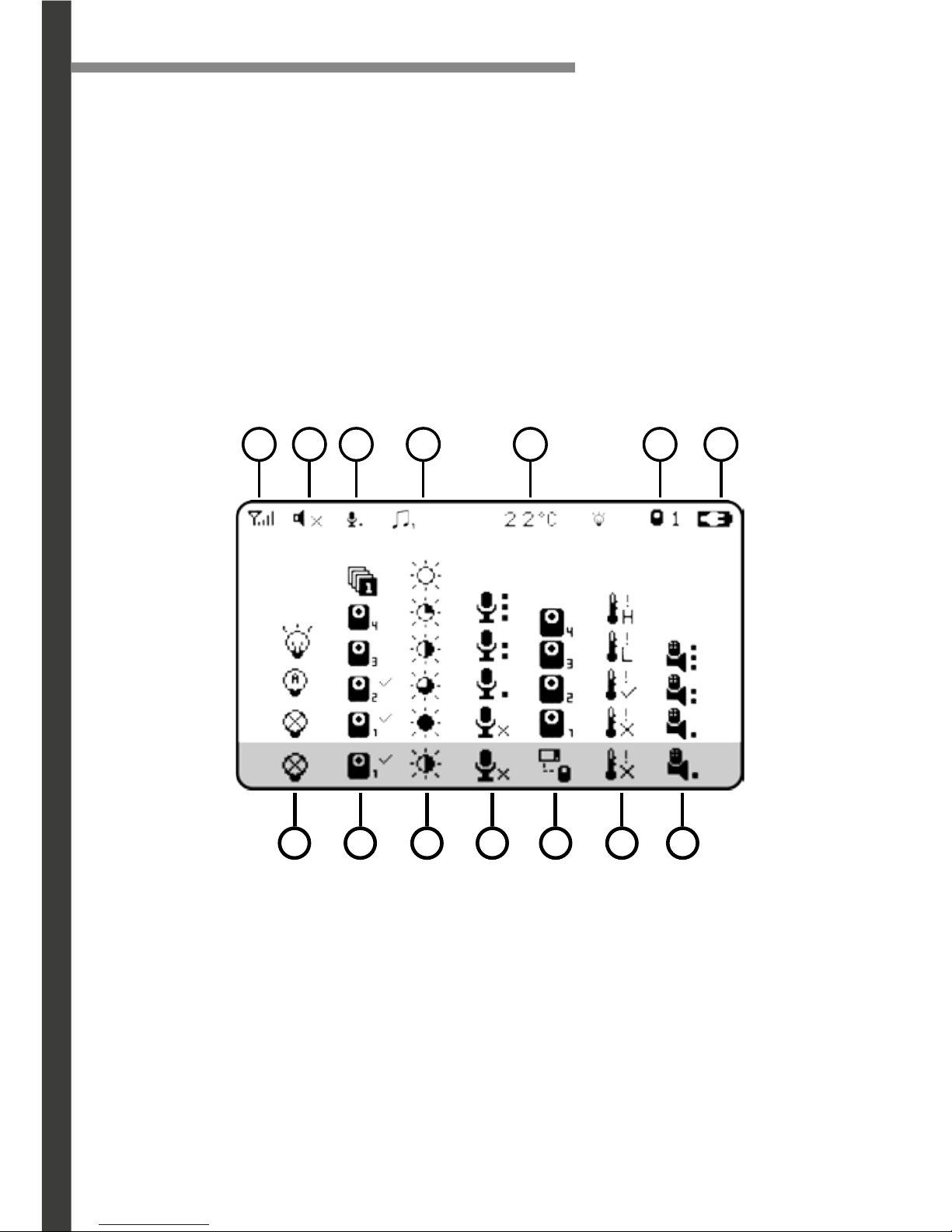
A. Signal Intensity
B. Volume
C. VOX Mode
D. Lullaby
E. Temperature
F. Camera Number
G. Battery Level
1. Night Light
2. Camera Selection
3. Brightness
4. VOX Sensitivity
5. Pairing
6. Temperature Alert
7. Camera Volume
A C EB D F G
1 3 52 4 6 7
Main Menu
Press the MENU button
(Fig. 4; no. 5) to navigate through different monitor settings.
Night Vision
The camera is equipped with Invisible IR (infrared) LEDs which keep the nursery dark.
The LEDs are located on the front of the camera and allow you to see up to 3,5m in
complete darkness so you can check on your baby at any time of night. The night
vision LEDs will activate automatically when the Light Sensor on the top of the camera
detects that the light levels are too low.
Page 10
10
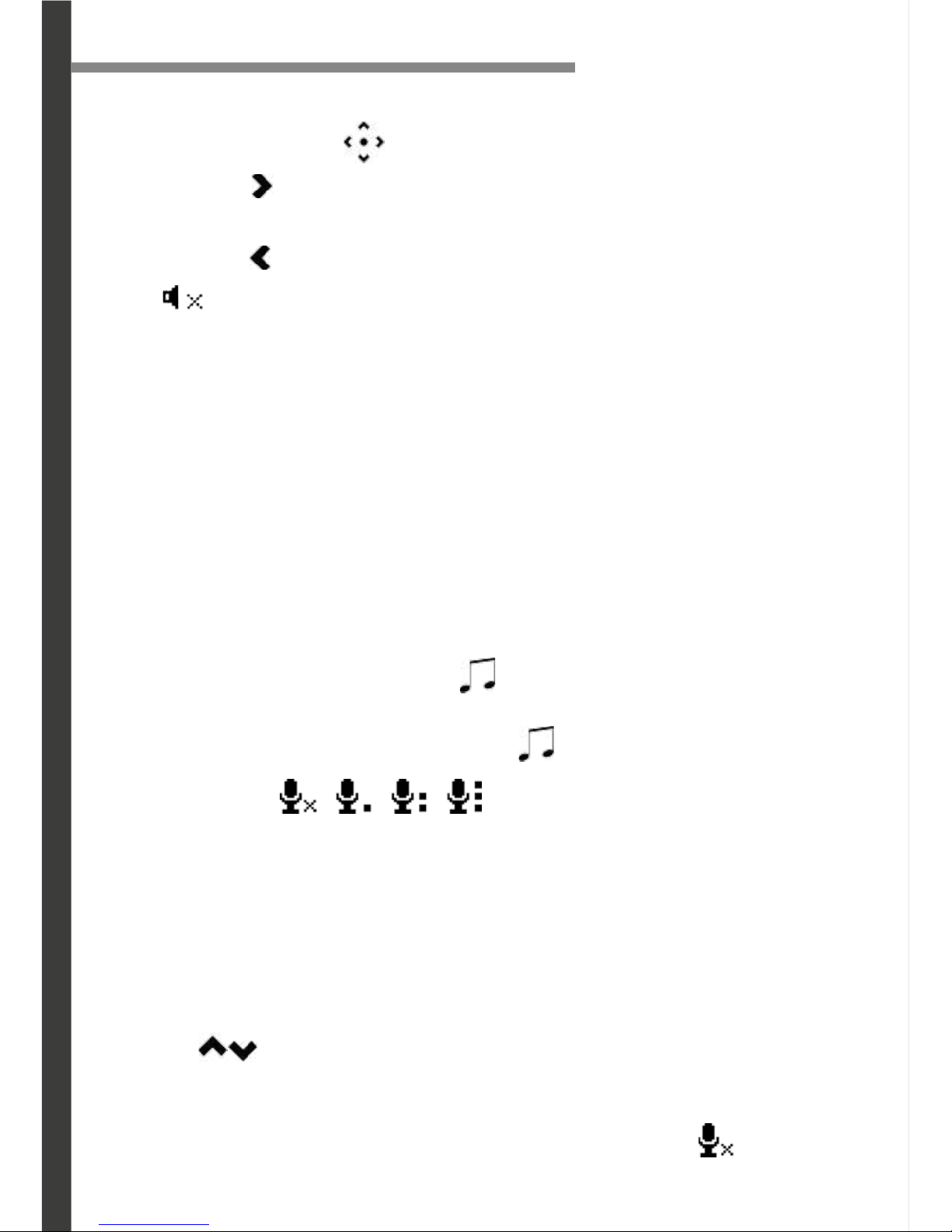
Using VOX Mode
When in VOX Mode, the monitor enters standby/sleep mode after 20” of inactivity.
When sound is detected, the screen changes to live view. There are 3 levels of sensitivity: Low, Medium and High .
• To access live view manually when the screen is off, press any button.
• VOX Mode extends the battery life over 48 hours.
1. To set VOX Mode, press the MENU button. Using the navigational arrows on
the front of the monitor, highlight the VOX Mode icon.
2. Use the
buttons to toggle to the sensitivity icon of your choice and press the
SELECT button once to select.
3. To return to continuous live view, press the MENU button.
4. To turn off VOX Mode, follow steps 1 & 2 and select the icon.
Setting the Monitor Volume
Use the navigational arrows
(Fig. 4; no. 4) to increase/decrease/mute the volume.
• Press the button
to INCREASE the volume in LIVE VIEW; the VOLUME icon will
display the volume level in the top left corner of the screen.
• Press the button
to DECREASE the volume; to MUTE, decrease the volume until
the icon
appears in the top left corner of the screen.
Using the Two Way TALK function
With the simple press of a button (TALK)
(Fig. 4; no. 7) you can talk to your child at any
time without entering the nursery.
1. To talk, press and hold the button on the front of the monitor and release to listen.
2. To talk when using multiple cameras, select the camera in the MENU and press the
button TALK, release to listen.
Setting a lullaby
Choose from three different lullabies to soothe your baby to sleep.
1. To select a lullaby, press the LULLABY
button (Fig. 4; no. 6) to toggle through
lullabies 1 to 3
2. To turn OFF the lullabies, press the LULLABY
button once.
MONITOR / CAMERA OPERATION
Page 11
11
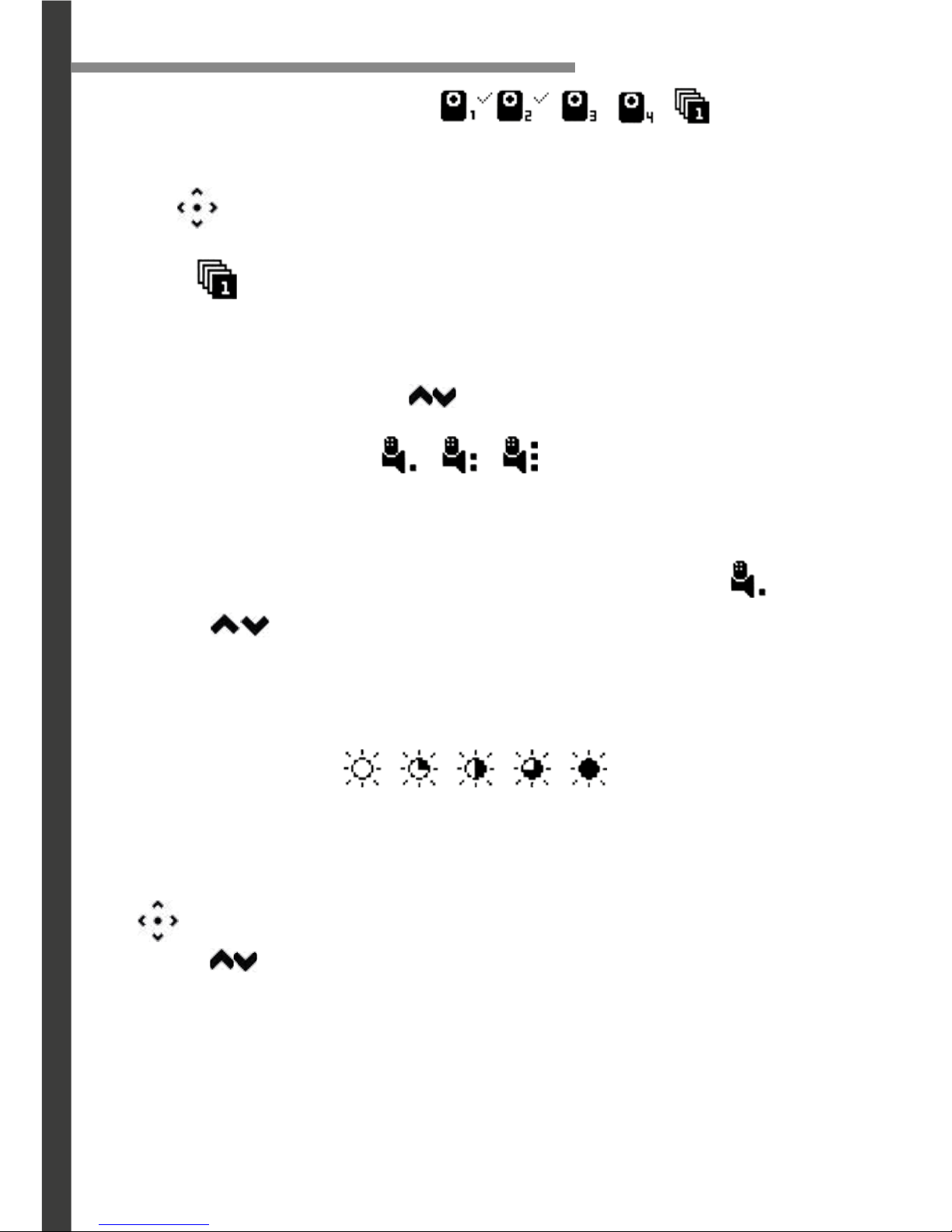
Changing the Camera View
1. To change the camera view, press the MENU button. Using the navigational
arrows on the front of the monitor, highlight the CAMERA icon.
2. Use
to toggle to select the CAMERA icon of your choice and press the
SELECT button once to select.
3. Select
to cycle though cameras 1 through 4 and press the SELECT button
once to select.
4. To return to continuous live view, press the MENU button.
Tip: from the live view use buttons
to toggle through the paired cameras
Setting the Camera Volume
Control the camera volume with a choice of three volume levels.
1. To set the Camera Volume, press the MENU button. Using the navigational arrows
on the front of the monitor, highlight the CAMERA VOLUME icon .
2. Use the buttons to toggle to your desired volume level and press the
SELECT button once to select.
3. To return to continuos live view, press the MENU button
Setting the Brightness
Brightness Mode sets the brightness of the screen. Brightness Mode also extends the
battery life.
1. To set the Brightness Mode, press the MENU button. Using the navigational arrows
on the front of the monitor, highlight the brightness icon.
2. Use the
buttons to toggle to the your desired brightness
3. To return to continuos live view, press the MENU button.
MONITOR / CAMERA OPERATION
Page 12
12
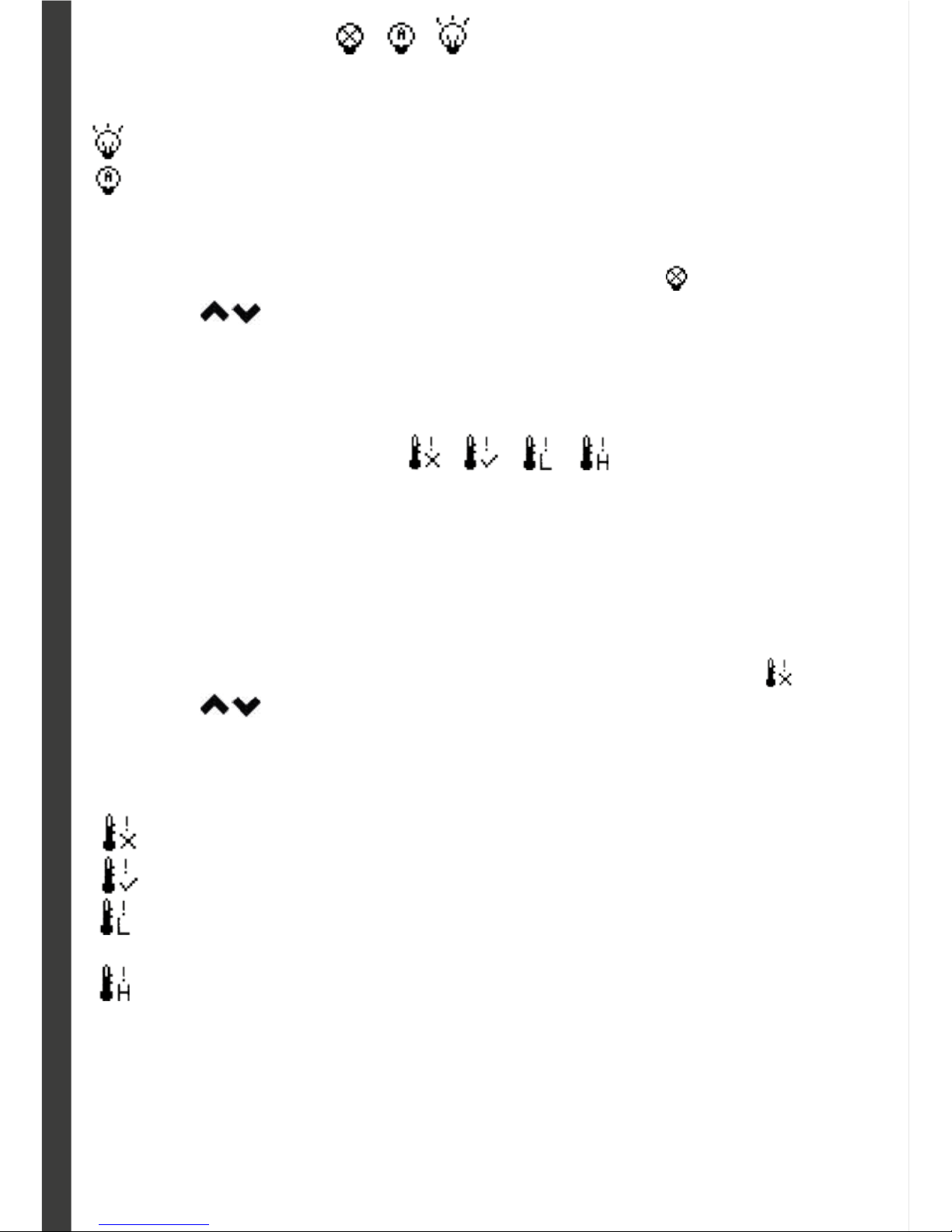
Setting the Night Light
Choose from two different NIGHT LIGHT modes:
ON: Night Light is permanently ON.
AUTO: The Night Light will activate automatically when a sound is detected.
(ONLY WHEN THE VOX MODE IS ON)
1. To set the Night Light, press the MENU button. Using the navigational arrows
on the front of the monitor, highlight the NIGHT LIGHT icon .
2. Use the
to toggle to your desired NIGHT LIGHT mode and press the
SELECT button once to select.
3. To return to continuos live view, press the MENU button
Setting the Temperature Alarm
When the room temperature (where the camera is) goes above or below the
temperature range you set, the monitor will sound an alarm and the small
Temperature icon on the monitor screen will flash showing the out-of-range
temperature in that room. Alarm will not stop until the temperature returns to the
set range, or you turn the Alarm Off from this screen.
1. To set the TEMPERATURE ALARM, press the MENU button. Using the navigational arrows on the front of the monitor,highlight the TEMP. ALARM icon
.
2. Use the button to toggle to your desired TEMPERATURE ALARM mode
and press the SELECT button once to select.
3. Choose from 4 different TEMPERATURE ALARM modes:
OFF: TEMPERATURE ALARM is OFF.
ON: The TEMPERATURE ALARM is ON
LOW: Set the low temp range between 9-24ºC. Press the select button once to
set the value.
HIGH: Set the high temp range between 25-35 ºC. Press the select button
once to set the value.
4. To return to continuos live view, press the MENU button
Page 13
13
TROUBLESHOOTING
Problem
Monitor will not turn on
Monitor does not show
Camera will not turn on
Battery does not recharge
Connection is lost
Solution
• Check AC/DC Connection
• Confirm power outlet is working properly.
• Charge Battery
• Confirm VOX mode is OFF
• Confirm there are no obstructions in front of
Camera
• Check AC/DC Connection
• Confirm power outlet is working properly.
• AC/DC adapter has not been connected
• Check battery connection to Monitor.
• Confirm power outlet is working properly.
• Confirm battery is placed correctly in Monitor.
• Confirm Monitor and Camera are ON.
• Confirm AC/DC adapter is connected properly.
• Place Camera and Monitor near each other and
pair them
14754
www.molto.com
© 2015 MOLTO
MODELO REGISTRADO
MADE IN CHINA - FABRICADO EN CHINA - FABRIQUE EN CHINE
DESIGNED AND MANUFACTURED BY - DISEÑADO Y FABRICADO POR - CONÇU ET FABRIQUÉ PAR :
MOLTO Y CIA, S.A.
Avda. Azorín, 18-P.O. Box nº 49 - 03440 IBI (ALICANTE) SPAIN.
N.R.I. 03-10142
www.molto.com
Hereby, Moltó y Cía, S. A. declares that the radio equipment type «Ref. 14754 Baby Monitor 4.3’’ screen» is
in compliance with Directive 2014/53/EU. The full text of the EU declaration of conformity is available at the
following internet address: www.molto.es/info/monitor14754
0700
ref. 0671475401
 Loading...