

Page 1
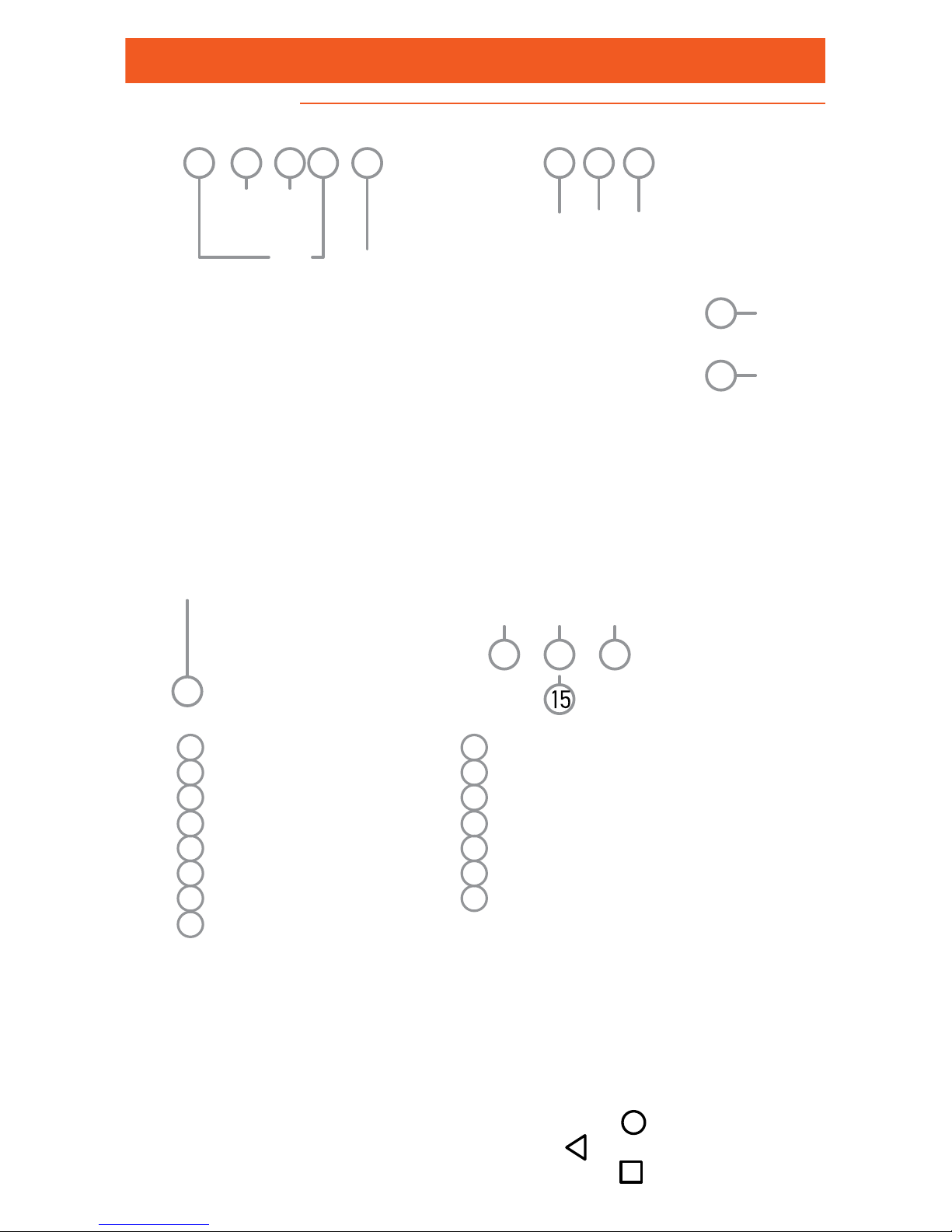
Structure
Quick Guide
4
1
2
3
11
5
6 7
1
2
41
13
8
10
9
1 Rear flash
2 3,5mm earphones slot
3 Micro USB slot
4 Rear camera
5 Receiver
6 Speaker
7 Front camera
8 Front flash
9 Increase / Decrease volume key
10 Activation key / lock
11 SD and SIM card protective cover
12 Back to the previous screen
13 Home screen key
14 Active Applications management
15 Microphone
When you switch on your phone for the first time, press key
number (10) and hold to activate.
At the initial screen, touch any icon to access the relative application.
To move back to the home screen, touch the home screen
key. To move back , tap on the back icon . To open the active
application management screen, touch the tab .
Page 2

Εισαγωγή κάρτας SD και SIM
Place the SIM card in the corresponding slot 1 as shown in
the picture.
Place the SIM card in the corresponding slot 2 as shown in
the picture.
Page 3
0700
© 2003-2018 MLS.
All rights reserved.
The business names and logos MLS, MAIC and MLS Sevem
3G are trademarks owned by MLS Innovation, registered in
Greece and in other countries.
Android is trademark owned by Google Inc
With the present, the manufacturer MLS Innovation declares
that the device is in compliance with all essential demand
and other relative clauses of the directive 1999/5/EC.
A copy of the Compliance Declaration can be found at the MLS website: http://
www.mlsshop.gr/content/diloseis-symmorfosis
Telephone Assistance
 Loading...