

Page 1
QUICK START GUIDE
Page 2
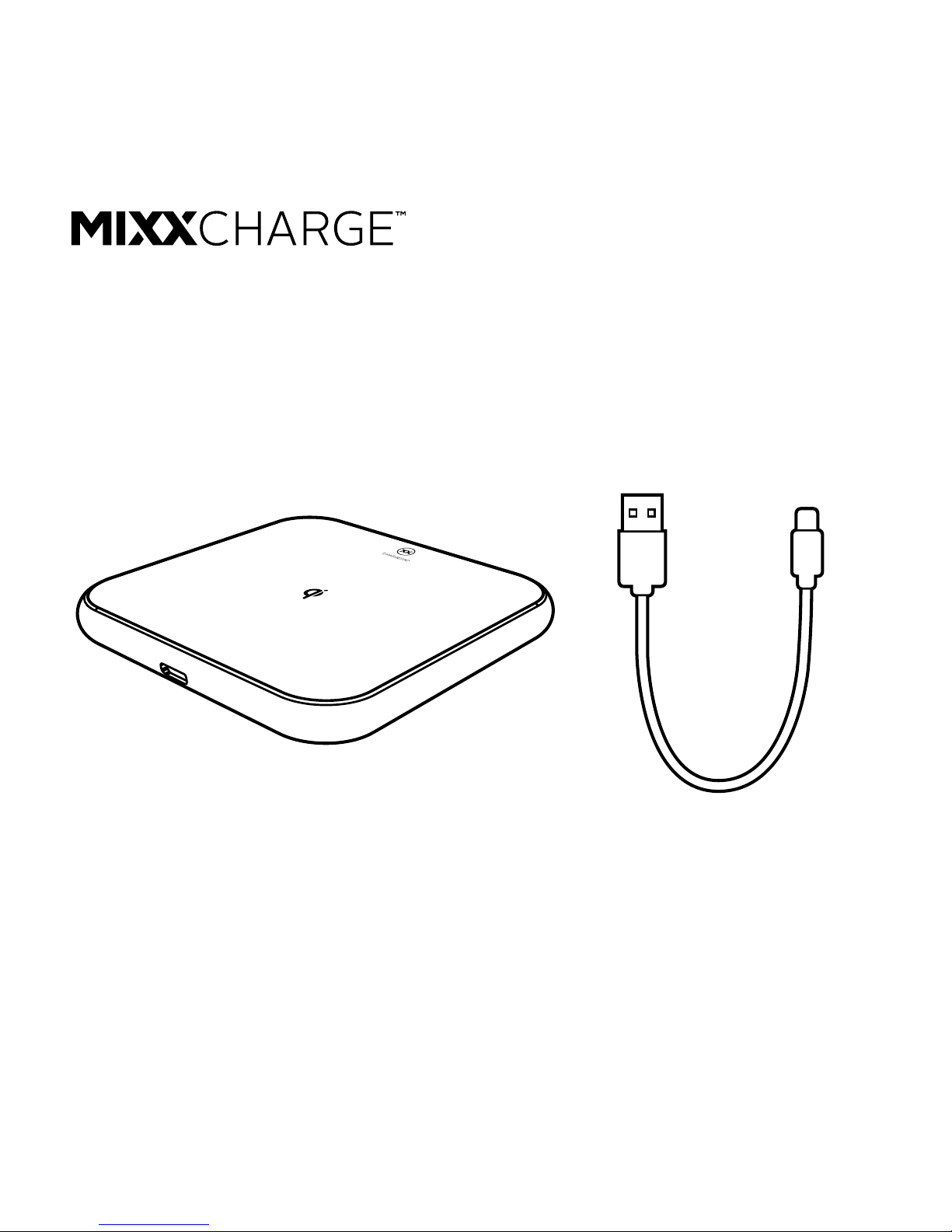
ChargePad Micro USB Cable
CHECK
Page 3
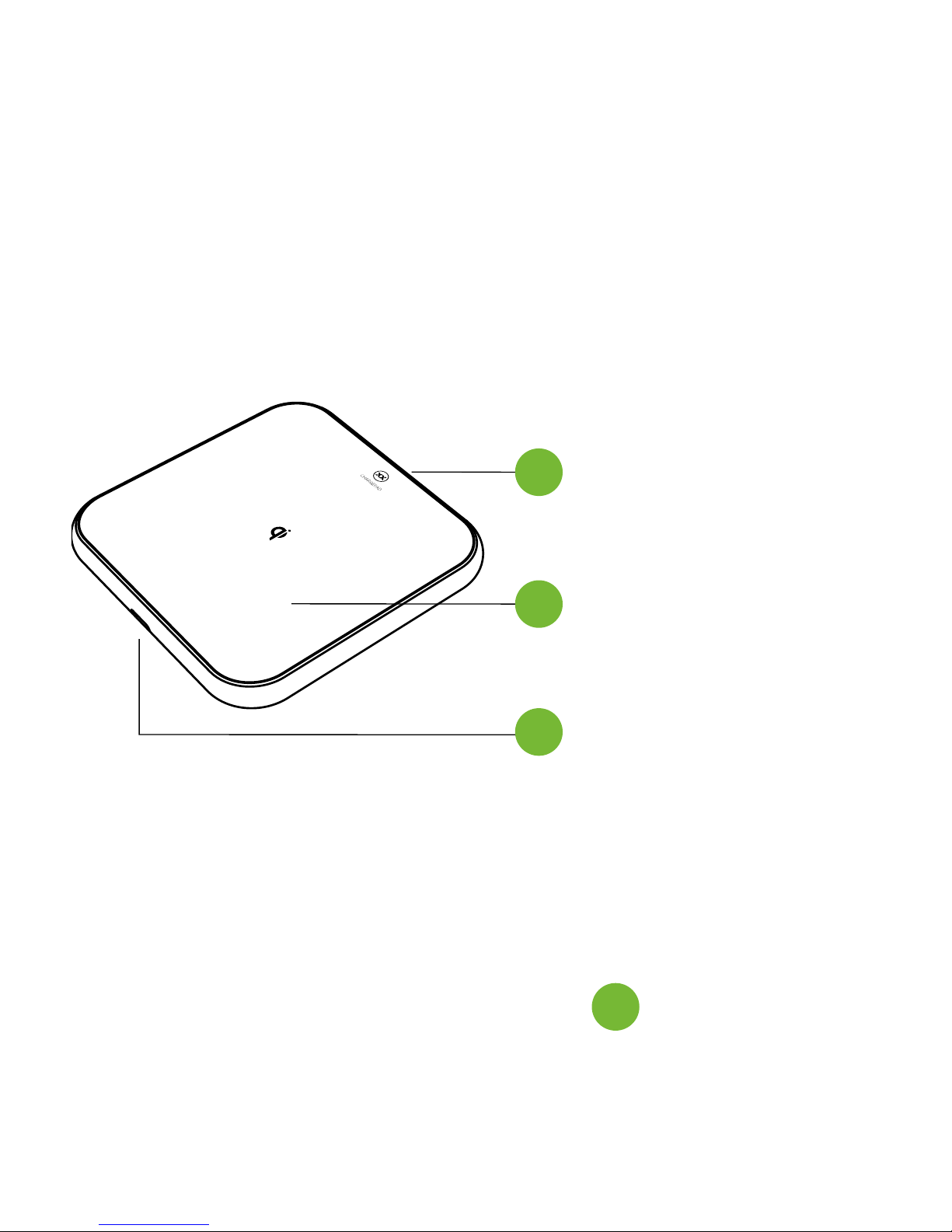
Wireless
Charging Surface
Micro USB Port
LED Indicator Light
Connect your ChargePad to your mobile phone wall
charger using the Micro USB cable included. Once
connected, the LED Indicator Light will shine BLUE.
LET’S START
LET’S POWER
1
2
3
3
ChargePad
Page 4
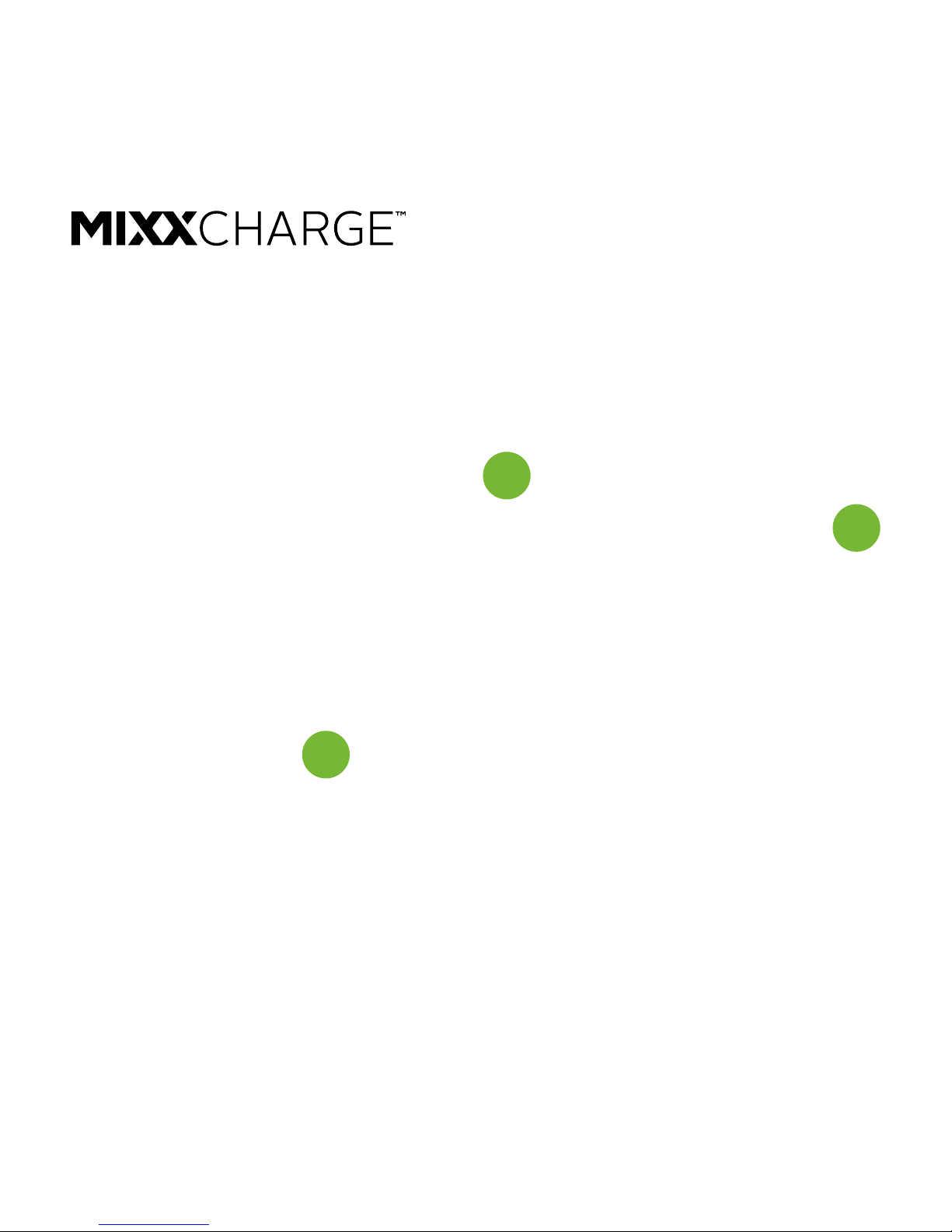
Place your Qi-enabled device at on top of the
Wireless Charging Surface of your ChargePad.
When positioned correctly, the LED Indicator Light
will turn GREEN and the device will begin to charge.
When the device is taken o your ChargePad, the
ChargePad will enter standby mode and the LED
Indicator Light will change back to BLUE.
LET’S CHARGE
3
3
2
Page 5

Operate your ChargePad as normal but ensure
that the power adapter and cable you are using is
compatible with Fast Charge Technology. Generally,
using the power adapter that came with your phone
will work.
Your ChargePad will intelligently detect whether or
not your device supports Fast Charging and supply it
with the necessary power.
For best results use a 9V 1.8A / QC2 / QC3
power adapter.
LET’S FAST CHARGE
ChargePad
Page 6

Do not disassemble, expose to water, or intense heat.
Do not place in close proximity to strong magnetic elds.
Keep at least 20cm away from implantable medical
devices (such as pacemakers and cochlear implants)
to prevent potential magnetic interference.
Do not continue to use your ChargePad if damaged.
LET’S BE SAFE
Page 7

This product can be recycled.
Products bearing this symbol must NOT be
thrown away with normal household waste.
Take the product to a collection point designated for
recycling of electronic devices.
Find out more about return and collection points
through your local authority.
LET’S RECYCLE
ChargePad
Page 8
For technical support or to download this user guide
visit www.mixxcharge.com
MQIC-QSG01
 Loading...