

Page 1
Page 2
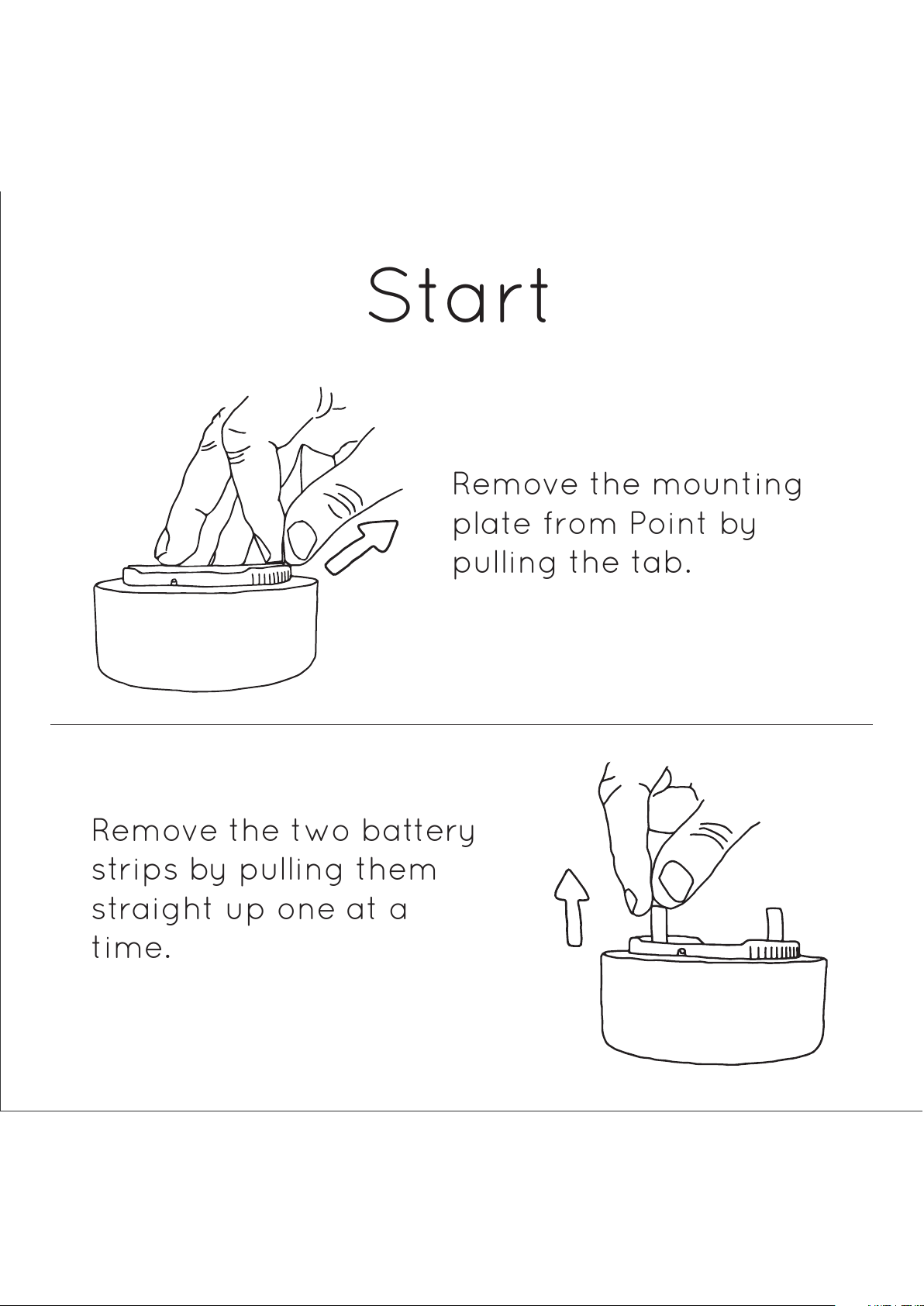
Remove the mounting
plate from Point by
pulling the tab.
Remove the two battery
strips by pulling them
straight up one at a
time.
Start
Page 3
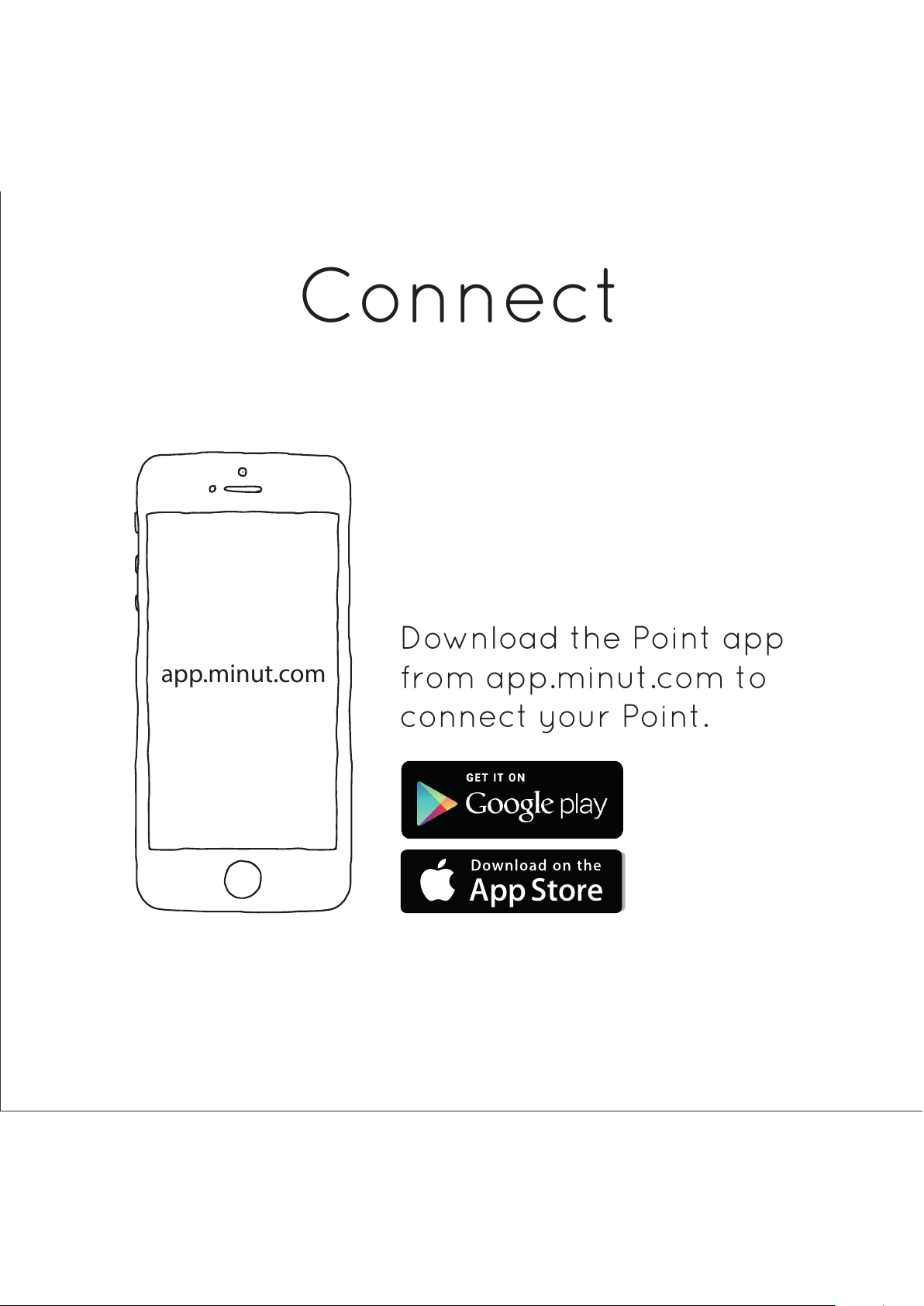
Download the Point app
from app.minut.com to
connect your Point.
app.minut.com
Connect
Page 4
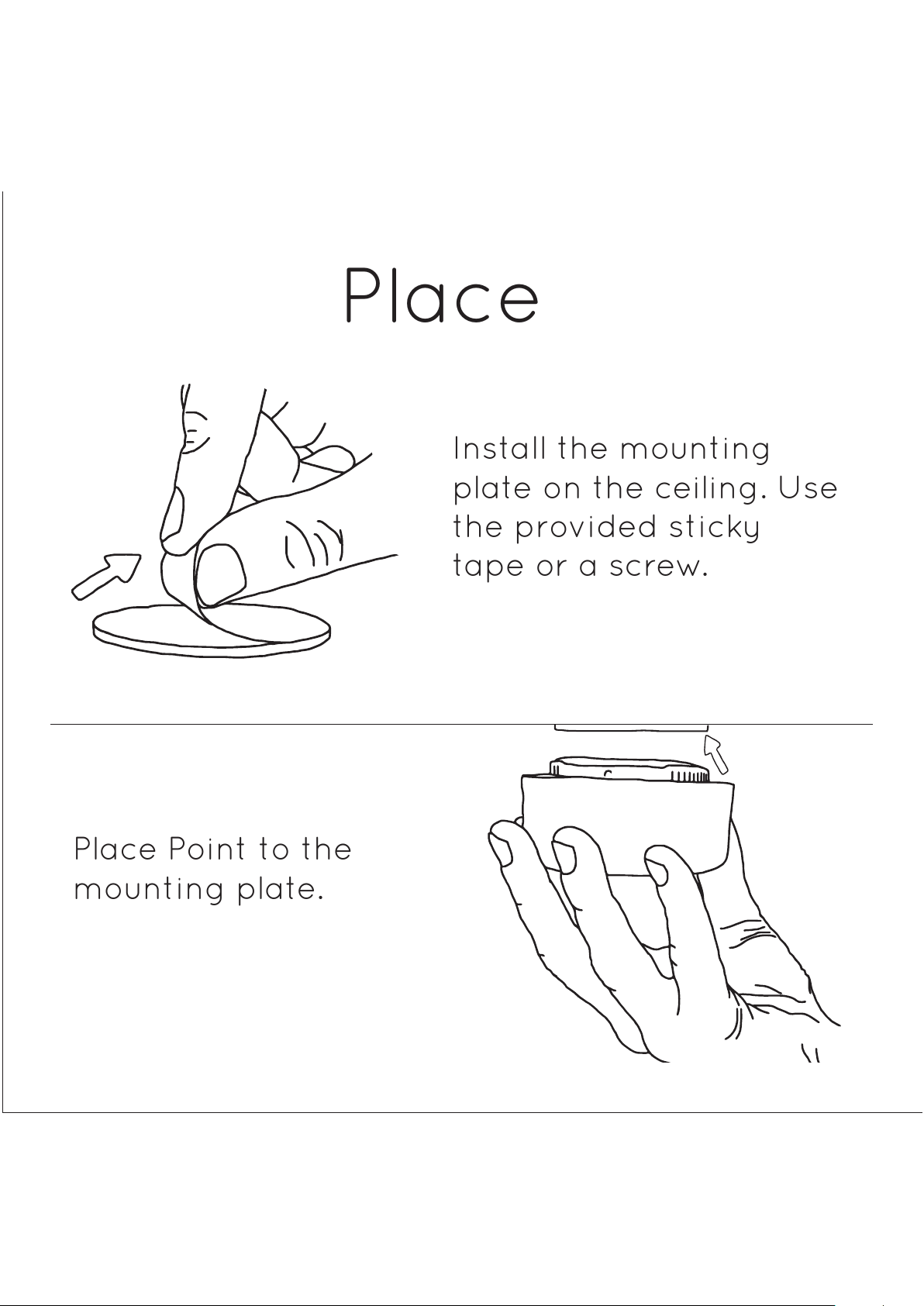
Place Point to the
mounting plate.
Install the mounting
plate on the ceiling. Use
the provided sticky
tape or a screw.
Place
Page 5
Done!
If you have any questions about
your Point, drop us a line at
hello@minut.com.
Page 6
Point User Guide
Download the Point User Guide on www.minut.com/support.
Product Safety and Handling
See “Product Safety and Handling” in the Point User Guide available on
www.minut.com/support. Point contains strong magnets. Point is intended for
indoor use only. Batteries must be recycled or disposed of separately from
household waste. Do not paint, disassemble, modify or repair the product.
Warranty
The warranty coverage is over and above local and regional consumer protection
laws and does not exclude, limit, or suspend a buyer’s rights arising from
consumer law. For full warranty information see the Point User Guide available on
www.minut.com/support.
Trademarks
Apple and the Apple logo are trademarks of Apple Inc., registered in the U.S. and
other countries. App Store is a service mark of Apple Inc. Google Play is a
trademark of Google Inc.
Regulatory information
FCC ID: 2AFXO-P1-1000, 15.247
Federal Communication Commission Interference Statement
This equipment has been tested and found to comply with the limits for a Class B
digital device, pursuant to Part 15 of the FCC Rules. These limits are designed to
provide reasonable protection against harmful interference in a residential
installation. This equipment generates uses and can radiate radio frequency
energy and, if not installed and used in accordance with the instructions, may
cause harmful interference to radio communications. However, there is no
guarantee that interference will not occur in a particular installation. If this
equipment does cause harmful interference to radio or television reception,
which can be determined by turning the equipment off and on, the user is
Page 7
encouraged to try to correct the interference by one of the following measures:
Reorient or relocate the receiving antenna. Increase the separation between the
equipment and receiver. Connect the equipment into an outlet on a circuit different
from that to which the receiver is connected. Consult the dealer or an experienced
radio/TV technician for help.
This device complies with Part 15 of the FCC Rules. Operation is subject to the
following two conditions: (1) This device may not cause harmful interference, and (2)
this device must accept any interference received, including interference that may
cause undesired operation.
FCC CAUTION: Any changes or modifications not expressly approved by the party
responsible for compliance could void the user's authority to operate this
equipment.
EC DECLARATION OF CONFORMITY
Minut hereby declares that this wireless device is in compliance with the essential
requirements and other relevant provisions of the R&TTE Directive.
A copy of the EU Declaration of Conformity is available on www.minut.com/support.
Minut’s EU representative is Minut AB, Bredgatan 4, 211 30 Malmö, Sweden.
Page 8

 Loading...