

Page 1
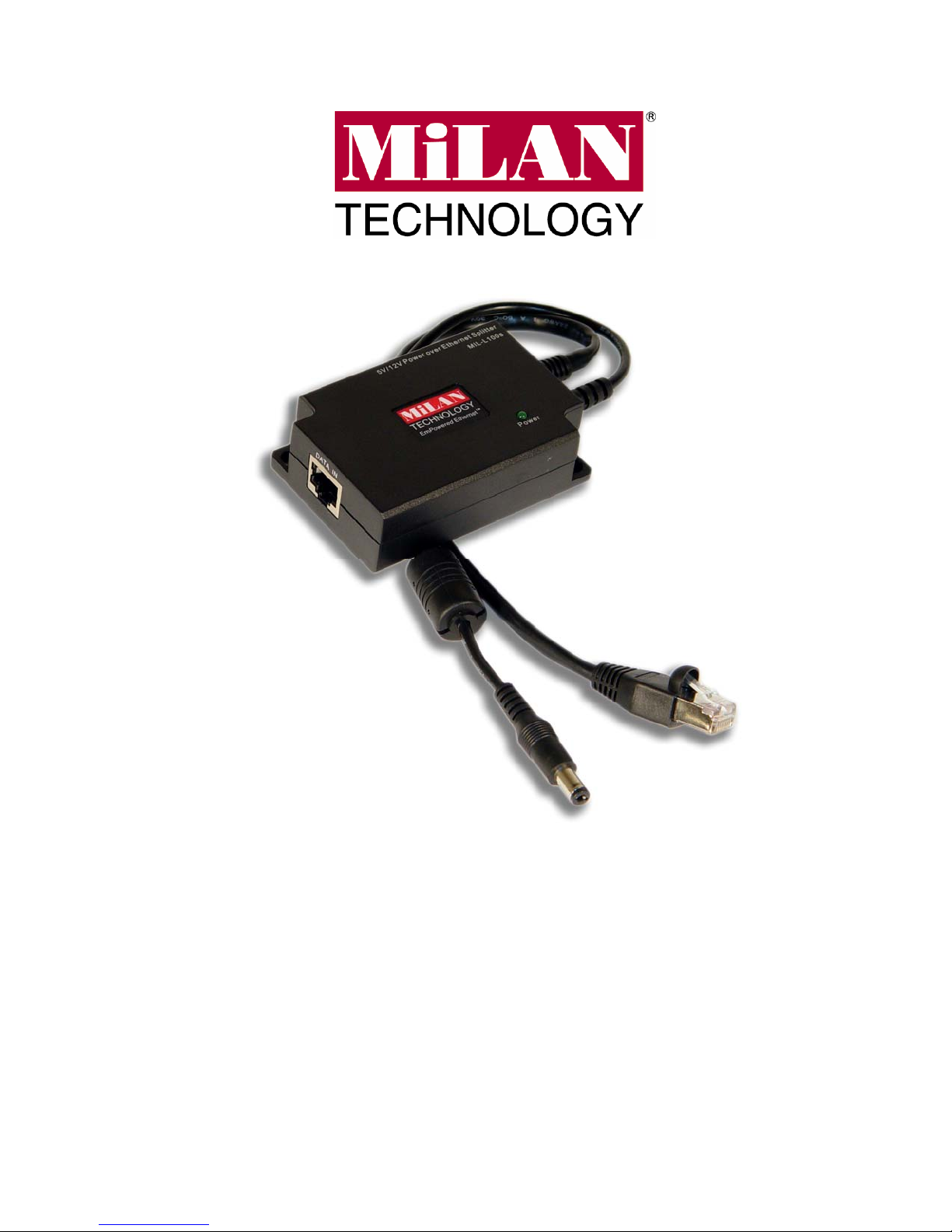
MIL-L100s
Power over Ethernet Dual-Voltage
Splitter
USER GUIDE
Page 2

Regulatory Approval
- FCC Class A
- UL 1950
- CSA C22.2 No. 950
- EN60950
- CE
- EN55022 Class A
- EN55024
Canadian EMI Notice
This Class A digital apparatus meets all the requirements of the Canadian Interference-Causing Equipment
Regulations.
Cet appareil numerique de la classe A respecte toutes les exigences du Reglement sur le materiel brouilleur du
Canada.
European Notice
Products with the CE Marking comply with both the EMC Directive (89/336/EEC) and the Low Voltage Directive
(73/23/EEC) issued by the Commission of the European Community Compliance with these directives imply
conformity to the following European Norms:
EN55022 (CISPR 22) - Radio Frequency Interference
EN61000-X - Electromagnetic Immunity
EN60950 (IEC950) - Product Safety
Three-Year Limited Warranty
MiLAN Technology warrants to the original consumer or purchaser that each of it's products,
and all components thereof, will be free from defects in material and/or workmanship for a
period of three years from the original factory shipment date. Any warranty hereunder is
extended to the original consumer or purchaser and is not assignable.
MiLAN Technology makes no express or implied warranties including, but not limited to, any
implied warranty of merchantability or fitness for a particular purpose, except as expressly set
forth in this warranty. In no event shall MiLAN Technology be liable for incidental or
consequential damages, costs, or expenses arising out of or in connection with the
performance of the product delivered hereunder. MiLAN Technology will in no case cover
damages arising out of the product being used in a negligent fashion or manner.
Trademarks
The MiLAN logo and MiLAN Technology trademarks are registered trademarks of MiLAN Technology in the
United States and/or other countries.
To Contact MiLAN Technology
For prompt response when calling for service information, have the following information ready:
- Product serial number and revision
- Date of purchase
- Vendor or place of purchase
You can reach MiLAN Technology technical support at:
E-mail: [email protected]
Telephone: +1.408.744.2751
Fax: +1.408.744.2771
MiLAN Technology
1329 Moffett Park Drive
Sunnyvale, CA 94089
United States of America
Telephone: +1.408.744.2775
Fax: +1.408.744.2793
http://www.milan.com
[email protected]
© Copyright 2004 MiLAN Technology P/N: 90000431 Rev A
Page 3

Table of Contents
1. Introduction...................................................1
FEATURES ..............................................................................................2
PACKAGE CONTENTS...............................................................................2
2. Hardware Description ..................................3
3. Installation.....................................................5
4. Technical Specification ...............................6
Page 4
1. Introduction
Thank you for purchasing MiLAN Technology’s MIL-100i Single-Port Power
over Ethernet Dual-Voltage Splitter. This PoE Splitter provides data and
power to non 802.3af compliant devices. It splits data and power out from a
single cat5 cable to Ethernet and DC 5V/2A or 12V/1A power to a network
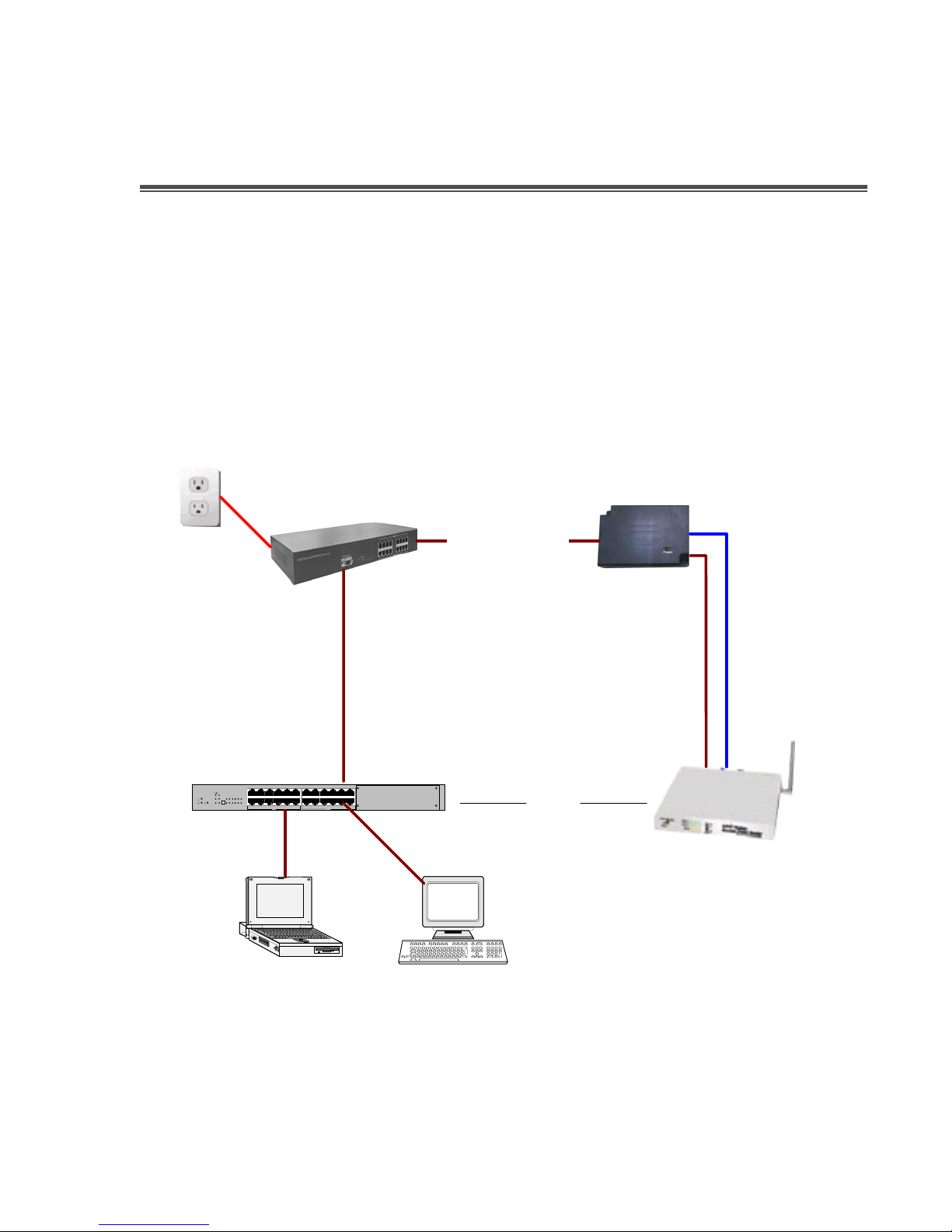
device that is not compliant with IEEE802.3af standard. The following figure
shows how the Power over Ethernet Splitter works.
Pow e
cor
r
d
Power o ver Ethe rn e t
POE Spiltter
POE Hub
Et her ne t Ca ble
Pow e r Cab le
12x
8x2x9x3x10x4x11x
7x
12x
8x2x9x3x10x4x11x
7x
C
789101112
Ethernet
123456
A
6x
5x
1x
A
6x
5x
1x
B
100m
Switch
Wireless Router
Figure 1-1. Power over Ethernet Splitter Application
1
Page 5

Features
Power Over Ethernet Dual-Voltage Splitter
IEEE802.3af compliance
Short circuit protection
Delivering power and data to equipment
Plug-and-Play
Light weight and compact size
Compatible with Wireless LAN, Bluetooth AP, Web Camera and IP
Telephones…etc.
Regulate output voltage by DIP
Package Contents
Unpack the contents of the package and verify them against the checklist
below.
MIL-L100s Dual-Voltage Power over Ethernet Splitter
User Manual
Warranty Card
If any item is missing or damaged, please contact your local dealer for
service.
2
Page 6
2. Hardware Description
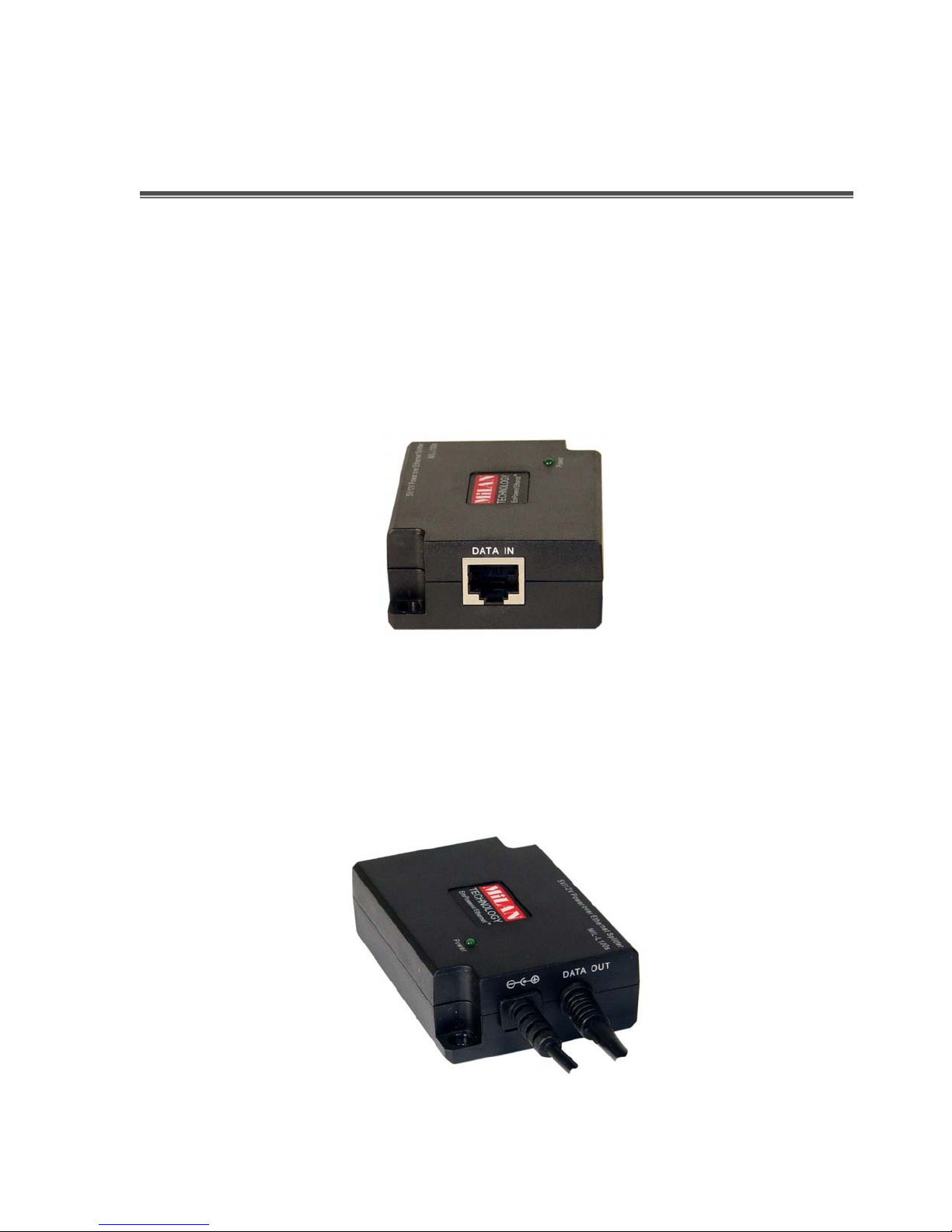
The MIL-100s Power over Ethernet Splitter has three connection ports, one
LED indicator, and one DIP switch for adjusting voltage. Below is a
description of the three connections.
Data In port: An RJ-45 Ethernet interface port for data into the PoE
Splitter. It is for connecting with a PoE injector or PoE switch.
Figure 2-1. Data In port
Data Out port: An RJ-45 Ethernet port that has a fixed RJ-45 cable to
connect to the PD Ethernet Interface.
Power Out port: It is a fixed power cable – 5.5 x2.0mm. The Power Out
port is for transmitting the power to the PD.
Figure 2-2. Data Out and Power Out ports
3
Page 7
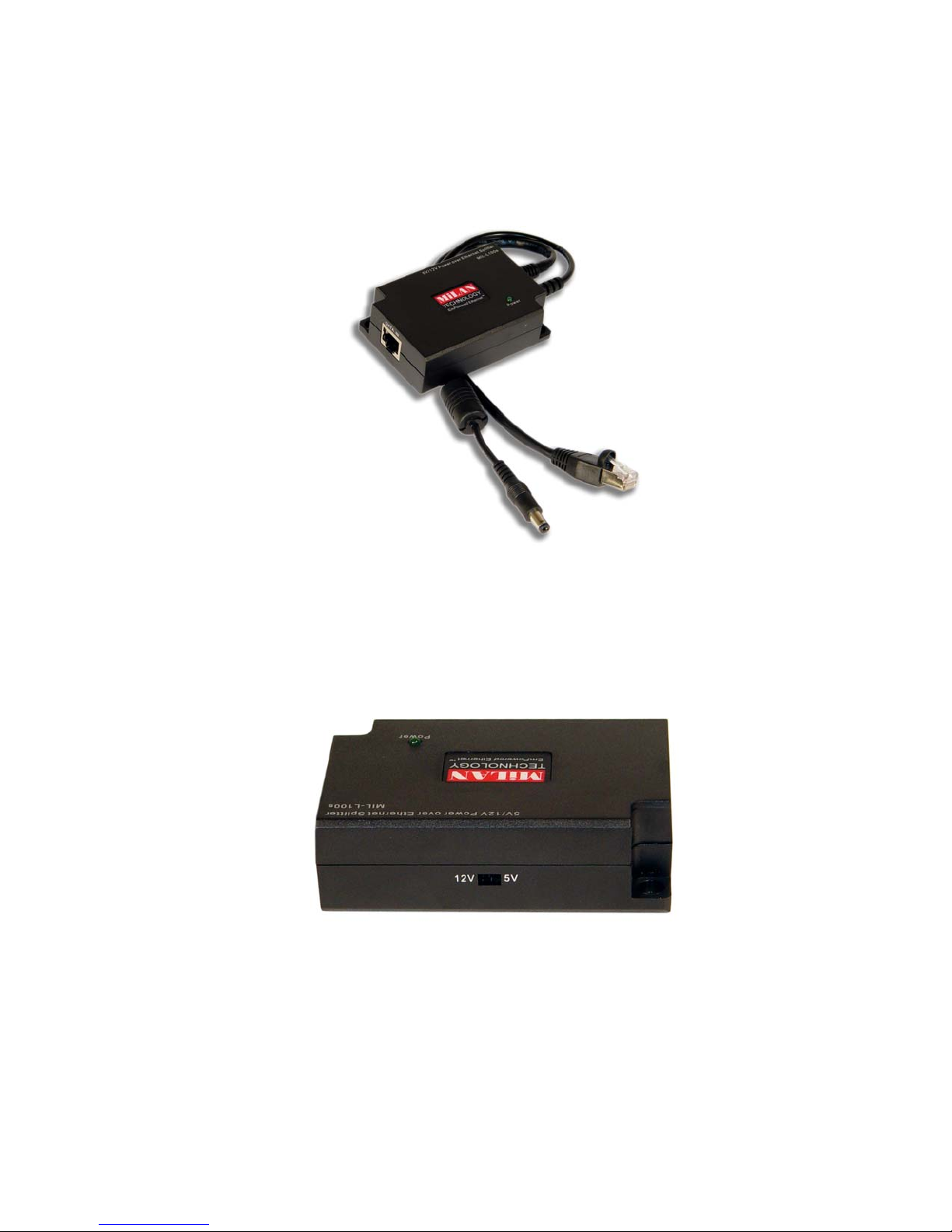
LED indicator: One Power LED indictor for the system unit. It is located
on the topside of the Power over Ethernet Splitter.
Figure 2-3. System Power LED Indicator
DIPswitch: It is used for switching the voltage to PD. It provides two
voltage values – 12V and 5V. The default is 5V. When you change the
DIPswitch, please power off the Power over Ethernet Splitter.
Figure 2-4. Dip Switch
4
Page 8

3. Installation
To install the MIL-L100s Power over Ethernet Splitter, please follow the steps
below:
0. Using RJ-45 cable that is Data in port on the Power over Ethernet Splitter
to connect with the PoE Switch/HUB (which is Data out port). If the
Switch/HUB does not support PoE function, you need to install a PoE
injector between Switch/HUB and Power over Ethernet Splitter.
0. Using RJ-45 cable that is on the Data out port in Power over Ethernet
Splitter to connect with the PD (Such as Router, Access Point…etc.)
0. Plug in the power cable of the Power over Ethernet Splitter to the PD’s
power plug.
0. Adjust the Voltage for PD; switch the DIP setting on the Power over
Ethernet Splitter. It supports two type of voltage – 12V or 5V. The default
value will be set on 5V. When you change voltage by DIP switching to
12V, the Power over Ethernet Splitter must be in powered off status.
0. Before starting, make sure all connections are correct and the voltage is
right.
The Power over Ethernet Splitter connects to the Switch or POE
Hub is in Data in port.
The Power over Ethernet Splitter connect to the PD has two
connections – Data out and Power out.
There two types of voltages – 12V or 5V.
5
Page 9
4. Technical Specification
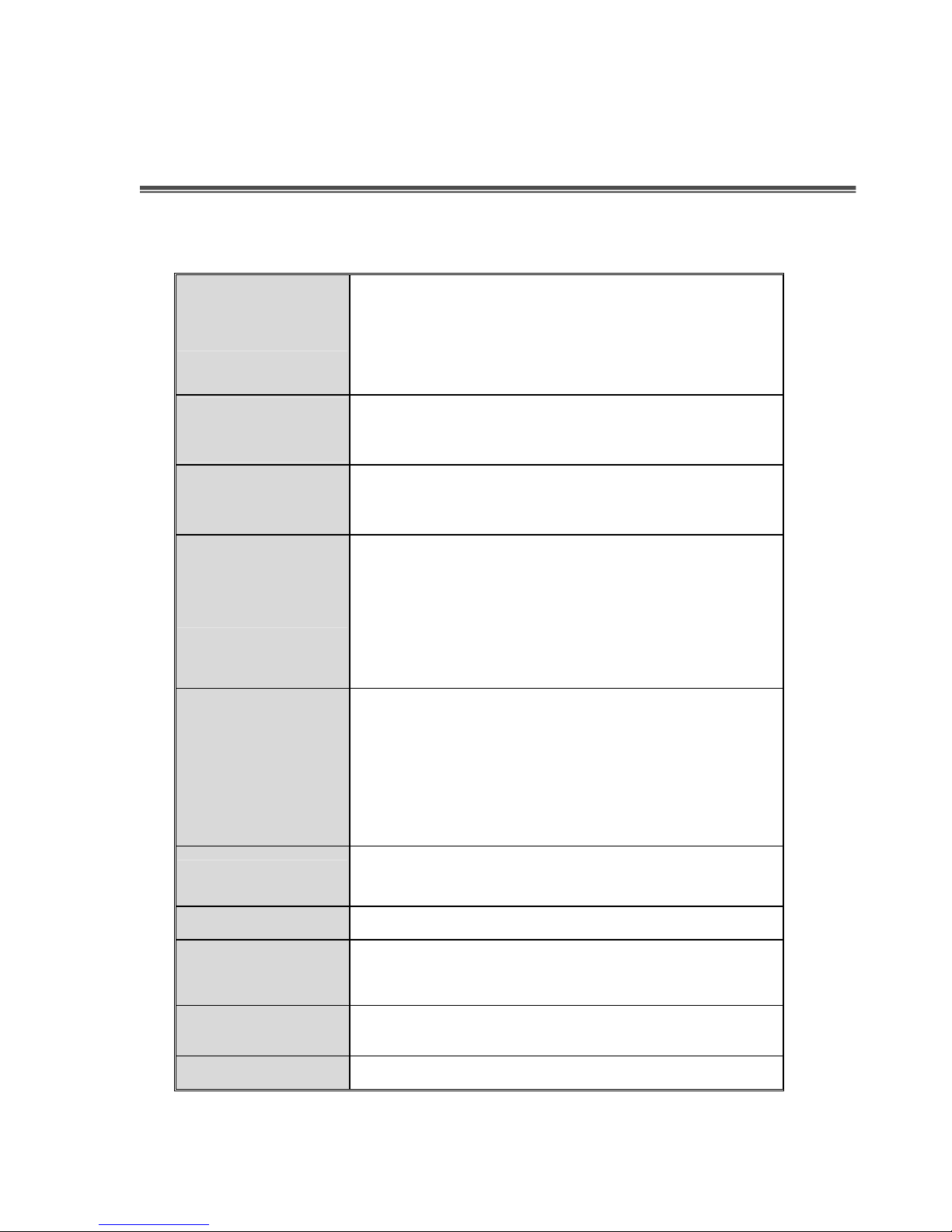
The following table provides the technical specification of the Power over
Ethernet.
IEEE802.3 10BASE-T
Standard
Power jack
diameter
DIP
Connector
Network Cable
IEEE802.3u 100BASE-TX
IEEE802.3af Power over Ethernet
5.5 x 2.0mm
DIP 12V: Output voltage 12V
DIP 5V: Output voltage 5V(Default)
Data and power in: 1 x RJ-45.Data pin 1,2,3,6
Power pin: 4,5(V+), 7,8(V-) and 1,2(V+), 3,6(V-)
Data out: 1 x RJ-45, Data pin 1,2,3,6
Power out: 5V/2A, 12V/1A (Maximum)
10BASE-T: 2-pair UTP/STP Cat.3, 4,5 cable
EIA/TIA-568 100-ohm (100m)
100BASE-TX: 2-pair UTP/STP Cat.5 cable
LED
Power Input
Operating
environment
Dimension
EMI & Safety
EIA/TIA-568 100-ohm (100m)
System: power (green)
DC 48V
0 ℃~ 40 ℃ , 90% Humidity (non-condensing)
80mm x 55mm x 26mm (L x W x H)
FCC Class B, CE, CE/EN60950
6
Page 10

90000431 Rev A
 Loading...