

Page 1
User Manual
Document Title
Version
Finale Date
Status
Document Control ID
Revision: 1.00
1.00
2018-04-08
Released
1
Page 2

Contents
1 Introduction .................................................................................................................................... 3
2 Product Overview .......................................................................................................................... 3
2.1 Appearance .......................................................................................................................... 3
2.2 Buttons Description ............................................................................................................. 3
2.3 LED Description ................................................................................................................. 4
3 Getting Started ............................................................................................................................... 4
3.1 Parts List ............................................................................................................................. 4
3.2 Battery Charging ................................................................................................................. 5
3.3 Charging Dock .................................................................................................................... 5
3.4 Power on/Power off ............................................................................................................. 6
4 Frequency ....................................................................................................................................... 7
WiFi function ..........
5
....................................................................................................................... 7
6 Trouble shooting and Safety info
6.1 Trouble shooting ................................................................................................................. 7
6.2 Safety info .................................................................................
................................................................................................... 7
.......................................... 7
2
Page 3
1 Introduction
PA30 is a rescue device with voice function.It works on LTE B4 / B13 network with superior
receiving sensitivity. Based on the embedded wireless tracking protocol, PA30 can communicate
with the backend server through LTE network, and transfer emergency reports.
2 Product Overview
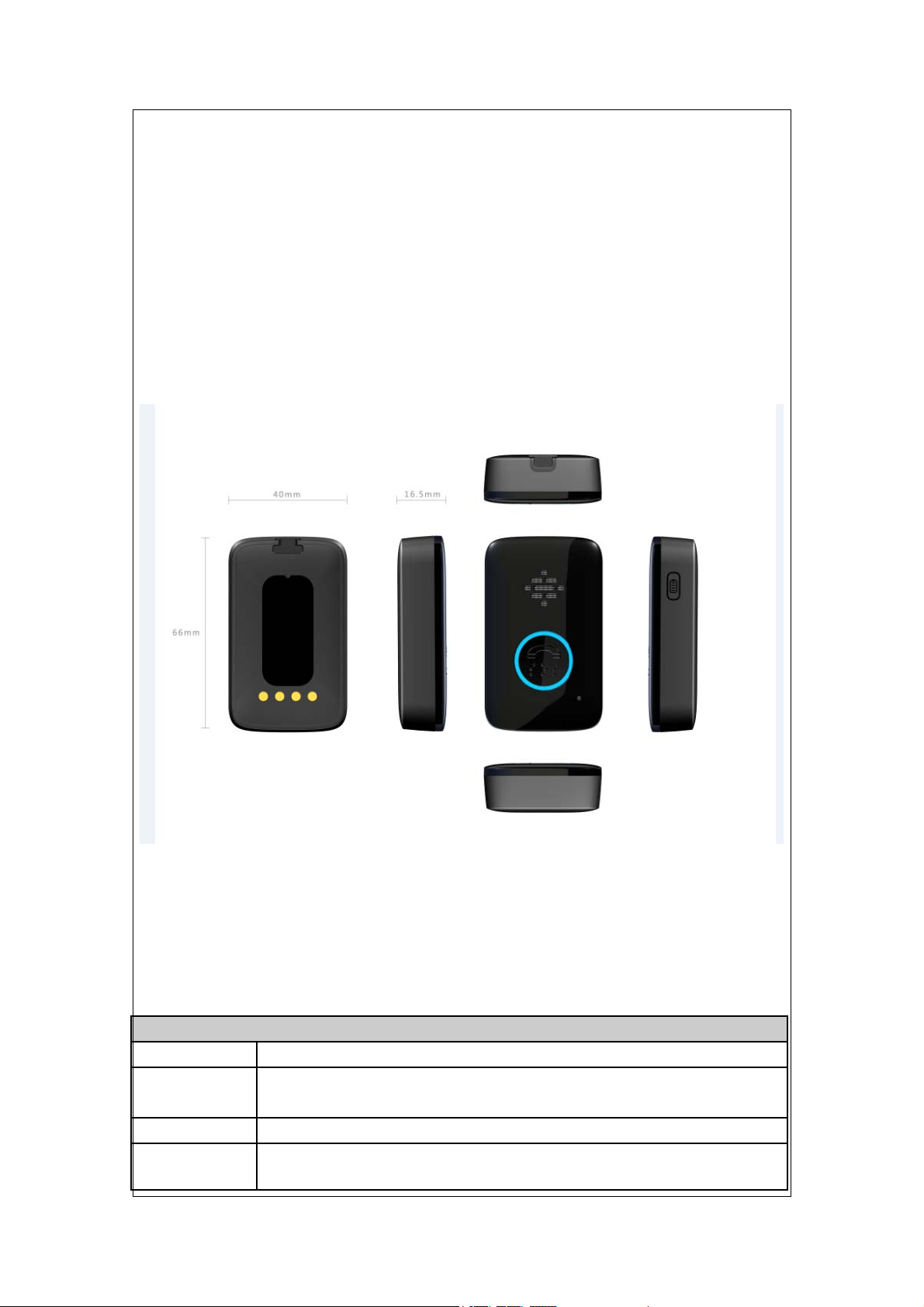
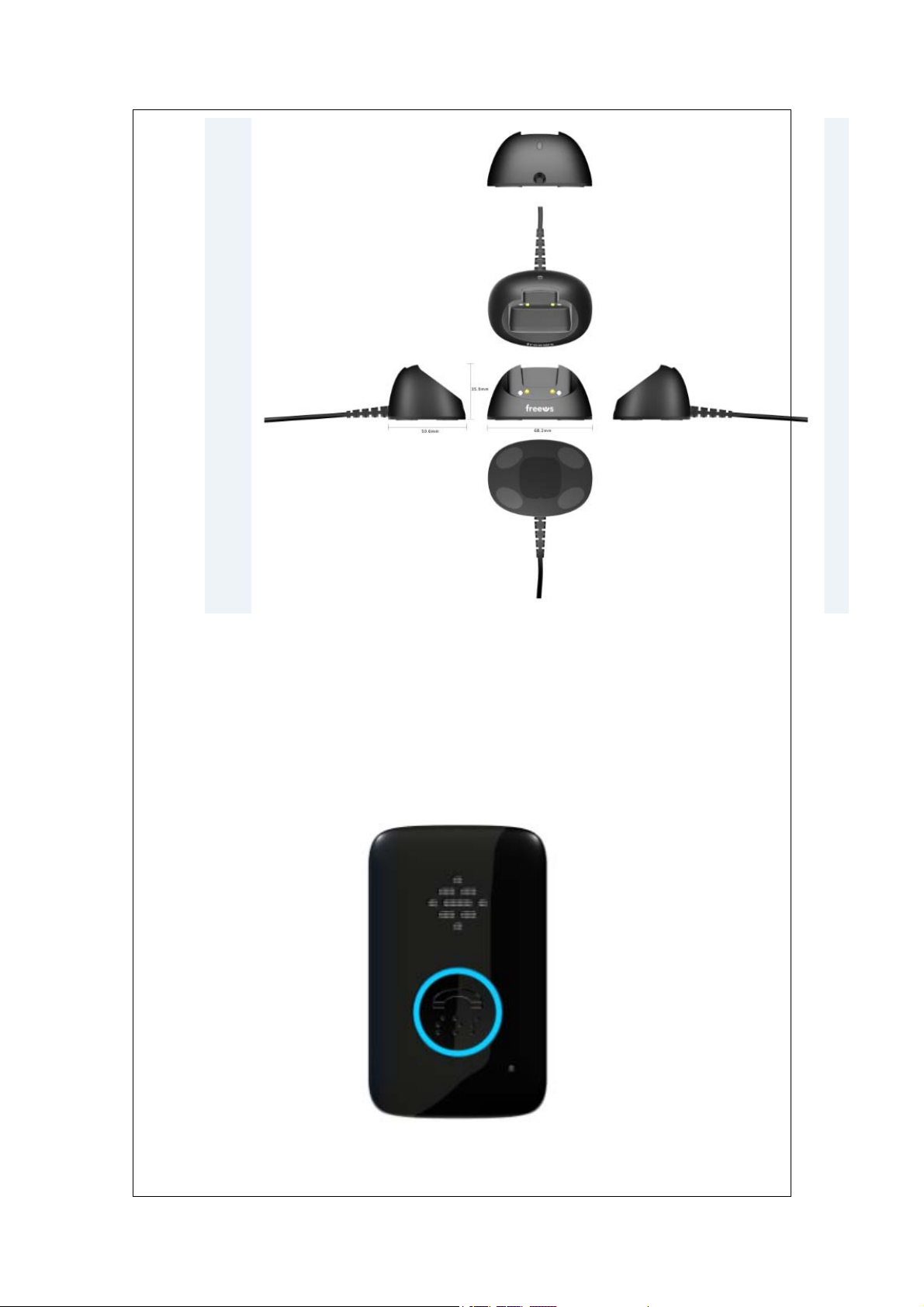
2.1 Appearance
Figure 1-1
2.2 Buttons Description
Button /12PIN Interface Description
KEY/interface Description
Energy query
Key
SOS Key
Reset Key
Query How much energy left.
Press this key to dial a phone number through LTE network
Press this key to shut down the device in abnormal condition
3
Page 4
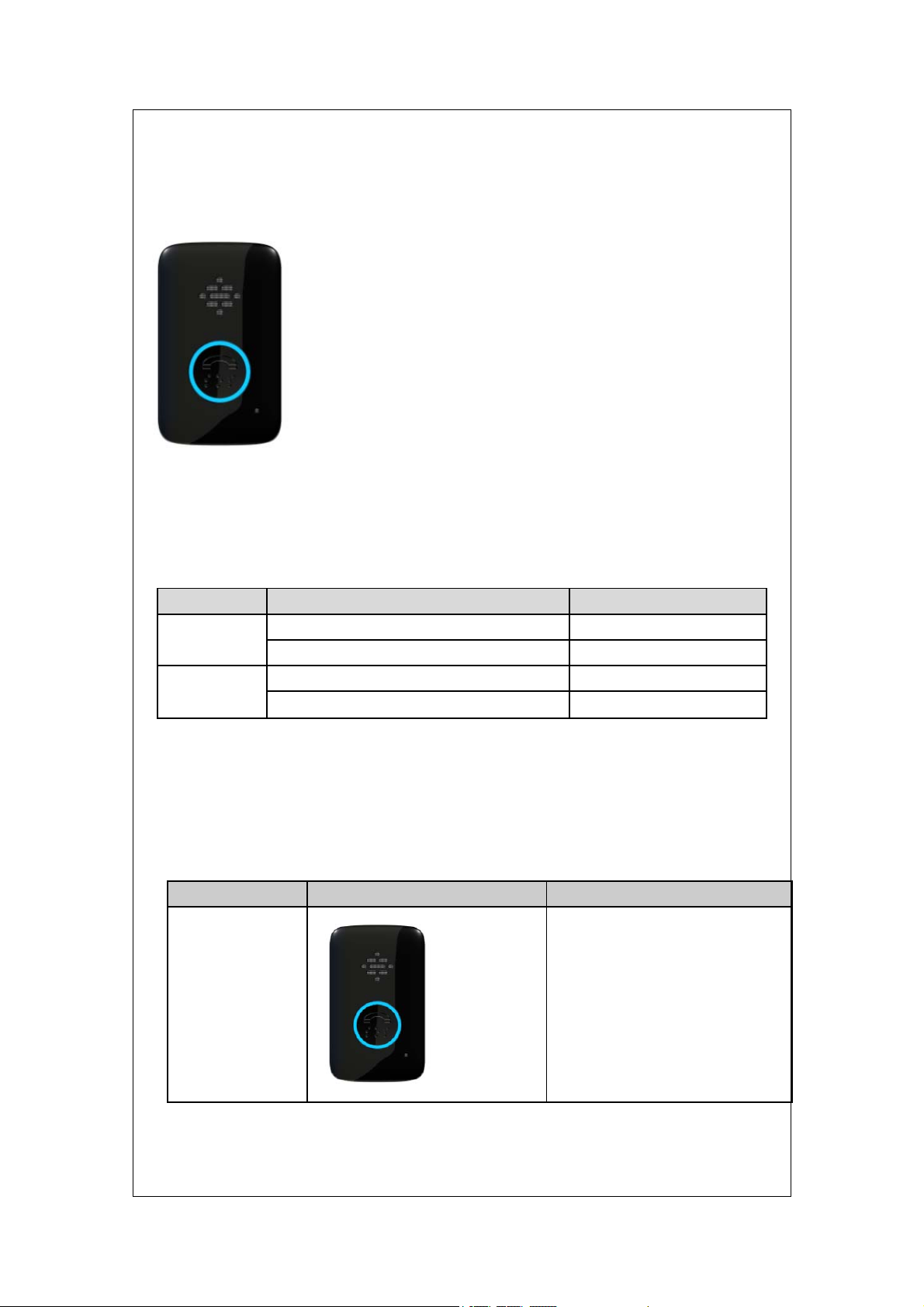
2.3 LED Description
To be added
Figure 1-2
There are 2LED lights in PA30 device, the description as following.
Light Event State
Red LED Power on Steady light
charging Slow flash
Blue LED Power on Steady light
Network indicate Slow flash
3 Getting Started
3.1 Parts List
Name Picture Remark
Rescue device
4
Page 5
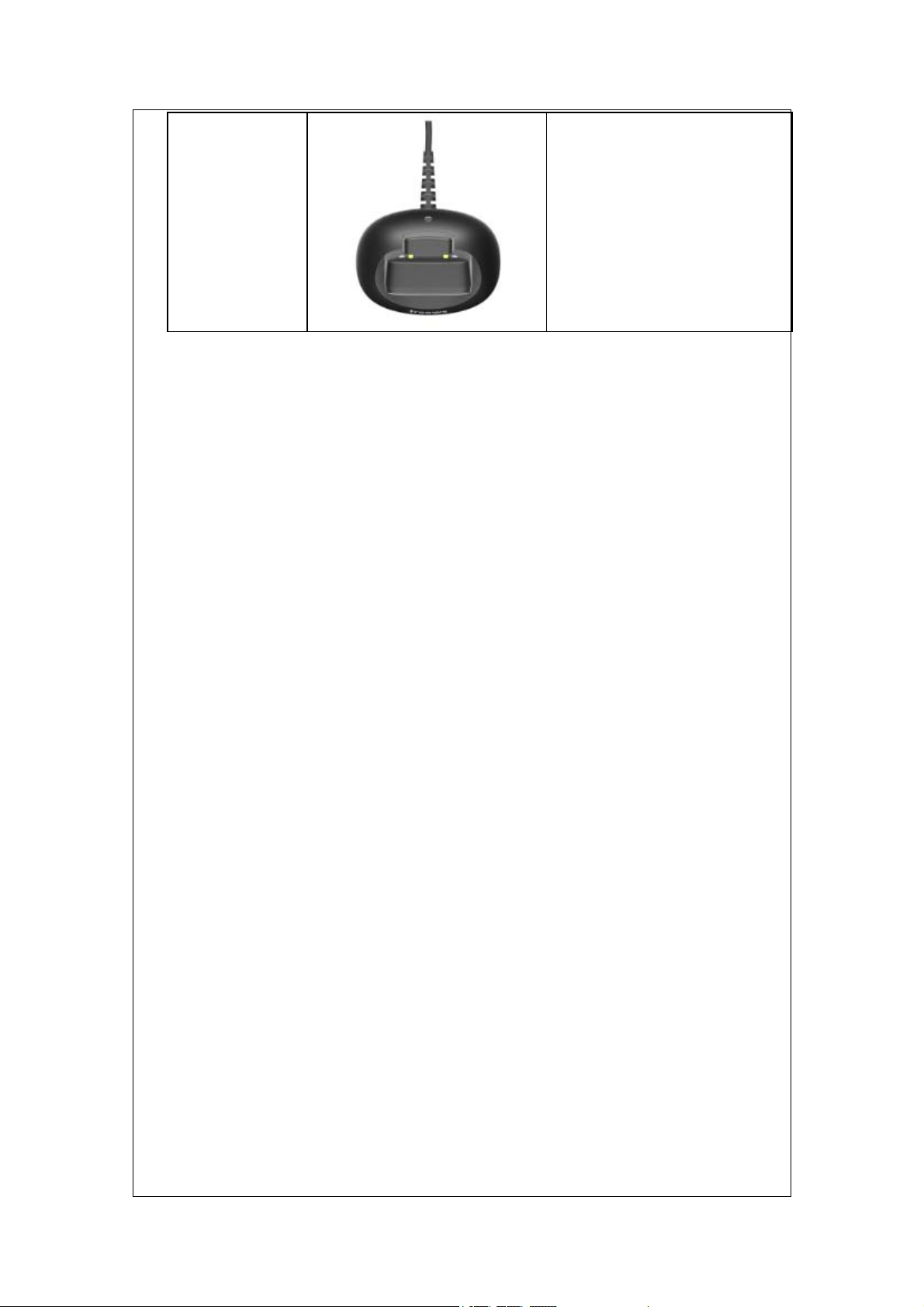
charging Dock charging for the device
3.2 Battery Charging
The following items are suggestion for battery charge, please pay more attention.
The red LED of charging Dock will be steady light no matter rescue device is charging
or not.
Charging will last about 3 hours.
Note: If the Rescue device is firstly used, please make sure the battery is fully charged,
which will make the life of battery much longer.
3.3 Charging Dock
Charging Dock is a base with an AC Adapter.
The charging dock is used for device charging , wh ich can be used for charging at an y
time ( by end user)..
5
Page 6
3.4 Power on/Power off
Figure 2-2
Figure 2-2
6
Page 7
Power on:
Press the SOS key at least 3 seconds and release it to power on rescue device.
Power off:
Rescue device is auto power off and user can’t turn off the machine by itself.
4 Frequency
LTE:Band4、Band13
WIFI:2.4GHz
5 WiFi function
The device is setted to automatically power on Wi-Fi function when
leave the factory and automatic search for nearby wifi hotspots and upload IP address
to backend server .
6 Trouble shooting and Safety info
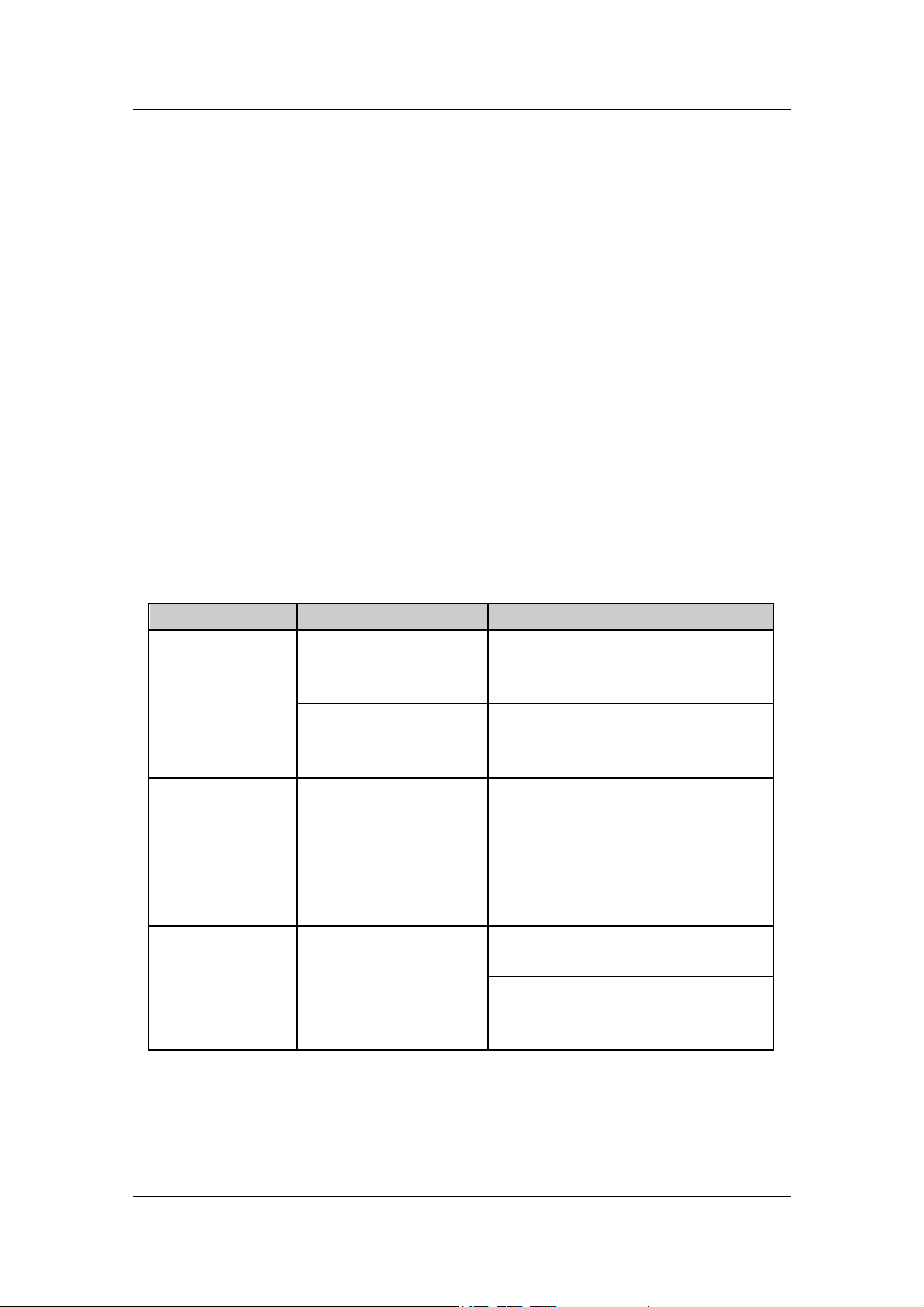
.1 Trouble shooting
6
Trouble Possible Reason Solution
Messages can’t be
reported to the
backend server by
Mobile network.
Unable to power off
ATW.
Battery can not be
charged
ATW can’t fix GPS
successfully.
APN is wrong. Some
APN can not visit the
internet directly.
The IP address or port of
the backend server is
wrong.
The function of power key
was disabled by
AT+GTFKS.
The battery has not been
used for too long time and
has been locked.
The GPS signal is weak. Please move ATW to a place with open
Ask the network operator for the right
APN.
Make sure the IP address for the
backend server is an identified address
in the internet.
Enable the function of power key by
AT+GTFKS.
Using a external power source with 3.6V
to 4.2V DC power supply to active the
battery or apply for after sale help.
sky.
It is better to let the top surface face to
the sky. (The same surface with
indication LED)
6.2 Safety info
The following items are suggestion for safety use, please pay more attention.
Please do not disassemble the device by yourself.
7
Page 8

Please do not put the device on the overheating or too humid place, avoid exposure
to direct sunlight. Too high temperature will damage the device or even cause the
battery explosion.
Please do not use the device on the airplane or near medical equipment.
FCC Caution.
§ 15.19 Labelling requirements.
This device com plies with part 1 5 of th e FCC Rules. Operation is subject to the
condition that this device does not cause harmful interference.
§ 15.21 Information to user.
Any Changes or m odifications not expres sly approved by the party responsible for
compliance could void the user's authority to operate the equipment.
§ 15.105 Information to the user.
Note: This equipment has been tested and found to comply with the limits for a Class
B digital device, pursuant to part 15 of the FCC Rules. These lim its are designed to
provide reasonable protection against harmful interference in a residential installation.
This equipm ent generates uses and can ra diate radio frequency ener gy and, if not
installed and used in accordance with the instructions, may cause harmful interference
to radio communications. However , there is no guaran tee that in terference will n ot
occur in a particular insta llation. If this equipm ent does cause harmful interference to
radio or television reception, which can be determined by turning the equipm ent off
and on, the user is encouraged to try to correct th e interference by one or m ore of the
following measures:
-Reorient or relocate the receiving antenna.
-Increase the separation between the equipment and receiver.
-Connect th e equipm ent into an outlet on a cir cuit dif ferent f rom that to which the
receiver is connected.
-Consult the dealer or an experienced radio/TV technician for help.
RF Exposure Information (SAR) :
The SAR limit of USA (FCC)is 1.6W/Kg averaged over one gram of tissue. Product,
model number:PA30(FCC ID:ZKQ-4G911,IC:8414B-4G911) has also been tested
ag
ainst this SAR limit. The h
product certification for use at the head
the body is 1.33 W/Kg The d
ighest SAR value reported under this standard during
is 1.
evice was test for typical
W/Kg and when properly worn on
42
body-worn operations with the
back of headset kept 5mm from the body.To maintain compliance with FCC RF
exposure requirements, use a
between the u
ser body and the back of the
ccessories that maintain a 5mm separation distance
headset.
8
Page 9

ISED RSS Warning:
This device complies with Innovation, Science and Economic Development
Canada licence-exempt RSS standard(s). Operation is subject to the following two
conditions: (1) this device may not cause interference, and (2) this device must
accept any interference, including interference that may cause undesired operation of
the device.
Le présent appareil est conforme aux CNR d'ISED applicables aux appareils radio
exempts de licence. L'exploitation est autorisée aux deux conditions suivantes:
(1) l'appareil ne doit pas produire de brouillage, et
(2) l'utilisateur de l'appareil doit accepter tout brouillage radioélectrique subi,
même si le brouillage est susceptible d'en compromettre le fonctionnement.
9
 Loading...