

Page 1
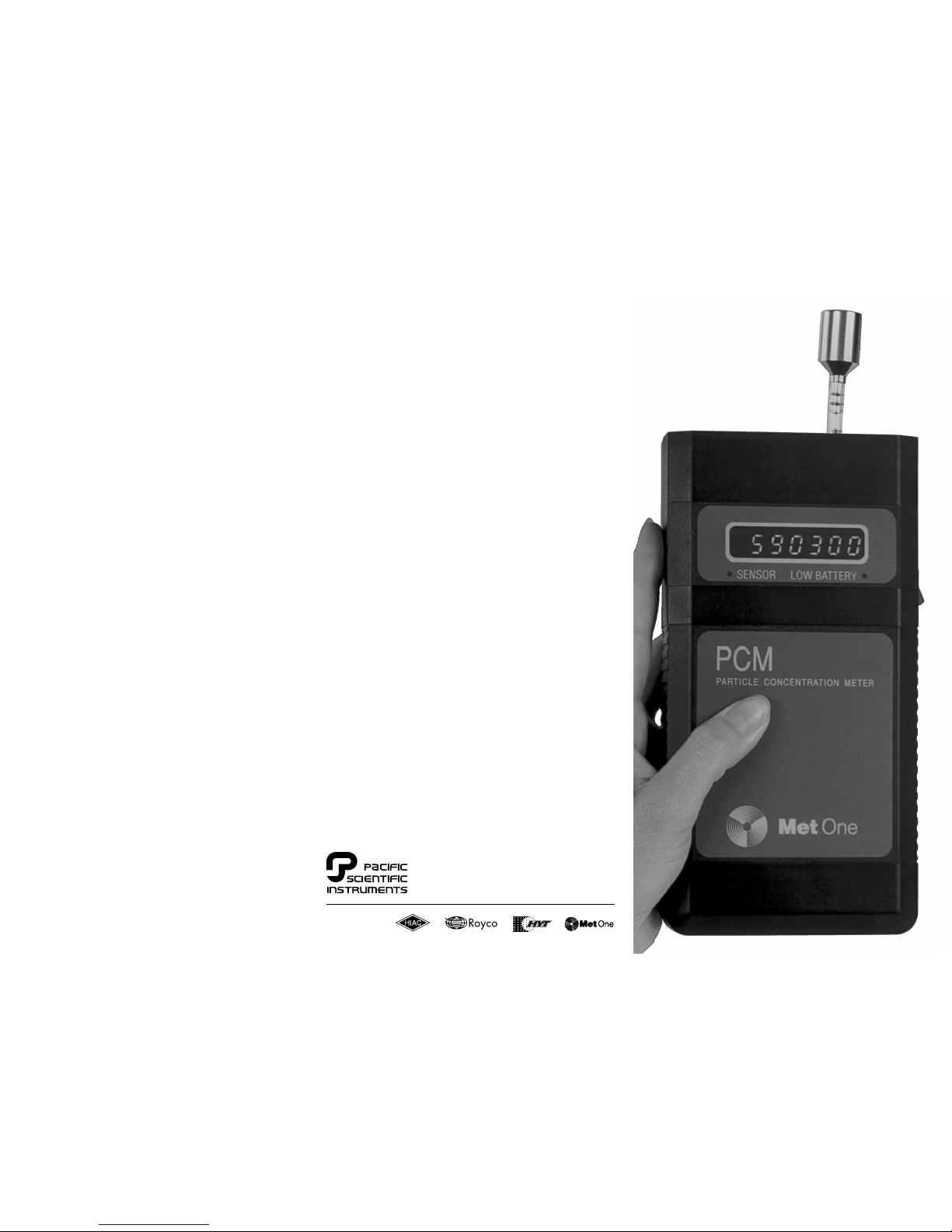
Operating
Guide
Model 228/229
Specifications:
Size Channels
228A/229A 0.5 micron and larger
228B/229B 0.3 micron and larger
Coincidence Loss less than 5% at 2,000,000 particles
per cubic foot
Light Source laser diode (30,000 hours mean
time before failure)
Display seven-digit LED
Sample Time
228 6 seconds, updated every 6
seconds
229 1 minute
Dimensions 3.9"W x 7.7"H x 1.6"D
(10 x 19.7 x 4.1cm)
Weight 1.43lbs. (0.65kg)
Power 100, 115 or 230 VAC charger
Battery 6 VDC rechargable NiMH, 6 hour
fast
charge or 16 hour trickle charge
Operating Time 8 hours continuous
Operating
Environment 55-84°F (12-29°C) 20-90% relative
humidity, non-condensing
Storage -40-160°F (-40-70°C) 98% relative
humidity, non-condensing
Ordering Guide
When ordering specify:
Model 228 or 229
Minimum particle size 0.3 micron or 0.5 micron
Display particles per cubic foot or per liter
Power 110VAC or 220VAC
Spare parts Isokinetic probe part #
2080613
Purge filter
part # 2080442
AC adapter
part# 770007
Manual part # 701149, rev. B 6/99
PACIFIC SCIENTIFIC INSTRUMENTS
Toll Free 800 866-7889
(USA and Canada)
www.pacsciinst.com
PACIFIC SCIENTIFIC INSTRUMENTS USA
481 California Avenue
Grants Pass, Oregon 97526
United States
Tel 541 479-1248
Fax 541 479-3057
PACIFIC SCIENTIFIC SARL
100 rue Blaise Pascal
93605 Aulnay-sous-bois Cedex
France
Tel (1) 58 03 05 00
Fax (1) 48 66 46 66
PACIFIC SCIENTIFIC LTD
11 Manor Courtyard
Hughenden Avenue
High Wycombe
Bucks HP 13 5RE
England, UK
Tel (01494) 473232
Fax (01494) 472566
PACIFIC SCIENTIFIC GMBH
Ostwall 30
Lüdinghausen D-59348
Germany
Tel (0) 2591 3091
Fax (0) 2591 5014
Page 2
How to Use the Counter
The Models 228 and 229 are designed for easy and
fast operation. We recommend that you experiment
with your counter until you get a feel for how it performs in different environments and conditions. It is
normal for counts to vary, sometimes greatly, from day
to day depending on changes in ambient air conditions. Keep in mind that you should be looking for
changing trends in particle count levels over time rather
than changes from one sample to the next.
Model 228 for Monitoring Particle Concentration,
The 228 takes a six second sample (one tenth of a
minute) and then displays particles per cubic foot (or
per cubic liter). When you turn the unit on, the display
shows a count-down from 6 down to 1, and then displays particles per cubic foot. This figure is then updated every six seconds until the unit is turned off.
Model 229 for Monitoring Total Counts,
The Model 229 displays the number of counts in one
tenth of a cubic foot of air. It starts counting when the
power is turned on, and the display is updated continuously as particles are detected. The counter will
run for one minute then hold the displayed count until
the unit is turned off. This count represents the number of particles in one tenth of a cubic foot of air. (0.1cfm
x 1 min.)
Isokinetic Probe
The Isokinetic probe must always be installed when
a sample is being taken. The probe is designed to
provide a representative sample volume based on
the probe diameter and the 0.1cfm flow rate of the
counter.
If the probe becomes contaminated it can be removed,
flushed with isopropyl alcohol, air dried, and reinstalled.
Both models include a purge filter, which installs in place
of the isoprobe. Particles left in the counter from earlier
samples in a high concentration environment may affect
subsequent counts.
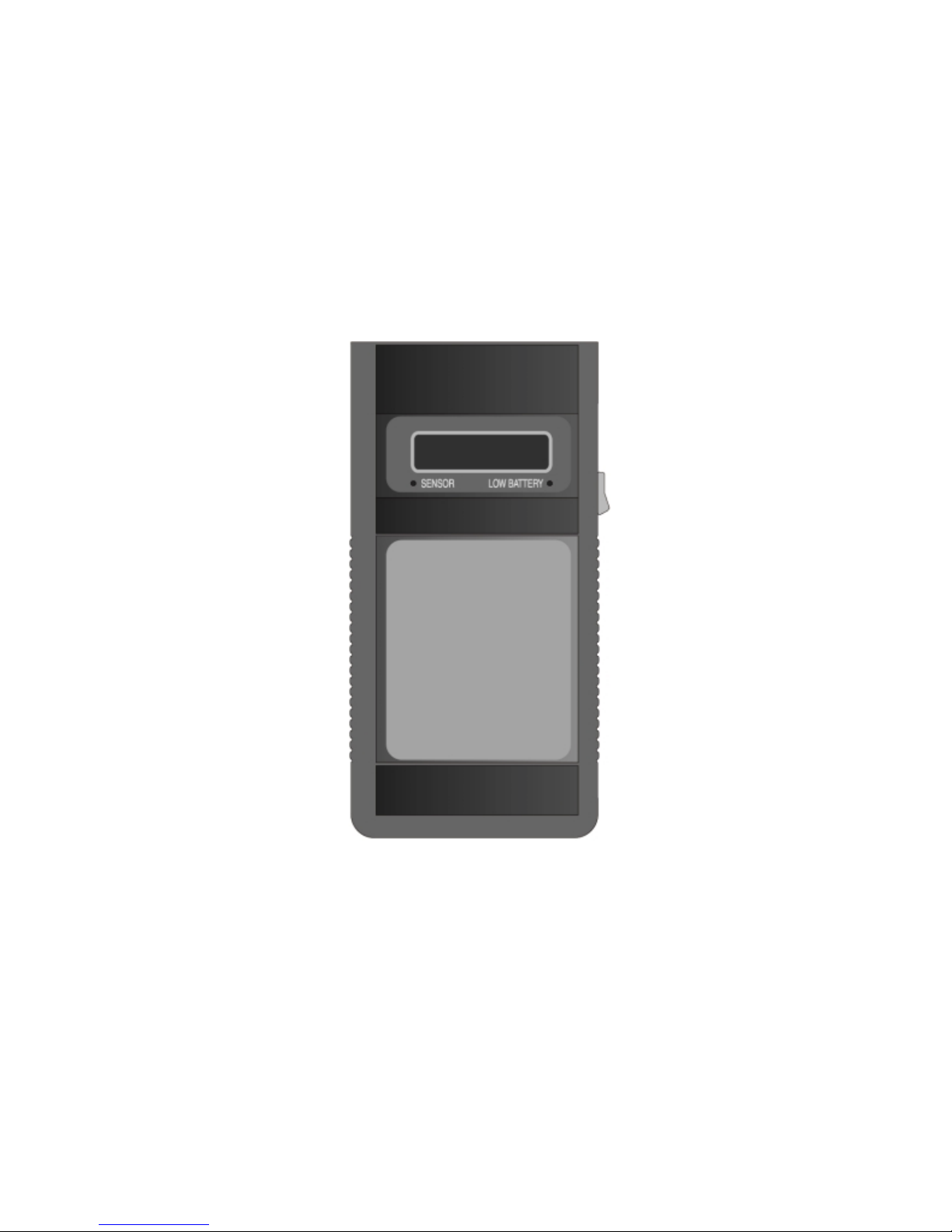
Sensor Light
The sensor light indicates the condition of the sensor. In
normal operation, the light should be off. If the sensor
becomes contaminated or the laser diode of the sensor
should fail the sensor light will come on.
Contamination:
When the counter is used in high concentration or uncontrolled environments, it is possible for the sensor to become contaminated. If this occurs, replace the isokinetic
probe with the purge filter. Run the counter until the display reads 0 counts. This usually clears the contamination, and the sensor light will go out.
If the sensor light does not go out and or the counter does
not display 0 counts with the purge filter installed, contact the Technical Support Group at one of the offices
listed on the other side of this manual.
Laser Diode Failure:
If the above procedure does not clear the sensor light or
the counter counts 0 particles with the isokinetic probe
in place, the laser diode may have failed. Contact Technical Support.
Battery Light
The "LOW BATTERY" light will come on when the battery
level is not sufficient to maintain the proper flowrate. Once
a month, or if there seems to be insufficient run-time on a
fully-charged battery, run the counter continuously until
the batteries are completely depleted, then fully recharge
overnight.
General Operating Instructions
1) Remove the protective red cap from the sensor inlet tube;
connect the isoprobe.
2) Turn power on. After six seconds, the model 228 will begin displaying particle concentration. This display will
update every six seconds. After power on, the model 229
will start a 1-minute totalized count. This count will be
held until power is turned off.
3) If the LOW BATTERY light comes on, recharge the battery.
a. Fast Charge:
turn power off, connect the AC adapter, then turn power
on. The light will blink, indicating the battery is charging, then go out when the battery is fully charged. The
battery will completely recharge after 6 hours.
b. Slow Charge:
turn power off, connect the AC adapter. Battery will recharge in 16 hours (light will not be on during recharging).
 Loading...