

Page 1
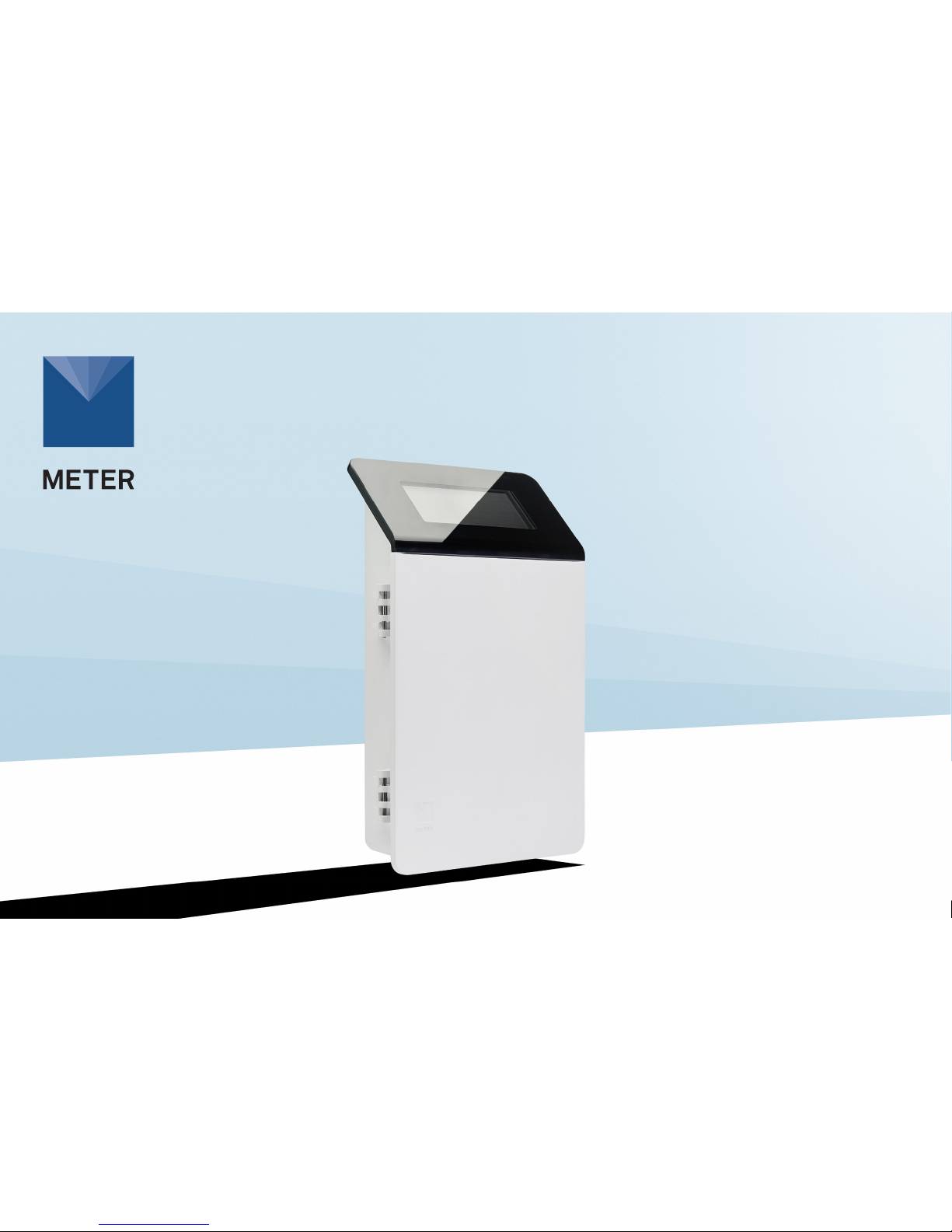
ZL6
DATA LOGGER
Page 2
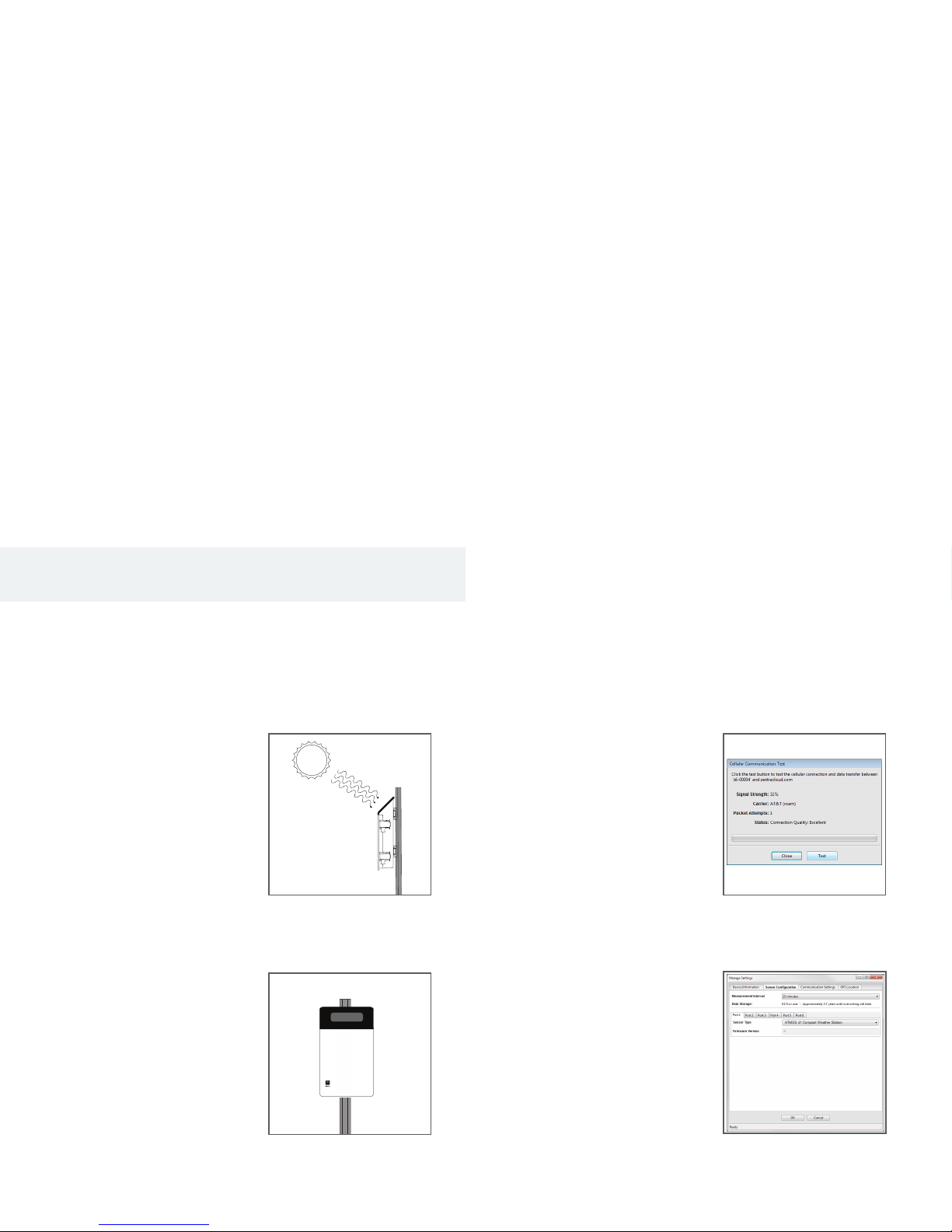
3. Fasten Logger to
Mounting Post
Use the included zip ties to attach
the ZL6 to a mounting post.
Ensure the logger is installed in
an upright position to reduce the
possibility of water entering the
ZL6 enclosure.
1. Select Location
Choose a location and orientation
to give the solar panel the
maximum amount of sunlight.
Consider vegetation cover
throughout the season, distance
from power lines, livestock,
metallic objects, etc.
2. Check Cellular Signal
In ZENTRA Utility, click Cellular
Test to check the quality of the
cellularsignal at the chosen
location.
If the test fails, move to an
alternative location (sometimes
moving only a few meters is
sufcient).
Installation
ZL6 QUICK START
Preparation
Inspect and verify ZL6 components are intact. Installation will
require a mounting post.
Install the enclosed NiMH batteries and press the TEST button. The
status lights will eventually settle to a short, single blink every 5 s,
signaling it is ready for use.
Install ZENTRA Utility on the eld computer and test connectivity.
Read the full ZL6 User Manual at metergroup.com/zl6-support. All
products have a 30-day satisfaction guarantee.
The ZL6 case is water resistant, not waterproof. In extremely wet
environments or environments with prolonged high humidity, enclose
a desiccant packet inside the logger or enclose the logger in a
waterproof case.
Data Access with ZENTRA Cloud
ZENTRA Cloud is a cloud-based web application to download, view,
and share ZL6 data as well as change logger congurations. Visit
zentracloud.com to access all ZL6 data online. A free trial of ZENTRA
Cloud is available for new users.
4. Install Sensors
Install sensors according to the
user manuals. Plug the sensor
connectors into the ZL6 sensor
ports. Secure cables to mounting
post with some cable slack.
Congure measurement
interval and sensor settings
using ZENTRA Utility software.
Review sensor instantaneous
measurements to verify installed
sensors are working correctly.
Conguration
METER recommends testing the sensor conguration and ZL6
logger communications prior to eld installation. Review sensor
instantaneous measurements to verify sensors are working correctly.
Using a Smartphone
To install ZENTRA Utility Mobile, download from the app store.
On the ZL6, push the TEST button to activate the Bluetooth® module.
On the smartphone, select the device in Devices Found.
Using a Computer
Use the included USB drive or the ZENTRA Utility Installer link
on the ZL6 webpage (metergroup.com/zl6-support) to download
ZENTRAUtility.
Connect the micro-USB cable to computer and logger.
Open the ZENTRA Utility application, select the appropriate COM
port, and select Connect.
After the instantaneous measurements appear on the ZENTRA Utility
main screen, click Settings.
Set the measurement interval and assign each sensor to its
respective sensor port. Click OK.
For answers to common questions, visit metergroup.com/
environment/faqs/?faq_category=9290
18257-01
12.7.2018
Page 3

SUPPORT
Have a question or problem? Our support team can help.
We manufacture, test, calibrate, and repair every instrument in house. Our scientists
and technicians use the instruments every day in our product testing lab. No matter
what your question is, we have someone who can help you answer it.
Email: [email protected] Phone: +1.509.332.5600
 Loading...