

Page 1

MS03B Bluetooth Earphone User Manual
----20170518 Version
Basic Specifications
■ Size: φ 11.6 mm × 24.5 mm
■ Length: Short part :110mm, Long part:450mm
■ Weight: 13g (Bare metal )
■ Charging port: Micro USB
■ Keys: 3 (MFB key, volume up + on a composite key , volume down + under a
composite key )
■ earplugs: S, M, L 3 Size
■ Battery: Rechargeable lithium polymer battery 3.7V; 45mAh*2
■ Charging Current: DC 5V/90mA
■ Charger Output: 5V/0.5 ~ 1.0A
■ Charge Indicator: Red LED bright (Charging) / Blue LED bright (Charging
completed)
■ Standby time: 160 hours or more
■ Continuous talk time: 5.5 hours or more
■ Continuous music time: 6 hours or more
■ Charging time: about 1.5hours
■ Volume control / Changes in the amount of every segment can : order 16 / every
segment can amount 1.5dB Changes
■ working battery status LED indicates : battery voltage is below 3.3V ( battery
capacity is less than about 15% ) when the red LED flashes , and a beep , lower than
3.1V ( battery level less than about 5% ) automatic shutdown
■ Operating temperature: Charging 0 ~ 40 ℃, charging than -20 ~ 60 ℃.
■ Storage temperature : -40 ~ 80 ℃.
Speaker and MIC parameters
■ Speaker Specifications / mode : Φ6.0mm, Dynamic
■ Distortion : 1 % or less
■ Maximum input power : 90mW
■ Impedance : 16Ω/typ
■ Frequency (Hz): 20Hz ~ 20KHz
■ MIC Sensitivity : -42 ± 3dB
Bluetooth parameters
■ Bluetooth version: V4.0
■ Solution: CSR8645
■ Support Profile: HSP, HFP, A2DP, AVRCP,APT-X
■ The remote control of the player: MFB ( play / pause / stop ) ; volume down +
previous / next track volume + plus
■ Device Name: MS03B
Page 2
■ Pass: 0000
■ RF transmitter: class II (-6dBm ~ +4 dBm)
■ Receive sensitivity:-92dBm
■ Transmission Range (Hz): 2.40GHz ~ 2.48GHz
■ Communication distance: 10m
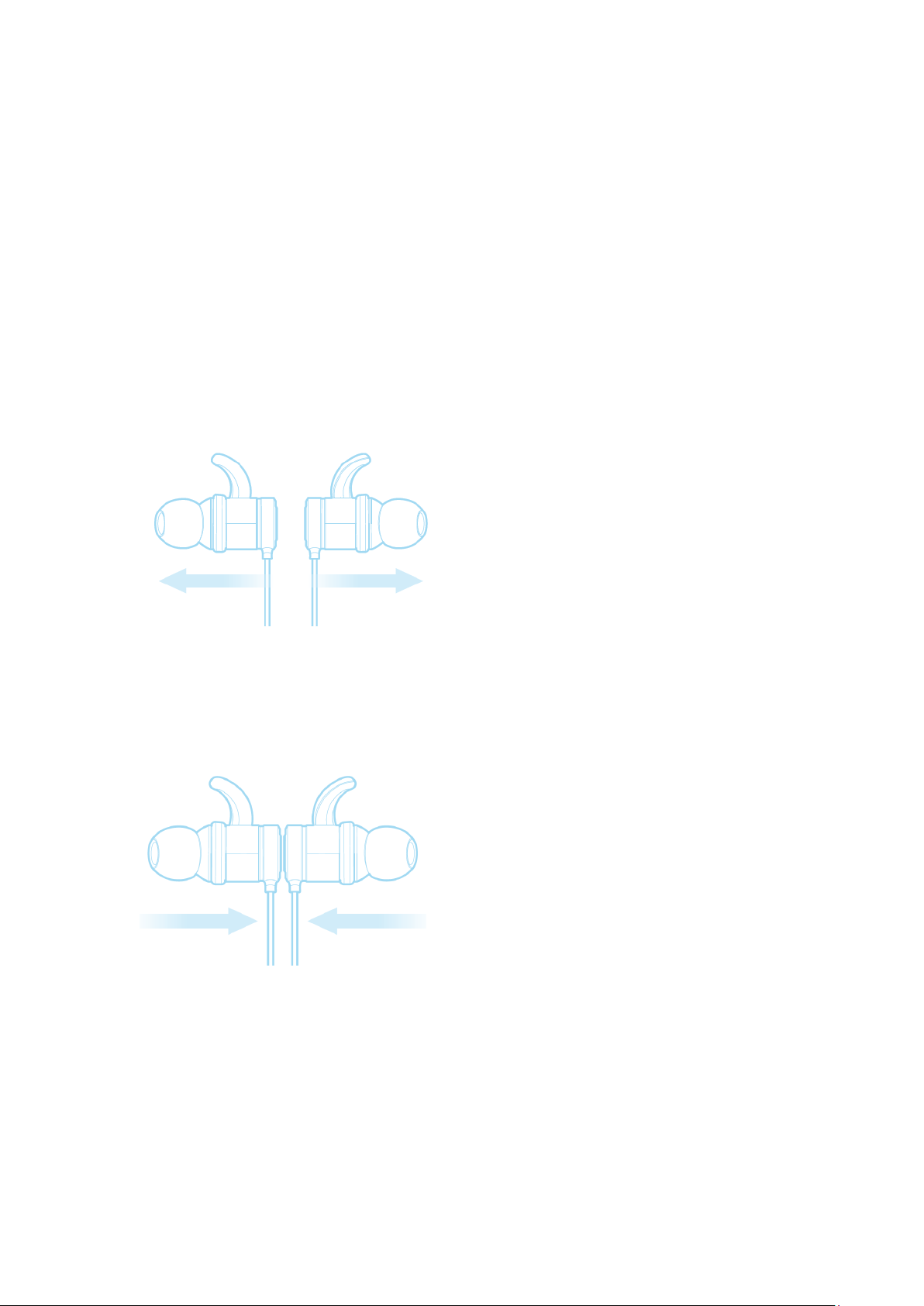
Operating Instructions (Hall switch inside)
Power On
When the earphone is off, pull open the earphone , the LED indicator will flash slowly in
blue once time. You will hear the word “Power on” from the speaker of the earphone. The
earphone will be paired with the last connected bluetooth device or mobile phone
automatically when turned on.
Power Off
When the earphone is on, closed to the earphone, the LED indicator will flash slowly in red
once time. You will hear the word “power off” from the speaker of the earphone The
earphone will disconnect from your phone devices when turned off.
Page 3

Pairing Mode
Enter in pairing mode automatically 2 seconds after power on, the LED indicator flashes
red and blue in alternating colors. You will hear the word “Pairing” from the speaker of the
earphone.
Note: Earphone will connect with the last paired device. If you want to pair the earphone
with a new phone device, please power off the earphone and enter into pairing mode.
Easy Connect Function
If the earphone doesn’t connect with any phone when it’s on, you will need to enter the
earphone into pairing mode by pressing volume- and volume+ concurrently.
Answering Calls
If a call comes in when listening to music or earphone is standing by, press the MFB to
answer the incoming call. If the music is playing, it will pause automatically during the call.
After finishing your call, the music will start playing automatically.
Reject Calls
If a call comes in when listening to music or earphone is standing by, press and hold the
MFB for 2 seconds to reject the incoming call. You will hear the words “Call Rejected” from
the speaker.
End Calls
Press the MFB to terminate when you finished your call, you will hear the words “Call
Terminated”.
Volume
To adjust the volume when talking on the phone, press the volume+ or volume- to make
volume go up or down. When you reach the max/min volume, you will hear a warning
tone.
Last Number Redial
When listening to music or earphone is standing by, double click the MFB to redial the last
number. You will hear the words “Last Number Redial” from the speaker of the earphone.
If you are listening to music, it will pause automatically during the call.
Mute
When talking on the phone, press and hold volume+ or volume- for 2 seconds to mute
your microphone. You will hear the caller, but the caller will not to hear you.
Note: There will be a warning tone every 3 seconds, reminding you that you are in mute
mode.
Quit Mute
Hold volume+ or volume- for 2 seconds to exit mute mode.
Page 4

Switching Between Your Mobile Phone and earphone
When talking on the phone, double-click the MFB to switch the voice from your earphone
to your mobile phone. By double clicking the MFB again, the voice will switch back to the
earphone. You will hear the words “Transfer Audio” from the speaker of the earphone.
Reconnect
When the earphone is disconnected from your mobile phone, you will hear the words
“Disconnected”. If you press the MFB, it will reconnect. You will hear the words
“ Connected” from the speaker of the earphone.
Note: Some devices may have a prompt screen, that will ask you if you would like to pair
your device.
Voice-Command Dial
If your mobile phones supports this function, press and hold Vol+ or Vol- for 2 seconds to
activate voice command. You will hear “voice dial” from the speaker of the earphone. By
re-pressing and re-holding Vol+ or Vol- for 2 seconds during the voice dial mode, voice
dial will be canceled.
Note: Please refer to the manual of your mobile phone for voice-command dial support.
Pause and Restart Music
When listening to music, click MFB to pause music and click MFB again to restart music.
Play Previous Song
Press volume- for 2 seconds to play previous song.
Play Next Song
Press volume+ for 2 seconds to play next song.
Connect with 2 Mobile Phones
A. First disconnect the Bluetooth device from your phone if it is already connected.
B. Press volume+ and volume- concurrently to put the earphone in pairing mode.
C. Turn on and search Bluetooth device on your second phone until your find“MS03B”
and select to begin pairing.
D. Please pair again with your first mobile phone device.
E. Now you should have two mobile phones connected with the earphone.
Transfer Calls
When you’re talking on the phone and receive another incoming call, press the MFB for 2
seconds to reject the incoming call. If you click V+ and V- concurrently, you will receive the
incoming call. Your first call will be placed on hold. When you click V+ and Vconcurrently again, you will switch back to your first call. You should hear a beep. During
this time your second call will be placed on hold. You can also end the call by clicking the
MFB.
Note: This operation requires that your mobile phone supports the call waiting feature.
Page 5
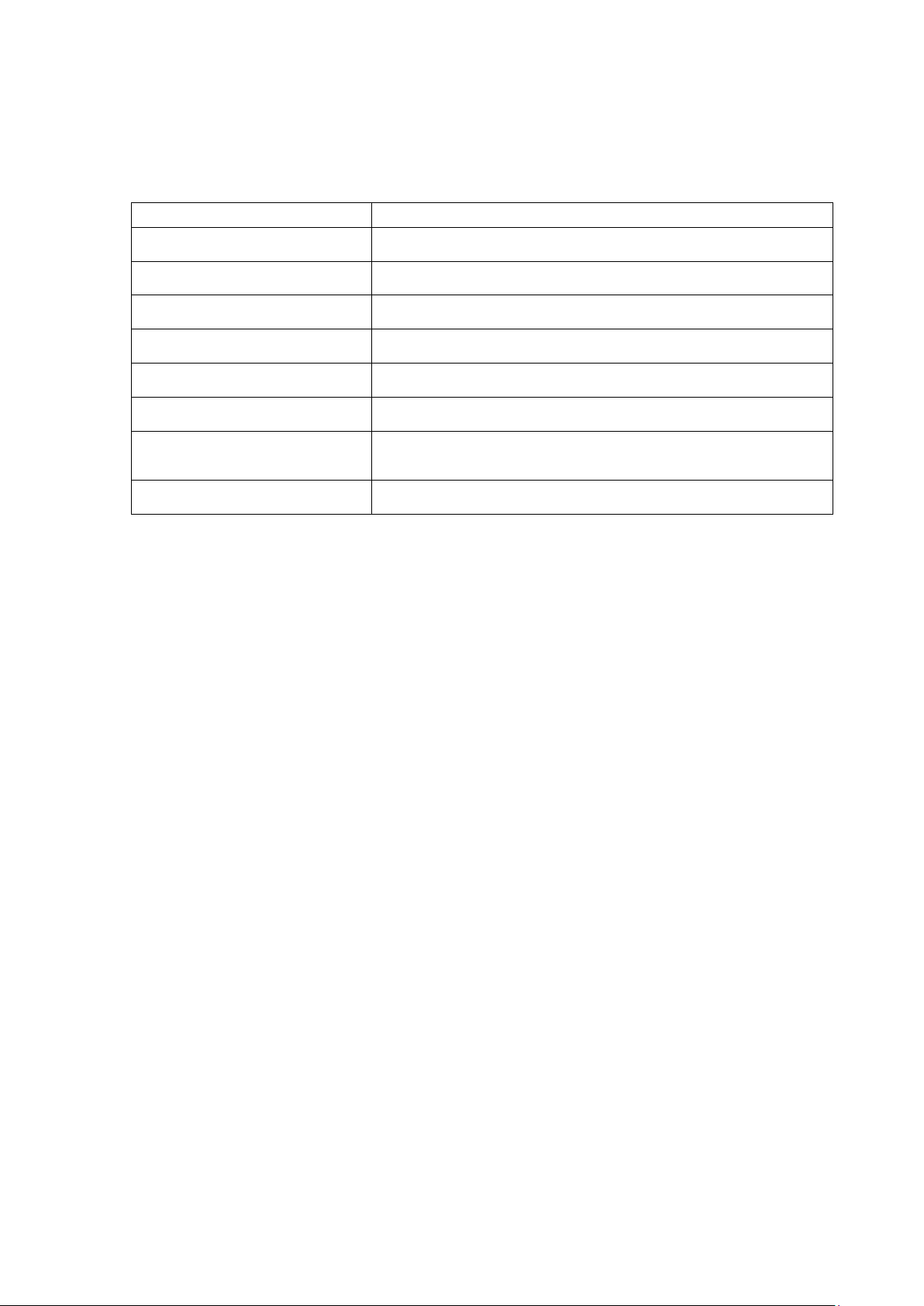
Charging
Red LED Light
Charging Complete
Blue LED Light
Power On (Connected)
Blue LED light flashes once every 3 seconds
Power On (Talking)
Blue LED light flashes once every 3 seconds
Power On (Incoming Call)
Blue LED light flashes continuously
Music Playing
Blue LED light flashes twice every 4 seconds
Power On (Not Connected)
Blue LED light flashes once every 5 seconds
Battery Low
Red LED light flashes once every 1min with the words
“Battery Low”
Pairing Mode
LED light flashes in red and blue alternately
LED Indicator Status
Notes:
1) It will turn off automatically after 5 minutes if without any connection with mobile
phone when it turns on.
2) Pairing time: 3 minutes. It will quit the pairing mode automatically after 3 minutes if
without any connection with mobile phone when it is in the state of pairing.
3)In addition, it can show the battery state on Apple devices.
Page 6

NOTE: This equipment has been tested and found to comply with the limits for a
Class B digital device, pursuant to part 15 of the FCC Rules. These limits are
designed to provide reasonable protection against harmful interference in a
residential installation. This equipment generates uses and can radiate radio
frequency energy and, if not installed and used in accordance with the instructions,
may cause harmful interference to radio communications. However, there is no
guarantee that interference will not occur in a particular installation. If this
equipment does cause harmful interference to radio or television reception, which
can be determined by turning the equipment off and on, the user is encouraged to
try to correct the interference by one or more of the following measures:
- Reorient or relocate the receiving antenna.
- Increase the separation between the equipment and receiver.
-Connect the equipment into an outlet on a circuit different from that to which the
receiver is connected.
-Consult the dealer or an experienced radio/TV technician for help
Changes or modifications not expressly approved by the party responsible for compliance
could void the user's authority to operate the equipment. This device complies with Part
15 of the FCC Rules. Operation is subject to the following two conditions:
(1) this device may not cause harmful interference, and
(2) this device must accept any interference received, including interference that may
cause undesired operation.
 Loading...