

Page 1
1 / 5
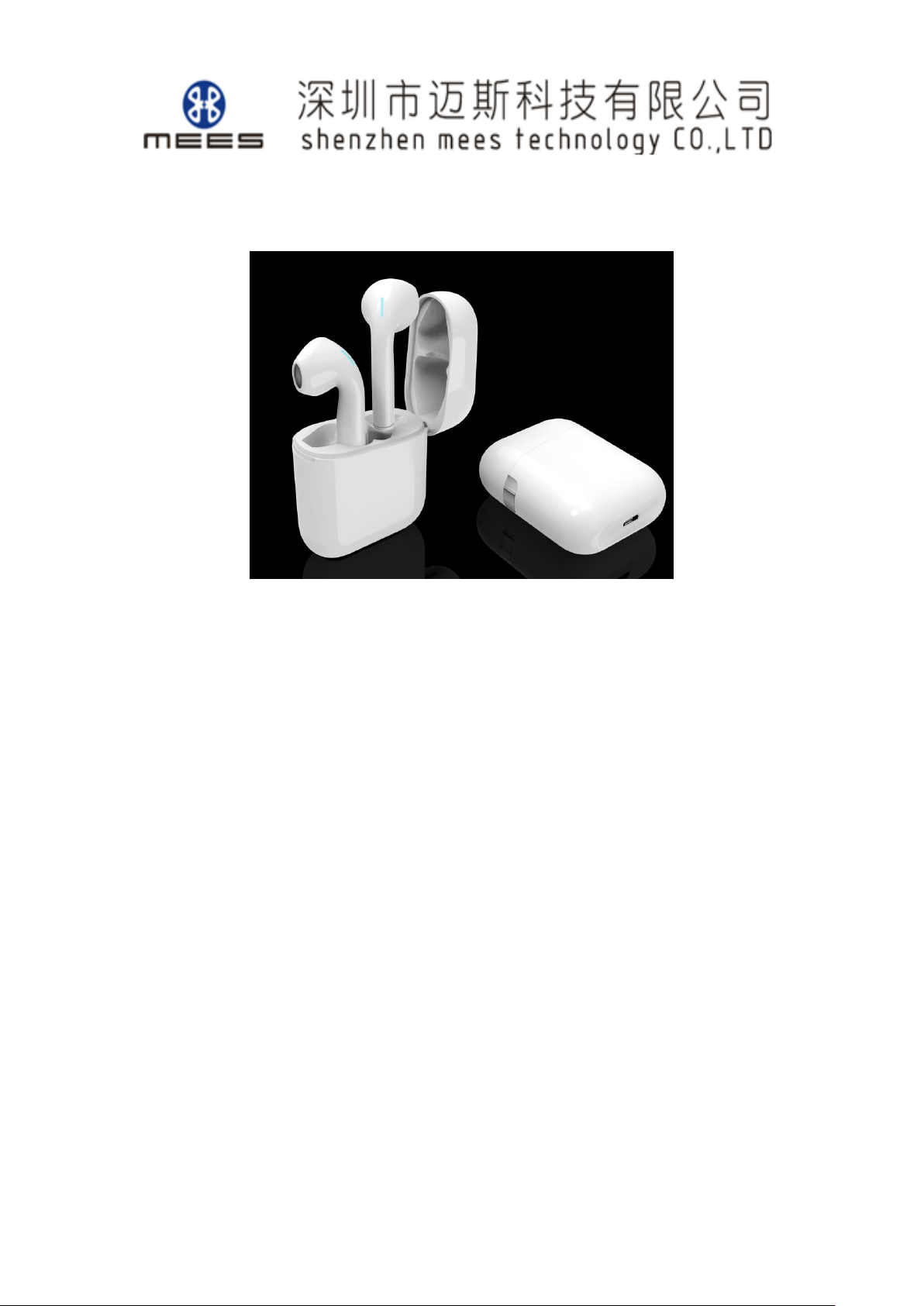
MS07 True Wireless Stereo Earphone
Basic Specifications & User Manual
---Touch Version 20190928
Earphone Basic Specifications
■Size: single-earphone 41x18.3x15.8mm
■Weight: 3.9g(single-earphone)
■Charging port: magnetic type
■Keys: 1 (MFB touch button)
■Charge indicator: Blue LED light (Charging) / light off (Charging completed)
■Battery :Lithium-ion Polymer rechargeable battery, 50220 , 24mAh
■TWS Earphone Charging Current:30mA
■ Earphone Charging time: 1.5 hours
■Working Voltage: 3.3V~4.2V
■Standby time: about 40 hours
■ Battery and Power
■ Earphone with Charging case:
Music Time:16 hours
Talking Time:16 hours
■ Earphone(single charge):
Music Time:4 hours
Talking Time:4 hours
※ Working time of main earphone in the state of two earphones:<4 Hours
■ Bluetooth version: Bluetooth 5.0
■Bluetooth chip: AC6932A
■ Support Profile: HSP, HFP, A2DP, AVRCP
Page 2

2 / 5
■ The remote control to speaker: MFB (Play/Pause/Stop);Vol+/ Next song, Vol-/ Previous
song
■ Paring name: MS07
■ Pass: 0000
■ RF transmit: class 2
■RF input impedance: 50ohm
■RF Emissive Power: 4 dBm
■ Receive sensitivity: -89dBm
■ Transmission Range (Hz): 2.40GHz ~ 2.48GHz
■ Transmission distance: 10m
■ TWS function: after two headsets pair and connect, they can work as true wireless stereo
headset
■ Audio sampling accuracy: 16bits
■ Audio encoding format: CVSD、mSBC、SBC、AAC
■SNR: >95dB
■ Working temperature: -15℃~+60℃
■ Working humidity: 10%~85%( in a non-frozen state)
Speaker
■Speaker specifications / mode: Φ14mm
■Impedance: 32Ω/ typ
■Frequency(Hz): 20Hz~20KHz
■Sensitivity: 95±3dB
■Input Power: 2 mW ( normal), 5mW ( maximum)
MIC
■ MIC type: silicon MIC
■ MIC sensitivity: -42±3dB
■ SPL:130dB
Basic Specifications of Charging Case
■Size: 51.8x43.67x20.9mm
■Weight:28 g
■Charging Port: Micro USB
■Charging LED indicator/charging completed indicator: Blink blue/ Steady blue light
■Charging base(Full) provide power to earphone: 3 times
■Battery: Lithium-ion Polymer rechargeable battery,300mAh
Page 3
3 / 5
■Charging time : 2hrs
■ Input Voltage :DC5V
■Charging current:250mA
■Output Voltage:DC5V
■Discharge current: 56 mA
■ Working temperature: -15℃~+60℃
■ Working humidity: 10%~85%( in a non-frozen state)
Operating Instructions
Bluetooth pairing
1. Both earphones in the charging case(earphones connected automatically in the
case),open the charging case,earphones enter into pairing mode;
2. Activate Bluetooth connection on your device and select MS07, with “Connected”
after successfully connected;
Music and calls
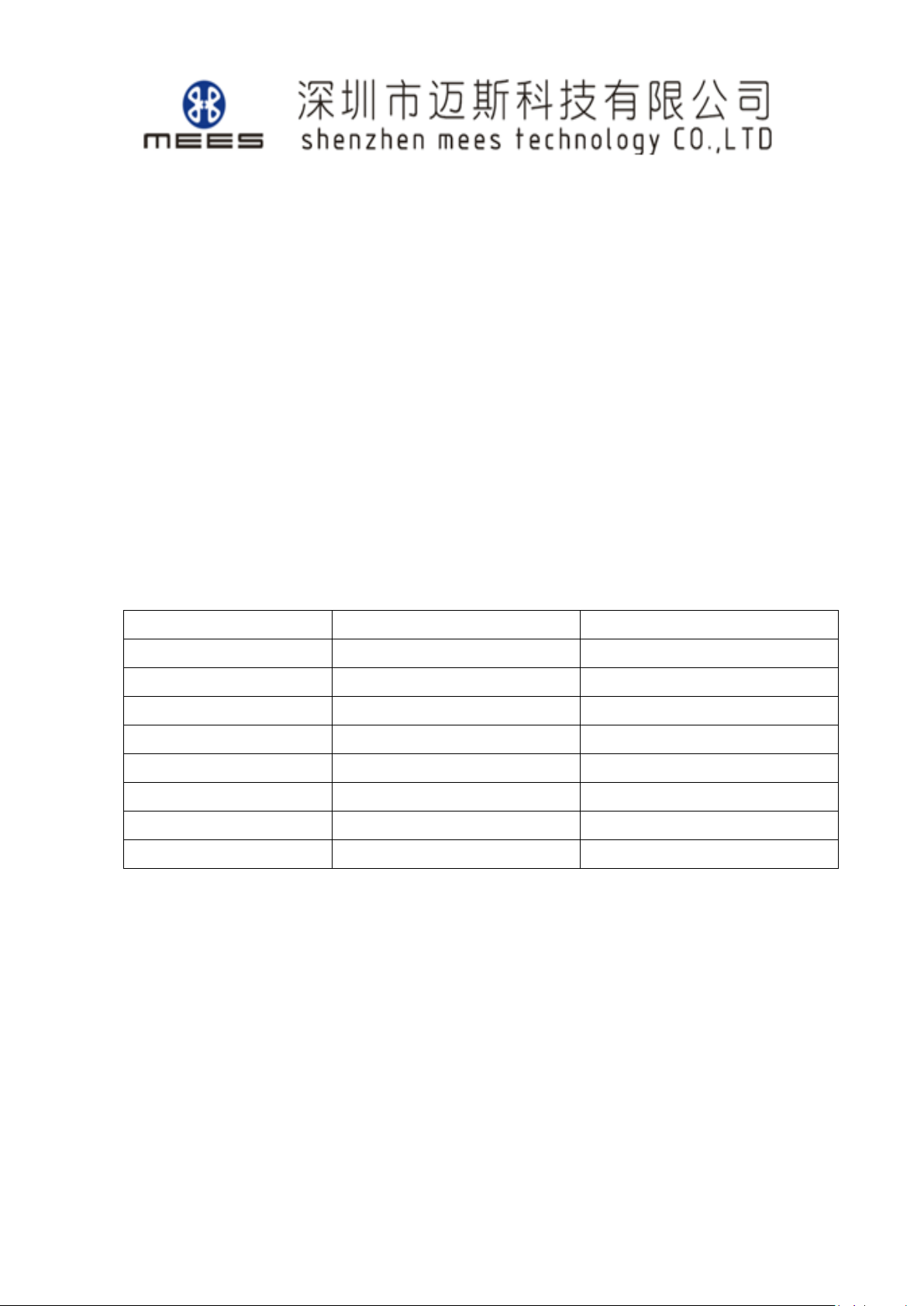
Left earphone (L)
Right earphone (R)
Play/Pause
X1
X1
Previous Song
X2 Next Song
X2
Volume +
Touch and hold
Volume -
Touch and hold
Answer/End a call
X1
X1
Reject call
Touch and hold for 3 seconds
Touch and hold for 3 seconds
Voice assistant
X3
*All calls will be heard in both earphones .
*All the above function are for touch operations.
Charging
Charging the earphones
Place the earphones in the charging case,ensure the charging case is completely
closed,the earphones will automatically shut down and start charging .
Earphone status lights
Page 4
4 / 5
Charging the case
Connect an adapter with 5V output voltage (compatible) with a Micro USB cable.
Case status lights
Notes:
It will turn off automatically after 5 minutes if without any connection with mobile
phone when it turns on.
Pairing time: 3 minutes. It will quit the pairing mode automatically after 3 minutes if
without any connection with mobile phone when it is in the state of pairing.
In addition, display battery state on Apple devices.
This equipment has been tested and found to comply with the limits for a
Class B digital device, pursuant to part 15 of the FCC Rules. These limits are
designed to provide reasonable protection against harmful interference in a
residential installation. This equipment generates uses and can radiate radio
frequency energy and, if not installed and used in accordance with the instructions,
may cause harmful interference to radio communications. However, there is no
guarantee that interference will not occur in a particular installation. If this
equipment does cause harmful interference to radio or television reception, which
can be determined by turning the equipment off and on, the user is encouraged to
try to correct the interference by one or more of the following measures:
- Reorient or relocate the receiving antenna.
- Increase the separation between the equipment and receiver.
-Connect the equipment into an outlet on a circuit different from that to which the
receiver is connected.
-Consult the dealer or an experienced radio/TV technician for help
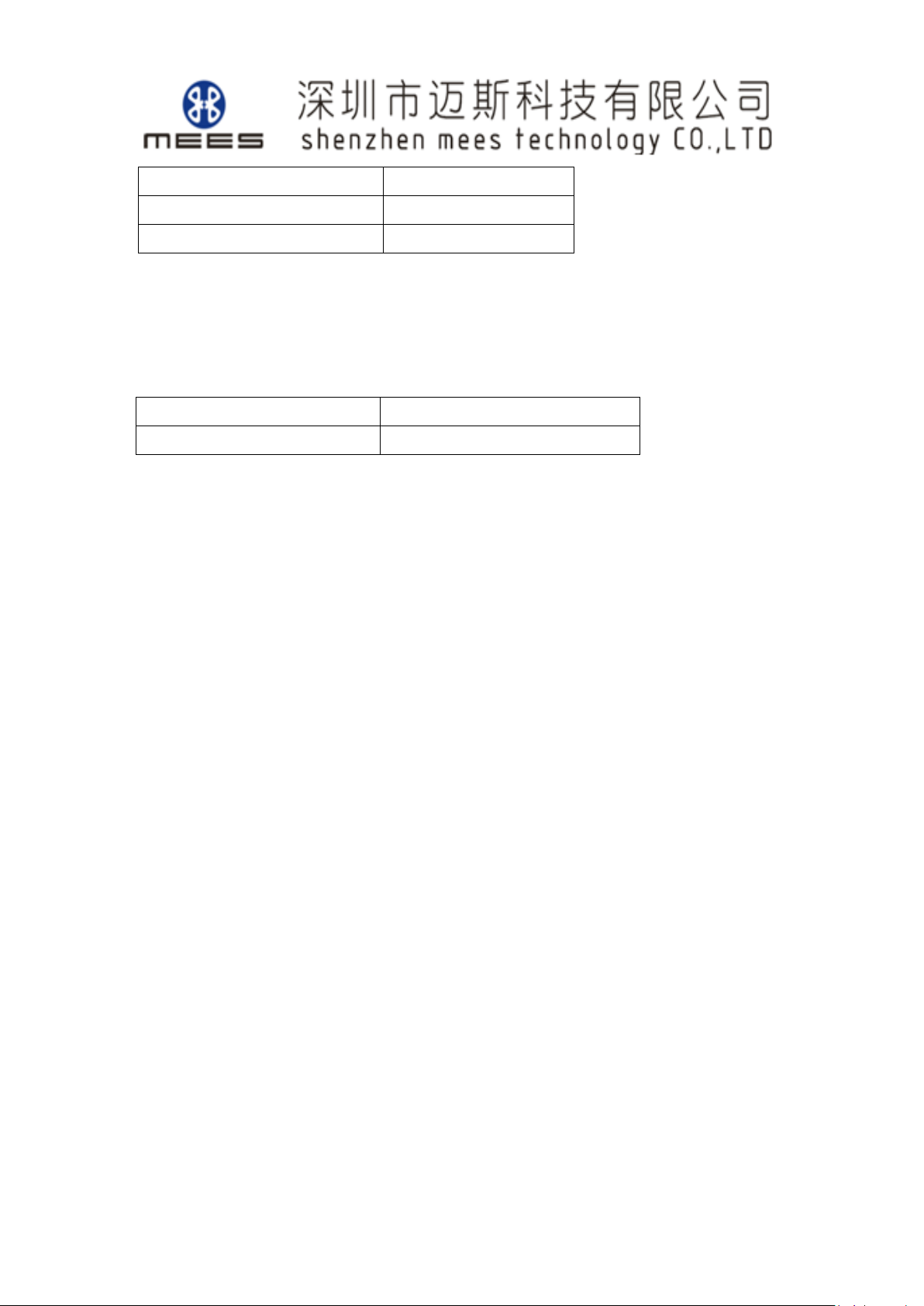
Charging
Flashing blue light
Full charge
Light off
Pairing
Blink blue light
Charging
Flashing blue light
Full charge
Steady blue light
Page 5

5 / 5
Changes or modifications not expressly approved by the party responsible for
compliance could void the user's authority to operate the equipment.
This device complies with Part 15 of the FCC Rules. Operation is subject to the
following two conditions:
(1) this device may not cause harmful interference, and
(2) this device must accept any interference received, including interference that may
cause undesired operation.
 Loading...