

Page 1
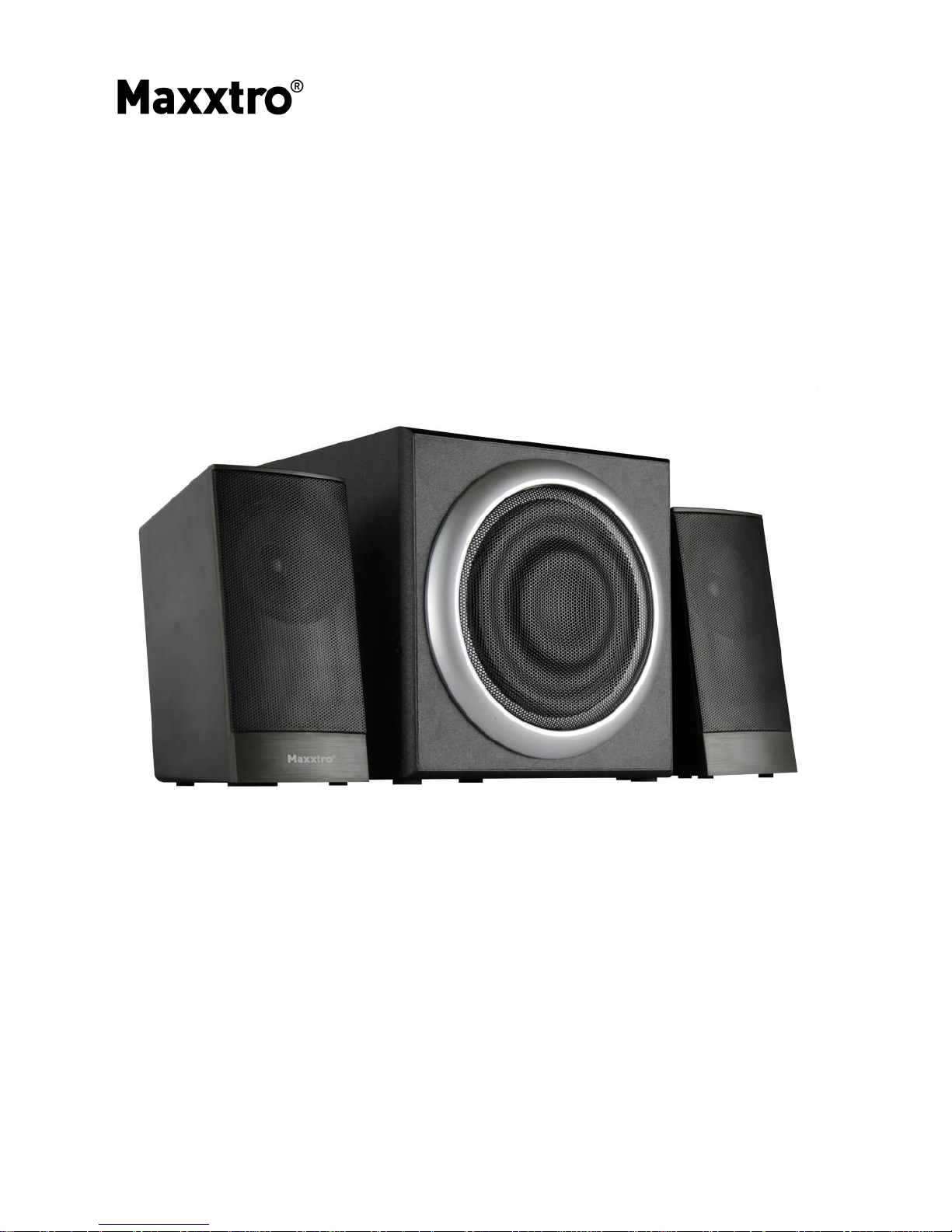
2.1 CHANNEL MULTIMEDIA
SPEAKER SYSTEM
MX-SM-311
USER MANUAL
Page 2

Thank you for purchasing the 2.1 channel multimedia speaker system!
Please read this User Manual carefully so that you fully understand the
procedure and functions of the product.
SYSTEM ACCESSORIES
Super bass main box 1 pc
Satellite speaker 2 pcs
Audio connecting cable 1 pc
User manual 1 pc
OPERATION
1. Connect the audio cable from satellite speakers to the main box
terminal according on the polarity, and make sure that you
press the terminal connection tightly.
2. Connect the signal cable to the main box terminal input.
(according to the audio input cap)
3. Before start, first adjust the knob on the back of the subwoofer
for VOLUME, BASS to the lowest. Then turn on the power
which will be indicated by the light on the unit.
4. Play the music as you like and adjust the volume and bass to
your preferred sound quality.
Page 3

SPECIFICATIONS
Power (R.M.S):
Subwoofer 10 W
Satellites 2x 3 W
Speaker Drive Units:
Subwoofer 4", 4 Ω
Satellites 2x 2.5", 4 Ω
Frequency Response:
Subwoofer 50 Hz – 150 Hz
Satellites 100 Hz – 20 KHz
Control Power, Volume
Signal / Noise 60 dB
Power 230 VAC, 50 Hz
CAUTION
1. Don't subject this speaker system to high temperature and wet
environment (E.g. rain, etc.)
2. Don't open the main box and speaker on your own, if any maintenance
is needed, please call a professional service point.
3. In case any liquid drops onto the box, please turn off the power
immediately, and call for professional service point.
4. Please don't adjust the volume to the maximum or high level while
connecting an audio signal so as to avoid damage to the speaker.
5. Remove the power plug when not in use for long time.
 Loading...