

Page 1
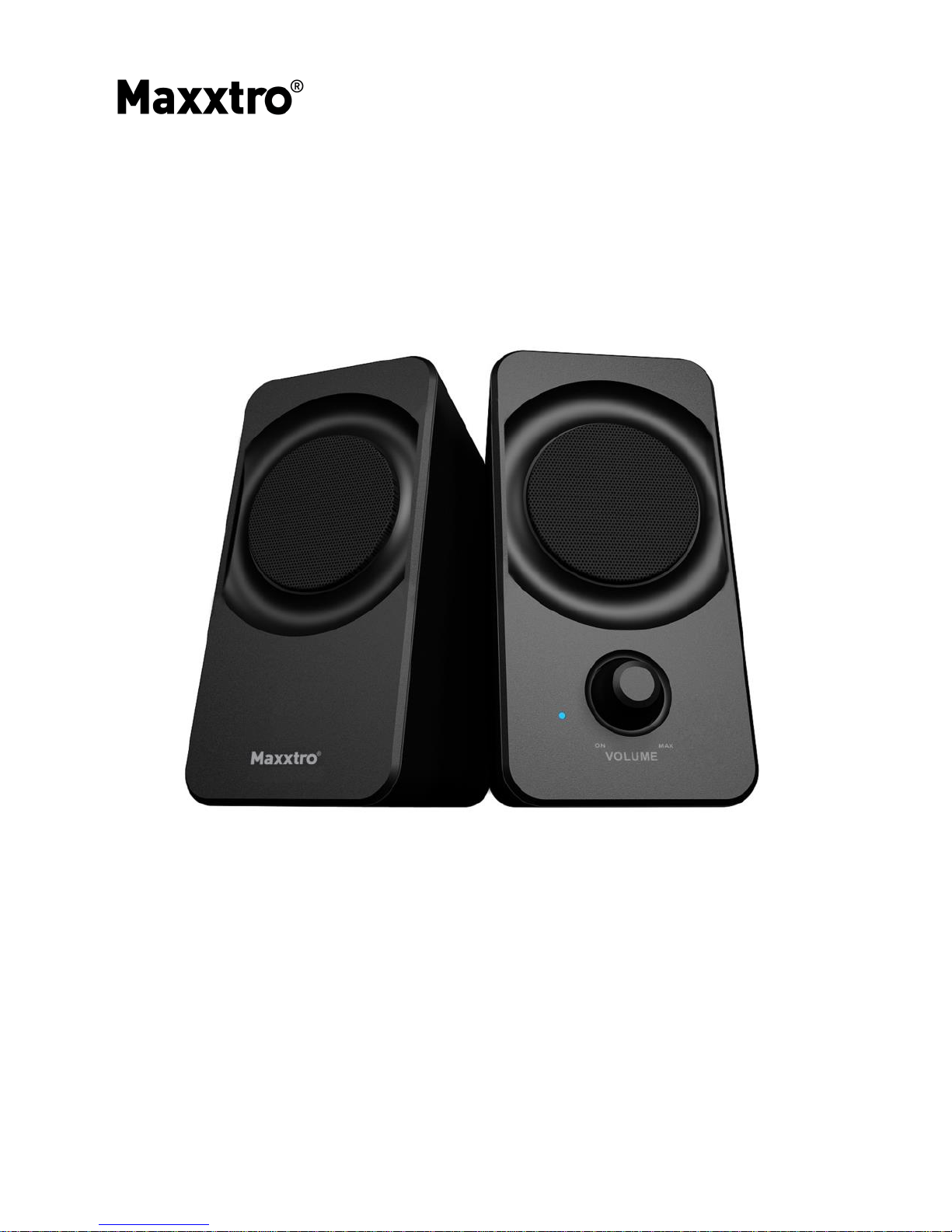
2.0 PC SPEAKERS
MX-SM-237
USER MANUAL
Page 2

Thank you for purchasing the 2.0 PC Speakers!
Please read this User Manual carefully so that you fully understand the
procedure and functions of the product.
SYSTEM ACCESSORIES
2 PC Speakers
Assembled audio connecting cable 1.1 m
User manual
OPERATION
1. Before start, first turn the knob on the front of the Speaker to
the Power Off position.
2. Connect the signal cable to the source.
3. Turn on the power which will be indicated by the light on the
unit.
Page 3

SPECIFICATIONS
Power (R.M.S) 2x 1.2 W
Speaker Drive Units 2x 2.5", 4 Ω
Frequency Response 120 Hz – 20 kHz
Control Power on/off, Volume
Signal / Noise 60 dB
Power 230 VAC, 50 Hz
CAUTION
1. Don't subject this speaker system to high temperature and wet
environment (E.g. rain, etc.)
2. Don't open the speaker on your own, if any maintenance is needed,
please call a professional service point.
3. In case any liquid drops onto the box, please turn off the power
immediately, and call a professional service point.
4. Please don't adjust the volume to the maximum or high level while
connecting an audio signal so as to avoid damage to the speaker.
5. Remove the power plug when not in use for long time.
 Loading...