

Page 1
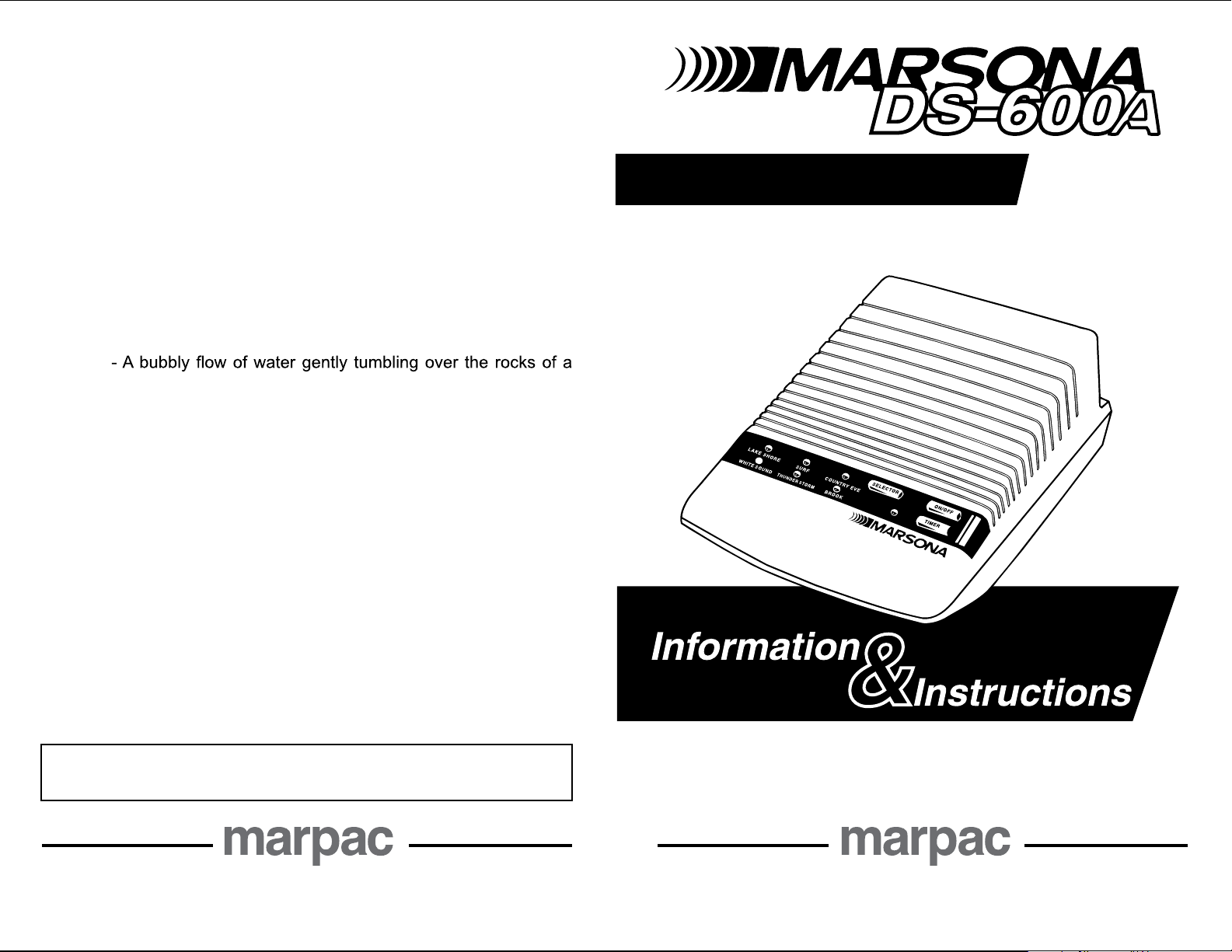
Sound Conditioner
SOUND DESCRIPTIONS
LAKE SHORE - Gentle waves lapping against the edge of the shore
with a steady chorus of crickets in the background.
SURF - A natural wave pattern with a multitude of ocean waves of diverse
sizes and strengths.
COUNTRY EVE - Crickets and spring peeper frogs against a background
of ambient evening sounds.
WHITE SOUND ”esion“ etihw fo dnuorgkcab tnatsnoc ,ydaets A -
intrusive, unwanted noise.
THUNDER STORM - Experience the reassuring comforts of feeling
safe, warm and dry as you listen to a calm, gentle rain with a rhythm of
distant thunder.
BROOK
mountain crevice.
This product is covered by a limited one-year factory
warranty to the original purchaser. For complete details
regarding this warranty, please visit our website:
www.marpac.com
ksam ylevitceffe dna yltneg ot aragaiN fo raor eht fo tnecsinimer
MARPAC
(910) 602-1421 • 800-999-6962
www.marpac.com
COPYRIGHTS-Software associated with this product is protected by
Copyright Laws. 2006 All Rights Reserved, Marpac - North Carolina.
since 1962 since 1962
Pioneers in Sound Conditioning Pioneers in Sound Conditioning
P/N 2550601
Page 2
batteries
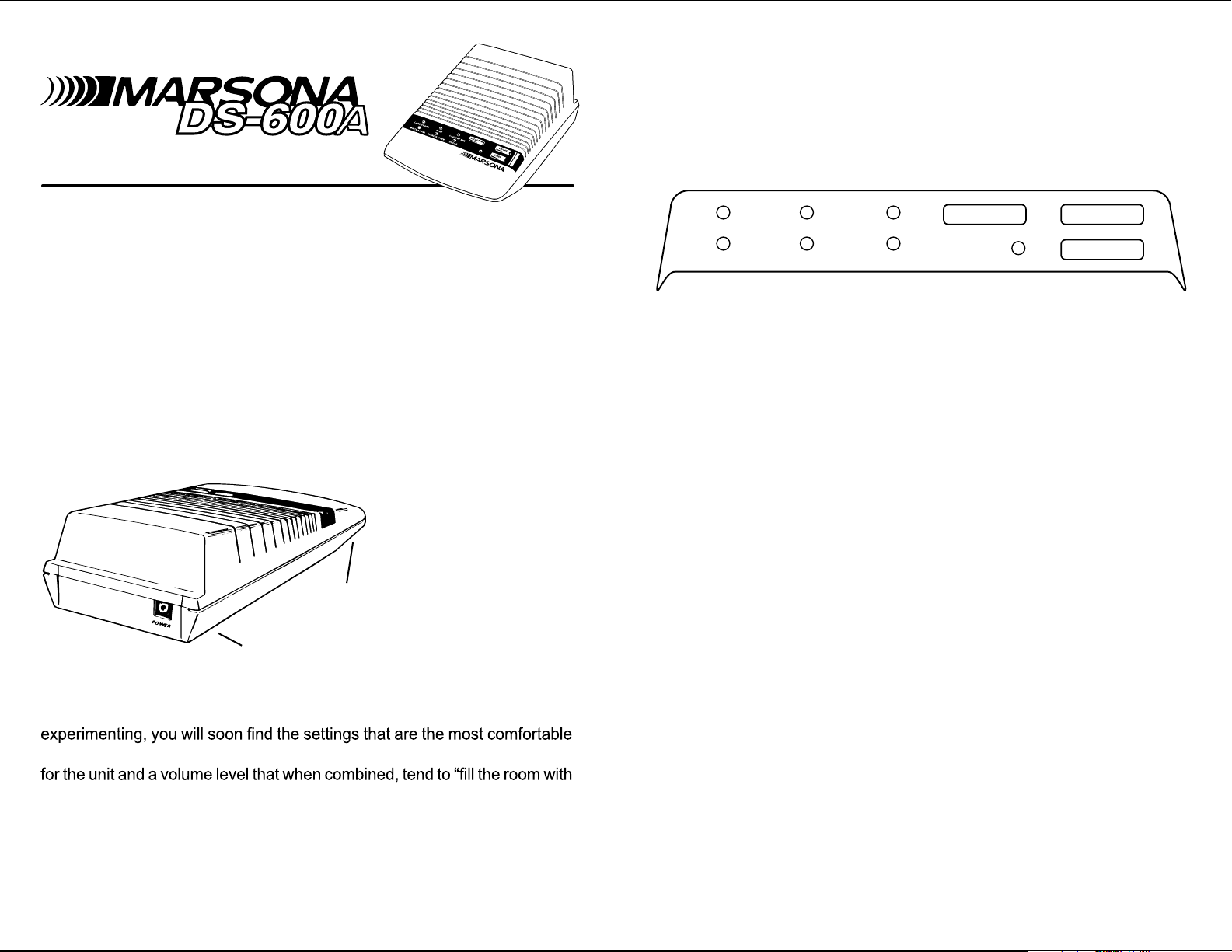
Each touch of the SELECTOR button will advance to the next sound and
Control P ane l
illuminate the small indicator light directly above the selection title. Choose
the sound you want to hear, adjust the volume to a comfortable level and
the DS-600A is ready to provide effective masking or provide comfortable
sounds to help you drift off to sleep or concentrate on work or studies. To
turn the DS-600A off, simply touch the ON/OFF button again.
Instructions for Use
The new Model DS-600A Marsona sound conditioner is a composite of our
customers’ most requested sounds and basic features. Compact in design,
yet big on sound, the DS-600A is ideal for creating your own personal sound
environment. Taking a few moments to read the following information will
help familiarize you with the features and operation of your new Marsona
DS-600A.
Getting Started
Located on the back panel of the DS-600A is an opening labeled POWER.
Insert the small plug of the power supply into this opening; then plug the
power supply into any standard 110/120 Volt electrical outlet. The DS-600A
can also be operated with batteries (see Installing Batteries); however, we
recommend that you use the power supply whenever possible. It uses very
little electricity and is much
batteries for continued use.
The VOLUME si lortnoc
located under the front
volum e
wide end of the arrow will increase the volume
toward the narrow or pointed end will decrease the volume. With a little
and effective for your particular needs. Ideally, you should select a location
sound” to create the most effective masking or background sound. As with
any quality electronic audio equipment, extreme volume settings should be
avoided to prevent sound distortion or diminished sound quality.
Touching the ON/OFF button once will energize the DS-600A and the “Lake
Shore” selection will be activated (this is the default setting).
of the DS-600A and can
be adjusted from a mere
whisper of sound to much
greater volume levels. Sliding the control toward the
level. Sliding the control
LAKE SHORE
WHITE SOUND
SURF
THUNDER ST ORM
COUNT RY EVE
SELECT OR
BR OO K
ON/OFF
TIMER
NOTE: The Marsona DS-600A dnuos tsal eht ot snruter yllacitamotua
selected when the unit was turned off. When all power is removed from the
unit (unplugged), it will default to the “Lake Shore” setting when power is
restored. See back panel for sound descriptions.
Using the TIMER control is also as simple as the touch of a button. Touching
the timer button will activate the timer for 60 minutes of operation. The small
indicator light to the left of the timer button will illuminate to let you know
the timer has been activated. At the end of 60 minutes, the DS-600A will
shut off. We recommend using the timer whenever
naht evitceffe tsoc erom
operated by battery power. Like a small radio or tape player, continuous use
the DS-600A gnieb si
on batteries for an extended period of time will diminish battery life resulting
in distorted sound quality.
Installing Batteries
The battery compartment is located on the underside of the DS-600A. Open
the battery compartment door by pushing the locking tab toward the back
of the unit and lifting at the same time. Inside the battery compartment is a
battery holder that is attached to the circuit by red and black wires. Carefully
remove the battery holder and insert four (4) “AA” alkaline batteries (not
included) in the direction of the polarity symbols. Replace the battery holder
in the compartment with the open side of the battery holder facing up (two
batteries showing). Make sure the wires at the end of the battery holder
retract into the opening inside the battery compartment. Replace the battery
compartment door.
We hope you enjoy your new Marsona DS-600A sound conditioner. It is
designed to provide many years of continuous, trouble-free use. As
always,
we welcome your comments and suggestions and invite you to send your
comments to the mailing address listed on the back of this page, or send
us an email at [email protected].
 Loading...