

Page 1
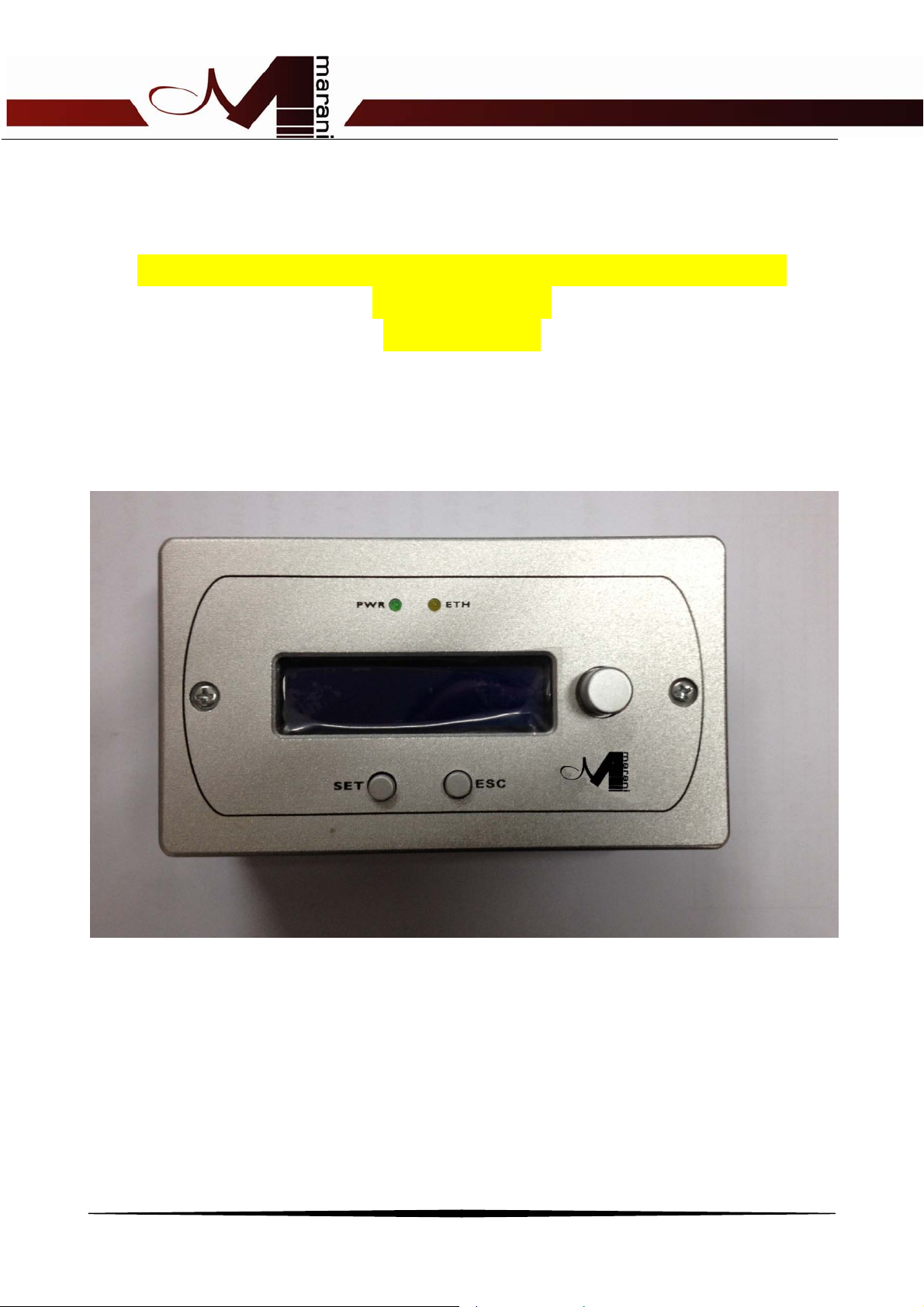
CP8
V 1.0.0 del 18/07/2014
Operating specifications
机器连接方式:WP 供电电压为+12V;开机电流为 0.075A;注意接电源时要接线正确
485 连接为:A+接 485+
B-接 485-
Connection type: RS-485
:通信方式 RS-485
User Interface:
− "Set" key used to access the various menu and to confirm
− “SET”;键主要功能是确认的功能
− "Esc" button is used to exit from the menu below
− “ESC”
键按下 是退出相应的功能
,;
− "EncButton" button associated with the relative encoder used to enter and exit the standby
mode if the key is pressed for about 5-6 sec. Or with the single pressure allows the setting of
the step when the system is on the menu for changing the values of Gain and Volume (Gain
1
Page 2

=-127dB to + 12dB; Volume =-127dB to + 18dB)
− “EncButton”:编码器功能 长按 5-6
,; ,
秒 可以机器待机或显示 同时调到相应的菜单时
可以对 Gain 和 Volume 进行调节,调节范围(Gain =--127dB to + 12dB; Volume =-127dB
to + 18dB)
− Relative Encoder: used to move between the various menu and change the value of the
parameters.
− LCD display 2 x 20 alphanumeric
− 显示屏是 2*20
− Power ON Led: when lit indicates that the system is powered
− PWR:是电源指示灯;
− Eth Led: when lit indicates that the WP is communicating with the DMM8008
− Eth 灯:当机器连接后调节时,灯会有闪烁;
2
Page 3

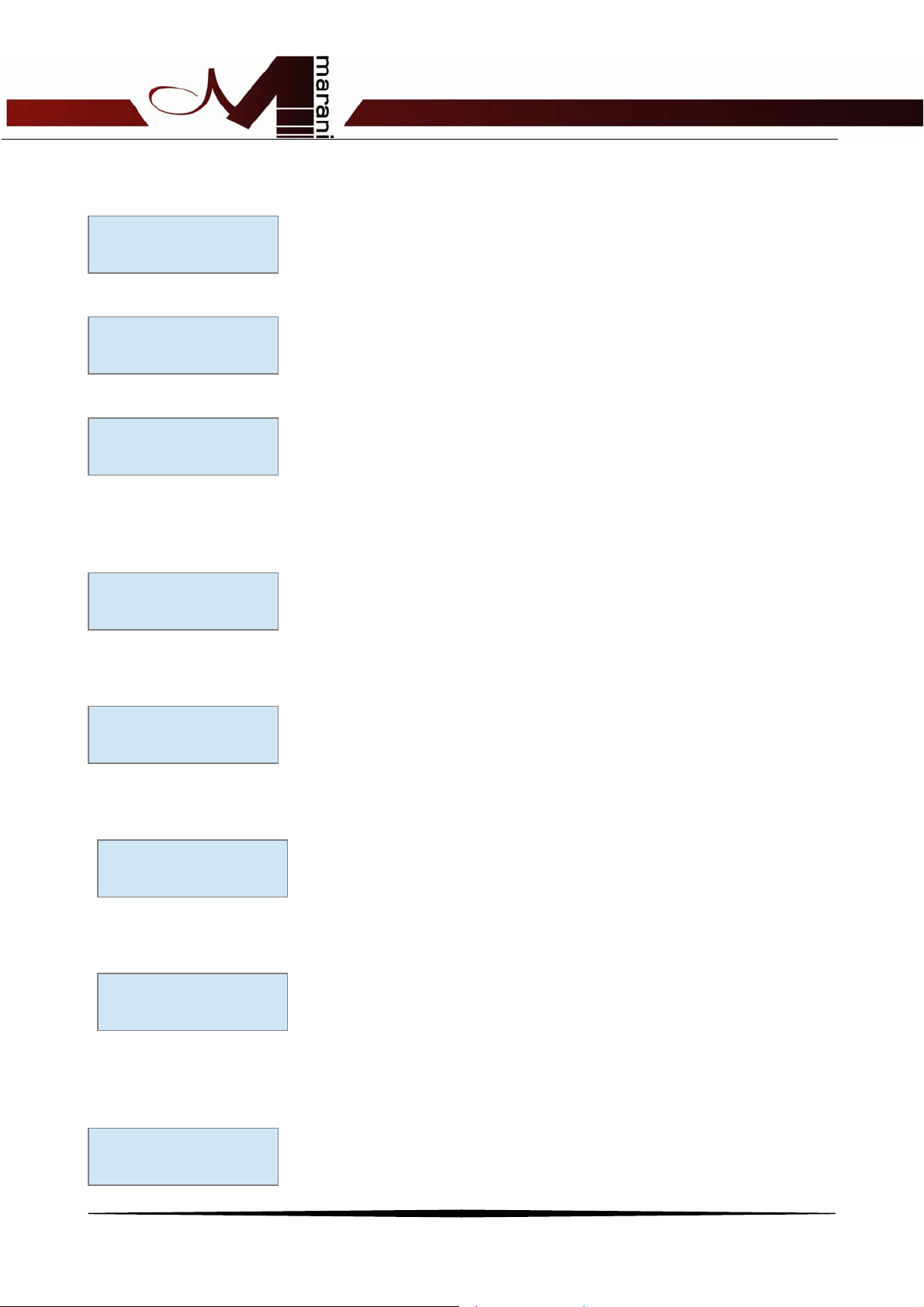
The CP8 module (WP) has 3 operating modes:
− CP8 墙面控制器有 3 种模式:
1. SYSTEM SETUP
2. MASTER MODE
3. ZONE MODE
The first time the WP part configured as MASTER with the following default settings:
Mode = MASTER MODE
Id = 01
Auto Stand-by = ON
Zone = 01
Lock = OFF
To access the SYSTEM SETUP you must hold down "Sel" + "Esc" + "EncButton" for about
5-6 sec.
如果要进入系统菜单 SYSTEM SETUP 需要同时按下 SET+ESC+编码器键,大概 5-6
秒钟;
To exit the SYSTEM SETUP you must press and hold the button "EncButton" for about 3-4
sec. In this way the WP goes into standby mode after which again press "EncButton" for
about 3-4 sec to exit from standby mode.
To manually enter or leave from Stand-by mode you must press and hold the button
"EncButton" for about 3-4 sec.
如果要退出菜单模式,需要长按编码器功能键 3-4 秒钟,此时屏幕变暗,再长按 3-4 秒,有
显示;
3
Page 4

SYSTEM SETUP Mode
The SYSTEM SETUP mode is used by the installer to configure the WP.
菜单 SYSTEM SETUP 下可以选择的功能项;
SYSTEM SETUP
Configure Mode
SYSTEM SETUP
Configure ID
SYSTEM SETUP
Configure Stand-by
• Configure Mode: Using this menu, you can configure the WP as Master Control or Control
Zone
SYSTEM SETUP
Configure Zone
• Configure Mode 模式下,确认后,有两个功能模式,即 Master Control 或 Control Zone
• Configure ID: Through this menu it is possible to configure the ID for the communication
with the DMM8008 device (the iD set to the WP must be the same as present on the
machine)
• Configure ID:这个功能键盘,主要是可以调节 ID, :注意 所设置的墙面控制 ID 号与
DMM8008 处理器的 ID 号相对应时,方可正常连接;
• Configure standby: with this menu you can configure the auto mode stand-by mode. In the
normal functioning of WP if this parameter is set to ON then after about 40 activities not sec.
The WP goes automatically into standby (display off)
• Configure standby 这个菜单的功能是,如果设置功能”ON",显示屏大概 40 秒后会处于
待机状态,如果选择为”OFF"显示屏为常亮;
• Configure ZONE: this menu is only visible if the menu "configure mode" has been set the
ZONE parameter. Through this menu you can set the area (output) that must be controlled
by WP
• Configure ZONE(矩阵模式):这个菜单是可以看得很清楚,首先可以选择 ZONE 参数,通
过菜单,你可以选对应的输出矩阵;
After selecting the Configure menu through encoder Mode
进入如下的系统的菜单模式
SYSTEM SETUP
Configure Mode
4
Page 5
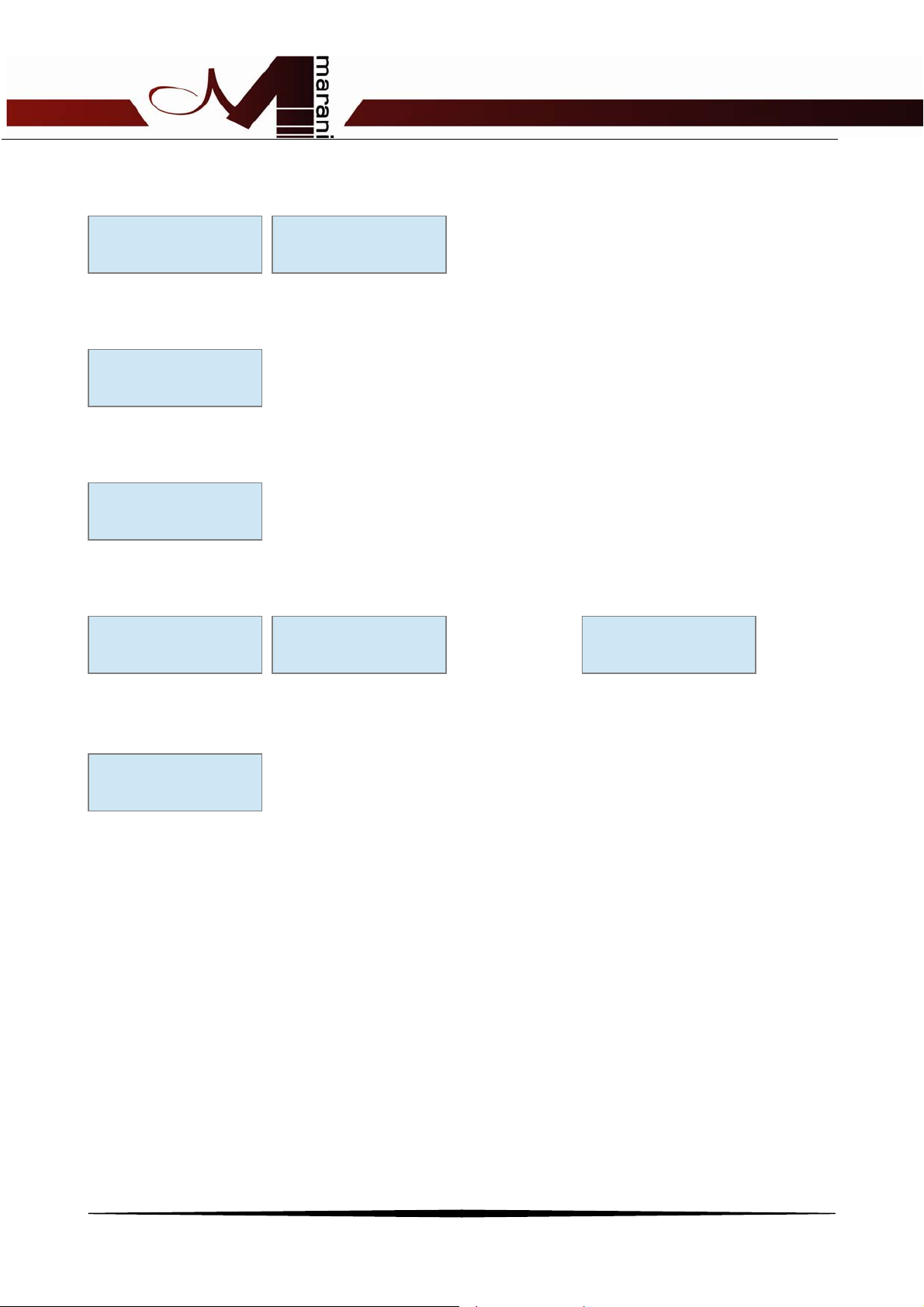
If pressed the SET button then via Encoder you can select between Master and Zone
旋转编码器和按 SET 键可以选择的模式为如下两种模式:
Configure Mode
Mode = Master
Configure Mode
Mode = Zone
Press the SET button to confirm and exit, press ESC to cancel and exit
用 SET 键来选择需要的功能模式,按 ESC 键退出
SYSTEM SETUP
Configure Mode
After you have selected the Configure menu ID encoders
旋转编码器,选项择如下模式
SYSTEM SETUP
Configure ID
If pressed the SET button then via Encoder you can select one among 64 ID
通过 SET 键和编码器功能可以选择 ID 从 01---64
Configure ID
ID = 01
Configure ID
ID = 02
Configure ID
ID = 64
.........................
Press the SET button to confirm and exit, press ESC to cancel and exit
用 SET 键选择对应 ID 号,退出用 ESC 键;
SYSTEM SETUP
Configure ID
5
Page 6
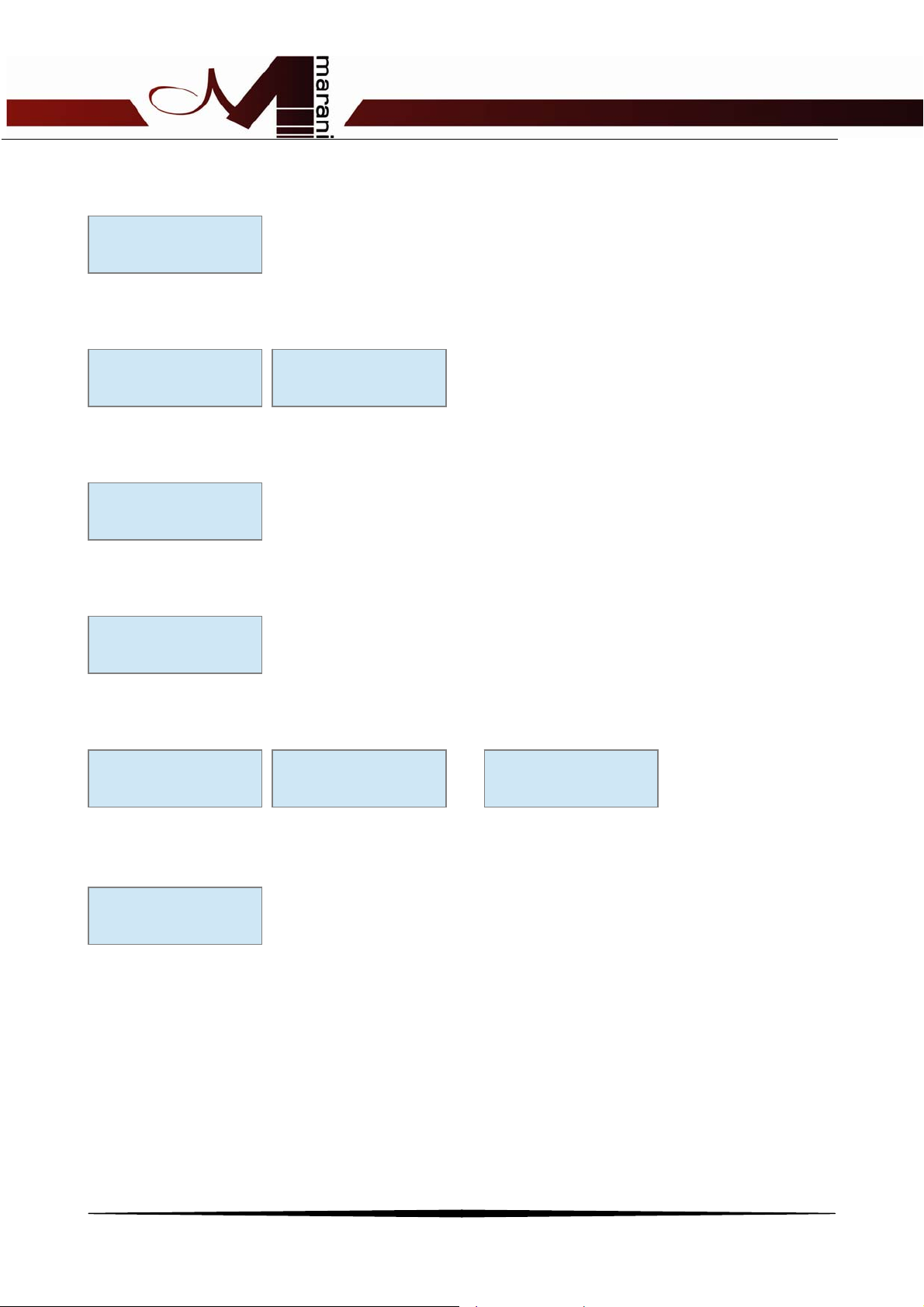
After selecting the menu through encoder Configure standby
用编码器可以调节到下面功能
SYSTEM SETUP
Configure Stand-by
If pressed the SET button then via Encoder it is possible to select between Off and On
用 SET 键和编码器可以选择为 OFF 或 ON
Configure Stand-by
Auto stand-by = OFF
Configure Stand-by
Auto stand-by = ON
Press the SET button to confirm and exit, press ESC to cancel and exit
确认功能后,用 ESC 退出
SYSTEM SETUP
Configure Stand-by
After selecting the Configure menu through encoder Zone (only if MODE = Zone)
调节编码器选择 ZONE 模式
SYSTEM SETUP
Configure Zone
If pressed the SET button then via Encoder you can select between Zone = 1,...,8 (8 output)
用 SET 功能与编码器可以选择 ZONE=01---08
Configure Zone
Zone = 01
Configure Zone
Zone = 02
Configure Zone
Zone = 08
....
Press the SET button to confirm and exit, press ESC to cancel and exit
选择对应的输出通道后,用 ESC 键退出
SYSTEM SETUP
Configure Zone
6
Page 7
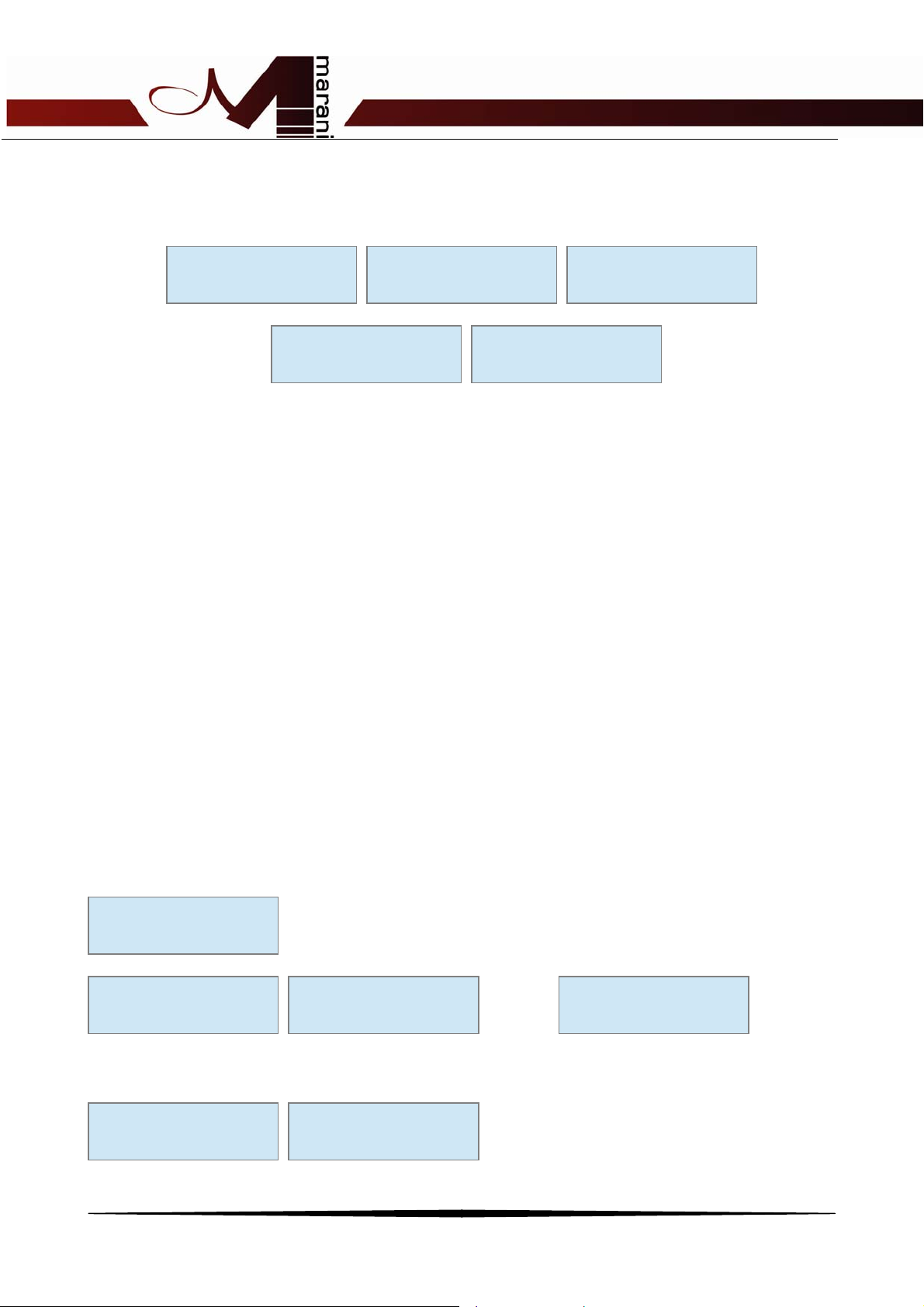
如果选择了 MASTER MODE MODE 模式时,各功能如下:
MASTER MODE Mode
WP8008 CTRL PANEL
Select Input
WP8008 CTRL PANEL
Select Output
WP8008 CTRL PANEL
Load Program
WP8008 CTRL PANEL
Info
WP8008 CTRL PANEL
Lock
• Select Input: Via this menu it is possible to set the Gain control and input Mute
• 可选不同的输入通道,可以对每个输入通道调节 GAIN(音量)和 MUTE(静音);
• Select Output: Via this menu, you can configure the volume and Mute exit
• 可对不同的输出通道做音量(VOLUME)和静音(MUTE)调节;
•
• Load Program: Through this menu it is possible to load one of 6 presets
• 通过菜单,可以对机器做 6 个预设的调节;
• Info: Via this menu is display the model, version and ID set
• 功能可以查看相应的模式,版本号和 ID 号设置
• Lock: Through this menu it is possible to put WP in Lock
• 通过指功能,可以对墙面控制器加锁;
1. SELECT INPUT
WP8008 CTRL PANEL
Select Input
After pressing the SET button, via Encoder you can select between Input = 1,. .,8.
Select Input
Input 1
Select Input
Input 2
Select Input
Input 8
.............
After selecting an entry (eg. Input2) and press the SET button is possible to select through the Mute
encoder or Gain
Input 2
Mute
Input 2
Gain
7
Page 8

If you select Mute and press SET, on the display you will see the following screen
Mute
Mute =
the Eth led will be turned on because the system sends a message to DMM8008 asking for the
current status of mute on the selected input.
If the WP is not connected to the DMM8008 or the ID is not correct then the display will appear the
following message
如果机器未与墙面控制器通信成功,会出现如下 Device not connected,表示未通信成功;
Mute
Device not connected
8
Page 9
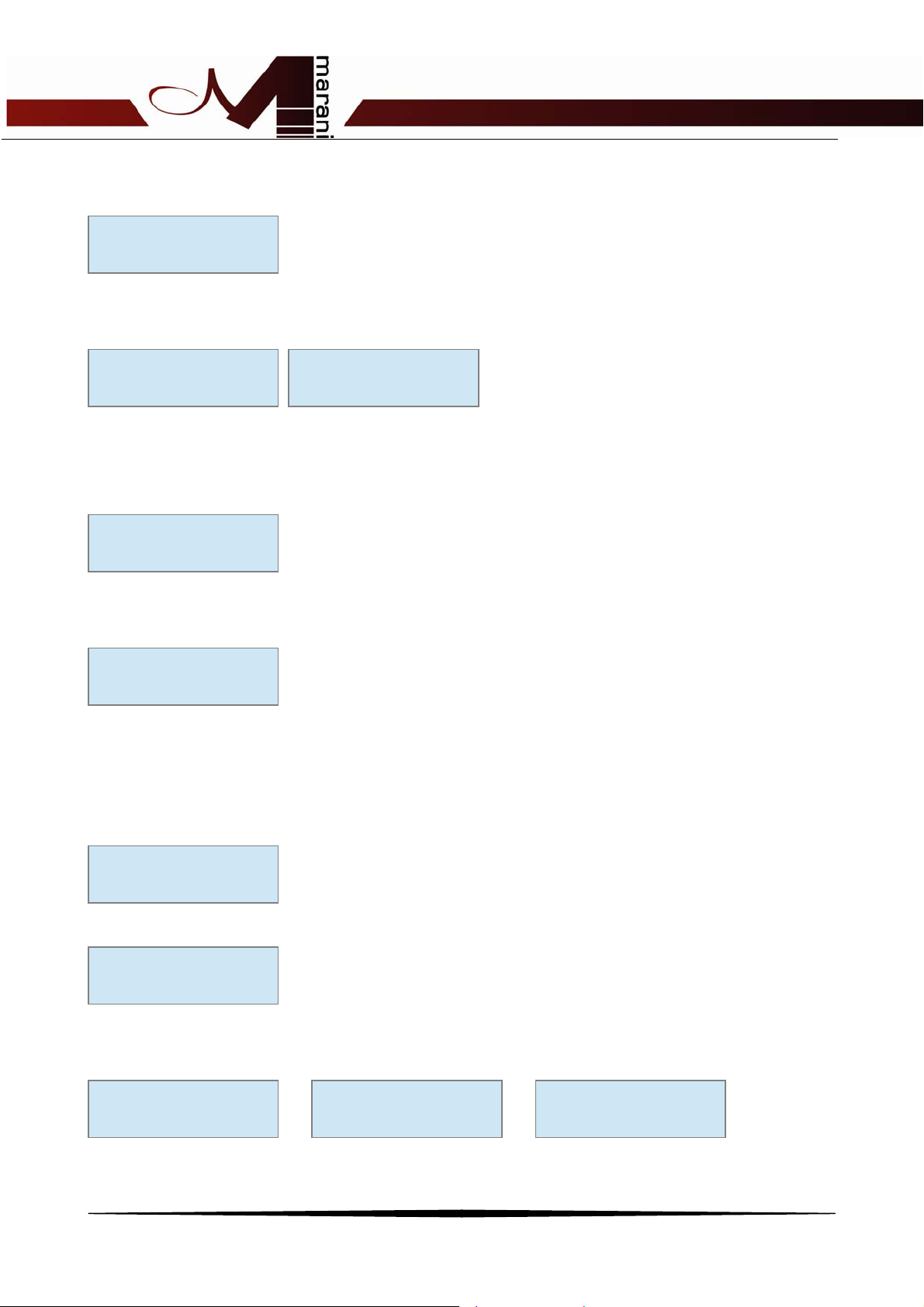
and after 2 sec. The Eth led will be turned off and the system will go back to the menu
2 秒钟后,ETH 灯会关闭,系统会回到如下菜单
Input 2
Mute
If communication is successful, then the display will show the current status of the Mu te
如果连接成功,MUTE 可以做下面的调节
Mute
Mute = Off
Mute
Mute = On
through Encoder is possible to change the status of the Mute from ON to OFF or vice versa in realtime and the parameter will be updated on DMM880
Press the Esc key to return to the start screen
Input 2
Mute
If you select Gain and down SET, on the display you will see the following screen
选择 GAIN 模式,
Gain [dB]
Step=0.1dB G=
the Eth led will be turned on because the system sends a message to DMM8008 asking for the
current status of the gain on the selected input.
If the WP is not connected to the DMM8008 or the ID is not correct then the display will appear the
following message
如果机器与墙面控制未连接成功,会出现下面指示
Gain [dB]
Device not connected
and after 2 sec. The Eth led will be turned off and the system will go back to the menu
Input 2
Gain
If communication is successful, then the display will show the current status of Gain
连接成功后,可对 GAIN 进行调节
Gain [dB]
Step=0.1dB G=-
Gain [dB]
Step=0.1dB G=0.0
... ...
Gain [dB]
Step=0.1dB
=
through Encoder it is possible to change the value gain (gain varies between-127.0 dB to + 12dB)
9
Page 10

and in real-time the parameter will be updated on DMM880
using EncButton it is possible to choose if the gain variation must take place in steps of 0.1 dB or
1dB
编码器按下时,可对 Step=0.1db 或 1DB 做切换;旋转编码器,可以对 G=-127 到 12DB 进行调节
Press the Esc key to return to the start screen
Input 2
Gain
10
Page 11
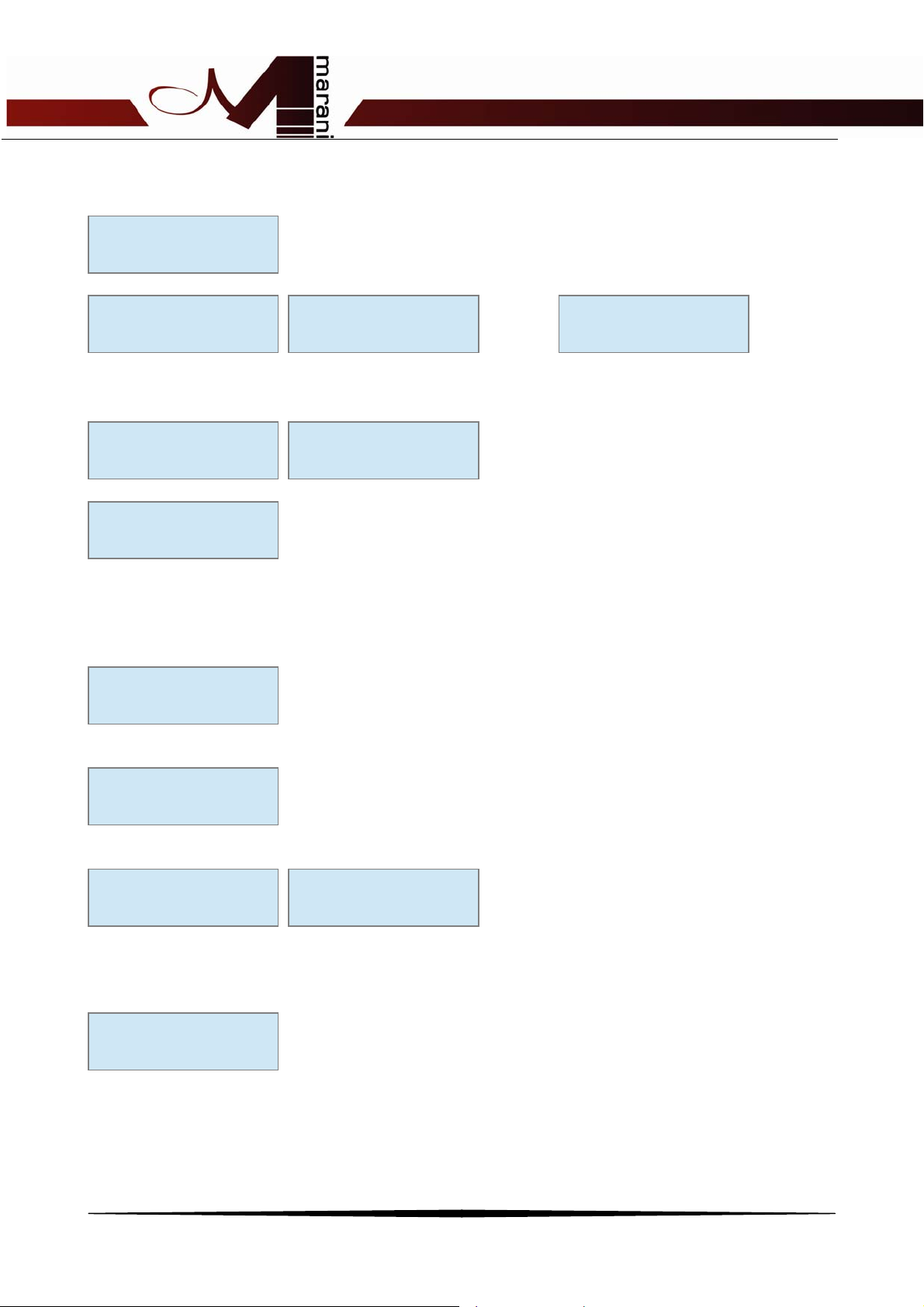
2. SELECT OUTPUT 输出功能模式与输入功能调节模式差不多
WP8008 CTRL PANEL
Select Output
After pressing the SET button, via Encoder you can select between Output = 1,...,8.
Select Output
Output 1
Select Output
Output 2
Select Output
Output 8
.............
After selecting an output (eg. Output2) and press the SET button you and can select using the
encoder or Mute Volume parameter
Output 2
Mute
Output 2
Volume
If you select Mute and press SET, on the display you will see the following screen
Mute
Mute =
the Eth led will be turned on because the system sends a message to DMM8008 asking for the
current state of mute on the selected output.
If the WP is not connected to the DMM8008 or the ID is not correct then on the display will appear
the following message
Mute
Device not connected
and after 2 sec. The Eth led will be turned off and the system will go back to the menu
Output 2
Mute
If communication is successful, then the display will show the current status of the Mu te
Mute
Mute = Off
Mute
Mute = On
through Encoder is possible to change the status of the Mute from ON to OFF or vice versa in realtime and the parameter will be updated on DMM880
Press the Esc key to return to the start screen
Output 2
Mute
11
Page 12
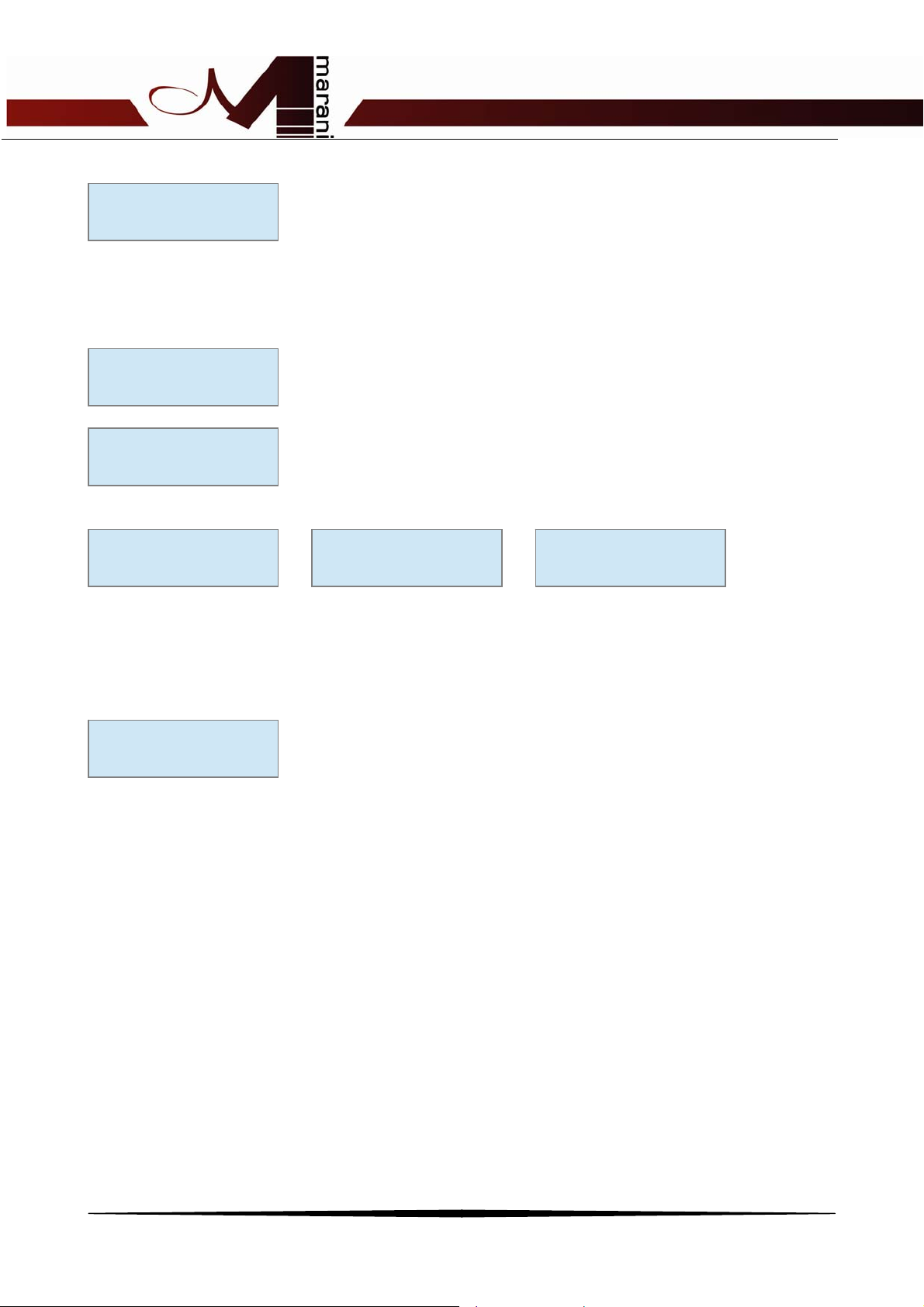
If you selected Volume and down SET, on the display you will see the following screen
Volu me [dB]
Step=0.1dB V=
the Eth led will be turned on because the system sends a message to DMM8008 asking for the
current status of the selected output volume.
If the WP is not connected to the DMM8008 or the ID is not correct then on the display will appear
the following message
Volu me [dB]
Device not connected
and after 2 sec. The Eth led will be turned off and the system will replace the menu
Output 2
Volu me
If communication is successful, then on the display will display the current Volume State
Volu me [dB]
Step=0.1dB V=-
Volu me [dB]
Step=0.1dB V=0.0
... ...
Volume [dB]
Step=0.1dB
=
through Encoder is possible to change the volume value (range between-127.0 dB to + 18dB) and in
real-time the parameter will be updated on DMM880
using EncButton it is possible to choose if the variation of the volume must be done in steps of 0.1
dB or 1dB
Press the Esc key to return to the start screen
Output 2
Volume
12
Page 13
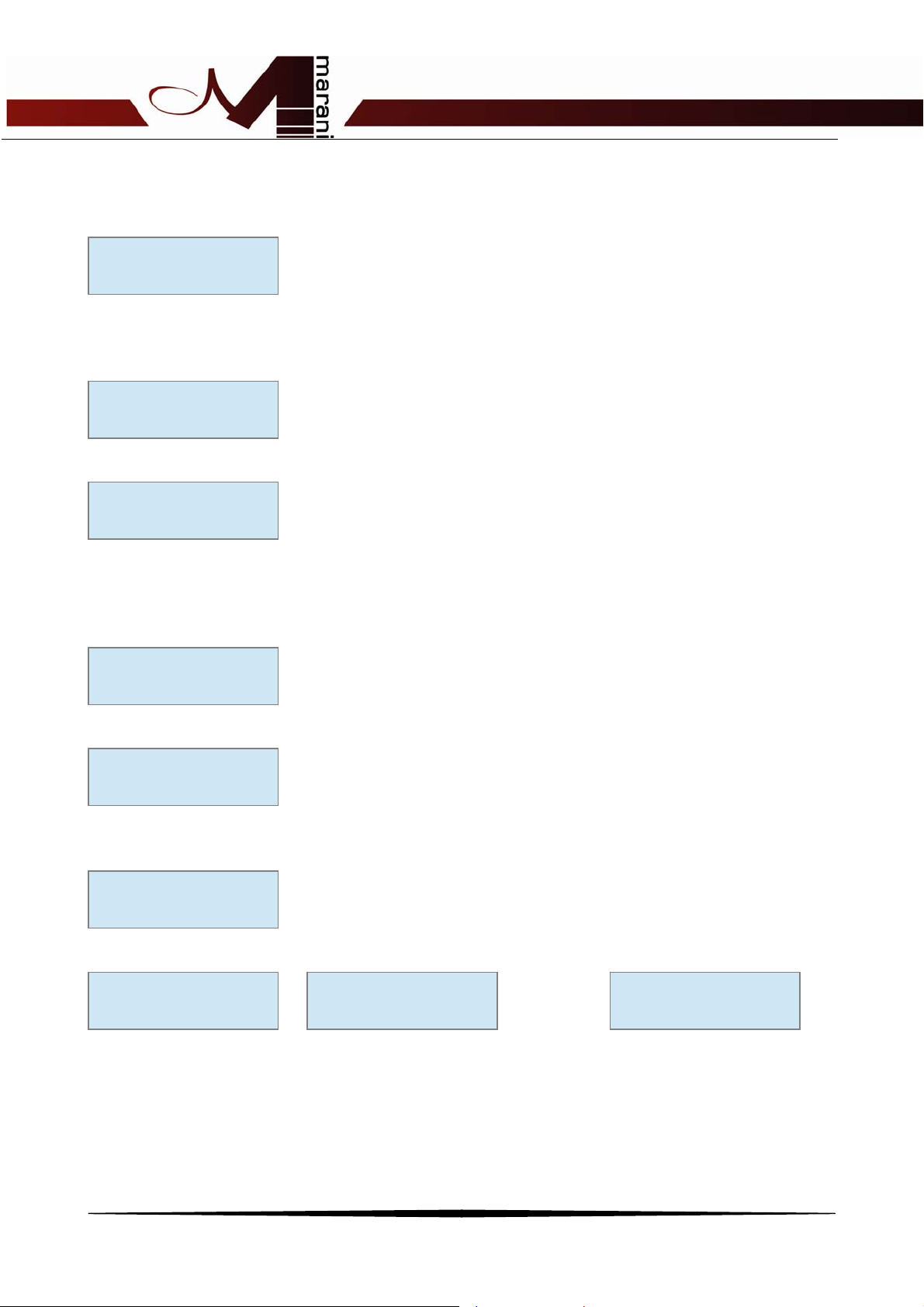
3. LOAD PROGRAM
预设调用模式 :通过编码器和 SET 键可以对机器的 6 个预设进行调用
WP8008 CTRL PANEL
Load Program
After pressing the SET button, the led will lit Eth as the system sends a message to DMM8008 to
ask which preset is loaded and read the names of each program.
If the preset currently uploaded on DMM8008 is an extra presets (preset from 7 to 10, activated via
inputs S1,..,S4 available on the back panel) on the display will then show the message
Load Program
not possible
and after 2 sec. The Eth led turns off and returns to the previous screen
WP8008 CTRL PANEL
Load Program
This is because the extra presets are associated with special events and these have priority on preset
1,..6, recallable from front-panel using the buttons 1,..,6.
If the WP is not connected to the DMM8008 or the ID is not correct then the display will appear the
following message
Load Program
Device not connected
and after 2 sec. The Eth led will be turned off and the system will go back to the menu
WP8008 CTRL PANEL
Load Program
If communication is successful, then the display will show the program that currently uploaded on
DMM8008 (es. Program2)
Load Program
P02: name preset
through encoder you can scroll the list of the 6 program
Load Program
P01: name preset
Load Program
P02: name preset
Load Program
P06: name preset
.. ....................
If the selected program is not currently loaded program on DMM8008 then the number of the preset
will be flashing
Press the ESC key to exit the submenu
Press the SET button to load the selected preset and exit from submenu
During the upload phase, the led will be lit and Eth on the display will show the following message
13
Page 14

Load Program
Loading Program.....
When loading the Eth led will be turned off and the systema you go back to the main menu
WP8008 CTRL PANEL
Load Program
14
Page 15
4. INFO
可以查看机器型号,ID 号,版本号;
WP8008 CTRL PANEL
Info
After pressing the SET button
Model:WP8008 ID:01
Version: 1.0.0
Press the SET button or the ESC key to return to the menu
WP8008 CTRL PANEL
Info
5. LOCK
加锁模式
WP8008 CTRL PANEL
Lock
After pressing the SET button, the system asks for confirmation
按 SET 确认后出现如下提示
Lock WP8008
Are you sure?
If you pressed Esc returns you to the menu
按 ESC 返回如下菜单
WP8008 CTRL PANEL
Lock
If down SET the systema goes into Lock mode
按下 SET 对机器进行加锁
WP8008 CTRL PANEL
System Locked
in this case the only thing possible is to unlock the system and this is done by simultaneously
pressing the keys ESC and SET for about 5-6 sec. After that the systema you reposition on
如果要解锁,需要同时按下 ESC+SET 键 5-6 秒后,机器解锁,并返回到如下界面;
WP8008 CTRL PANEL
Select Input
15
Page 16

16
Page 17
ZONE MODE Mode
矩阵模式
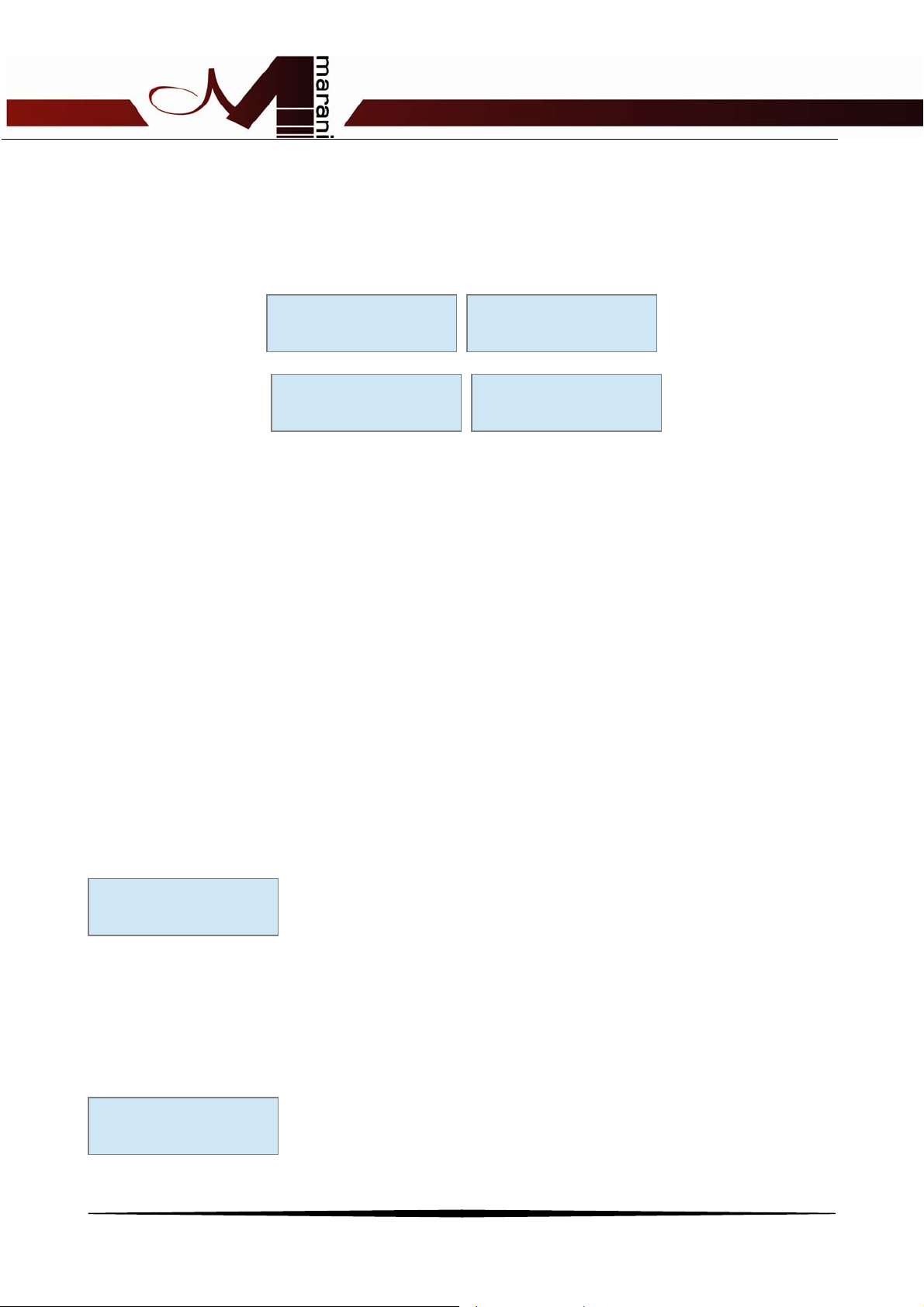
(the symbol "_" can be a number between 1 and 8)
主要有下面 4 种模式
WP8008 CTRL ZONE_
Select Routing
WP8008 CTRL ZONE_
Info
• Select Routing: Using this menu, it is possible to select the input to be associated with the
selected zone, here it is possible to vary the mute (if the selected input is enabled on the
zone) and gain (% selected on input area)
• 选择矩阵
• Select Zone: Using this menu, you can configure the Volume and Mute of the Zone
WP8008 CTRL ZONE_
Zone Control
WP8008 CTRL ZONE_
Lock
• 选择 ZONE 输出通道
• Info: Via this menu is possible to display the model, version and ID set
• 查看模式
• Lock: Through this menu it is possible to put WP in Lock
• 锁功能
1. SELECT ROUTING
矩阵选择
WP8008 CTRL ZONE_
Select Routing
After pressing the SET button,
the Eth led will be turned on because the system sends a message to DMM8008 asking for the
current status of the Routing of the Zone
If the WP is not connected to the DMM8008 or the ID is not correct then the display will appear the
following message
机器与 WP 未连接成功时出现如下界面
Select Routing
Device not connected
and after 2 sec. The Eth led will be turned off and the system will go back to the menu
17
Page 18
2 秒钟后返回下面的界面
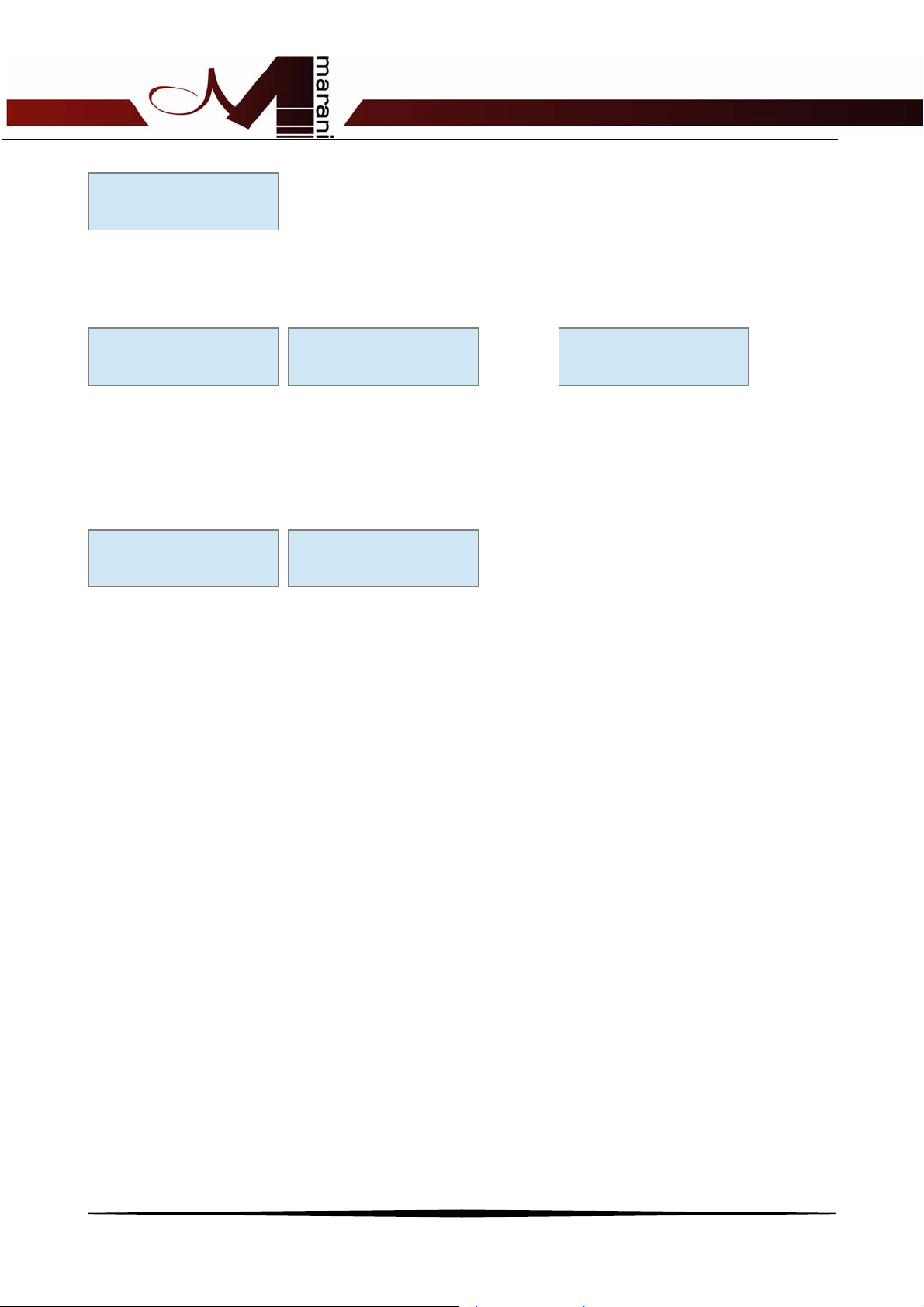
WP8008 CTRL ZONE_
Select Routing
If communication is successful, then the display will show the section as possible.
through Encoder you can select between Input =1,...,8.
连接成功后,可以通过编码器与 SET 键对 WP 做如下调节
Select Routing
Input 1
Select Routing
Input 2
Select Routing
Input 8
.............
After selecting an entry (eg. Input2) and pressing the SET button,
It is possible to select by using the encoder, the Mute (enable/disable input areas) or Gain (% input
on Zone) parameters
下面与调节 INPUT 2 为例,通过编码器和 SET 键可以选择 MUTE 打开或关闭,音量调节
Input 2
Mute
Input 2
Gain
18
Page 19
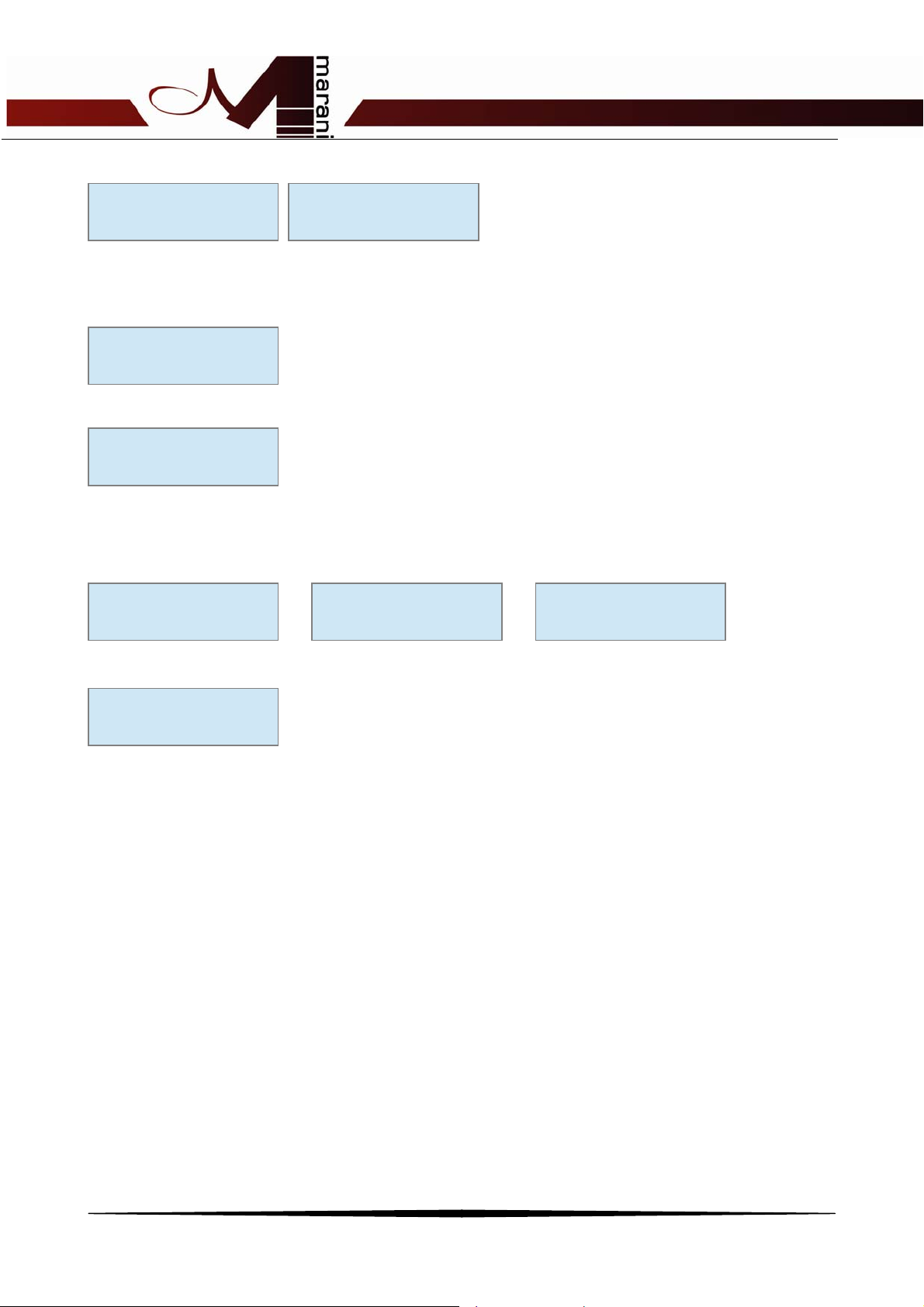
If you select Mute and press SET, on the display you will see the following screen
Mute
Mute = Off
Mute
Mute = On
through Encoder to change the status of the Mute from ON to OFF or vice versa in real-time and the
parameter will be updated on DMM880
Press the Esc key to return to the start screen
Input 2
Mute
If you select Gain and down SET, on the display you will see the following screen
Gain [dB] G= -10
through Encoder it is possible to change the value gain (gain varies between-30dB to 0dB) and in
real-time the parameter will be updated on DMM880
音量调节可以由 G=-30 到 0DB
Gain [dB] G = 0 Gain [dB] G= -10 Gain [dB] G= -30
... ...
Press the Esc key to return to the start screen
Input 2
Gain
19
Page 20
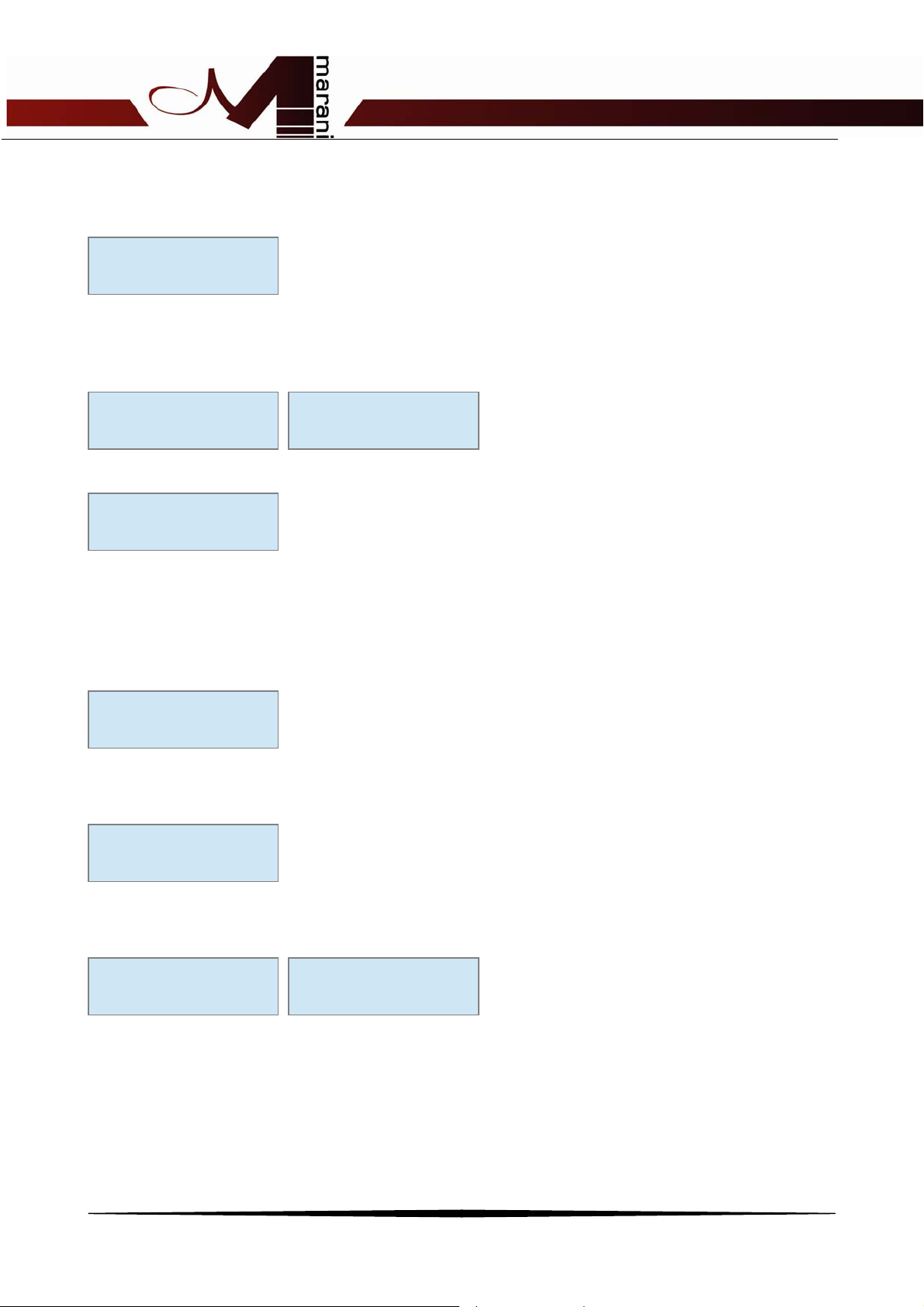
2. SELECT ZONE
选择要输出的通道矩阵
WP8008 CTRL ZONE_
Zone Control
After pressing the SET button, via Encoder you can select between Mute or Volume
用 SET 按键和通过编码器可以在 MUTE 或者 VOLUME 选择
Zone 2
Mute
Zone 2
Volu me
If you select Mute and press SET, on the display you will see the following screen
Mute
Mute =
the Eth led will be turned on because the system sends a message to DMM8008 asking for the
current state of mute on the Zone of interest.
If the WP is not connected to the DMM8008 or the ID is not correct on then the display will appear
the following message
未通信成功时出现如下菜单
Mute
Device not connected
and after 2 sec. The Eth led will be turned off and the system will go back to the menu
2 秒钟后,ETH 灯会灭,菜单会返回到如下界面
Zone 2
Mute
If communication is successful, then the display will show the current status of the Mu te
机器连接成功后,可以做如下调节
Mute
Mute = Off
Mute
Mute = On
through Encoder to change the status of the Mute from ON to OFF or vice versa in real-time and the
parameter will be updated on DMM880
Press the Esc key to return to the start screen
通过编码器可以对 MUTE 做 ON 和 OFF 功能选择,且更改的数据将更新到 DMM8008 的机器
上
20
Page 21

Zone 2
Mute
If you selected Volume and down SET, on the display you will see the following screen
Volu me [dB]
Step=0.1dB V=
the Eth led will be turned on because the system sends a message to DMM8008 asking for the
current status of the volume for the selected zone.
If the WP is not connected to the DMM8008 or the ID is not correct then on the display will appear
the following message
机器与 WP 未连接成功时,会出现如下的界面
Volu me [dB]
Device not connected
21
Page 22
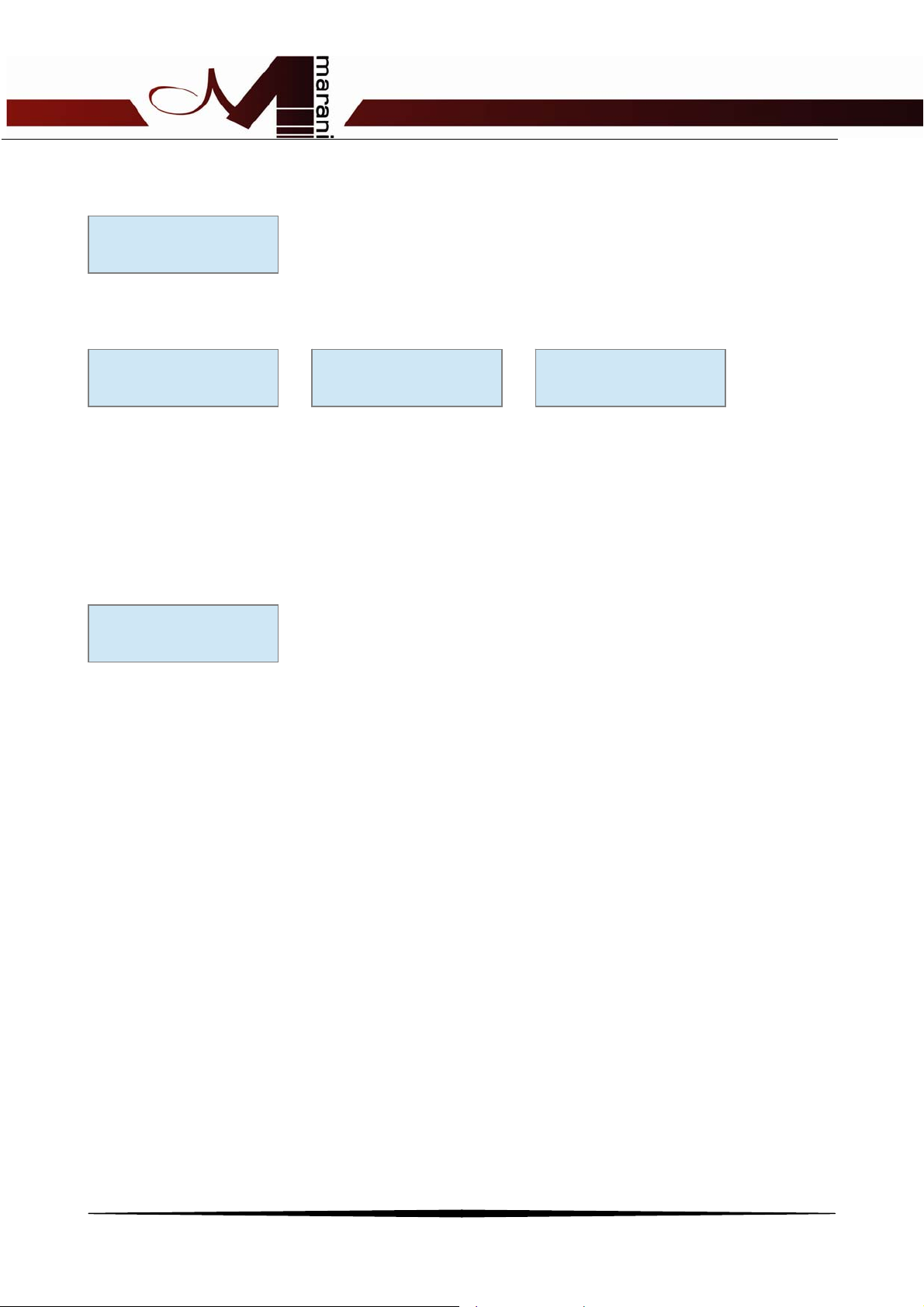
and after 2 sec. The Eth led will be turned off and the system will go back to the menu
过 2 秒后,会返回到如下界面
Zone 2
Volu me
If communication is successful, then the display will display the current Volume Status
如果机器与 WP 通信成功,可以对 WOLUME 做调节
Volu me [dB]
Step=0.1dB V=-
Volu me [dB]
Step=0.1dB V=0.0
... ...
Volu me [dB]
Step=0.1dB
=
through Encoder is possible to change the volume value (range between-127.0 dB to + 18dB) and in
real-time the parameter will be updated on DMM880
通过编码器可驻将音量由 V=-127 到 V=+18 进行调节
using EncButton it is possible to choose if the variation of the volume must be done in steps of 0.1
dB or 1dB
轻按编码器 STEP(步进值)可以在 0.1DB 到 1DB 之音切换
Press the Esc key to return to the start screen
Zone 2
Volu me
22
Page 23
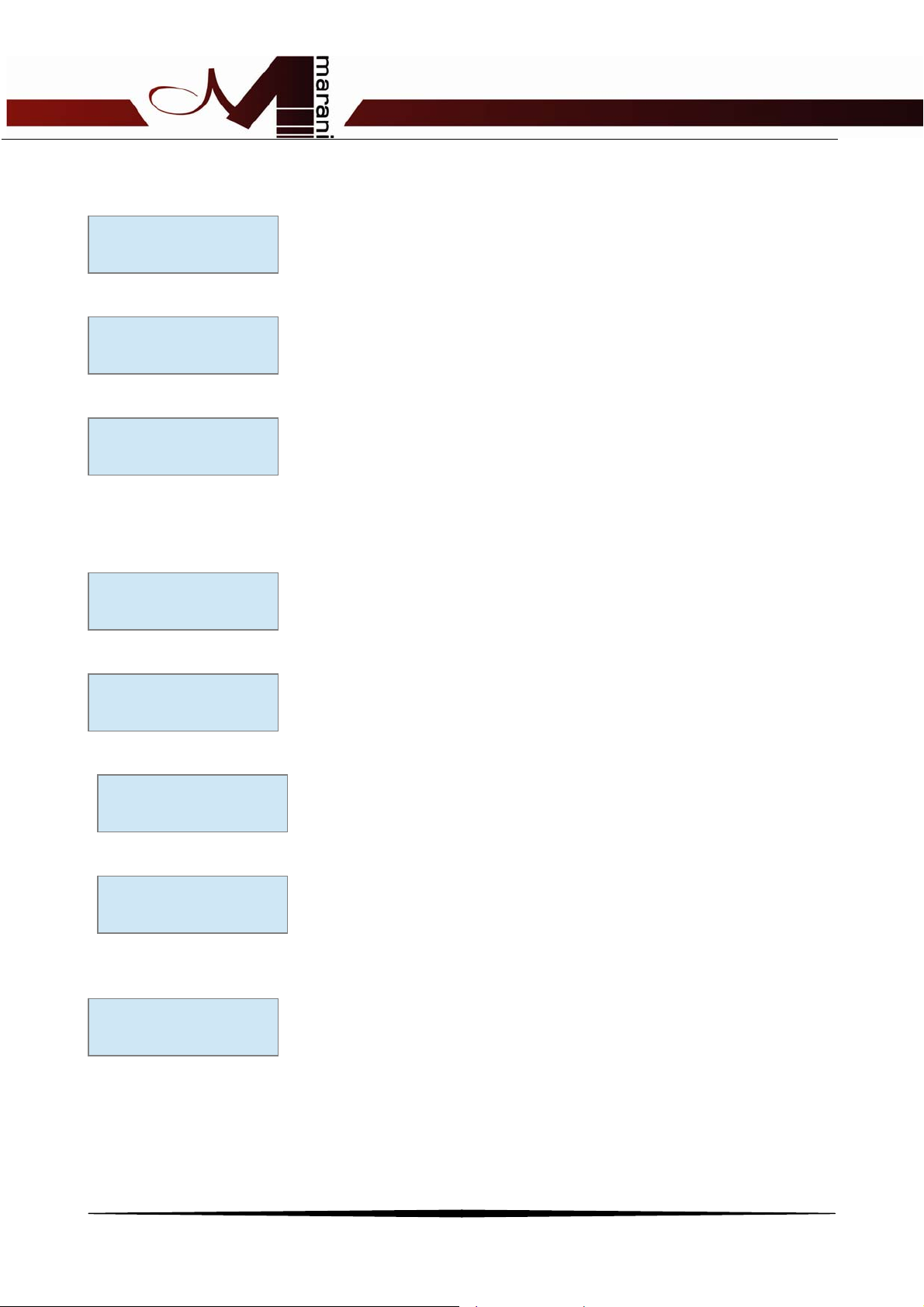
3. INFO 功能同上面是一样的;
WP8008 CTRL PANEL
Info
After pressing the SET button
Model:WP8008 ID:01
Version: 1.0.0
Press the SET button or the ESC key to return to the menu
WP8008 CTRL PANEL
Info
4. LOCK 功能同上面 LOCK 的功能是一样的;
WP8008 CTRL PANEL
Lock
After pressing the SET button, the system asks for confirmation
Lock WP8008
Are you sure?
If pressed Esc returns you to the menu
WP8008 CTRL PANEL
Lock
If down SET the systema goes into Lock mode
WP8008 CTRL PANEL
System Locked
in this case the only thing possible is to unlock the system and this is done by simultaneously
pressing the keys ESC and SET for about 5-6 sec. After that the system go back to
WP8008 CTRL ZONE_
Select Routing
23
 Loading...