

Page 1
HI-SPEED
USB 2.0/FIREWIRE
COMBO CARD
QUICK
INSTALL
GUIDE
Model 167529
MAN-167529-QIG-0707-02
Page 2

Page 3

INTRODUCTION
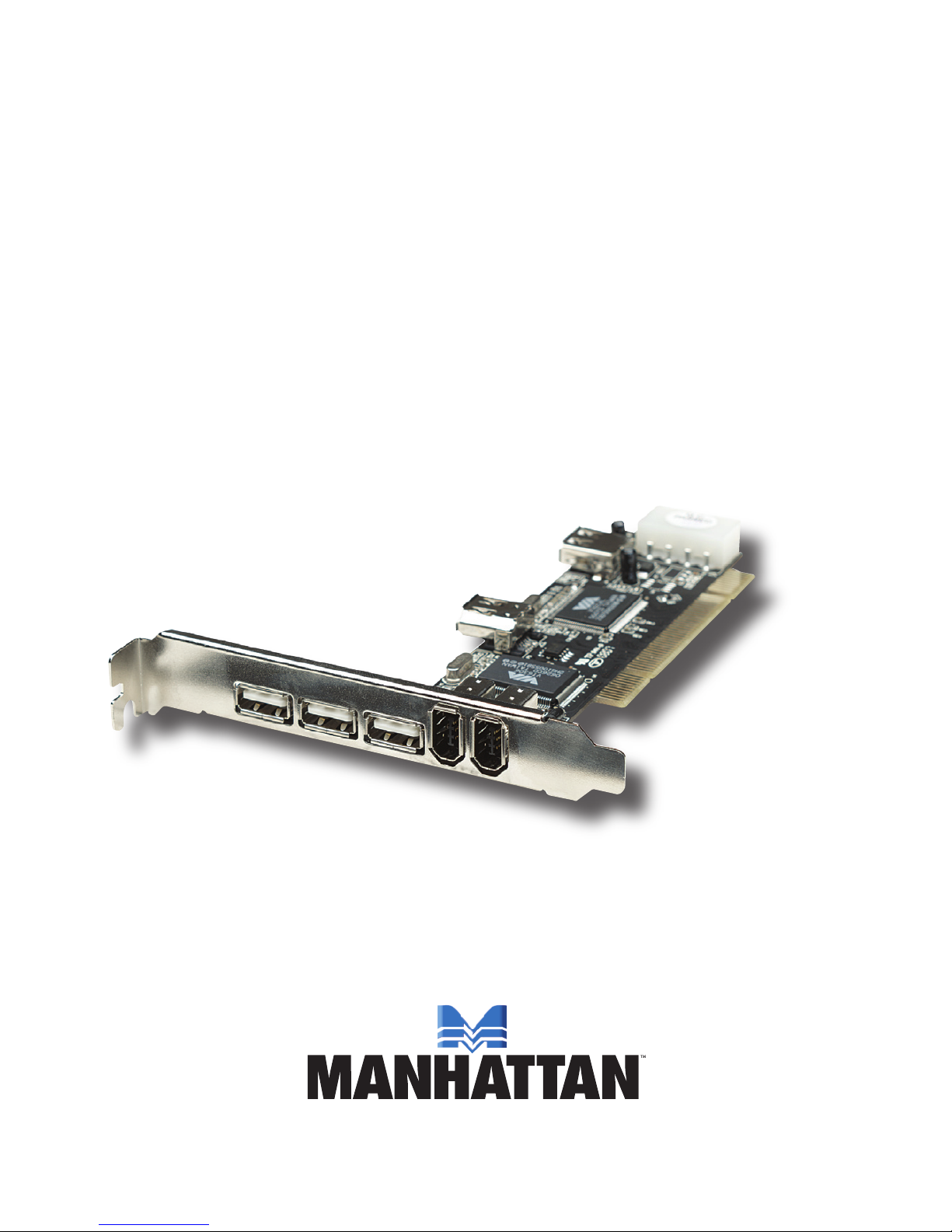
Thank you for purchasing the MANHATTAN® Hi-Speed USB 2.0/
FireWire Combo Card, Model 167529.
The easy-to-follow instructions in this guide help make installation of
the card quick and simple, so you’ll also soon be enjoying the benets
of these features:
• Supports Hi-Speed USB 2.0 transfer rates of up to 480 Mbps and
FireWire transfer rates of up to 400 Mbps
• Compatible with all USB devices
• Hot-swappable — add and remove USB devices at any time
• Works with various types of USB and FireWire devices, including
hubs, removable drives, digital cameras, scanners, CD-RWs, DVD ROMs, PC video cameras and printers
• No driver software needed for Windows 2000 (SP4), XP,
Server 2003 or Vista
• Supports high-speed (480 Mbps), full-speed (12 Mbps), and low-speed
(1.5 Mbps) data transfer modes for simultaneous operation of multiple
USB 2.0/1.1 devices
• Lifetime Warranty
System Requirements
• Windows 2000/XP/Server 2003/Vista
• Available PCI slot
Package Contents
• Hi-Speed USB 2.0/FireWire Combo PCI Card
• Quick install guide
3 3
Page 4
HARDWARE INSTALLATION
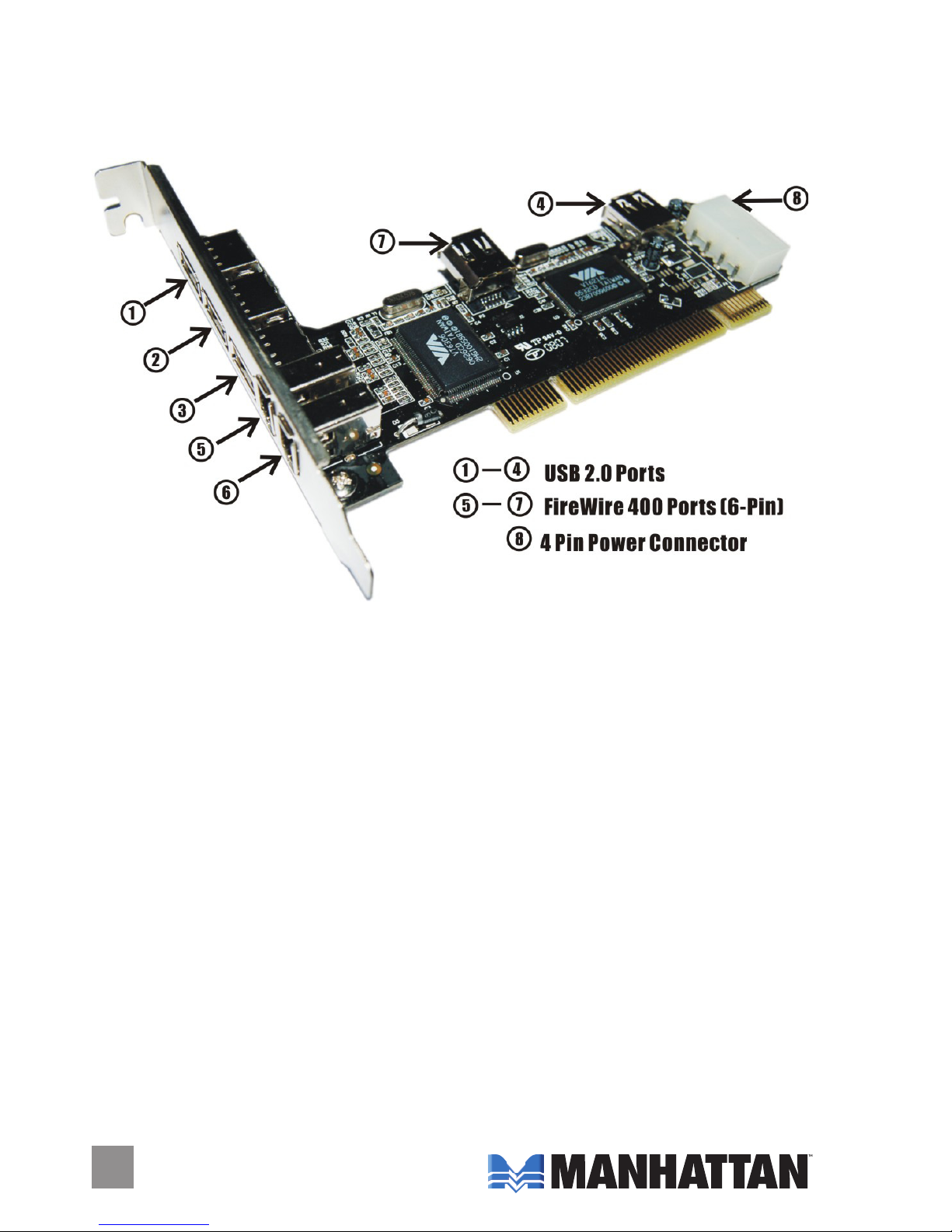
Before installing the card, note the position of the available USB ports.
.
1. Turn off your computer.
2. Unplug the power cord and remove your computer’s cover.
3. Remove the slot bracket from an available PCI slot.
4. To install the card, carefully align the card’s bus connector with the
selected PCI slot on the motherboard. Push the board down rmly.
5. Replace the slot bracket’s holding screw to secure the card.
6. Replace the computer cover and reconnect the power cord.
44
Page 5
5
DRIVER INSTALLATION
Windows 2000/XP automatically detects and installs the correct driver
for the card. Ensure that you have the latest Service Pack installed:
SP1 or later for Windows XP; SP4 or later for Windows 2000.
Windows Server 2003/Vista has built-in driver support for this
controller. Just install the board and Windows automatically detects
and installs the correct drivers for it. No additional driver is necessary.
Verify Windows Driver Installation
1. Right-click “My Computer”; click “Manage”; click “Device Manager.”
2. Double-click the “IEEE 1394 Bus host controllers” option to display
“VIA OHCI Compliant IEEE 1394 Host Controller.”
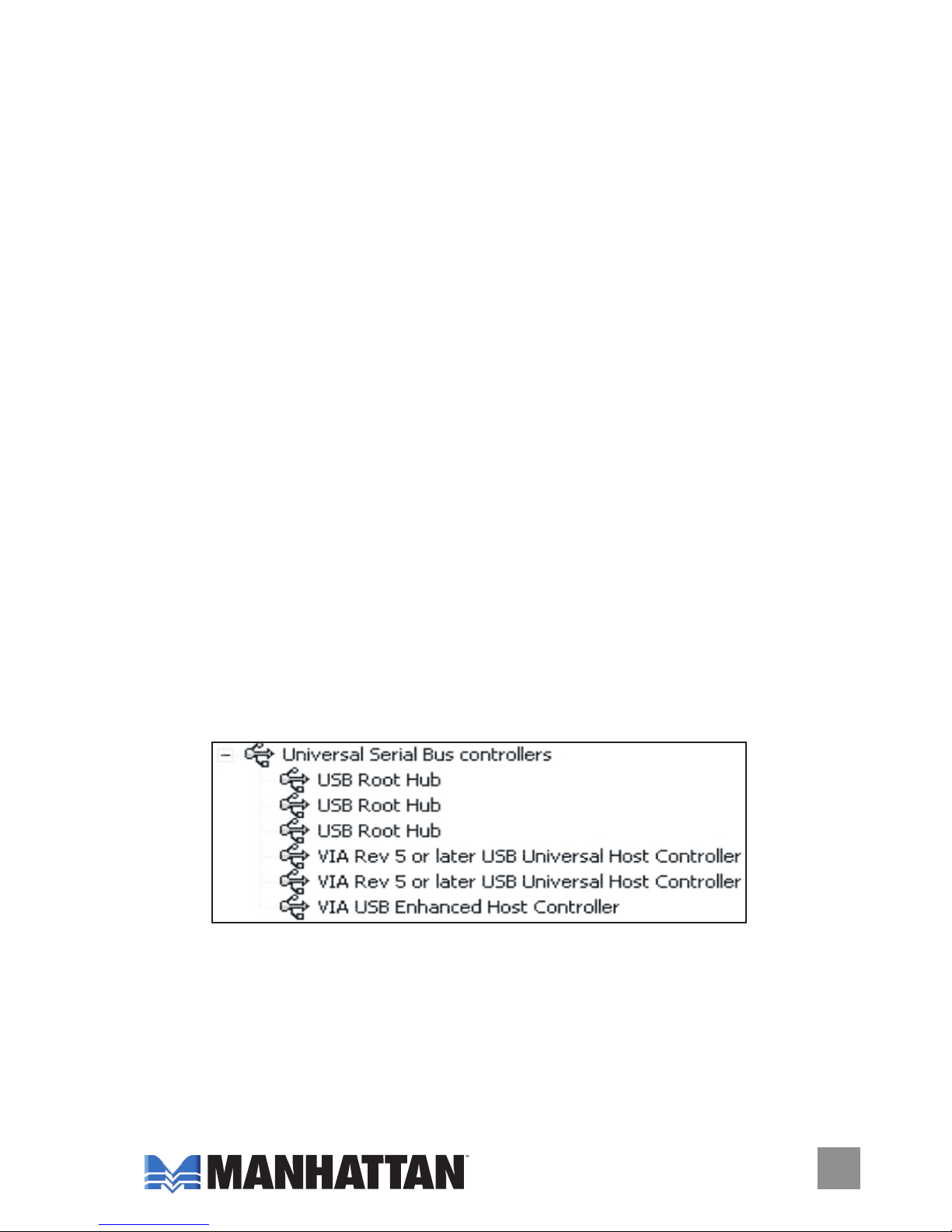
3. Double-click “Universal Serial Bus Controllers” to conrm installation
with the following display.
• USB Root Hub (USB 2.0 Root Hub in Windows 2000)
• USB Root Hub
• USB Root Hub
• VIA Rev 5 or later USB Universal Host Controller
(VIA USB Universal Host Controller in Windows 2000)
• VIA Rev 5 or later USB Universal Host Controller
(VIA USB Universal Host Controller in Windows 2000)
• VIA USB Enhanced Host Controller
5
Page 6

SPECIFICATIONS
Standards and certications
• USB 2.0/1.1/1.0
• 1394a FireWire
• FCC
• RoHS
• CE
• WEEE
Port specications
• 3 external Hi-Speed USB 2.0 ports, A-type
• 1 internal Hi-Speed USB USB 2.0 port, A-type
• 2 external FireWire ports, 6-pin
• 1 internal FireWire port, 6-pin
• 1 4-pin Molex power connection
Bus specications
• PCI 32-bit interface
• VIA 6214 + VIA 6306 chipset
66
Page 7

Page 8

Are you completely satised with this product?
Please contact your MANHATTAN® dealer
with comments or questions.
Copyright © MANHATTAN
All products mentioned are trademarks or registered trademarks of their respective owners.
www.manhattan-products.com
 Loading...